
A useful application that will allow you to browse the Web securely, while keeping all your browser's functionality for active content. #Application Isolation #Isolate App #Sandbox App #Sandbox #Isolation #Isolate

If you're even a little passionate about software, then you may have heard about sandboxing, a software management strategy that isolates apps from critical system resources, other apps, and your computer's OS.
Usually, this is done to mitigate system failures and software vulnerabilities, as well as to prevent a potentially untrustworthy app from making permanent changes to the system.
In plain words, a sandboxed app can only access resources in its own "box." There are various utilities for sandboxing out there, but arguably none more popular than Sandboxie Plus, based on the famous Sandboxie legacy app.
Initially released in 2004 as an app for sandboxing Internet Explorer, Sandboxie grew a lot over the following years. It added support for other browsers and many Win32 apps, before being bought by Invincea in 2013, and then Sophos in 2017, and now actively maintained by David Xanatos under the name of Sandboxie Plus.
As of 2020, the app is listed as Open Source, GPLv3, and continues to be one of the best apps for sandboxing.
For the untrained users, Sandboxie is not what one might call straightforward, despite its modern GUI. Nevertheless, a bit of practice is required before you can fully use its potential.
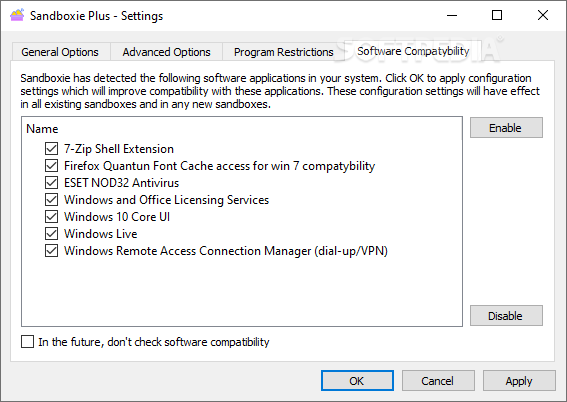
Subsequent to a straightforward installation process, the app highlights detected apps on the system and various recommendations regarding compatibility settings.The detected apps are highlighted in the Software Compatibility section, in the Settings menu.
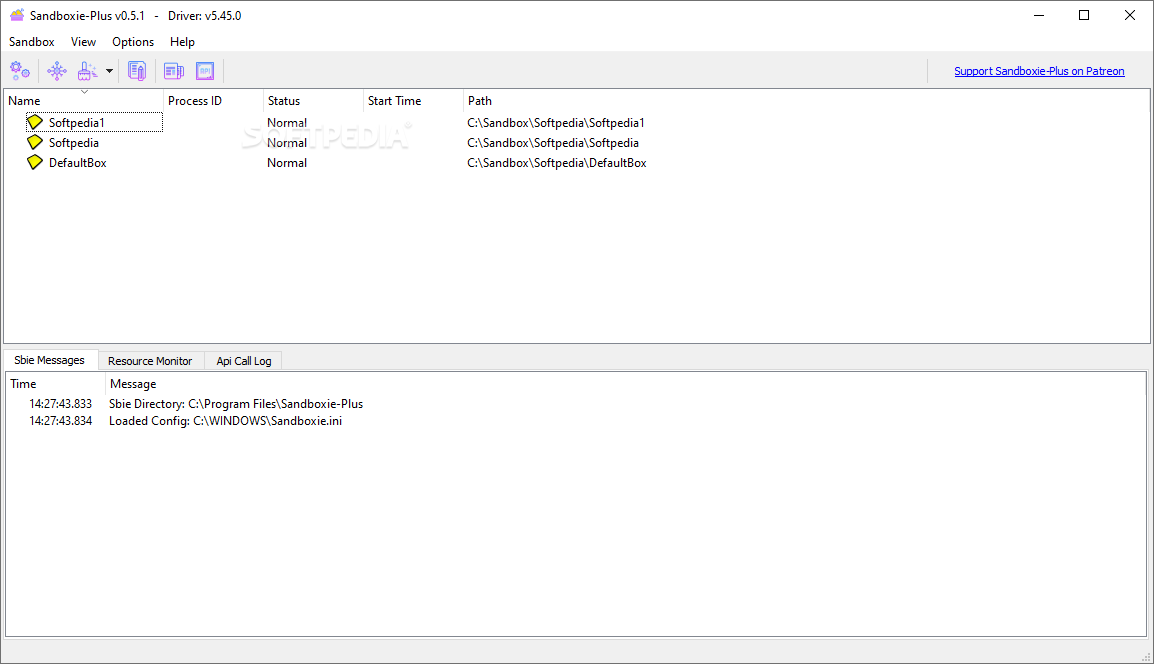
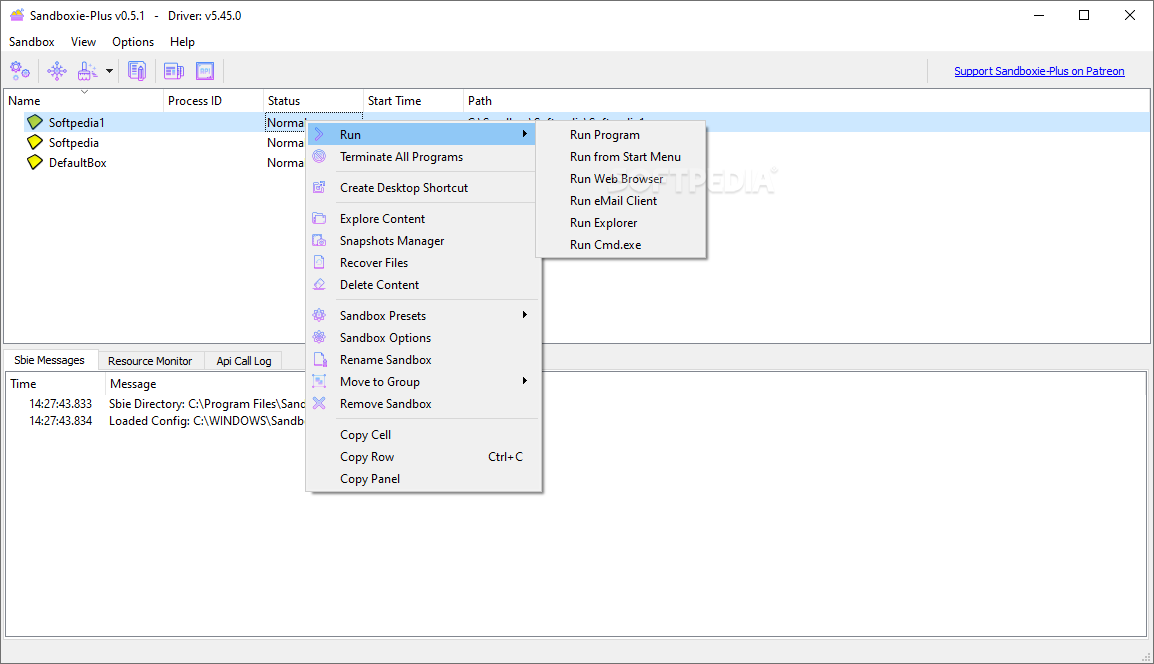
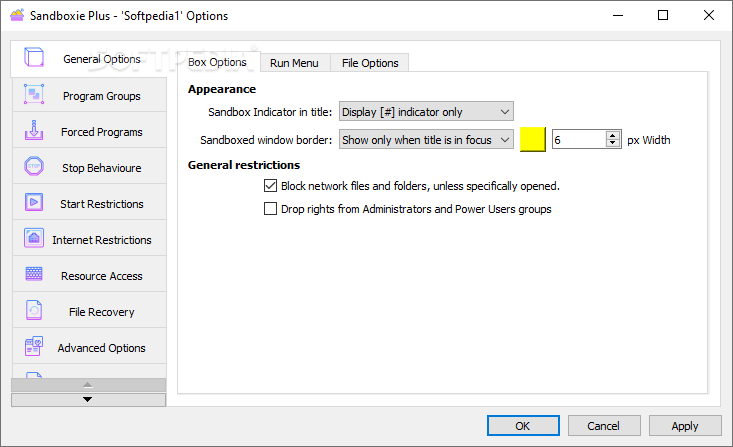
A default sandbox is presented to you straight off the bat. To run an app in the sandbox, simply select Create New Box, enter a name, select the Box in question and then Run program. At first, all apps run in the sandbox seem normal. However, you can observe that moving the mouse cursor to the window border activates a colored border. This cue indicates that the program is sandboxed.
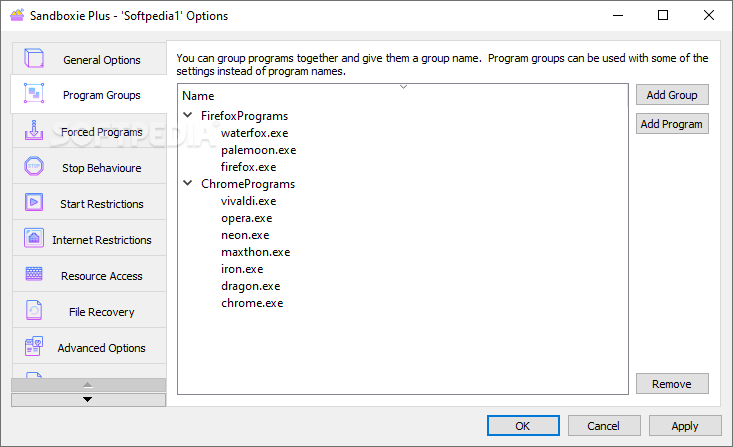
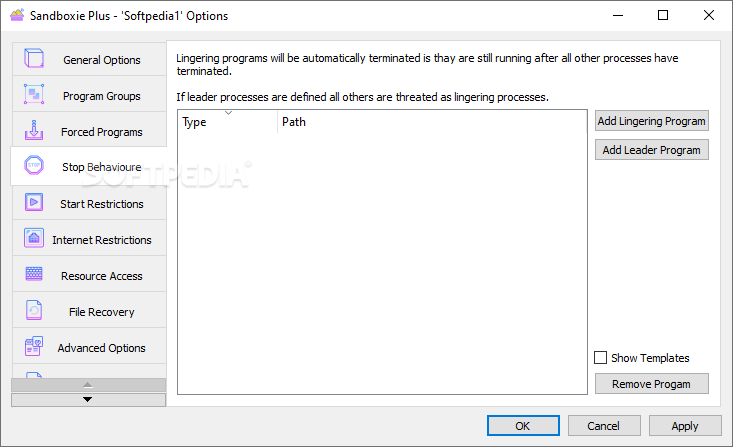
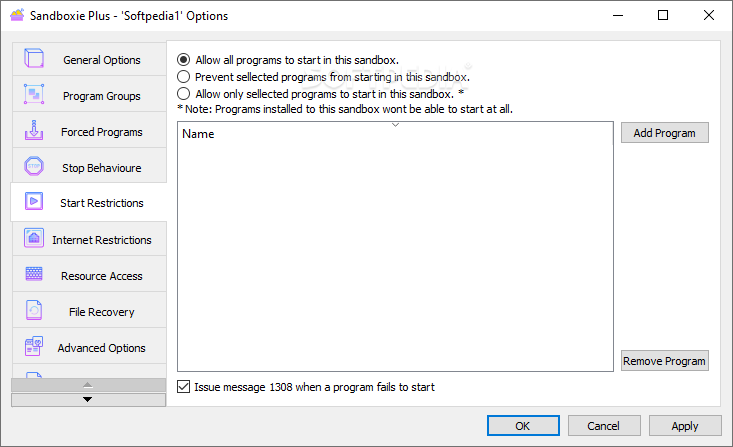
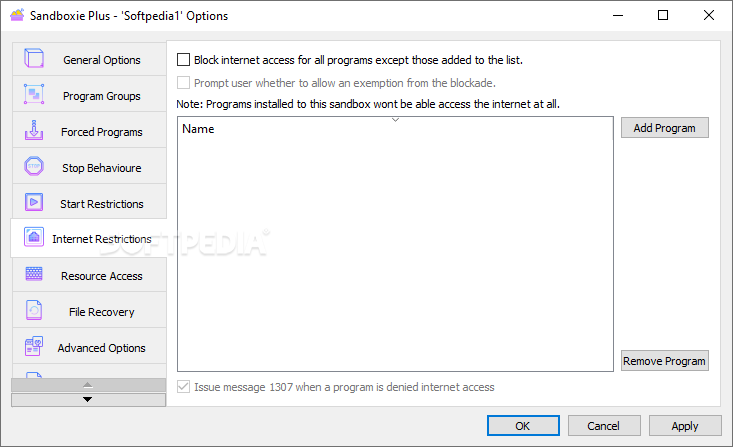
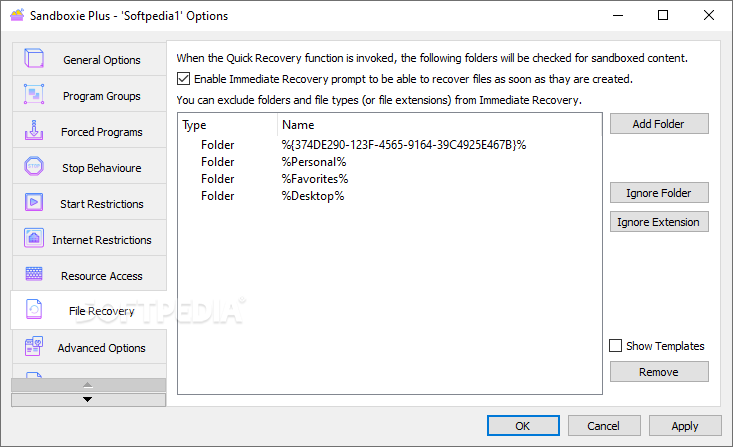
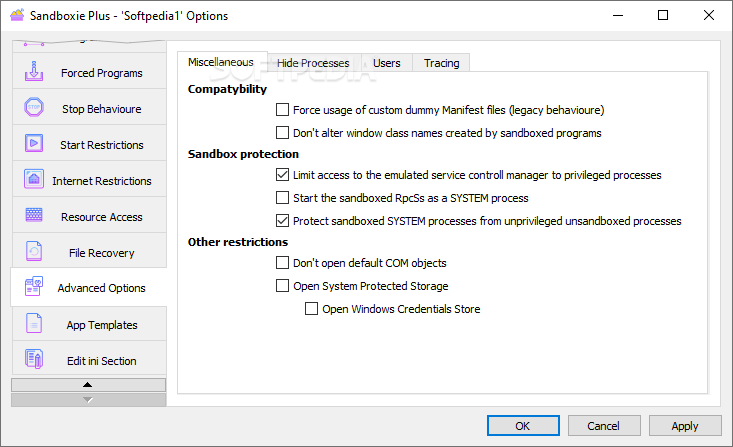
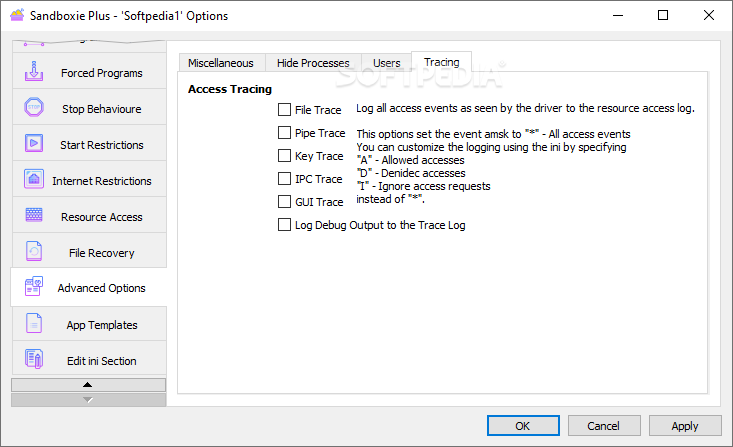
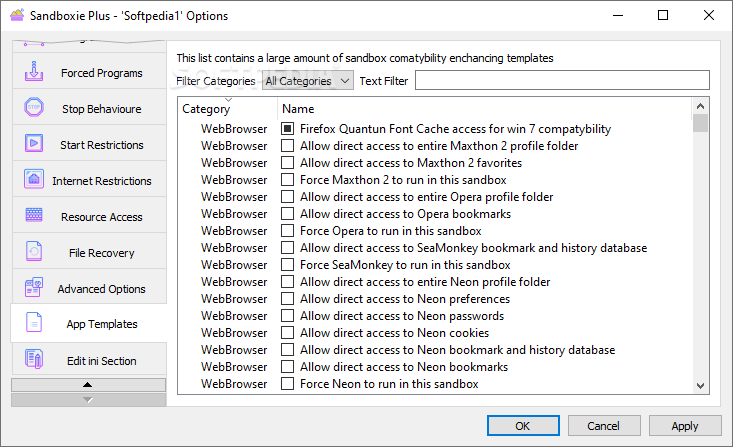
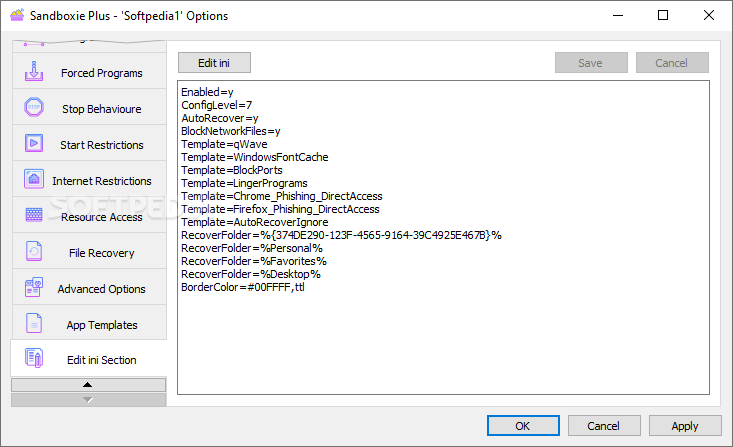
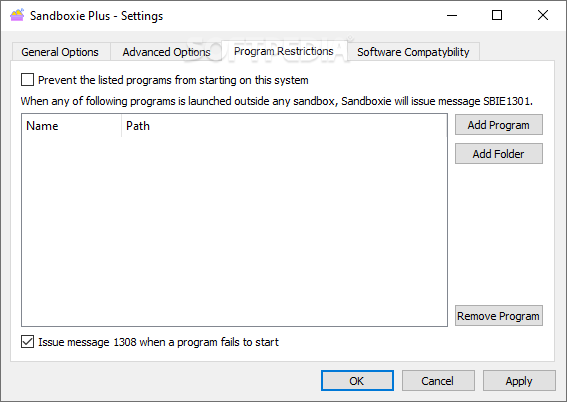
You are provided with various options in regards to how you want to run the new app in Sandboxie Plus. For example, you can group programs together and run them at the same time, add various app restrictions and Internet-related restrictions, choose which processes use what resources, make use of various recovery options (Quick Recovery and Immediate Recovery), as well as various other useful compatibility and tracing-related features.
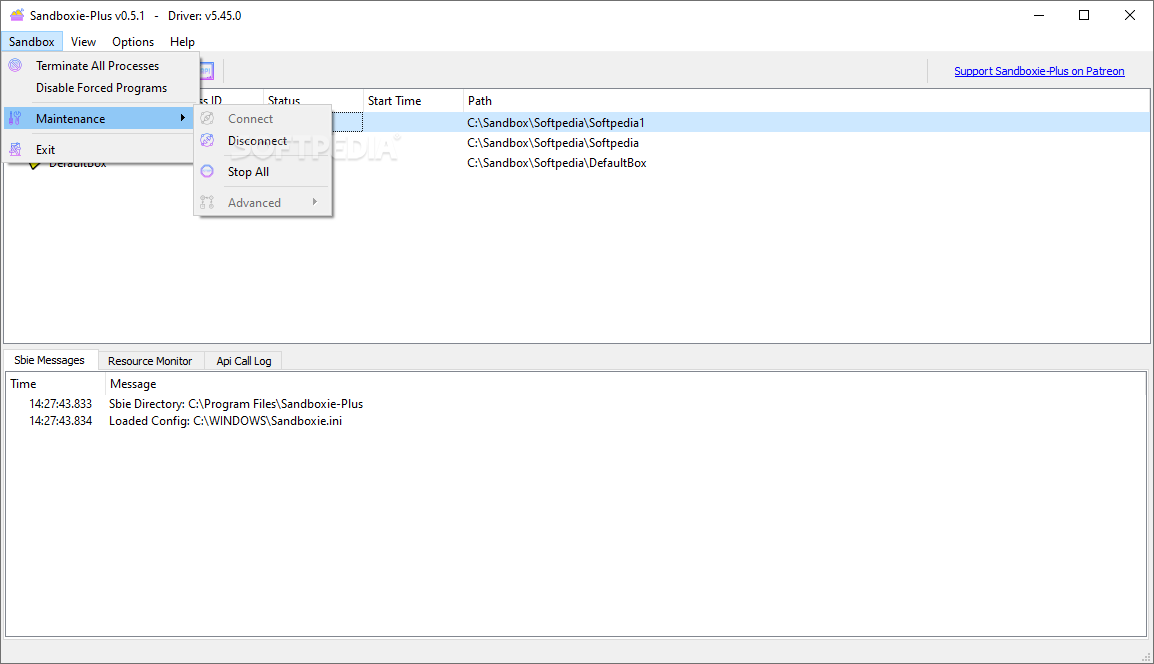
Terminating a sandbox is also straightforward: you can opt to terminate all processes from the tray icon menu or directly from the app's main window.
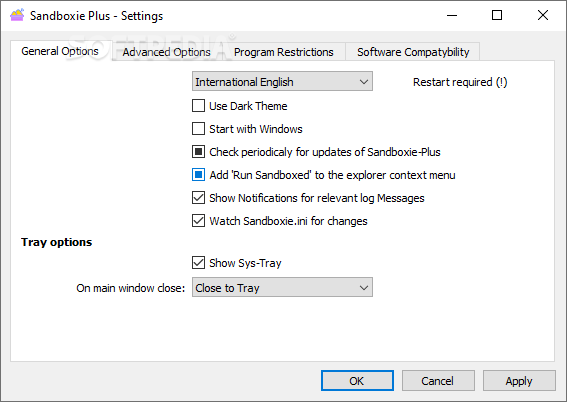
By default, the sandbox in question is permanently deleted automatically when you close the app running within it. However, you can change this behavior from the Settings section.
There is still a lot you can do with Sandboxie Plus, as the app is remarkably versatile and a lot more complex than first meets the eye. Learning to use the useful Recovery options can yield various beneficial results, and can even prove to increase your productivity as a whole.
It may not be perfect, or particularly friendly to beginners (as it does require at least a basic understanding of how an OS works, of its devices, general access privileges, and so forth), but there's no denying that Sandboxie Plus is one of the best, if not the best, sandboxing app for Windows.
It offers a very flexible and robust isolation environment and a high degree of flexibility for app testing purposes.
What's new in Sandboxie Plus 1.13.6 / 5.68.6 Plus Pre-release:
- Added:
- added "BlockInterferenceControl=y" option to prevent sandboxed processes from forcing windows on top and moving the mounse pointer (thanks Yeyixiao)
- Note: this option may cause issues in games hence do not enable it for gaming boxes.
Sandboxie Plus 1.13.4 Plus / 5.68.4 Classic / 1.13.6 / 5.68.6 Plus Pre-release
 Softpedia Editor's Pick
add to watchlist
add to download basket
send us an update
REPORT
Softpedia Editor's Pick
add to watchlist
add to download basket
send us an update
REPORT
- runs on:
-
Windows 11
Windows 10 32/64 bit
Windows 8 32/64 bit
Windows 7 32/64 bit - file size:
- 17.3 MB
- filename:
- Sandboxie-Plus-x86-v1.13.4.exe
- main category:
- Security
- developer:
- visit homepage
Windows Sandbox Launcher

ShareX

Zoom Client

4k Video Downloader

calibre

Microsoft Teams

Bitdefender Antivirus Free

Context Menu Manager

7-Zip

IrfanView

- Context Menu Manager
- 7-Zip
- IrfanView
- Windows Sandbox Launcher
- ShareX
- Zoom Client
- 4k Video Downloader
- calibre
- Microsoft Teams
- Bitdefender Antivirus Free
