
Enjoy a streamlined and efficient web browsing experience by relying on one of the best feature-packed and Gecko-based browsers out there. #Internet browser #Popup killer #Tabbed browser #Browser #Browse #Navigator

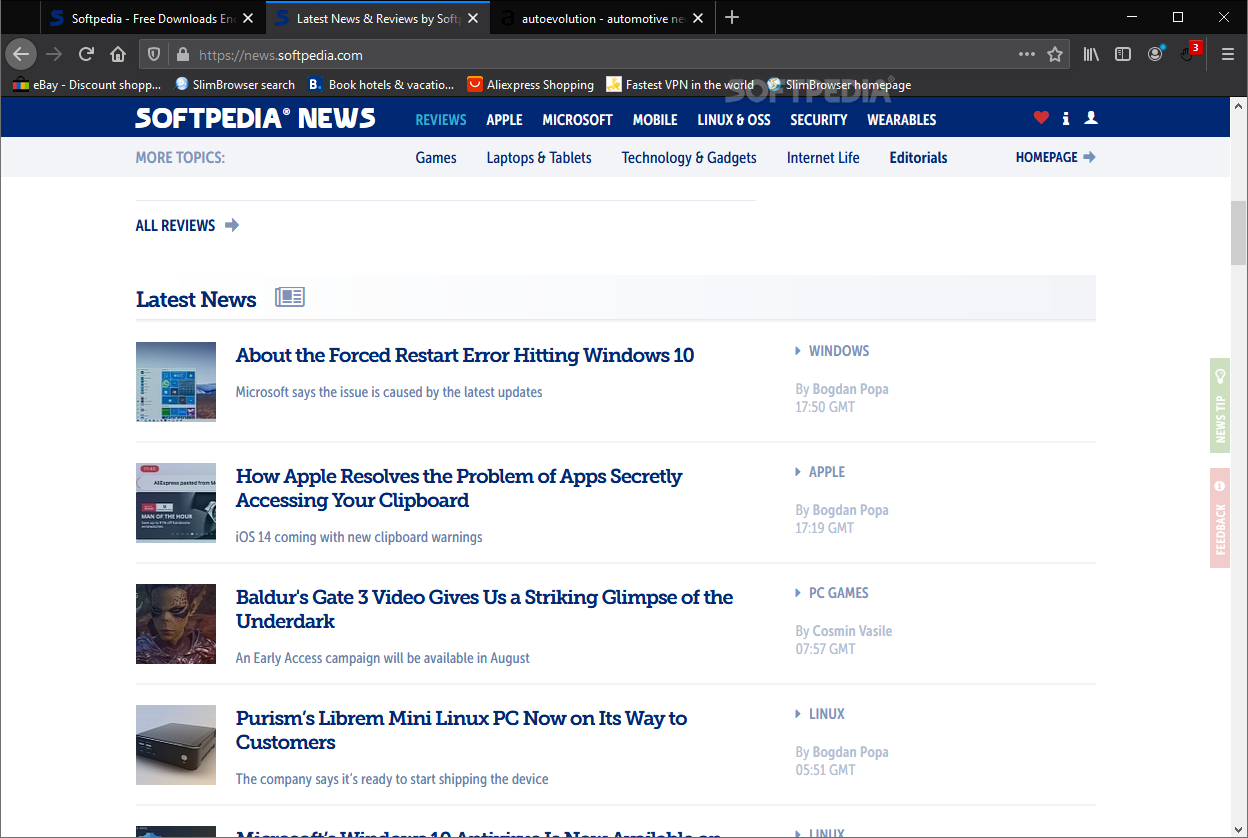
It's been well over a decade since SlimBrowser was launched, and while it didn't shake up the browser industry at the time, it improved constantly over the years, becoming one of the many good web browsers out there.
Describing SlimBrowser in just a few words can prove a bit difficult - not because the browser doesn't have enough specific features, but rather because it boasts a lot of useful features. Be that as it may, SlimbBrowser is all about speed, security, versatility, and convenience.
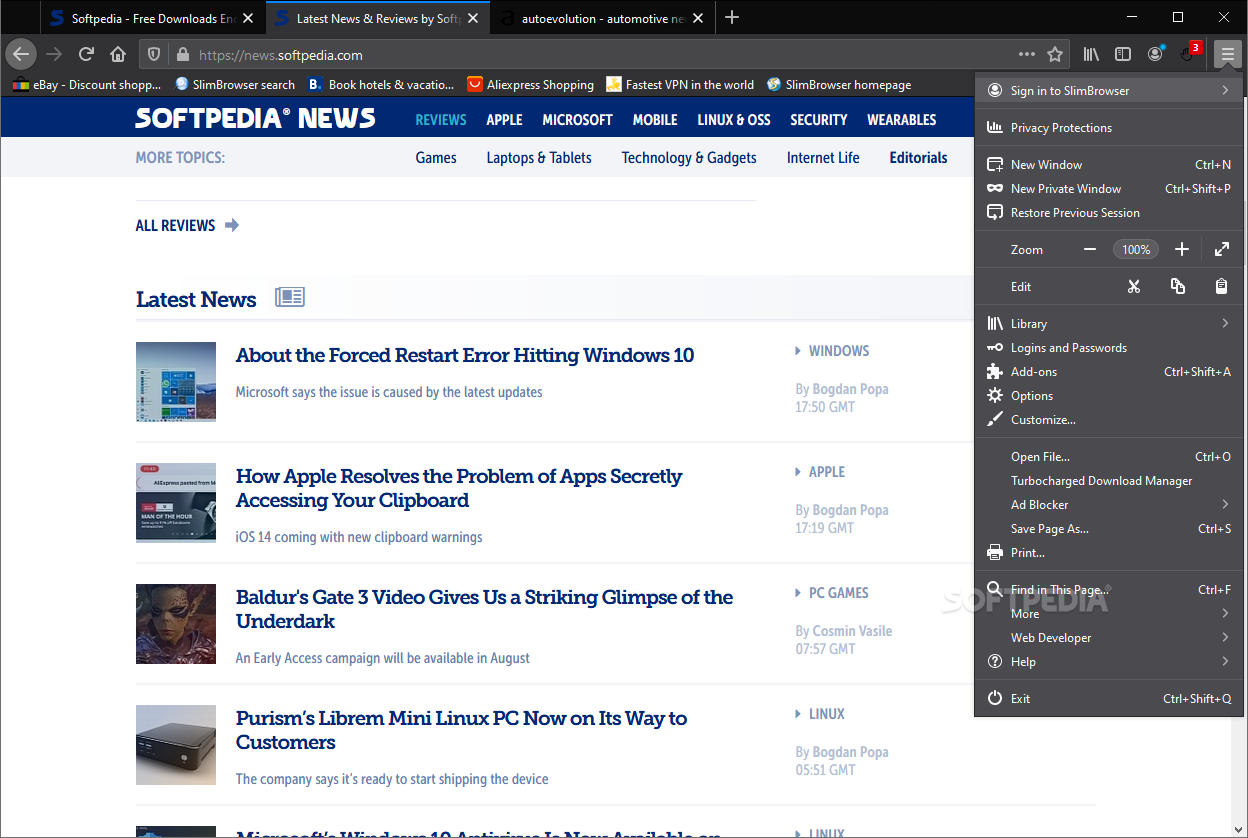
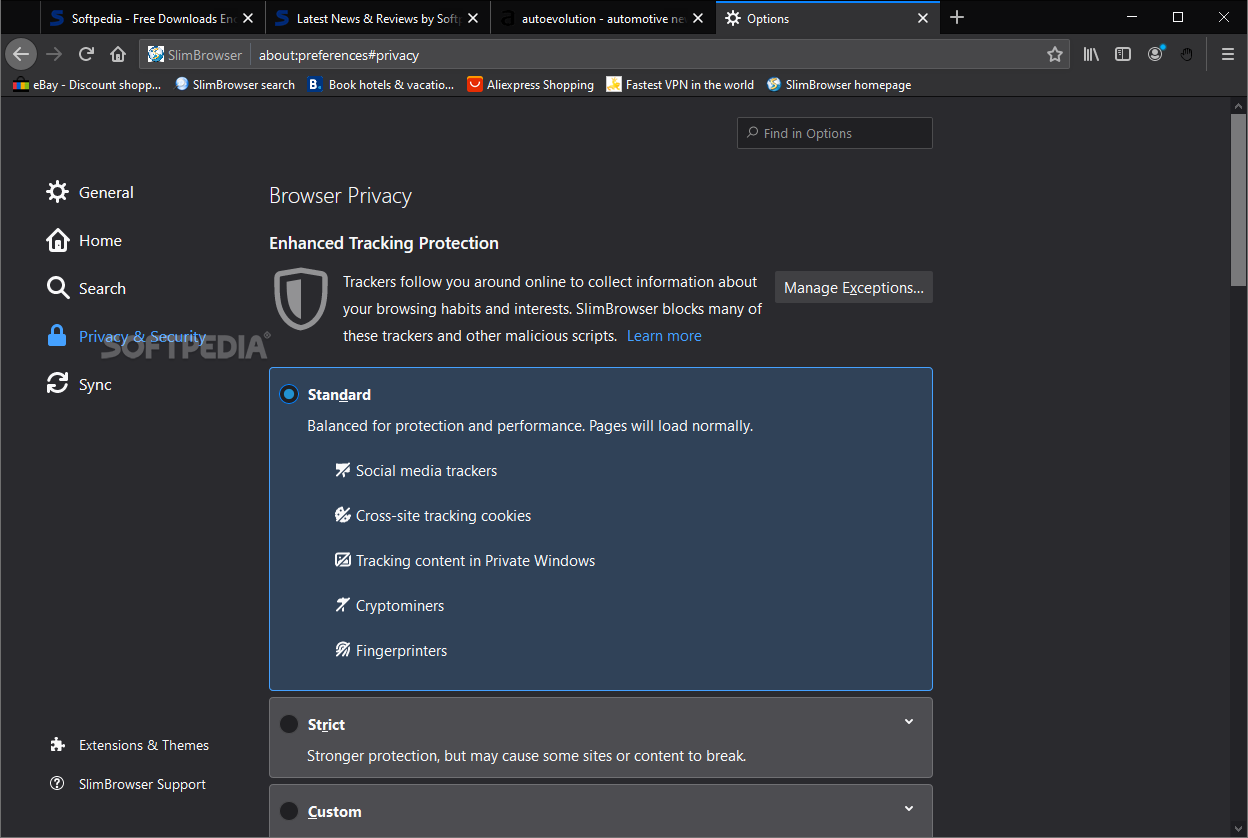
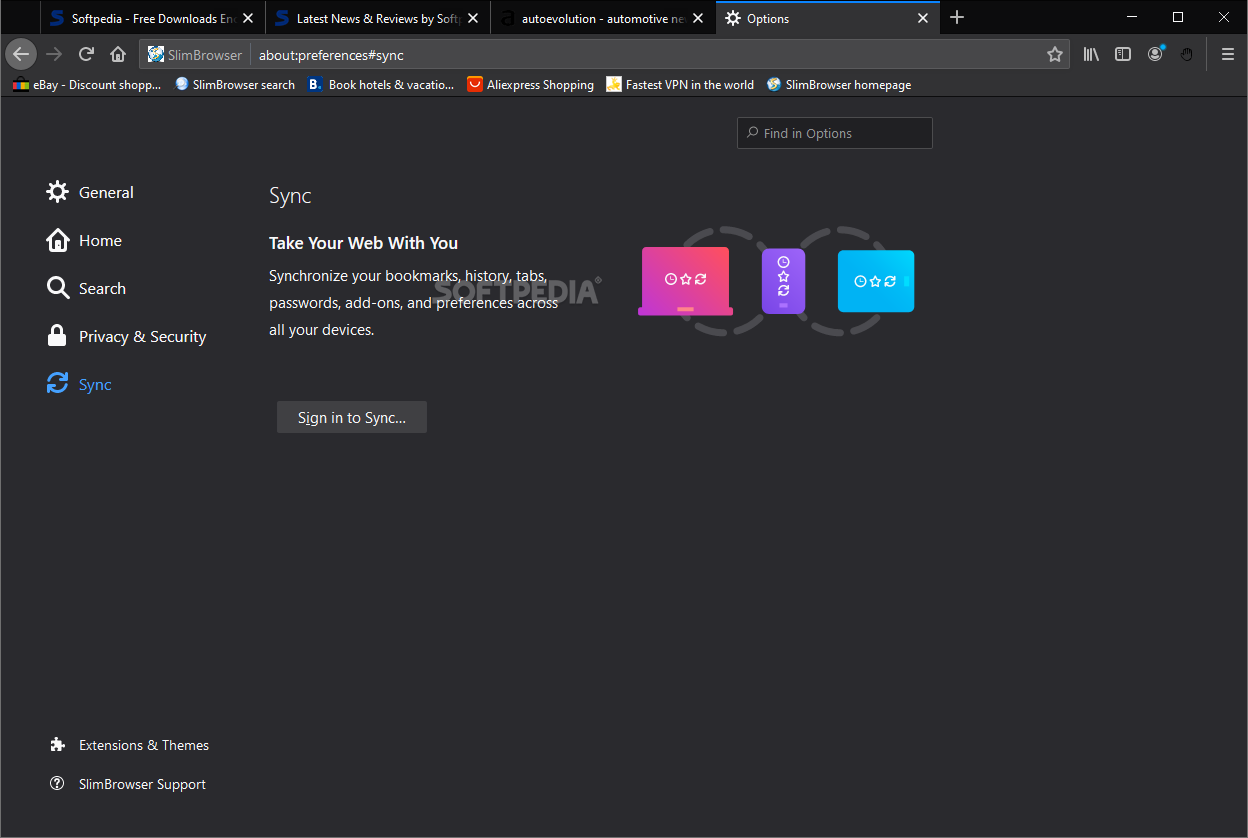
The first thing you should know about this web browser is the fact that it uses the Gecko engine, the same engine used by Mozilla Firefox. Hence, if you've ever used Firefox (post-Quantum versions), you should feel right at home on SlimBrowser because the GUI is practically identical as well.
While this question is a legitimate one since, after all, Mozilla Firefox is one of the top-3 browsers out there, here are a few reasons why you might want to consider SlimbBrowser instead.
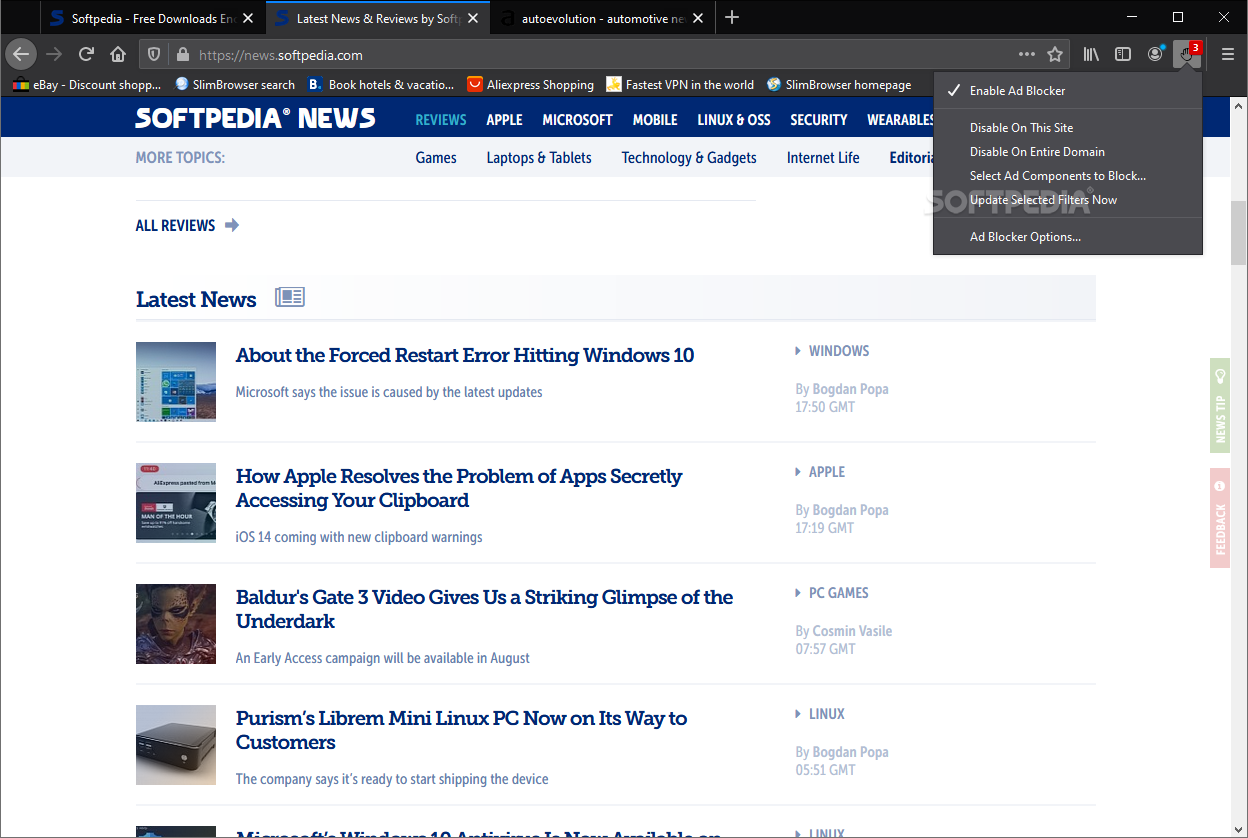
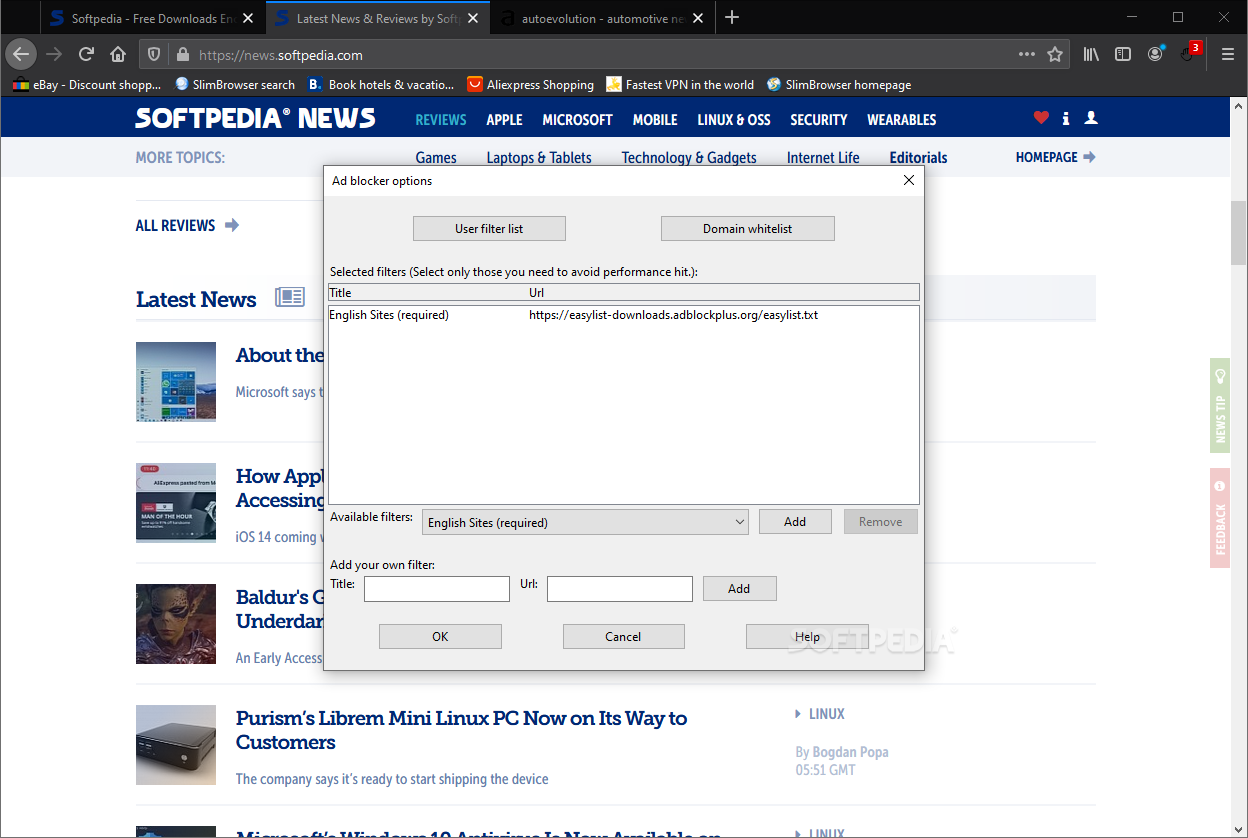
To start off with, this is a very fast web browser. While we won't go as far as to say it's astonishingly faster than other browsers, the difference in speed between it and most staple browsers is noticeable. This is partly thanks to its multi-thread architecture, and partly thanks to its built-in adblocker.
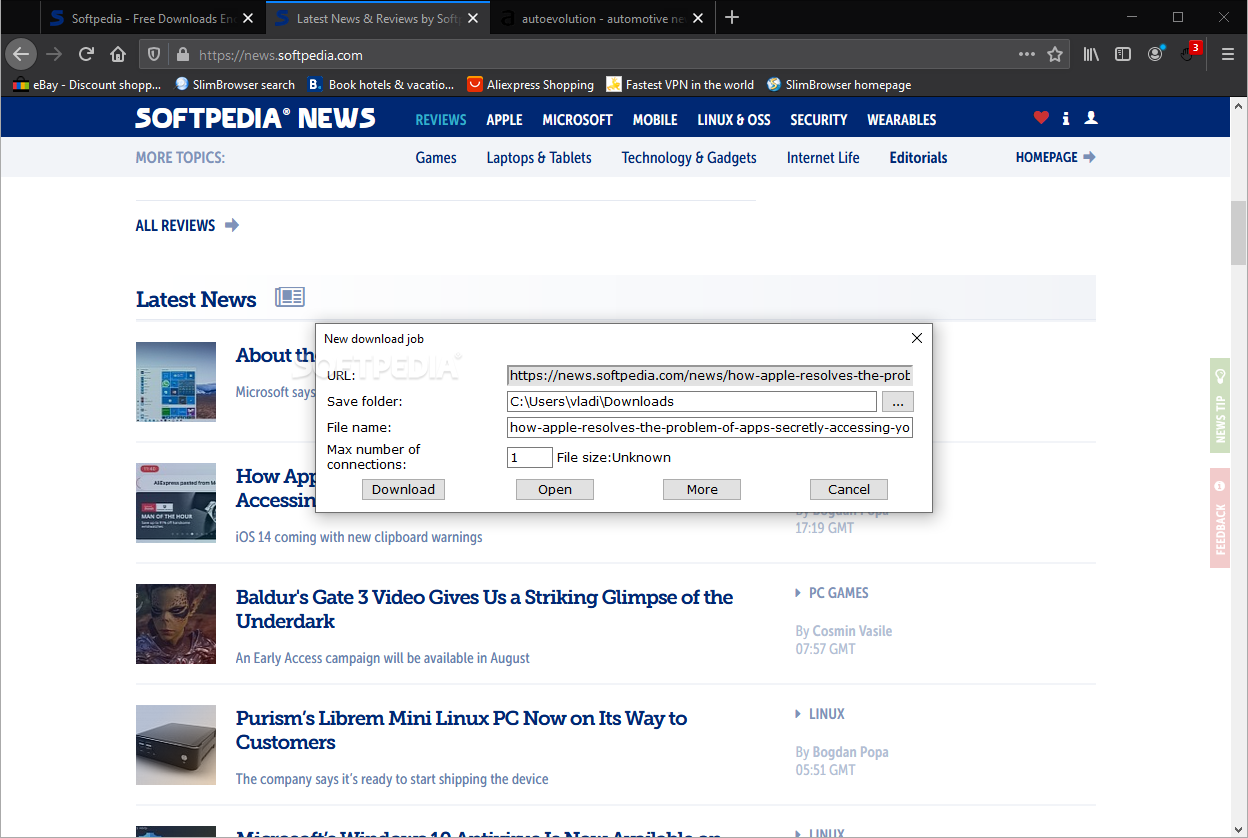
There are other goodies as well, and even though they might seem a bit "niche," it's good knowing that all of these features are built-in. These include a YouTube Video to MP4 and MP3 downloader, an ultra-fast, multi-threaded download manager (which also allows you to resume "broken" downloads), a Web Page and Text translation tool, and one-click Facebook integration.
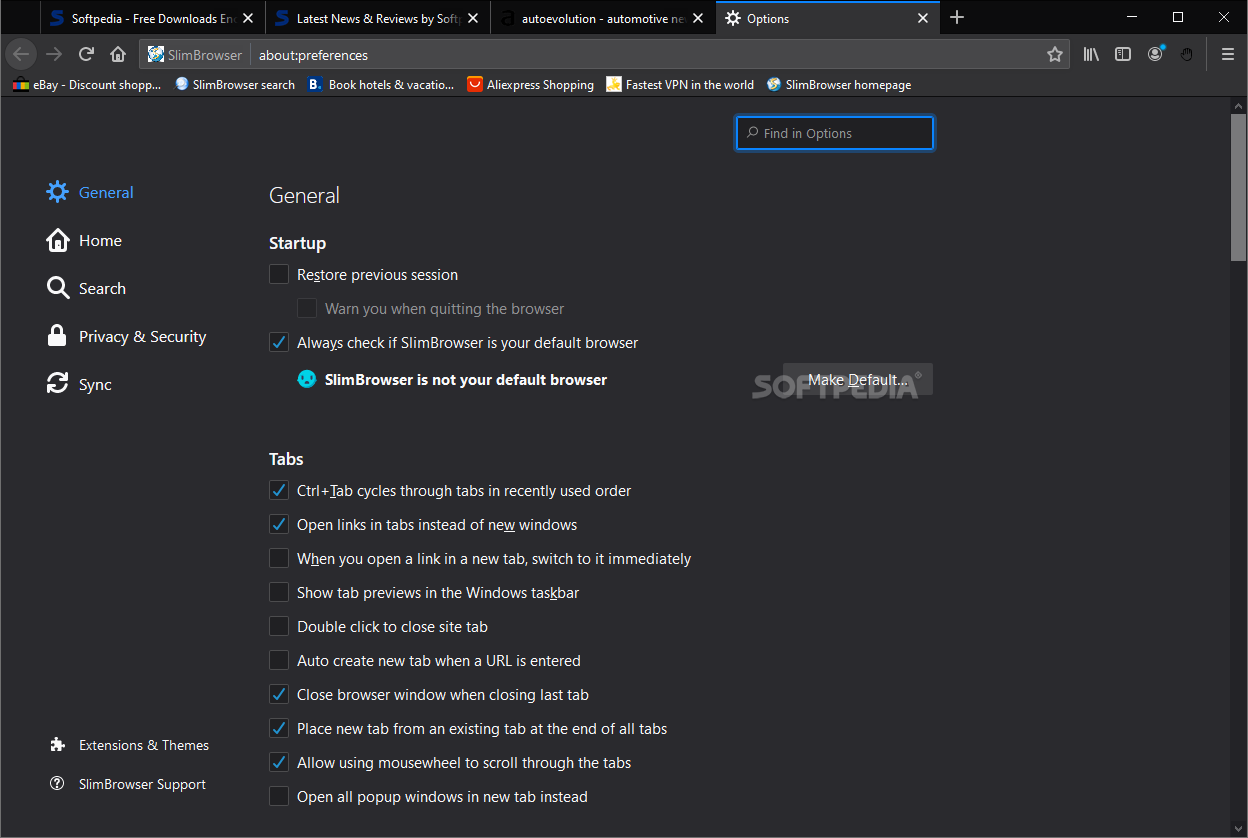
The browser also has a tool that allows you to upload photos fast and even slightly edit them by adding frames and other effects (can even shrink photos to make them web-optimized), a page screenshot tool, as well as a built-in weather forecast tool. Needless to say, the browser benefits from all the convenience usually found in Firefox browsers in terms of customization. You can fully customize the toolbar, and even set up various mouse gestures to help you improve the way you work.
If that's still not enough, then you can install a few plug-ins and themes from the add-on library.
Even though its name might suggest it, the browser is all about improving your productivity thanks to its plethora of useful tools. One of the best things about SlimBrowser is that it manages to encompass all these tools within a familiar GUI and on top of a very good engine, without feeling bloated or overloaded.
Download Hubs
SlimBrowser is part of these download collections: Web Browser
What's new in SlimBrowser 18.0.0.0:
- Upgrade to gecko engine 115.
- Added support for hourly weather forecast in weather toolbar button drop down menu.
- Fixed bug with youtube video download.
SlimBrowser 18.0.0.0
add to watchlist add to download basket send us an update REPORT- portable version
- Portable SlimBrowser
- runs on:
-
Windows 11
Windows 10 32/64 bit
Windows 8 32/64 bit
Windows 7 32/64 bit - file size:
- 49.5 MB
- filename:
- sbsetup_x86.exe
- main category:
- Internet
- developer:
- visit homepage
Microsoft Teams

Bitdefender Antivirus Free

calibre

Windows Sandbox Launcher

paint.net

Zoom Client

4k Video Downloader

7-Zip

ShareX

IrfanView

- 7-Zip
- ShareX
- IrfanView
- Microsoft Teams
- Bitdefender Antivirus Free
- calibre
- Windows Sandbox Launcher
- paint.net
- Zoom Client
- 4k Video Downloader