
Avoid Web pages with unwanted content and hidden threats. #Browser plug-in #Web page rate #Hidden threat #Plug-in #Webpage rate #Threat
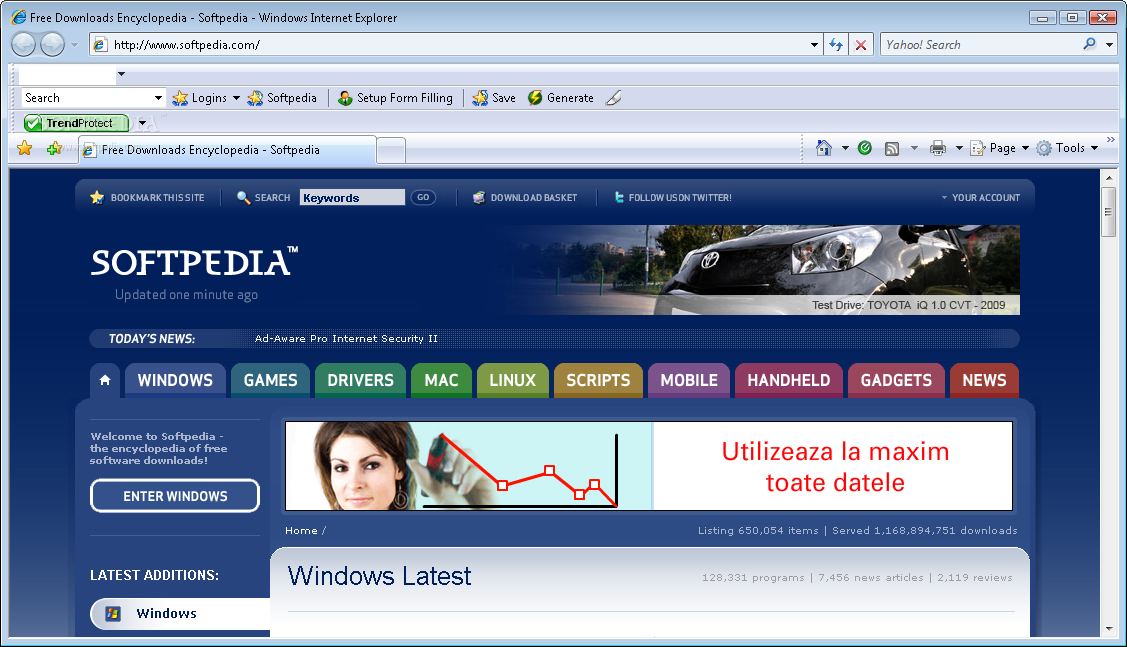
TrendProtect rates the current page and pages listed in Google, MSN, and Yahoo search results. You can use the rating to decide if you want to visit or avoid a given Web page.
To rate Web pages, TrendProtect refers to an extensive database that covers the following information for billions of Web pages: · Content category · Phishing scam detection · Site reputation · Page reputation
TrendProtect adds a new button to your browser's toolbar area. The icon and color of the button changes to indicate whether the page currently open is safe, unsafe, trusted, or unrated, or whether it contains unwanted content.
TrendProtect also uses the same icon and color combination to rate the Web pages listed in your Google, MSN, and Yahoo search results. In the search results, moving your mouse over an advisory icon displays a page advisory, which has additional information about the rated Web page.
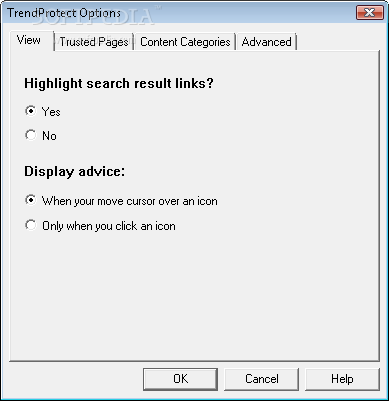
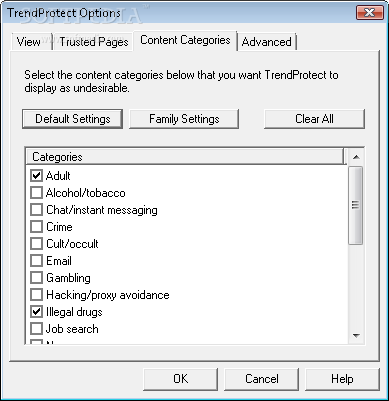
Click the TrendProtect button and select Options to customize the view, trusted pages, content categories, and connection settings. Select Check Your Computer's Security from the menu or click Scan computer for viruses in the page advisory to access free scanning and cleanup services from HouseCall.
System requirements
What's new in TrendProtect 1.2:
- This new version provides two new rating types—one displays if the page is suspicious and another if TrendProtect is unable to connect to rating servers. It also adds support for Windows Vista.
TrendProtect 1.2
add to watchlist add to download basket send us an update REPORT- PRICE: Free
- runs on:
-
Windows Vista
Windows XP 32/64 bit
Windows 2K - file size:
- 2.4 MB
- filename:
- TrendProtect_IE.exe
- main category:
- Tweak
- developer:
- visit homepage
Windows Sandbox Launcher

ShareX

paint.net

Microsoft Teams

IrfanView

Bitdefender Antivirus Free

Zoom Client

calibre

4k Video Downloader

7-Zip

- calibre
- 4k Video Downloader
- 7-Zip
- Windows Sandbox Launcher
- ShareX
- paint.net
- Microsoft Teams
- IrfanView
- Bitdefender Antivirus Free
- Zoom Client