
This software solution is meant to optimize the use of the CPU in order to make it provide the best performance for the application currently in use. #CPU accelerator #Application optimizer #Accelerate CPU #CPU #Optimizer #Accelerate

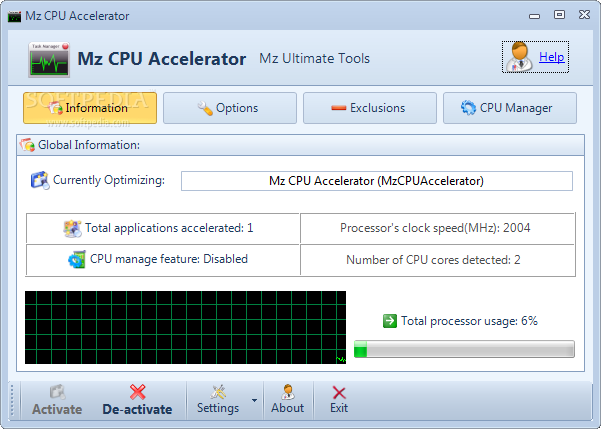
The consequences of overclocking can be amazing, but they can also mess up an initially good computer, so great care needs to be taken. Experts can venture some complex tools and still be on the safe side, whereas beginners usually avoid getting into too technical software, so Mz CPU Accelerator is a good app to play with.
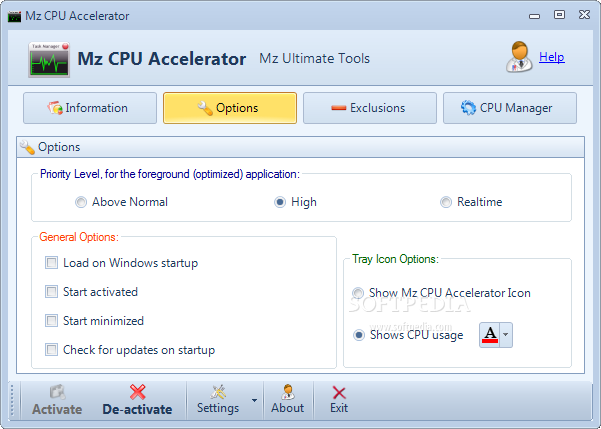
This software solution is meant to optimize the use of the CPU in order to make it provide the best performance for the application currently in use, thus reducing the resources the background programs need to run. The basic idea is quite simple: just keep the CPU available for the foreground window, while cutting off the supply for the rest of them.
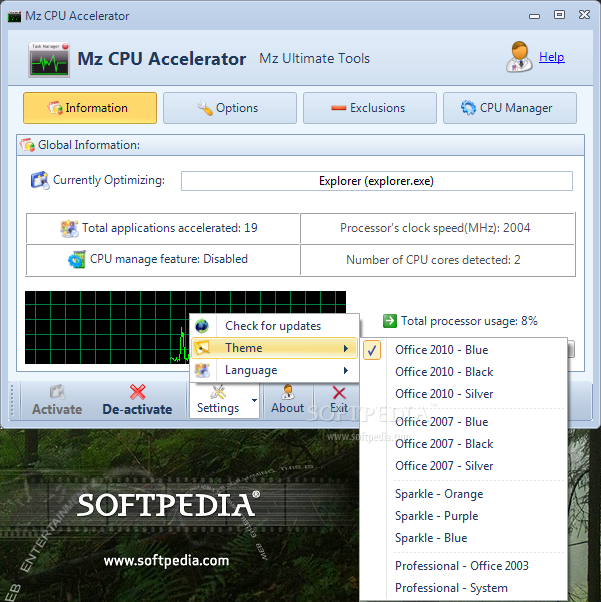
Mz CPU Accelerator has a nice and eye-candy interface yet for those looking for an alternative, the app comes with several themes that can be quickly applied. The main window is kept as intuitive as possible, and users can easily activate or deactivate its functions.
Users can view the name of the currently accelerated program, as well as the processor usage and clock speed, and when they get too high, measures need to be taken to lower these values.
Improvement in speed can be experienced as soon as running the application, but users need to keep in mind that this software solution can not do wonders if the CPU is stressed too much. Nonetheless, it remains a good way to be sure that the foreground window always runs smooth, no matter what Windows version on is running.
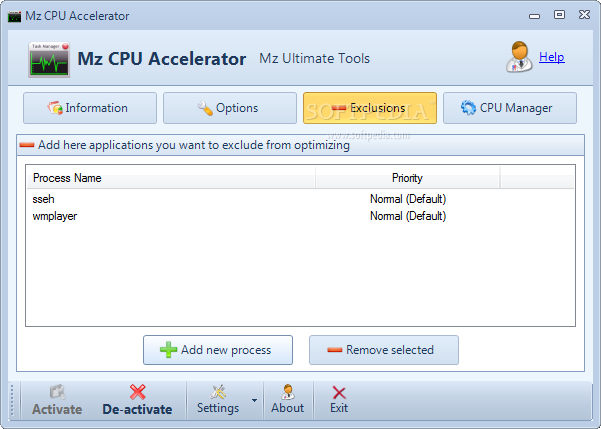
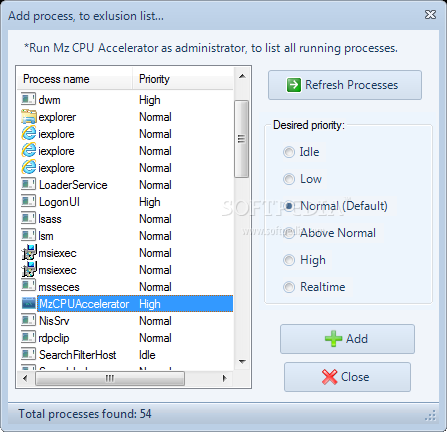
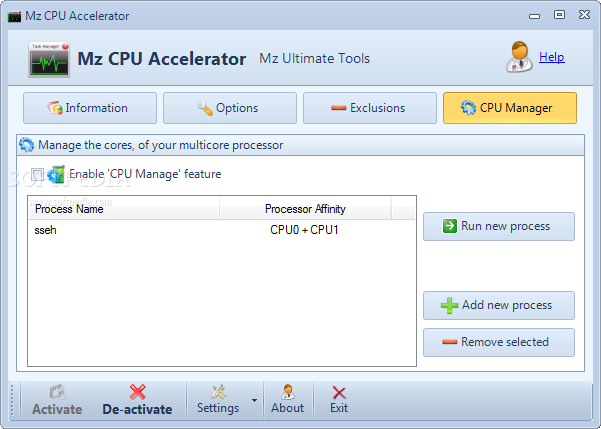
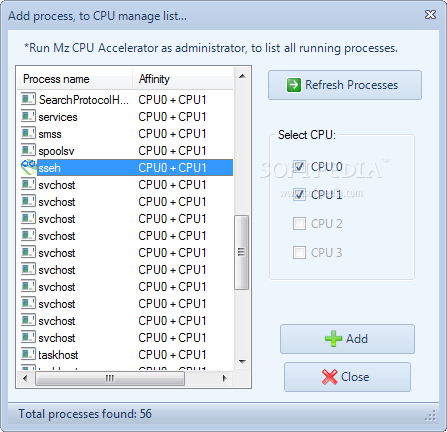
In addition to choosing the process that needs to be accelerated, Mz CPU Accelerator can also be used to create a blacklist for the ones that should not be optimized.
To wrap it up, Mz CPU Accelerator can prove to be a little gem for those who want to get the best from their computers, especially when they do not want to invest money to achieve this as the tool is freeware.
What's new in Mz CPU Accelerator 4.1:
- Minor improvements
- Updated installer
- Added Japanese language
Mz CPU Accelerator 4.1
add to watchlist add to download basket send us an update REPORT- runs on:
-
Windows 2003
Windows 7 32/64 bit
Windows Vista 32/64 bit
Windows XP 32/64 bit - file size:
- 1.3 MB
- filename:
- mzcpu.exe
- main category:
- Tweak
- developer:
- visit homepage
Microsoft Teams

4k Video Downloader

IrfanView

calibre

paint.net

Bitdefender Antivirus Free

Zoom Client

Windows Sandbox Launcher

7-Zip

ShareX

- Windows Sandbox Launcher
- 7-Zip
- ShareX
- Microsoft Teams
- 4k Video Downloader
- IrfanView
- calibre
- paint.net
- Bitdefender Antivirus Free
- Zoom Client