
Stores and switches multiple network configurations (profiles). #Network configuration #Switch profile #Network profile #Profile #Switch #Network


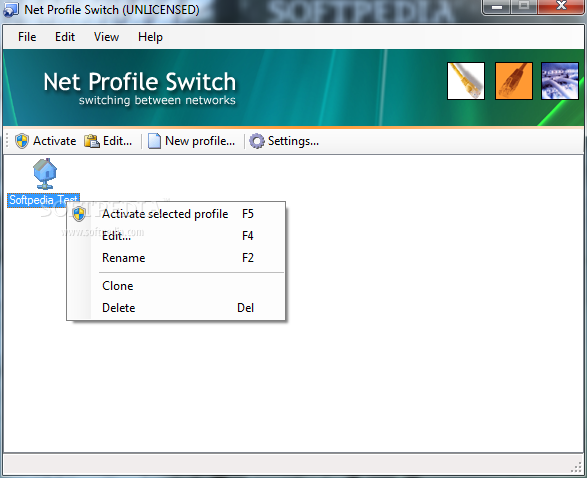
Net Profile Switch is a very advanced Windows program developed to help users access and manage multiple network configurations on the go.
Especially aimed at laptop users who connect to several networks with different settings, Net Profile Switch provides plenty of configuration options, all of which are designed to help you fully personalize a certain profile.
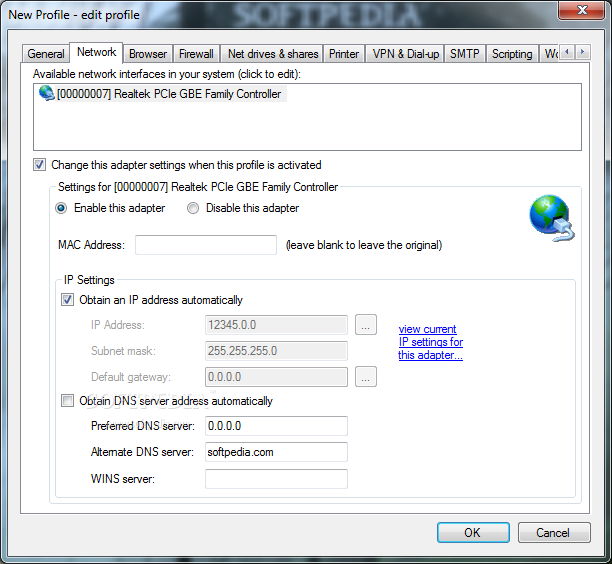
First of all, you are prompted to input the network information, including used adapter, MAC address, IP settings and DNS server address.
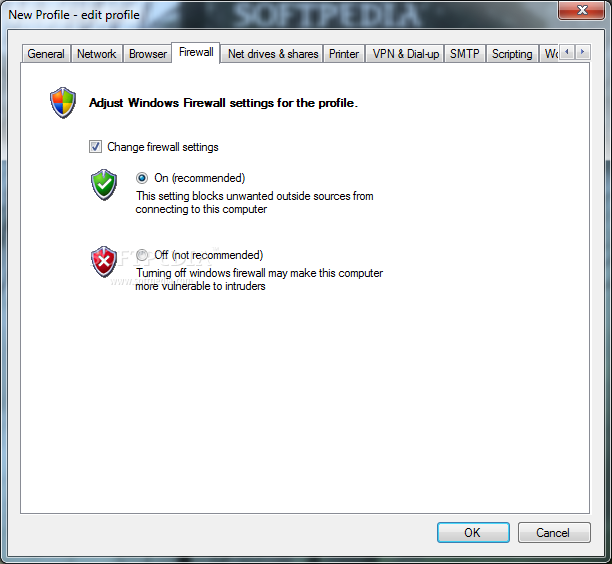
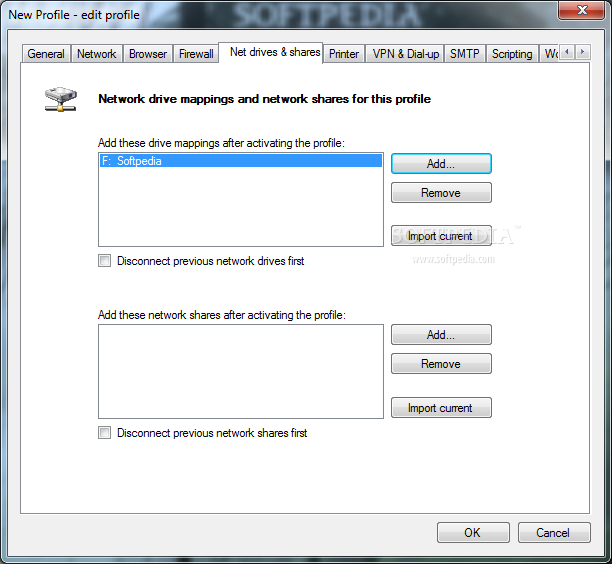
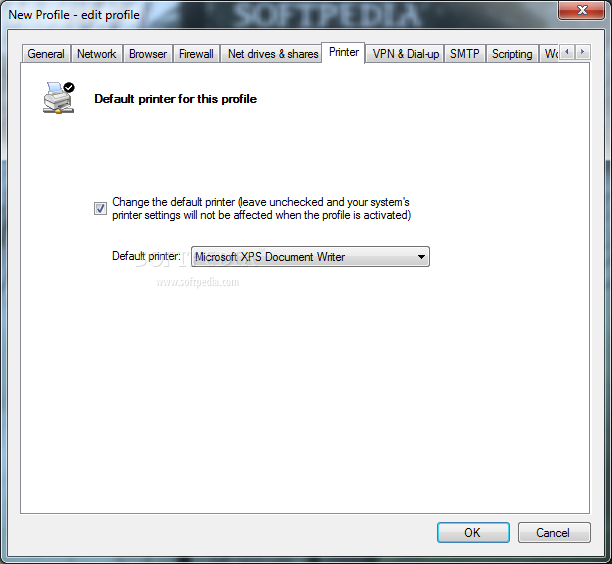
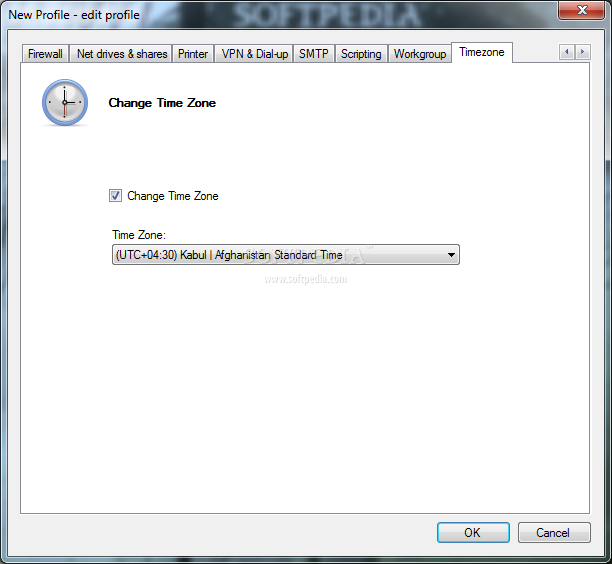
What’s more, Net Profile Switch allows you to set up the browser proxy settings and the homepage for each network, adjust Windows Firewall rules, select network drive mappings and shares, set up printers and VPN or dial-up accounts.
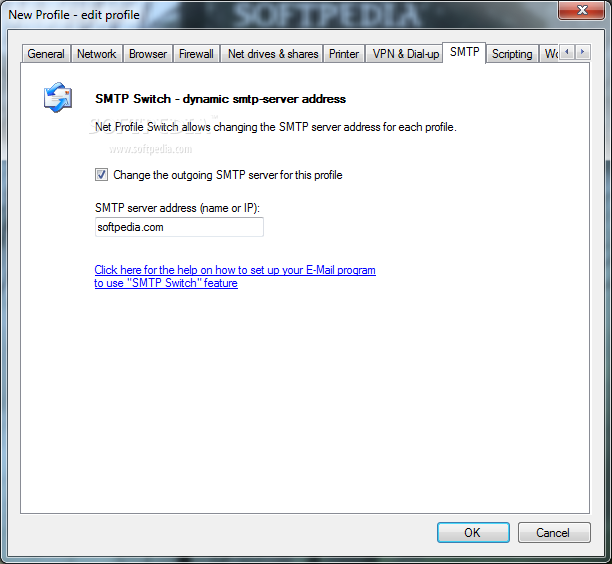
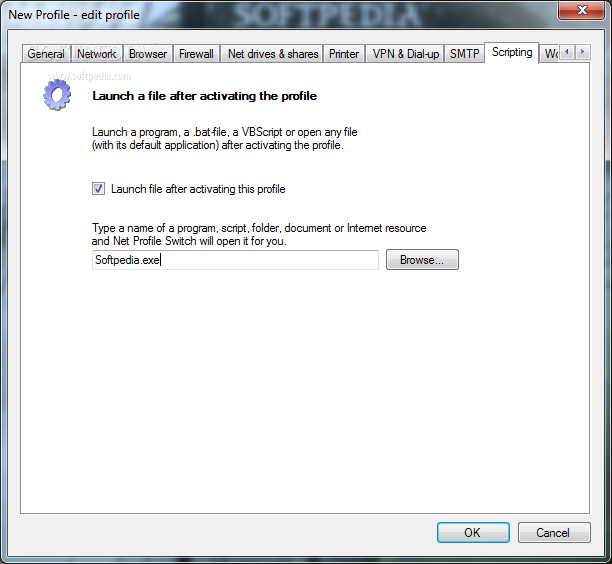
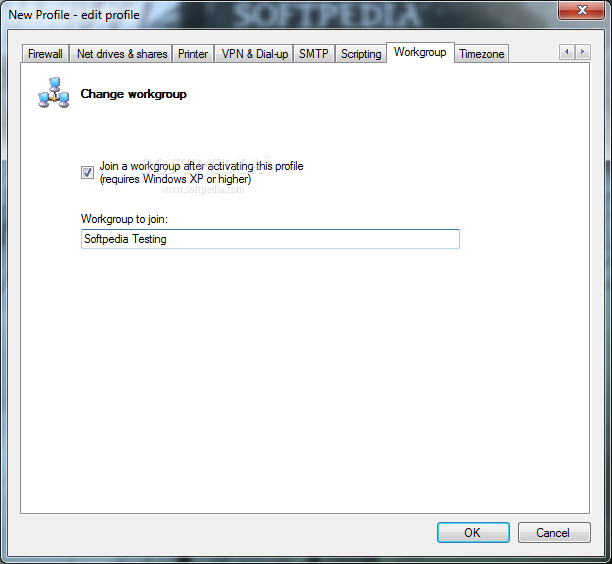
The program’s GUI is based on a tabbed layout, which means that you can easily access the screen you want, without spending too much time setting up each of the aforementioned feature.
Once you’re done setting up a profile, you can easily jump from one configuration to another by double clicking the entry in the main window of the program or by simply right-clicking the System Tray icon.
Last but not least, Net Profile Switch enables users to back up and restore settings to and from an INI file, just to make sure your data is on the safe side all the time. A help manual is also available for those who need more documentation on a specific built-in feature.
Net Profile Switch is indeed a great network profile manager and with a few improvements here and there it could easily become a top product. Hotkey support to quickly jump from one profile to another and a few other enhancements would help a lot.
What's new in Network Switcher (formerly Net Profile Switch) 7.0.11:
- Import/Export network profiles fix
Network Switcher (formerly Net Profile Switch) 7.0.11
add to watchlist add to download basket send us an update REPORT- runs on:
- Windows All
- file size:
- 503 KB
- filename:
- NetProfileSwitchSetup.exe




- main category:
- Tweak
- developer:
- visit homepage
7-Zip

calibre

Bitdefender Antivirus Free

Windows Sandbox Launcher

paint.net

ShareX

Microsoft Teams

IrfanView

4k Video Downloader

Zoom Client

- IrfanView
- 4k Video Downloader
- Zoom Client
- 7-Zip
- calibre
- Bitdefender Antivirus Free
- Windows Sandbox Launcher
- paint.net
- ShareX
- Microsoft Teams