
A handy tool for managing registry errors, finding invalid entries and fixing them, so as to keep your computer running at top performance. #Registry Cleaner #Registry Tweak #Tweak Registry #Registry #Tweak #Optimizer

Note: Some anti-malware applications might trigger alerts for Registry FIrst Aid. Our tests have shown that these are, in fact, false positives, so it is safe to download and install the program.
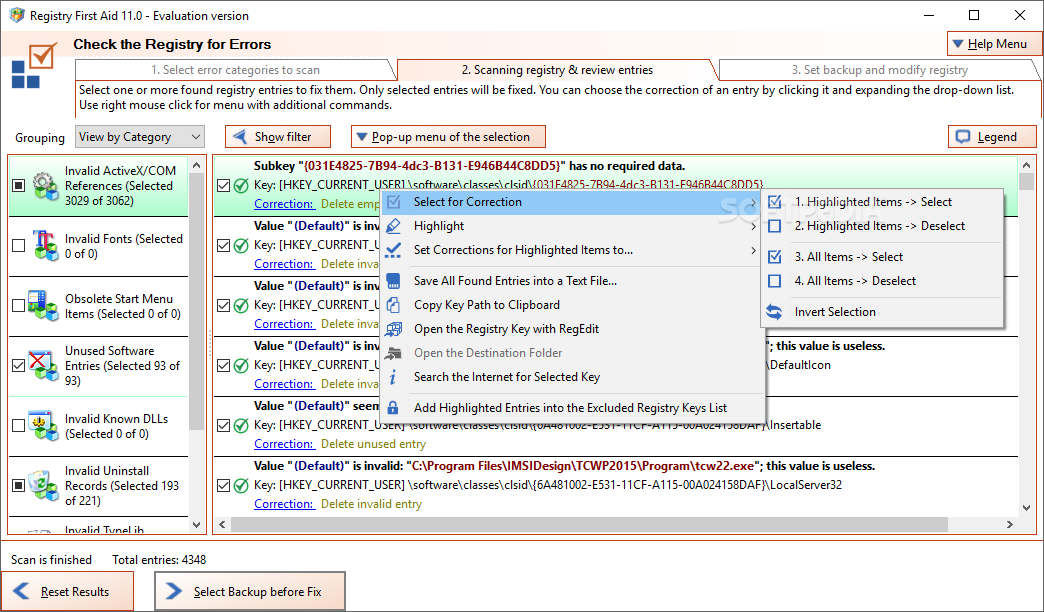
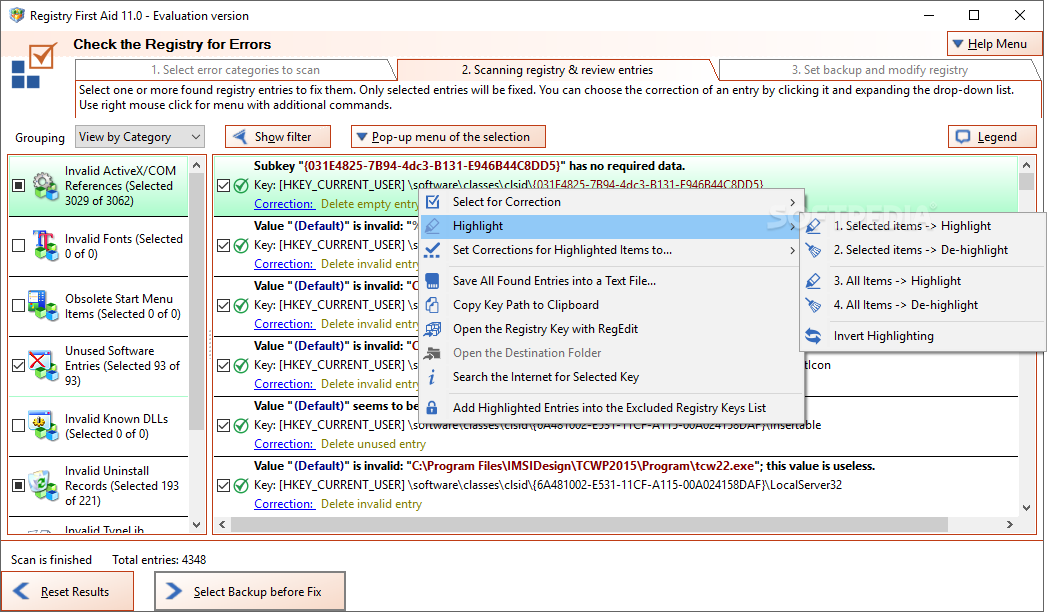
Registry First Aid is a software app that can detect and repair any problems found in your Windows registry entries, so your computer will run smoother.
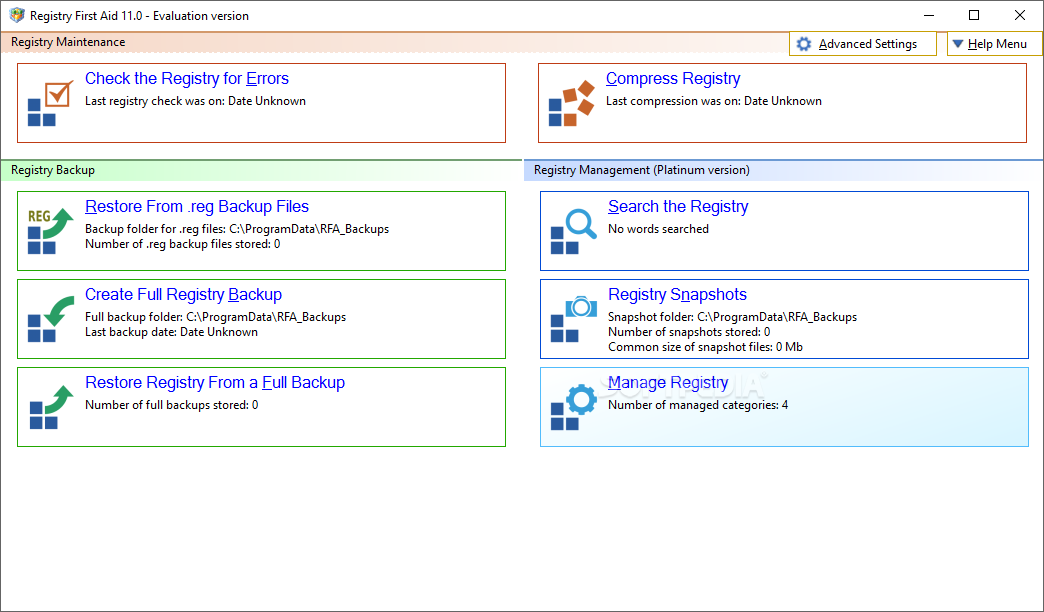
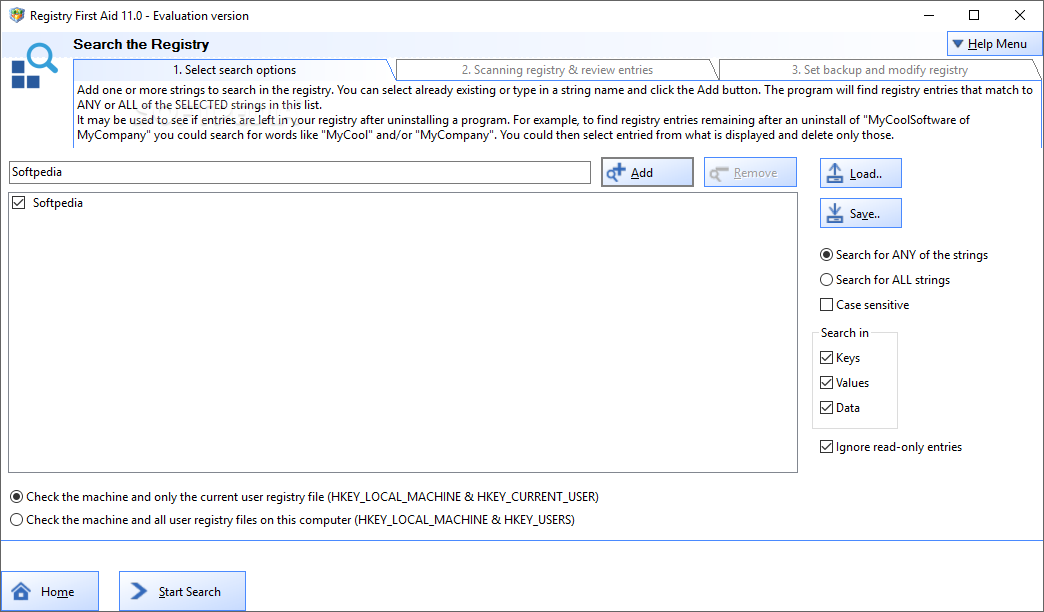
The interface of the program is simple to navigate through. You can check the registry for errors or compress it.
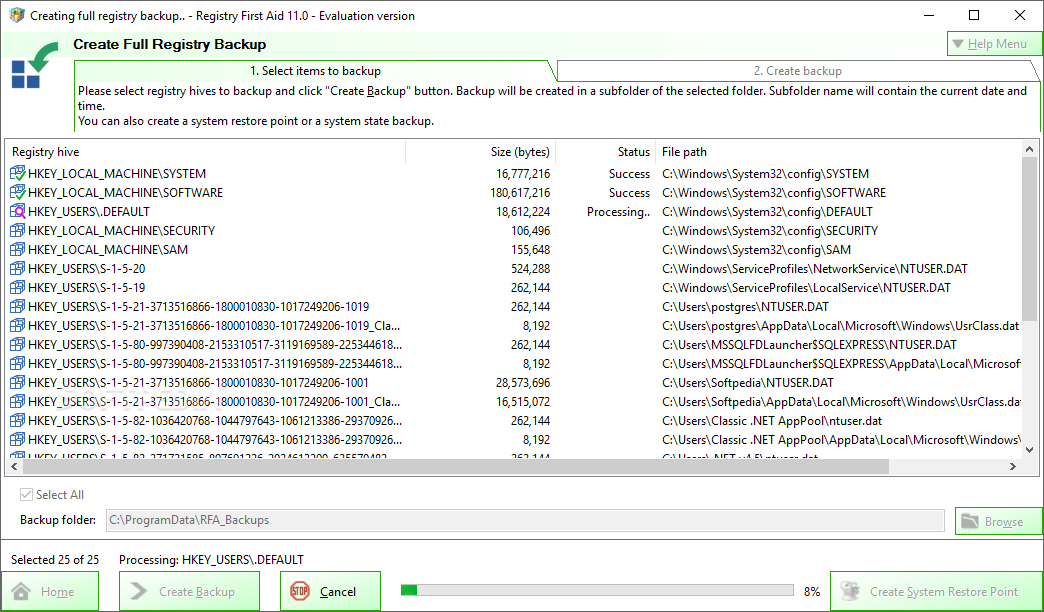
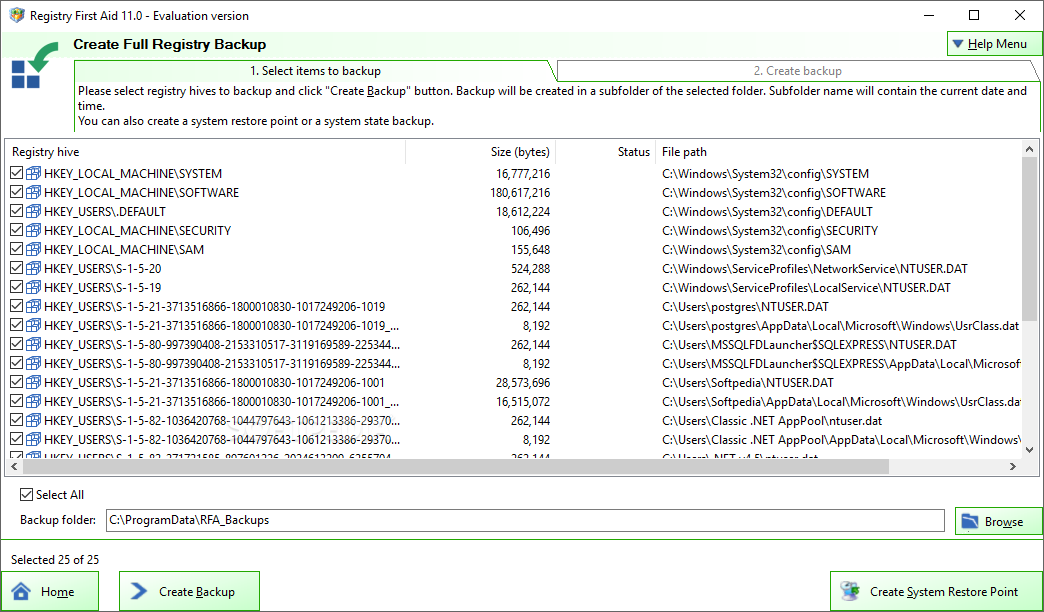
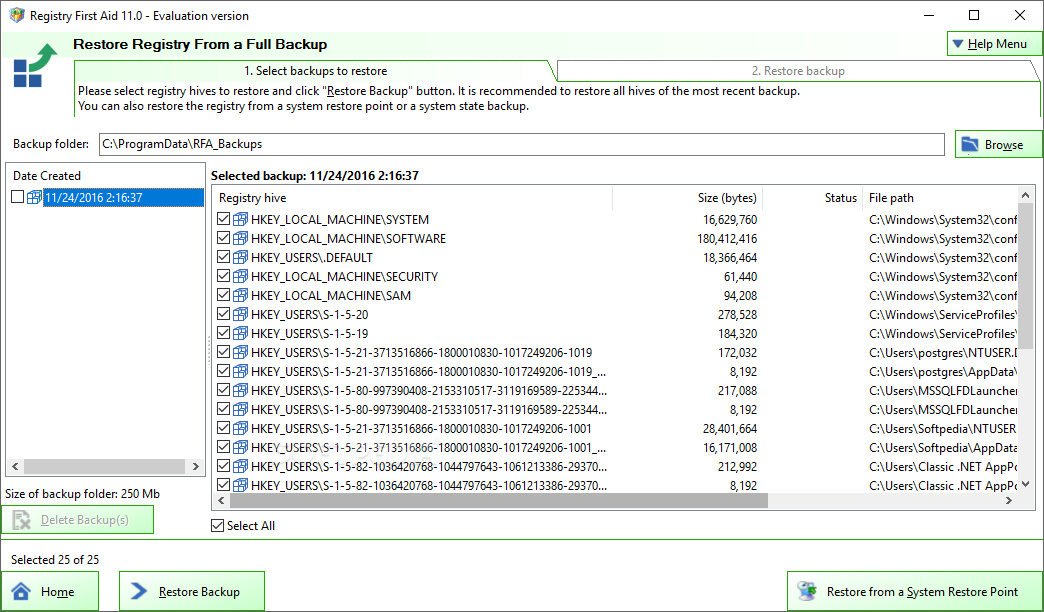
You can search the registry for a particular key, manage it, take snapshots to view the "before'" and "after" registry status, create a full backup, as well as restore backups from a REG file or from a full backup.
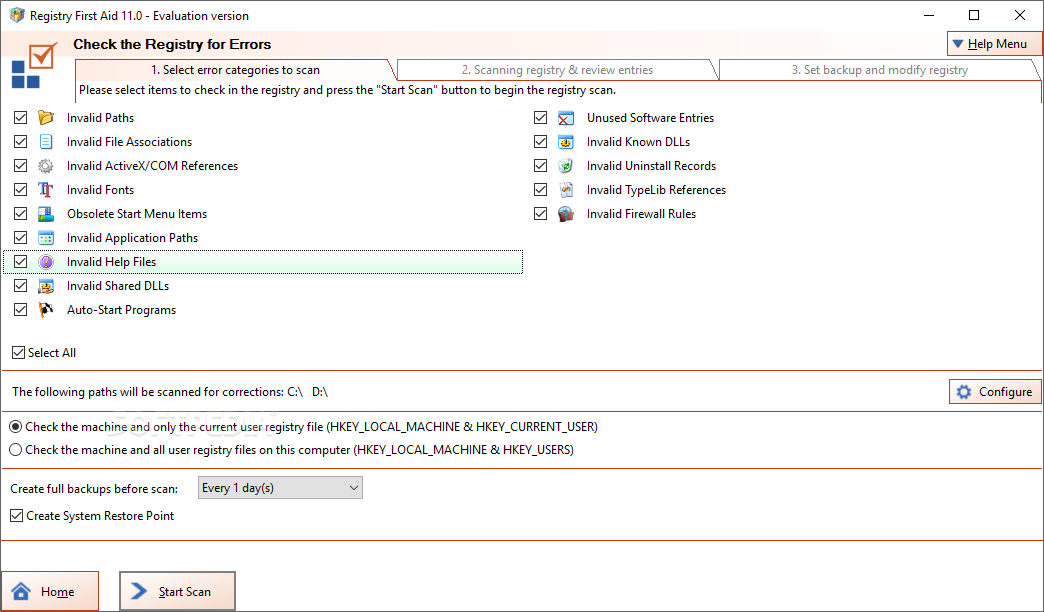
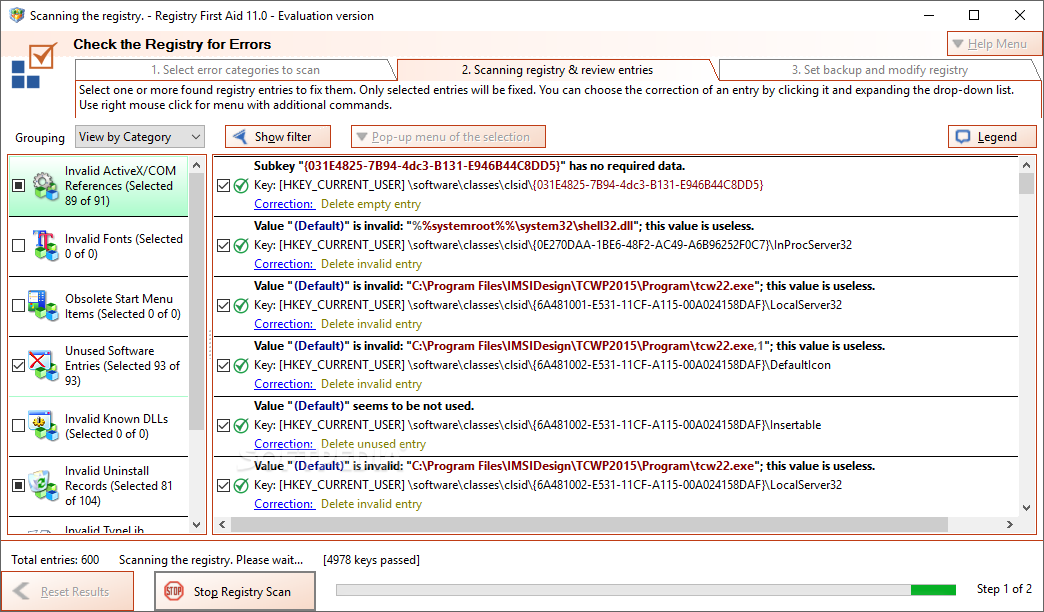
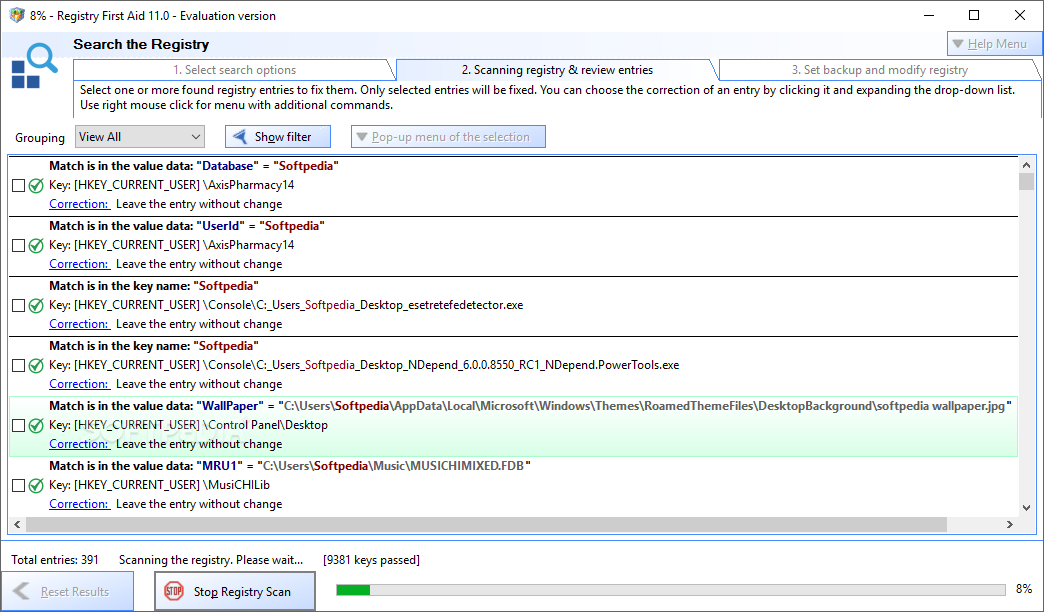
The program can search for registry errors found in invalid paths and file associations, fonts, obsolete start menu items, application paths, help files, shared DLLs, and others.
You can set Registry First Aid to check the machine and all the user registry files or only the ones on the current user, as well as enable the option to create full backups before scanning (at a specific time interval) and to create a system restore point (just in case something goes wrong later on). Plus, you can leave an entry without changing it, delete it or cut the substring.
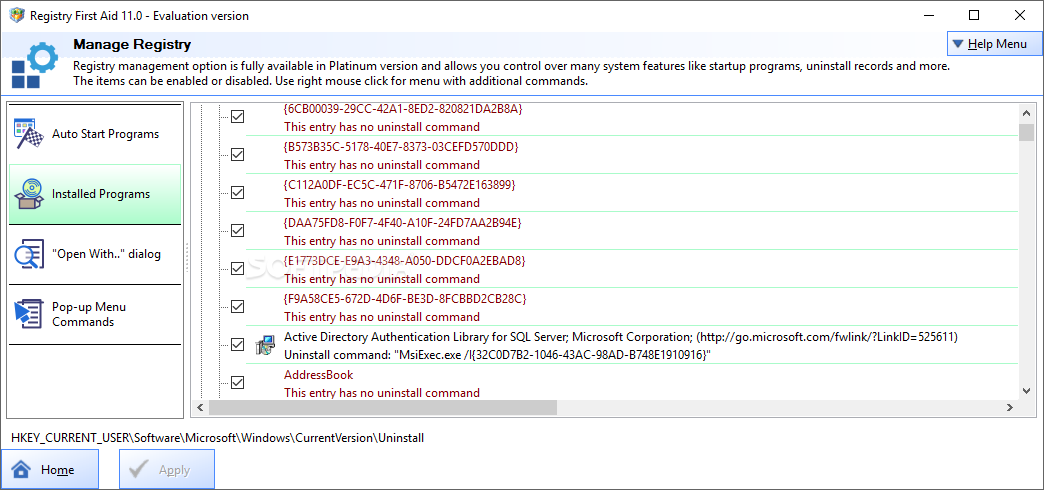
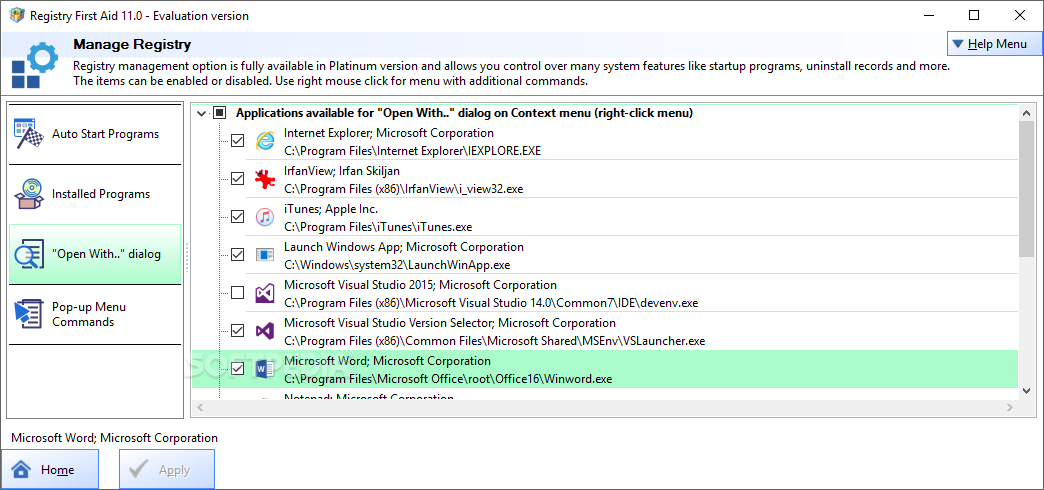
You can manage programs that automatically run at system startup, uninstall applications by locating their registry entry, organize the "Open with.." dialog and Internet Explorer items (e.g. helper objects, bars), and more.
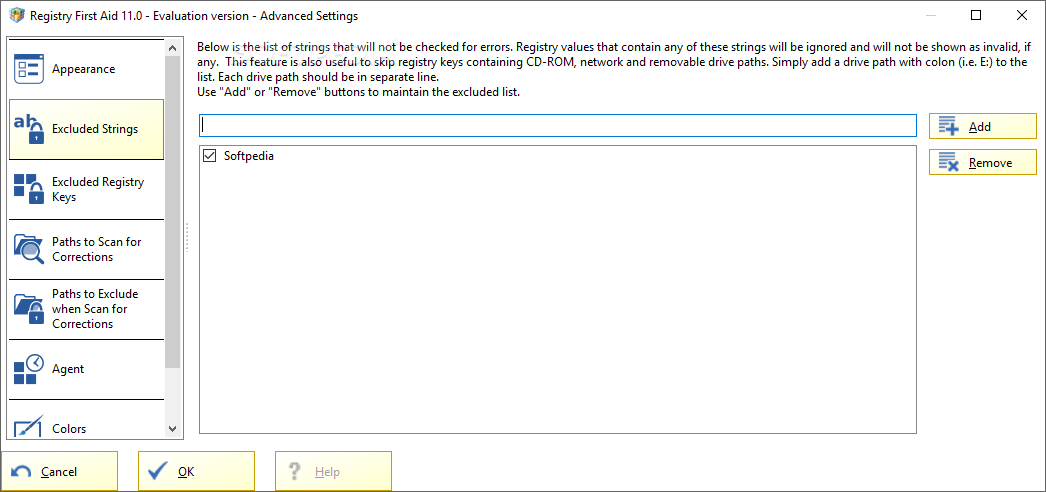
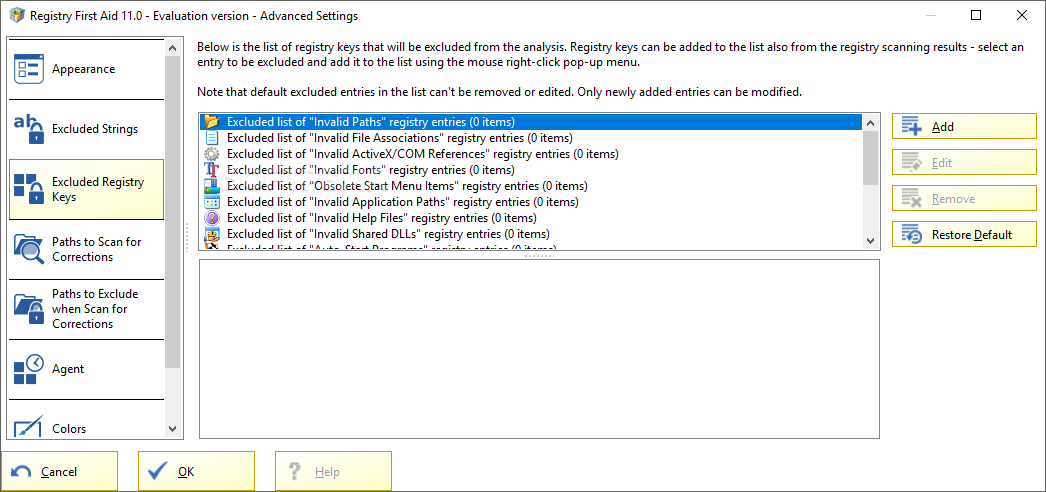
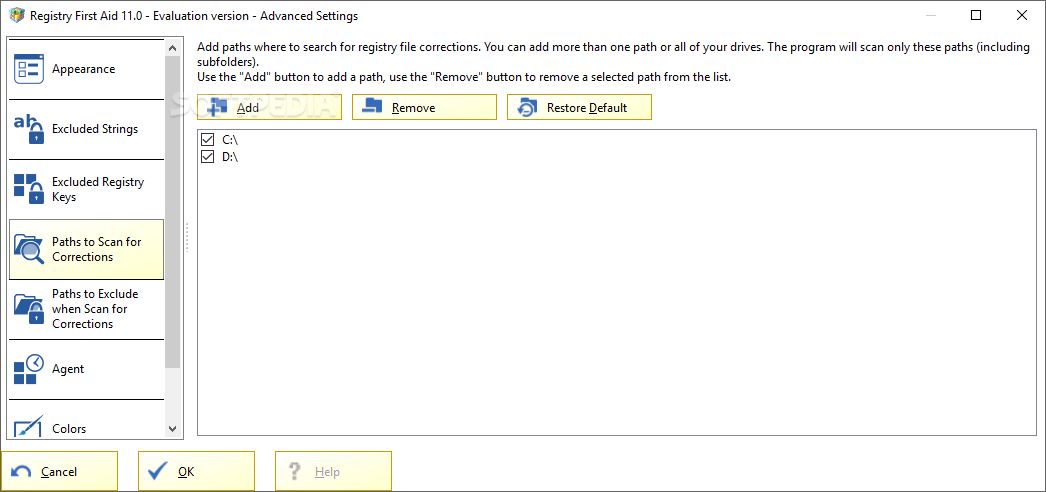
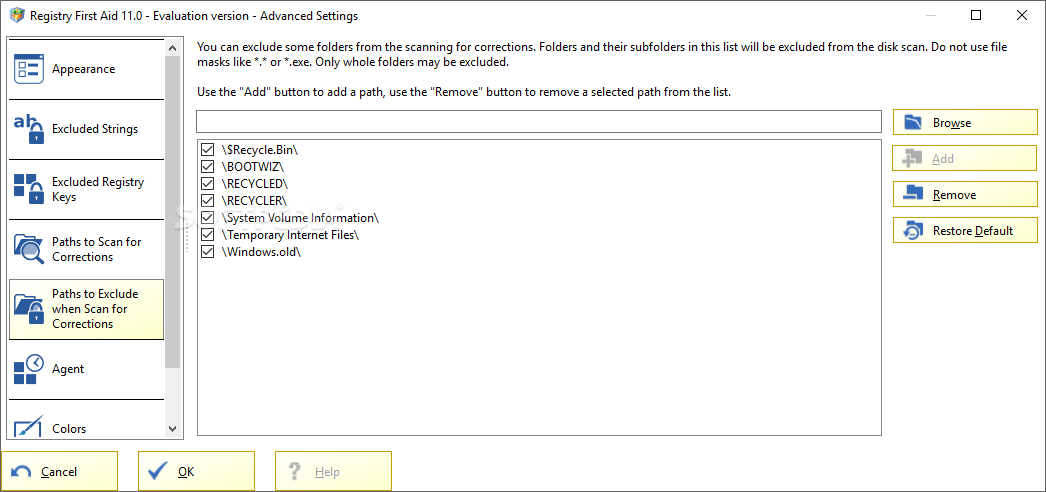
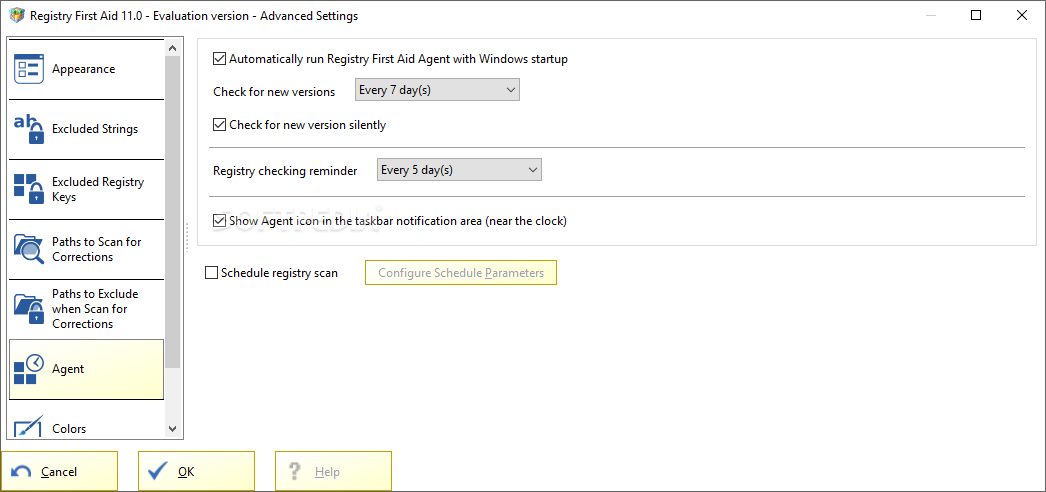
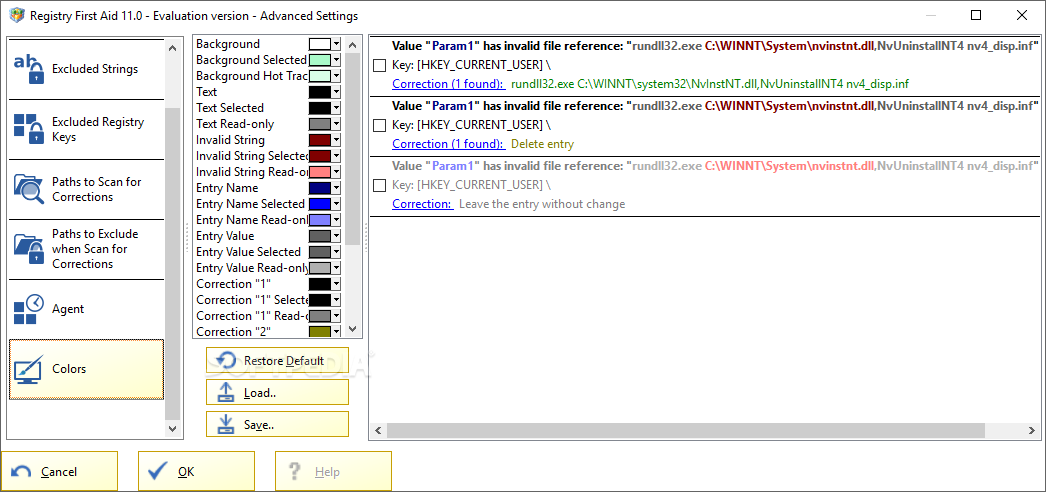
In "Advanced Settings", you can limit the scan by the number of errors, select the interface language, create exclusion lists for strings and registry keys, set paths to exclude when scanning for corrections, enable the tool to silently check for updates, schedule registry scans, customize colors, and others.
The program takes up a low-to-moderate amount of system resources, contains a comprehensive help file with snapshots, quickly finishes a scanning, cleaning and compressing task, and didn't freeze, crash or pop up errors during our tests.
Since our last review, Registry First Aid has definitely stepped up its game.
Download Hubs
Registry First Aid is part of these download collections: Registry Tweak
What's new in Registry First Aid 11.3.1 Build 2618:
- New "Windows 11 Support" Fixed to run under Windows 11; This is a FREE Upgrade to
- Version 11.3.0 Registered Users, simply download and install over an existing
- Installation. You current Registration code will unlock the download.
Registry First Aid 11.3.1 Build 2618
add to watchlist add to download basket send us an update REPORT- runs on:
-
Windows 10 32/64 bit
Windows 2008 32/64 bit
Windows 2003
Windows 8 32/64 bit
Windows 7 32/64 bit
Windows Vista 32/64 bit
Windows XP 32/64 bit
Windows 2K - file size:
- 8.8 MB
- filename:
- rfasetup.exe





- main category:
- Tweak
- developer:
- visit homepage
Context Menu Manager

Microsoft Teams

calibre

Zoom Client

Windows Sandbox Launcher

ShareX

7-Zip

IrfanView

4k Video Downloader

Bitdefender Antivirus Free

- IrfanView
- 4k Video Downloader
- Bitdefender Antivirus Free
- Context Menu Manager
- Microsoft Teams
- calibre
- Zoom Client
- Windows Sandbox Launcher
- ShareX
- 7-Zip