
Keep your PC in good shape with various tools that clean junk files, repair registries, remove applications or even bring back deleted files. #System optimizer #Optimize Windows #Tuneup computer #Tune #Tuneup #Optimize
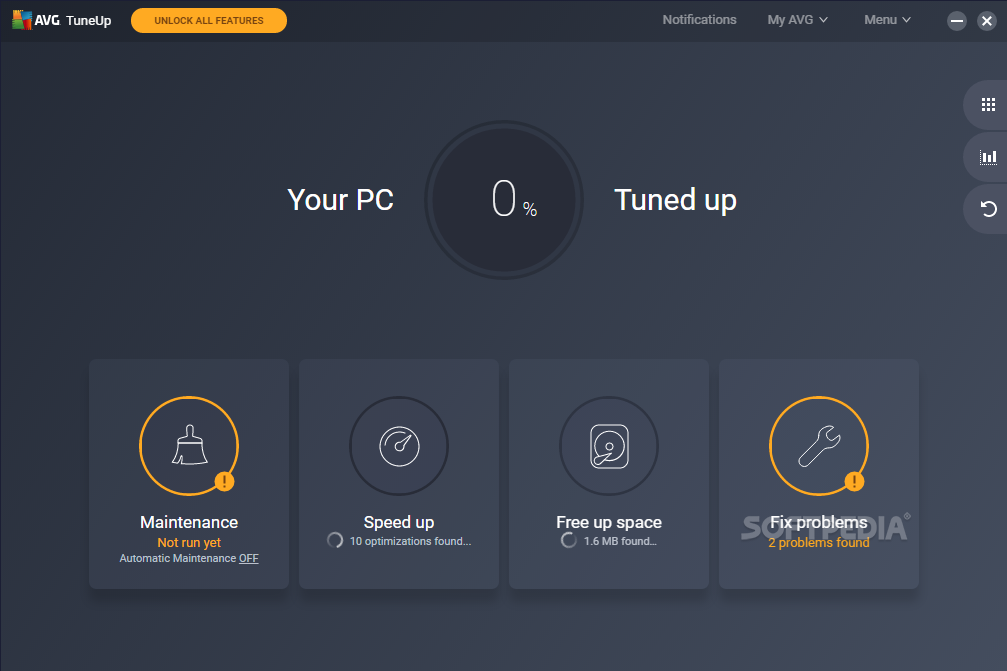
Going through an uninstallation process does not always get the job properly done. Most of the times files with no further use are left behind and registries can get broken or invalid. However, there are specially designed applications like AVG PC TuneUp, formerly known as TuneUp Utilities, that help you clean the computer for a little extra boost in performance.
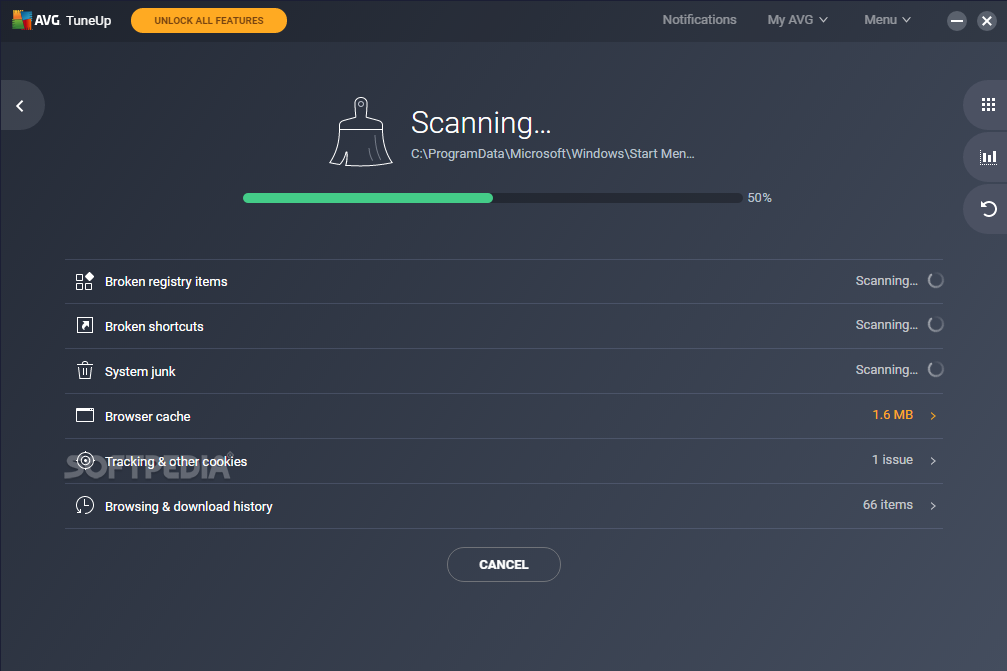
Right from the start, the application undergoes a “1-Click Maintenance” to scan several areas of your PC for errors. Your registries, broken shortcuts, programs, browsers, as well as the status of your hard disk drive are but a few of the areas put under the scope.
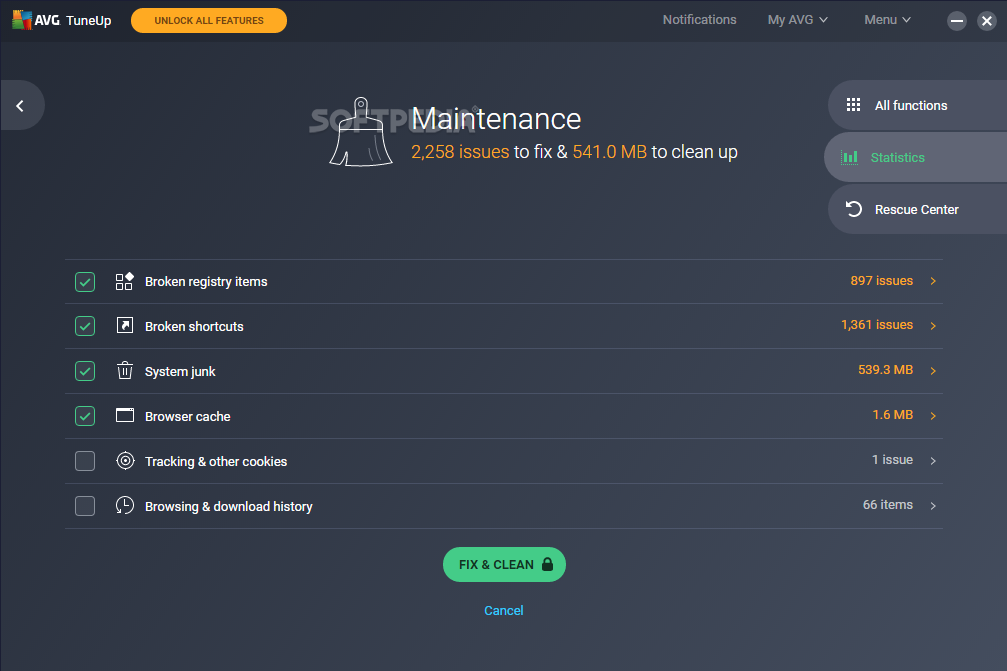
It is not mandatory to go through the process mentioned above, with the possibility to cancel it, but it is recommended that you don't, seeing how there's nothing to lose but junk files. Once issues are detected, you gain access to a list that points out the problem and what file is causing it. Depending on your system's health status, the scan and clean procedures can take a few seconds up to several minutes.
When finally reaching the main window, you find all available tools cleverly stored in tabs. The dashboard offers brief details on your PC performance, health and maintenance level, with the possibility to trigger actions or switch between economy, standard or turbo mode.
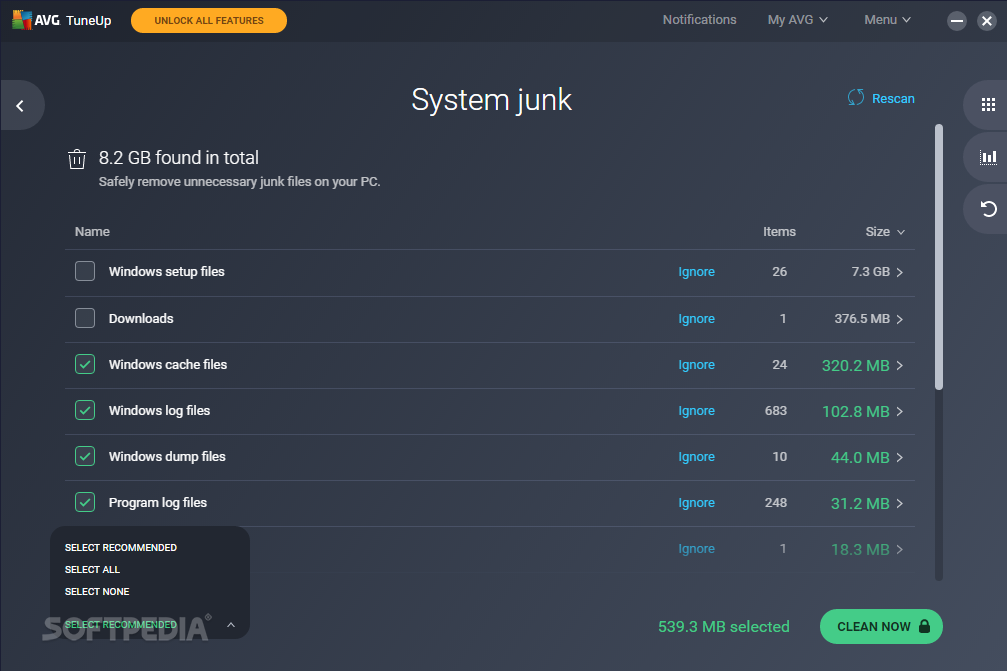
Tabs that follow give you the possibility to manage startup programs or uninstall them, fix registries, and even have your hard disk drive cleaned for a little extra free space, with the cleanup potential showing you how much you can gain back.
What's more, you can fix known system issues by choosing from a list of available possibilities that include important icons no longer being displayed, desktop and taskbar not working, installer related issues and a lot more. You can bring back deleted files from nearly any storage device connected to your computer, given it is not strongly damaged.
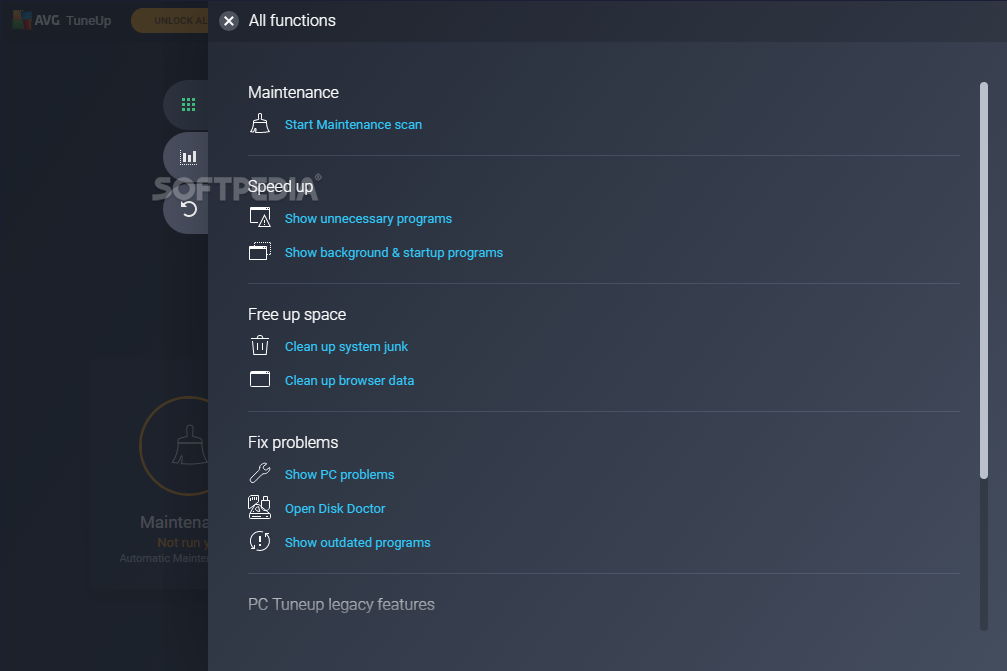
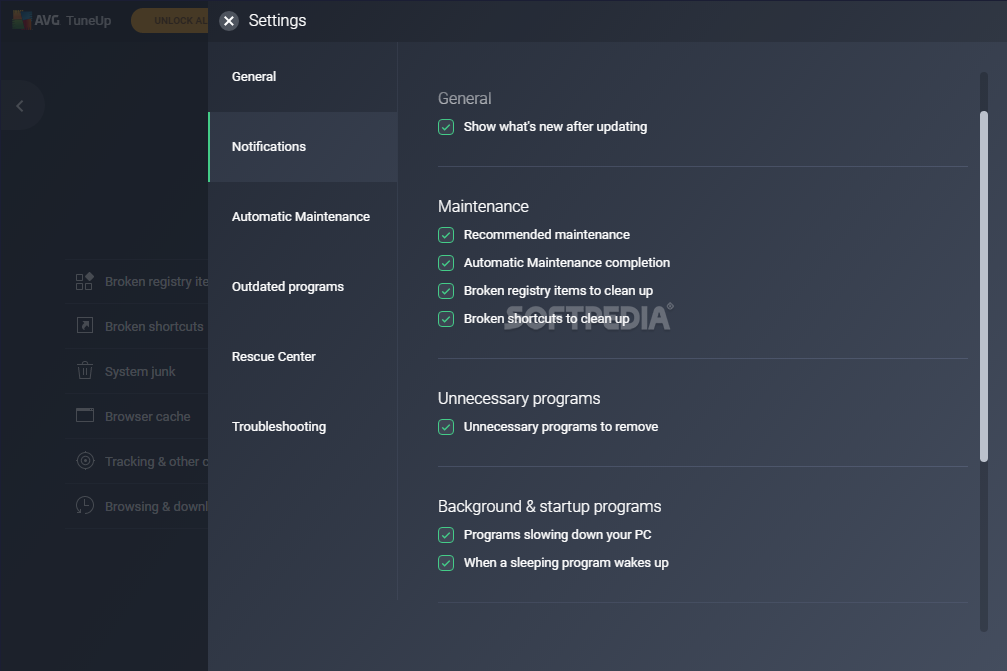
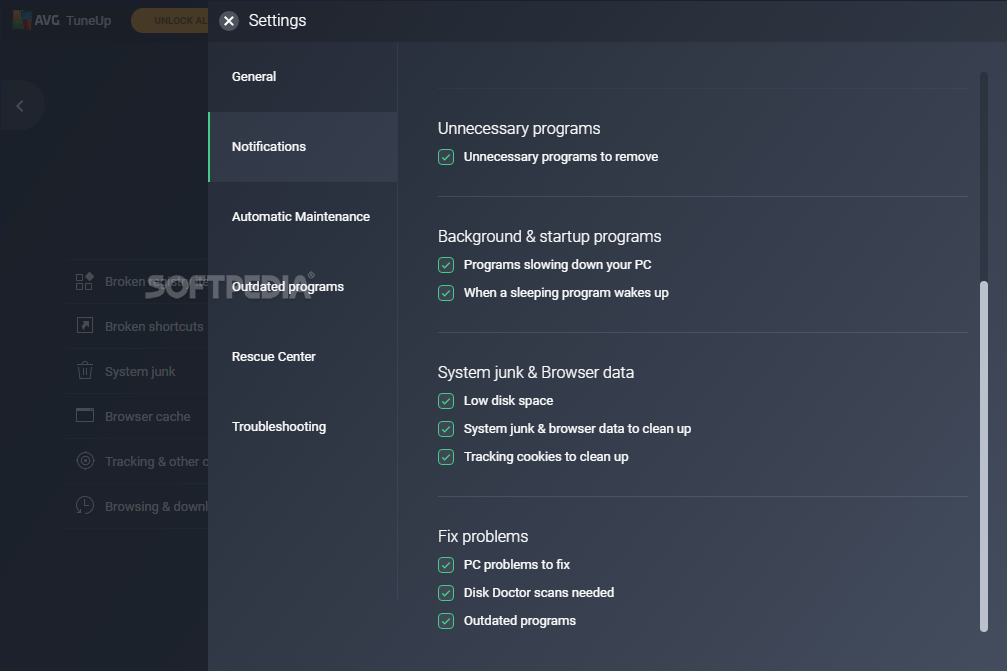
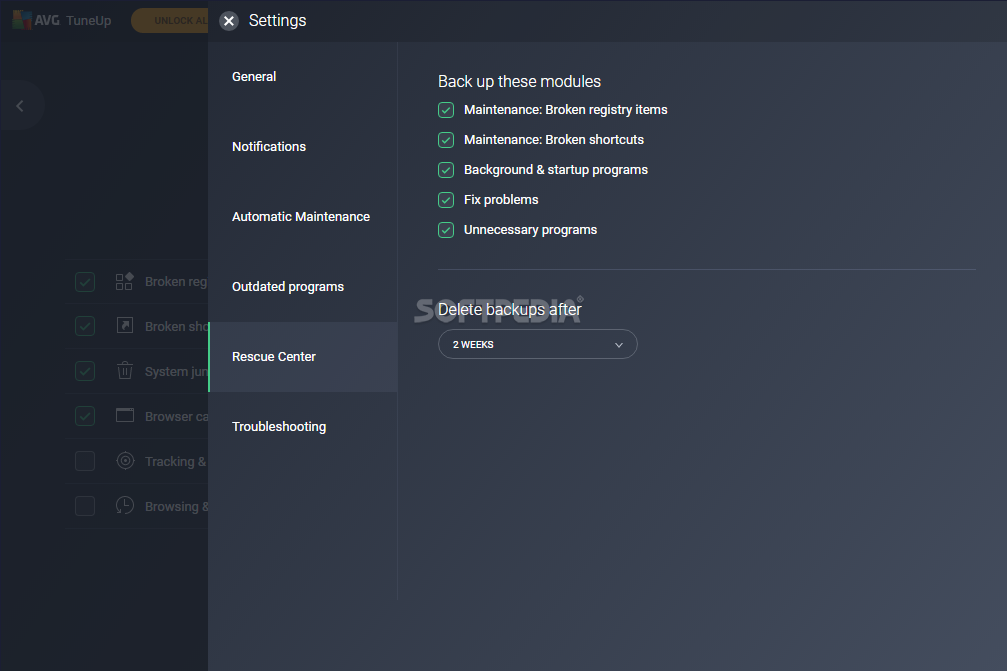
Advanced users will also feel at home using this applications, as there is a great number of highly configurable options. All available functions can be viewed and accessed from the “All Functions” tab. Nearly all of them can further be customized from the settings menu. Here you can also set the application to automatically keep your computer clean while you're away, for instance.
On an ending note, AVG PC TuneUp deserves, by far, to sit at the winners table, not only for the amount of tools it provides, but also for efficiency. Nearly all areas can be customized to suit various needs, and the way this is made available lets both beginners and experienced users quickly get accommodated. Don't hesitate to give it a try whether or not your PC shows signs of weakness.
Download Hubs
AVG PC TuneUp is part of these download collections: System Tweak, Tweak Memory, Startup Manager, Tweak CPU
AVG PC TuneUp 23.4 Build 15592
 Softpedia Editor's Pick
add to watchlist
add to download basket
send us an update
REPORT
Softpedia Editor's Pick
add to watchlist
add to download basket
send us an update
REPORT
- runs on:
-
Windows 11
Windows 10 32/64 bit
Windows 8 32/64 bit
Windows 7 32/64 bit - file size:
- 1.5 MB
- main category:
- Tweak
- developer:
- visit homepage
Microsoft Teams

calibre

Windows Sandbox Launcher

IrfanView

Zoom Client

paint.net

7-Zip

4k Video Downloader

Bitdefender Antivirus Free

ShareX

- 4k Video Downloader
- Bitdefender Antivirus Free
- ShareX
- Microsoft Teams
- calibre
- Windows Sandbox Launcher
- IrfanView
- Zoom Client
- paint.net
- 7-Zip