
Work faster and more efficient by adding tab support to Windows Explorer with the help of this useful and streamlined application. #Customize Windows Explorer #Windows Explorer Tweak #Tweak Windows Explorer #Customize #Tweak #Optimize
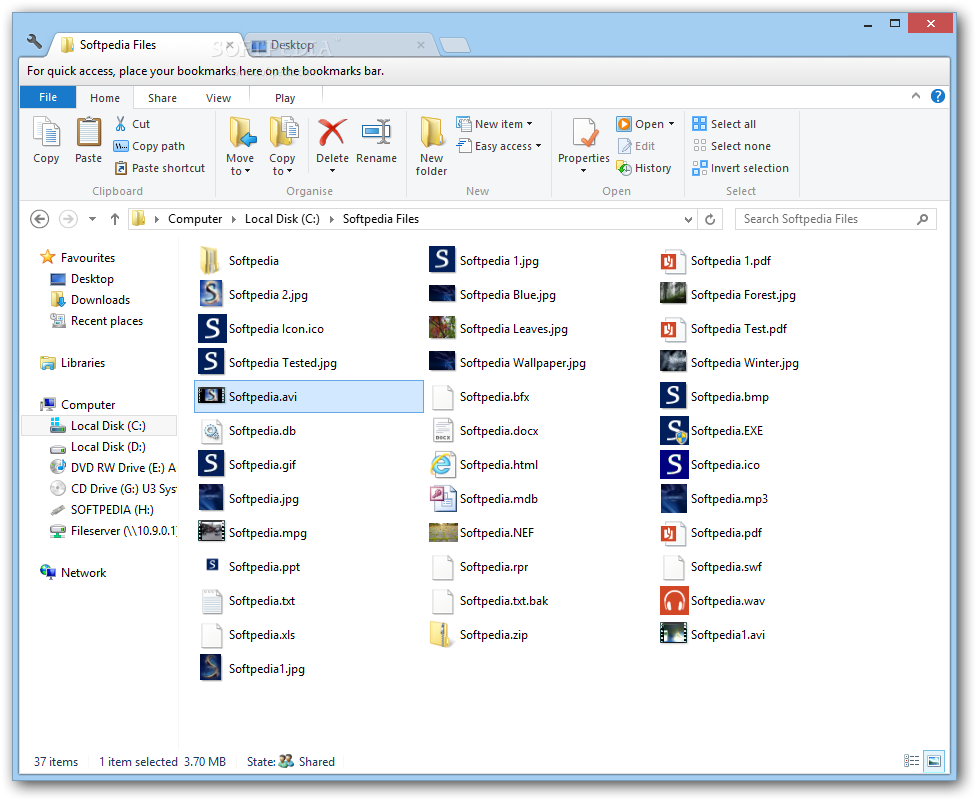
Clover is a practical tool which changes the appearance of Windows Explorer and allows you to work with multiple folders in the same window. If you like the Explorer interface and want it to support multiple tabs, this application can help you implement the change.
The program is completely integrated in the Windows interface and does not change its functionality. You can still access the default menus, the navigation and the preview pane but you also have the option of opening multiple tabs.
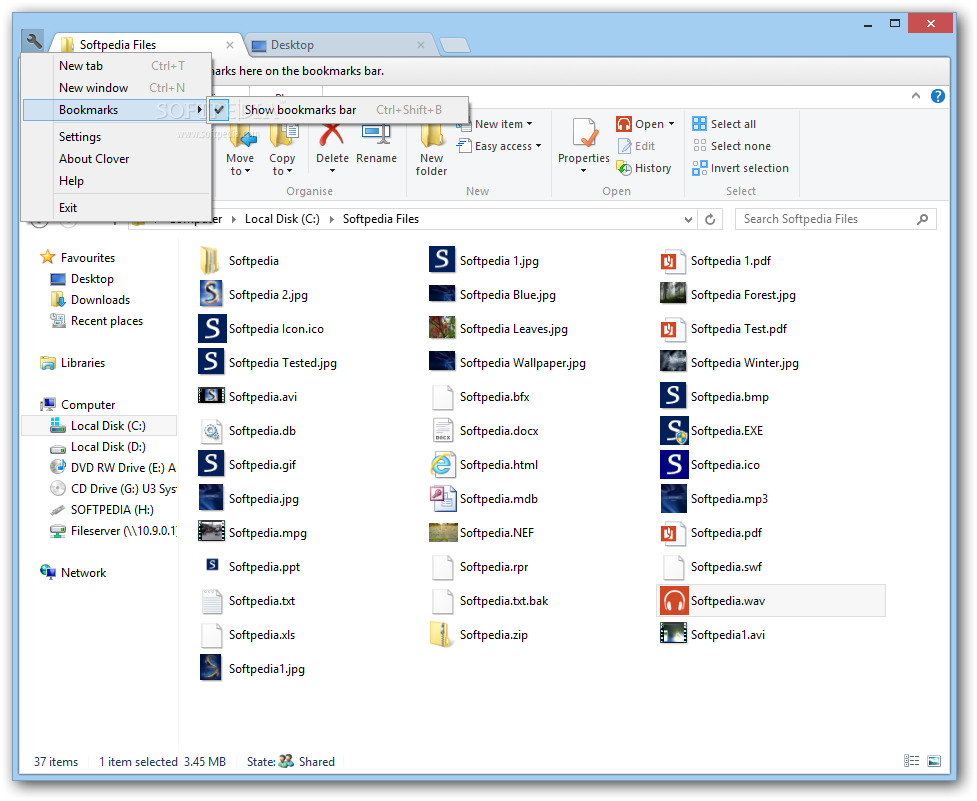
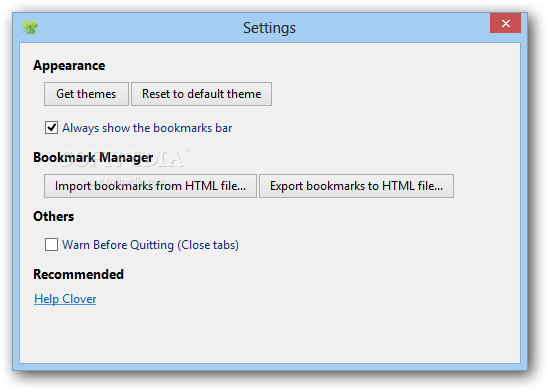
You can use the application to create shortcuts for your frequently used folders and to access them from the bookmarks bar. The bookmark manager is very similar to the Chrome version and is able to organize your favorite folders into categories. You can add a new bookmark by right-clicking the tab or by using the Control + D shortcut.
If you want to launch a certain webpage from the Explorer interface you just need to create a favorite with the page URL. Clicking the shortcut opens the default Internet browser in order to display the webpage.
This modification can have a huge impact on your productivity since it allows you to easily manage files for more than one folder without opening a new window. It saves desktop space and supports keyboard shortcuts in order to switch or close the tabs.
Usually, if you close a tab and remember that you need to rename one more file, you need to open the Explorer window and to find that folder again. Clover enables you to avoid that hustle by using its ability to reopen a previously closed tab. Just use the context menu or the keyboard shortcut.
Clover does not intend to replace more complex file managers such as Total Commander or EF Commander. It provides you with a simple but effective enhancement of the Windows interface that can be valuable for the casual user.
Since it requires insignificant resources and it is very fast in opening new tabs, Clover proves to be a good solution for increasing your productivity in working with files.
What's new in Clover 3.0.406:
- Improved: Speed up new tab creating
- Improved: Better color for UI elements and Tab strip in case of high contrast and black themes
- Fixed: In Windows 8.1, IME candidate box not shown
- Fixed: In Windows 8.1, preview windows not shown
Clover 3.0.406
add to watchlist add to download basket send us an update REPORT- PRICE: Free
- runs on:
-
Windows 10 32/64 bit
Windows 8 32/64 bit
Windows 7 32/64 bit
Windows XP - file size:
- 2.5 MB
- filename:
- Clover_Setup.exe
- main category:
- Tweak
- developer:
- visit homepage
4k Video Downloader

calibre

Zoom Client

Windows Sandbox Launcher

7-Zip

ShareX

Context Menu Manager

Microsoft Teams

IrfanView

Bitdefender Antivirus Free

- Microsoft Teams
- IrfanView
- Bitdefender Antivirus Free
- 4k Video Downloader
- calibre
- Zoom Client
- Windows Sandbox Launcher
- 7-Zip
- ShareX
- Context Menu Manager