
Defragments and optimizes files and disk drives for better performance. #Disk defragmenter #Disk optimizer #Defragment drive #Defragmenter #Defragment #Defrag
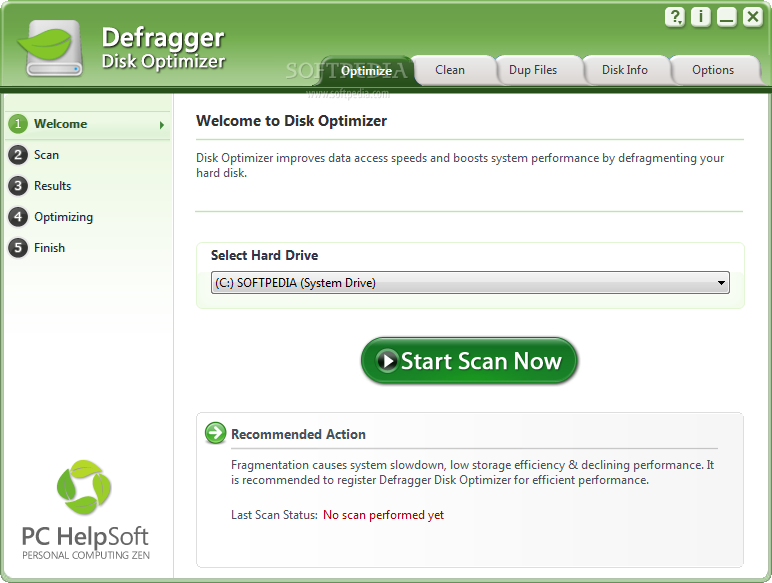
All hard drives start out as highly organized files which can be easily accessed by your computer system. As time goes by and applications are added and deleted, these highly organized files become increasingly fragmented, with sections of the file stored in one place and another section stored elsewhere.
Your computer now needs to hunt for all the sections that make up one file. This why it takes longer and longer for your PC to start up and applications to launch. This is where Defragger Disk Optimizer can help.
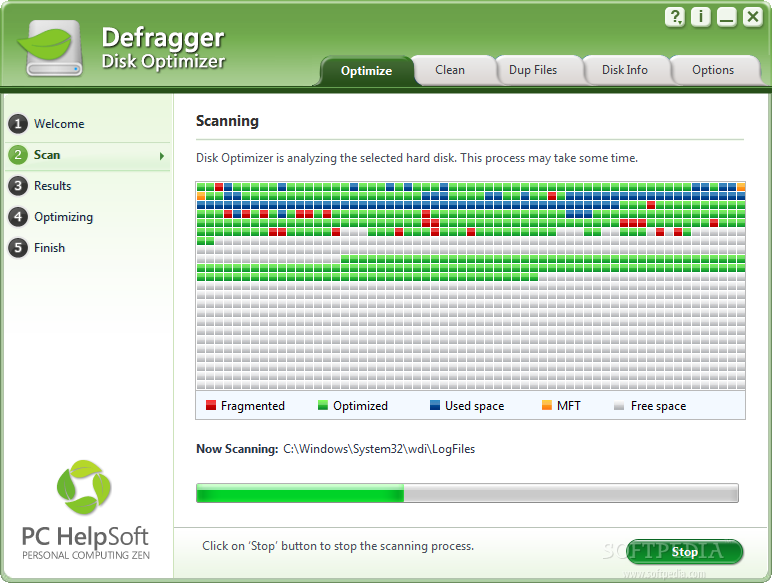
Defragger Disk Optimizer is a strong applucation designed to bring all the sections of a file back together. Your computer no longer needs to work as hard to find files and you are able to enjoy a more efficient PC. Defragging also creates larger pockets of available space which gives you more room for increased storage.
So if you are finding that your applications are slowing down and your computer is taking longer and longer to start up, it is time to defrag your hard drive safely and reliably with Defragger Disk Optimizer.
Limitations in the unregistered version
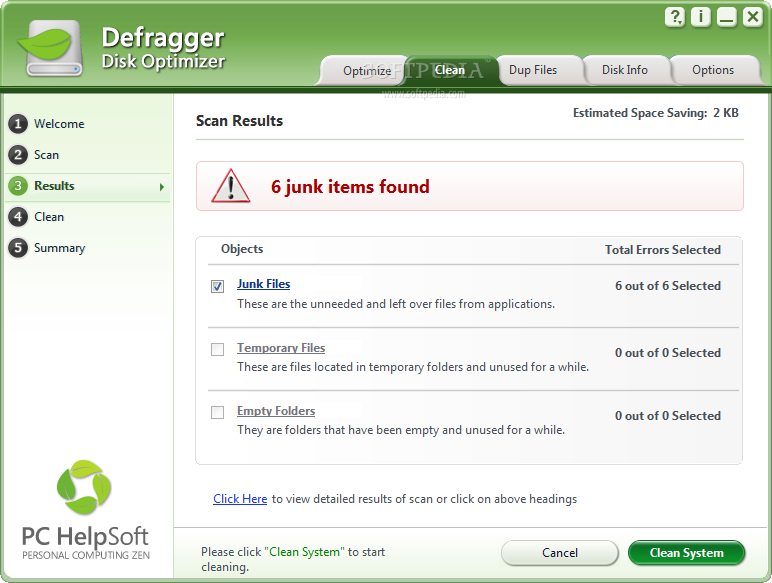
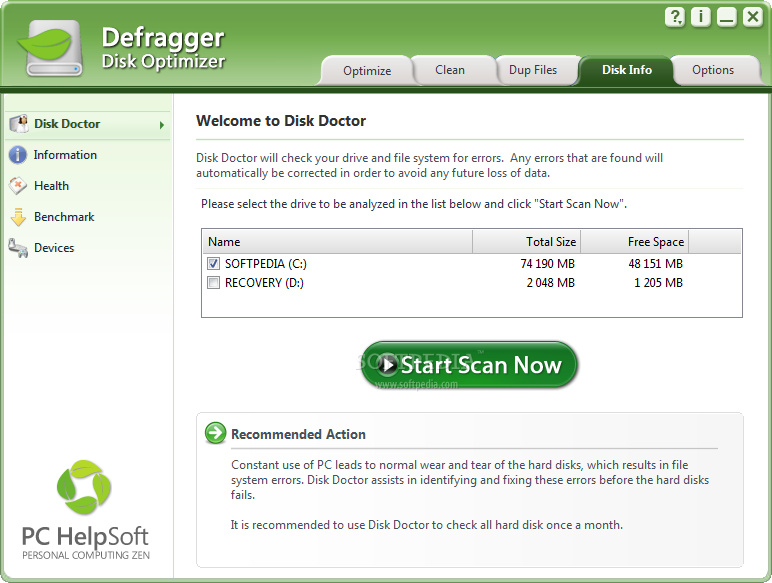
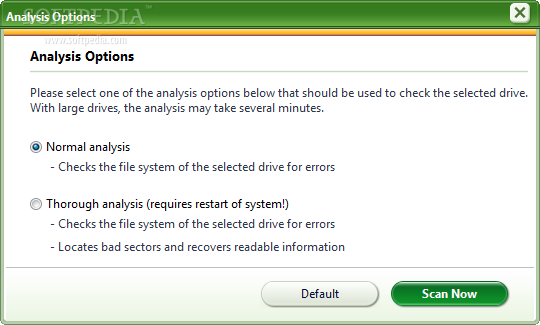
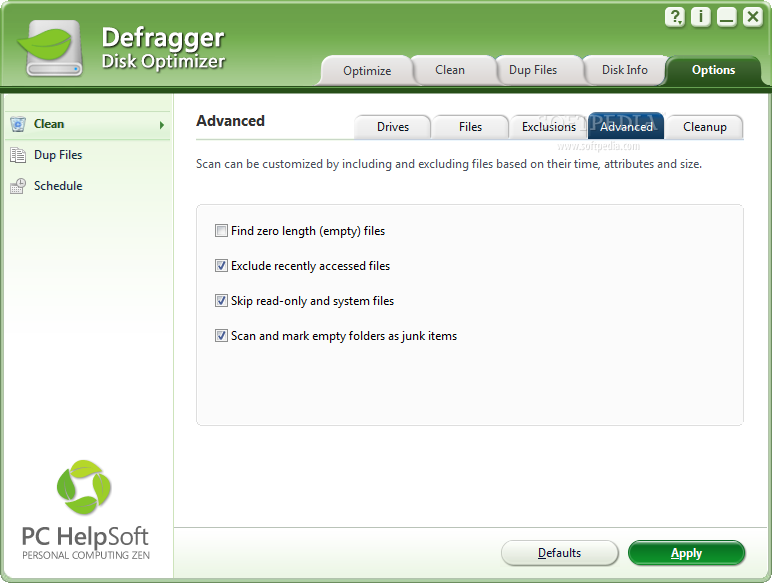
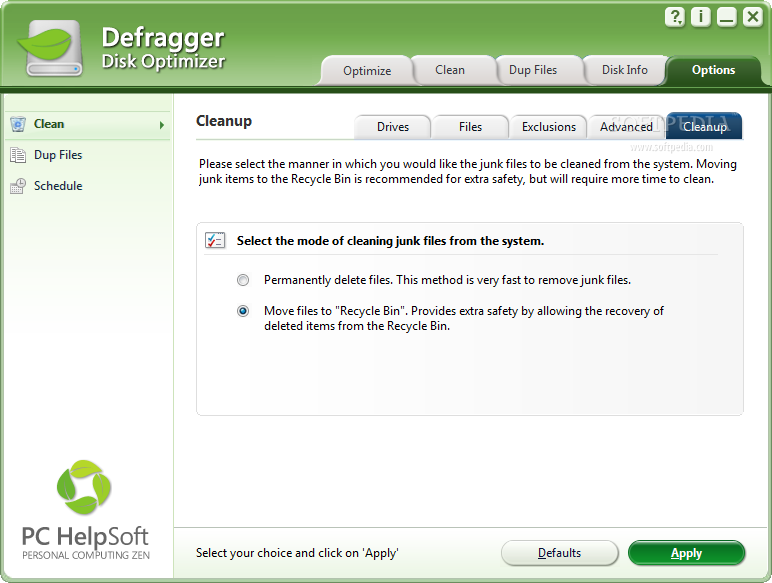
- Scans for errors, but does not clean
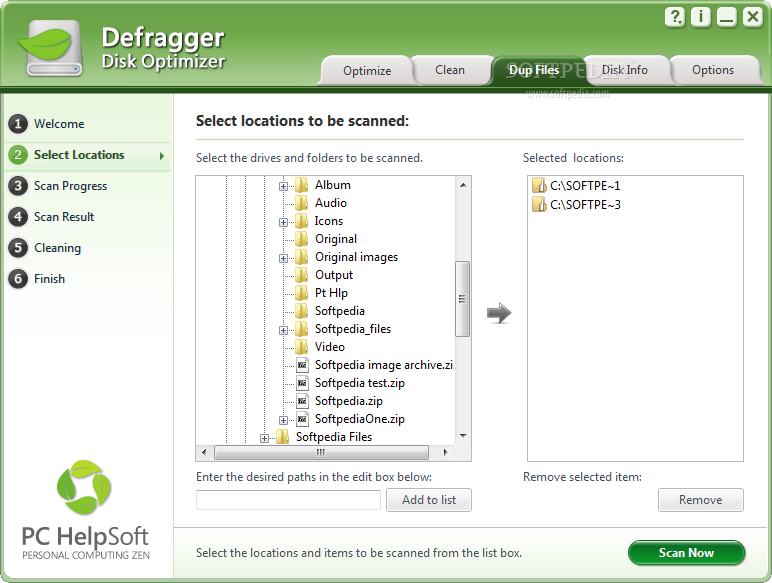
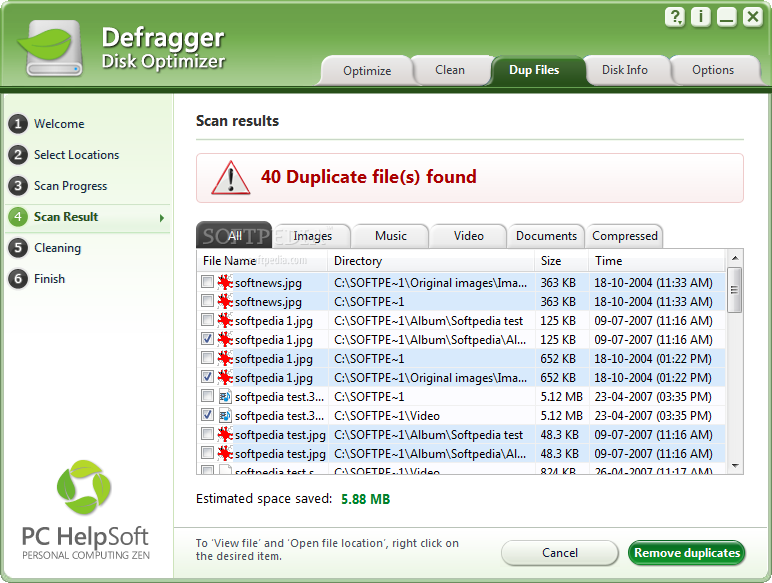
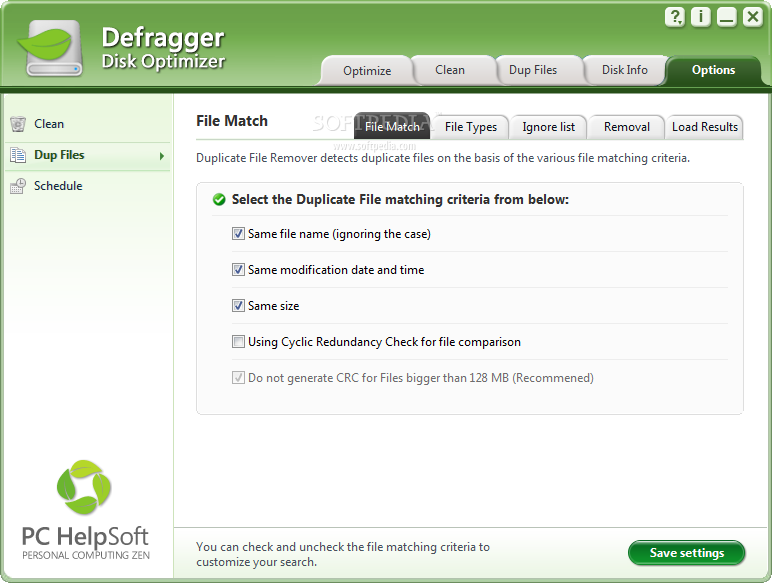
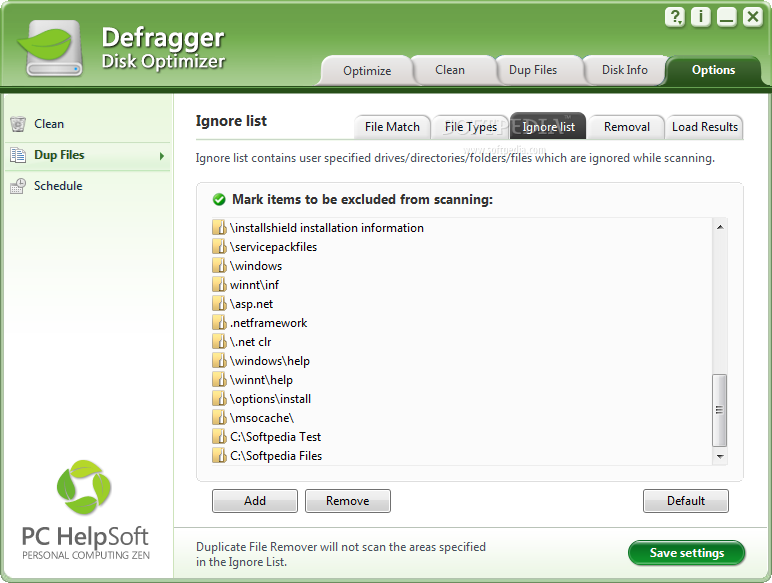
- Scans for duplicate files, but does not remove them
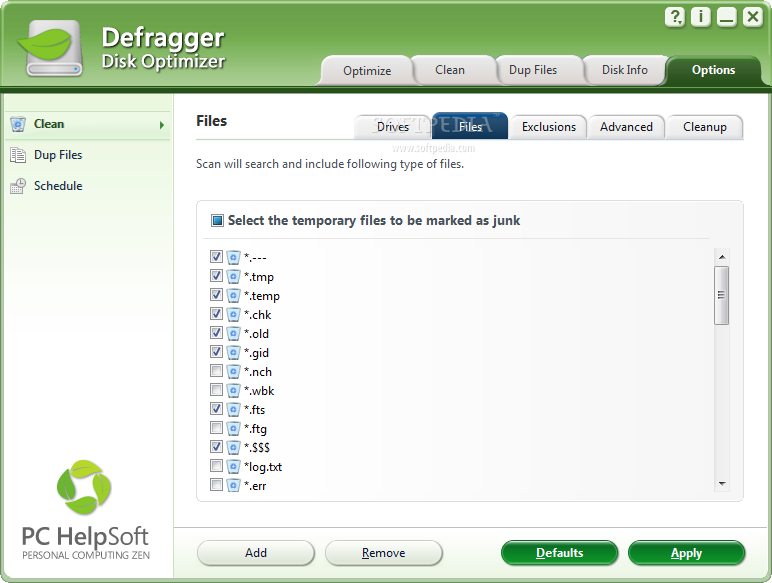
- Options for Schedule not available in Demo Version
- Nag screen
Defragger Disk Optimizer 3.0.0.7465
add to watchlist add to download basket send us an update REPORT- runs on:
-
Windows 7
Windows Vista 32/64 bit
Windows XP - file size:
- 3.9 MB
- filename:
- defragger-disk-optimizer.exe
- main category:
- Tweak
- developer:
- visit homepage
Microsoft Teams

Zoom Client

IrfanView

paint.net

7-Zip

calibre

Bitdefender Antivirus Free

Windows Sandbox Launcher

4k Video Downloader

ShareX

- Windows Sandbox Launcher
- 4k Video Downloader
- ShareX
- Microsoft Teams
- Zoom Client
- IrfanView
- paint.net
- 7-Zip
- calibre
- Bitdefender Antivirus Free