
A reliable and straightforward software utility worth having when you need to optimize your operating system, customize CPU cache values and automate the logon procedure. #System Tweaker #System Optimizer #Optimize System #Optimizer #Optimize #Tweaker

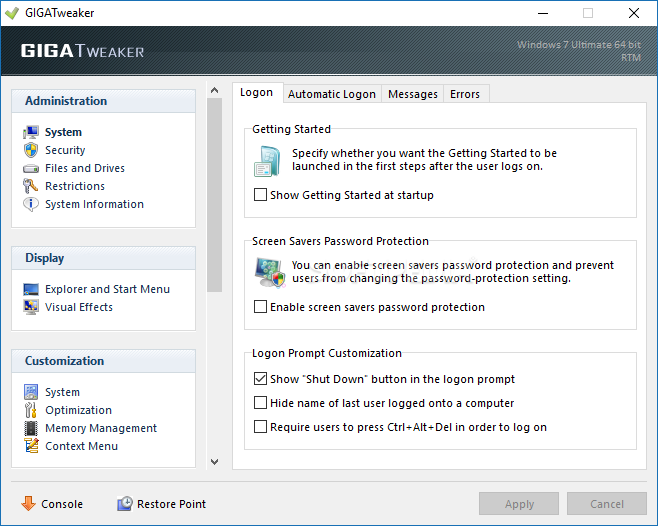
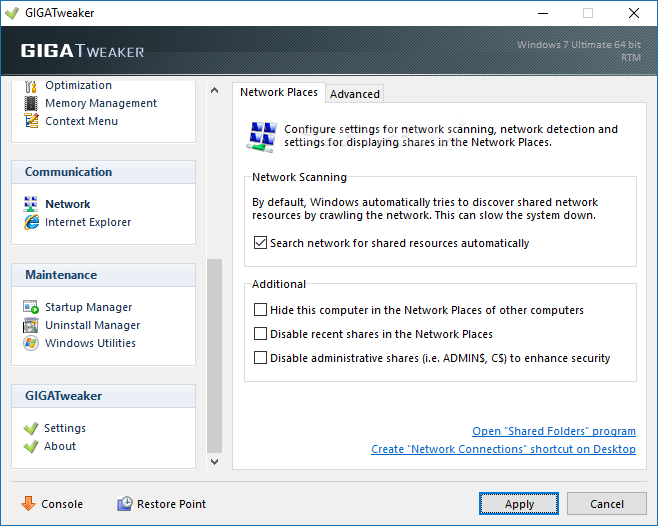
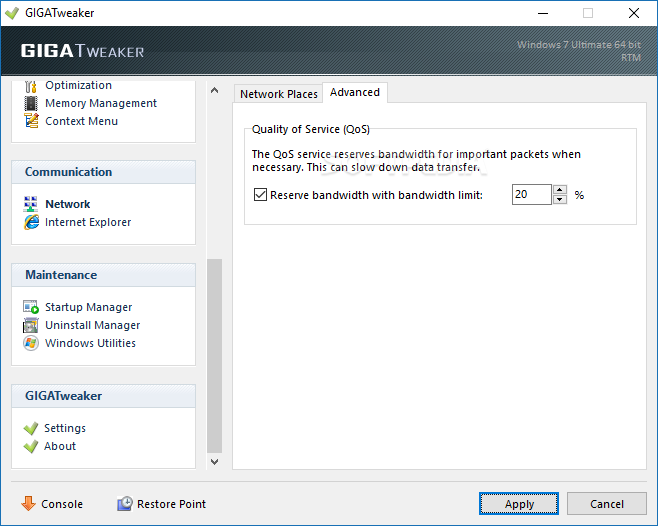
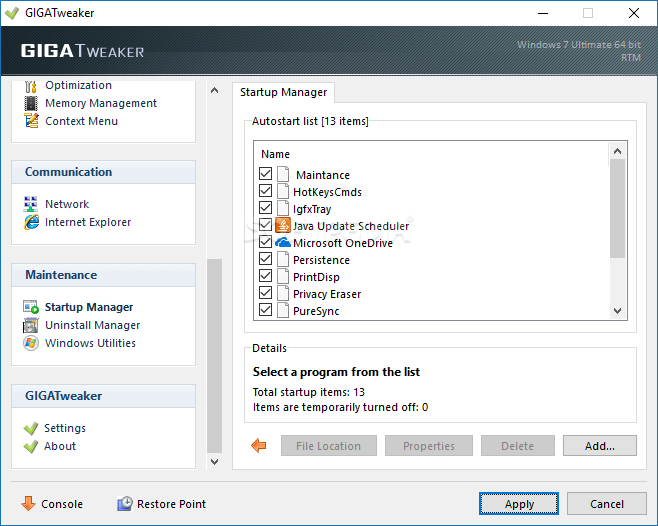
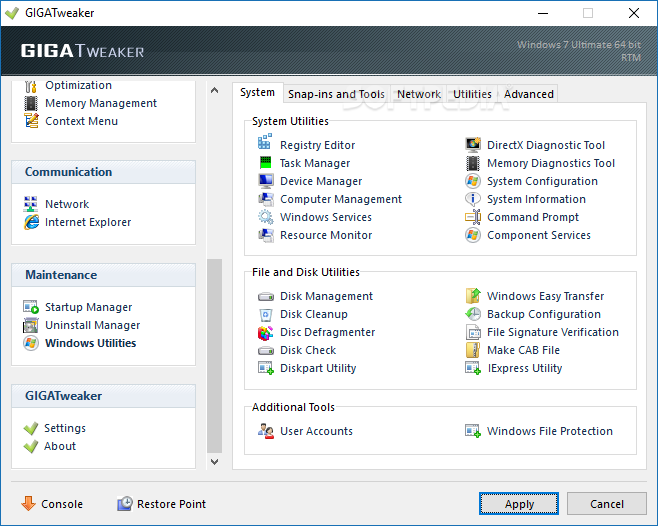
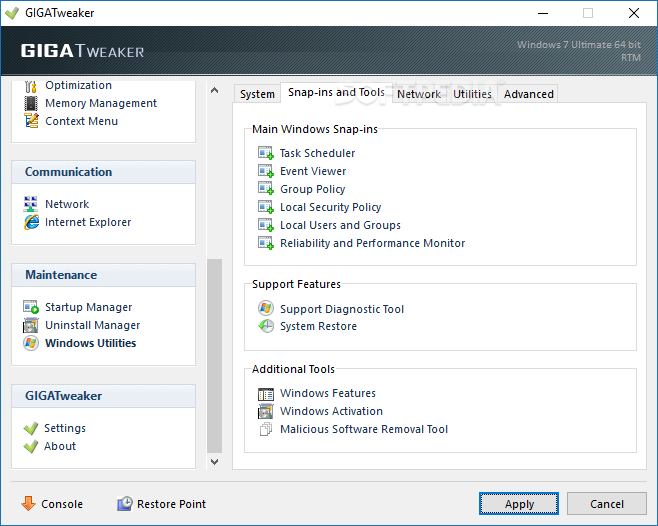
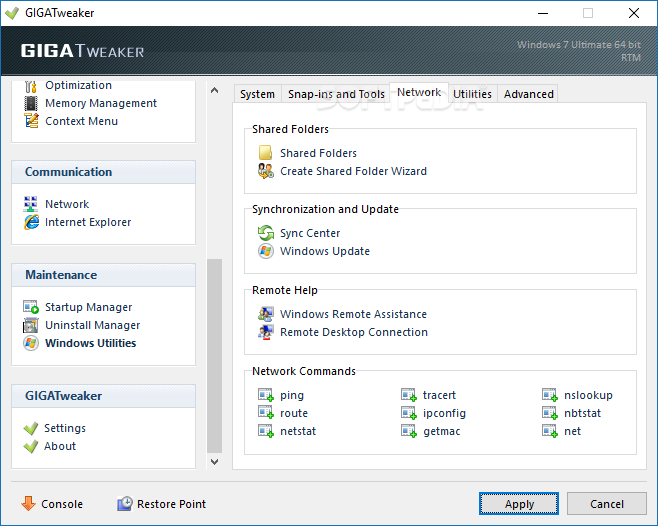
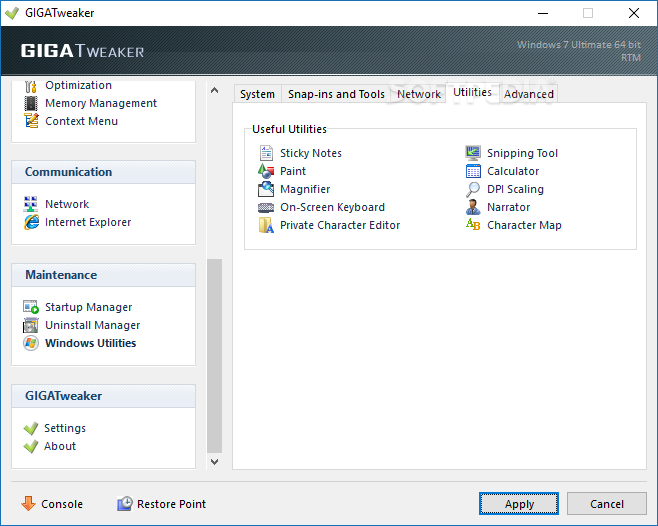
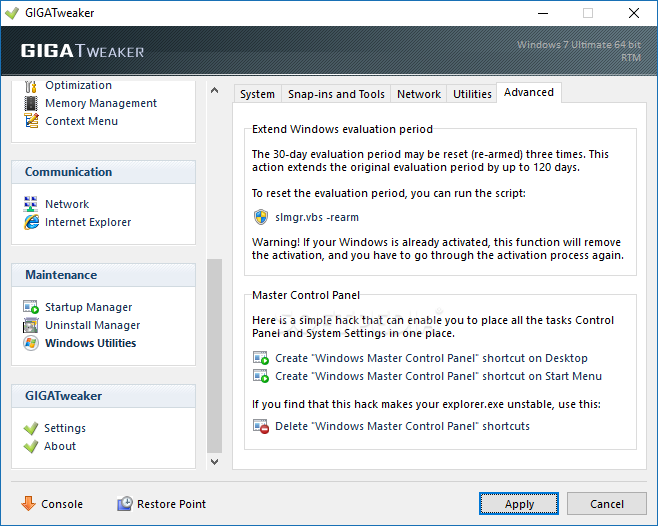
GIGATweaker is a small application that can help you personalize your operating system in a few simple steps.
Once you initiate the program with the standard interface, it is recommended you create a system restore point.
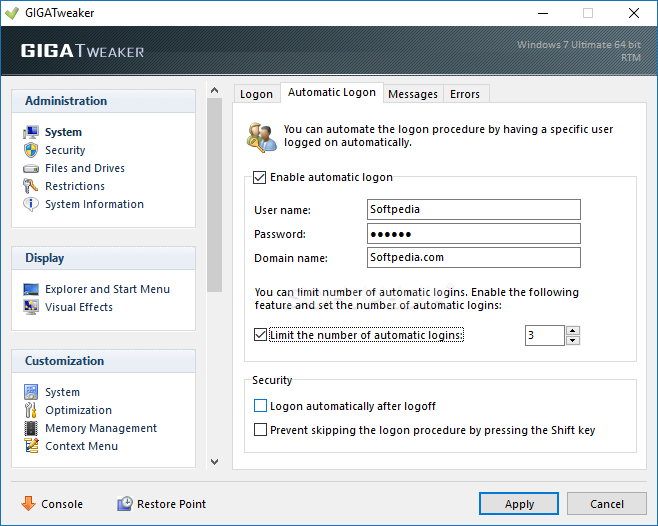
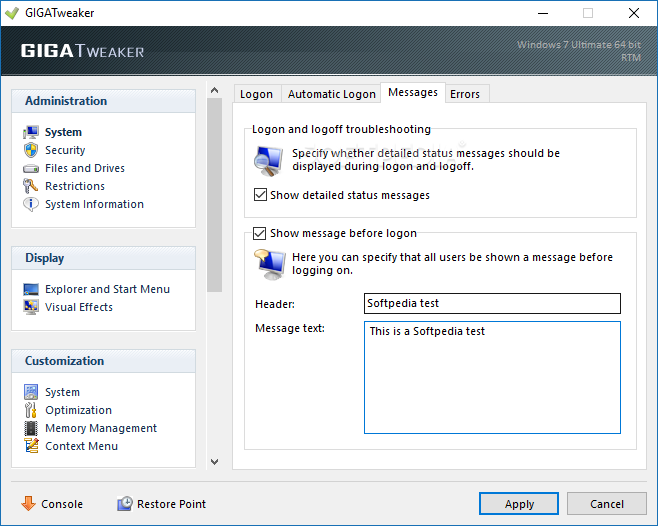
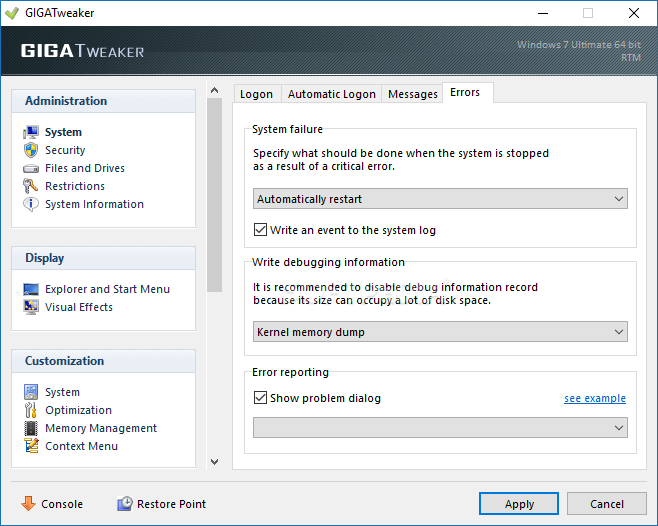
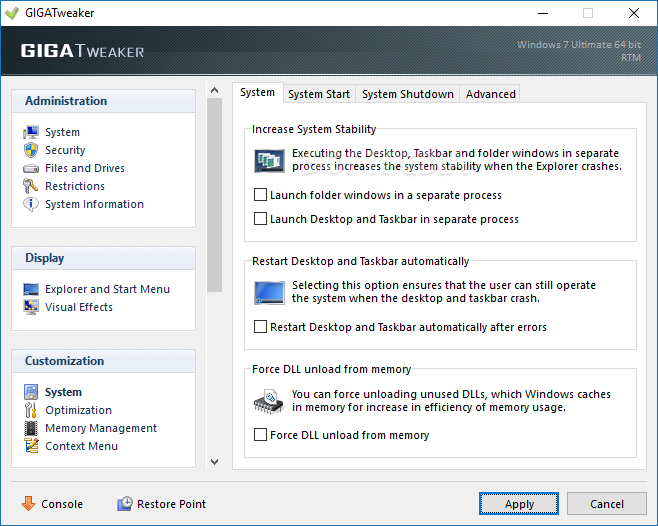
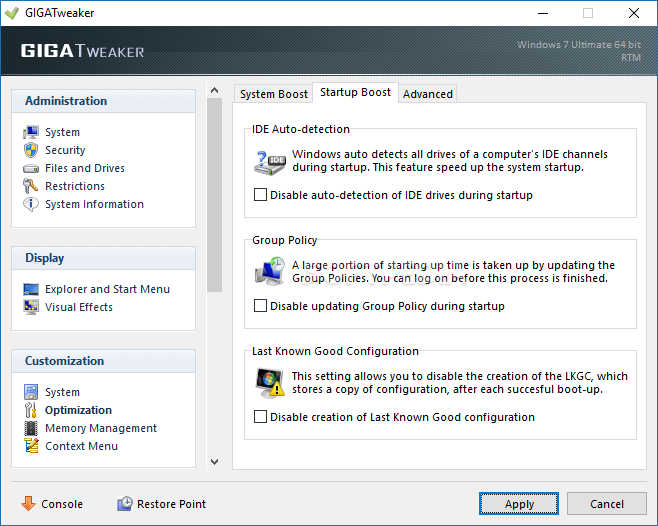
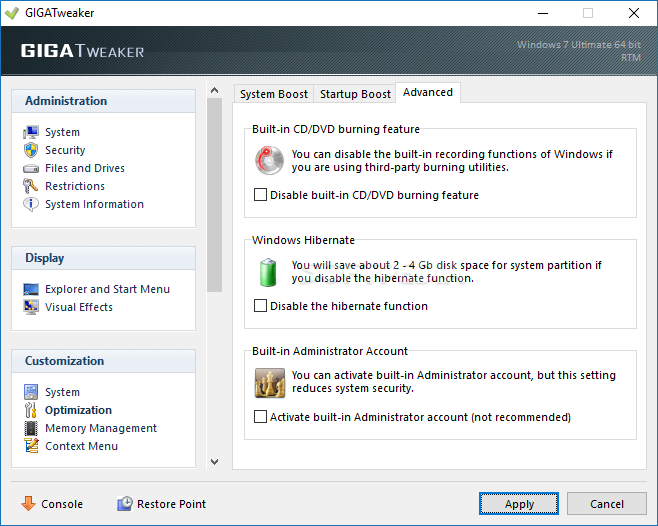
You can show the "Getting Started" window in startup, enable screen saver password protection and automatic logon, view detailed status messages regarding logon and logoff troubleshooting, as well as set Windows to automatically restart during system failure.
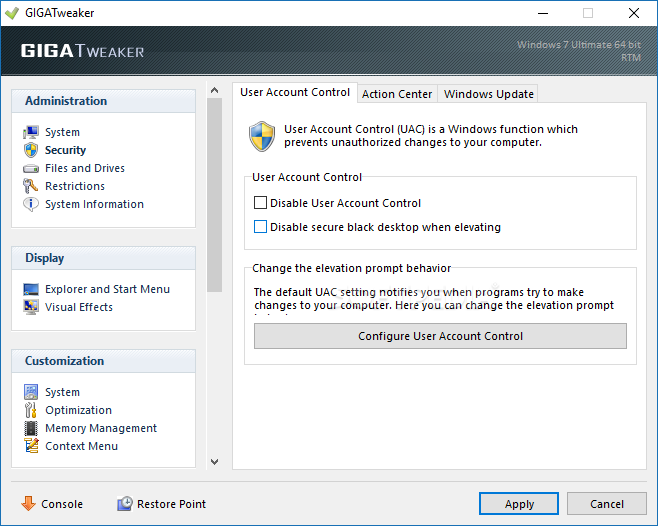
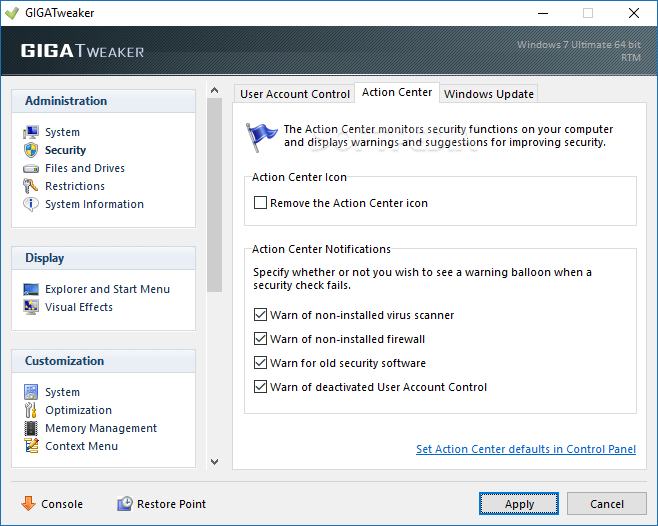
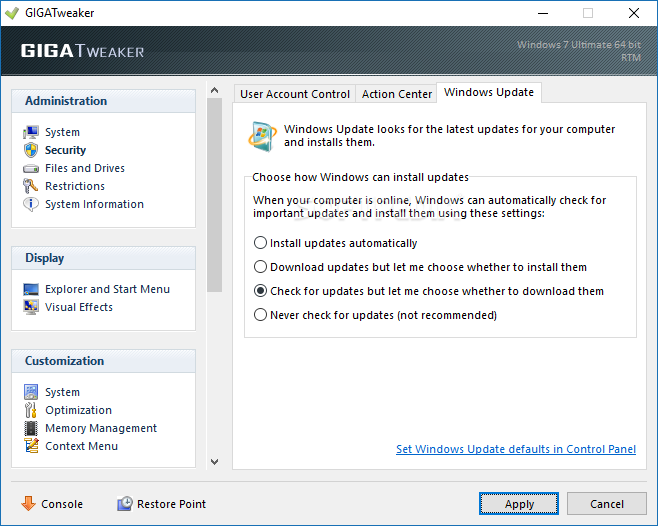
But you can also disable User Account Control and secure black desktop when elevating, remove the "Action Center" icon and set the option to install updates automatically.
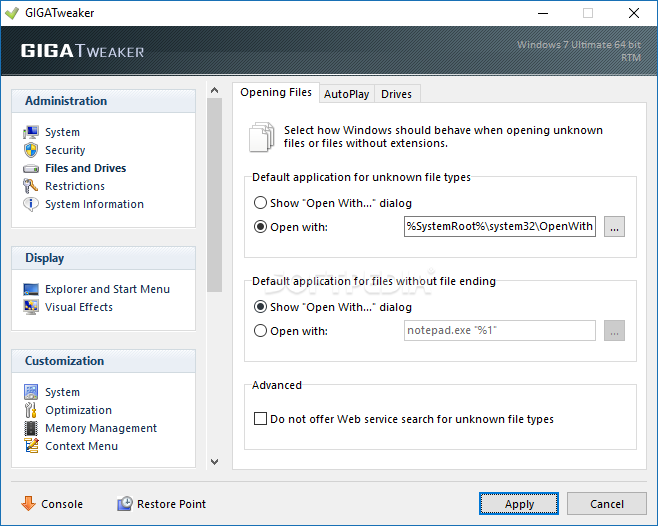
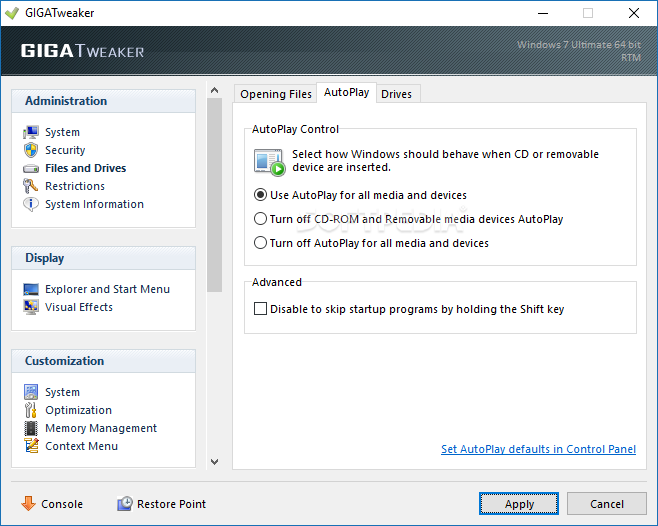
You can set default applications for unknown file types and files without file ending, turn off autoplay for all media and devices, and disable to skip programs by holding the "Shift" key.
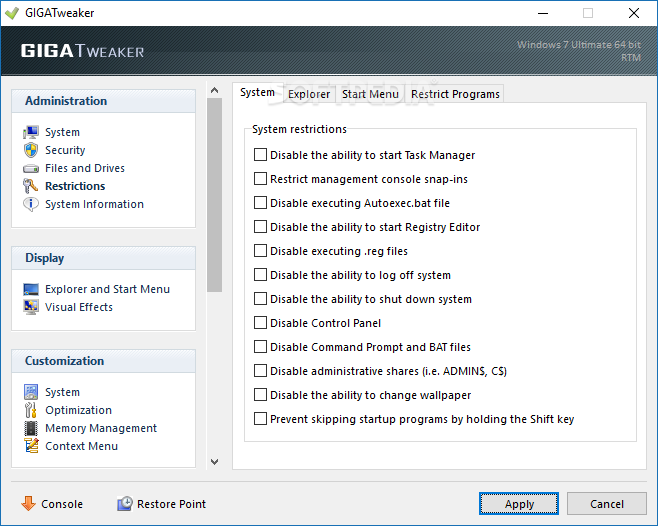
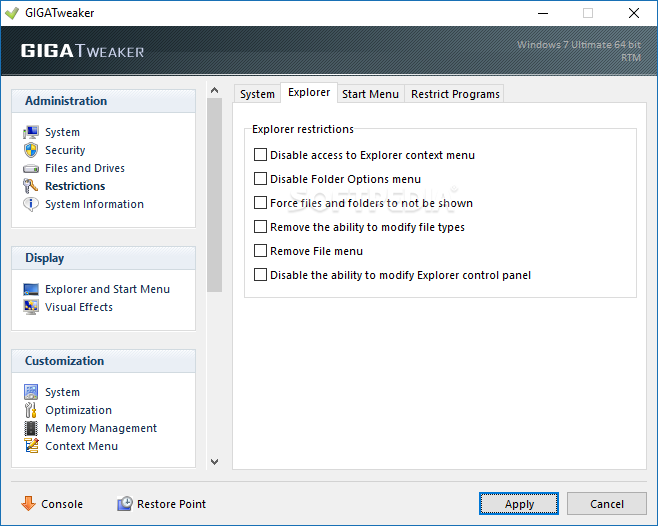
You can configure system restrictions (e.g. disable the ability to start Task Manager, Control Panel, Command Prompt and BAT files) and Explorer (e.g. disable the "Folder Options" menu, remove "File" menu).
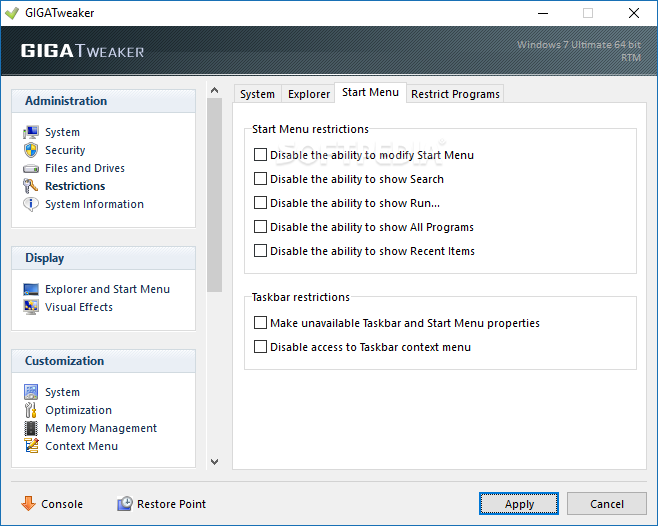
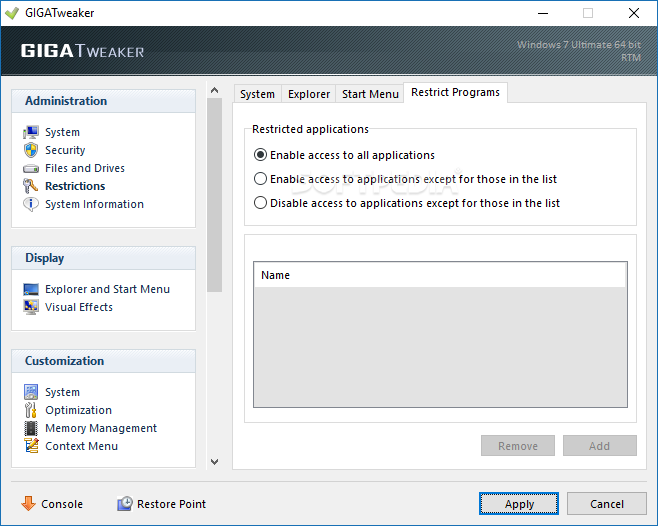
Moreover, you can set "Start Menu" restrictions (e.g. disable the ability to modify "Start Menu" or show "Search") and configure restricted applications (e.g. enable access to all applications except for the ones in a custom list).
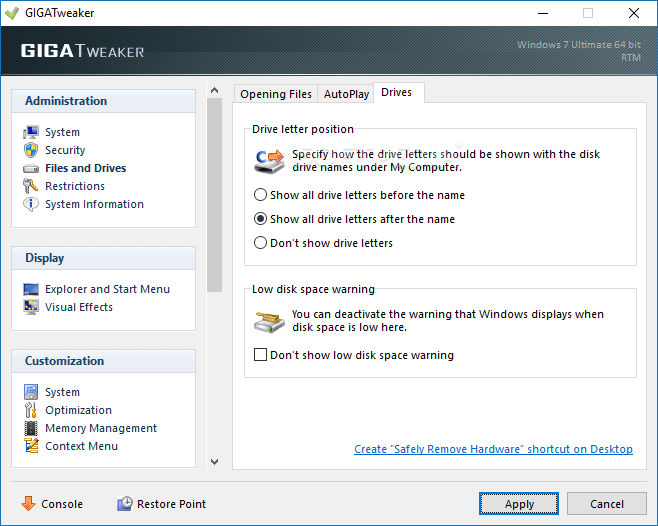
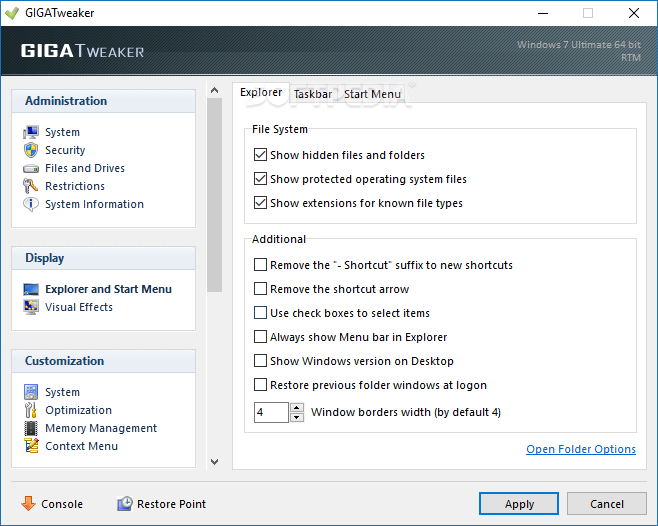
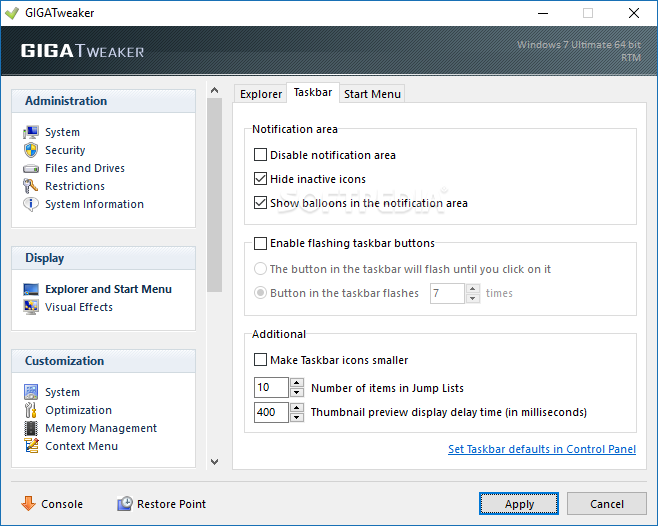
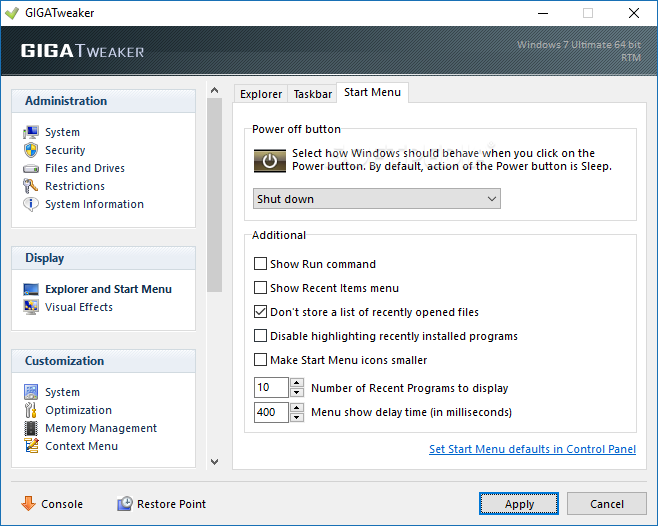
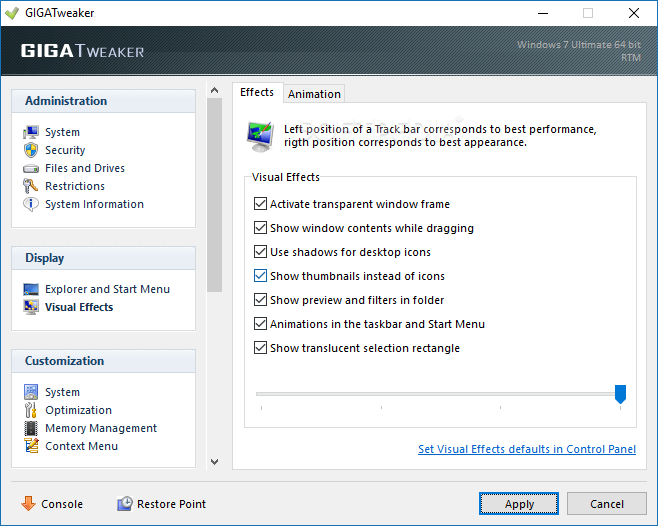
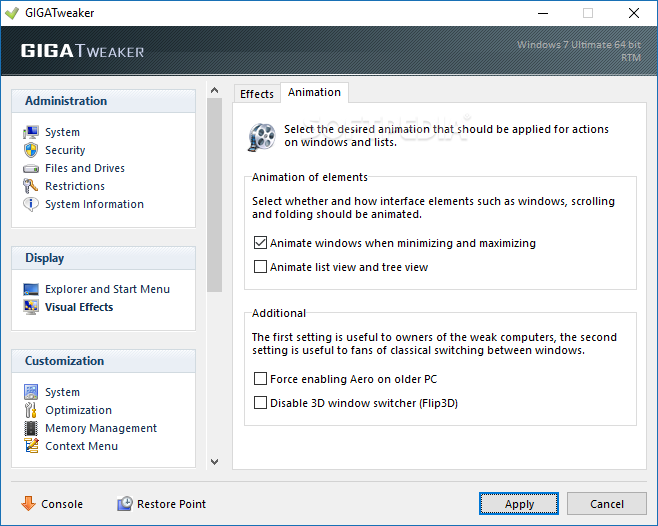
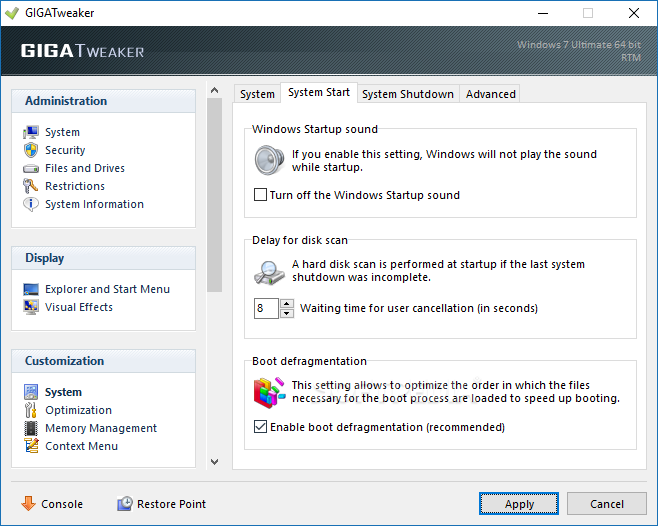
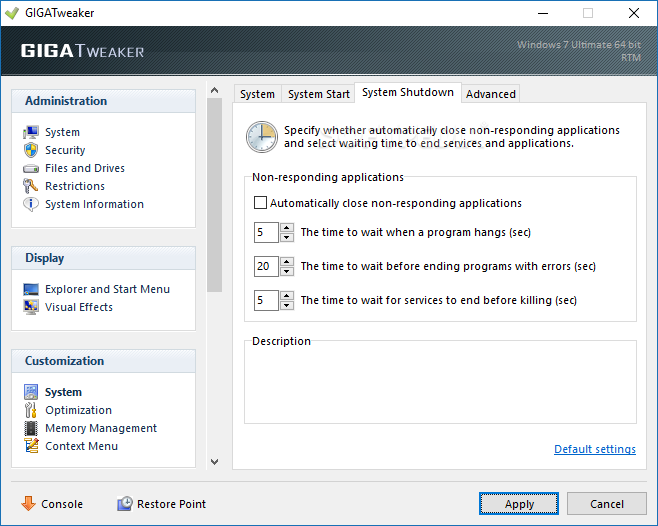
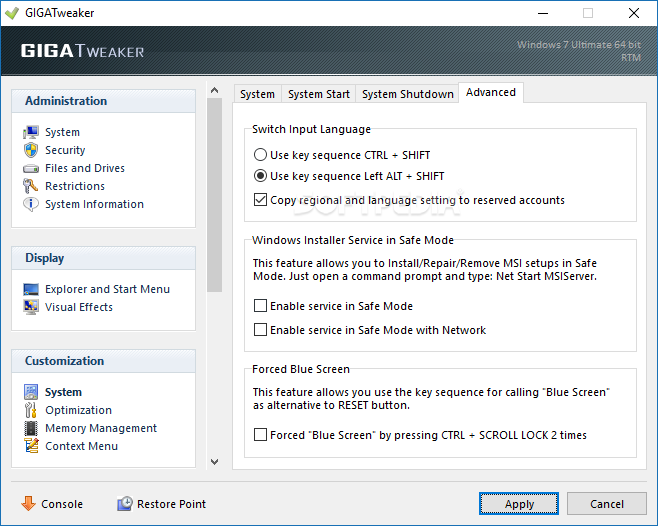
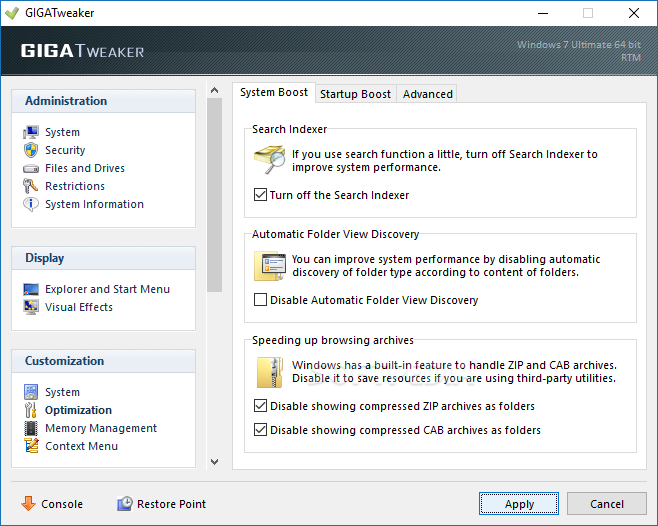
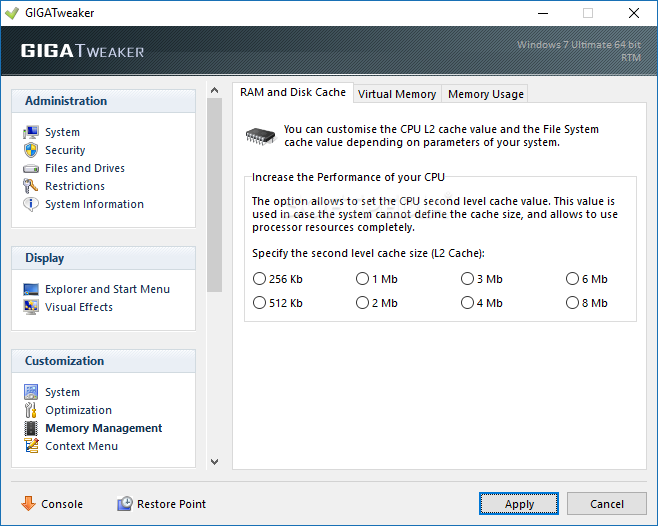
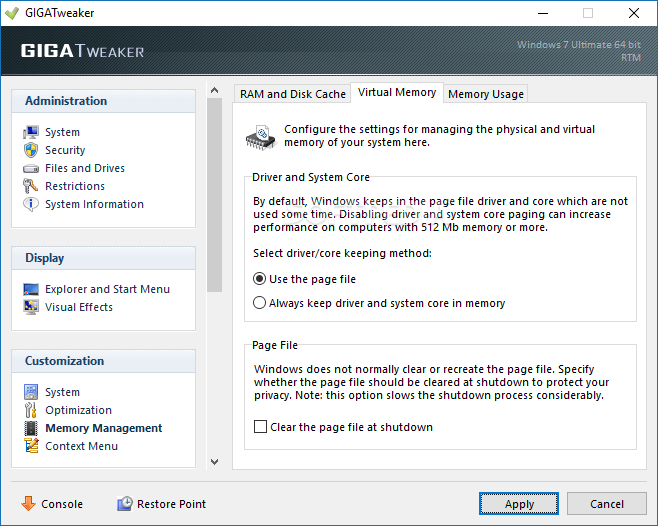
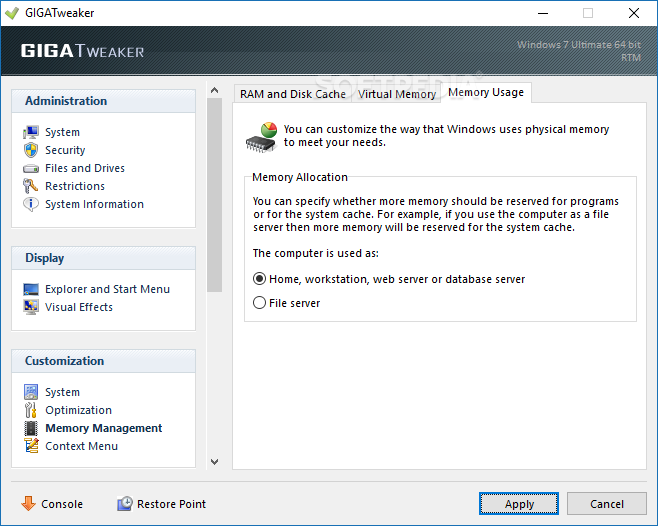
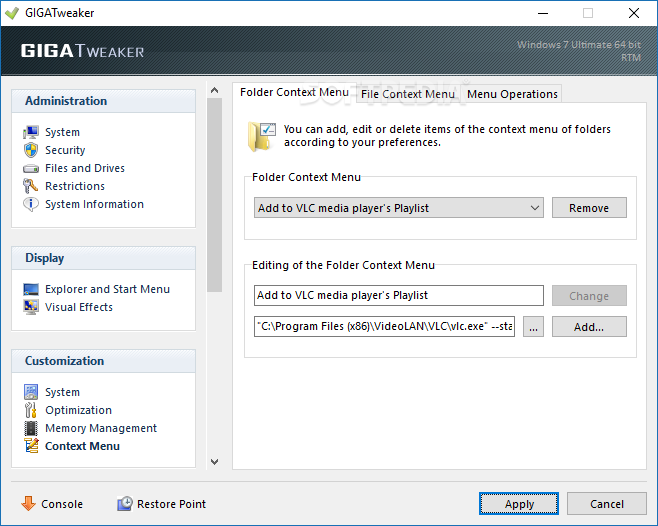
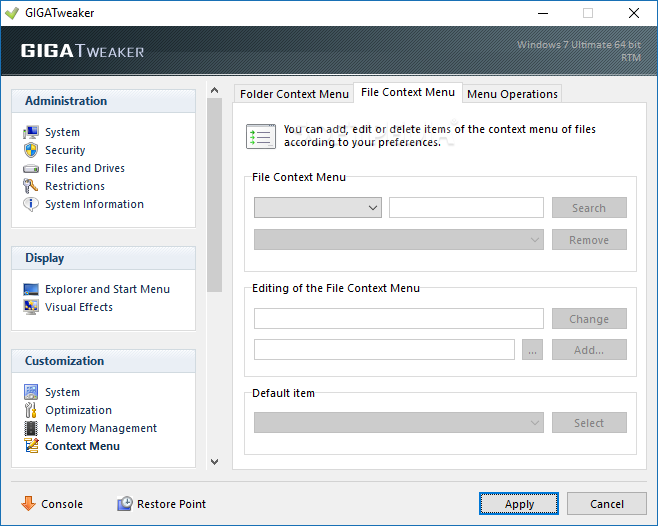
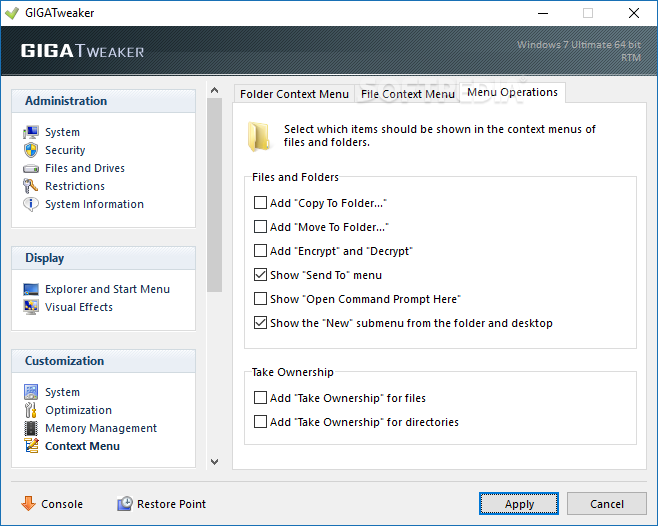
Plus, you can set Windows registration, the display for the Explorer, "Start Menu" and visual effects, as well as customize the system (e.g. startup, shutdown, input language) and optimization (e.g. search indexer, automatic folder view discovery), manage memory (RAM and disk cache, virtual memory, memory usage) and the context menu (folder and file context menu, menu operations).
The program takes up a very low amount of system CPU and resources and didn't pop up any errors during our tests. You cannot access a help file but the commands are pretty self-explanatory anyway. We strongly recommend GIGATweaker to all users who want to customize their operating system.
What's new in GIGATweaker 3.1.3.465:
- Fixed a bug that didn't allow to run GIGATweaker on some systems.
- Some obsolete parameters have been removed.
- Improved stability.
GIGATweaker 3.1.3.465
add to watchlist add to download basket send us an update REPORT- portable version
- This is the portable version of the application. An installable version is also available: GIGATweaker Portable
- runs on:
-
Windows 7 32/64 bit
Windows Vista 32/64 bit - file size:
- 1.8 MB
- filename:
- gt3_setup.exe
- main category:
- Tweak
- developer:
- visit homepage
Windows Sandbox Launcher

ShareX

calibre

Zoom Client

Bitdefender Antivirus Free

7-Zip

IrfanView

Microsoft Teams

4k Video Downloader

paint.net

- Microsoft Teams
- 4k Video Downloader
- paint.net
- Windows Sandbox Launcher
- ShareX
- calibre
- Zoom Client
- Bitdefender Antivirus Free
- 7-Zip
- IrfanView