
Improve the speed and functionality of your computer. #Startup manager #Windows tweak #Performance tweak #Tweak #Optimize #Improve
If you don't know by now, Windows comes with a very vast array of hidden options and features that may come in handy for the intermediate and experienced users. While this is completely understandable with regard to operating system security and prevention of malfunction, tweaks are always great. They are not additions but modifications of registry keys. It's all there right from the start – all you need is the know-how and a tool to ease up your work.
Mz Vista Force can be that precise instrument that opens up the registry of your Windows Vista installation and preps it for surgery. In real-life situations, we know what happens if a process like that fails. That's why this application will warn you on its first run about the gravity of the situation and advises you to immediately create a full backup of your registry.
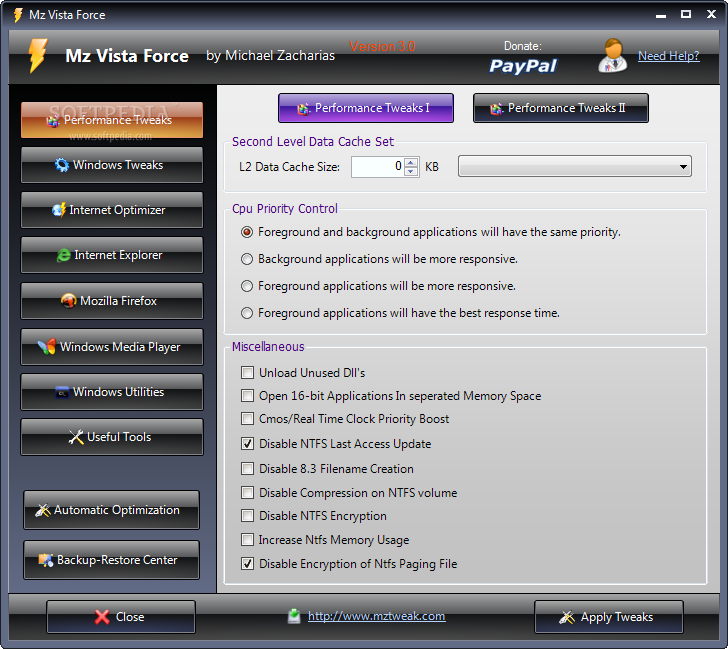
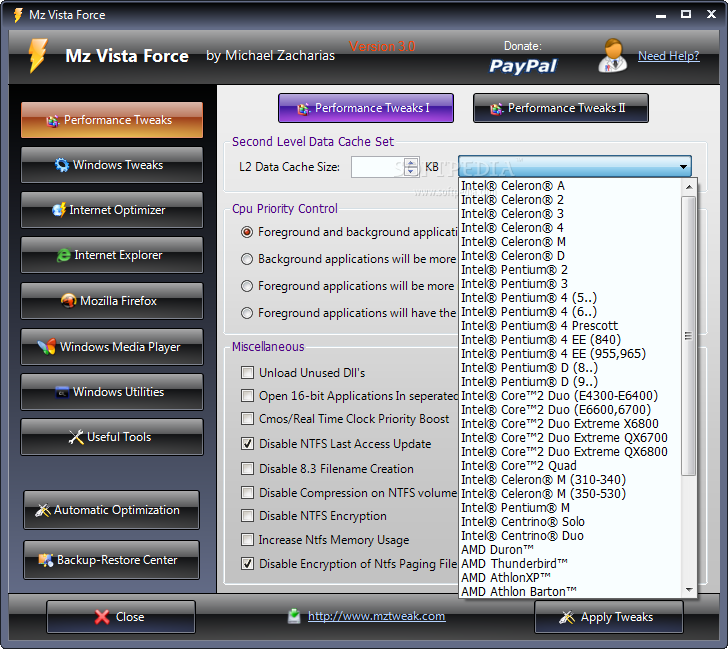
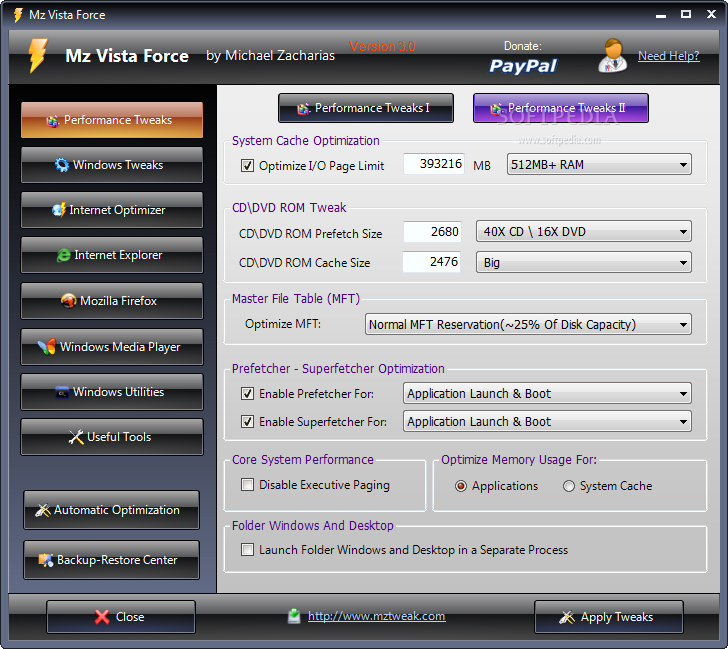
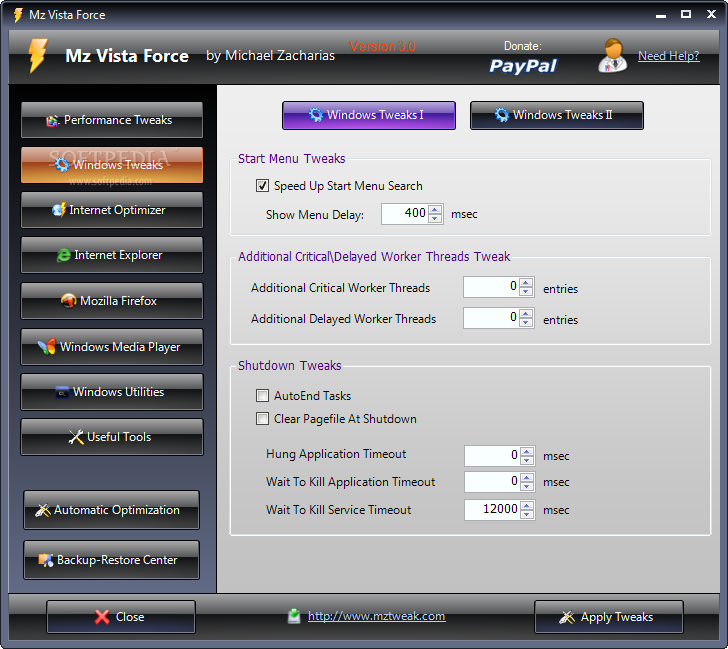
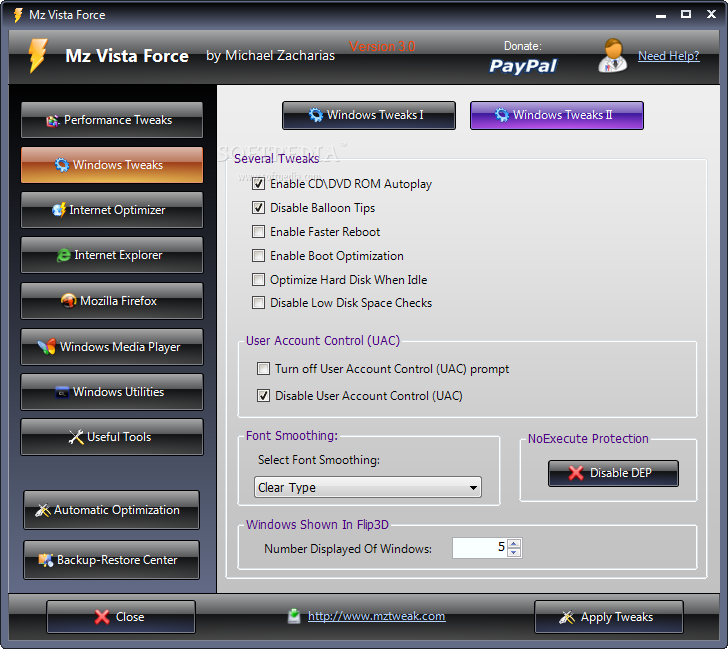
The main window of the software shows a stylish yet pretty clean interface that places everything just a click (sometimes two, but that's about it) away. Its options are smartly aligned into categories and sub-categories for swift access to any given setting. The first classification covers the `Performance Tweaks` - CPU and various System optimizations can be enabled and customized as well. `Windows Tweaks` section covers the start menu, shutdown, UAC (User Account Control) and DEP (Data Execution Prevention).
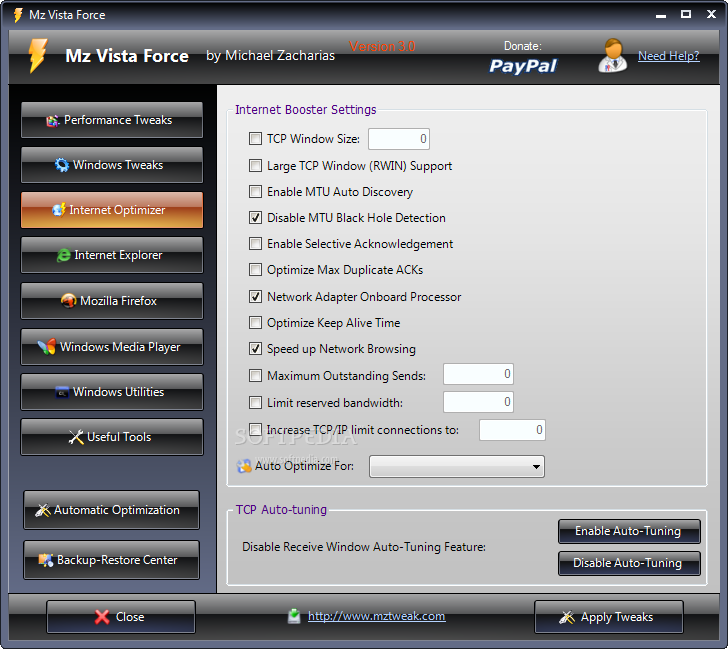
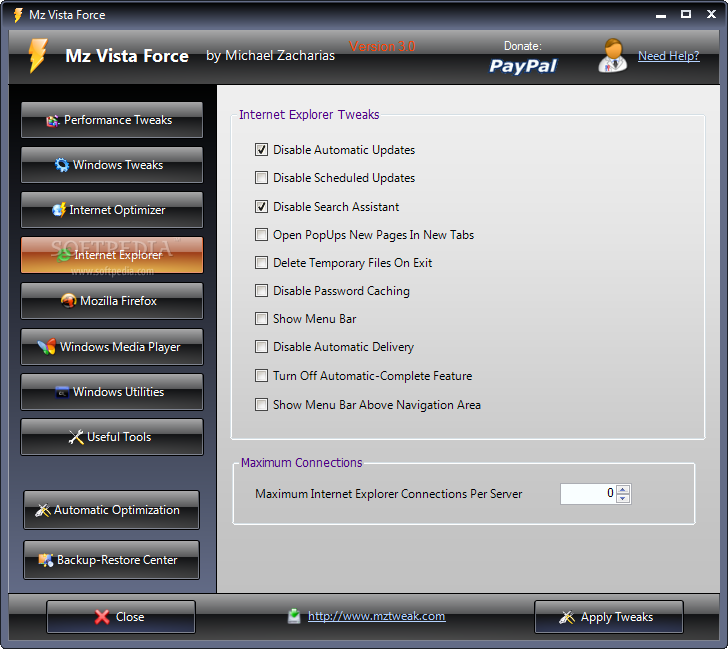
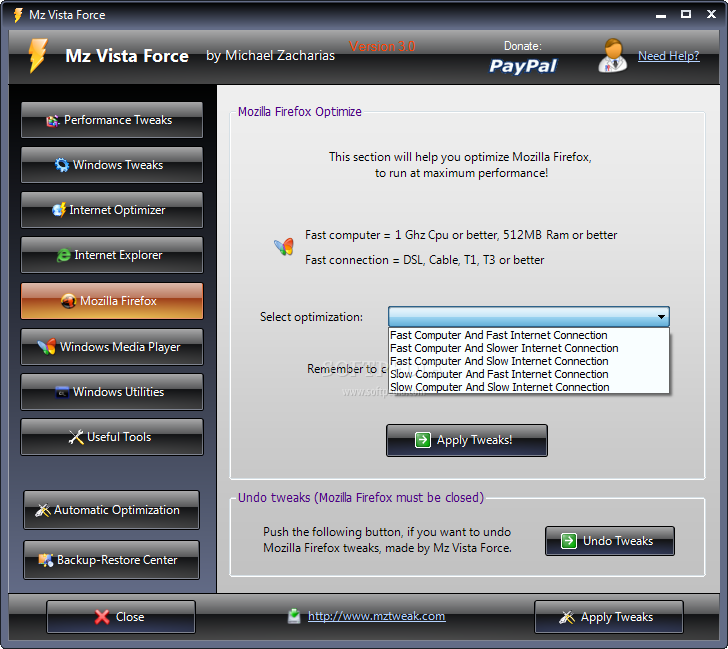
Users benefit from manual and automatic tweaking of their Internet connection management within the `Internet Optimizer` reserved area. It will provide users with presets for quick configuration and `Auto-Tuning` feature. Internet Explorer and Mozilla Firefox also have dedicated branches for their tweaks. You'll come to realize by now that it doesn't take too much to personalize a Windows installation. It only takes time and some knowledge.
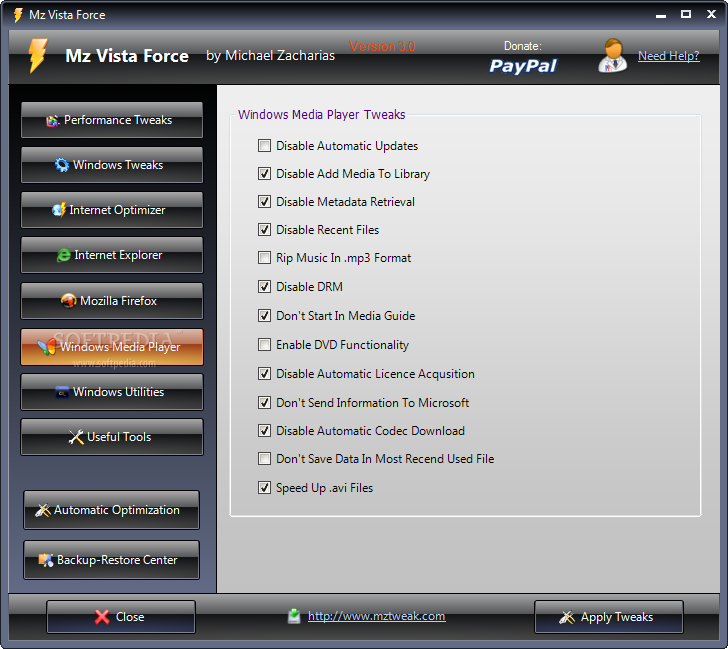
Windows Media Player is one grumpy piece of software when it comes to in-depth configuration. That is why it is given a place of its own in Mz Vista Force. Most of the tweaks refer to disabling different features of the player such as DRM or `Automatic License Acquisition`. The `Windows Utilities` section actually brings numerous Windows tools under the same roof. We can fast-access the Registry Editor, System Backup, Remote Assistance, Event Viewer or Performance Monitor.
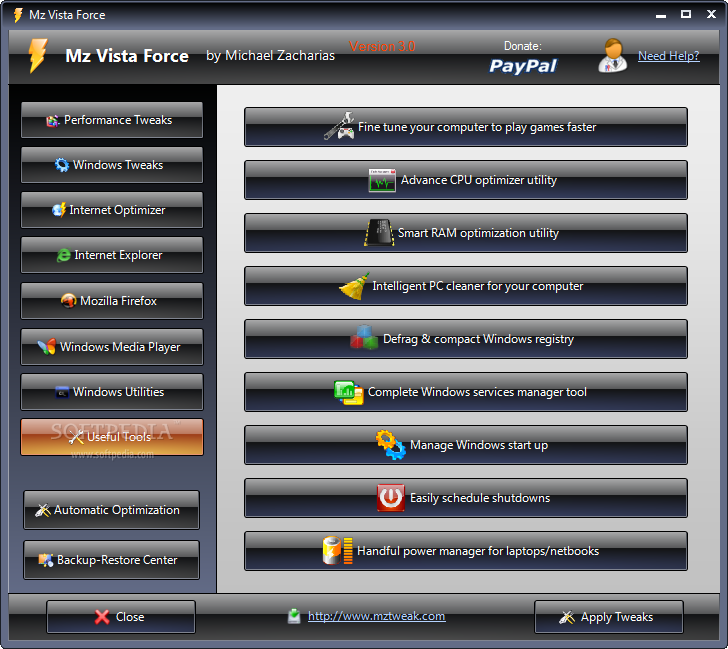
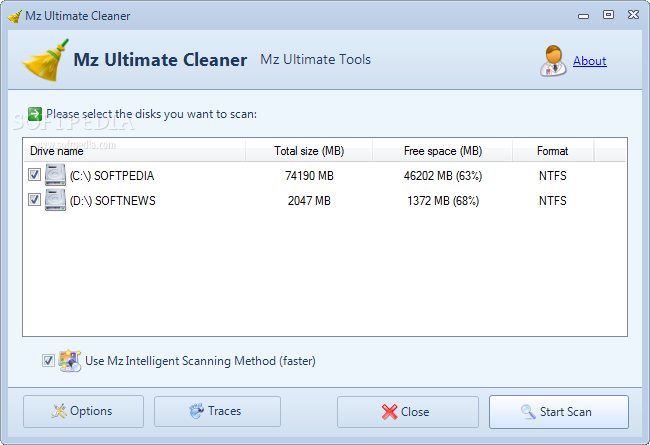
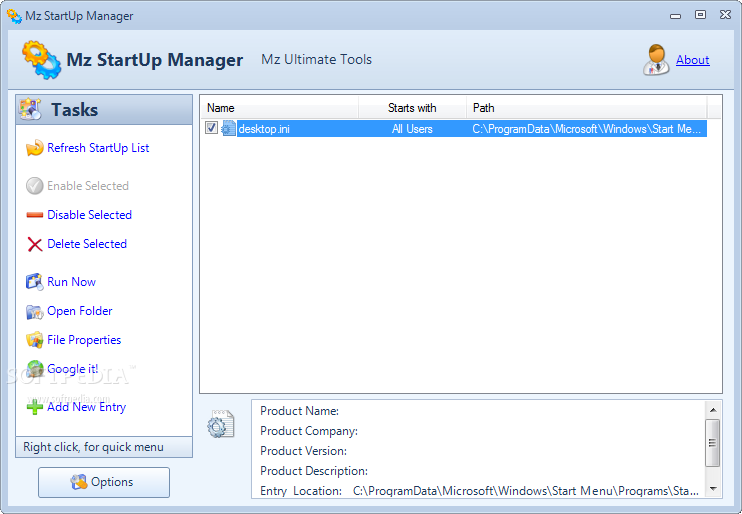
Other `Useful Tools` refer to fine tuning, CPU and RAM optimization, PC cleaning, registry defragmentation, start up or laptop power management. With Mz Vista Force, you receive that necessary “medical” equipment to make sharp modifications and swell changes to your Vista operating system while keeping it running smooth and snappy.
What's new in Mz Vista Force 3.1.0:
- Updated 'Useful Tools'
- Updated installer
- Added Japanese language
Mz Vista Force 3.1.0
add to watchlist add to download basket send us an update REPORT- runs on:
- Windows Vista 32/64 bit
- file size:
- 2.2 MB
- filename:
- mzvista.exe





- main category:
- Tweak
- developer:
- visit homepage
Windows Sandbox Launcher

IrfanView

Context Menu Manager

Zoom Client

ShareX

4k Video Downloader

calibre

Bitdefender Antivirus Free

7-Zip

Microsoft Teams

- Bitdefender Antivirus Free
- 7-Zip
- Microsoft Teams
- Windows Sandbox Launcher
- IrfanView
- Context Menu Manager
- Zoom Client
- ShareX
- 4k Video Downloader
- calibre