
Powerful and effective defragmentation application with a user-friendly interface that helps you improve your computer performance. #Defragment Drive #Partition Optimizer #Drive Defragmentation #Defragmentation #Defragment #Optimize

In a time when we are so accustomed to speed, there is nothing more frustrating than a slow computer. If you are experiencing lags and slow or no responses on your machine, then it is probably a good time for periodical maintenance. Defragmenting your disks is a task that you must perform once in a while to increase reading speed and optimize the PC’s performance. And this is where an application such as O&O Defrag Professional Edition steps into the spotlight.
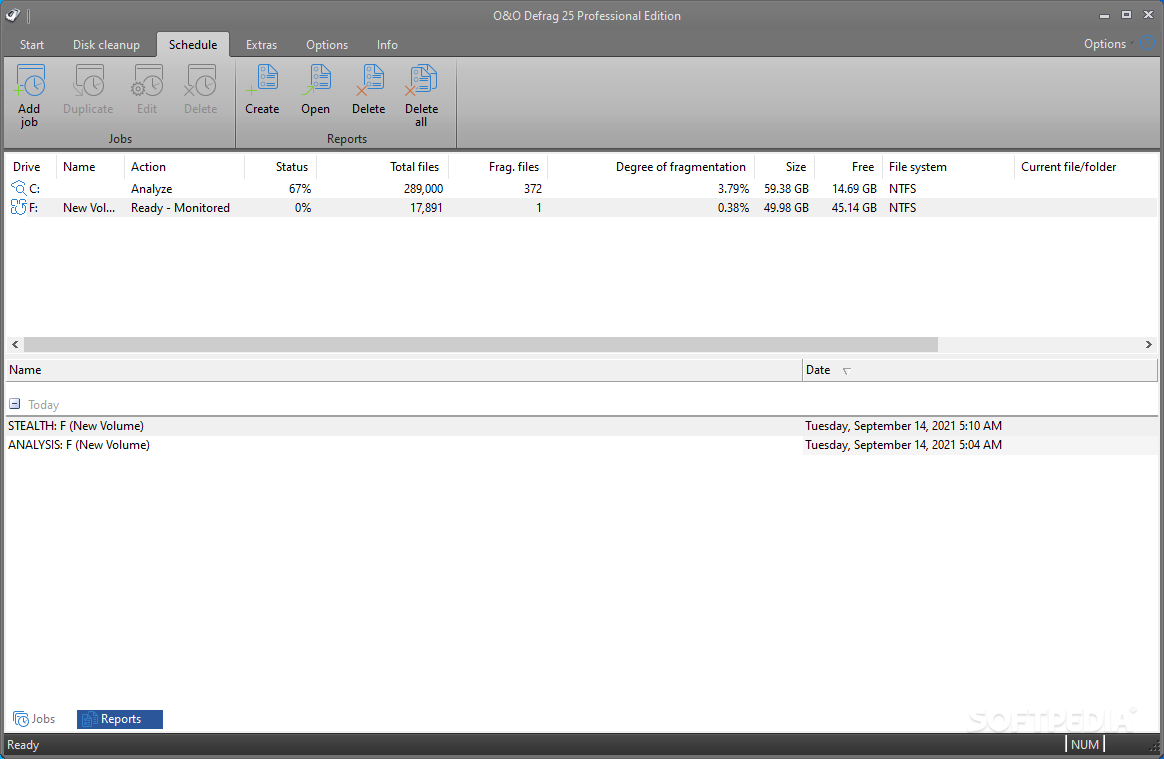
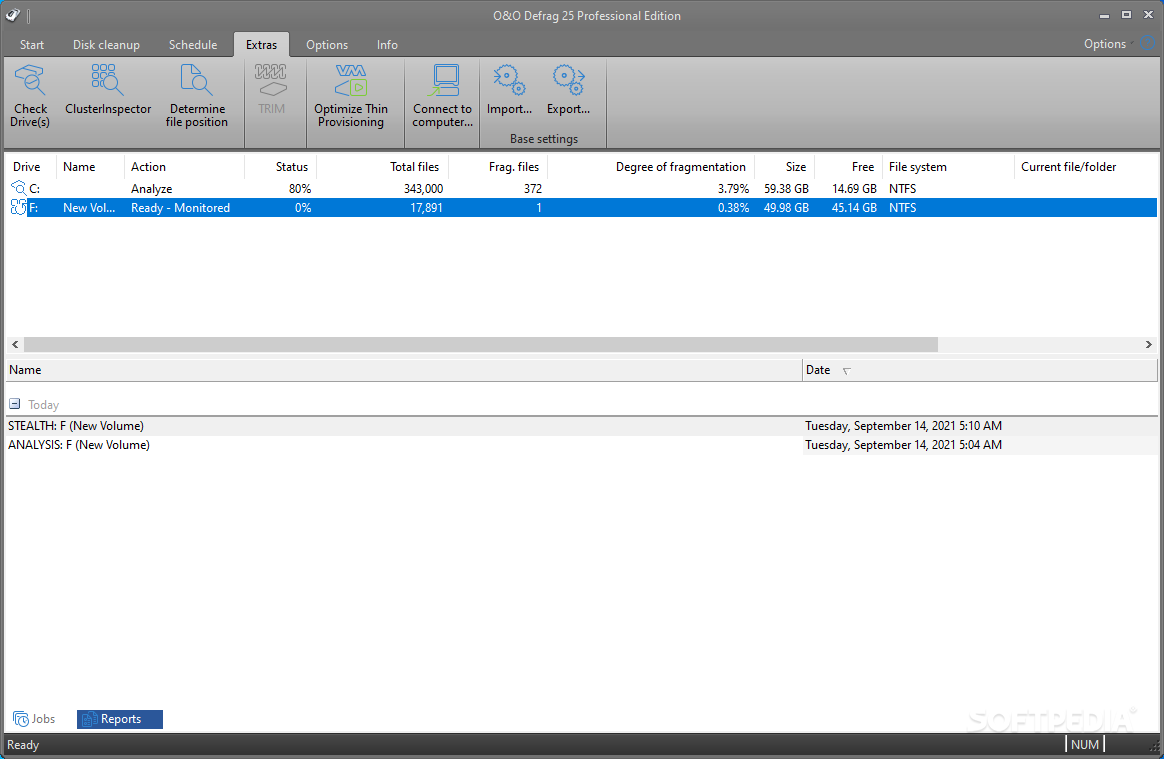
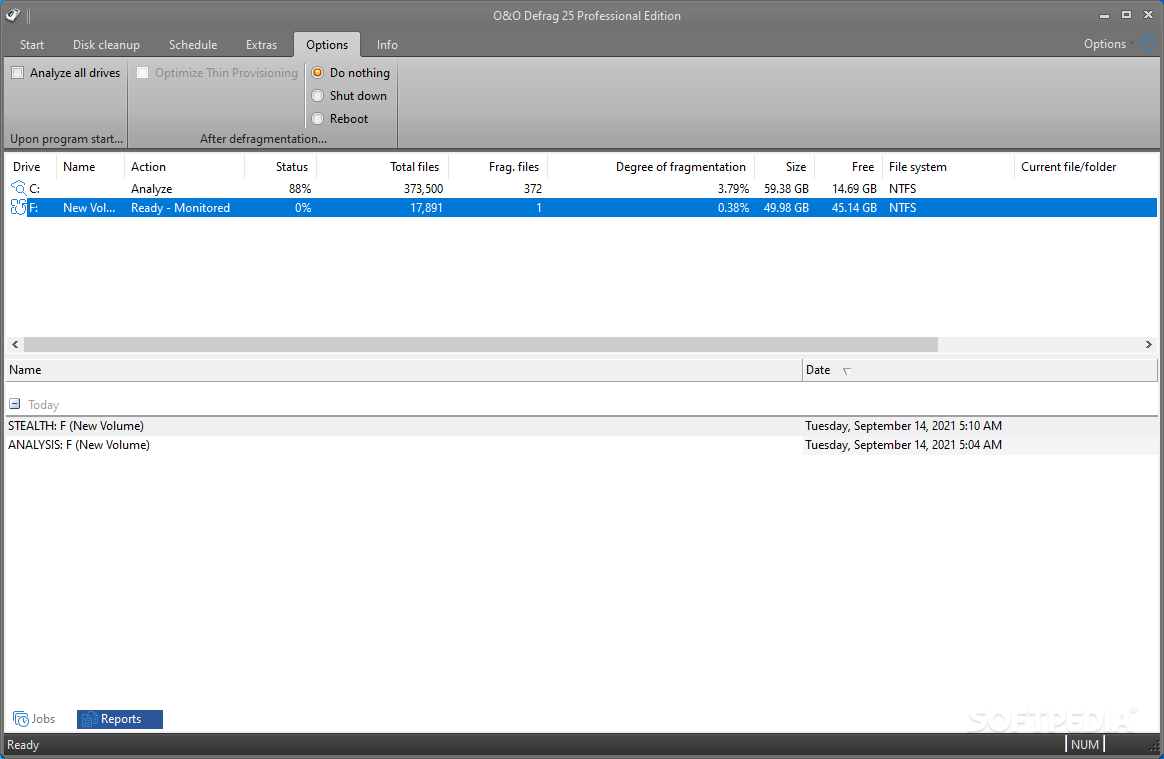
Even though disk defragmentation might seem like an operation an expert should perform, O&O Defrag Professional Edition is all that you need, even if you are not an experienced user. Thanks to the ribbon interface, all the options are one-click away and all the tools are within reach.
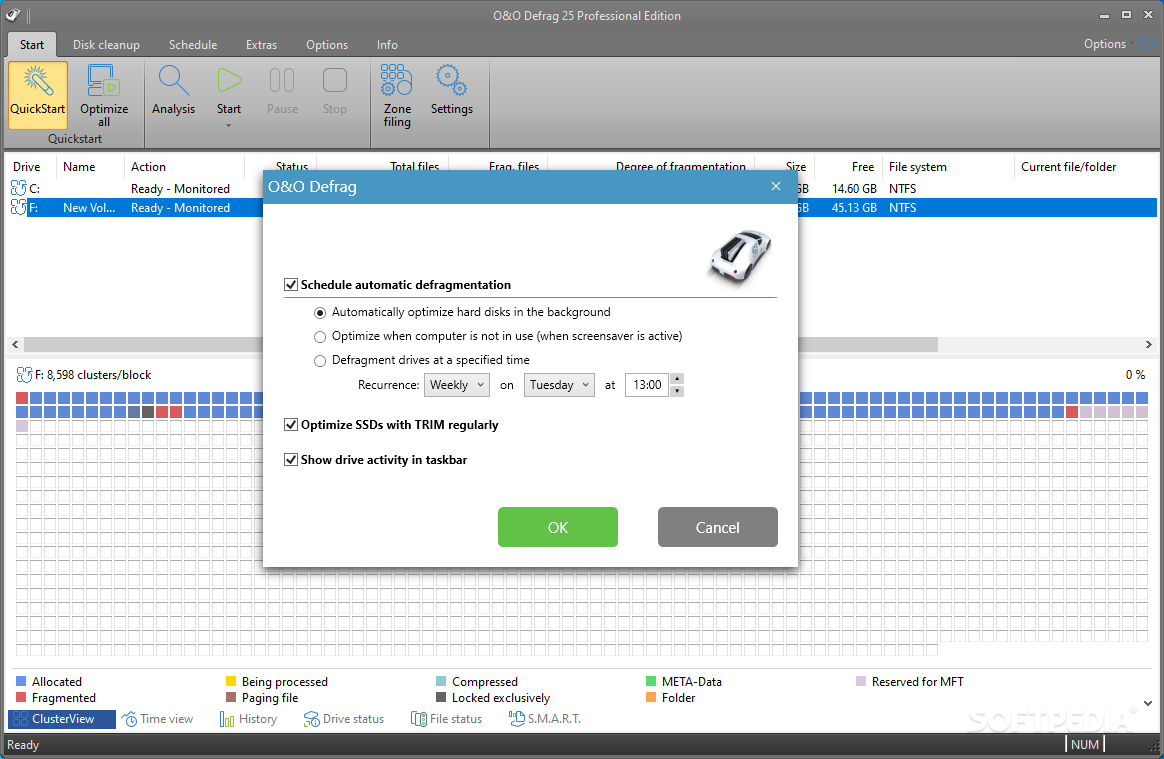
To make it even easier, the application comes with a so-called “Quick Start” button, which allows you to schedule automatic defragmentation either in the background, when the PC is idle or at a specified time. This is particularly useful, as disk defragmentation usually requires a significant amount of resources. Computers with SSDs can be optimized with TRIM regularly.
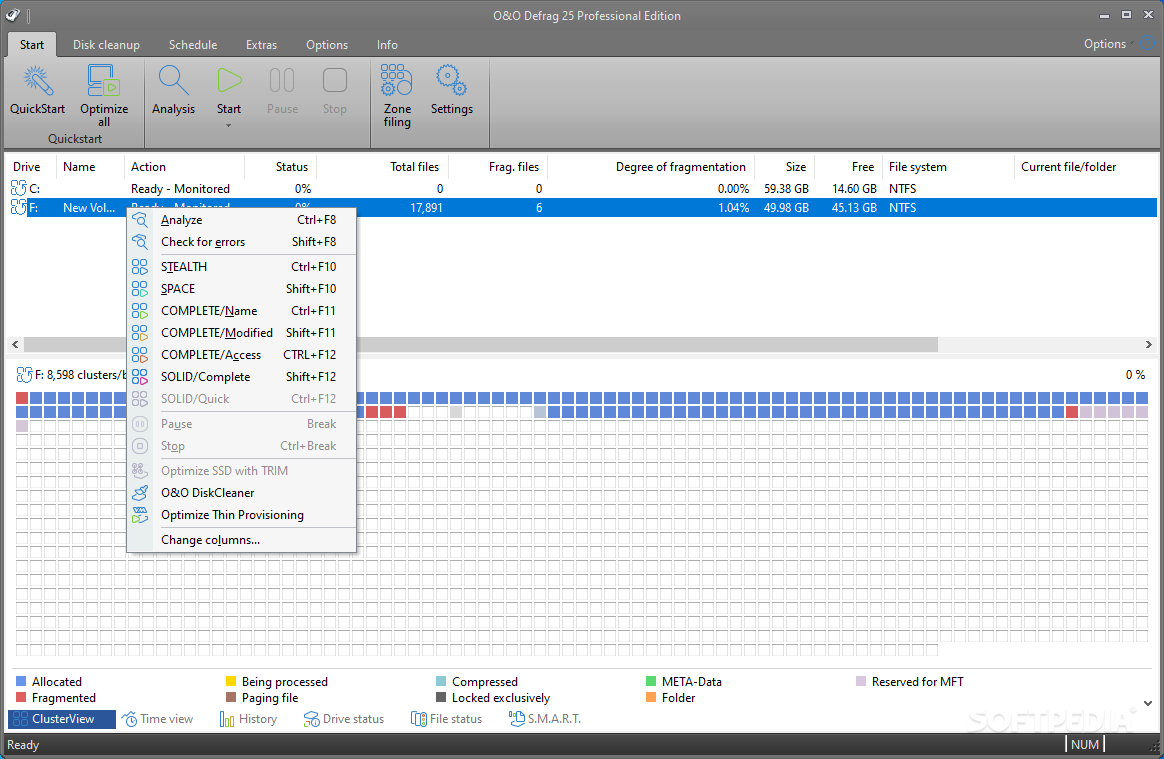
The main window of O&O Defrag Professional Edition displays a list of all the available partitions, along with details regarding the number of fragmented files and the degree of fragmentation. The lower panel comprises a well-known graphical representation of the data in cluster view, showing you the way data is fragmented on the selected drive.
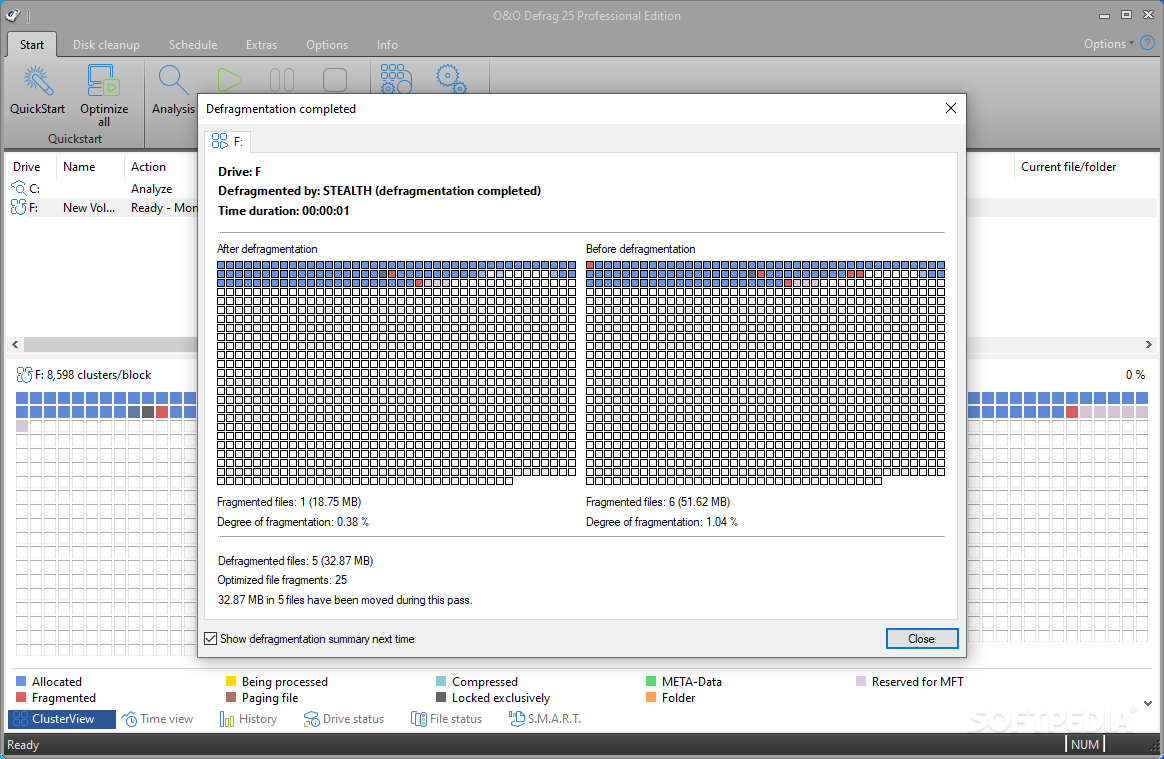
There are additional view modes: time view allows you to check out the cluster from the present, going back to the data representation as it was at the first drive analysis. Progress is clearly shown in this area, and you can assess the efficiency of defragmenting your partitions with O&O Defrag Professional Edition.
Disk defragmentation can be performed in various ways - Stealth (faster and uses little memory), Space (consolidates data, and further fragmentation is prevented), Complete / Name, Complete / Modified, or Complete / Access (these three methods also reorganize file structure in alphabetical order, or according to the last time when they were modified or accessed), Solid/Complete and Solid/Quick.
O&O Defrag Professional Edition also features S.M.A.R.T. analysis, allowing you to view and analyze the health of HDDs, SSDs or RAID disks. These parameters show you whether the hardware is working at normal parameters or not, helping you identify potential problems and find solutions in due time. Run periodical defragmentation to increase PC speed
With S.M.A.R.T. analysis options and support for Windows Compact OS, O&O Defrag Professional Edition is a good software solution for defragmenting your drives. With all the tricks up its sleeve, it can help you significantly increase the performance of your computer.
Download Hubs
O&O Defrag Professional Edition is part of these download collections: Disk Defragmentation
O&O Defrag Professional Edition 28.0 Build 10014
 Softpedia Editor's Pick
add to watchlist
add to download basket
send us an update
REPORT
Softpedia Editor's Pick
add to watchlist
add to download basket
send us an update
REPORT
- runs on:
-
Windows 11
Windows 10 64 bit - file size:
- 78.3 MB
- filename:
- OOD28Professional64Enu.exe
- main category:
- System
- developer:
- visit homepage
Bitdefender Antivirus Free

7-Zip

Microsoft Teams

Windows Sandbox Launcher

ShareX

Zoom Client

4k Video Downloader

IrfanView

calibre

Context Menu Manager

- IrfanView
- calibre
- Context Menu Manager
- Bitdefender Antivirus Free
- 7-Zip
- Microsoft Teams
- Windows Sandbox Launcher
- ShareX
- Zoom Client
- 4k Video Downloader