
System optimization tool with browser object, process, startup and file extension managers, a duplicate file finder and a defrag feature. #Health advisor #PC performance #System optimizer #Optimizer #Scanner #Registry

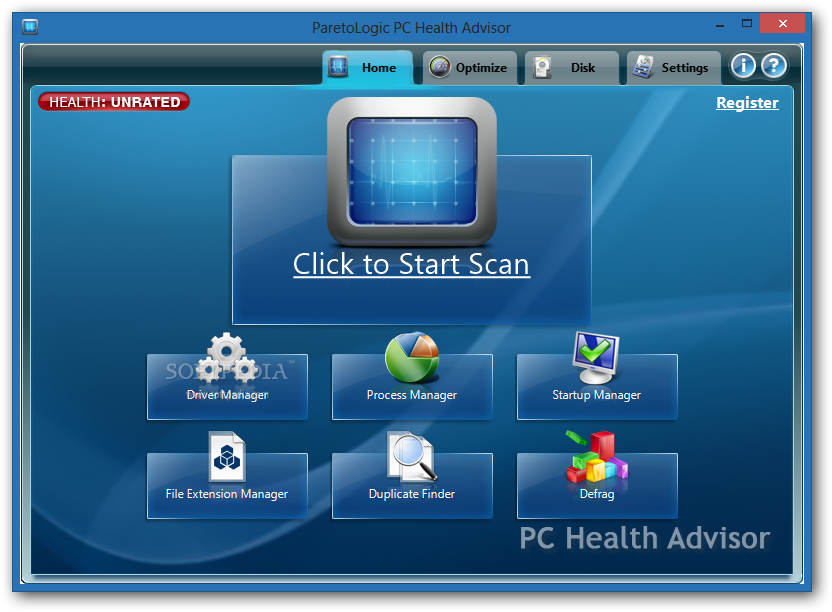
ParetoLogic PC Health Advisor is a software application designed to help you boost the performance of your computer by scanning and repairing various issues causing it to run improperly.
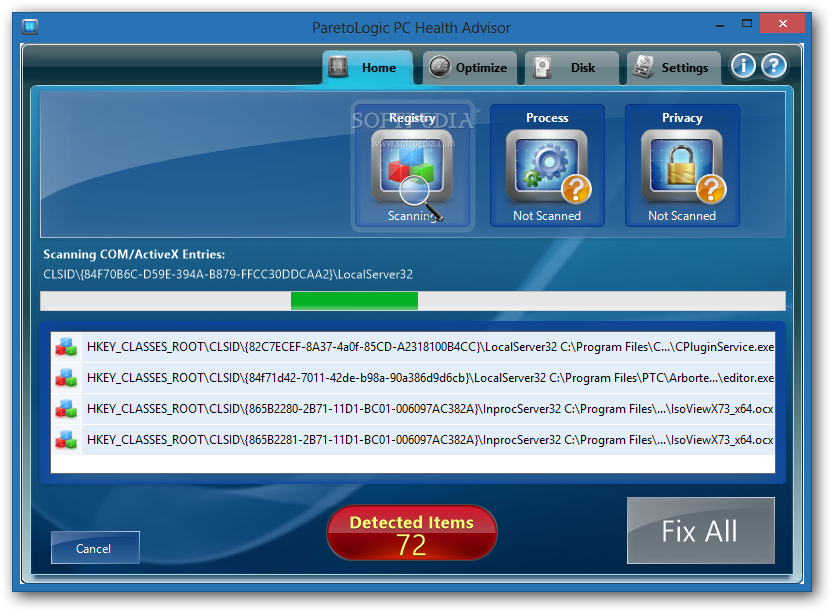
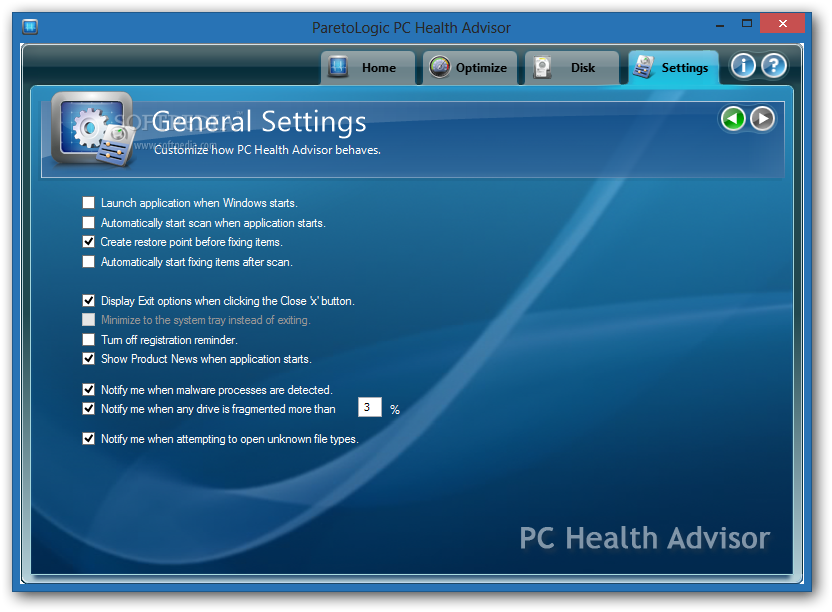
The installation procedure doesn't take long, and you can ask the tool to get launched automatically every time you turn on your computer It's wrapped in a clean and intuitive interface, and it begins an initial scan at the first launch to get an assessment of your computer.
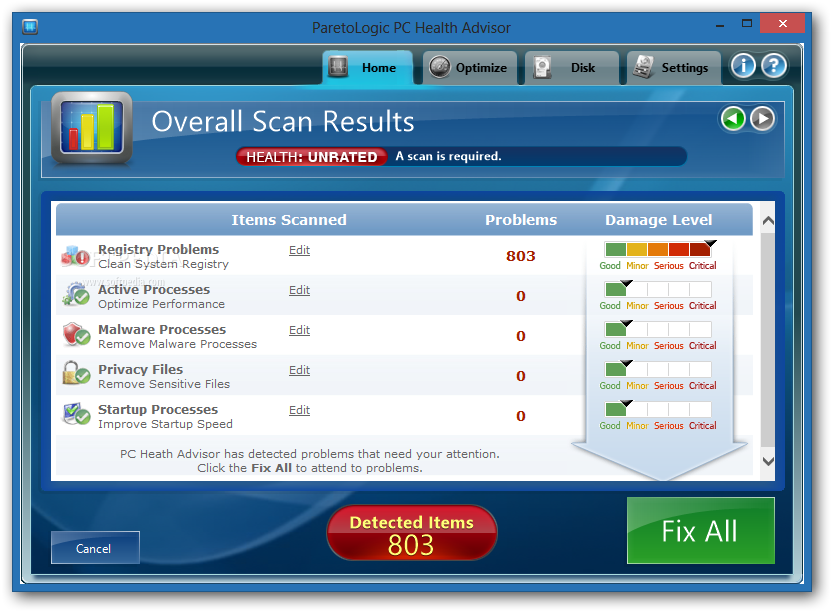
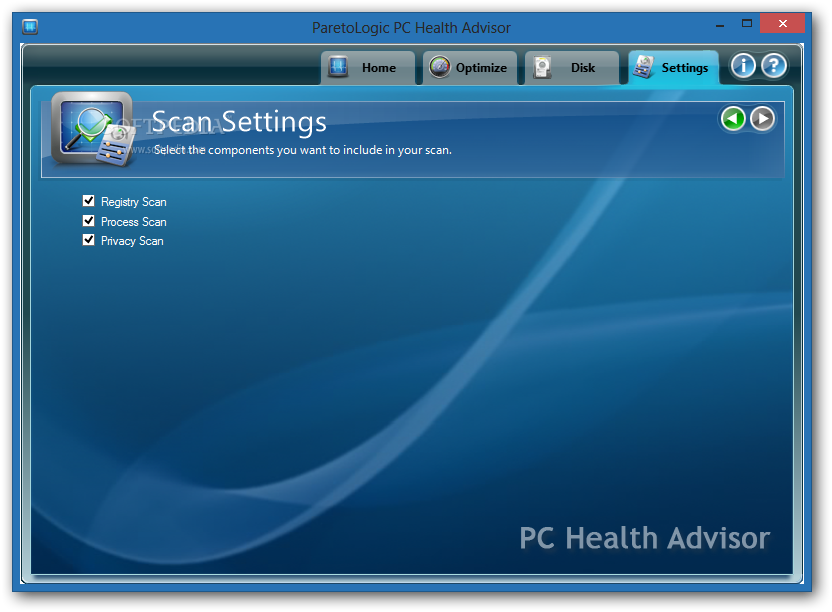
Scans can be carried out for the registry, drivers, processes and privacy issues. When the task is completed, you can view the total number of detected and selected errors in each of category.
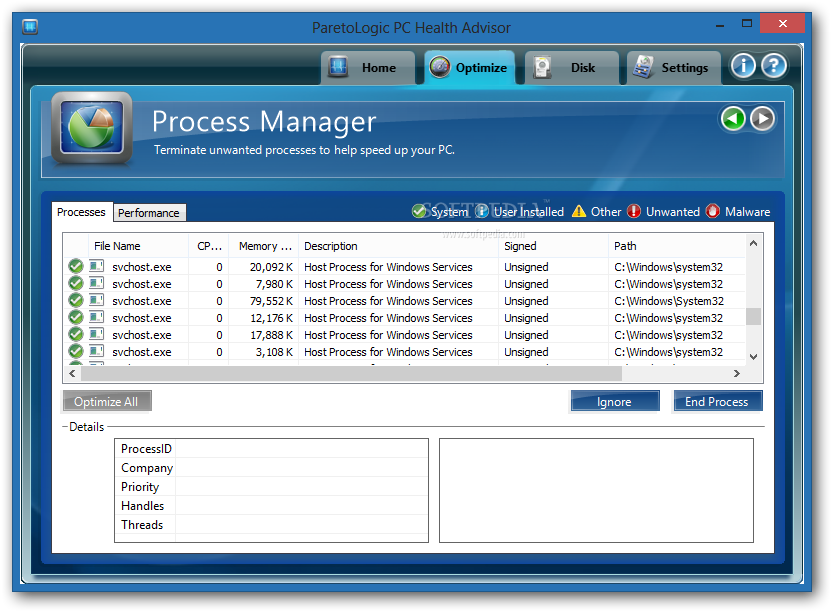
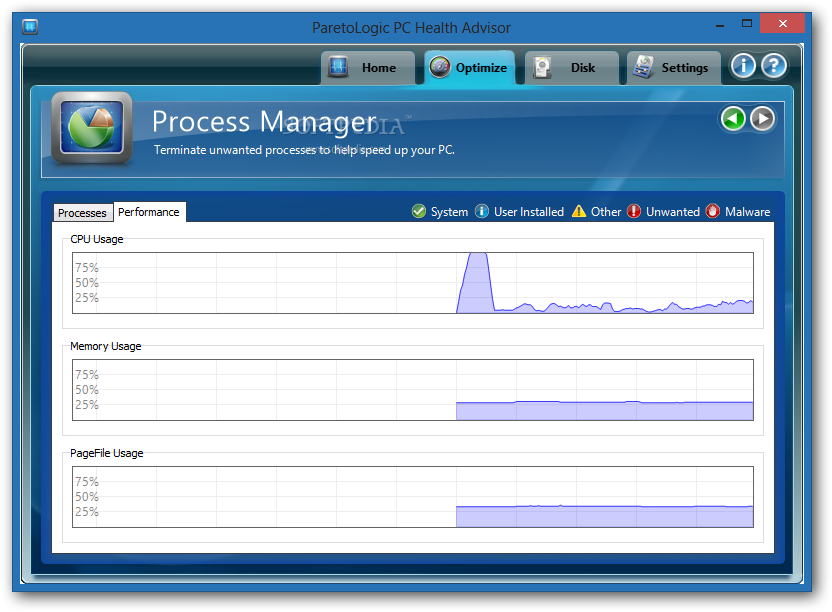
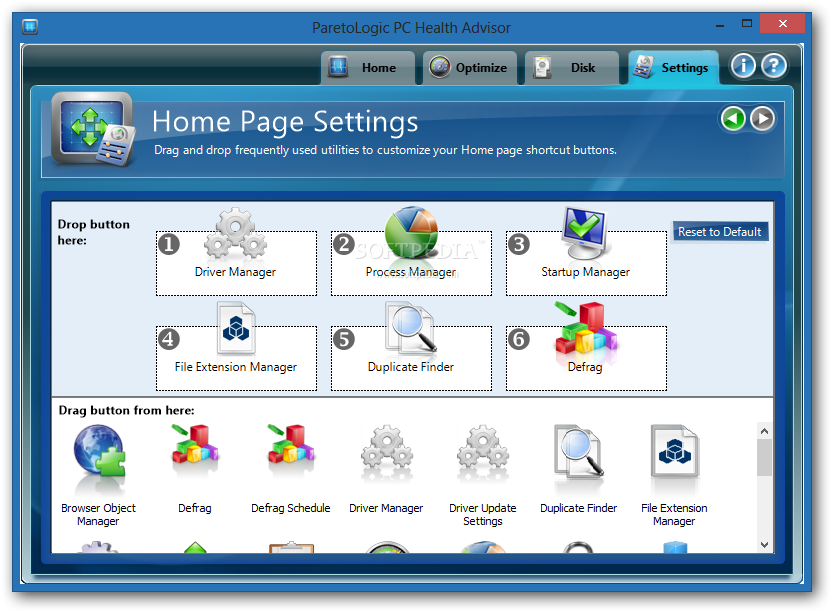
You can locate outdated drivers to download updates and manage applications which automatically run at system startup. But you can also use a browser object and file extension manager as well as optimize Windows, like disabling hibernation, prefetch or desktop search.
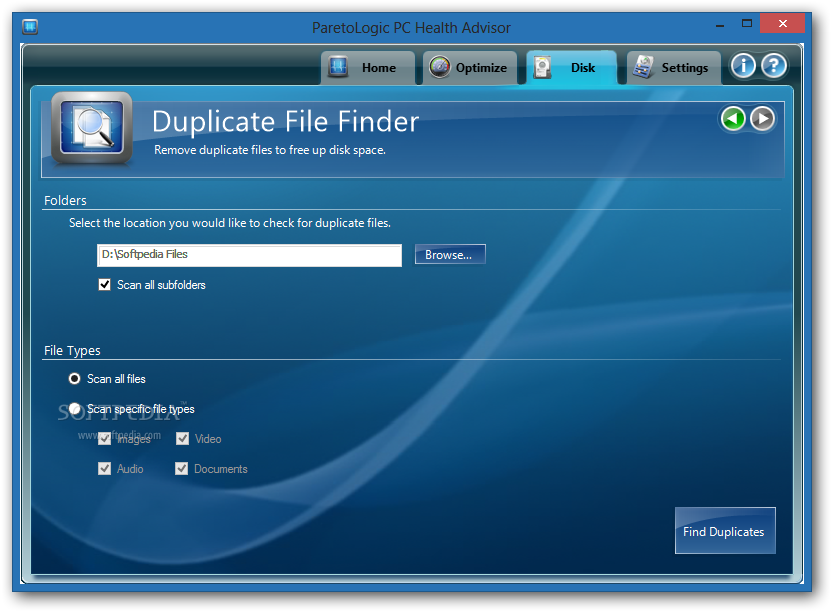
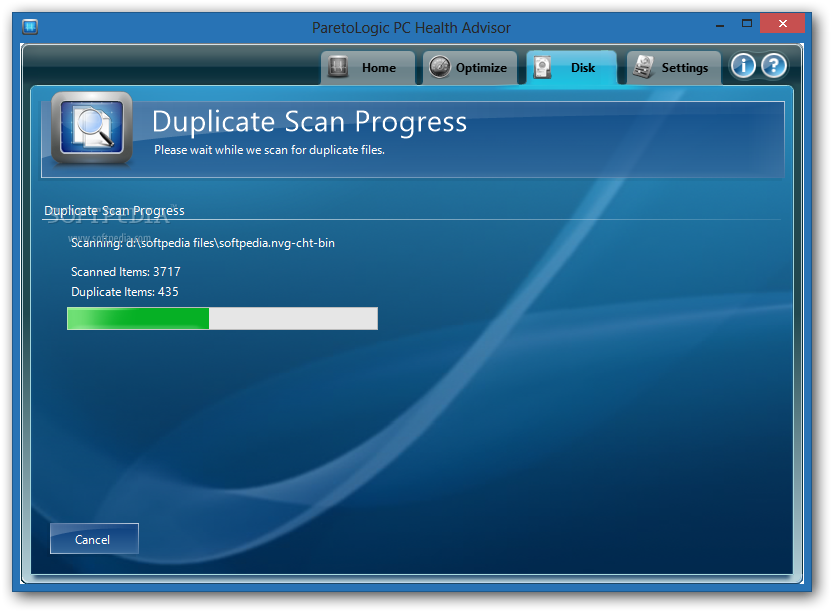
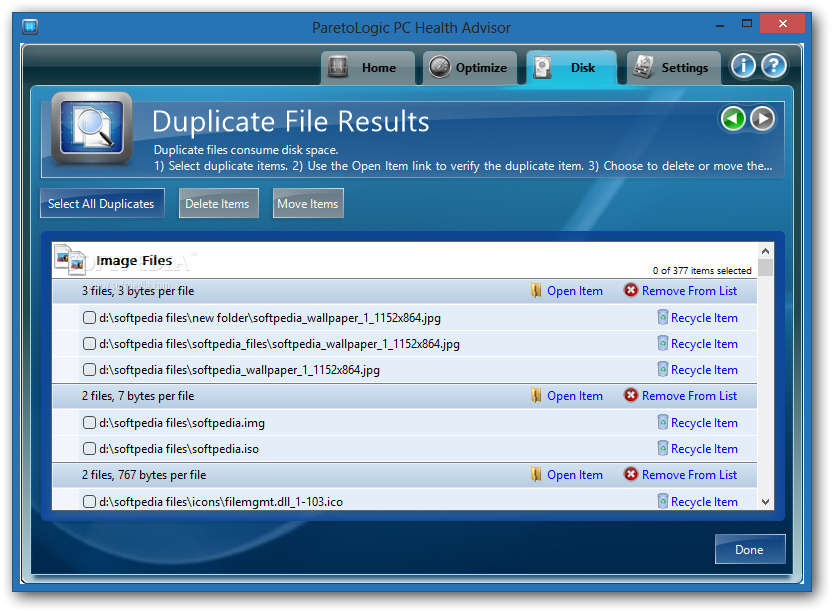
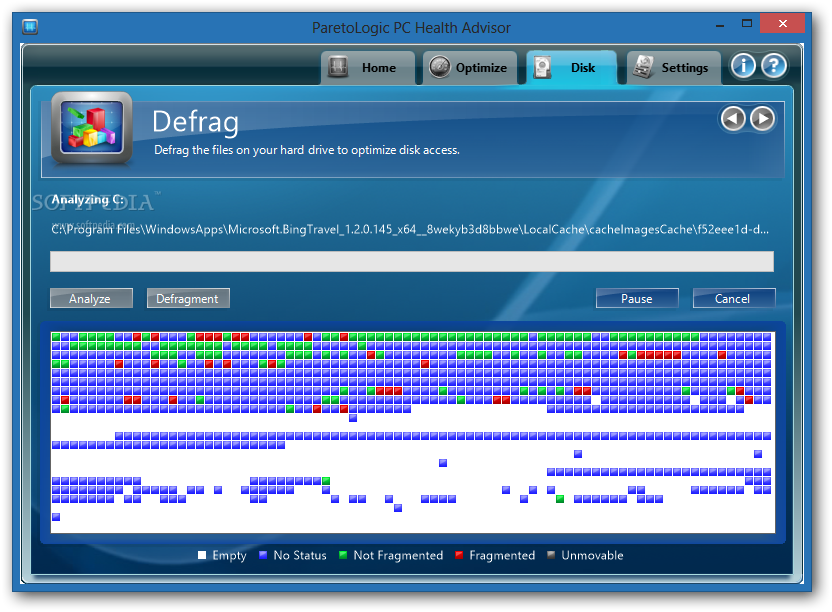
You can find and remove duplicate files, remove old system restore points, defrag your hard drive, as well as clear temporary files and recent history, in order to free up space.
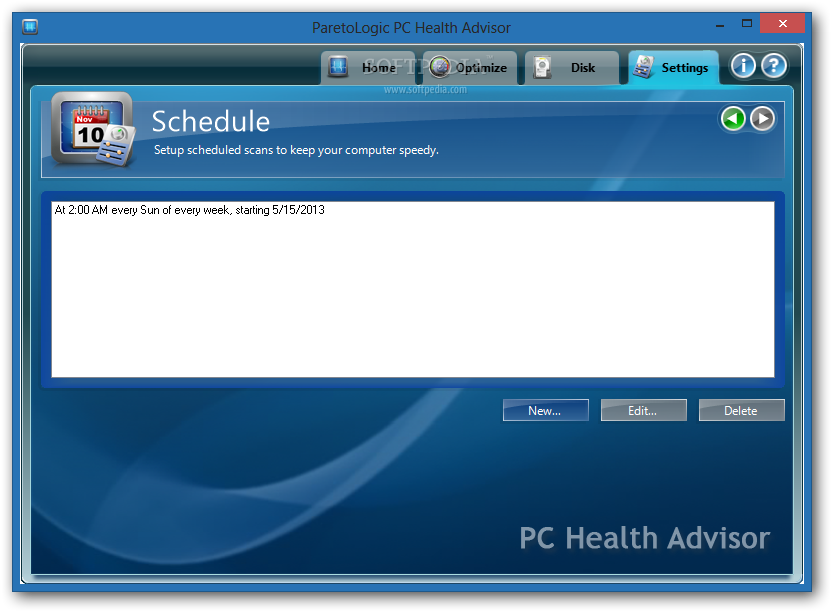
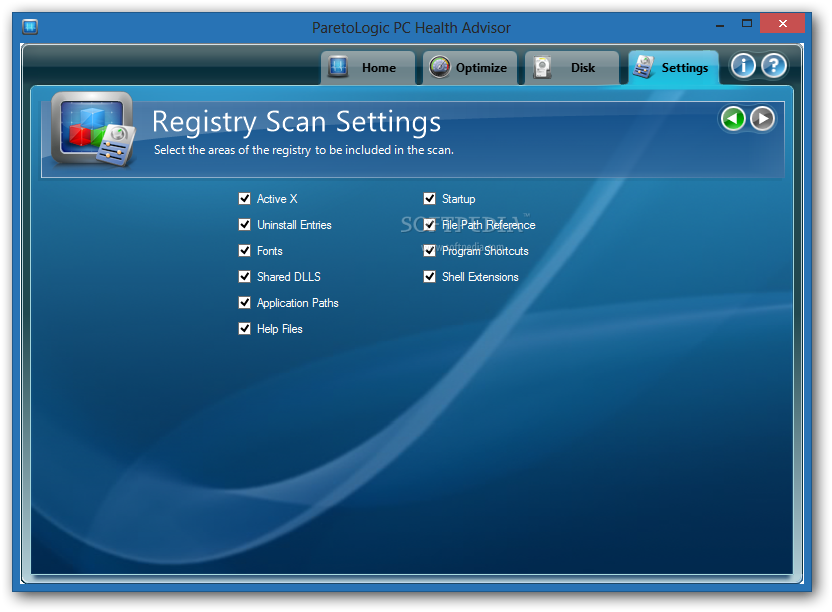
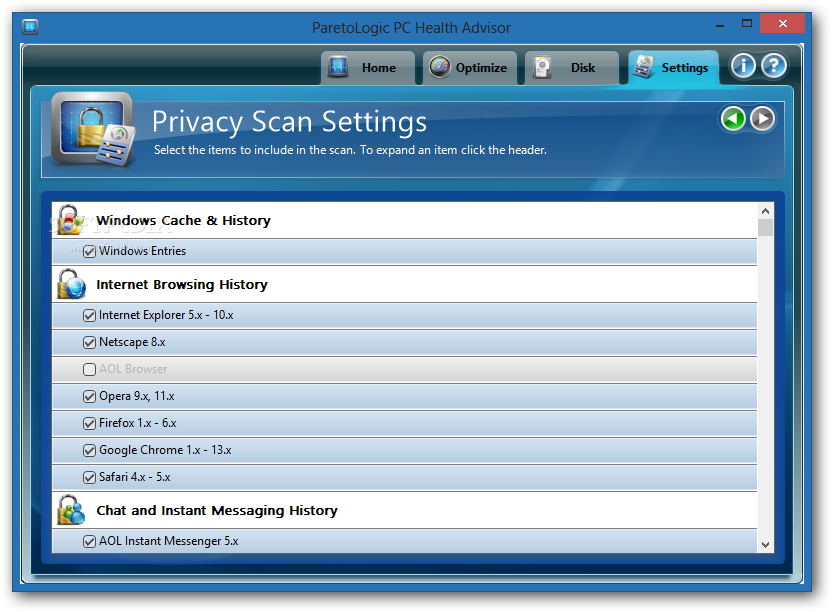
Moreover, you can schedule a cleaning task, configure registry settings (e.g. fonts, shared DLLs, application paths, help files), change privacy options (e.g. web browsers, applications), view and remove ignored items, and others.
The tool runs on moderate system resources and can take a while to finish a scanning task but it's thorough. No errors have occurred during our tests and it didn't freeze or crash. We haven't experienced any compatibility issues with the latest Windows version. On the other hand, since the demo version is severely limited, users cannot accurately evaluate ParetoLogic PC Health Advisor.
ParetoLogic PC Health Advisor 3.3.39
add to watchlist add to download basket send us an update REPORT- runs on:
-
Windows 10 32/64 bit
Windows 2003
Windows 8 32/64 bit
Windows 7 32/64 bit
Windows Vista 32/64 bit
Windows XP - file size:
- 13.7 MB
- filename:
- ParetoLogic PC Health Advisor.exe
- main category:
- Tweak
- developer:
- visit homepage
Zoom Client

paint.net

Windows Sandbox Launcher

IrfanView

4k Video Downloader

7-Zip

Microsoft Teams

ShareX

calibre

Bitdefender Antivirus Free

- ShareX
- calibre
- Bitdefender Antivirus Free
- Zoom Client
- paint.net
- Windows Sandbox Launcher
- IrfanView
- 4k Video Downloader
- 7-Zip
- Microsoft Teams