
Remove temp files & folders, DLL's. #Clean temporary files #Delete temporary files #Clean orphaned dll #Cleaner #Remover #Deleter

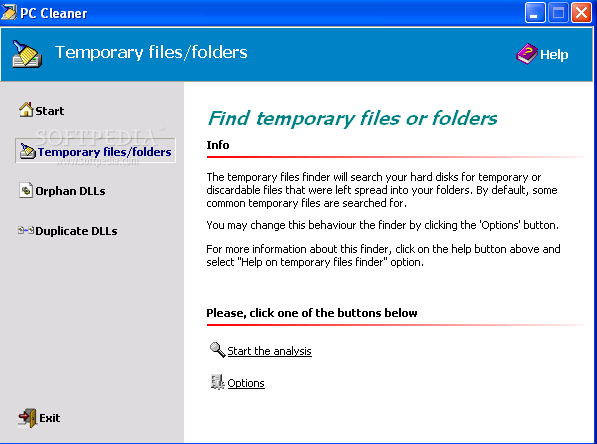
Pc Cleaner is a tool that can clean your computer by removing temporary files and folders, as well as DLLs.
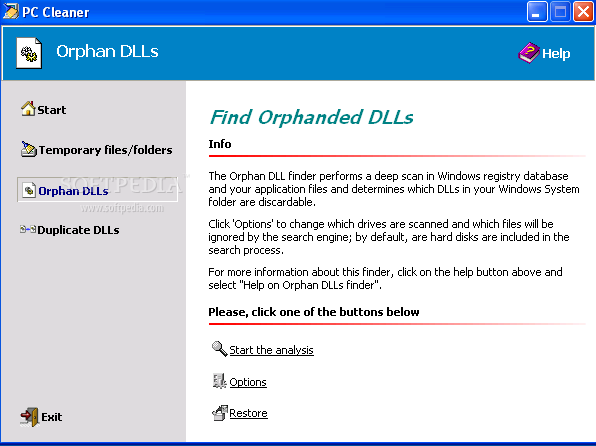
The interface of the application consists of a standard window where you primarily have access to "Temporary files/folders", "Orphan DLLs" and "Duplicate DLLs".
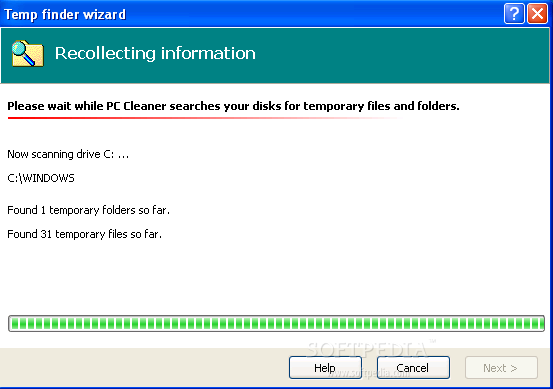
Once you have selected the first option, you can set Pc Cleaner to start the analysis. When the results are displayed, you can select what specific files and folders you want to spare.
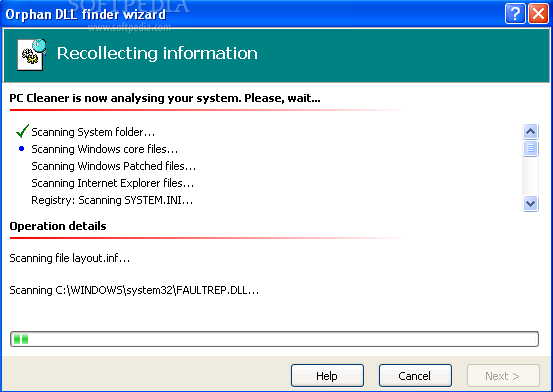
In the case of "Orphan DLLs" and "Duplicate DLLs", you can view a list of generated and logged messages after the scanning finishes (which can be saved as a LOG or TXT file).
Pc Cleaner notifies you if any DLL files contain the "Microsoft" signature and suggests you leave them untouched. Otherwise, rest assured, since the program automatically performs a backup on the DLL files before deleting them from the "System" folder.
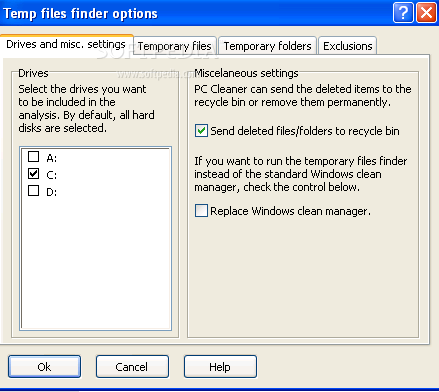
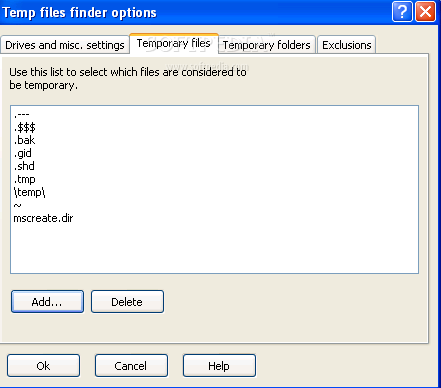
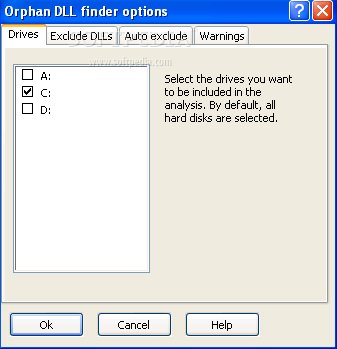
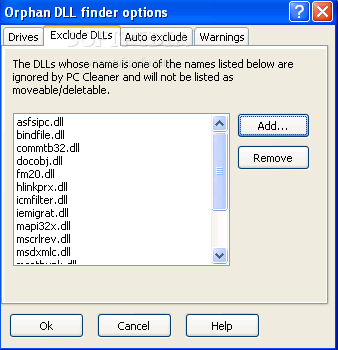
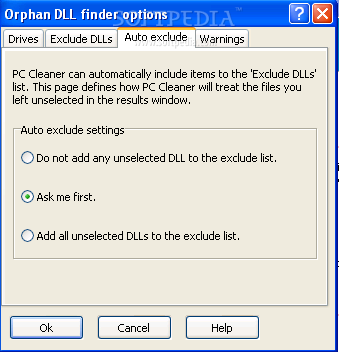
In the "Options" menu, you can select what drives you want to be included in the analysis and exclude particular DLLs from the scans (manually or automatically). You can also select the signature of a DLL file (e.g. Office, Symantec) that will be recognized by Pc Cleaner, so it can ignore the file.
The "Restore" process can be easily accomplished by selecting the backup image, as well as the actions you want to perform (extract or move back).
Pc Cleaner uses a low amount of system resources and the program carefully explains to you all the details, at every step of the way.
We haven't come across any problems during our tests, since Pc Cleaner works smoothly. We strongly recommend it to most users, especially to the experienced ones.
What's new in Pc Cleaner 3.5.1.617:
- Removed a small bug that made impossible to delete entries from the temporary file/folder exclusion list.
Pc Cleaner 3.5.1.617
add to watchlist add to download basket send us an update REPORT- runs on:
-
Windows NT
Windows ME
Windows 9X
Windows 2003
Windows XP
Windows 2K - file size:
- 895 KB
- filename:
- pcclea35.zip
- main category:
- Tweak
- developer:
- visit homepage
7-Zip

4k Video Downloader

Context Menu Manager

IrfanView

Zoom Client

calibre

Windows Sandbox Launcher

Microsoft Teams

Bitdefender Antivirus Free

ShareX

- Microsoft Teams
- Bitdefender Antivirus Free
- ShareX
- 7-Zip
- 4k Video Downloader
- Context Menu Manager
- IrfanView
- Zoom Client
- calibre
- Windows Sandbox Launcher