
Automate a wide range of tasks through this practical piece of software, which affords users with a variety of tools for all manner of operations. #Automate task #Create task #Task automation #Automate #Launcher #Automation

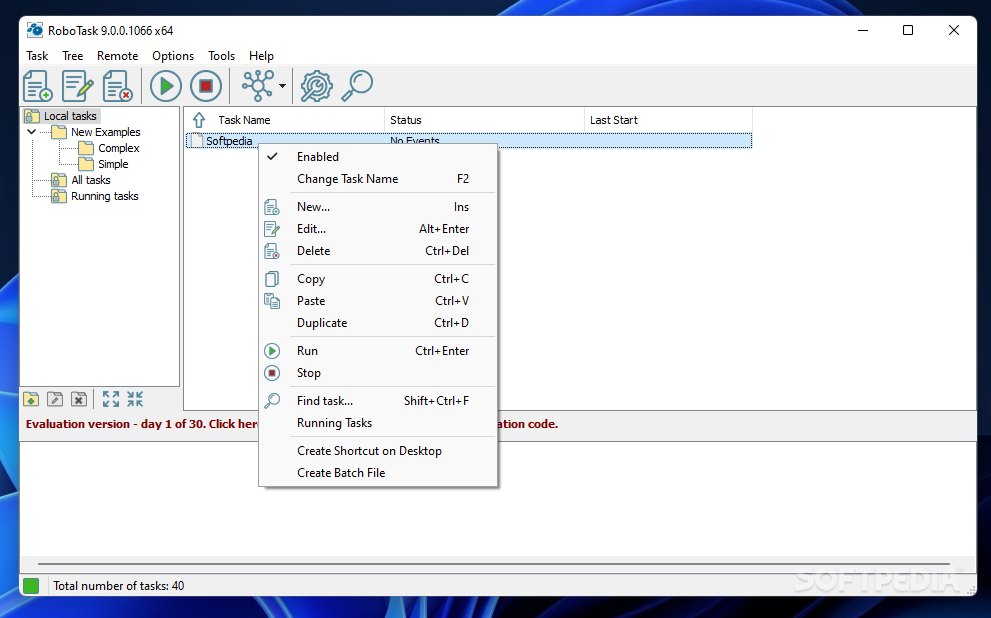
A little bit of automation in your life can’t hurt. Depending on the tasks you do on your computer and their complexity, you might be able to benefit from an automation tool more than you would normally expect. It simply comes down to finding the right fit for you in the end.
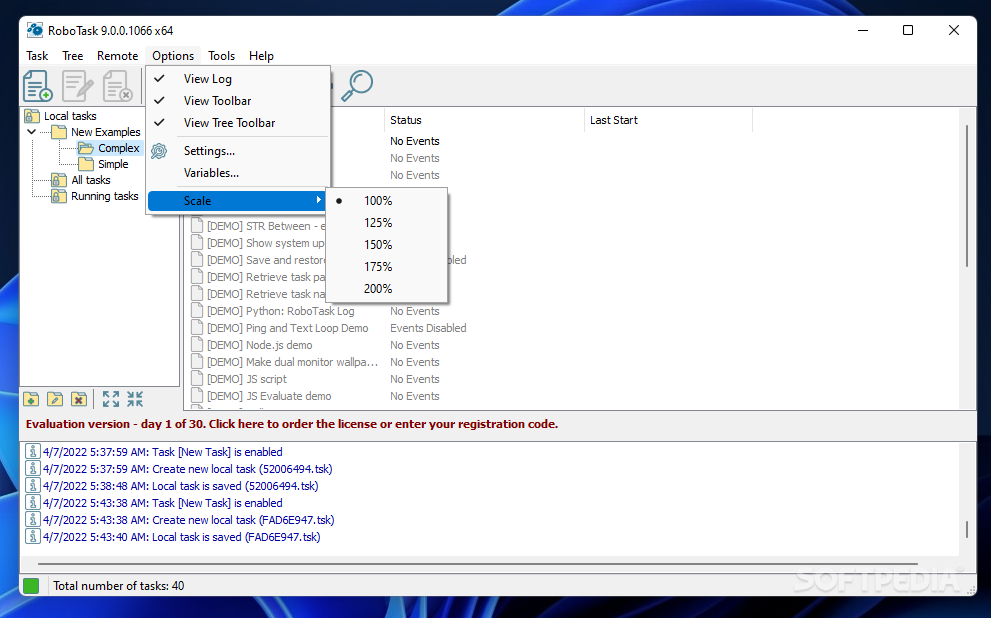
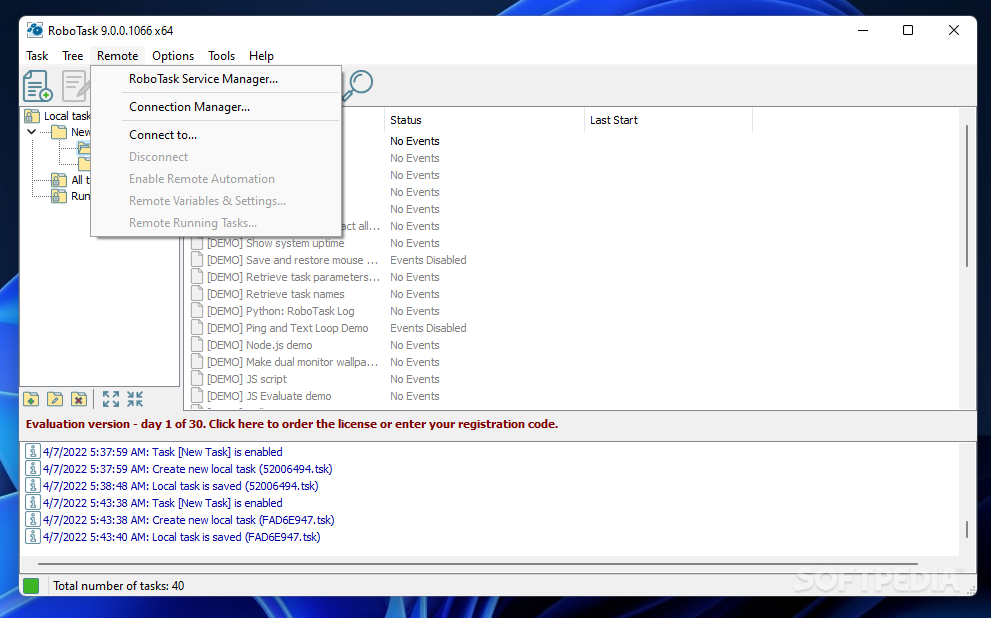
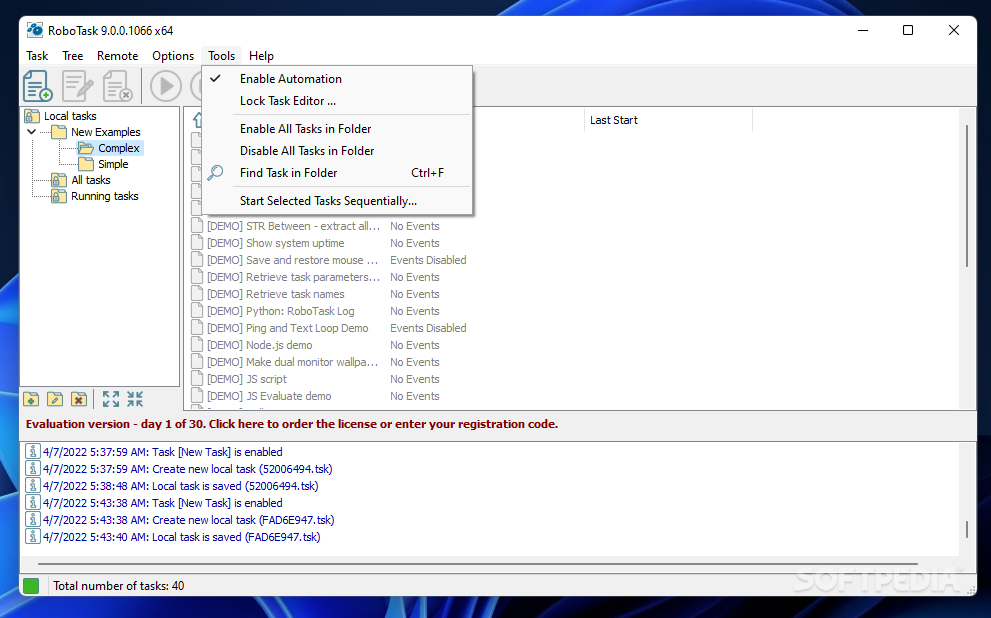
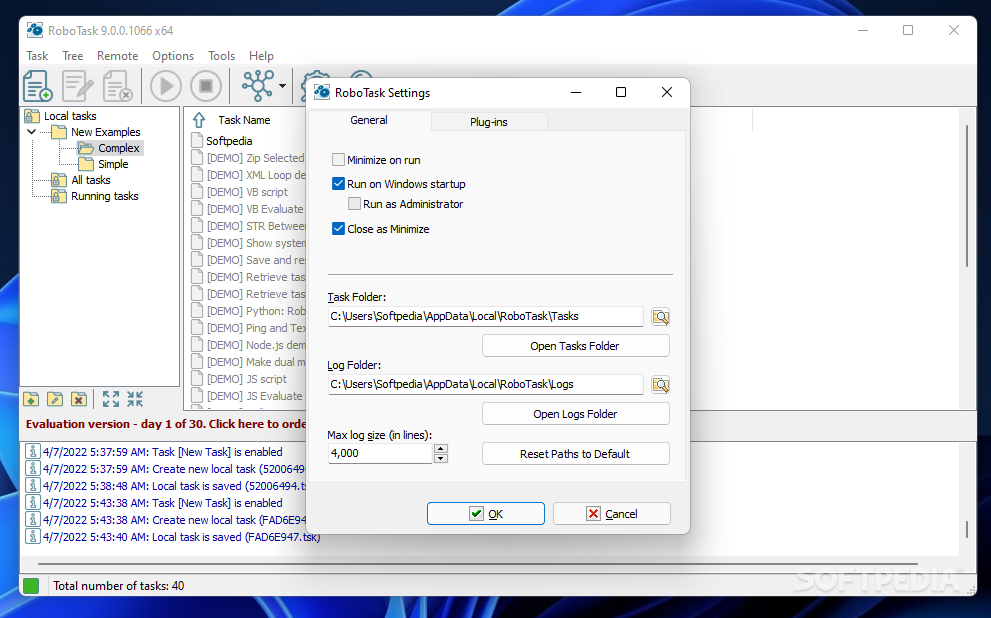
RoboTask is a solution that seeks to provide users with the means to properly automate a variety of tasks on their computer, no matter how simple or complex they may be. To that end, the program gives users the opportunity to experiment with a series of templates to quicken the work, as well as a built-in macro recorder that can be relied upon for more advanced operations.
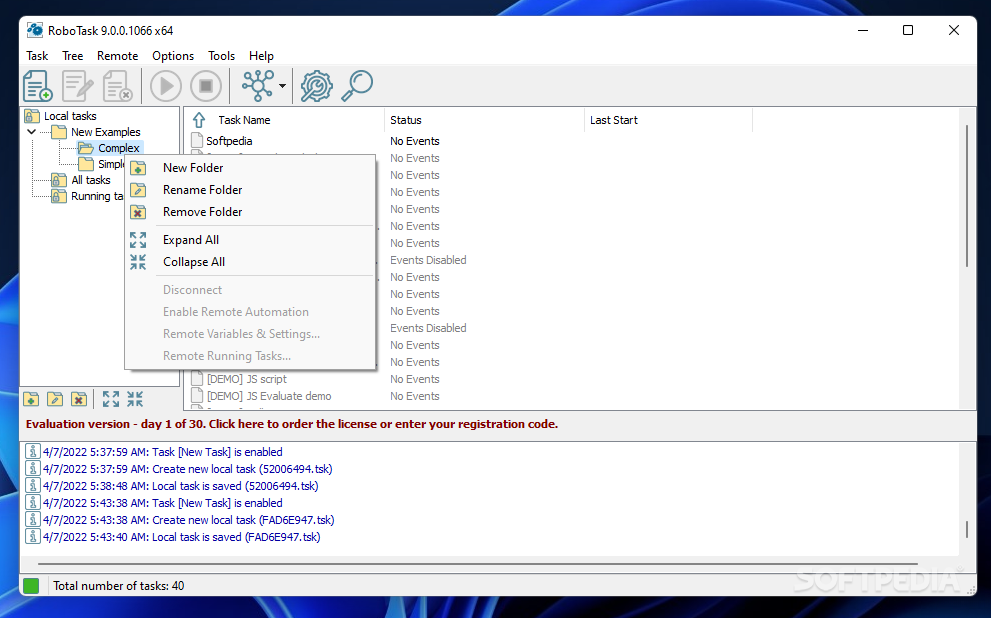
As is often the case with tools like this, experimenting to see how they can potentially improve your productivity is key. The provided examples do a good job to exemplify the many ways in which the program’s automation capabilities can be leveraged: defragmenting a drive, viewing the latest created temp files, getting a file’s metadata: in essence, there are many tasks that can be automated.
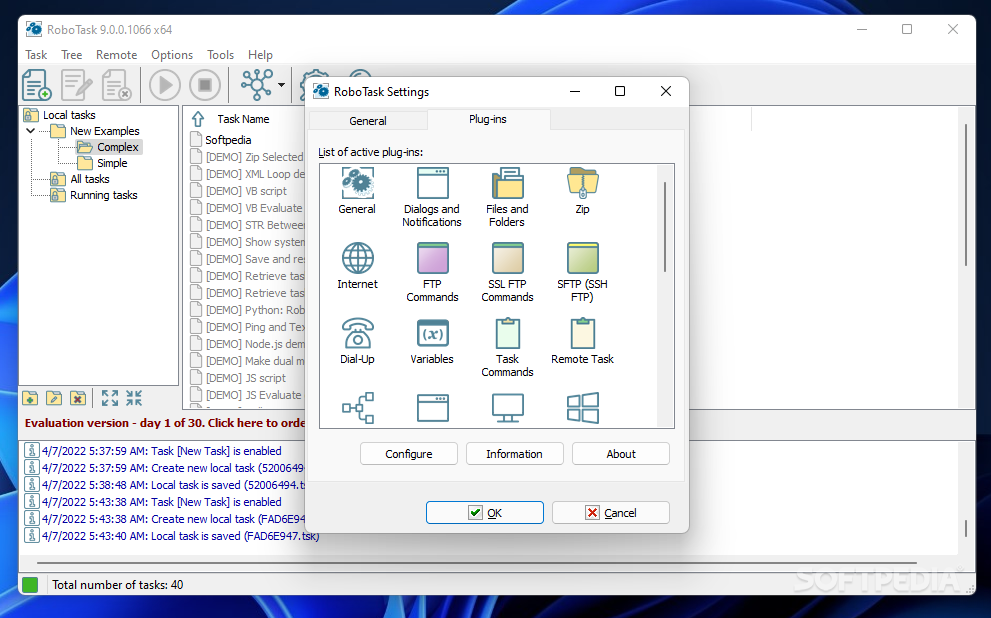
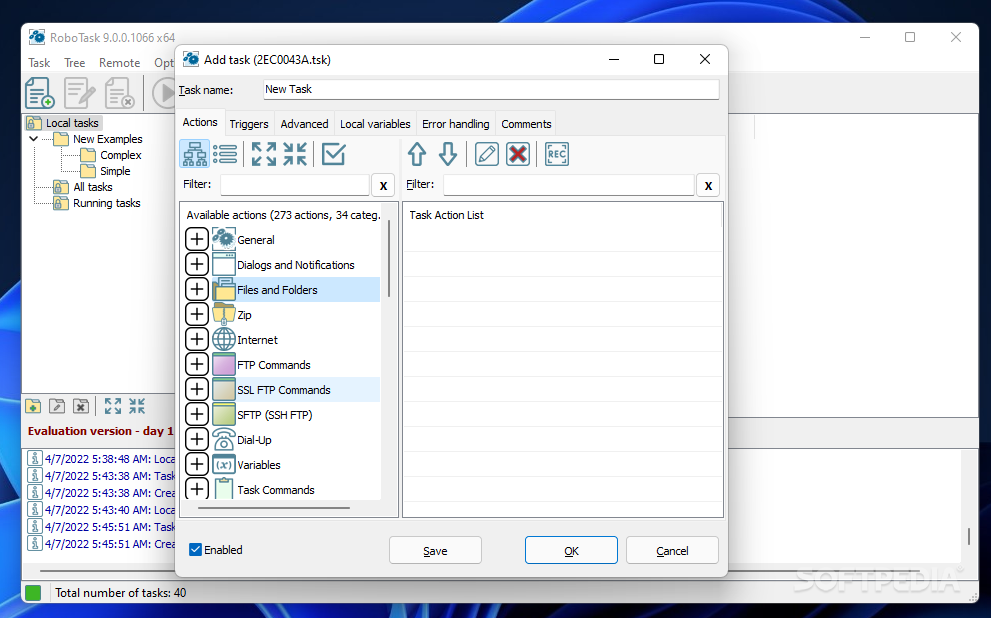
Once you get an idea how the program can mold to your needs, it’s time to start creating a task of your own. About 300 actions are available, which should make configuring automations more convenient for all.
These actions cover many uses. General ones can open programs, run certain console commands, terminate processes, manage your files in different ways, move your mouse to an area, add, delete, or rename registry keys, and so on. The good thing is that you can add multiple steps to a task and combine all of these actions into one.
When creating a task, you have the option to select triggers for a more streamlined process. For this, a scheduler can be used, but it’s also possible to use hotkeys, watch over a certain process or window, or rely on a certain system event to trigger an action. Don't hesitate to experiment to see what suits you.
There’s much more to RoboTask: the sheer number of available actions should be telling enough, so in the end, it simply comes down to you getting a little creative.
What's new in RoboTask 9.9.0.294:
- New action "Encode to BASE64"
- New action "Decode from BASE64"
- New action "HTTP encode/decode"
- New action "Read system events to CSV"
RoboTask 9.9.0.294
add to watchlist add to download basket send us an update REPORT- runs on:
-
Windows 11
Windows Server 2019
Windows Server 2016
Windows 10 32/64 bit
Windows Server 2012
Windows 2008 32/64 bit
Windows 2003
Windows 8 32/64 bit
Windows 7 32/64 bit
Windows Vista 32/64 bit
Windows XP 32/64 bit - file size:
- 168 MB
- filename:
- RobotaskSetup.exe
- main category:
- System
- developer:
- visit homepage
Zoom Client

Context Menu Manager

calibre

ShareX

4k Video Downloader

7-Zip

Bitdefender Antivirus Free

Windows Sandbox Launcher

Microsoft Teams

IrfanView

- Windows Sandbox Launcher
- Microsoft Teams
- IrfanView
- Zoom Client
- Context Menu Manager
- calibre
- ShareX
- 4k Video Downloader
- 7-Zip
- Bitdefender Antivirus Free