
Keep track of any issues your machine might be facing when dealing with various scenarios software-wise, and fix them with this very helpful application. #System tweaker #System cleaner #System optimizer #Cleanup #Tweaker #Optimizer

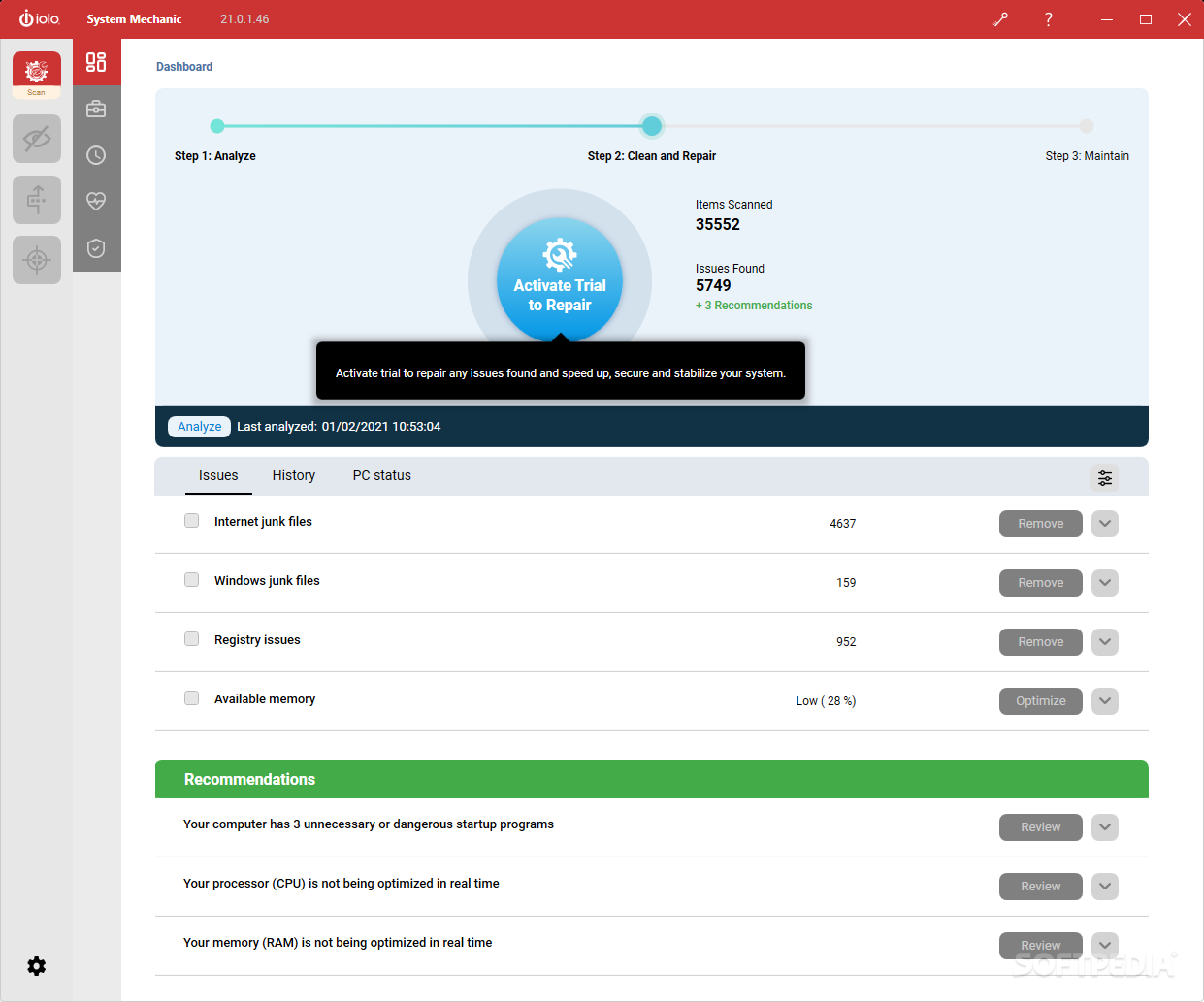
When your machine is powerful enough, but still does not manage to work at its full potential, as a user you are tempted to invest more in its hardware. The issue with this is that sometimes performance problems are caused by software issues, and as a result require some sort of doctor to be fixed. One of these doctors could very easily be System Mechanic, an application dedicated to users who want their machine in tip-top shape at all times.
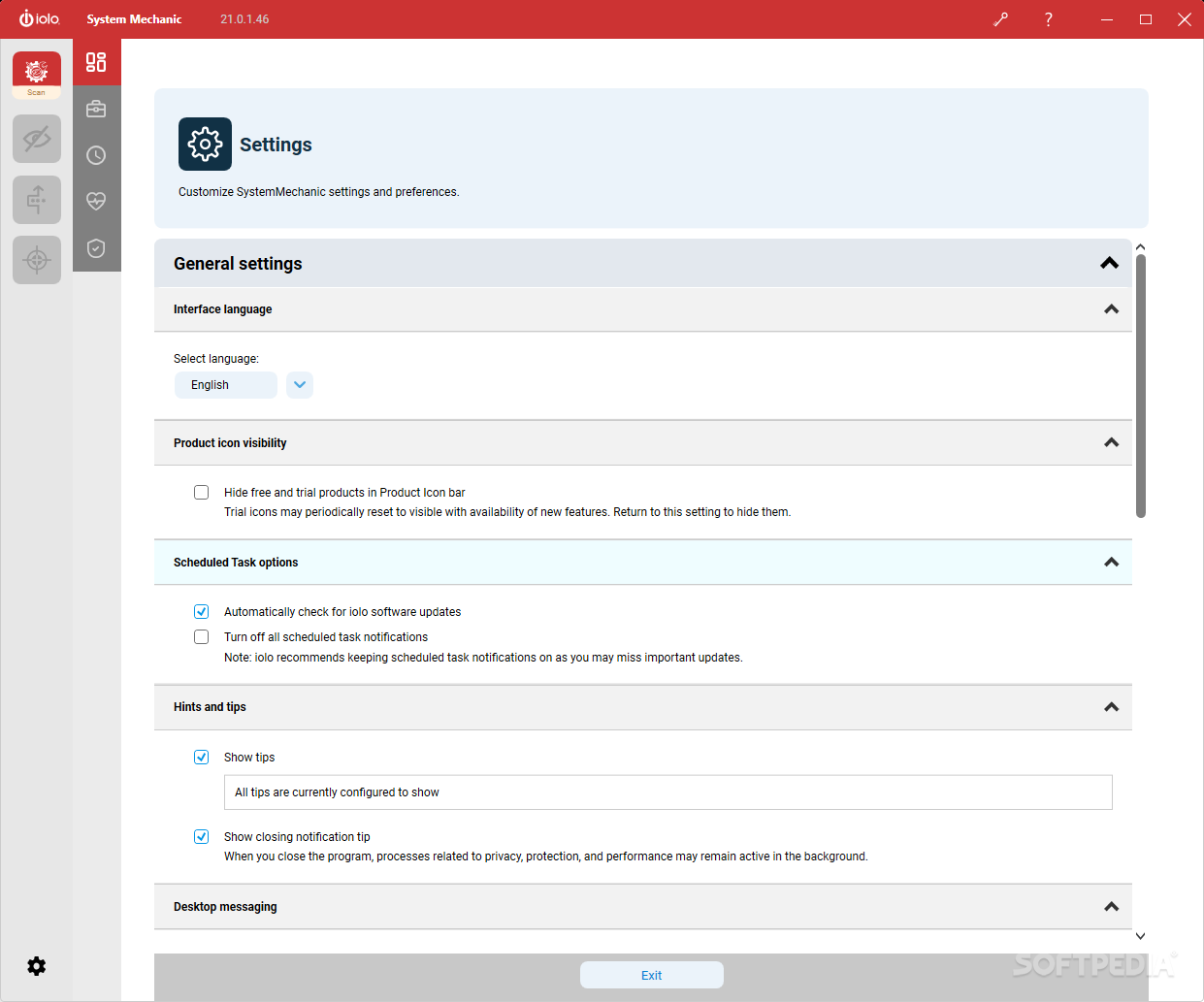
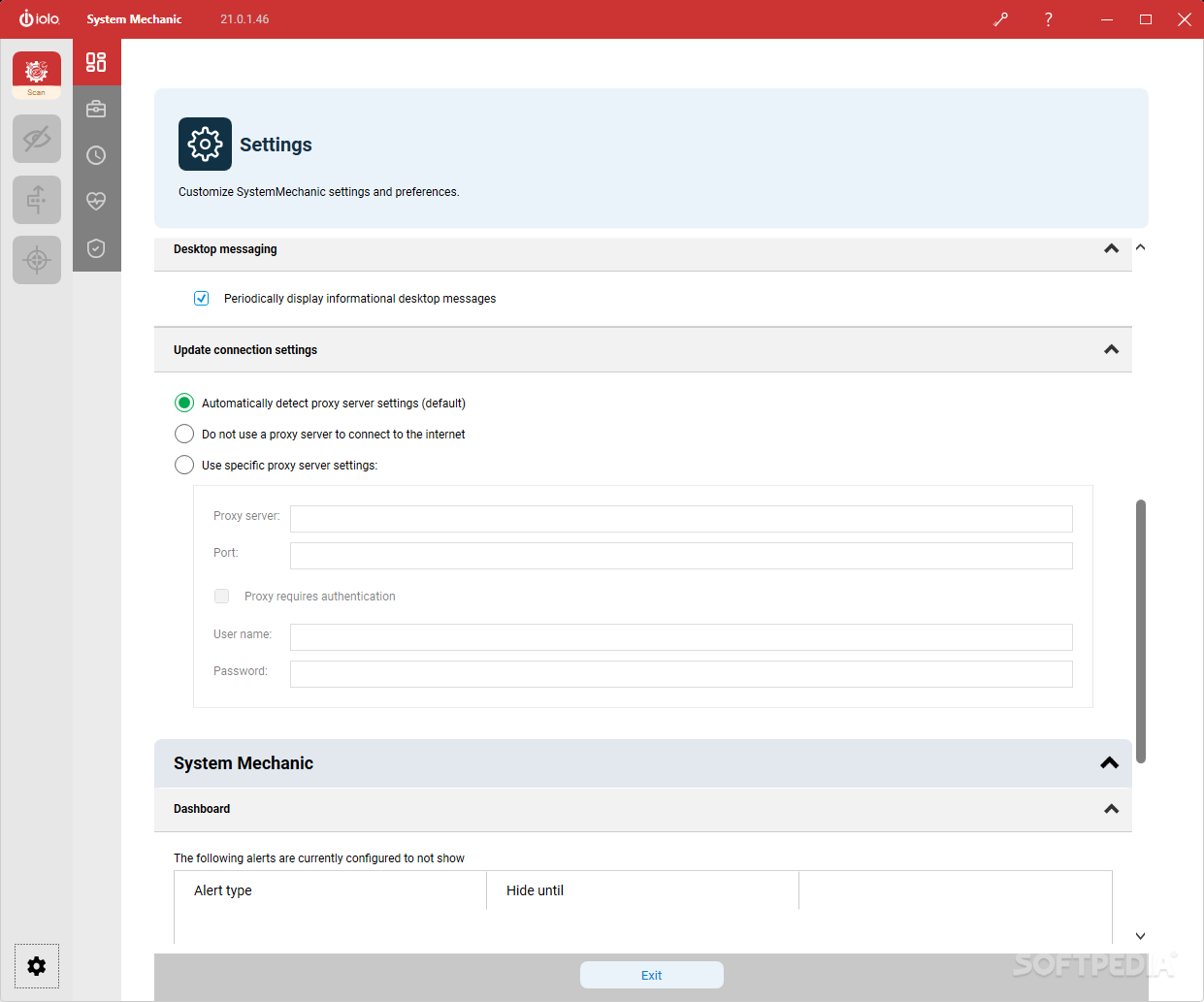
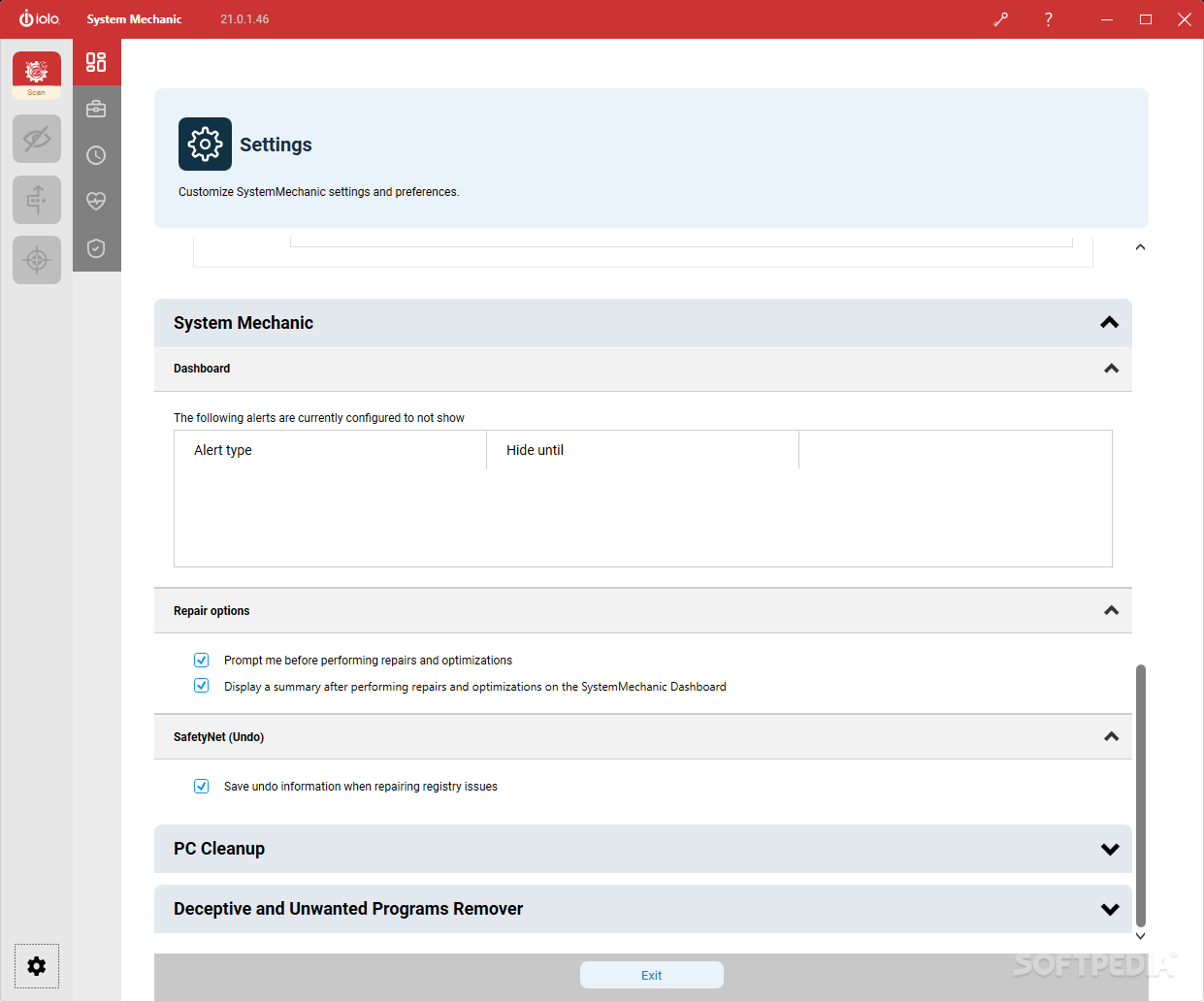
The first thing that struck me was how up-to-date with current aesthetic standards this tool is. In fact, it really blew me away that this sort of application would allocate so much attention to something that won't really win any performance gains when it comes to running it. Regardless, I found this to be a sign that the developer definitely aimed for a higher quality product that mixes in its recipe both good looks and efficient options.
Like all applications of this sort, it will need to conduct an initial scan. With this in mind, I set out to do that. The program gives the user an idea about its progress in terms of scanning. How many files were scanned? How many issues are there in your machine? These are two of the most important questions, and with this app, you'll have an answer to both of them.
Another aspect worth taking into account is that, with this program, the user does get recommendations. The application will scan for any defects in your software, but once you get to the cleaning part, it will also point out other flaws and issues that might need tending to. For example, your RAM and CPU might need active improvement.
System Mechanic is a reliable application dealing with the software side of your machine. Just like us humans need to be physically and mentally healthy, your machine needs to have powerful hardware and a clean operating system.
Download Hubs
System Mechanic is part of these download collections: System Tweak, Registry Tweak
System Mechanic 24.3.0.57
add to watchlist add to download basket send us an update REPORT- runs on:
-
Windows 11
Windows 10 32/64 bit
Windows 8 32/64 bit
Windows 7 32/64 bit - file size:
- 4.6 MB
- filename:
- SystemMechanicStd_DM.exe
- main category:
- Tweak
- developer:
- visit homepage
Zoom Client

calibre

Windows Sandbox Launcher

ShareX

Microsoft Teams

4k Video Downloader

7-Zip

Bitdefender Antivirus Free

IrfanView

paint.net

- Bitdefender Antivirus Free
- IrfanView
- paint.net
- Zoom Client
- calibre
- Windows Sandbox Launcher
- ShareX
- Microsoft Teams
- 4k Video Downloader
- 7-Zip