
Configure your desktop settings with ease. #Tweak tool #Configure XP #Configure settings #Tweak #Tool #Configure

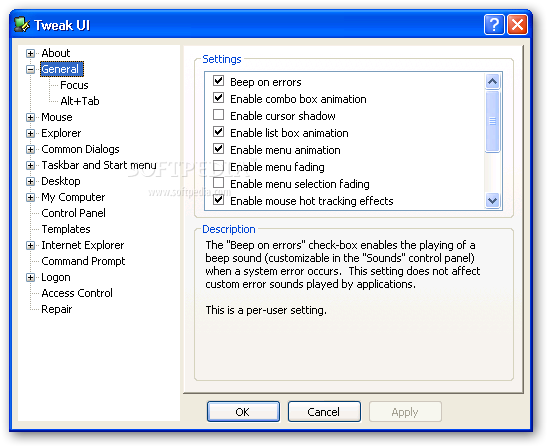
Tweak UI is a small tool that allows you to customize some settings of your operating system. The user interface is rather simple and easy to use, consisting of a standard window and several commands.
Thus, you can enable or disable beep on errors, combo box animation, cursor shadow, list box animation, menu animation, fading and selection facing, mouse hot tracking effects, window animations, as well as hard disk optimisation when the system is idle.
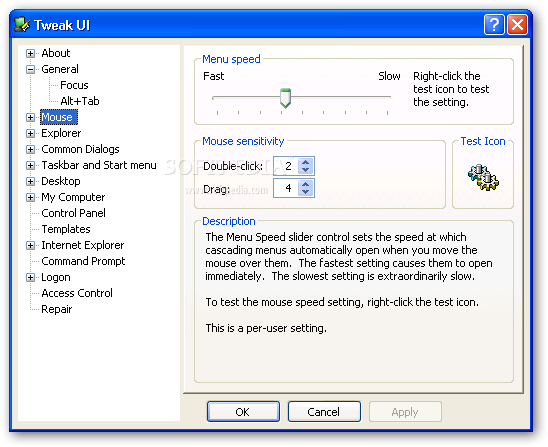
You can prevent applications from stealing focus, change the size of the Alt+Tab window, adjust mouse speed and sensitivity (e.g. on double-click and drag, hover sensitivity and time).
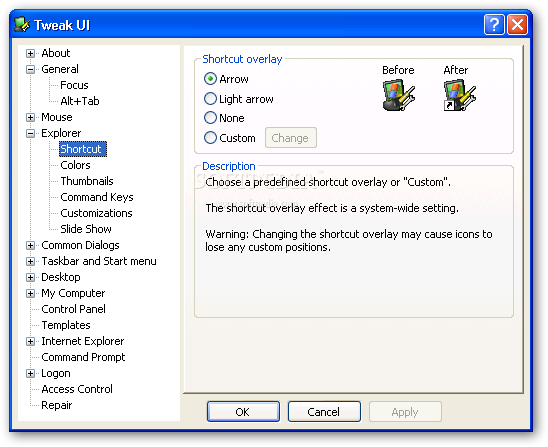
You can configure Explorer settings (e.g. disable "Help" or "Logoff" on Start menu, smooth scrolling, Windows+X hotkeys), including shortcut overlay, colors, thumbnails (image quality, size) and keyboard navigation keys.
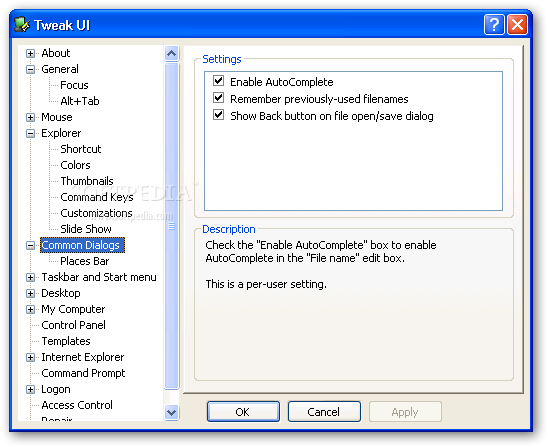
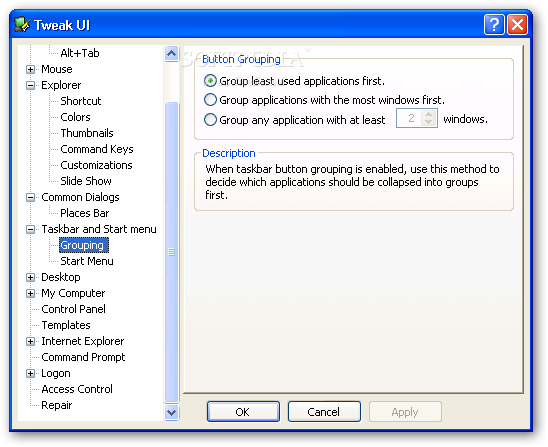
You can also disable AutoComplete, balloon tips, desktop icons and warnings when you're low on disk space, hide the Places bar, configure grouping and the frequently used programs displayed in Start menu, and much more.
Plus, Tweak UI allows you to change "My Computer" icons, customize AutoPlay settings, hide "Control Panel" extensions, select how drive letters appear in "My Computer" and which new documents can be created when accessing the right-click menu.
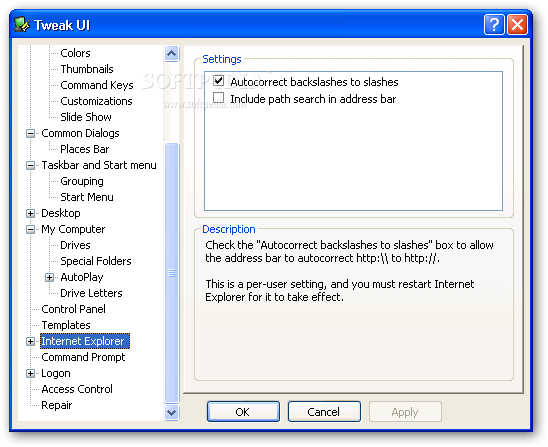
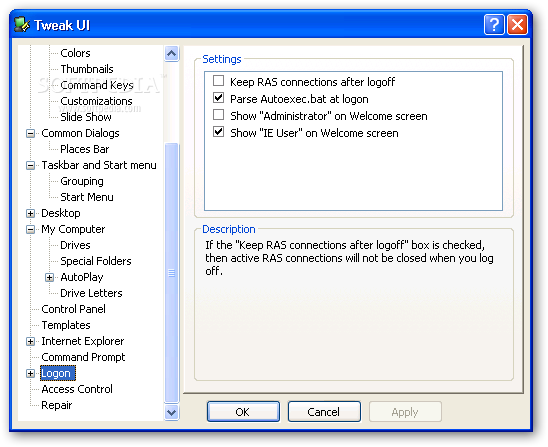
The program uses a very low amount of system resources and provides descriptions for each category. We strongly recommend this software to both novice and expert users, as they can configure Windows to their own preferences.
TweakUI 2.10.0.0
 Softpedia Editor's Pick
add to watchlist
add to download basket
send us an update
REPORT
Softpedia Editor's Pick
add to watchlist
add to download basket
send us an update
REPORT
- runs on:
-
Windows 2003
Windows XP - file size:
- 146 KB
- filename:
- TweakUiPowertoySetup.exe
- main category:
- Tweak
- developer:
- visit homepage
Context Menu Manager

7-Zip

IrfanView

Windows Sandbox Launcher

Bitdefender Antivirus Free

Zoom Client

4k Video Downloader

calibre

Microsoft Teams

ShareX

- calibre
- Microsoft Teams
- ShareX
- Context Menu Manager
- 7-Zip
- IrfanView
- Windows Sandbox Launcher
- Bitdefender Antivirus Free
- Zoom Client
- 4k Video Downloader