
Tweak services running in Windows in an automatic and safe way in order to obtain an enhanced system performance and avoid slowdowns. #Service optimizer #Optimize services #Services tweak #Optimizer #Service #Optimize

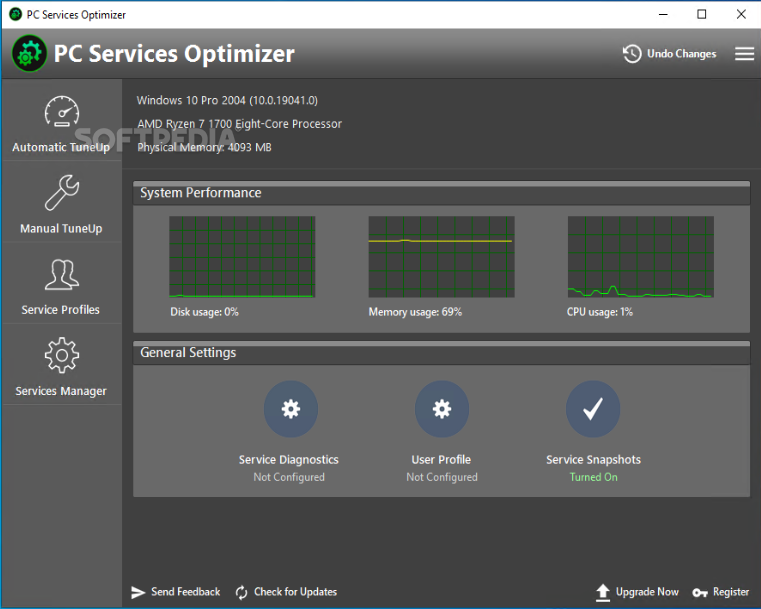
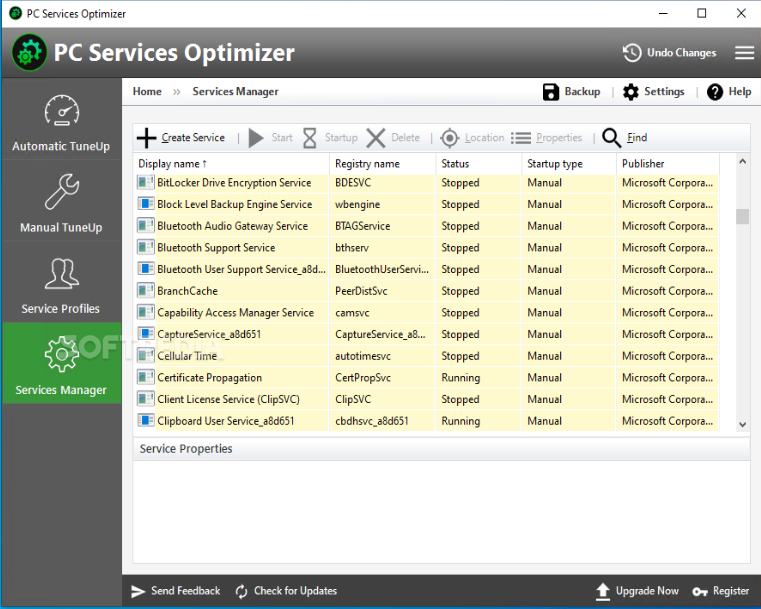
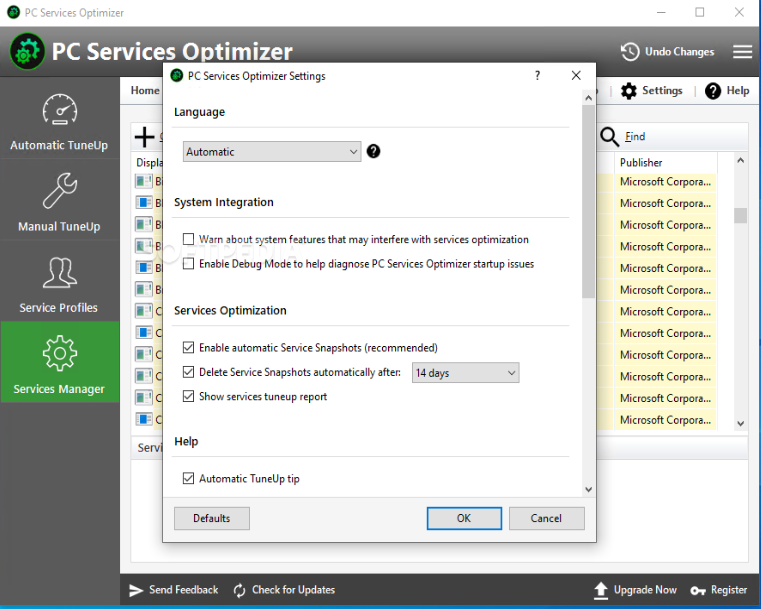
PC Services Optimizer is a software solution that is aimed at both beginners and experienced users, offering them an impressive lineup of tools designed to improve the overall Windows performance.
PC Services Optimizer has been developed to target the aforementioned types of users with two different approaches.
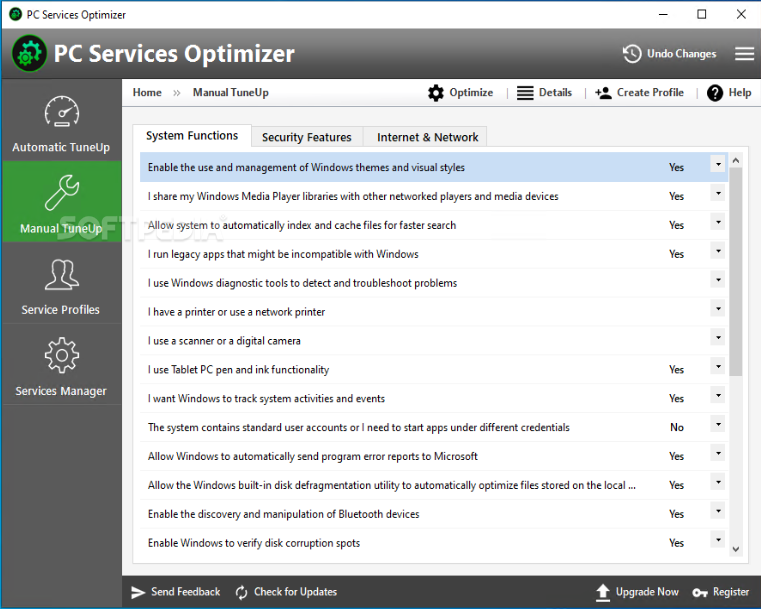
It has two different modes, namely Automatic TuneUp and Manual TuneUp, with the latter especially targeting experienced users who wish to optimize the operating system in their very own way.
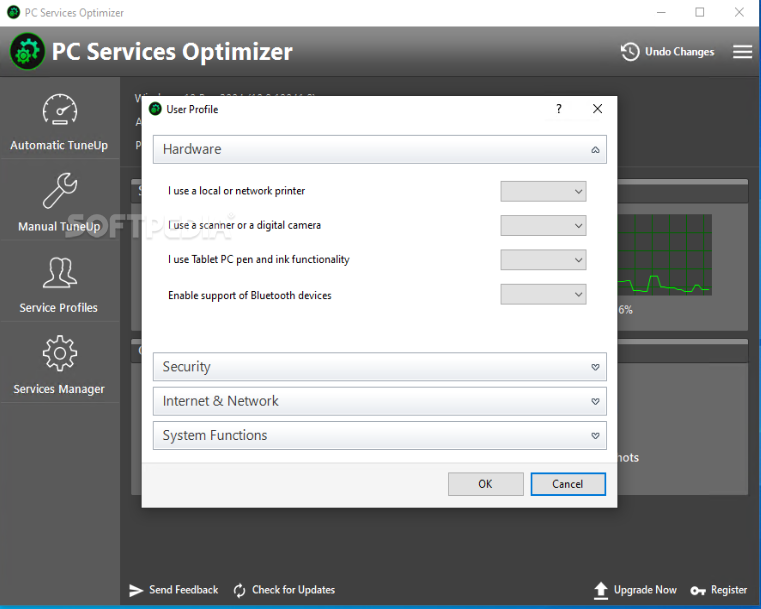
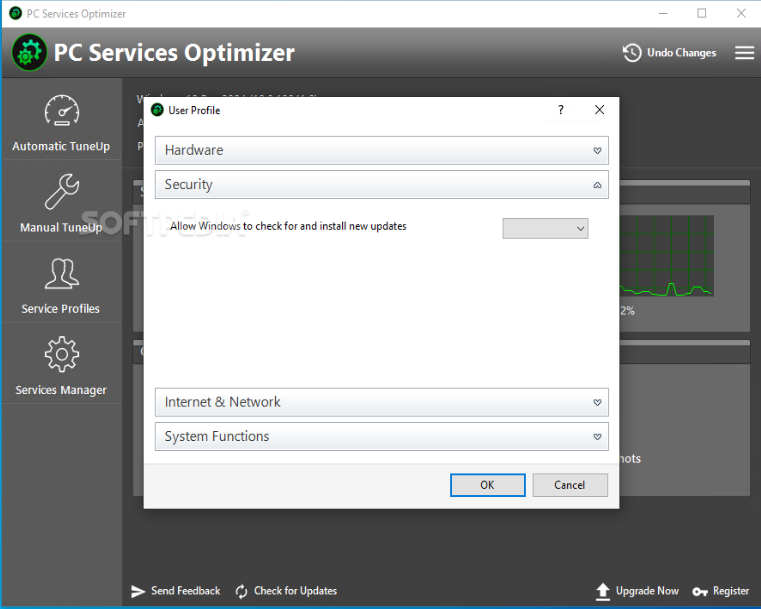
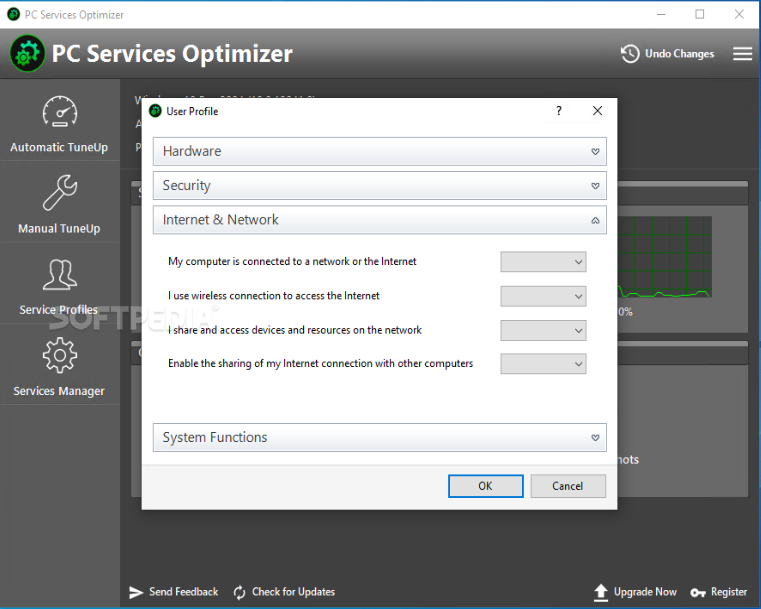
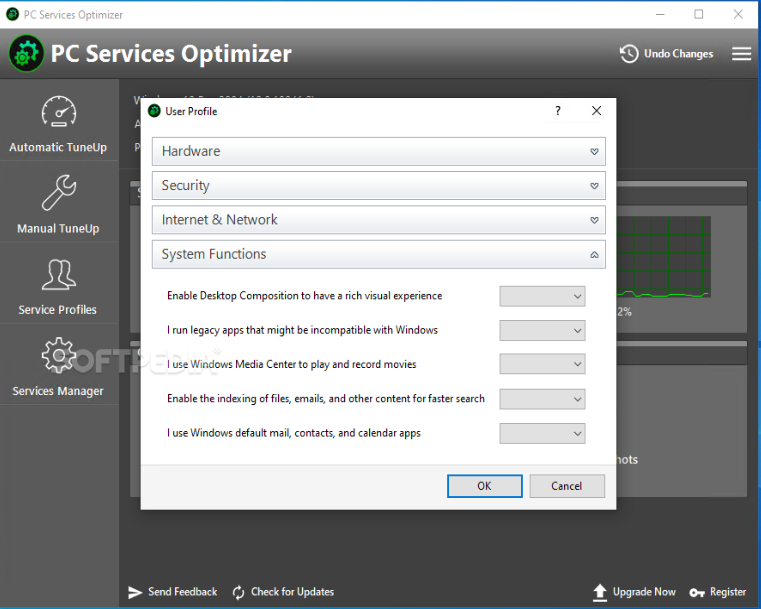
The application also includes an advanced Services Diagnostics tools supposed to identify the way in which you are using the computer, so you are prompted to answer a few questions before doing anything else.
For instance, you're asked whether you are using a scanner or a digital camera, a printer or a Tablet PC, whether you prefer Windows Defender and Windows Firewall as security tools or if you want transparent windows with 3D glass effects.
Based on your answers, PC Services Optimizer can start optimizing your computer, disabling the services you don't need and thus improving the overall performance of the computer.
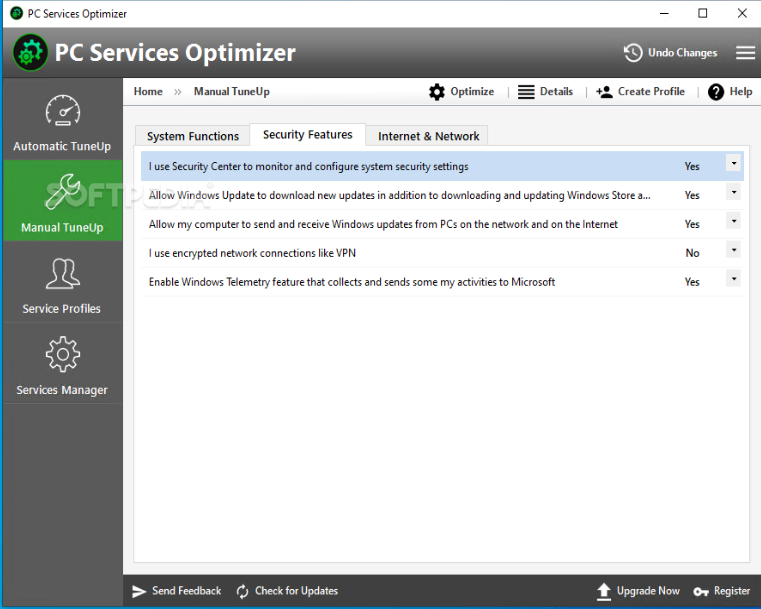
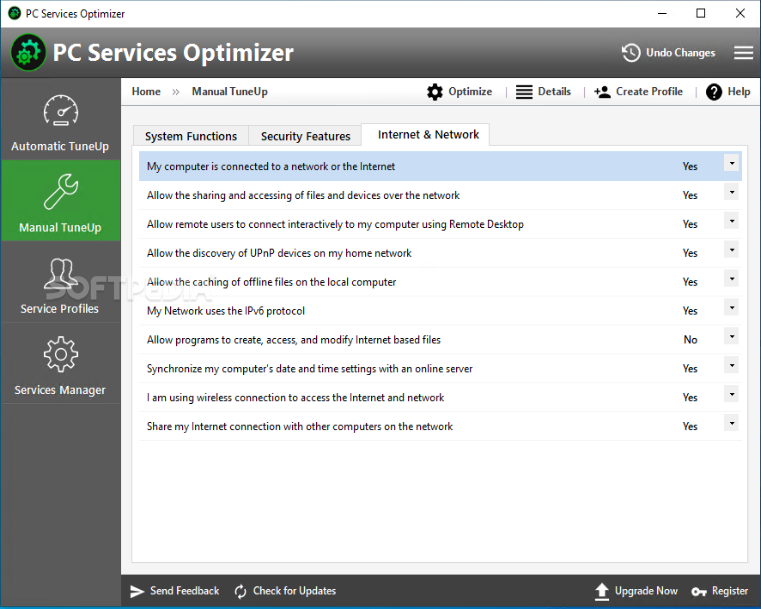
The Manual TuneUp mode, on the other hand, comes with its own set of questions concerning system performance, system security, Internet and network, so make sure you have some spare time before jumping into this side of the app.
PC Services Optimizer comprises a so-called 'Gaming Mode' that will disable some user-defined services to boost in-game computer performance. Once again, you will have to answer a few questions to determine the way in which you intend to use the PC while in this mode.
The program is fitted with a detailed help manual so beginners can have a look in there if they're not sure that what they're doing is healthy for their machines.
PC Services Optimizer is a must-try, especially considering the fact that it could boost computer performance significantly.
What's new in PC Services Optimizer 4.2.1422:
- Added Turkish localization.
- Added new Windows services optimizations.
- Added support for high DPI in the PC Services Optimizer user interface.
- Improved Windows services optimization in Windows 10 and 11.
PC Services Optimizer 4.2.1422
add to watchlist add to download basket send us an update REPORT- runs on:
-
Windows 10 32/64 bit
Windows 8 32/64 bit
Windows 7 32/64 bit
Windows Vista 32/64 bit - file size:
- 14.5 MB
- filename:
- servicesoptimizer.exe
- main category:
- Tweak
- developer:
- visit homepage
7-Zip

Microsoft Teams

paint.net

Zoom Client

4k Video Downloader

IrfanView

Windows Sandbox Launcher

ShareX

Bitdefender Antivirus Free

calibre

- ShareX
- Bitdefender Antivirus Free
- calibre
- 7-Zip
- Microsoft Teams
- paint.net
- Zoom Client
- 4k Video Downloader
- IrfanView
- Windows Sandbox Launcher