
A simple and effective software utility that helps you to expand the capabilities of your mouse and quickly remap all the buttons. #Button controller #Mouse control #Mouse button #Mouse #Remap #Changer

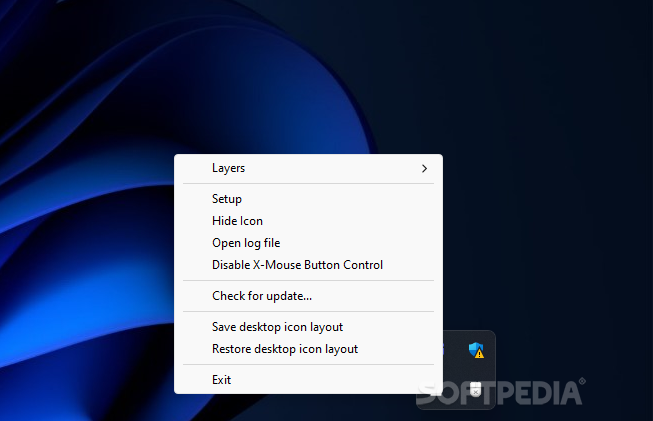
X-Mouse Button Control is a software solution that allows you to reconfigure the buttons of your mouse.
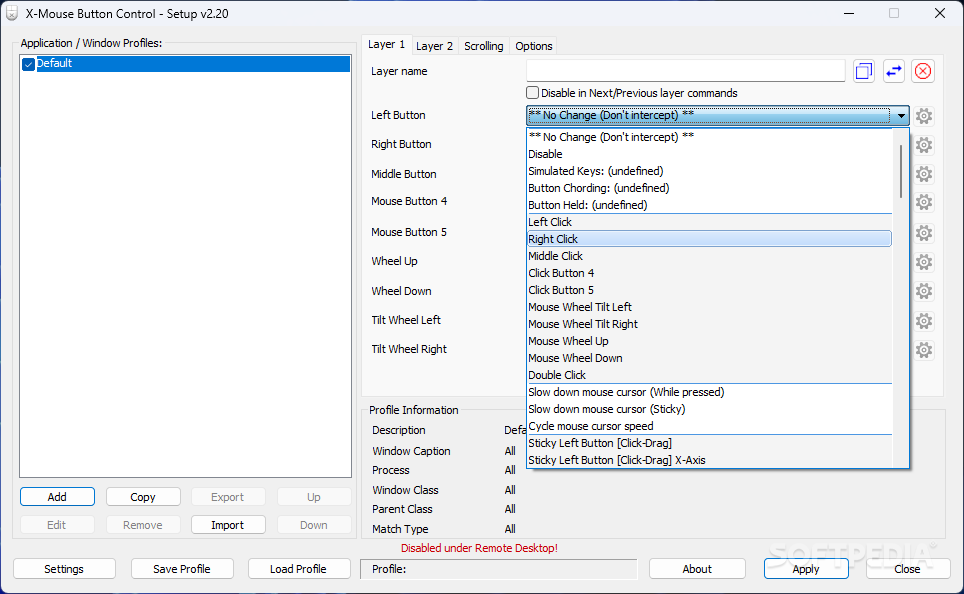
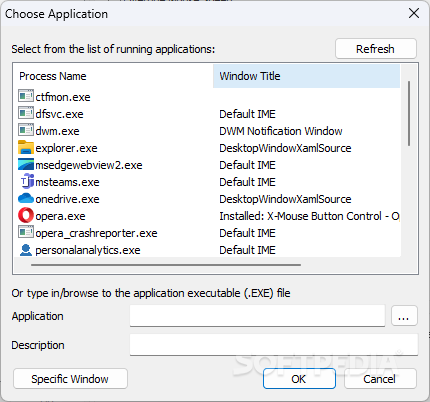
The user interface of the program is based on a standard window in which you can add, edit, copy and remove application or window profiles (on the left part of the screen).
Thus, you can select an action for up to five mouse buttons, wheel up and down, as well as tilt wheel left and right.
The action can vary from "Alt+Tab", "Activate Monitor Power Saving", "Activate Screensaver", "Browser Favorites", "Browser Refresh", "Change Movement to Scroll", "Close", "Copy", "Cut", "Disable" and "Double Click".
A mouse button can also activate "Enter", "Escape", "Forward", "Lock Workstation", "Maximize Window", "Media", "Next Track", "Open Control Panel", "Open Explorer", "Print Screen", "Undo", "Simulated Keystrokes", and other actions.
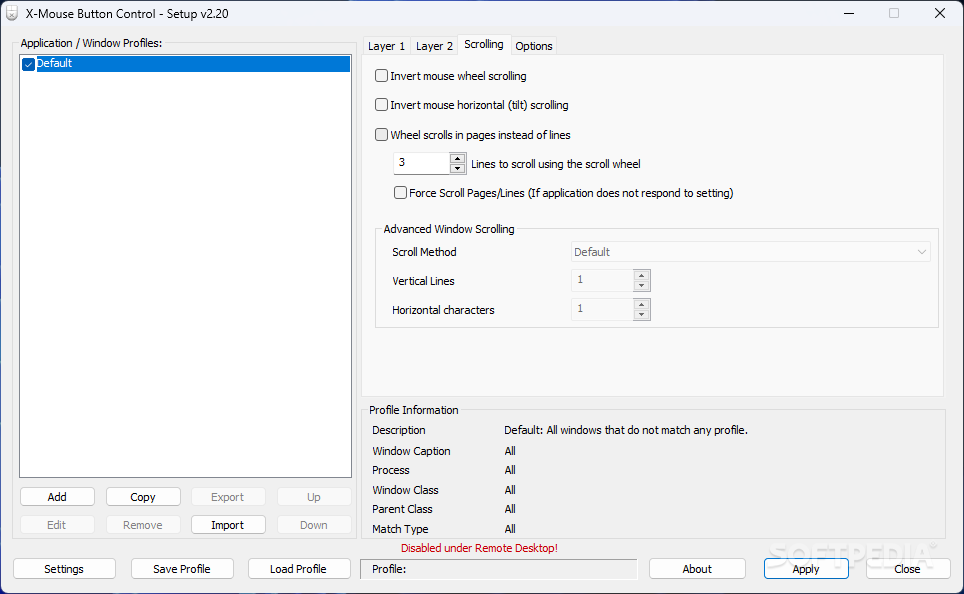
Below the layers you can view profile information on the description, process, window class and parent class. Also, it is possible to reset the layer at any moment.
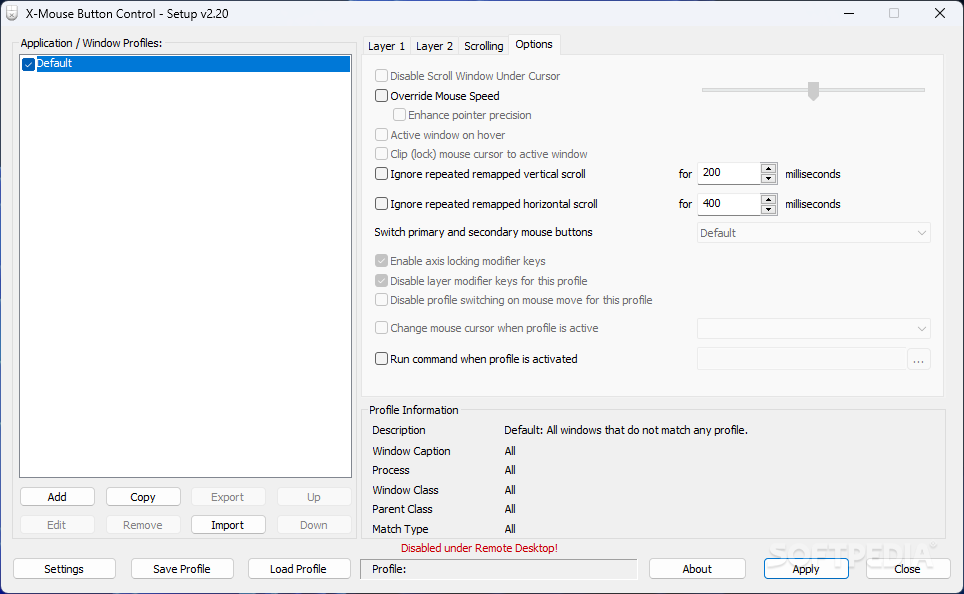
In the "Settings" menu, you can adjust the mouse speed, disable profile switching on mouse move, enable debug logging, ignore NumLock state for "Simulated Keystrokes", enable global keyboard shortcuts and modifiers keys, and more.
The program uses a very low amount of system resources. Unfortunately, it doesn't contains a help file but learning how how to use X-Mouse Button Control is easily done.
We would have liked the possibility of opening a specific application by pressing the button of the mouse. Also, the user interface could use some improvements. Otherwise, we haven't come across any kind of problems during our tests and strongly recommend this software to all users.
Download Hubs
X-Mouse Button Control is part of these download collections: Key Mapper
What's new in X-Mouse Button Control 2.20.5:
- Fixed unable to abort WAIT/WAITMS/HOLD/HOLDMS even with {flush} queue.
- Fixed bug with sticky repeat sim keys where it would not work properly after being released/aborted by pressing another button.
- Fix problem where volume down {VOL-} simkeys stops working, but volume up {VOL+} continue to work!
- Attempt to fix hang/lockup deadlock conflict between repeat timer thread and main hook thread.
X-Mouse Button Control 2.20.5
add to watchlist add to download basket send us an update REPORT- portable version
- Portable X-Mouse Button Control
- runs on:
-
Windows 11
Windows Server 2022
Windows Server 2019
Windows Server 2016
Windows 10 32/64 bit
Windows Server 2012 R2
Windows Server 2012
Windows 2008 R2
Windows 2008 32/64 bit
Windows 2003
Windows 8 32/64 bit
Windows 7 32/64 bit - file size:
- 2.9 MB
- filename:
- XMouseButtonControlSetup.2.20.5.exe
- main category:
- Tweak
- developer:
- visit homepage
IrfanView

ShareX

calibre

7-Zip

4k Video Downloader

Zoom Client

Windows Sandbox Launcher

Bitdefender Antivirus Free

Context Menu Manager

Microsoft Teams

- Bitdefender Antivirus Free
- Context Menu Manager
- Microsoft Teams
- IrfanView
- ShareX
- calibre
- 7-Zip
- 4k Video Downloader
- Zoom Client
- Windows Sandbox Launcher