
Tweak various advanced options of your Windows by turning to this lightweight application that packs an intuitive user interface. #Tweak system #Tweak windows #Internet explorer tweaker #Tweak #Tweaker #System

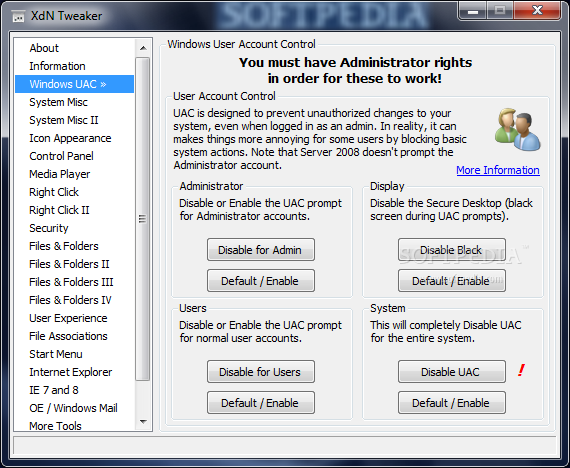
XdN Tweaker is a simple-to-use yet powerful program that allows you to make some modifications to your operating system. In order to work with this tool, you must have administrative rights.
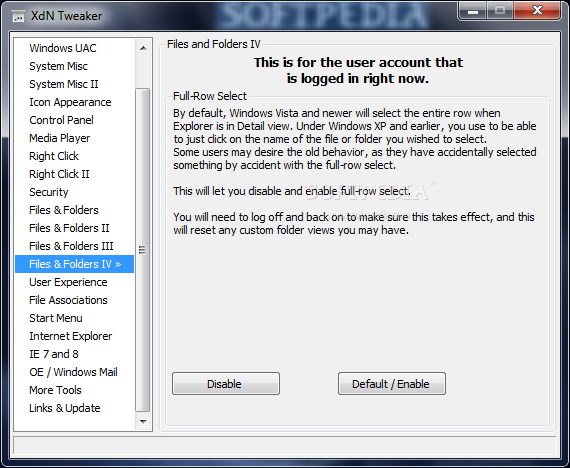
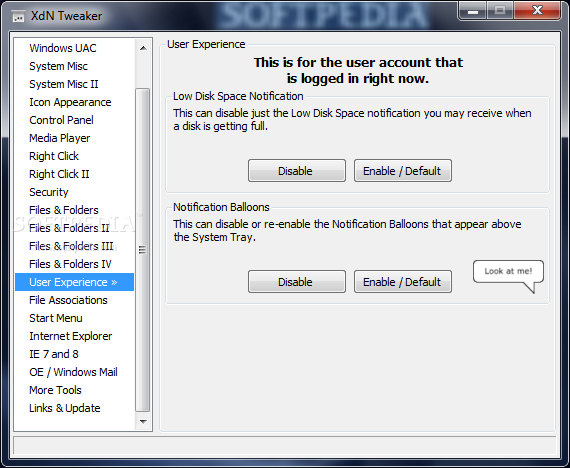
The interface of the app consists of a common window with a well-organized layout where you can view system information and launch the User Account Control (UAC) panel, for instance.
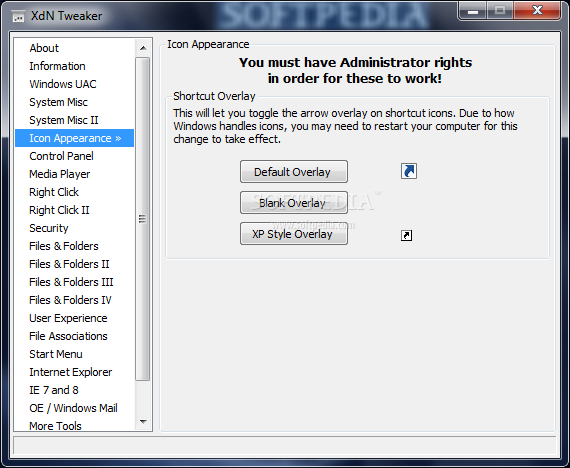
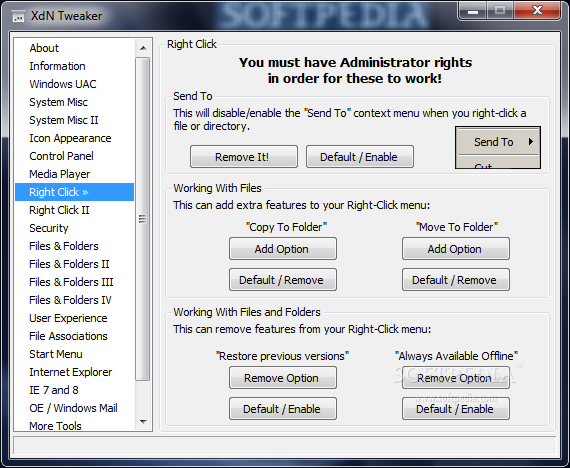
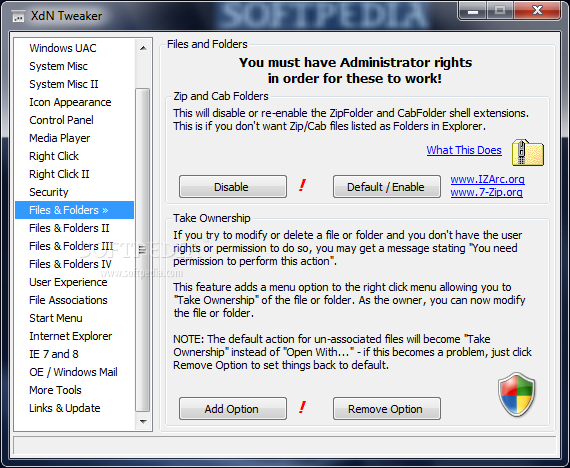
You can change the appearance of your icons by applying the blank or XP style overlay, as well as remove the "Send To" and "Shortcut To" entries from the Explorer context menu and integrate the "Copy To Folder", "Move To Folder" and "Take Ownership" options.
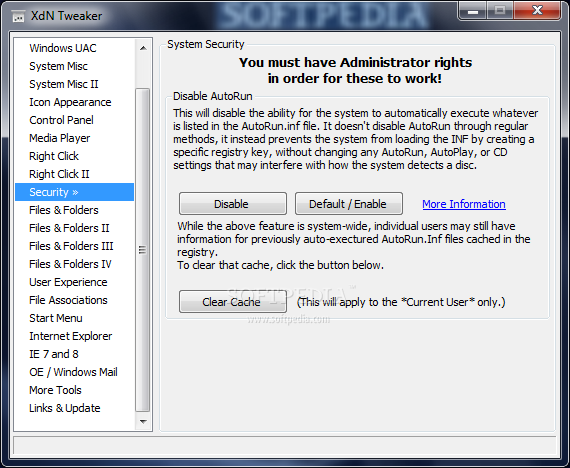
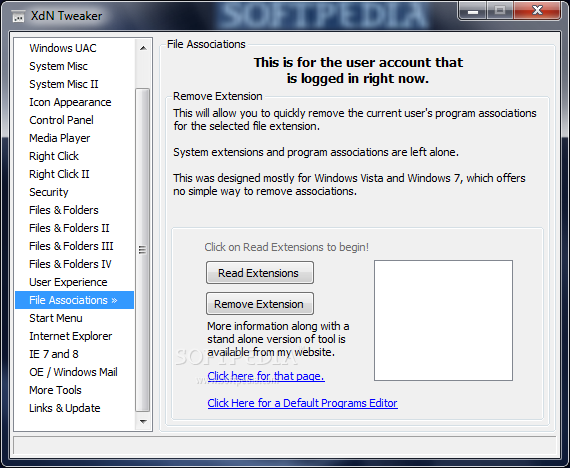
You can disable the autorun.inf file and regional Windows 7 themes, adjust the mouse hover timeout, remove the current user's program associations for the selected file extension, as well as set the number of simultaneous IE connections to a server, just to name a few.
The program requires a moderate quantity of CPU and system memory, has a good response time and worked smoothly during our tests, without causing the operating system to freeze, crash or display error notifications; we have not come across any issues.
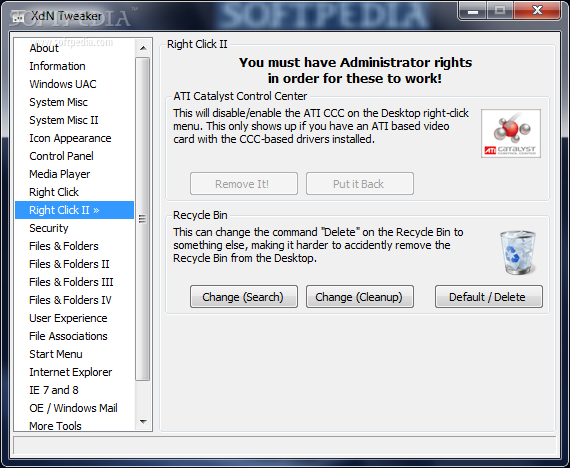
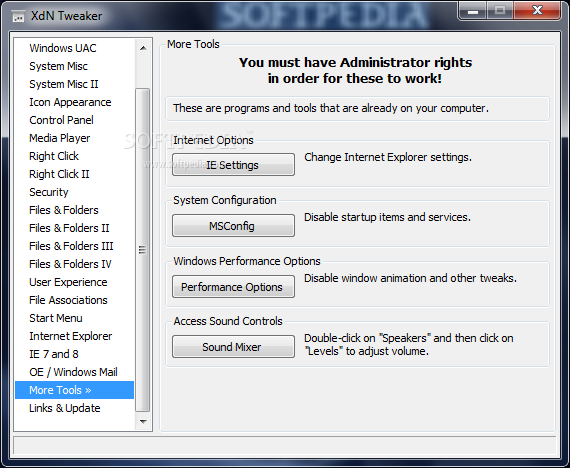
On the other hand, many features available via XdN Tweaker can be found by default in the operating system; the app merely provides a shortcut to them (e.g. configure IE settings and Windows performance options). Nevertheless, XdN Tweaker provides some user-friendly features for making the operating system fit your preferences.
What's new in XdN Tweaker 0.9.3.0:
- Added initial support for Windows 8 and Windows Server 2012 (requires .NET Framework 2.0).
- Fixed hiding of Libraries. Now removes/re-adds "Include in library" on context menus (Files and Folders).
- Updated Internet Explorer page to have the correct maximum connections for IE 6/7, and 8/9/10+.
- Minor text and interface changes.
XdN Tweaker 0.9.3.0
add to watchlist add to download basket send us an update REPORT- runs on:
-
Windows 2008
Windows 2003
Windows 7
Windows Vista
Windows XP - file size:
- 387 KB
- filename:
- xdn_tweaker_setup.exe








- main category:
- Tweak
- developer:
- visit homepage
Microsoft Teams

Zoom Client

calibre

7-Zip

ShareX

Bitdefender Antivirus Free

IrfanView

4k Video Downloader

paint.net

Windows Sandbox Launcher

- 4k Video Downloader
- paint.net
- Windows Sandbox Launcher
- Microsoft Teams
- Zoom Client
- calibre
- 7-Zip
- ShareX
- Bitdefender Antivirus Free
- IrfanView