
Tweak your system with ease. #System tweaker #System optimizer #Tweak system #Tweaker #Tweak #Optimizer


Tweaking Windows has always been a challenging job for many users out there, but the real problem is that in case somthing goes wrong, the operating system could slow down to a screeching halt or start returning all kinds of errors out of the blue.
Xpy is a software solution designed to help you change many default settings of the OS and make it more secure, without risking any damage to the operating environment.
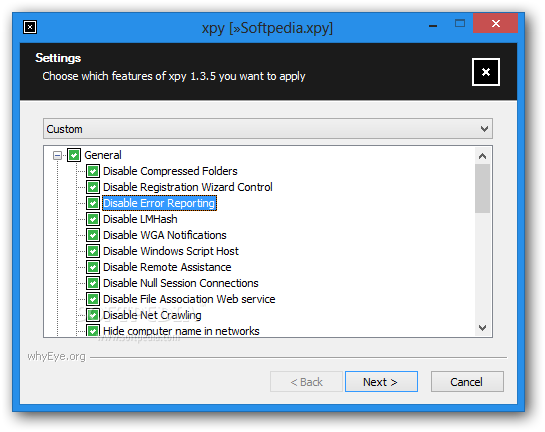
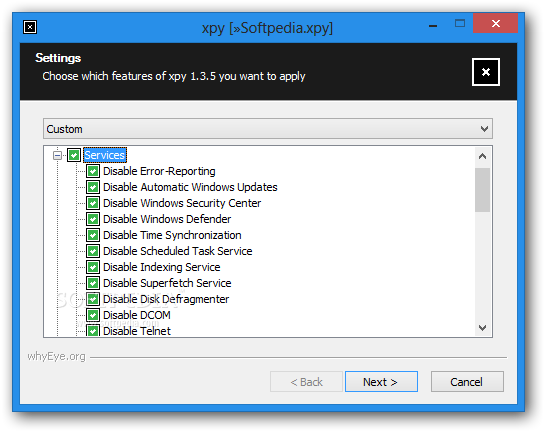
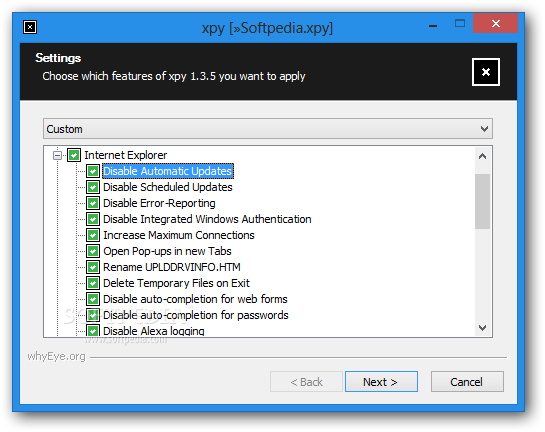
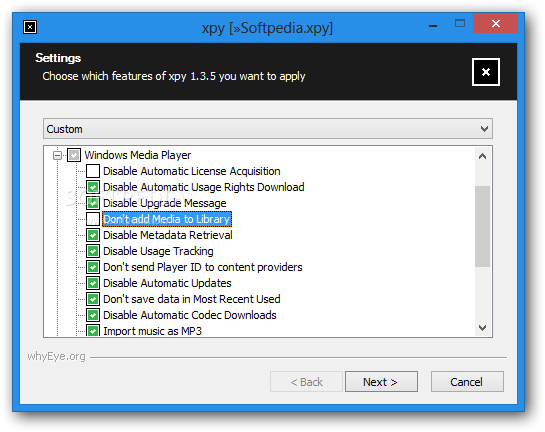
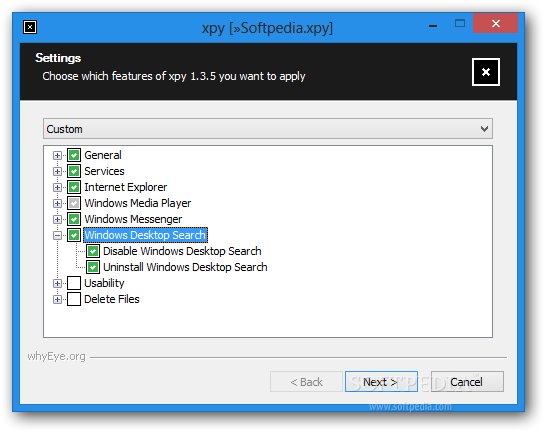
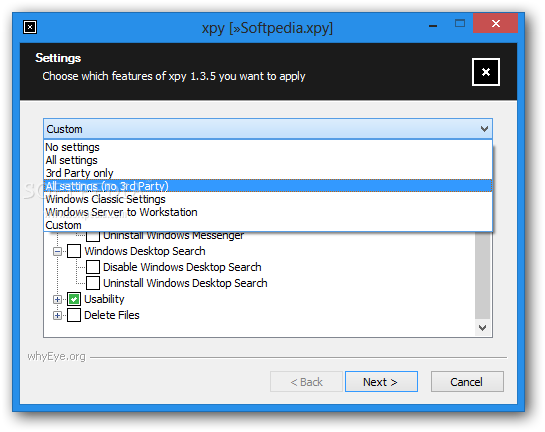
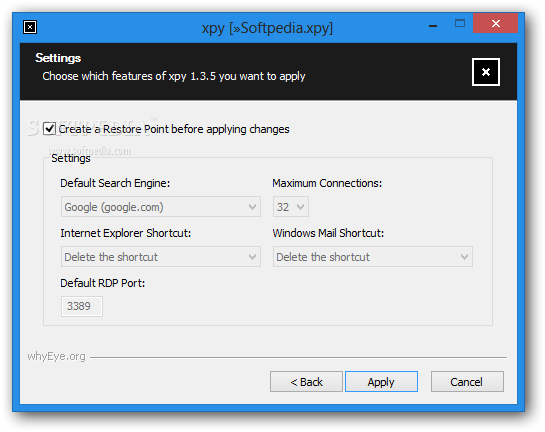
The application has been developed to look like a regular installation wizard, so you just have to check the features you want and hit the 'Next' button until the program says you're done.
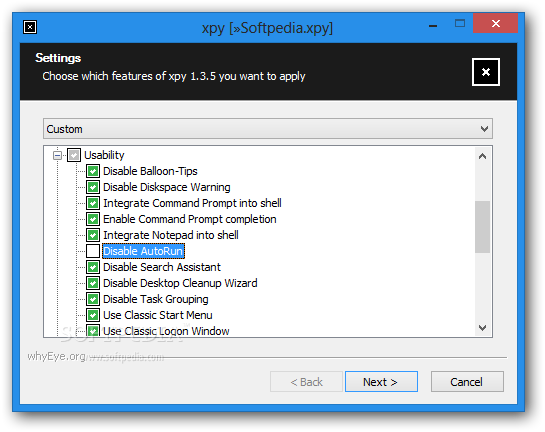
You're thus prompted to choose among Internet Explorer, Windows Media Player, Windows Messenger and Windows Desktop Search features, but you can also play a little bit with Windows services, usability or other general options.
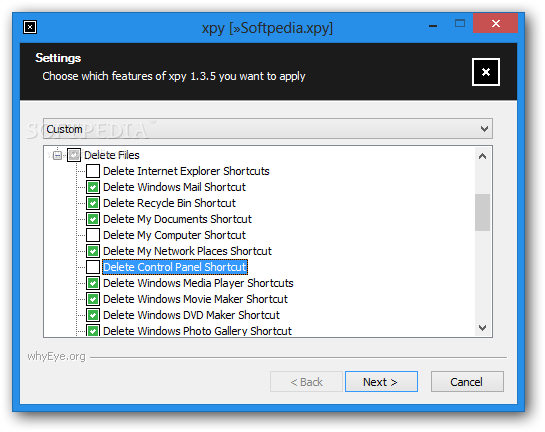
More so, you have the power to disable some components that become unnecessary, such as Internet Explorer or Recycle Bin shortcuts, the Prefetch directory, the Update cache or even the Microsoft bookmarks.
While the number of general settings and services you can control is quite impressive, the main drawback we've found in the test was the fact that xpy comes with no documentation or help file at all.
In plain English, in case you're a beginner and you really don't have a clue which feature does what, the only way to get some info is to search the web.
All things considered, it's safe to say that xpy remains a very handy tool when trying to tweak the operating system. It is very easy to use, provided that you know the effects of disable one system feature or another, and at least a try it does deserve.
What's new in xpy 1.3.8:
- added option to retrieve updates for Windows Embedded POSReady systems, even if using other
- compiled using latest NSIS 3.0 beta 0
xpy 1.3.8
 Softpedia Editor's Pick
add to watchlist
add to download basket
send us an update
REPORT
Softpedia Editor's Pick
add to watchlist
add to download basket
send us an update
REPORT
- runs on:
-
Windows 2003
Windows 8
Windows 7
Windows Vista
Windows XP
Windows 2K - file size:
- 99 KB
- filename:
- xpy-1.3.8-bin.zip

- main category:
- Tweak
- developer:
- visit homepage
Zoom Client

Windows Sandbox Launcher

IrfanView

Bitdefender Antivirus Free

7-Zip

ShareX

4k Video Downloader

Microsoft Teams

Context Menu Manager

calibre

- Microsoft Teams
- Context Menu Manager
- calibre
- Zoom Client
- Windows Sandbox Launcher
- IrfanView
- Bitdefender Antivirus Free
- 7-Zip
- ShareX
- 4k Video Downloader