
Powerful uninstaller that allows you to remove programs and leftover files, trace new installed software, as well as manage startup items. #Uninstall application #Remove program #Software uninstaller #Uninstall #Remove #Uninstaller

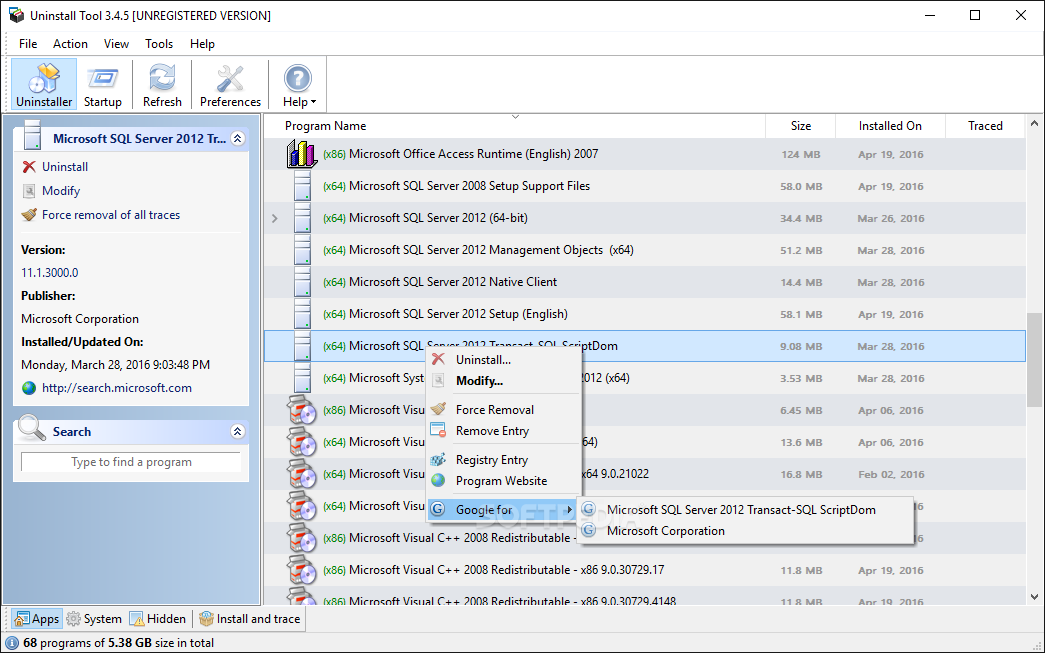
Uninstall Tool is a professional software application whose purpose is to help you uninstall programs from your system and delete registry entries and other remnants. The tool includes a startup manager that allows you to disable or enable programs that run at Windows startup.
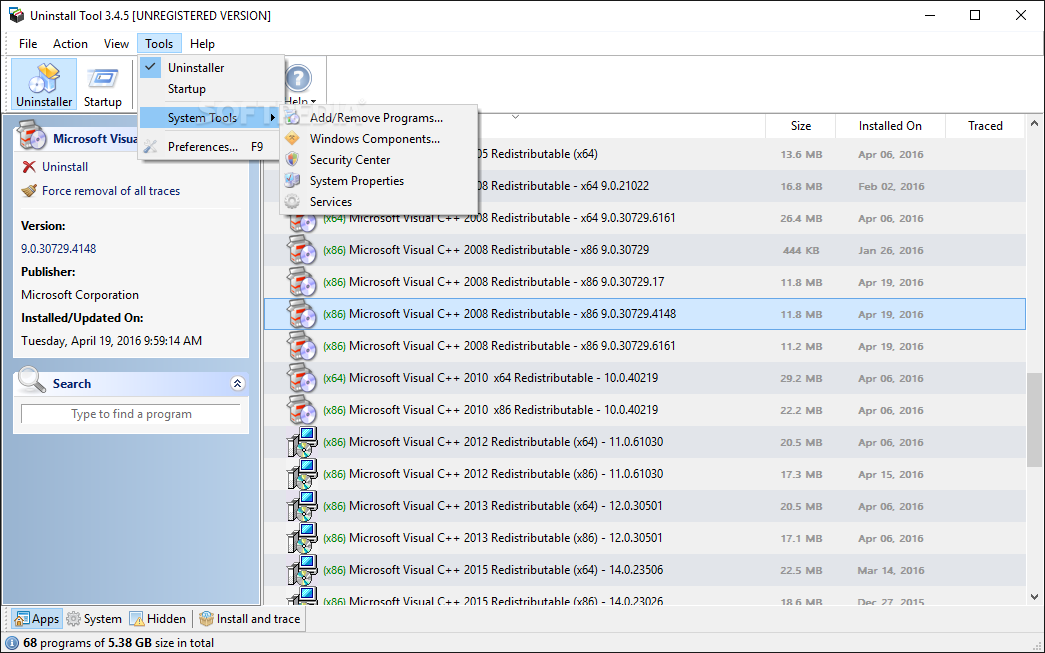
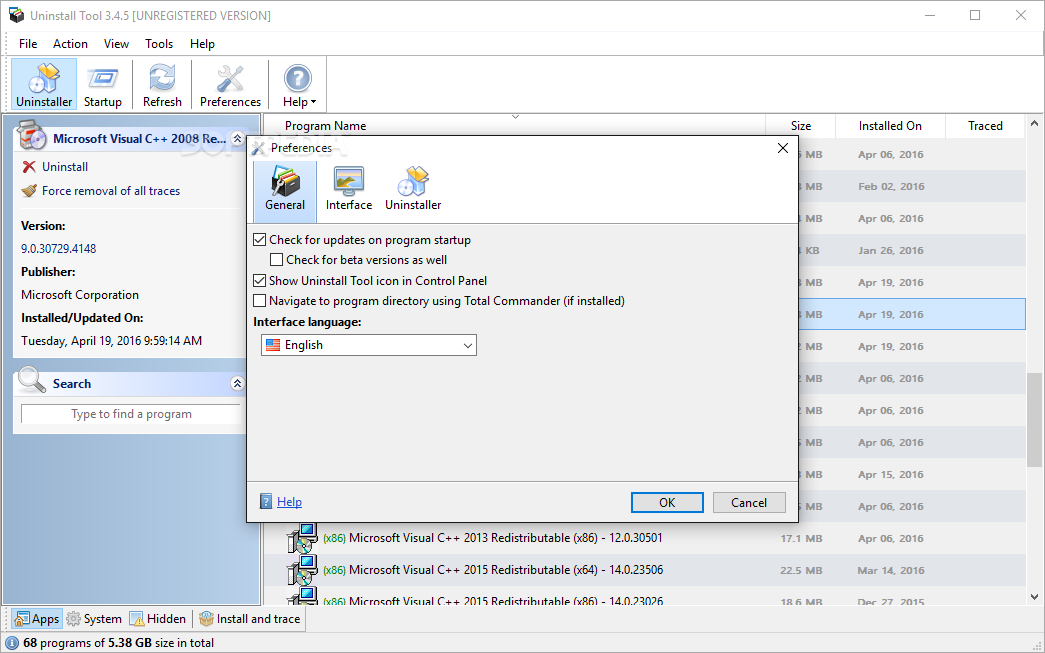
Installing the software takes place in no time and you may select the components that you want to deploy on the system. You can opt for the “Install and Trace” feature which helps you monitor all entries added to your system by a new installed utility. Plus, you can place Uninstall Tool’s icon in Windows Control Panel.
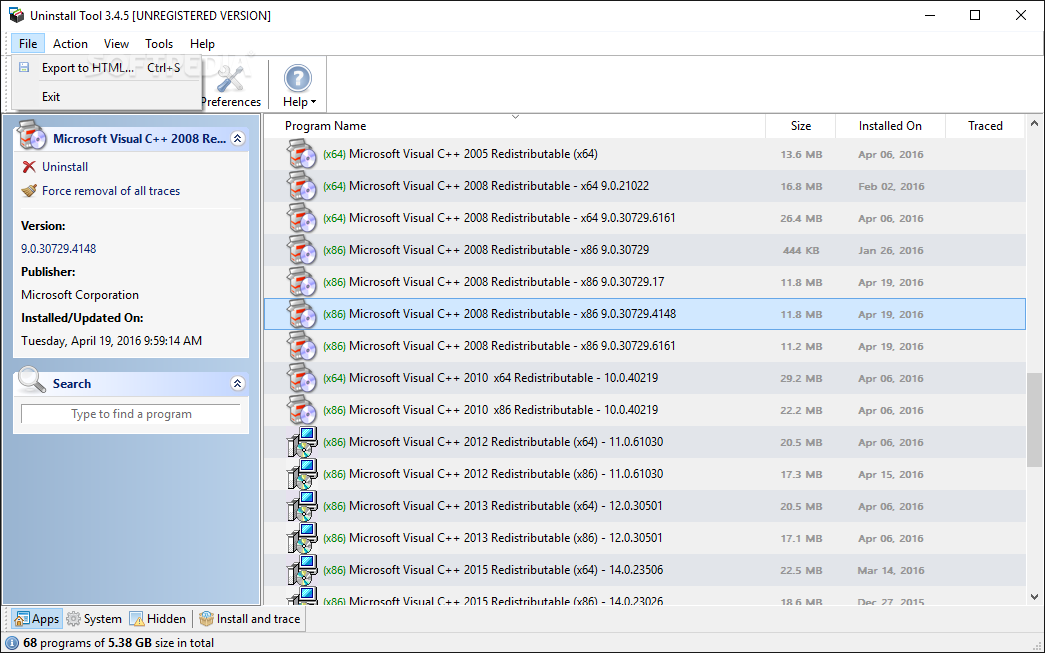
The program automatically builds up a list with all utilities installed on your system and provides information about each one, such as name, size and installation date. The list can be refreshed with a single click and exported to HTML file format.
What’s more, you may perform search operations for quickly identifying an app in the list, sort items by system or hidden files, open up the Windows Registry Editor for viewing info about the entries for a particular tool, access the installation folder, as well as perform searches on Google about the desired software.
Uninstall Tool gives you the possibility to works with two different modes for getting rid of software from your computer. You can uninstall the selected program, scan the computer for registry entries and leftover files, as well as delete all the detected traces.
The second mode is built specifically for helping you identify system files and registry items belonging to a certain tool. It proves to be particularly useful especially when you need to delete obsolete or invalid entries, which couldn’t be normally removed from the system.
The “Install and Trace” mode helps you keep an eye on the changes that are made to your system when installing new software. You can view all entries left behind for each monitored utility.
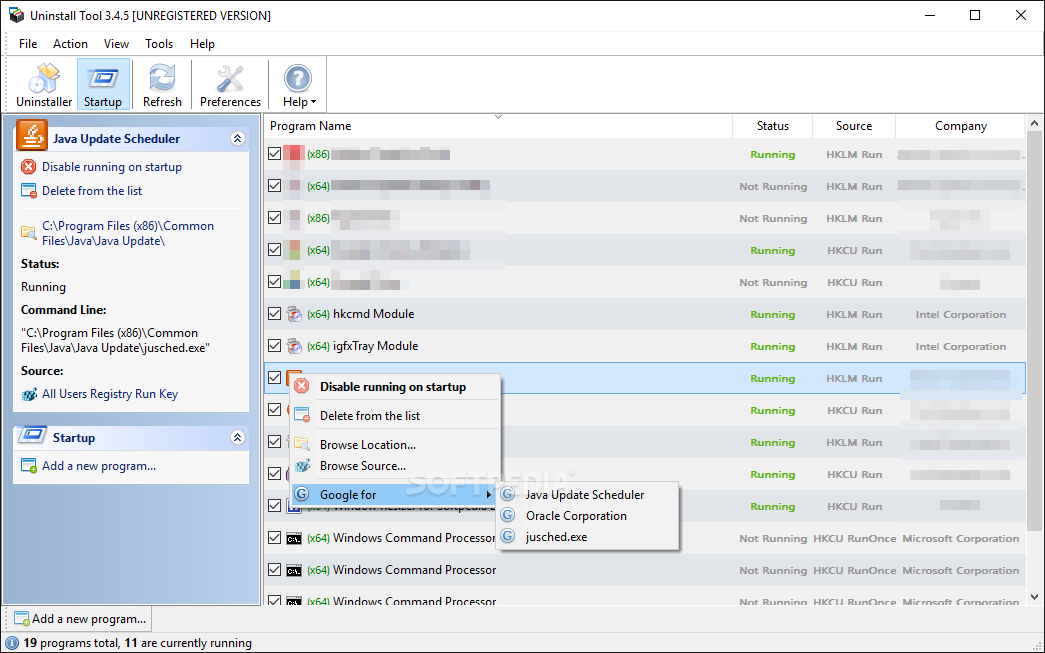
A smart feature bundled in the package empowers you to check out the programs that run automatically at Windows startup, view current user registry key and details about the utility’s name, status, source and company, enable or disable them, as well as add a new app to startup.
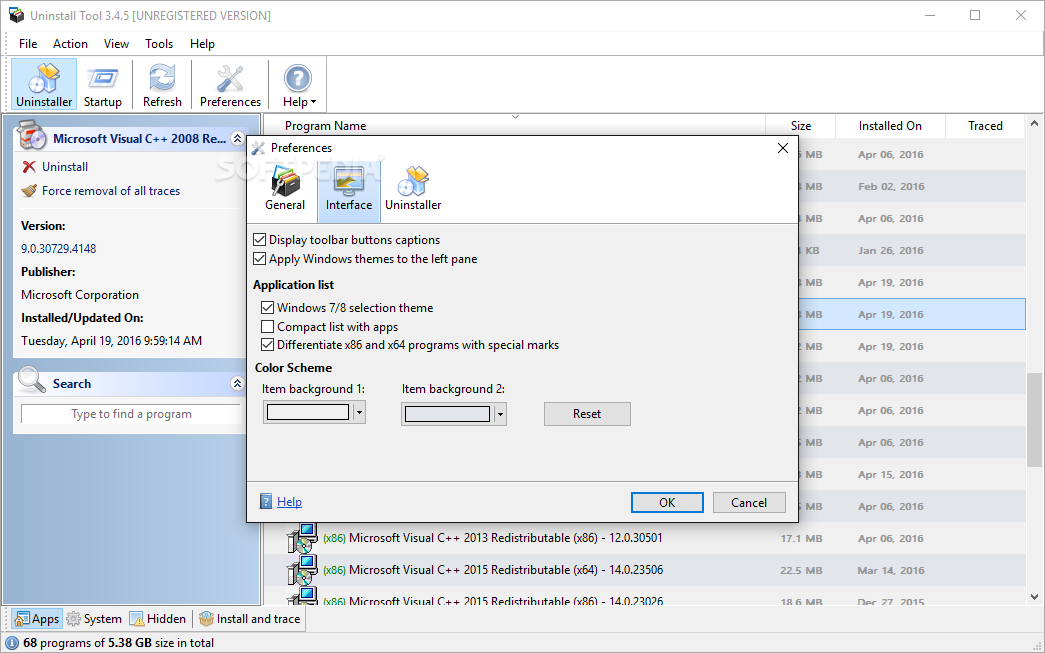
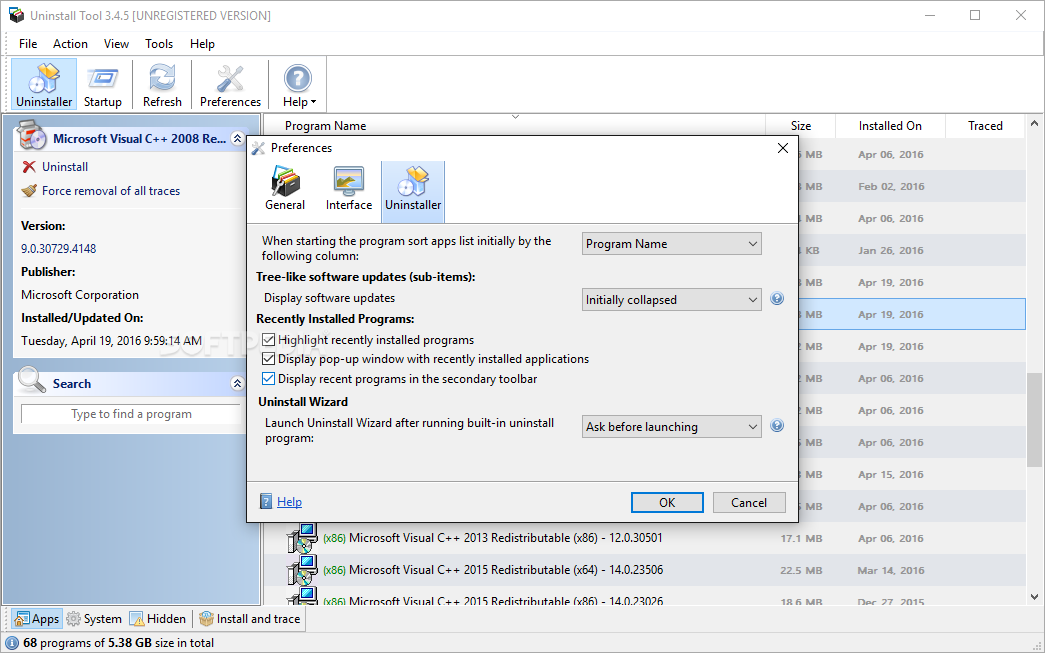
Uninstall Tool lets you make several tweaks related to sorting the installed applications listed in the main panel by different criteria, highlight recently installed programs, display popup window with recently installed software, and activate or disable the uninstallation wizard.
Uninstall Tool combines ease of use with several advanced features for helping you remove programs and leftover files, trace new installed software, as well as manage startup items.
What's new in Uninstall Tool 3.7.4 Build 5725:
- New: Uninstall apps via context menu of Desktop shortcuts #104
- Improved: Slovenian translation update
- Fixed: Fixed situation when message window height was too big with lots of dependent apps #73
- Fixed: Fixed extracting and displaying of certain app icons
Uninstall Tool 3.7.4 Build 5725
add to watchlist add to download basket send us an update REPORT- runs on:
-
Windows 11
Windows 10 32/64 bit
Windows 8 32/64 bit
Windows 7 32/64 bit - file size:
- 5.7 MB
- filename:
- uninstalltool_setup.exe
- main category:
- Tweak
- developer:
- visit homepage
Zoom Client

Bitdefender Antivirus Free

4k Video Downloader

Windows Sandbox Launcher

7-Zip

ShareX

calibre

Microsoft Teams

IrfanView

Context Menu Manager

- Microsoft Teams
- IrfanView
- Context Menu Manager
- Zoom Client
- Bitdefender Antivirus Free
- 4k Video Downloader
- Windows Sandbox Launcher
- 7-Zip
- ShareX
- calibre