
A powerful utility designed for three major goals: overclocking, monitoring and cooling, strictly dedicated to ASUS video card possessors. #ASUS Graphic Card #ASUS Overclock #ASUS Monitor #ASUS #Graphic Card #Overclock

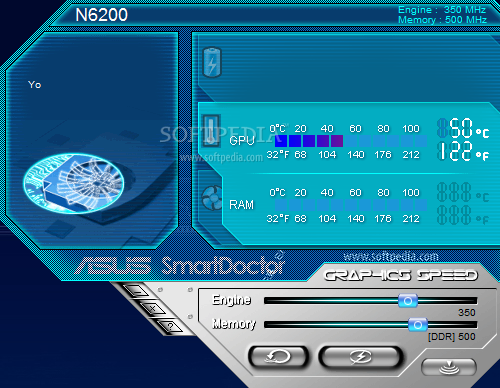
The performance of your graphic card can be maximized by performing an overclocking operation. This kind of procedure can really pay off if you have the courage to push your hardware to the superior limit, but if you have an ASUS graphic card you can do it with the help of a 100 percent genuine tool.
Called ASUS SmartDoctor, the application was specifically designed to help overclock the graphic adapter so that you can get the most out of your hardware.
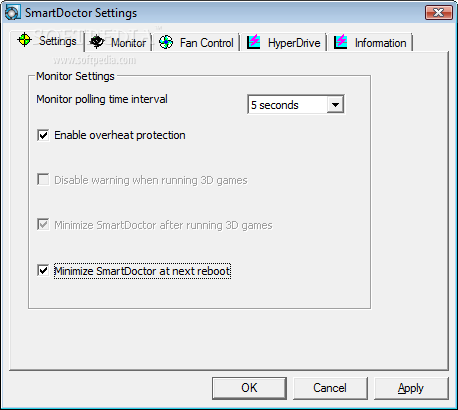
Installing and running ASUS SmartDoctor are the easiest two things to do when it comes to this application, because the process itself requires a certain level of knowledge.
In fact, undergoing an overclocking operation is dangerous if caution is not taken along the way. So dangerous that it can even damage or break down the video card, so don’t get into the overclocking frenzy if you don’t really know what your hardware is up to.
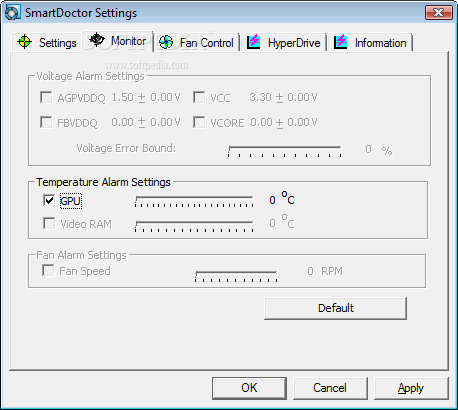
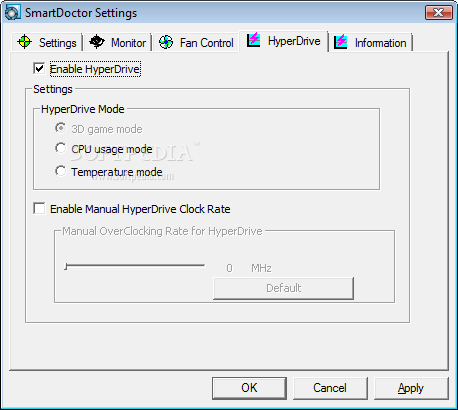
ASUS SmartDoctor shows you the fan speed, the temperature and the voltage, so it shouldn’t be too difficult to overclock it if you keep an eye on these stats. Plus, the application keeps you updated with the evolution of these three figures, so you can be informed at all times if something goes wrong.
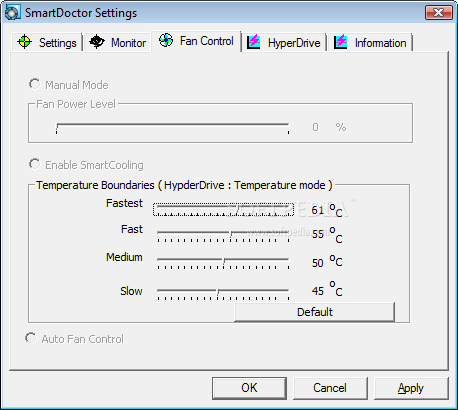
Plus, it lets you adjust the GPU and the memory clock, but also to control the fan speed depending on the temperature, just to be on the safe side if you stress the graphic card too much.
The bottom line is fairly simple: if you believe that you’re ready to make the giant leap to overclocking and you have ASUS hardware under the hood of your machine, it would be a good idea to start with this app, because it offers a complete set of tools to both maximize performance and stay safe if the right amount of attention is applied.
Download Hubs
ASUS SmartDoctor is part of these download collections: Temperature Monitors
ASUS SmartDoctor 5.57
add to watchlist add to download basket send us an update REPORT- runs on:
- Windows All
- file size:
- 18.2 MB
- filename:
- SmartDoc557.zip

- main category:
- Tweak
- developer:
- visit homepage
Windows Sandbox Launcher

ShareX

4k Video Downloader

IrfanView

Context Menu Manager

Microsoft Teams

calibre

7-Zip

Bitdefender Antivirus Free

Zoom Client

- 7-Zip
- Bitdefender Antivirus Free
- Zoom Client
- Windows Sandbox Launcher
- ShareX
- 4k Video Downloader
- IrfanView
- Context Menu Manager
- Microsoft Teams
- calibre