
A straightforward application that helps users view data about graphics configuration, OpenGL capabilities, OpenCL support and extensions, as well as test the GPU stability. #GPU analysis #GPU Viewer #GPU information #GPU #Graphic card #OpenGL

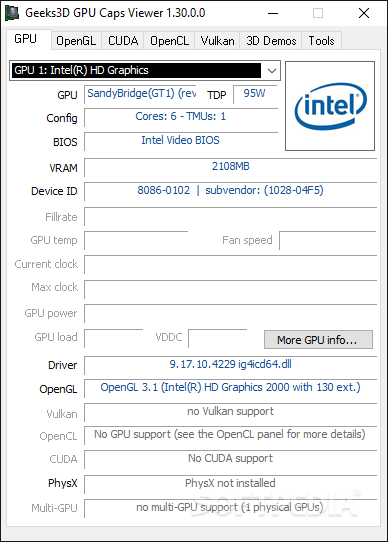
Having detailed information about your graphic card empowers you to take smart decisions when it comes to improving performance, making the correct settings adjustments or upgrading the GPU, for instance. While a lightweight utility, Portable GPU Caps Viewer can provide a plethora of information regarding the graphic capabilities of your computer.
The application comes with an old-school interface that includes a relatively small window with several tabs. Upon launch, you may notice that the app takes some time to load, and the reason for this is that it analyzes your system. The information about the graphic card can be previewed in the first Tab, dubbed GPU, and this includes the info about the TDP, VRAM, Device ID and vendor, temperature, fan speed, fill rate, etc.
Overall, the detailed insight allows you to understand your GPU's capabilities and make informed decisions regarding performance optimization and compatibility with software and games.
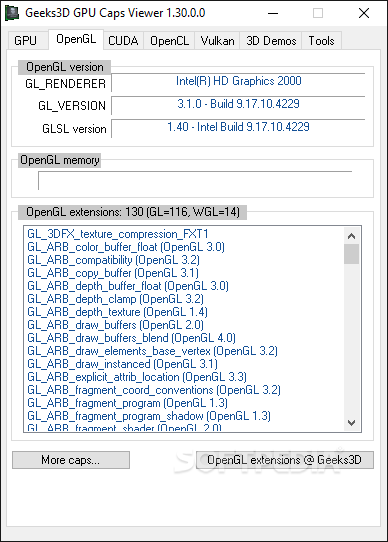
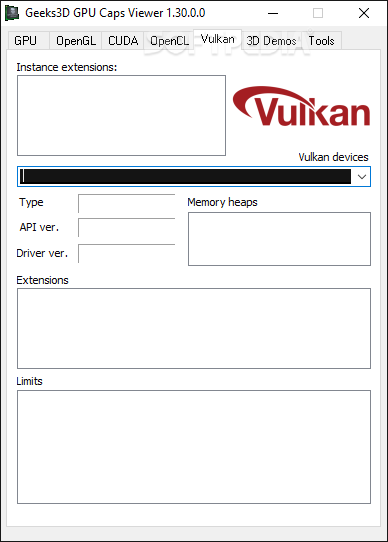
In addition to the regular settings, the app also displays information about the driver as well as the technologies that the graphic card can benefit from. The next four tabs include details information about OpenGL, CUDA, OpenCL and Vulkan. Each tab includes specific information to the technologies, including versions, extensions, memory cache or clocking.
The data is not necessarily restricted to game developers, as an average user with basic understanding of the technologies could spend some time to tweak the graphics for various games or other GPU-intensive apps they are using.
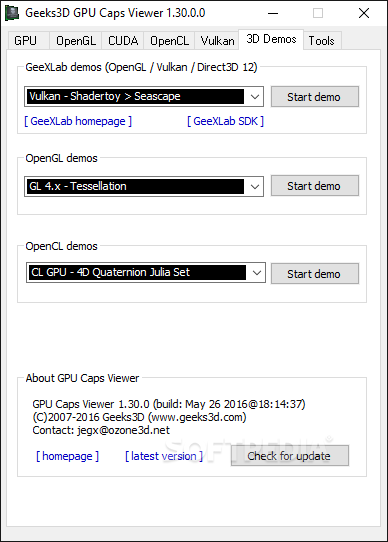
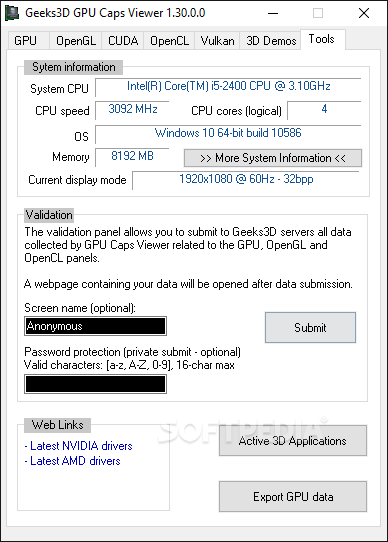
Portable GPU Caps Viewer can also prove useful for detecting various problems with your graphics or troubleshooting. The last tab of the app includes various tools that let you put the GPU through various tests and determine its overall stability and performance.
For instance, if you want to test your newly acquired hardware’s limits, you can consider using the GPU Burner, especially as it subjects the graphic card to heavy workloads. You will be able to identify potential issues so that you can configure the GPU and heavy-load apps for intensive tasks.
What's new in Portable GPU Caps Viewer 1.63.0.0:
- Added support of NVIDIA GeForce RTX 4070 SUPER, RTX 4070 Ti SUPER and RTX 4080 SUPER.
- Added support of AMD Radeon RX 7600 XT.
- Added detection of Intel Arc A580 and Moore Threads MTT S80.
- Fixed a crash in Vulkan initialization (reading of the driver ID / VK_KHR_driver_properties).
Portable GPU Caps Viewer 1.63.0.0
add to watchlist add to download basket send us an update REPORT- portable version
- This is the portable version of the application. An installable version is also available: GPU Caps Viewer
- runs on:
-
Windows 11
Windows 10 32/64 bit
Windows 8 32/64 bit
Windows 7 32/64 bit
Windows Vista 32/64 bit
Windows XP 32/64 bit - file size:
- 14.6 MB
- filename:
- GPU_Caps_Viewer_1.63.0.0.zip
- main category:
- Portable Software
- developer:
- visit homepage
ShareX

7-Zip

Context Menu Manager

4k Video Downloader

IrfanView

Bitdefender Antivirus Free

calibre

Microsoft Teams

Zoom Client

Windows Sandbox Launcher

- Microsoft Teams
- Zoom Client
- Windows Sandbox Launcher
- ShareX
- 7-Zip
- Context Menu Manager
- 4k Video Downloader
- IrfanView
- Bitdefender Antivirus Free
- calibre