
A sidebar gadget that provides information at a glance about Internet signal, your computer's IP addresses, the traffic speed and usage. #Monitor network #View IP address #Internet signal monitor #Traffic #Analyzer #Monitor
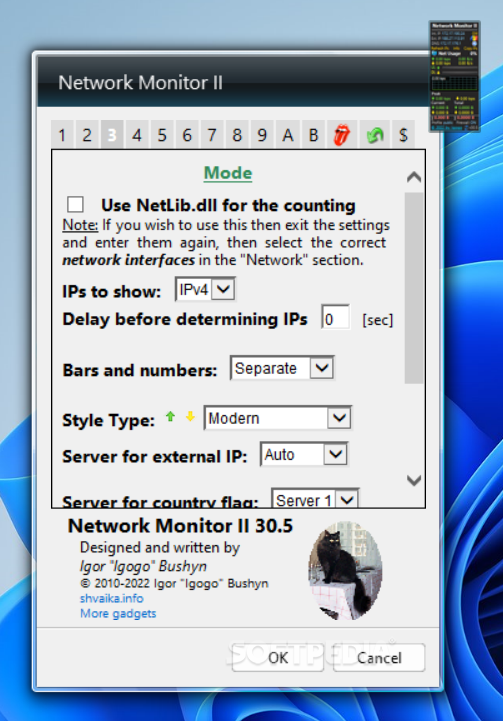
Network Monitor II is a Windows widget that provides you important information about the current network connection. You can view the network traffic and information about your IP address directly on your desktop without installing other network monitoring tools.
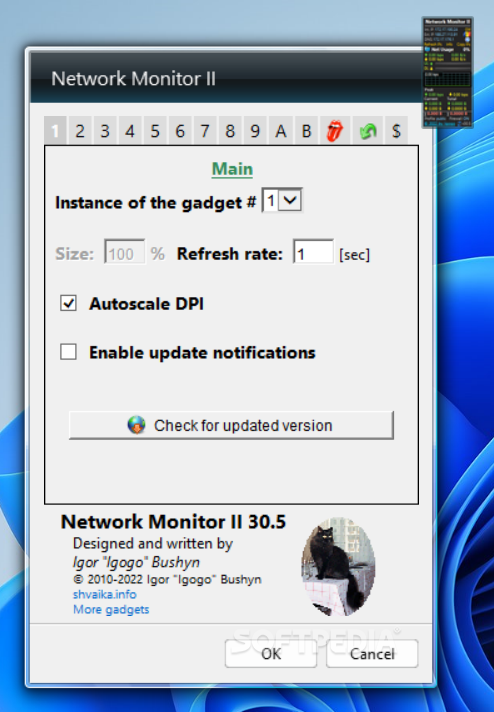
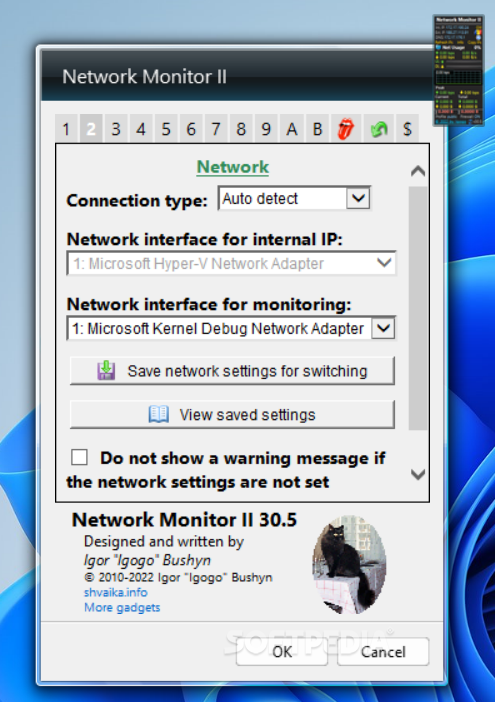
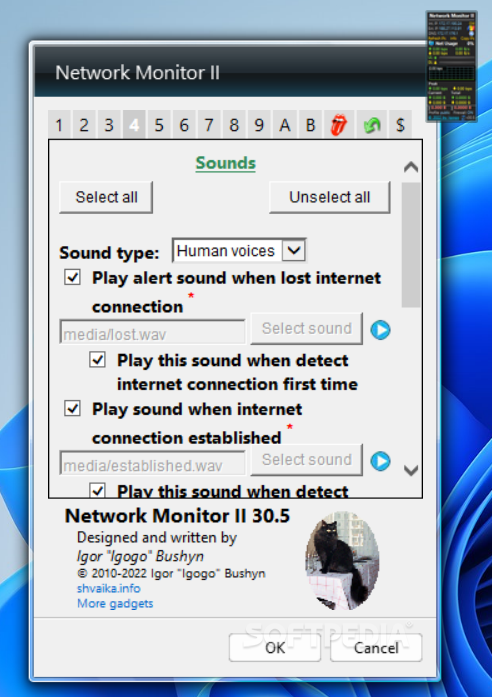
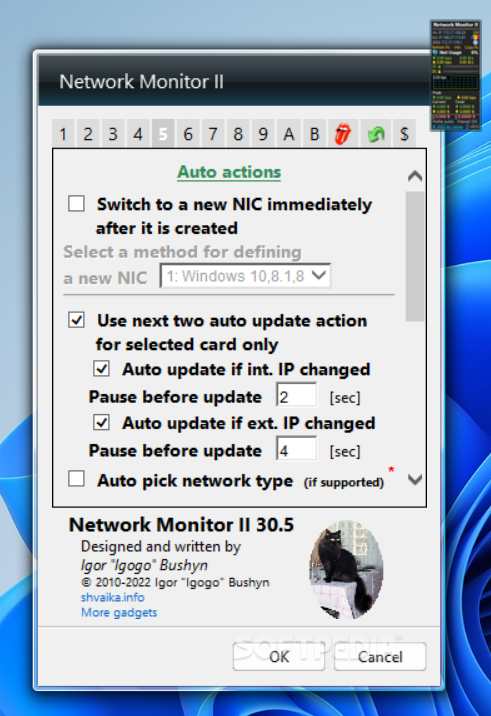
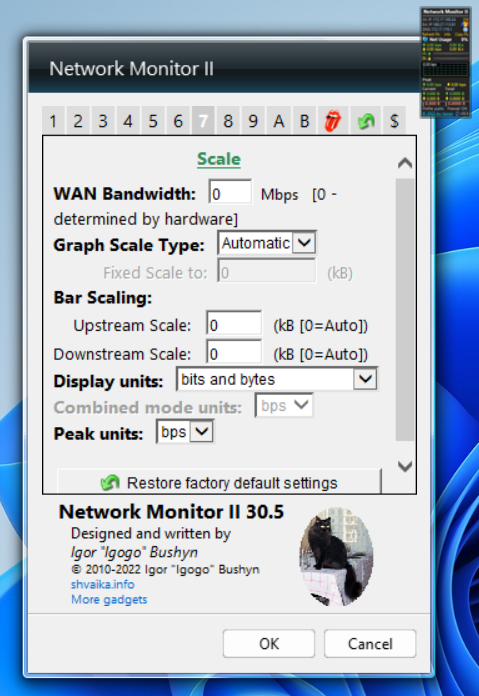
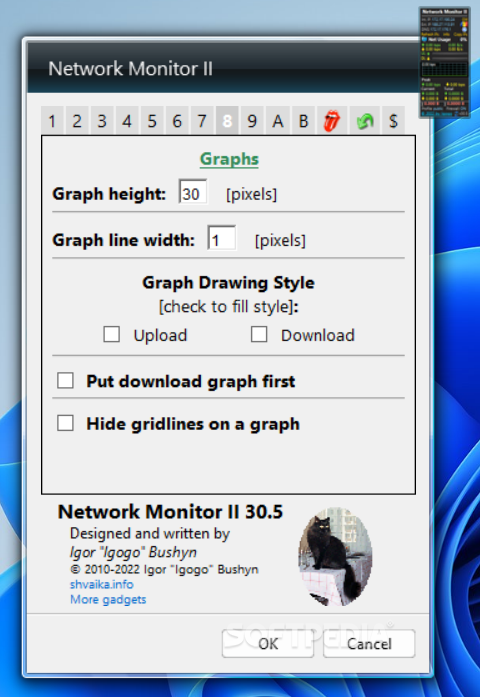
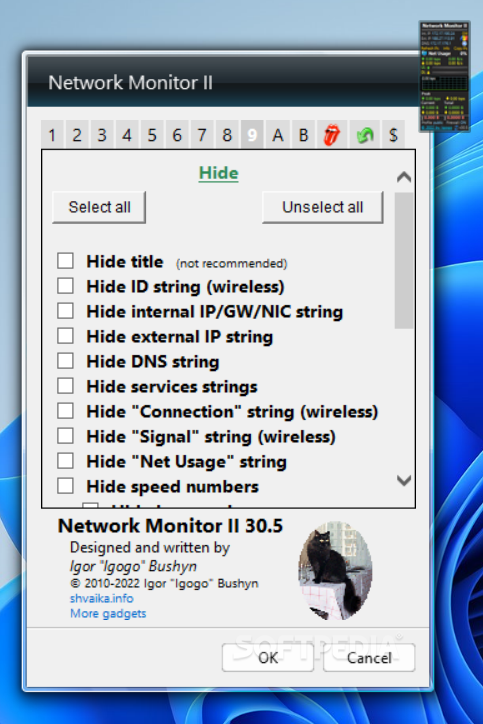
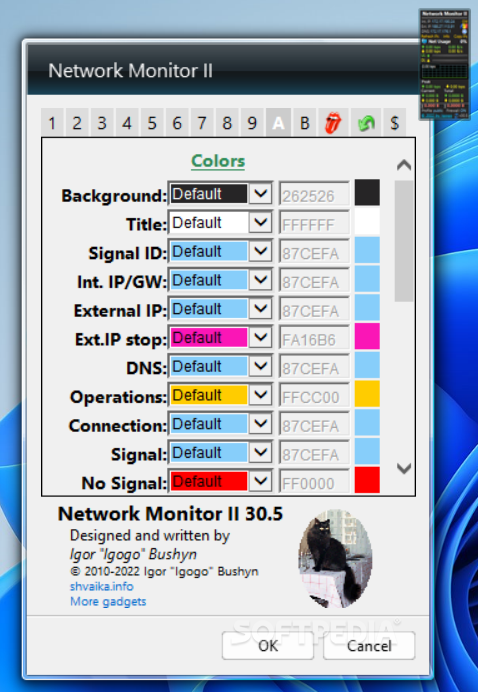
The widget has a customizable interface that allows you to change its size and the information that are displayed. There are two styles available by default but you can also change the colors of every element in order to match your desktop theme. If you make a lot of changes but the result is not what you expected, you can restore the default settings with just one click.
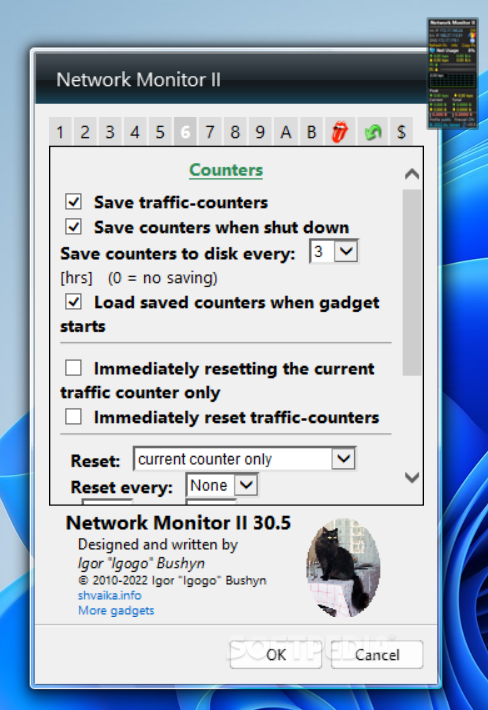
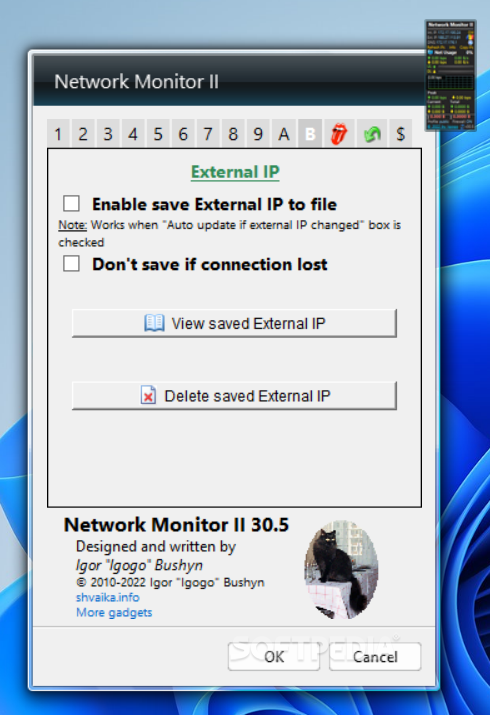
Among the information that is displayed by the widget you can find the local or the external IP address, the network usage and the current upload or download rate. Also included are details about bandwidth usage. The traffic counter lets you automatically save the information when the application is shut down.
The Info button extends the information provided by the widget with data related with the network interface such as the MAC address, the Internet gateway and the DNS server that is used by the computer. The widget provides you with detailed information about the owner of the current IP address when you put the mouse cursor over the flag displayed on the right side.
Network Monitor II is a fully customizable network information provider that is simple in design but has all the functions that you require to monitor the network traffic for your computer.
What's new in Network Monitor II 31.5:
- Added the ability to launch a selected program when the external IP changes. Some algorithms have been modified
Network Monitor II 31.5
add to watchlist add to download basket send us an update REPORT- runs on:
-
Windows 11
Windows 10 32/64 bit
Windows 8 32/64 bit
Windows 7 32/64 bit
Windows Vista 32/64 bit - file size:
- 2.7 MB
- filename:
- NetworkMonitorII.zip
- main category:
- Windows Widgets
- developer:
- visit homepage
Context Menu Manager

ShareX

Microsoft Teams

Bitdefender Antivirus Free

4k Video Downloader

Windows Sandbox Launcher

IrfanView

Zoom Client

calibre

7-Zip

- Zoom Client
- calibre
- 7-Zip
- Context Menu Manager
- ShareX
- Microsoft Teams
- Bitdefender Antivirus Free
- 4k Video Downloader
- Windows Sandbox Launcher
- IrfanView