
3D modeling is handled without fault by this well-renowned software, which provides users with a comprehensive toolset for their modeling, rendering, and animation work. #3D Modeller #Mental Ray renderer #3D Animation #Render #Animated #Texture

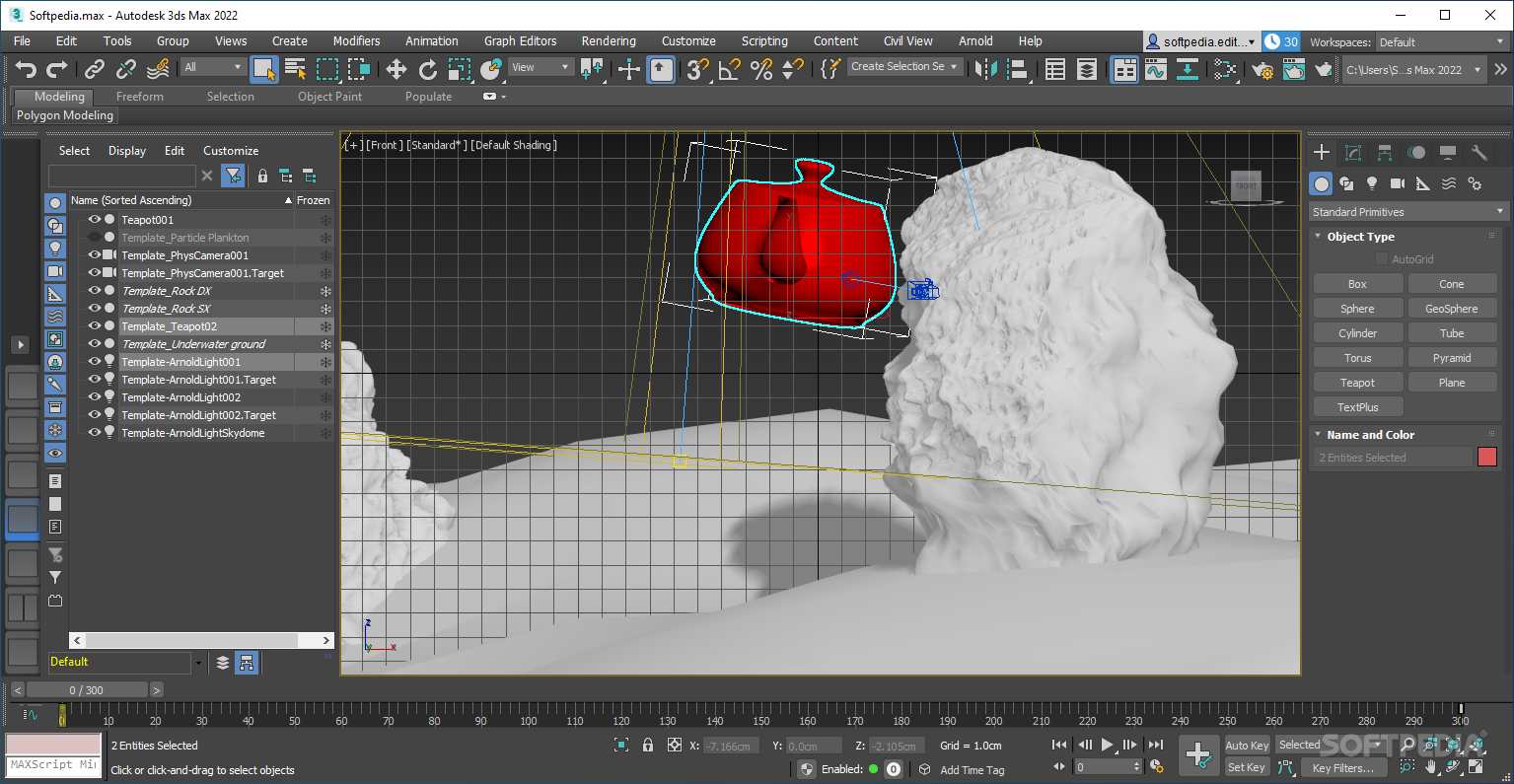
Software for computer-assisted design is pretty sought after, especially as it plays such a crucial role in manufacturing workflows, and much more. Autodesk is a rather well-known name in the business, and though their DRM methods are questionable at best, they nevertheless produce tools that lots of people rely on.
Though Autodesk 3ds Max may initially lead you to believe it is in some way related to Nintendo's popular console, that isn't the case. The software seeks to provide an environment in which 3D modeling, animation, and rendering are all handled without issues, thereby allowing users to create designs as intricate as their creativity allows.
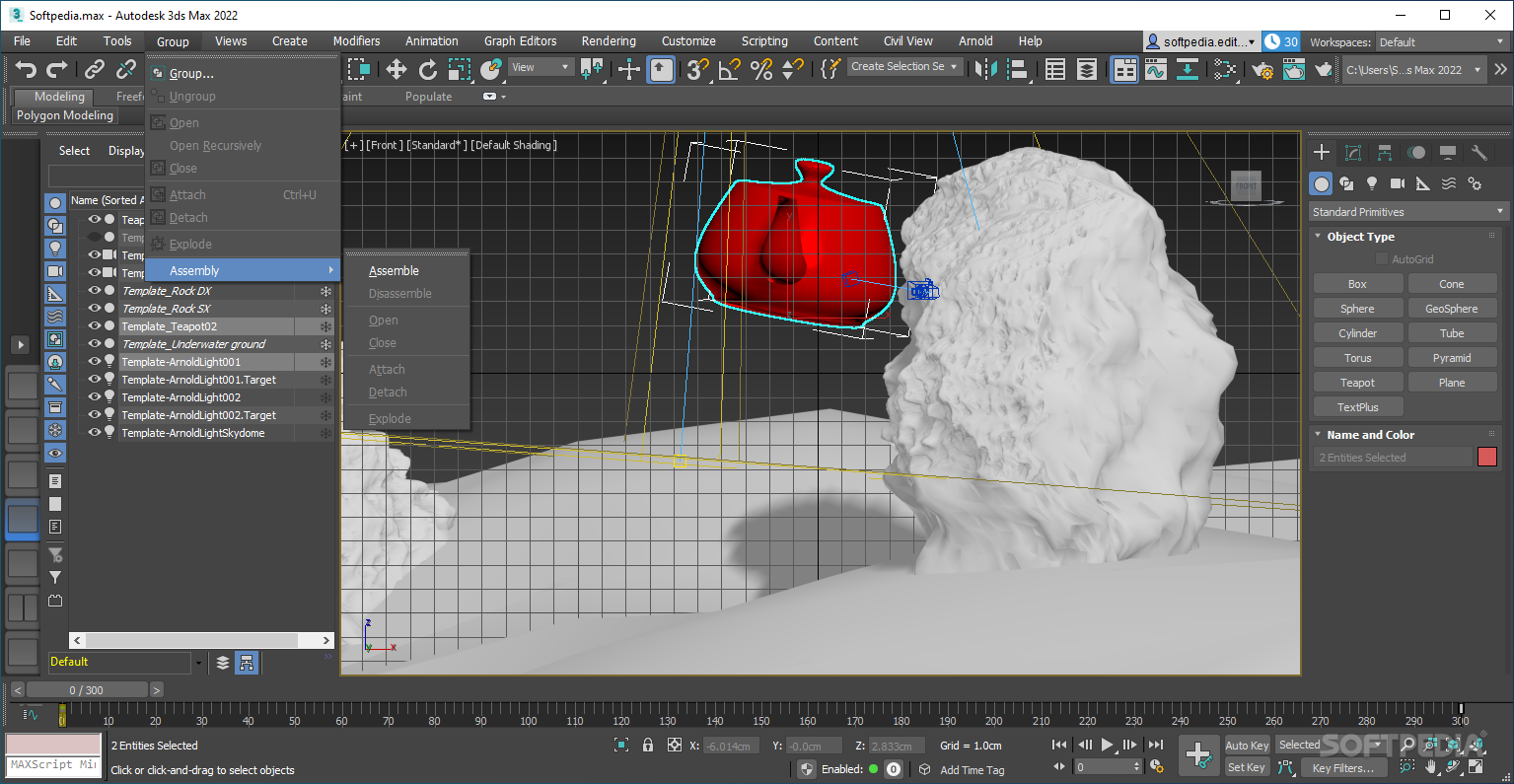
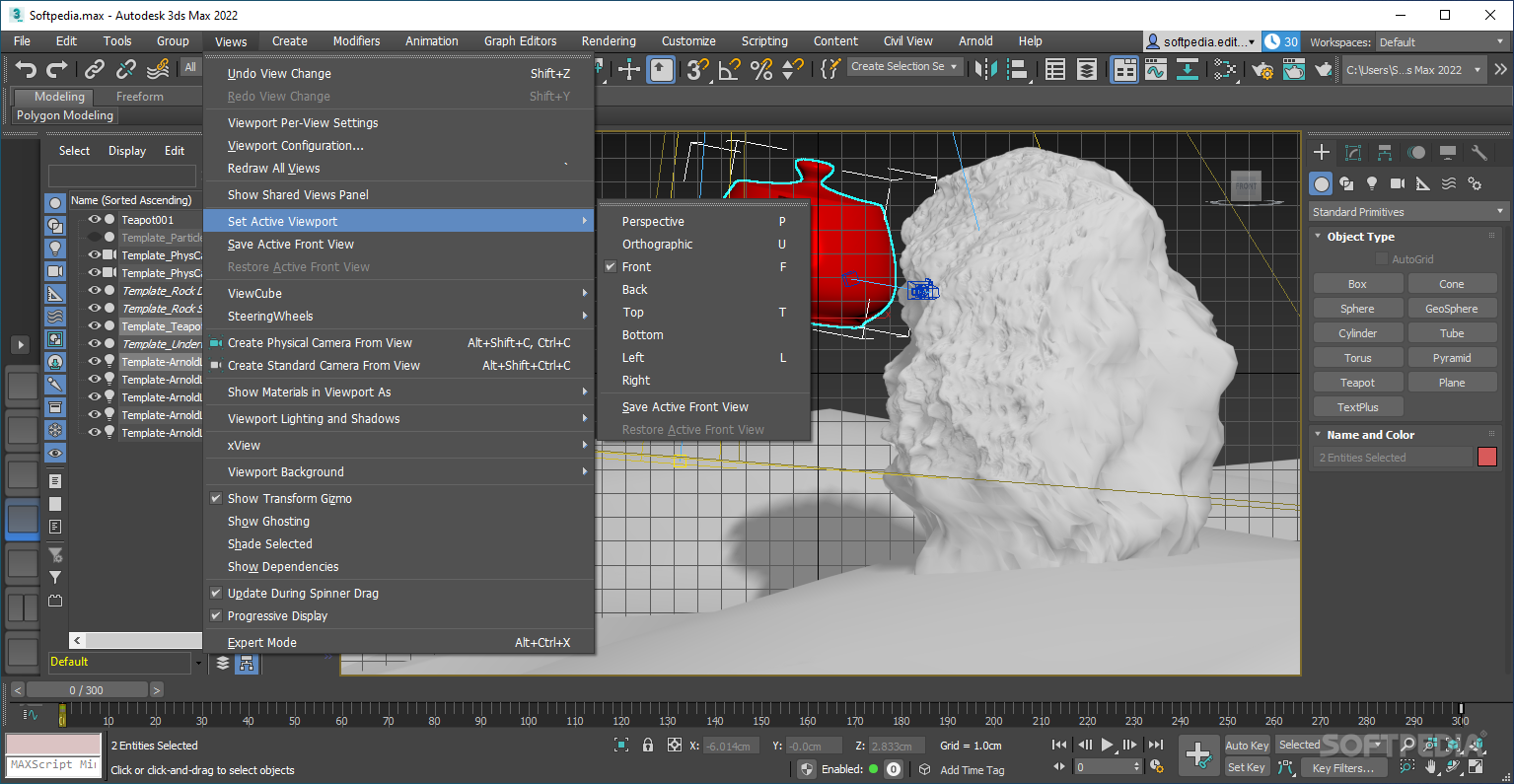
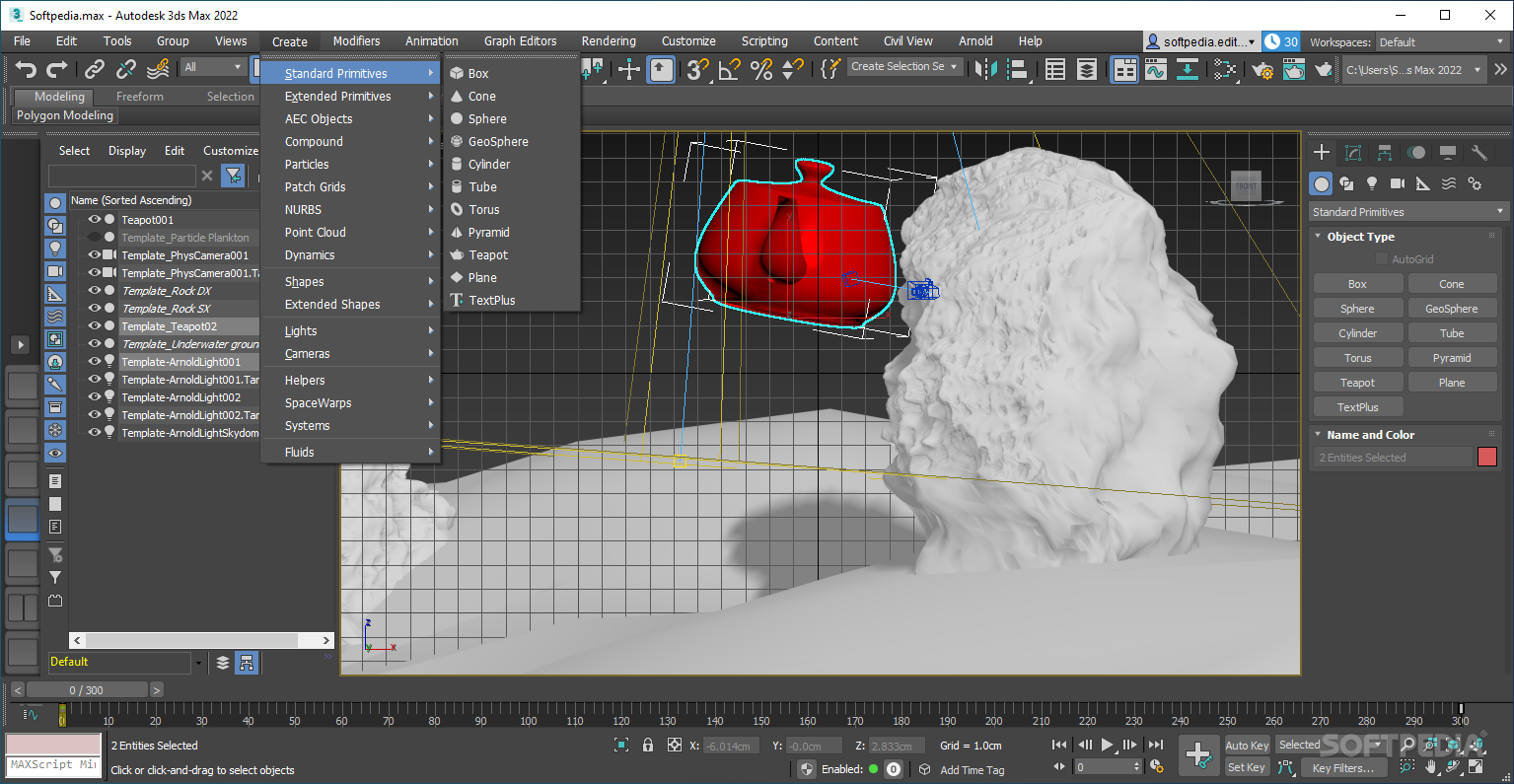
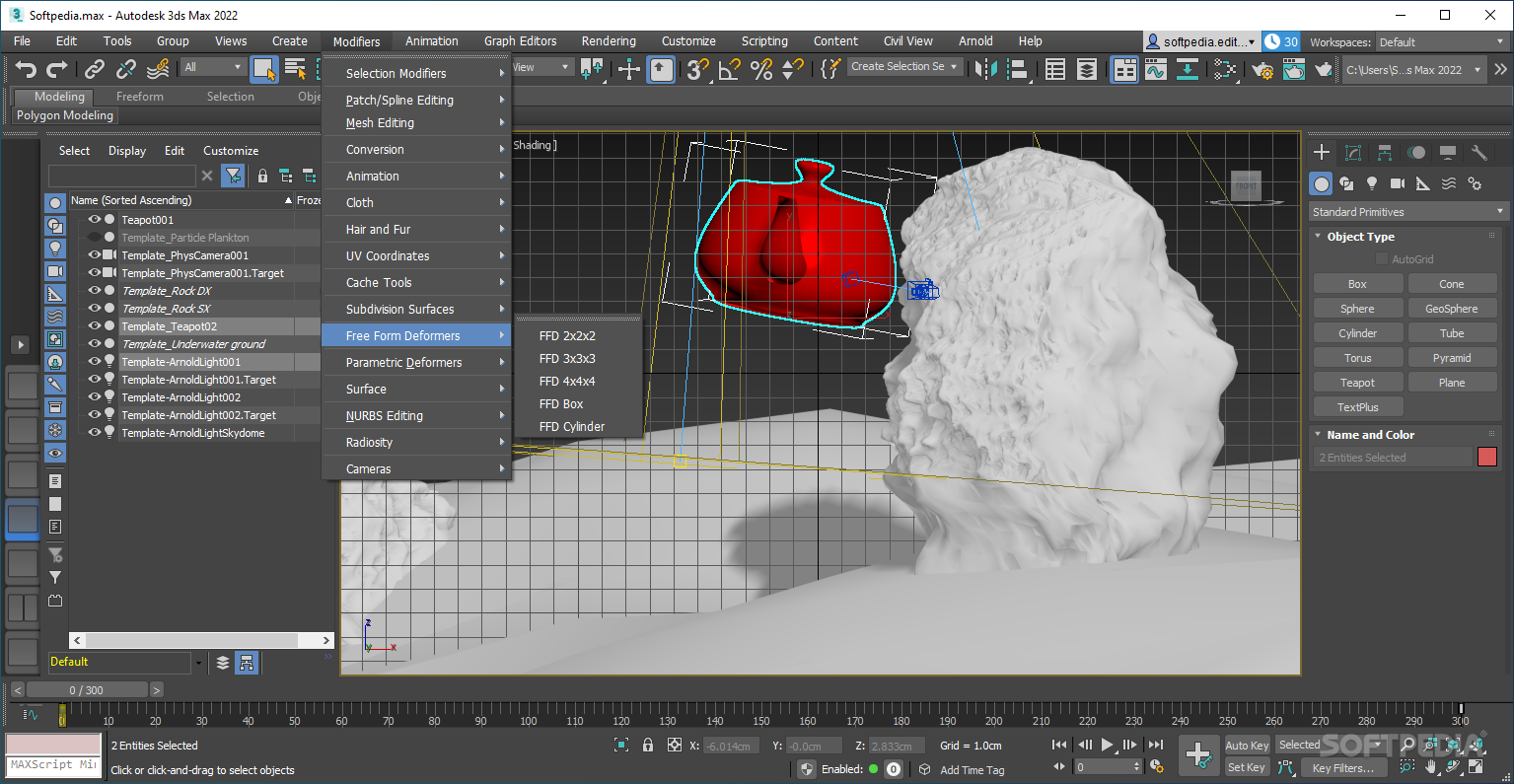
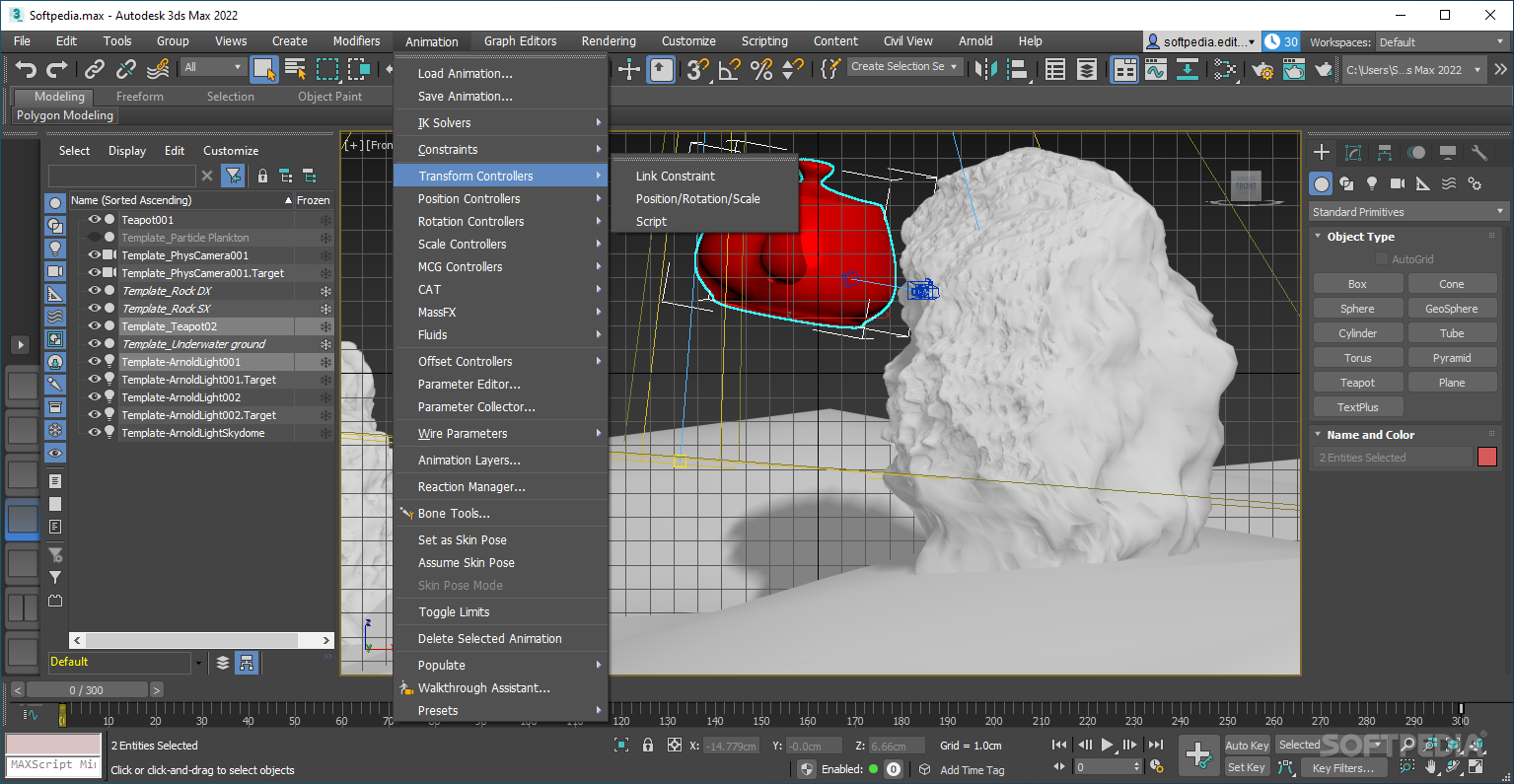
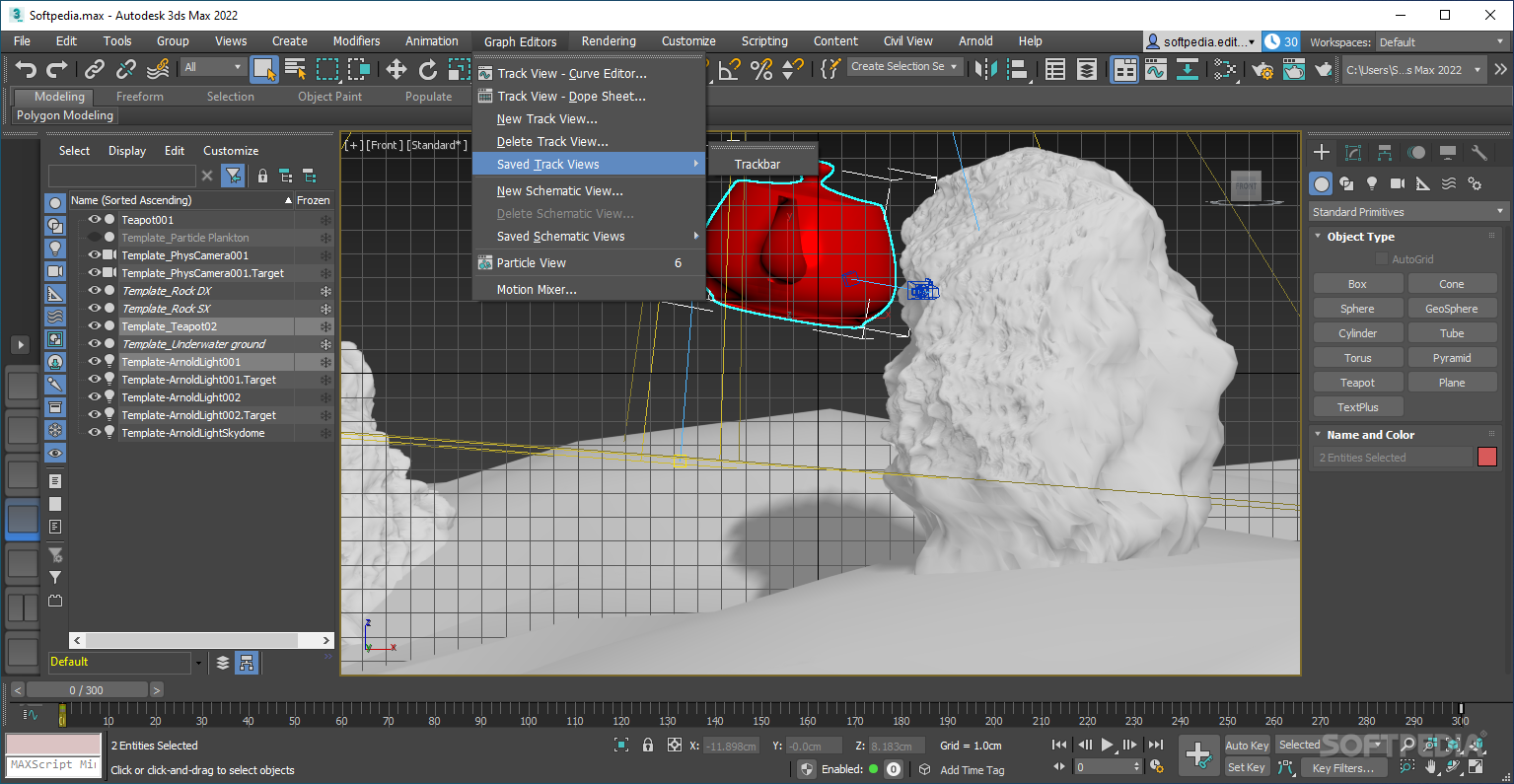
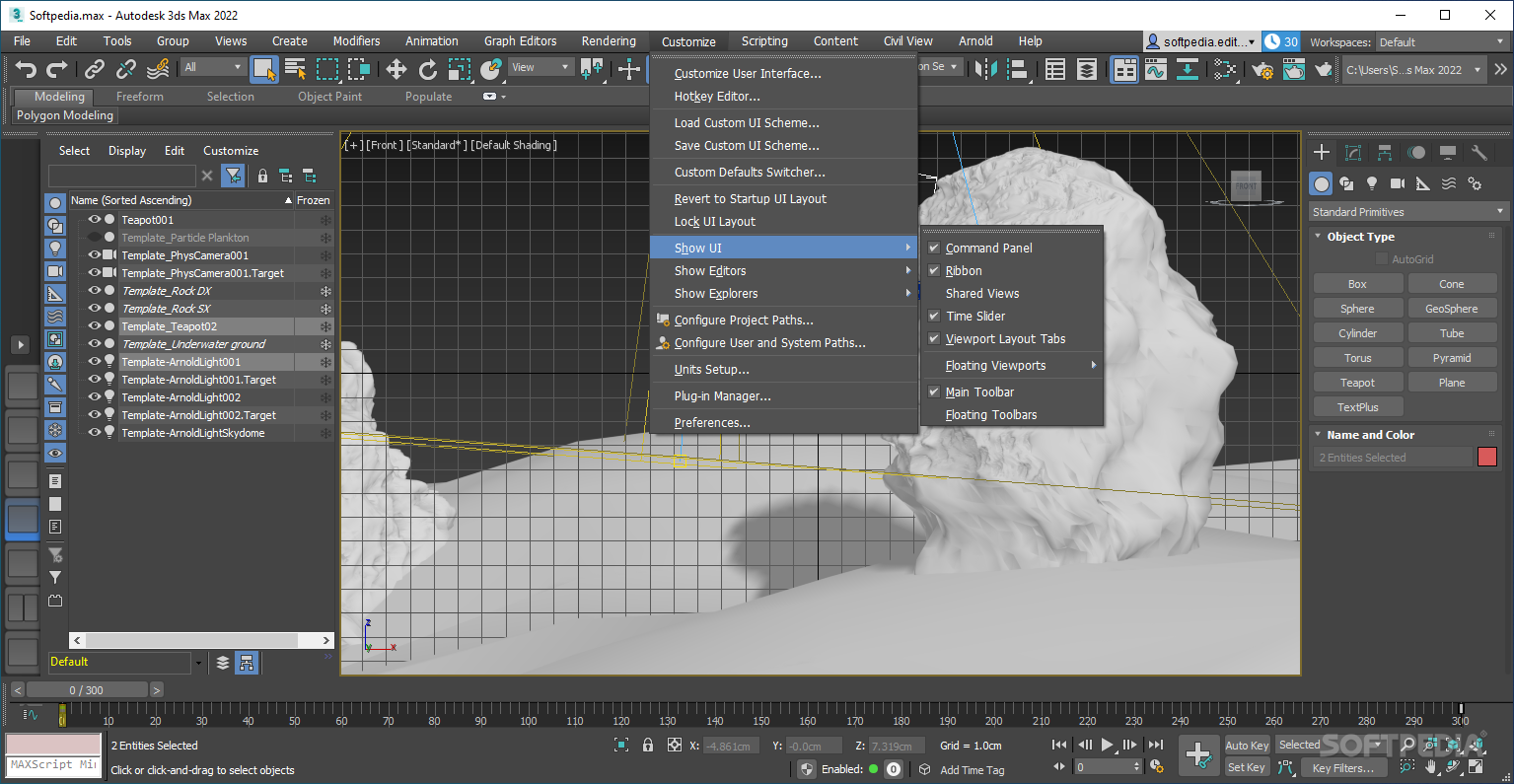
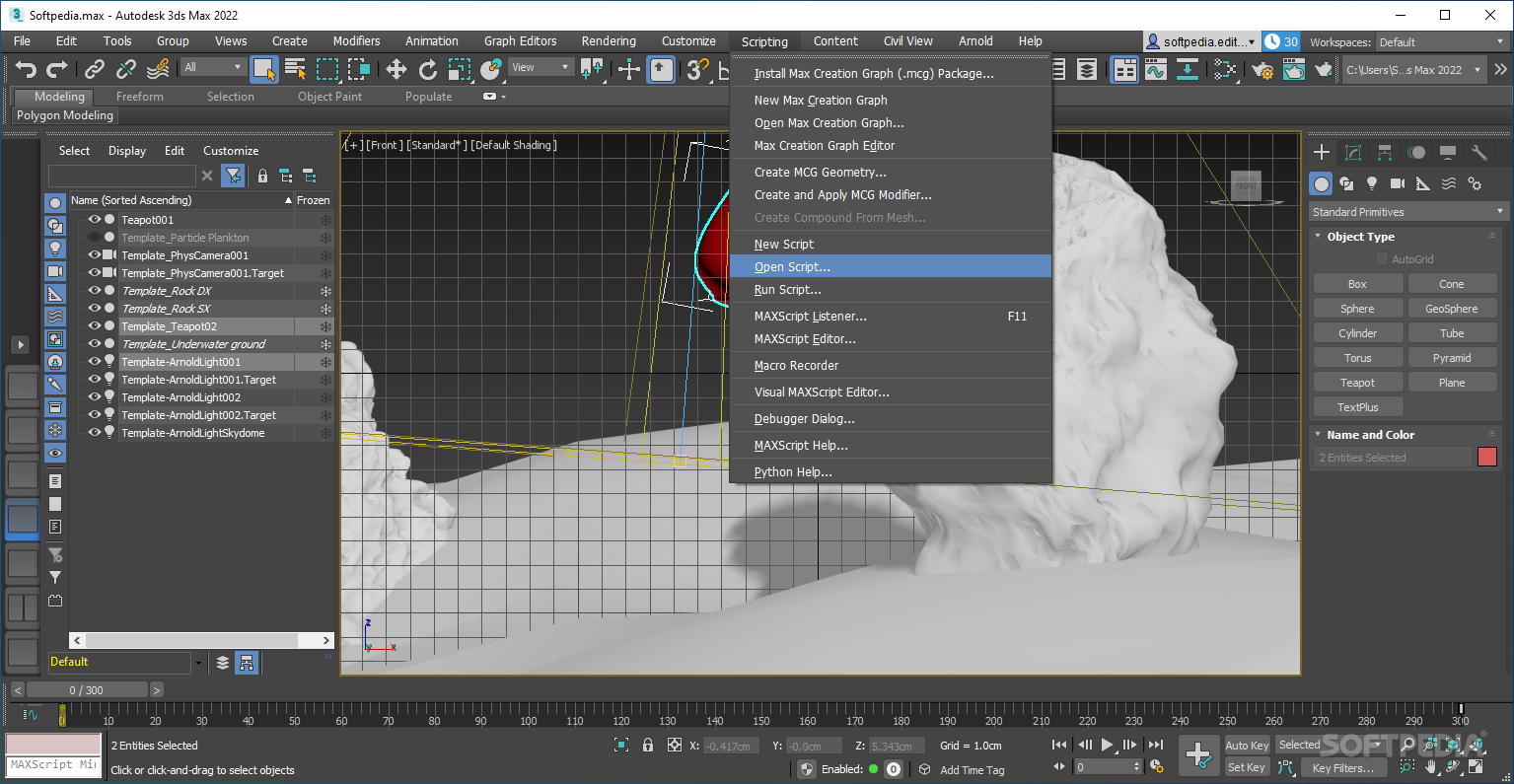
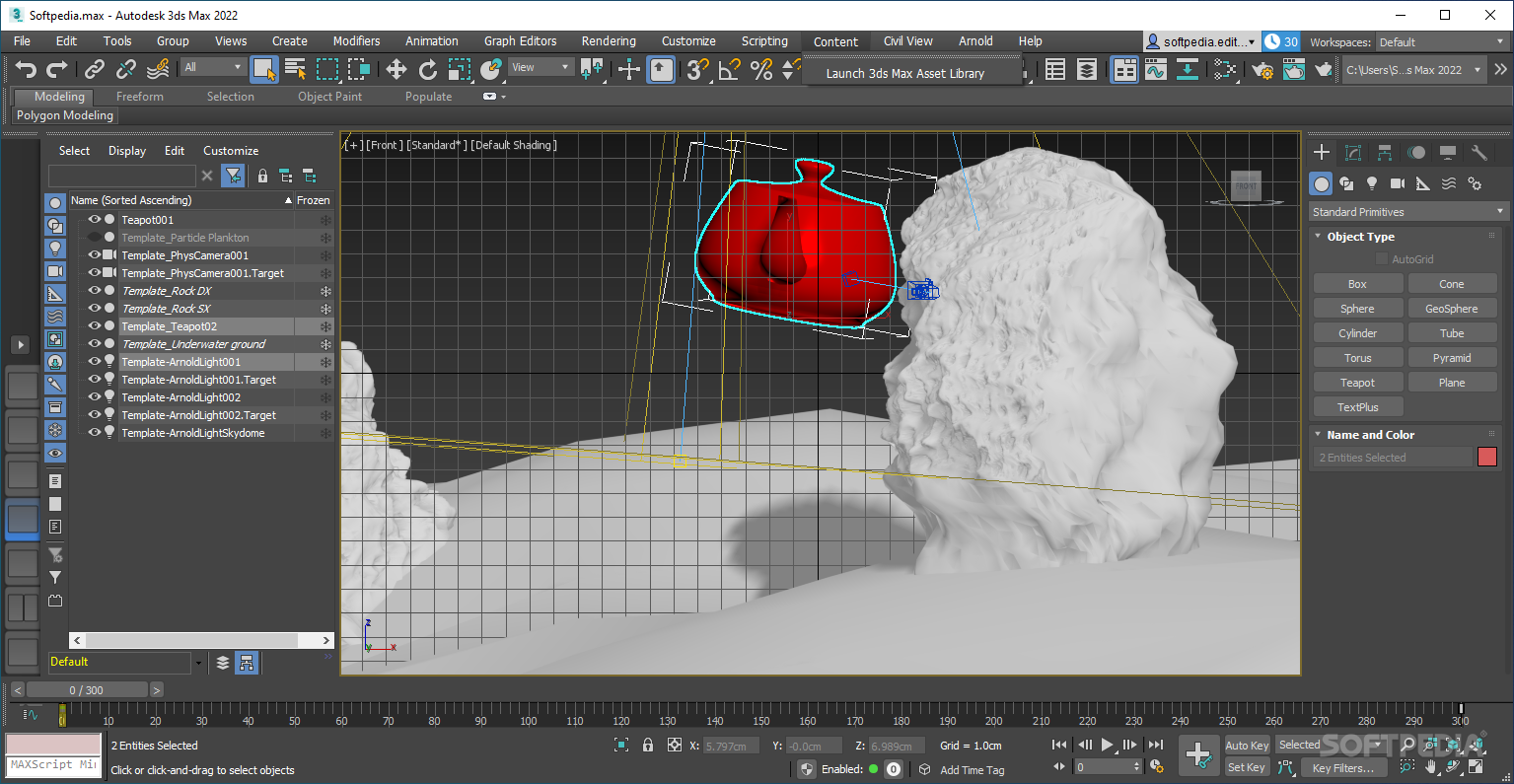
The program's design is a practical one, and the way in which the interface molds to your use case is noteworthy. Depending on the complexity of your project, you may want to choose to have a more minimal interface, a feat very much possible here. As such, depending on whether users need to model, render, or animate something, the software should be more than up to the task.
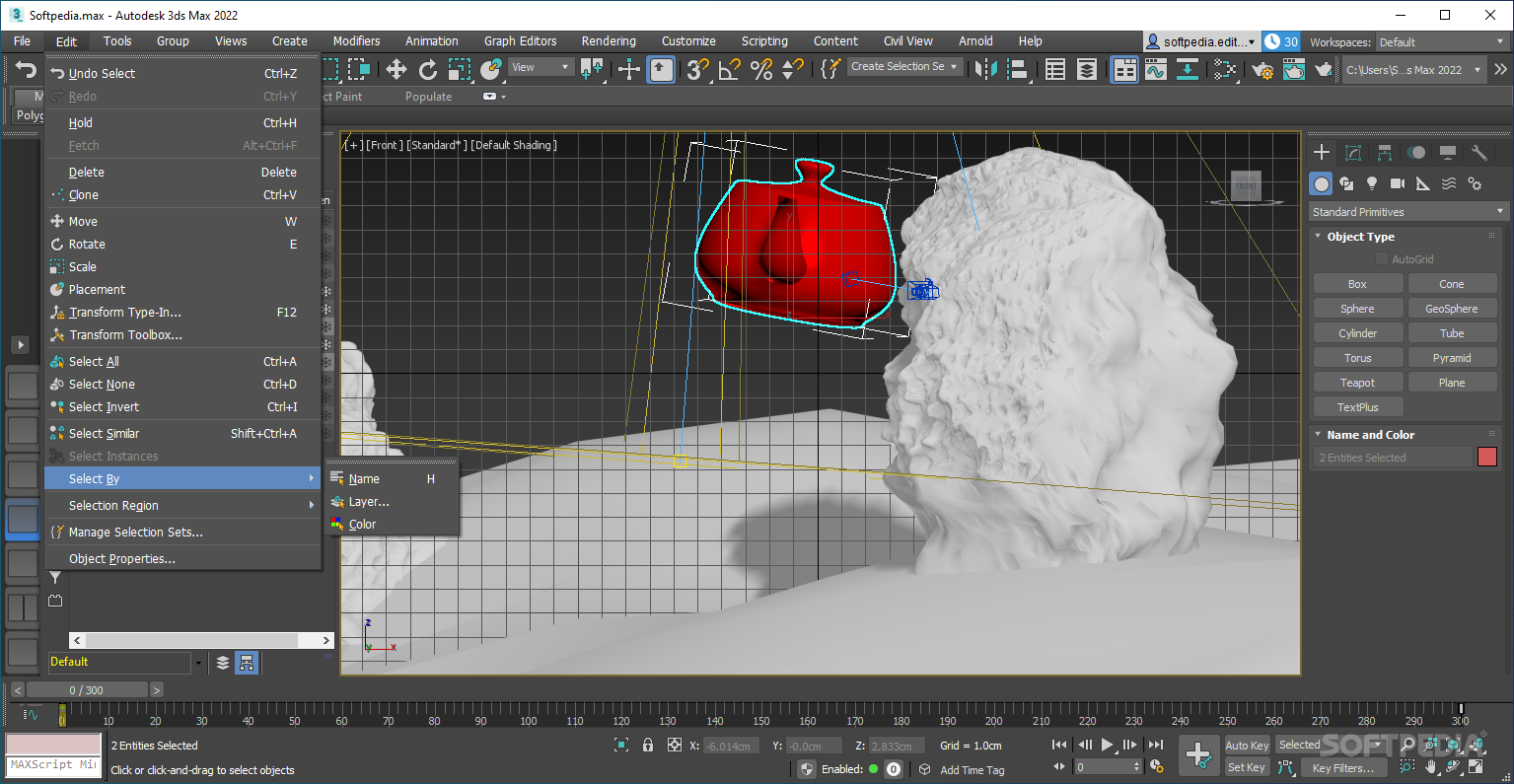
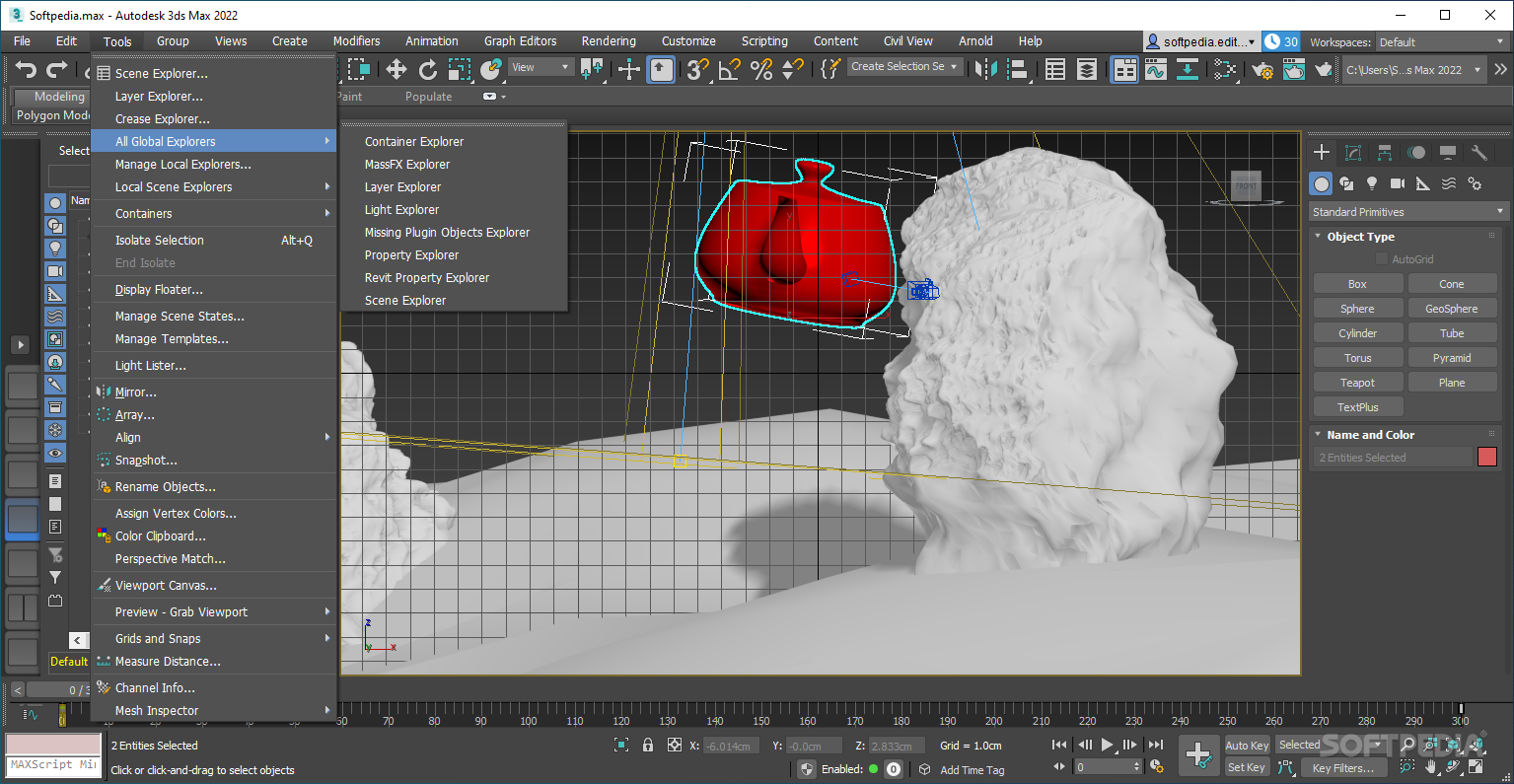
For instance, the Scene Explorer affords you the ability to quickly go through your project's scenes, and tweak each of them individually. To further that, the Command Panel provides a suite of easy-to-reach options, relevant to your work: manipulate your objects and their type, adjust the pivots, and so on. Users can work on multiple models at once, owing to the multi-panel preview window.
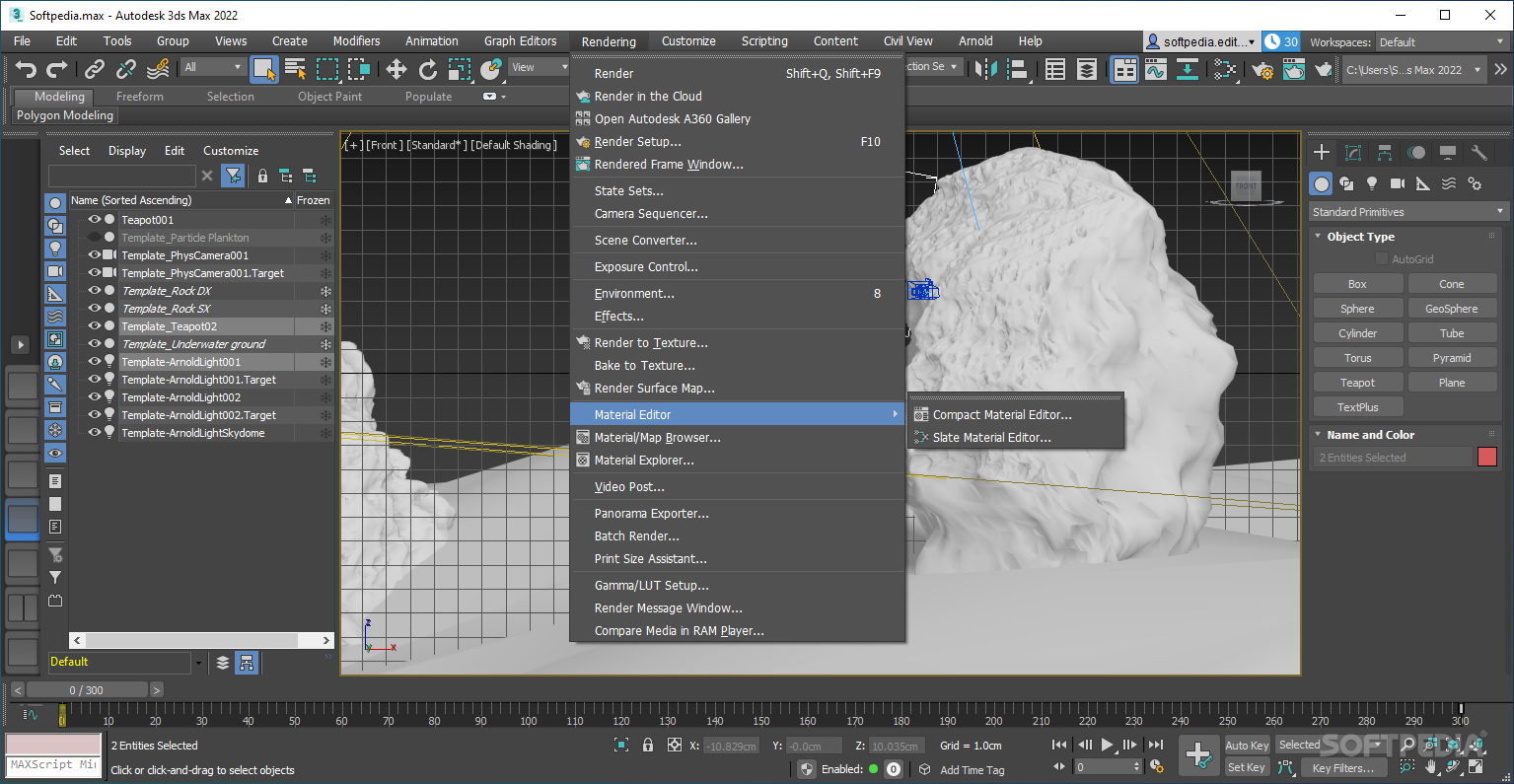
Considering that the tool is geared toward 3D designs, the fact that the program can assist with VFX should be no surprise. Whether it is for a film, game, or simply a design project, users can create renders, then modify their presentation to the most granular of levels through the various visual effects tools on offer.
Simply put, there's a lot that can be done here: whether it is simple 3D modeling, texturing, rendering, animating, or adding effects to your projects, Autodesk 3ds Max should make quick work of everything.
Download Hubs
Autodesk 3ds Max is part of these download collections: Edit PNG, 3D Model Makers, AI Viewer, Open LWO
Autodesk 3ds Max 2025
 Softpedia Editor's Pick
add to watchlist
add to download basket
send us an update
REPORT
Softpedia Editor's Pick
add to watchlist
add to download basket
send us an update
REPORT
- runs on:
-
Windows 11
Windows 10 64 bit - file size:
- 8 GB
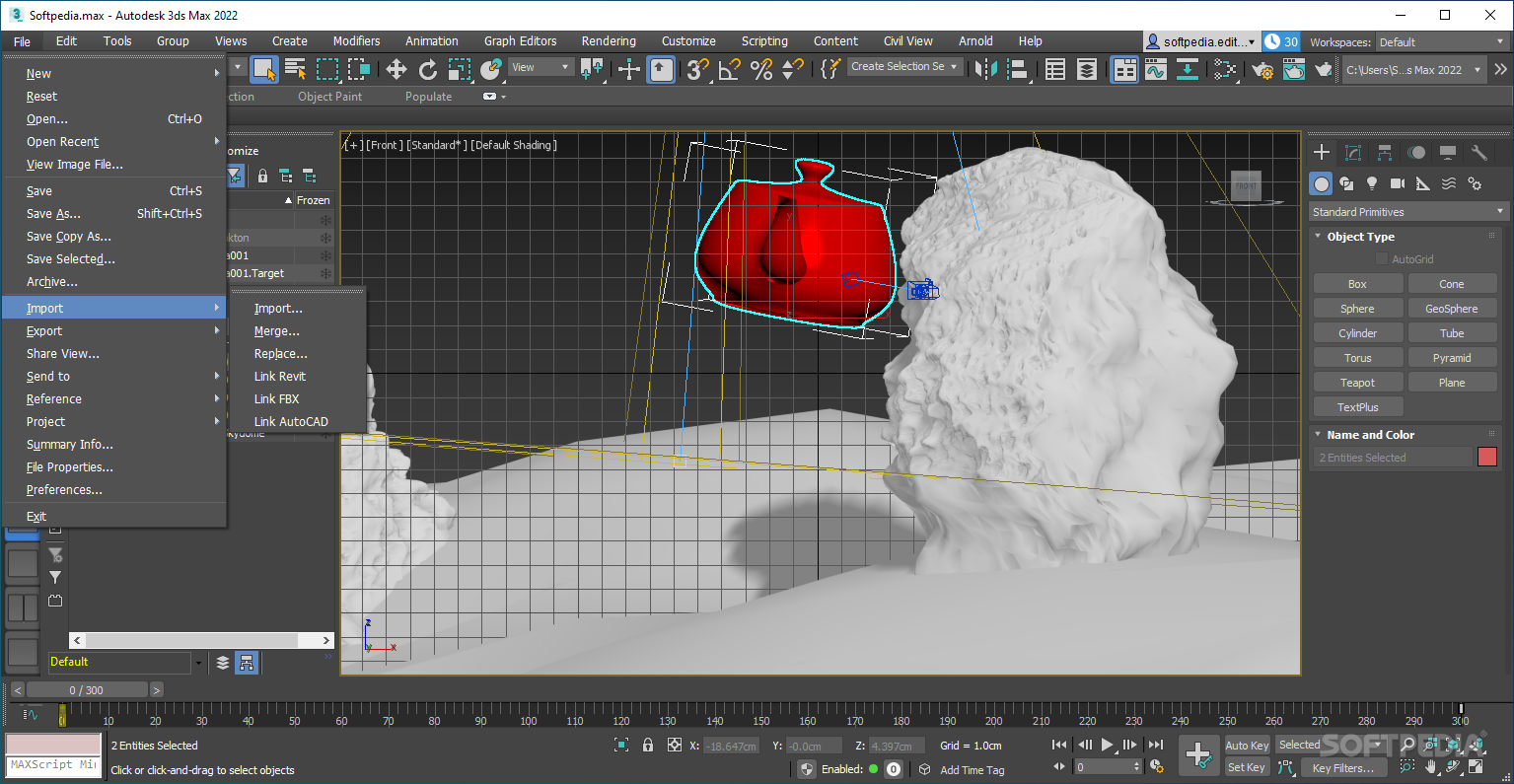
- main category:
- Multimedia
- developer:
- visit homepage
Context Menu Manager

Bitdefender Antivirus Free

calibre

IrfanView

Zoom Client

4k Video Downloader

7-Zip

Microsoft Teams

Windows Sandbox Launcher

ShareX

- Microsoft Teams
- Windows Sandbox Launcher
- ShareX
- Context Menu Manager
- Bitdefender Antivirus Free
- calibre
- IrfanView
- Zoom Client
- 4k Video Downloader
- 7-Zip