
Safely browse the Internet, stay protected and prevent data theft attempts and periodically scan your computer for virus threats. #Virus detection #Spyware protection #Spam filter #AVG #Antivirus #Antispyware

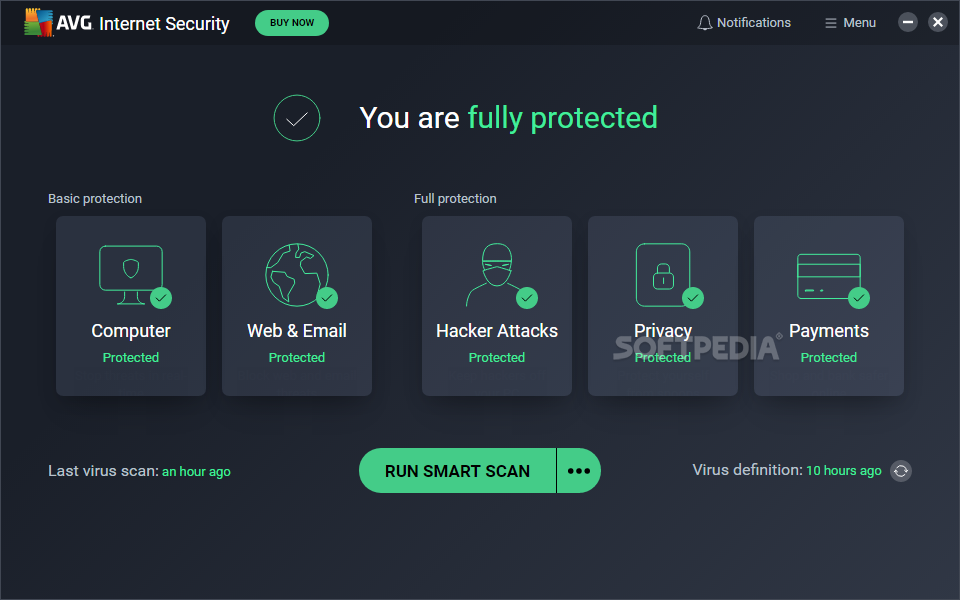
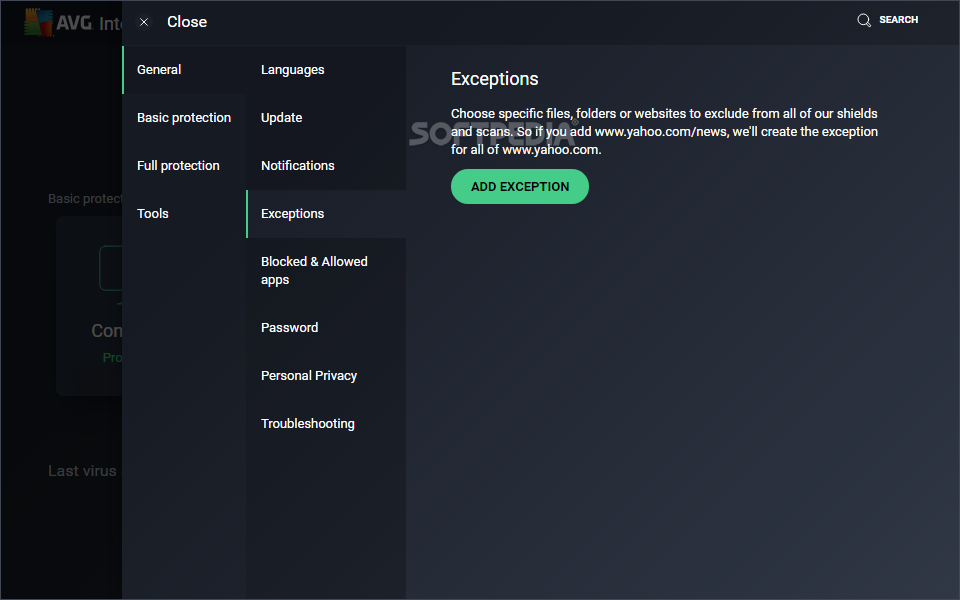
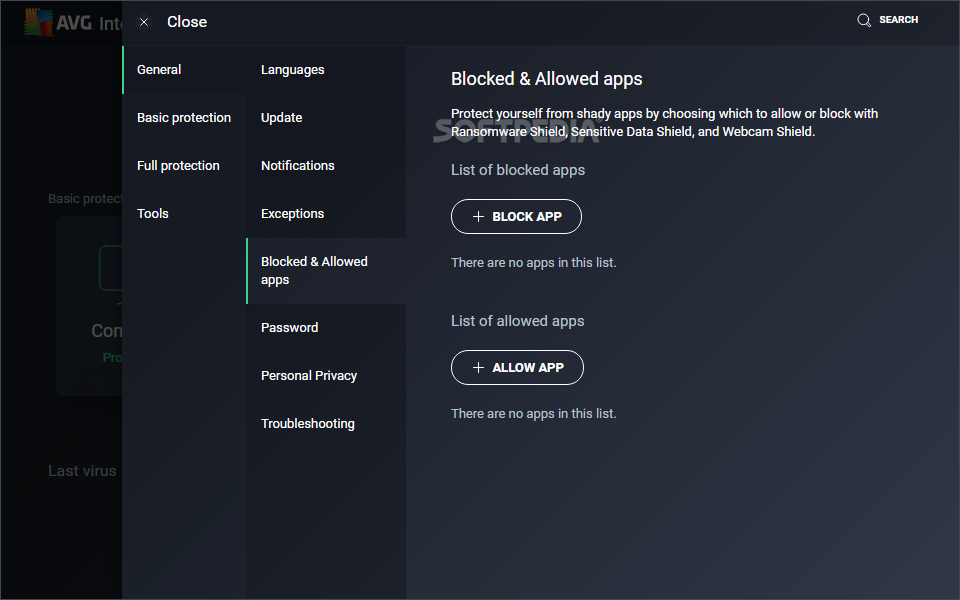
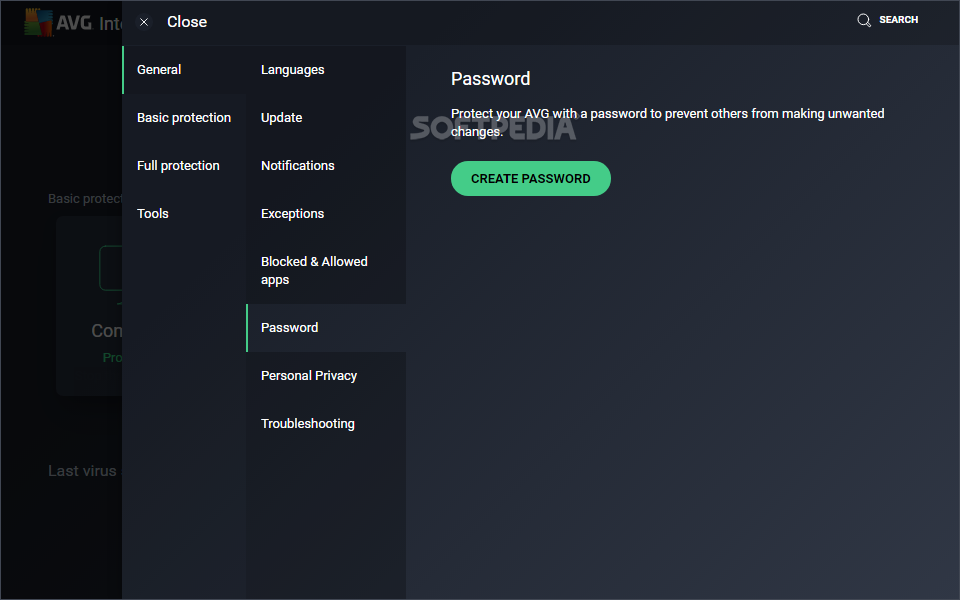
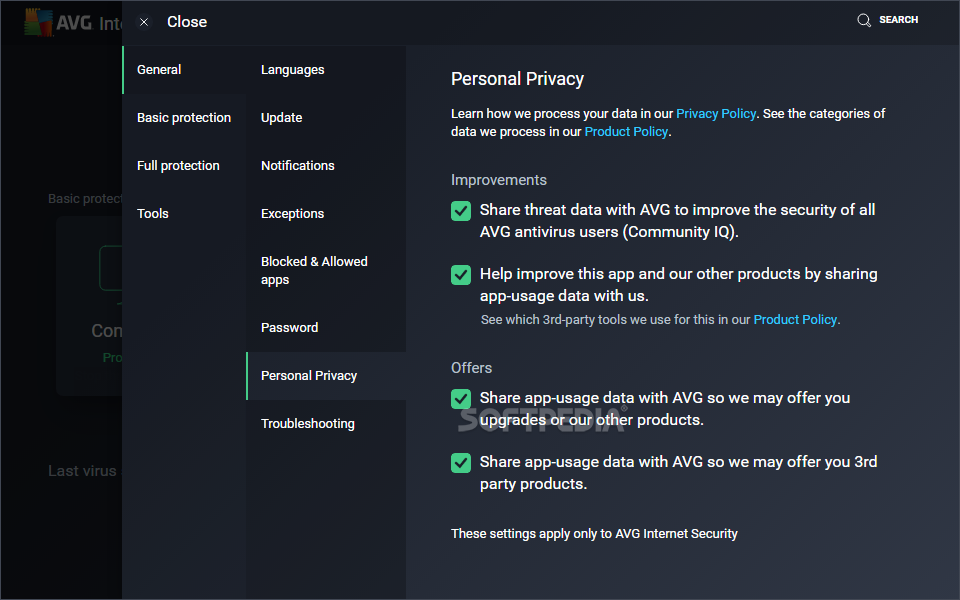
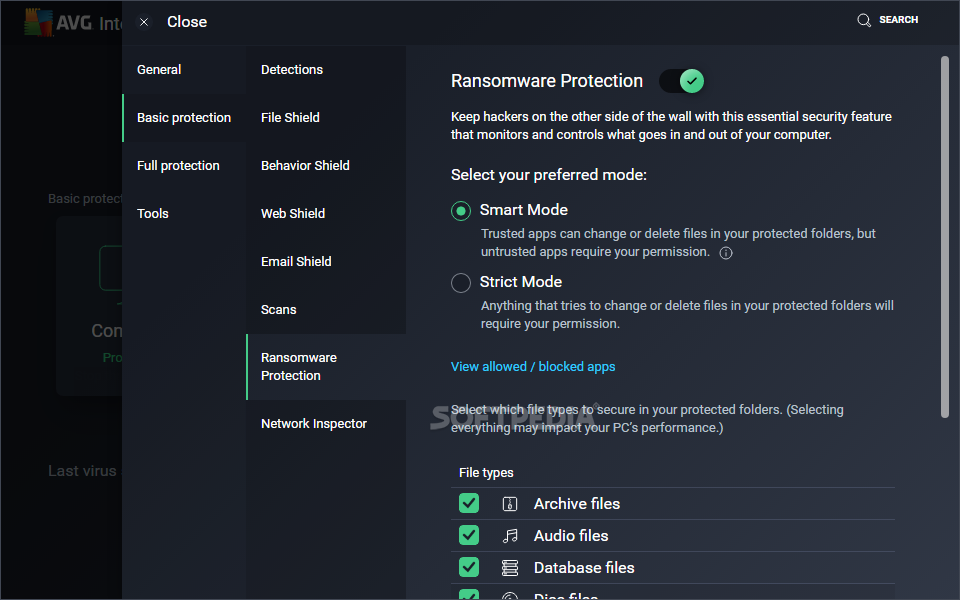
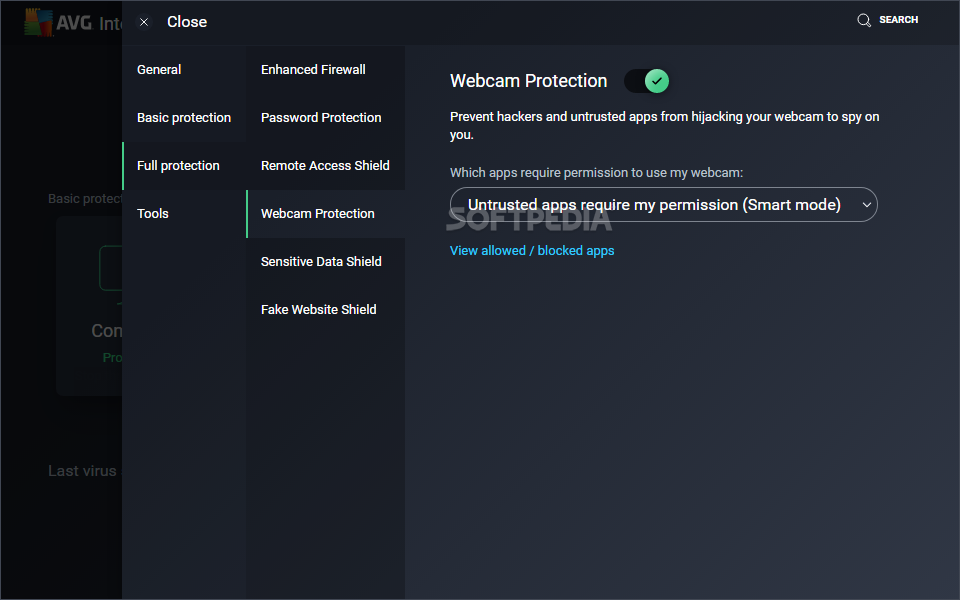
Developer AVG Technologies is a favorite among users looking for efficient solutions to protect their computers against all popular forms of malware, including viruses, Trojans, worms, rookits, dialers, adware and spyware. AVG Internet Security is the top security software solution provided by the company, which continuously strives to deliver bigger and better antimalware features. The latest edition introduces ransomware and webcam protection.
During installation, AVG Internet Security offes to set up AVG Web TuneUp and Set AVG Secure Search as your homepage, new tab page and default search engine. Unless you're interested, these offers can be declined. Shields for the computer, web and mail, hacker attacks, private data and payments are all part of the newest application, but any of them can be excluded from setup.
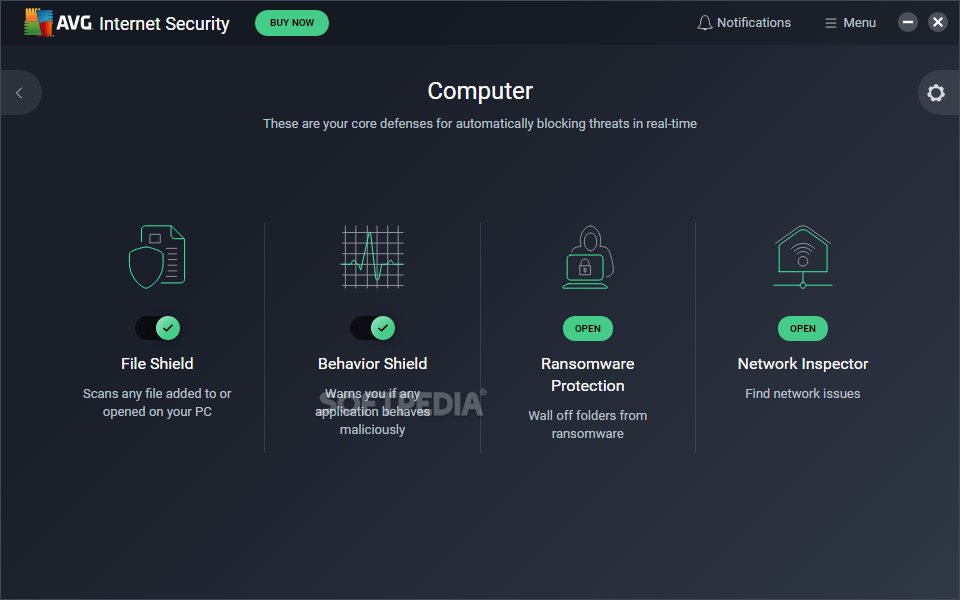
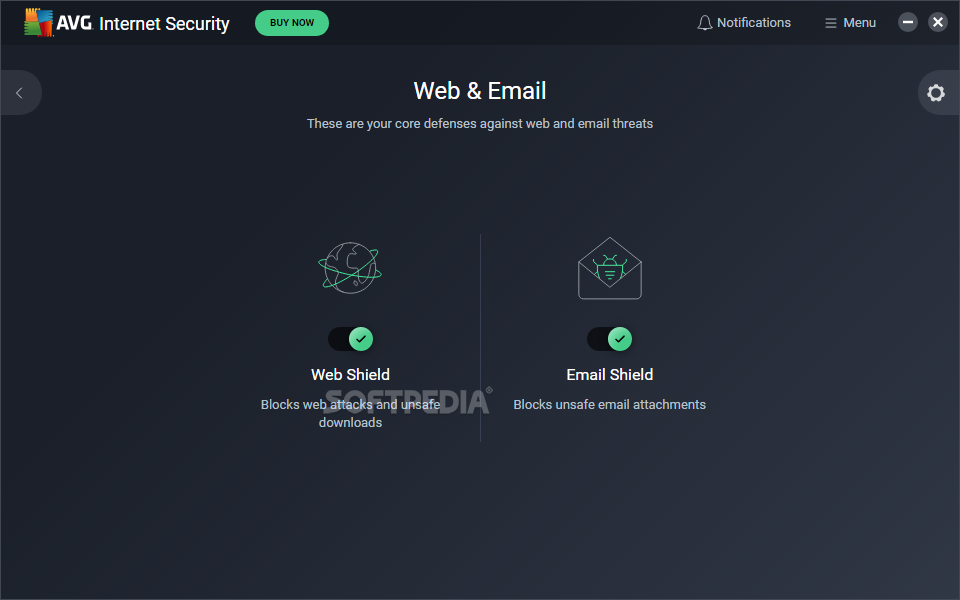
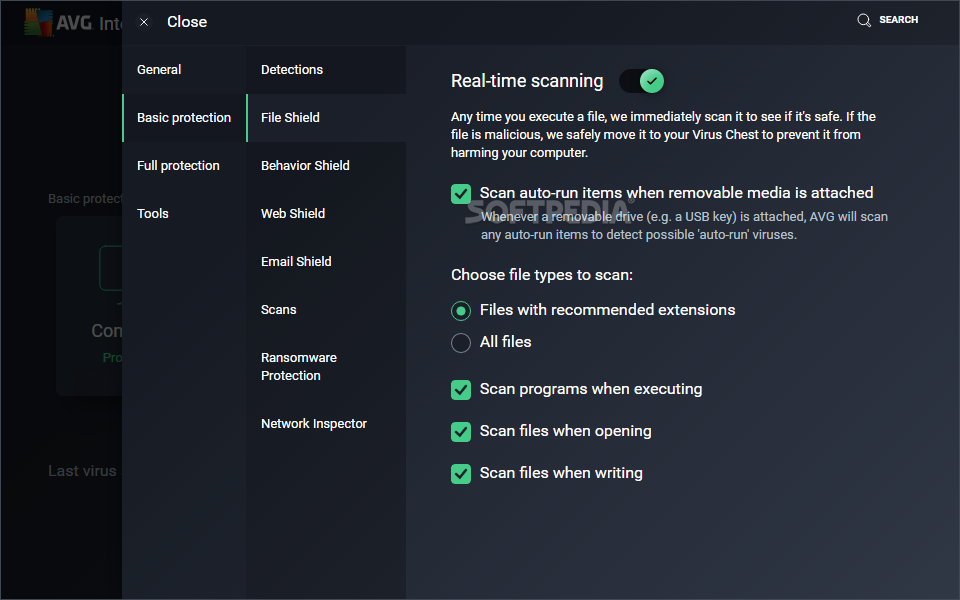
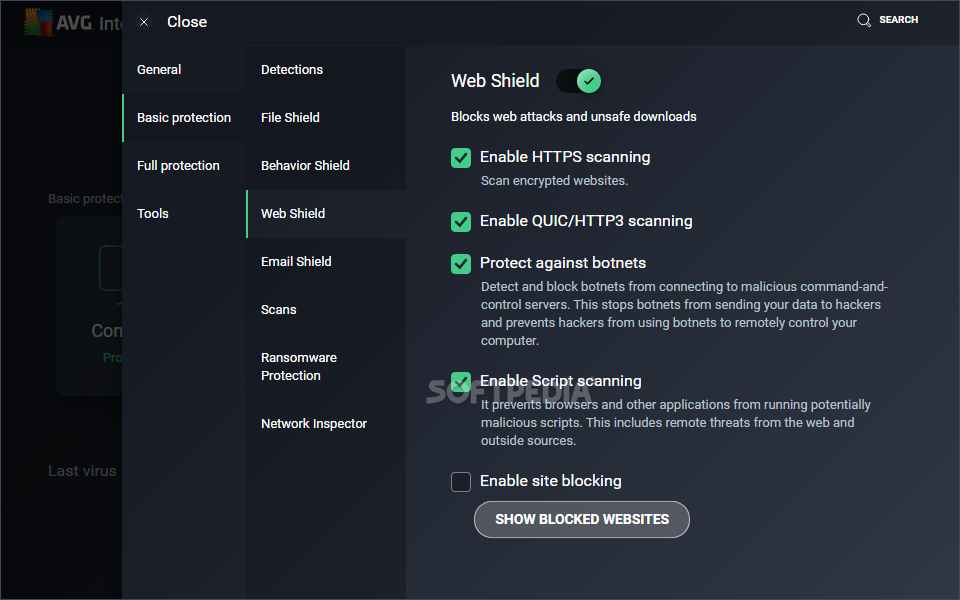
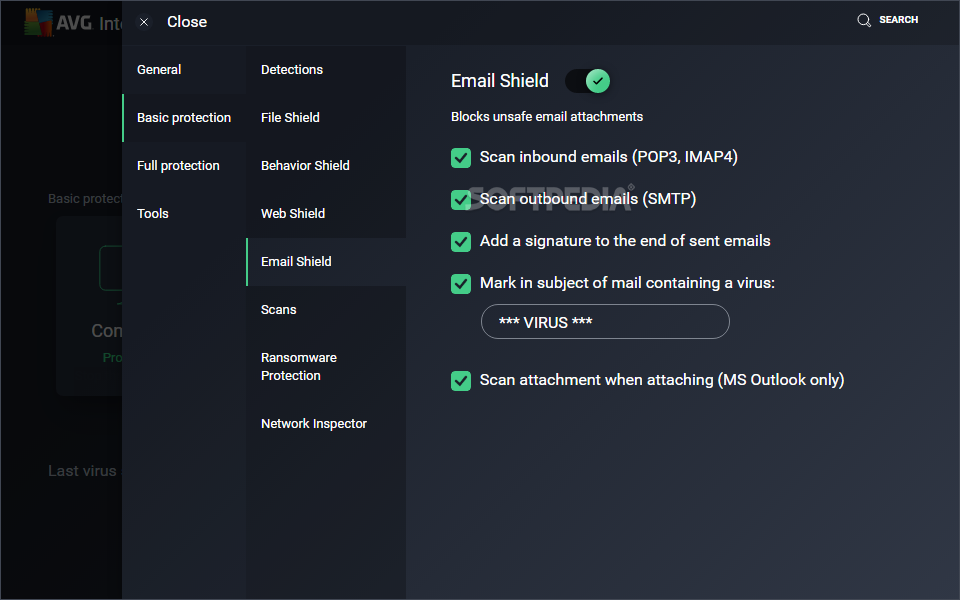
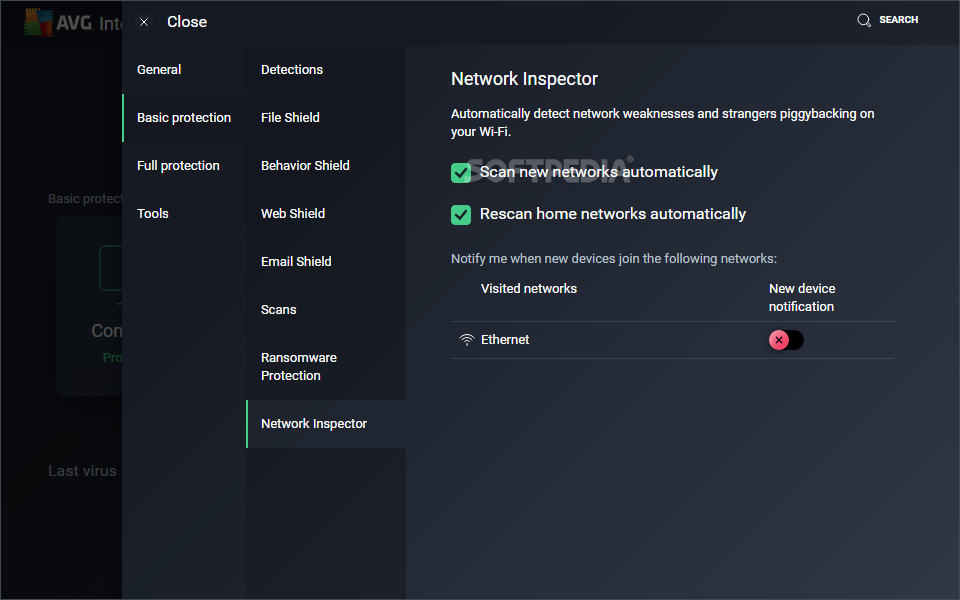
The computer protection component handles the real-time guard that protects your computer from incoming attacks, whether we're talking about common or complex viruses, spyware, Trojans, ransomware, spyware, or another form of malware. Meanwhile, the web and email protection module keeps you safe from all types of dangers lurking online, such as suspicious downloads, links or email attachments.
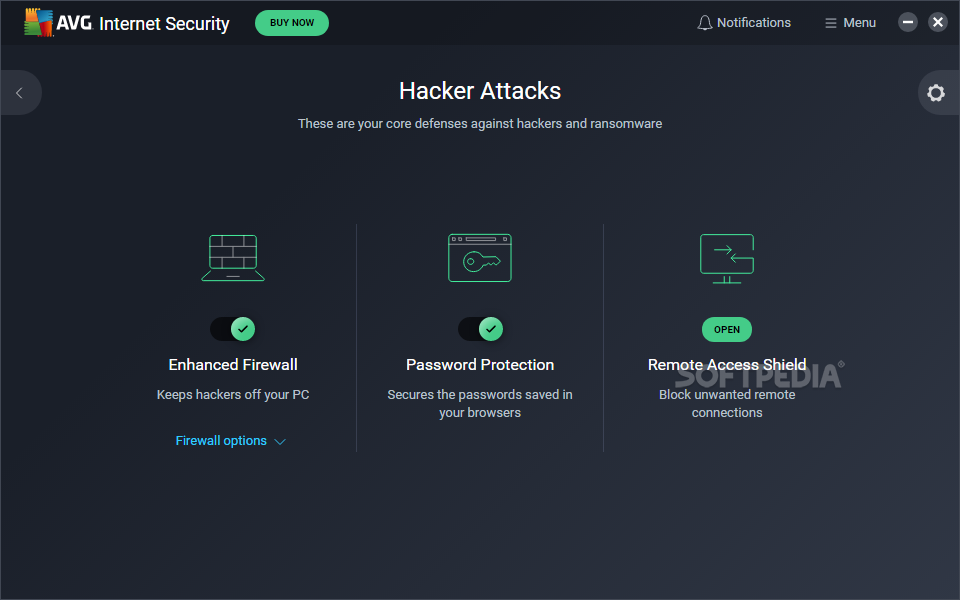
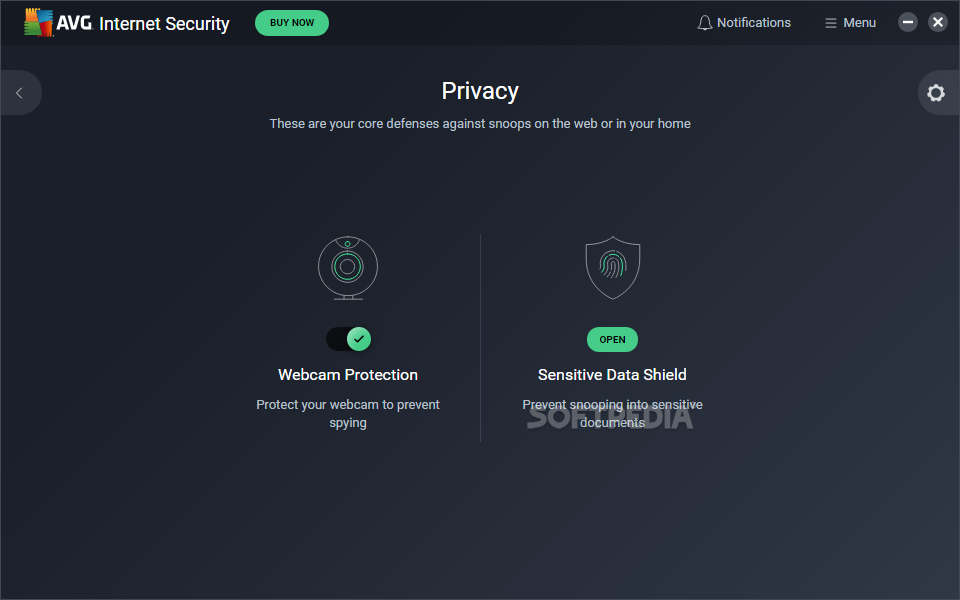
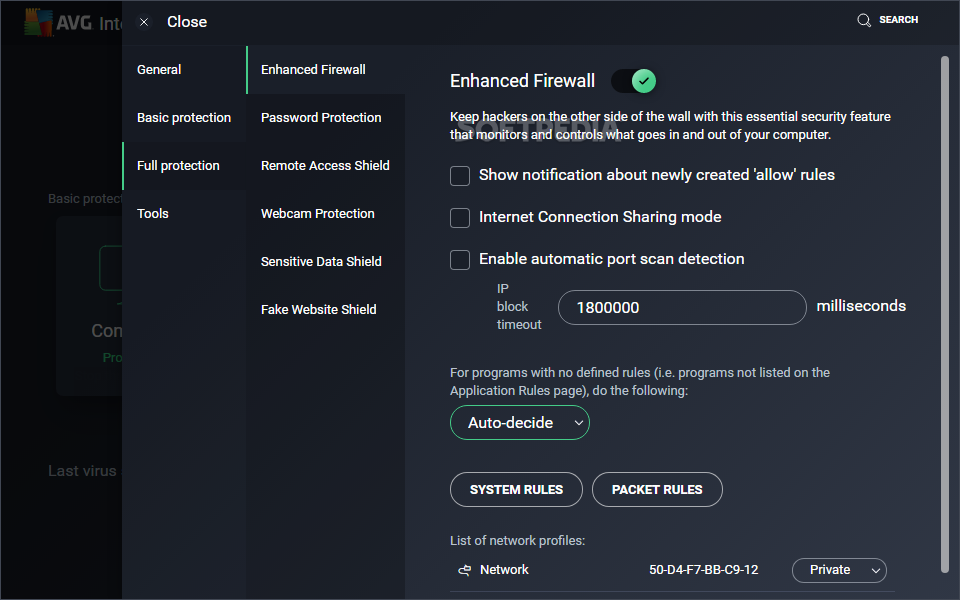
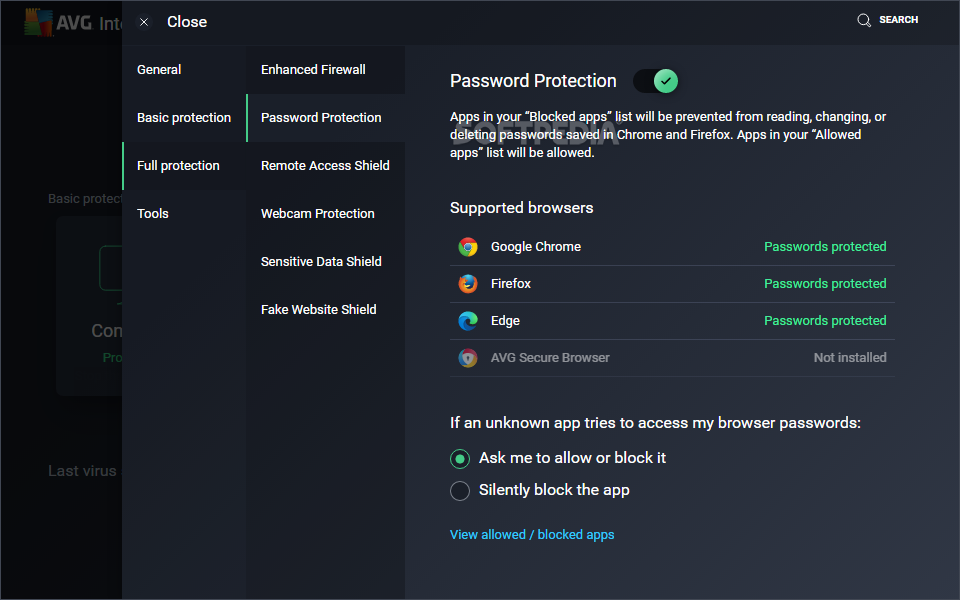
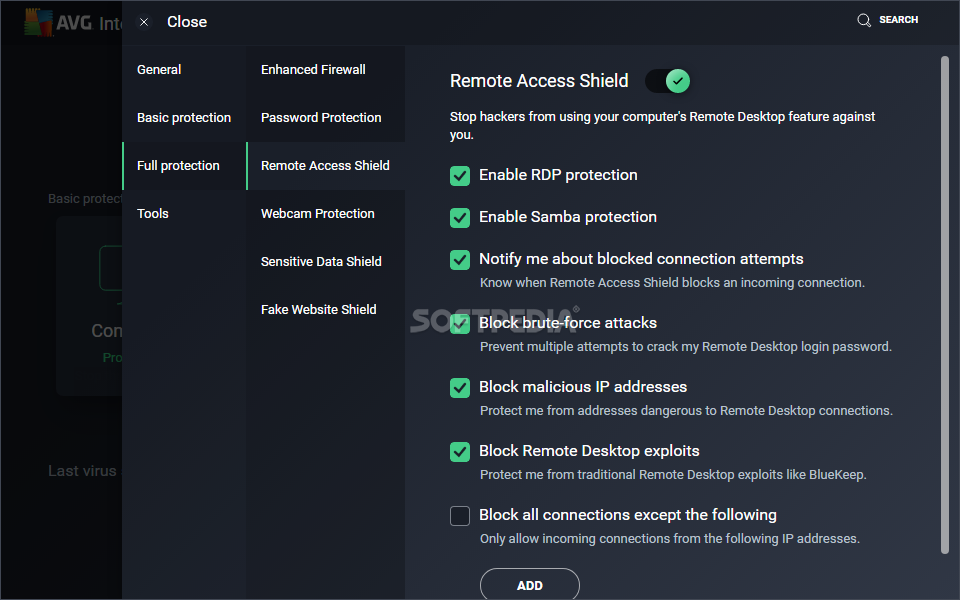
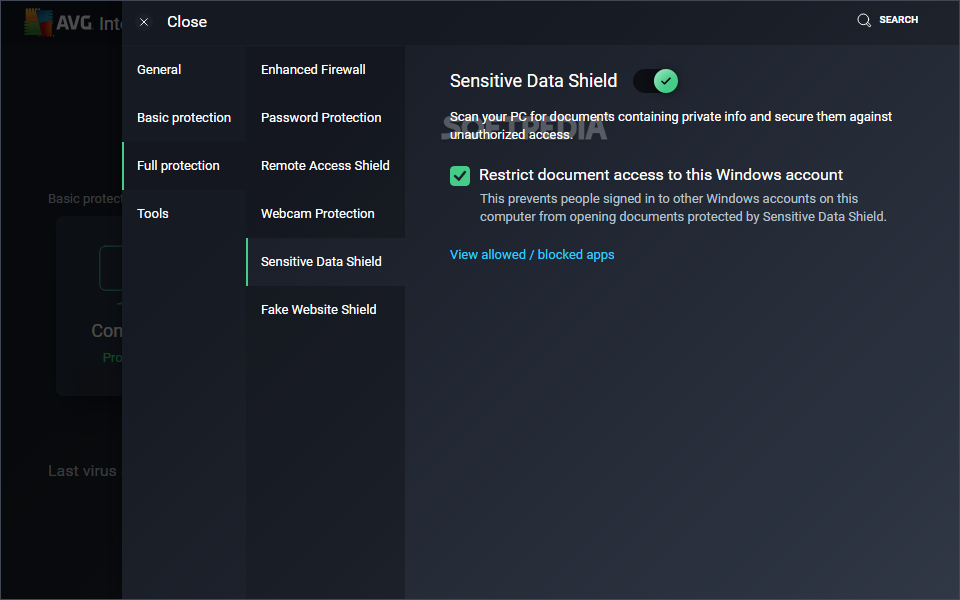
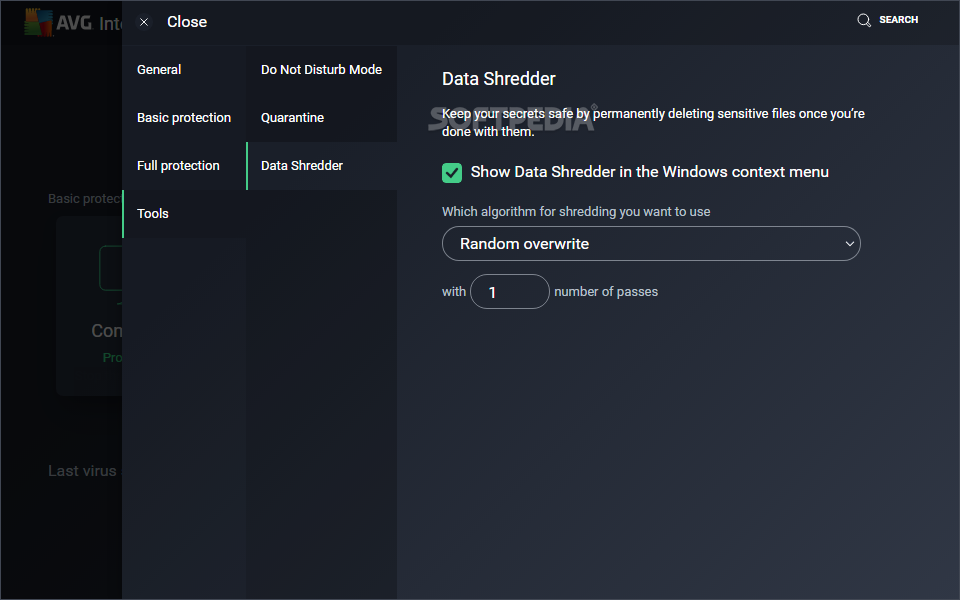
The hacker attack protection module features an advanced firewall that takes over your computer and replaces the Windows Firewall, in order to fend off network attacks attempted by malicious individuals attempting to get hold of your sensitive photos, documents or passwords, and optionally hold them for ransom. This can be strengthened with the private data protection mode, which makes it possible to encrypt files with a password and hide them on the computer, as well as wipe items you don't wish to be recovered by others.
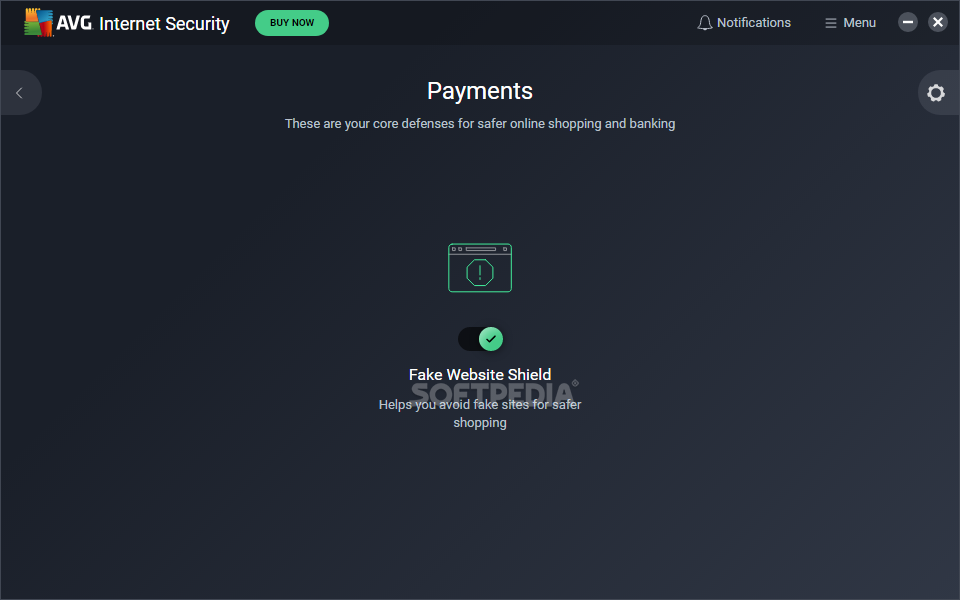
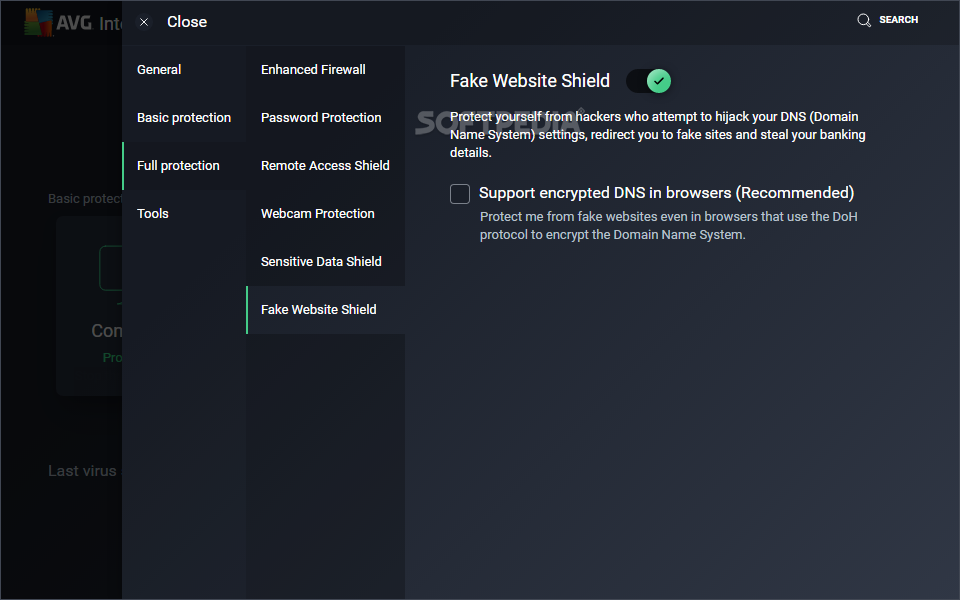
Lastly, the payment protection component shields you from online scams when you want to purchase products or wire money to banks. It's designed to block spam content and make sure that you're not about to give out your passwords or credit card numbers to the wrong people. Once you reach the main menu of AVG Internet Security, you're greeted by these five components, which get automatically activated after setup.
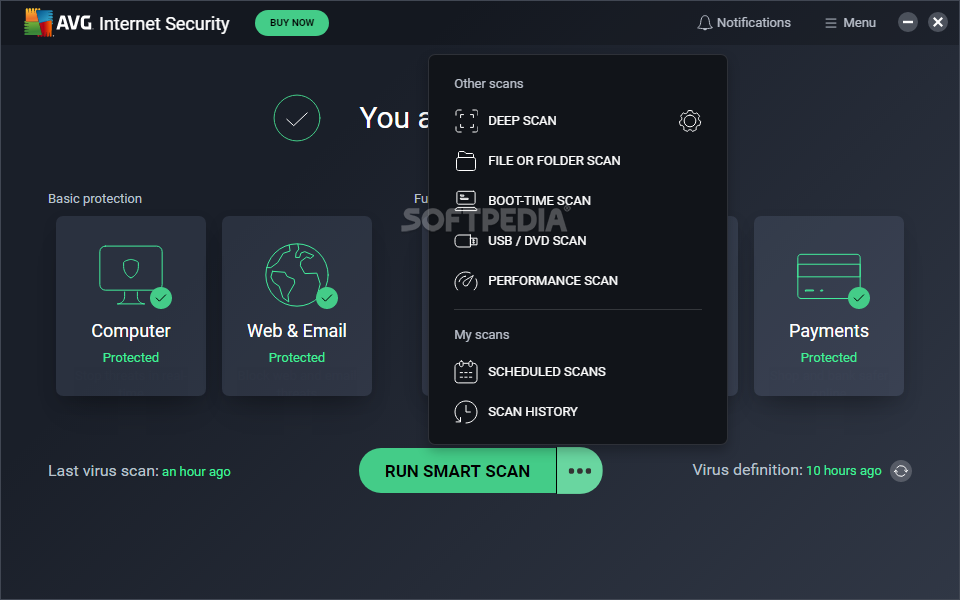
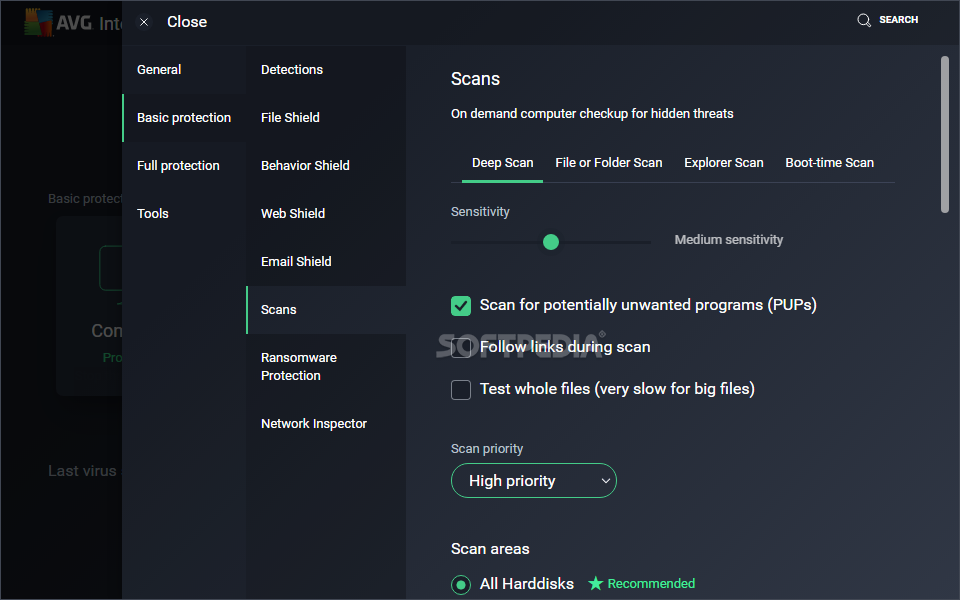
As far as the interface is concerned, the latest edition of AVG Internet Security has a new, more sophisticated design. Six types of scanning modes are available, once the initial scan is over: the full scan looks into all parts of the computer for malware, deep virus scan checks only areas most likely to get infected, and USB / DVD scan which verifies removable media devices.
You can also turn to file or folder scans to look into any suspicious files or folders, performance scan to check the PC and fix any performance-related issues or remove junk files, along with boot-time scan to run the scanner right before Windows starts, in order to identify any malware agents that get activated automatically at startup. It's also possible to schedule scan jobs for later.
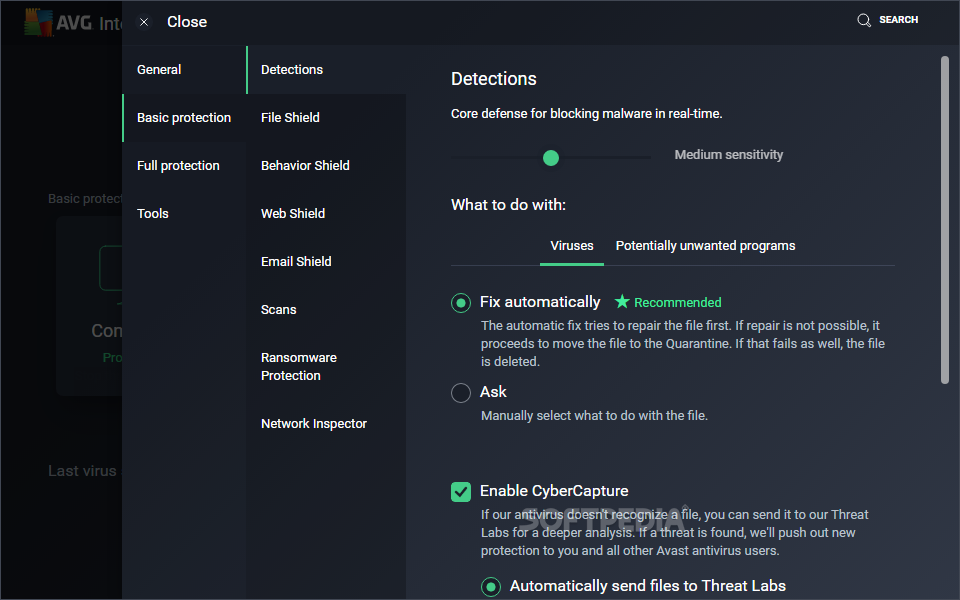
The antivirus engine consists of multiple detection methods: signatures, polymorphic (to find new variants of known viruses, even if they now have a different behavior), heuristics (determines malware based on the program's behavior and should work when the signature method fails), real-time outbreak (adds crowd intelligence to the cloud to detect the newest threats) and CyberCapture, a new feature launched by AVG that's a cloud-based smart file scanner which isolates and analyzes suspicious items.
All aspects considered, we can say that AVG Internet Security has stepped up with the 2017 release, thanks to its redesigned interface, six scanning methods, and six layers of protection that help the antimalware engine find and eliminate any security threats. You can also try the free version, AVG Antivirus Free, which has less features.
Download Hubs
AVG Internet Security is part of these download collections: Spam Blocker, Spyware Remover, Internet Security Suites
What's new in AVG Internet Security 24.4.3330 Beta:
- Stabilization changes
- Crashes fixed
AVG Internet Security 24.3.8975 / 24.4.3330 Beta
add to watchlist add to download basket send us an update REPORT- runs on:
-
Windows 11
Windows 10 32/64 bit
Windows 8 32/64 bit
Windows 7 32/64 bit - file size:
- 8.5 MB
- filename:
- avg_internet_security_setup.exe
- main category:
- Antivirus
- developer:
- visit homepage
IrfanView

ShareX

Windows Sandbox Launcher

Zoom Client

Microsoft Teams

7-Zip

Bitdefender Antivirus Free

paint.net

calibre

4k Video Downloader

- paint.net
- calibre
- 4k Video Downloader
- IrfanView
- ShareX
- Windows Sandbox Launcher
- Zoom Client
- Microsoft Teams
- 7-Zip
- Bitdefender Antivirus Free