
Enables you to compare the contents of two directories, copy items from one place to another, as well as sync and backup information. #Compare folder #Synchronize folder #Folder comparison #Compare #Backup #Synchronize


Compare Advance is a software application designed in order to aid individuals compare, synchronize and backup folders.
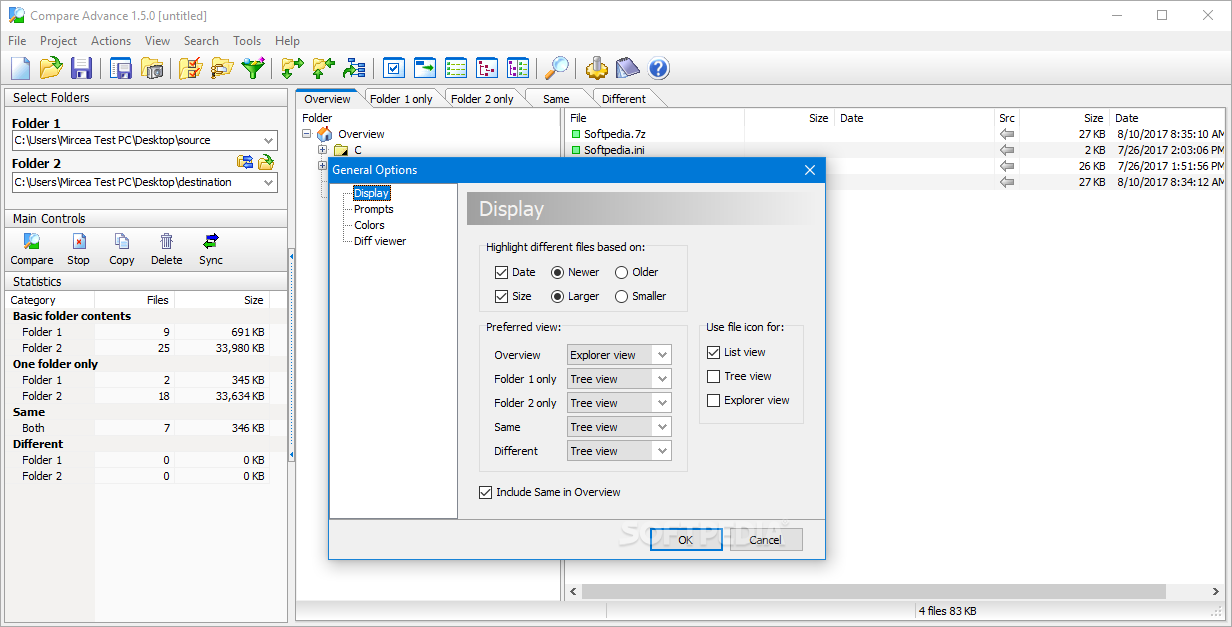
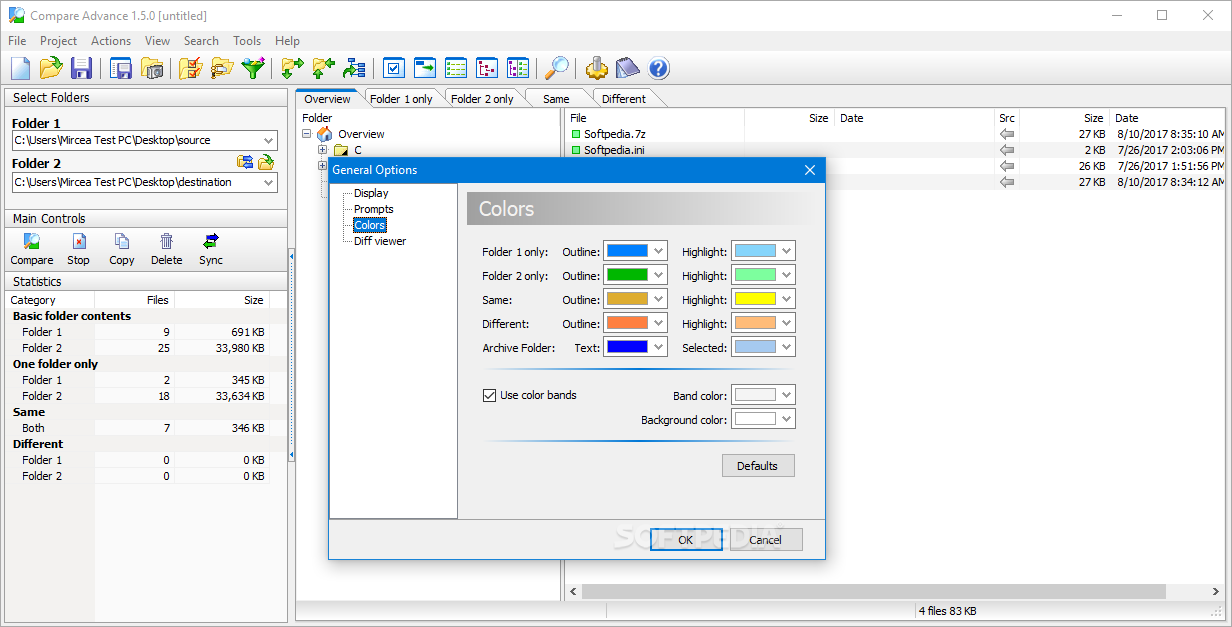
The installation process is over in a few seconds, and does not offer to add third-party products. When you wrap it up, you are greeted by a pretty cluttered UI which encompasses a menu bar, several shortcut buttons, a folder structure, statistics panel and multiple tabs. However, it can be used with ease by anybody.
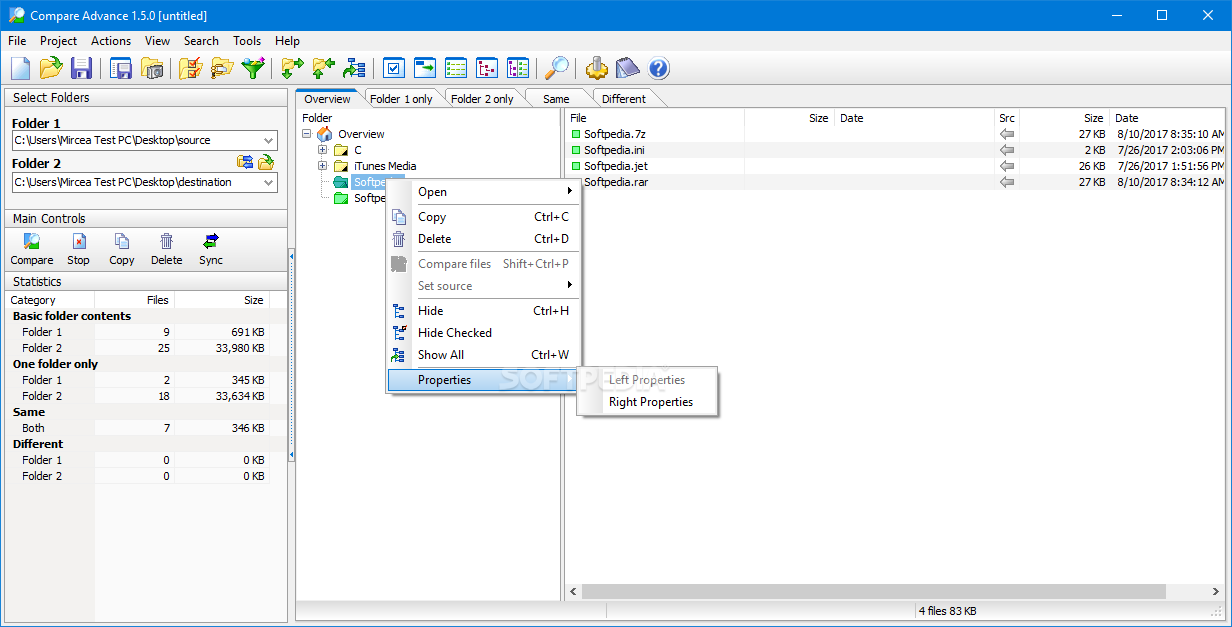
This software utility enables you to compare two folders, by selecting them with the built-in browser. The “drag and drop” function is not supported, which can be considered a small setback. With the help of a few tabs, you can view the contents of each directory, as well as different and similar items.
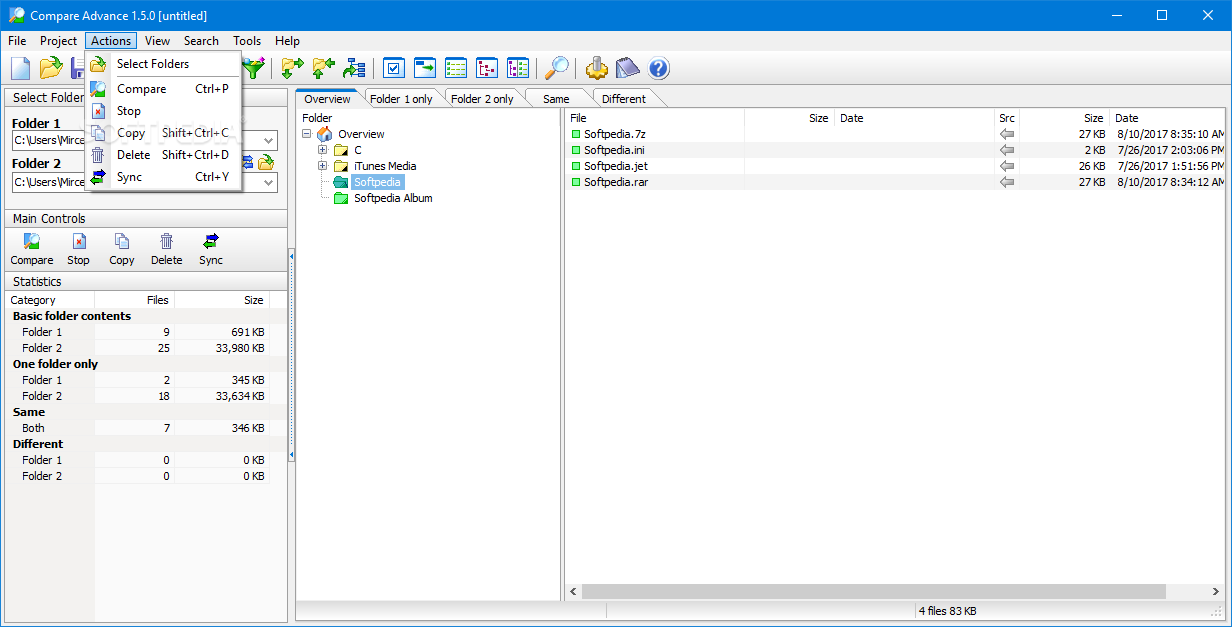
Moreover, it is possible to select some of them and perform file management actions, such as copying, deleting or comparing items, as well as hiding them, viewing their properties in another window and setting their source.
It is possible to view statistics regarding the uploaded folders, such as total number of files, total size on disk, as well as the size and number of different and same items. All this data can be saved to the HDD in TXT or HTML formats.
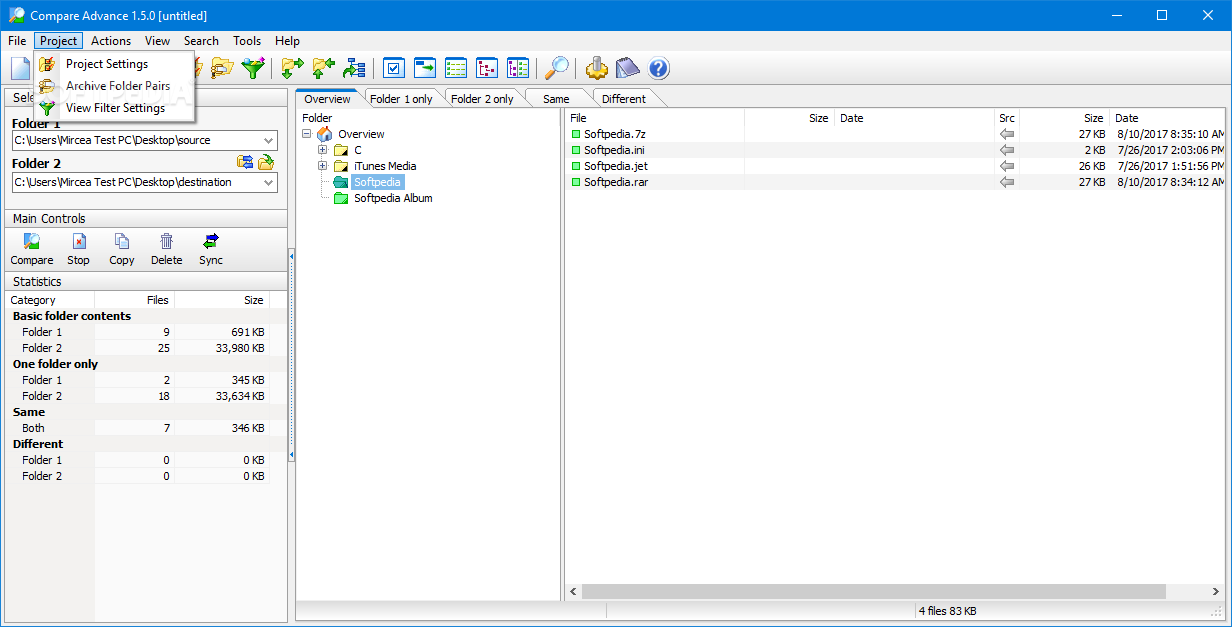
In addition to that, you can sync the folders, create backups from one directory to another, as well as create mirrors. Filters regarding files, directories, size and date can be created, so that you can be sure that only the items that interest you will be displayed.
To sum up, Compare Advance is a useful piece of software which helps you compare directories and manage items. It has a good response time, a myriad of options to take advantage of and a simple-to-use environment.
Download Hubs
Compare Advance is part of these download collections: Compare Folders
Compare Advance 1.5.0.2
add to watchlist add to download basket send us an update REPORT- runs on:
- Windows All
- file size:
- 3.3 MB
- filename:
- CompareAdvanceSetup.exe

- main category:
- System
- developer:
- visit homepage
Windows Sandbox Launcher

IrfanView

4k Video Downloader

7-Zip

Context Menu Manager

Bitdefender Antivirus Free

Microsoft Teams

Zoom Client

calibre

ShareX

- Zoom Client
- calibre
- ShareX
- Windows Sandbox Launcher
- IrfanView
- 4k Video Downloader
- 7-Zip
- Context Menu Manager
- Bitdefender Antivirus Free
- Microsoft Teams