
Protect your computer from Internet threats through silent, automatic monitoring and infection prevention, but also manual configuration of rules. #Block spyware #Spyware detection #Browser security #Spyware #Rootkit #Malware

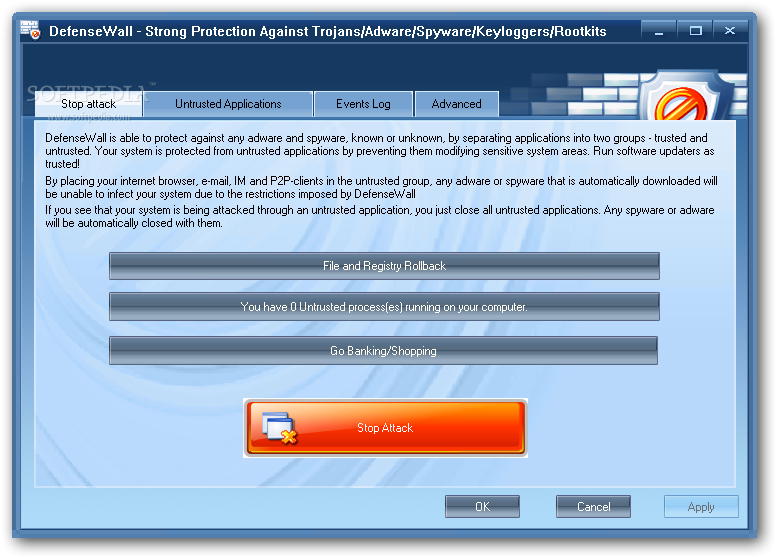
DefenseWall is a powerful utility that can help you prevent any attacks or unauthorized infiltrations on your computer, such as Trojans, adware, spyware, keyloggers and rootkits.
The app automatically places itself in the system tray from where you can access the main application window. The clean layout makes DefenseWall's features easy to figure out, whether you are an experienced user or not.
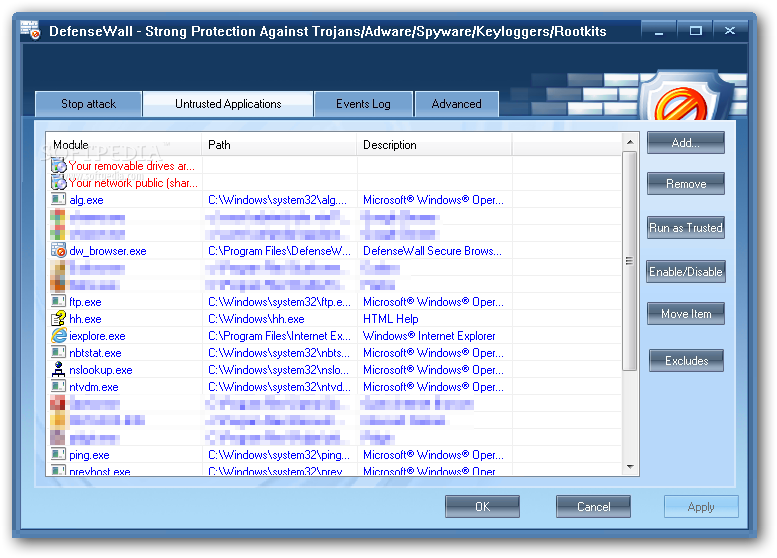
DefenseWall can protect your system against malicious agents by dividing applications into two groups, according to their threat level - trusted or untrusted. The tool automatically detects the latter set of programs and grants you permission to instantly terminate them.
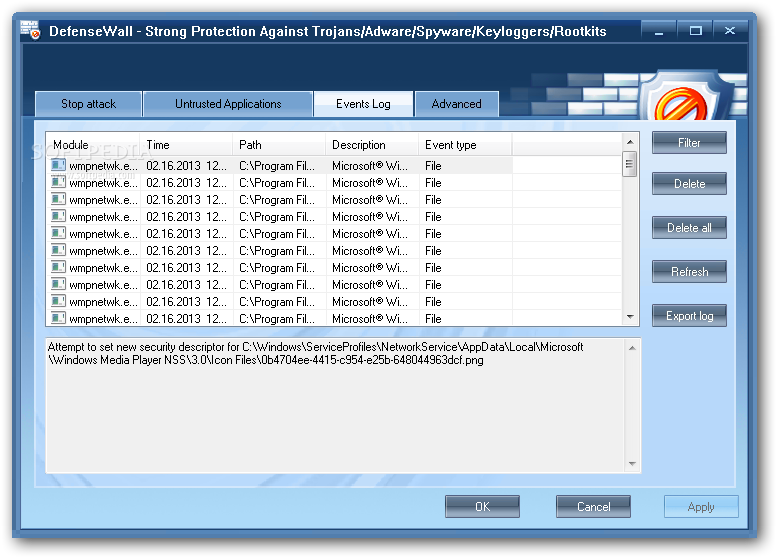
You can rollback files and the Windows registry, make specific applications trustworthy and check out a log of events.
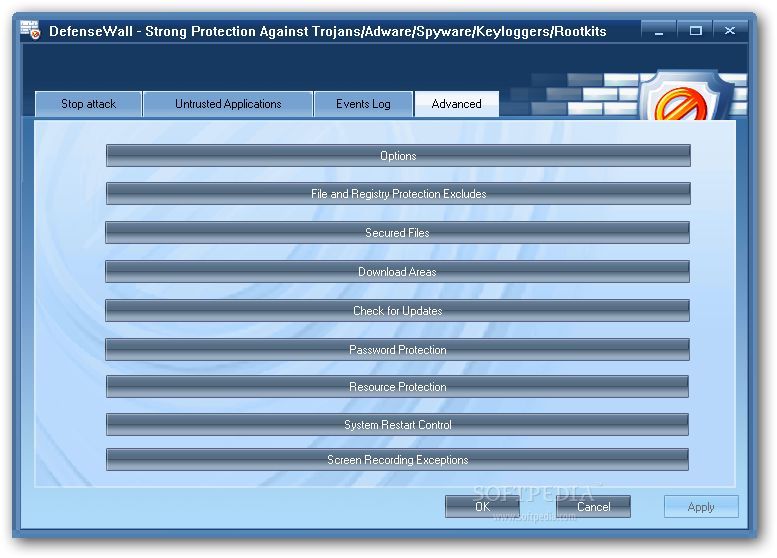
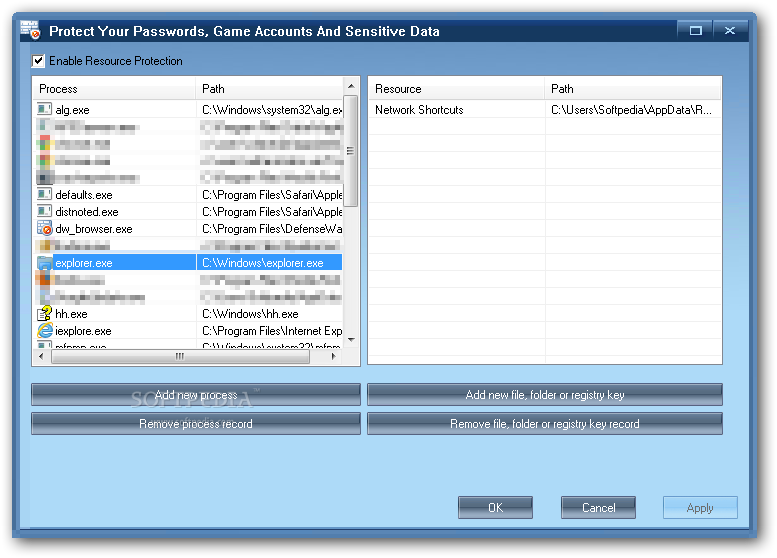
Advanced users can create a list of files and registry items to be excluded from protection, secure custom files and folders, as well as manage download areas and password-protect DefenseWall. You can create a list of untrusted applications and authorize them to use the desktop or to restart the system, as well as protect passwords, game accounts and other sensitive data.
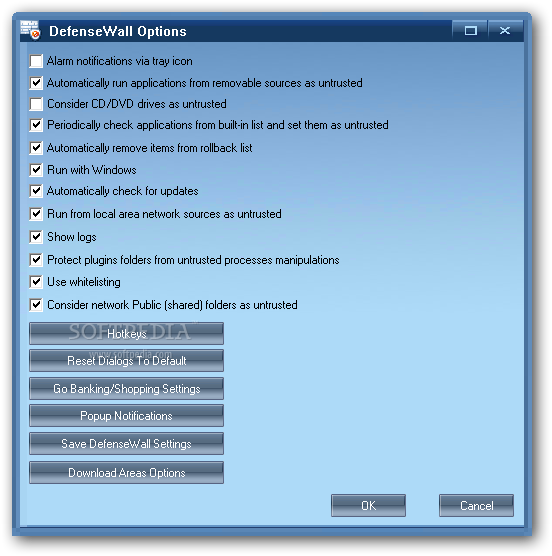
From the "Options" area you can set DefenseWall to display alarm notifications in the system tray, consider CD/DVD drives to be untrusted and to automatically run at system startup. Plus, you can save program settings, reconfigure keyboard shortcuts and restore options to default.
The security tool requires a moderate amount of system resources and has a good response time. There is also a help file available and we have not come across any problems throughout our testing. DefenseWall should definitely be taken into consideration as a powerful agent against malicious software.
What's new in DefenseWall 3.25:
- Privilege escalation from within trusted zone solved
- Untrusted zone bypass method covered.
- Whitelist has been extended.
- Help file updated.
DefenseWall 3.25
add to watchlist add to download basket send us an update REPORT- runs on:
-
Windows 10 32/64 bit
Windows 2003
Windows 8 32/64 bit
Windows 7 32/64 bit
Windows Vista
Windows XP
Windows 2K - file size:
- 4.1 MB
- filename:
- DefenseWall_HIPS_v3_25.exe
- main category:
- Antivirus
- developer:
- visit homepage
ShareX

paint.net

Microsoft Teams

4k Video Downloader

calibre

7-Zip

Bitdefender Antivirus Free

Zoom Client

Windows Sandbox Launcher

IrfanView

- Zoom Client
- Windows Sandbox Launcher
- IrfanView
- ShareX
- paint.net
- Microsoft Teams
- 4k Video Downloader
- calibre
- 7-Zip
- Bitdefender Antivirus Free