
A fully-featured application that helps users monitor and analyze event logs, while offering the possibility to group computers, apply filters, and export the information to XLS or HMTL. #Log explorer #View event #Monitor security #Explorer #Tracker #Viewer

If your PC starts acting up, and you don’t really know the cause behind it, then one way to identify the problem is to check the system logs. Since they contain security events, errors and other metrics, it can help with troubleshooting, security and optimizing performance.
Event Log Explorer is a tool that simplifies the process, as it offers instant access to logs, efficient filtering options, event log consolidation, and report generation, among others.
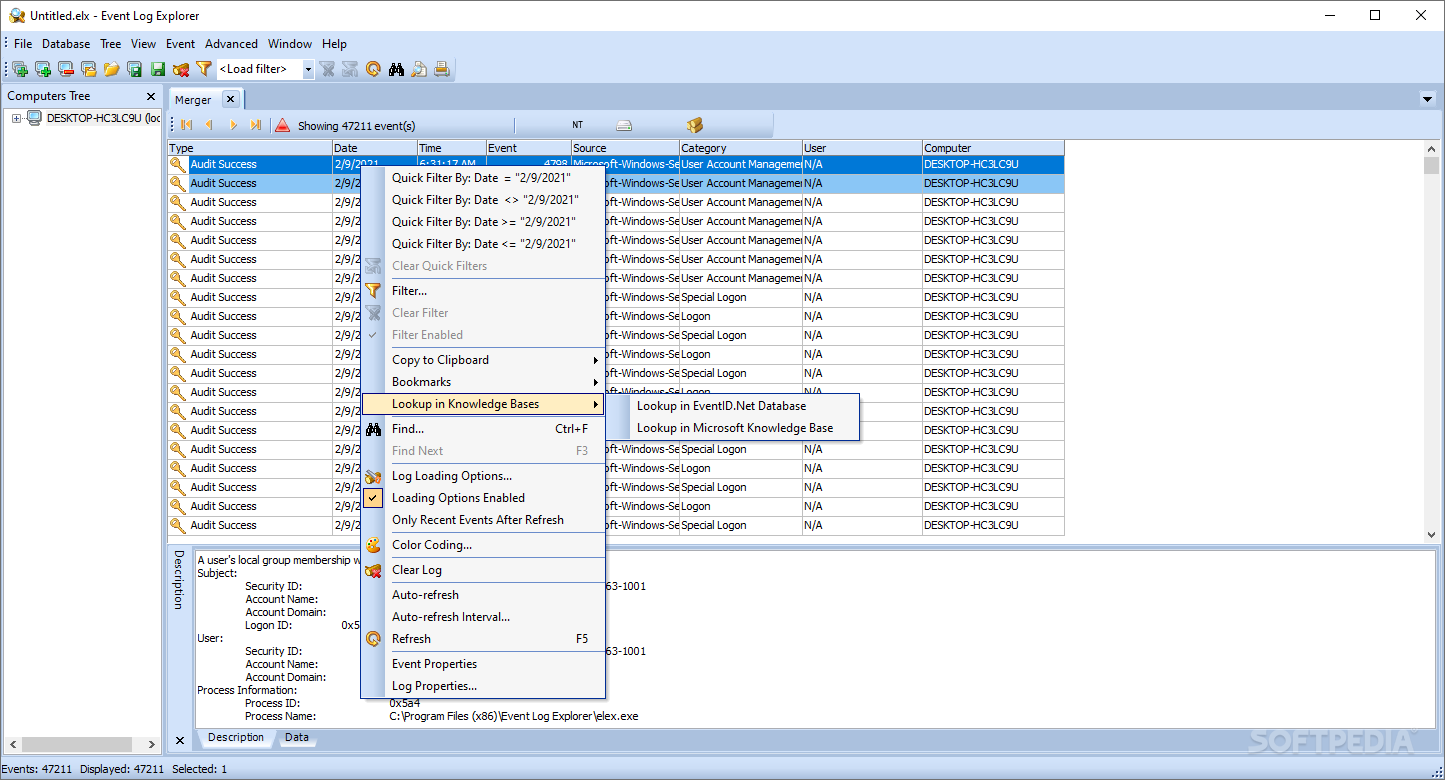
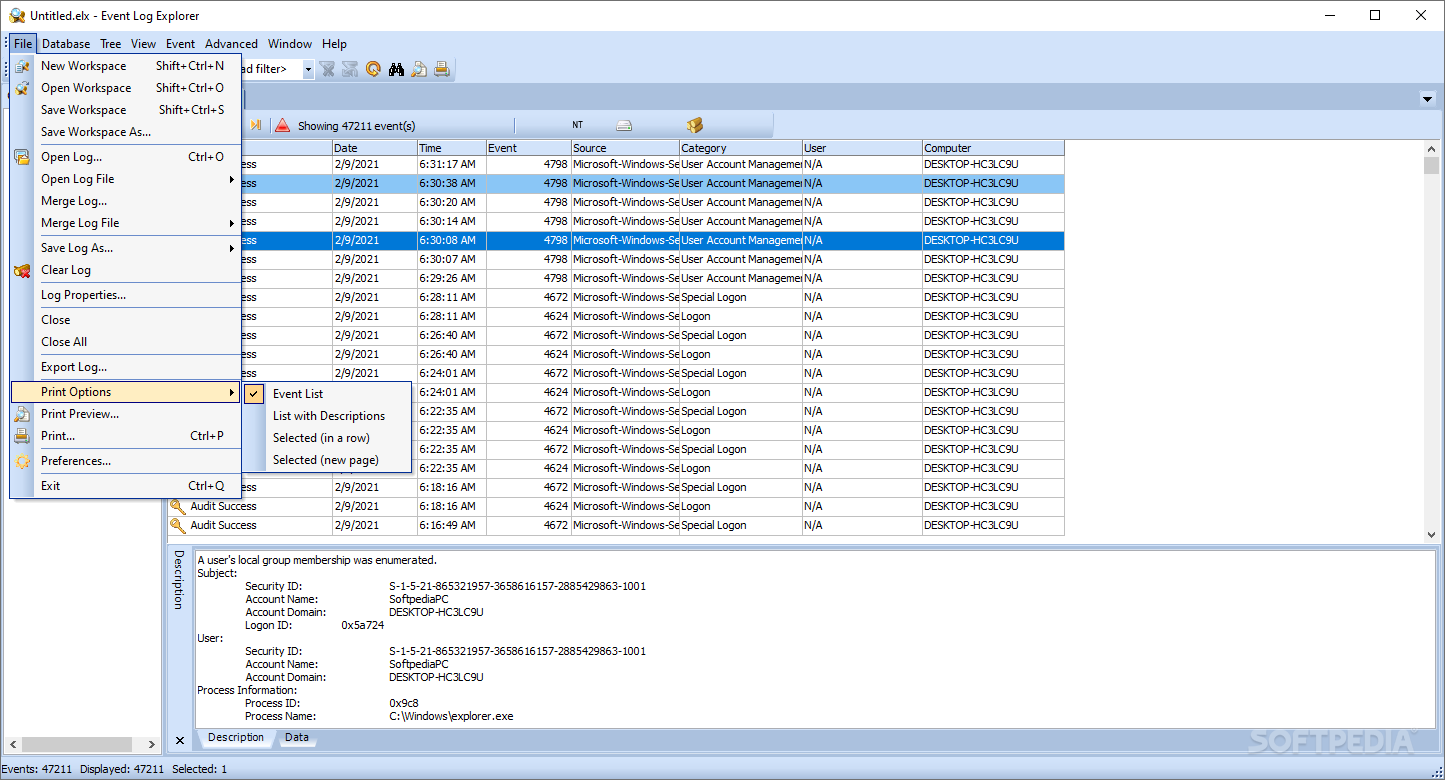
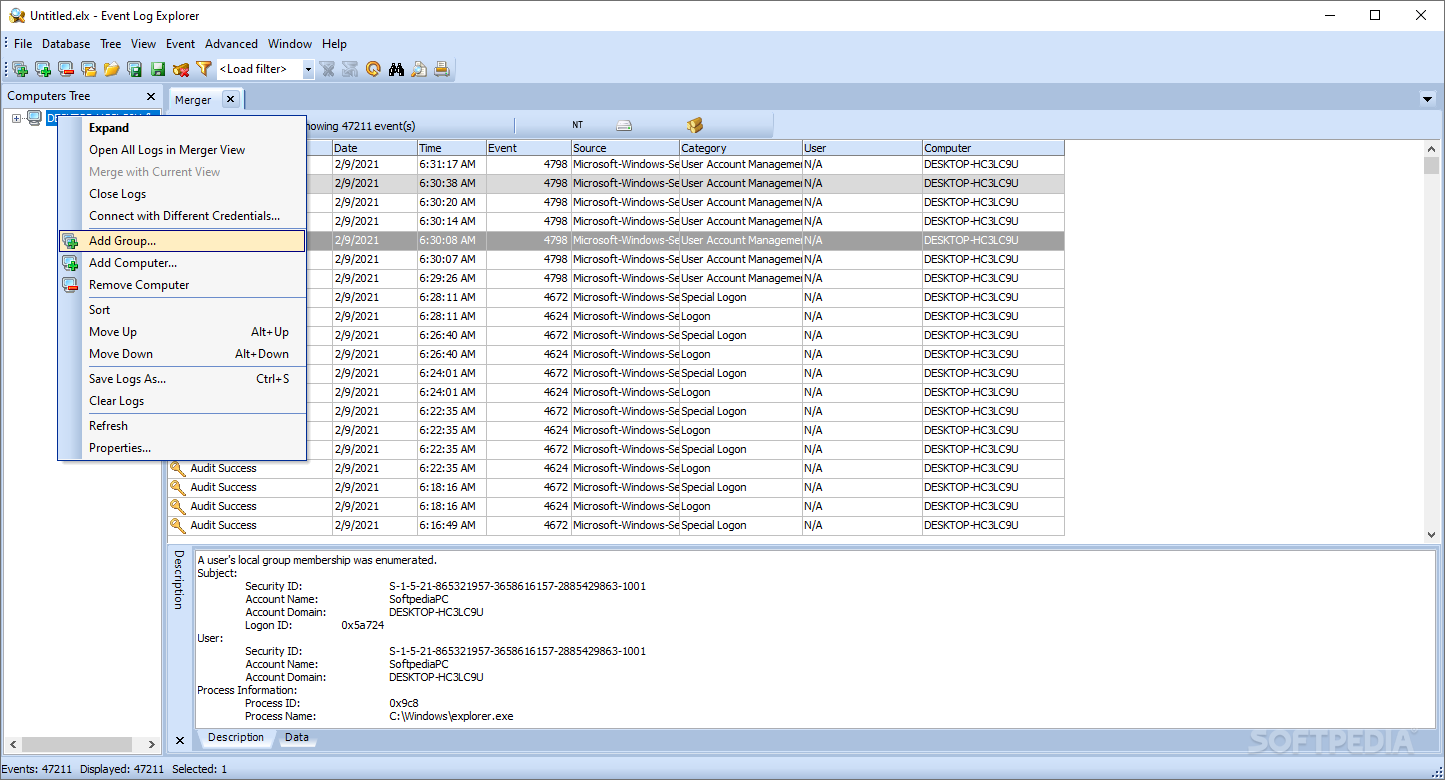
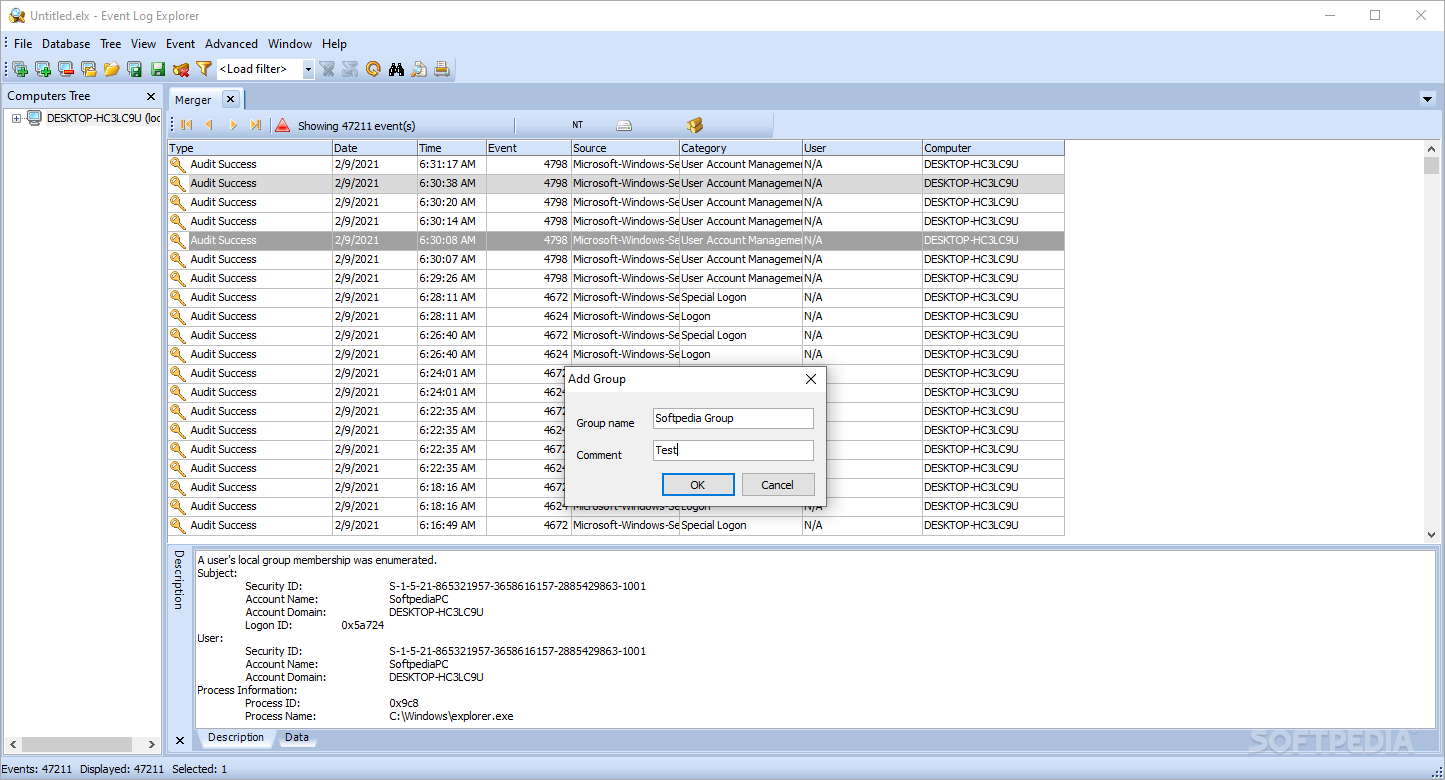
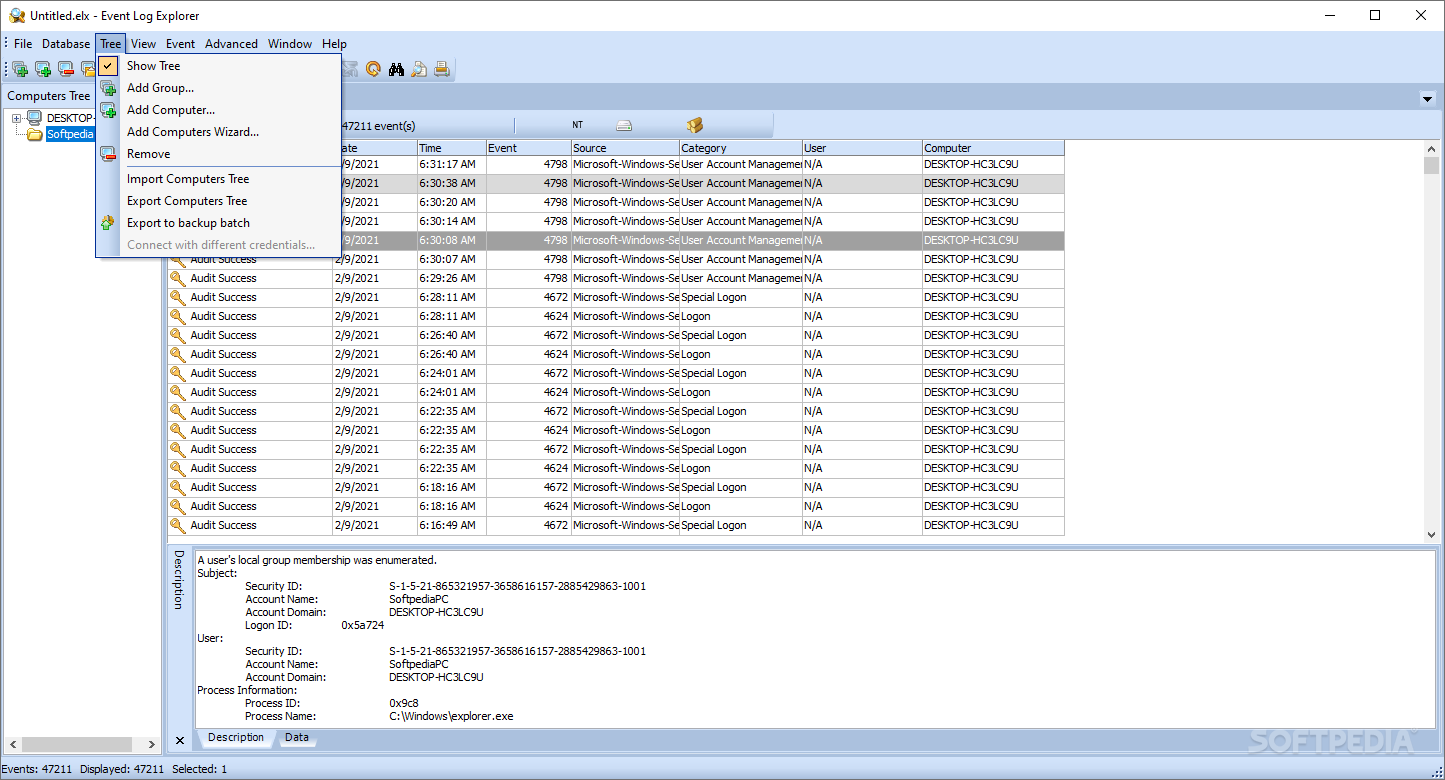
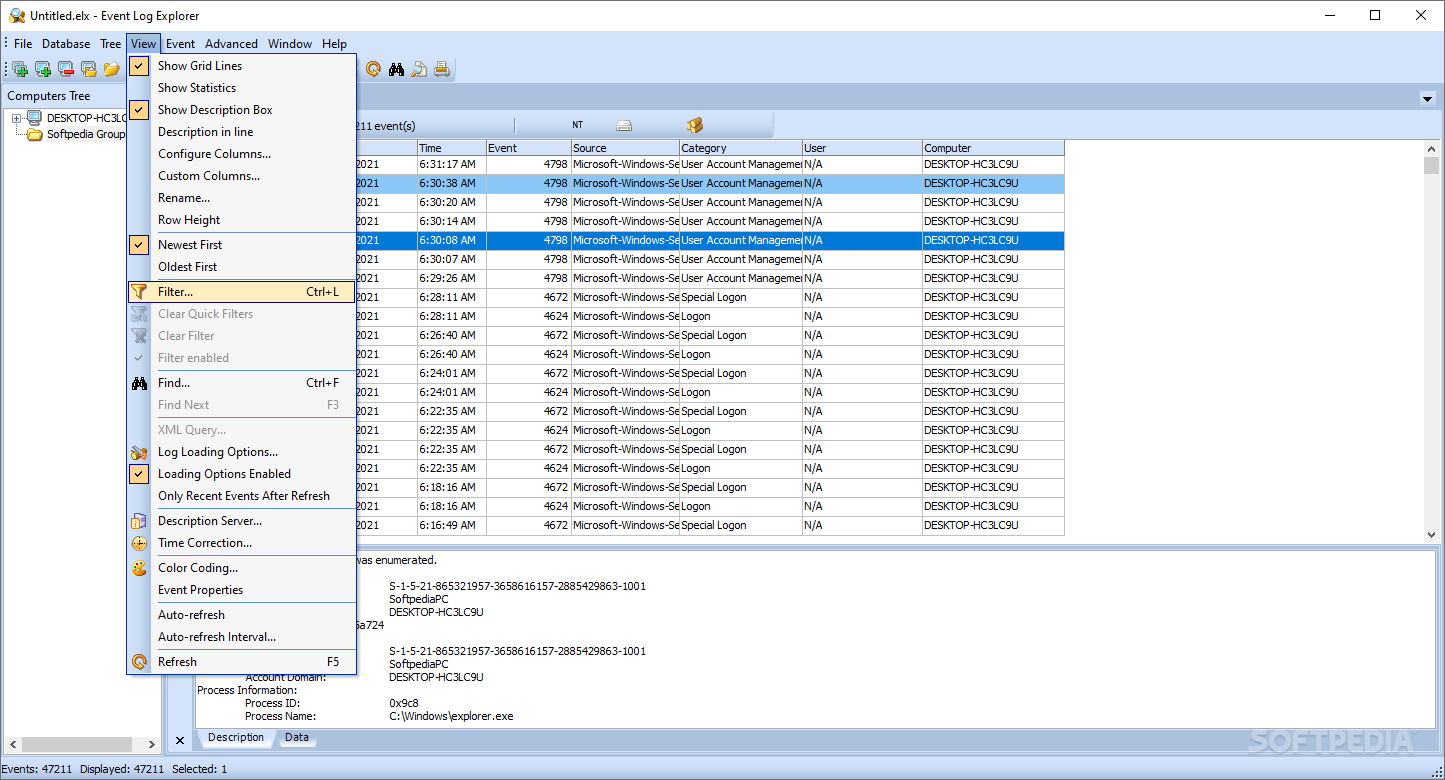
The tree-bases interface is suitable for this type of app, as you can easily navigate to the desired section and view the details in the right panel. You can grab logs and perform other tasks using the top menus, which are neatly organized and should be familiar for anyone working with logs.
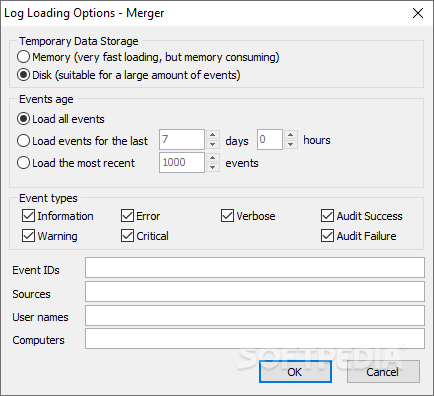
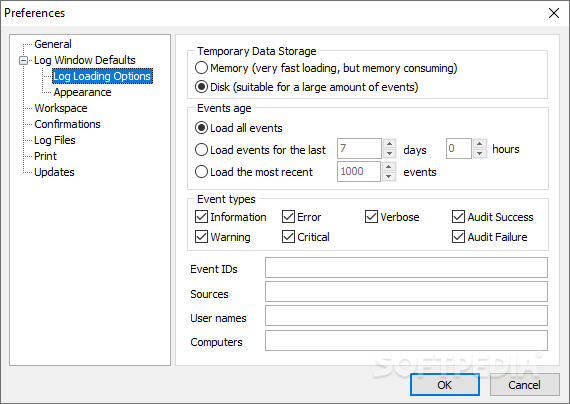
I can see that the app can grab logs from my laptop as well as other computers connected in my network. Moreover, I was pleasantly surprised that I can draw logs that happened some time ago.
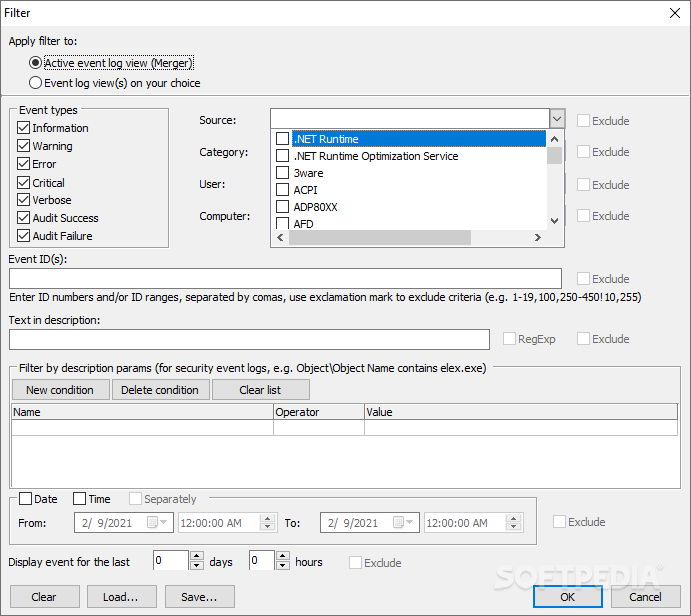
The filtering is another strong point of the tool in my opinion, as you can apply all sorts of filters and hence, look for a specific problem that’s been troubling you and identify the exact moment when it occurred. Not only can you understand what’s going on, but it makes it easier to solve the issue at the same time.
You can filter events as soon as they load, use the pre-made filters, or even create your own filters based on what you're interested in. Simply put, it allows you to sifts through all the events and shows you only the ones that matter to you, saving you time and effort
Event Log Explorer accounts for logs for other computers connected in the network, as well as databases. It includes options that let you bring them together so you can compare and analyze easier.
You can also consider using various filters during the processing, so you can concentrate on the most important events, and hence identify issues or patterns across multiple systems more efficiently.
What's new in Event Log Explorer 5.5 (5.5.0.5011):
- Added an option "Treat value as" for the custom columns. Custom columns are now typed (Text, Integer, Float, Date).
- Added an option to make the filter case sensitive.
- Added an option not to save the workspace when quit.
- Added "Go to date" command.
Event Log Explorer 5.5 (5.5.0.5011)
add to watchlist add to download basket send us an update REPORT- runs on:
-
Windows 11
Windows Server 2022
Windows Server 2019
Windows Server 2016
Windows 10 32/64 bit
Windows Server 2012
Windows 2008 32/64 bit
Windows 2003
Windows 8 32/64 bit
Windows 7 32/64 bit - file size:
- 9 MB
- filename:
- elex_setup.exe
- main category:
- System
- developer:
- visit homepage
Context Menu Manager

Windows Sandbox Launcher

Microsoft Teams

ShareX

Bitdefender Antivirus Free

4k Video Downloader

calibre

IrfanView

Zoom Client

7-Zip

- IrfanView
- Zoom Client
- 7-Zip
- Context Menu Manager
- Windows Sandbox Launcher
- Microsoft Teams
- ShareX
- Bitdefender Antivirus Free
- 4k Video Downloader
- calibre