
Back up personal files, Windows and registry settings to the local disk, FTP or other locations, schedule backups, and configure many options. #Backup data #Backup manager #Data backup #Backup #Recovery #Recover

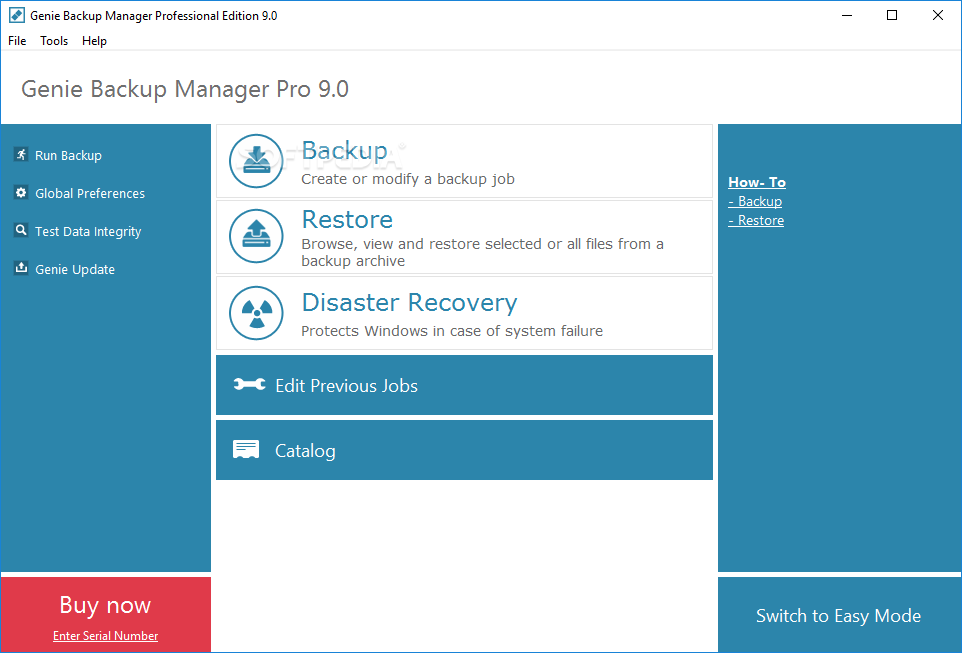
Genie Backup Manager Pro is a powerful software application which allows you to create backups of your important files and emails in just a few easy steps. It can be handled by users of any level of experience.
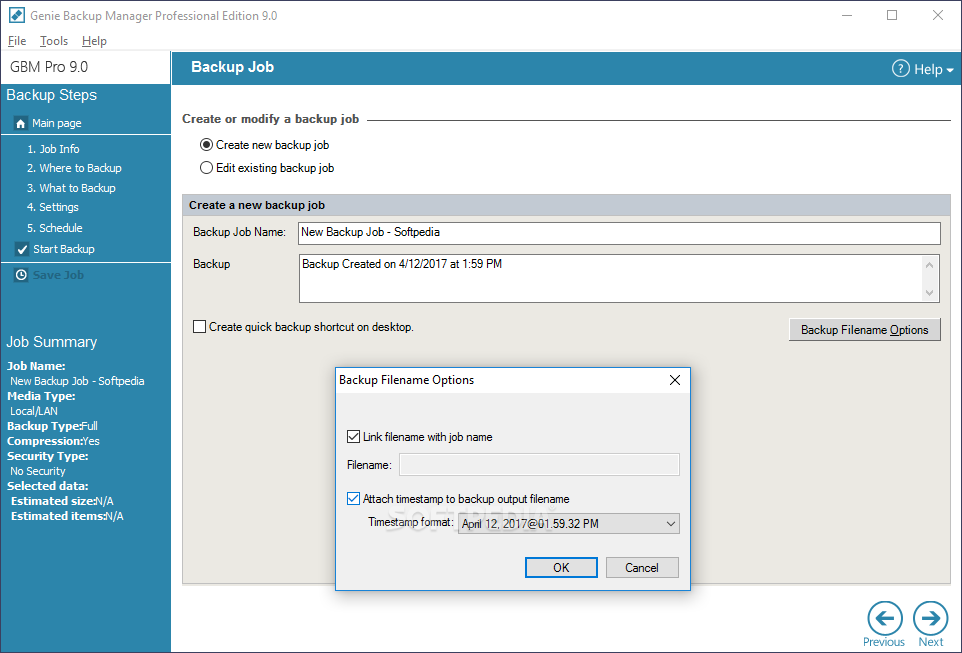
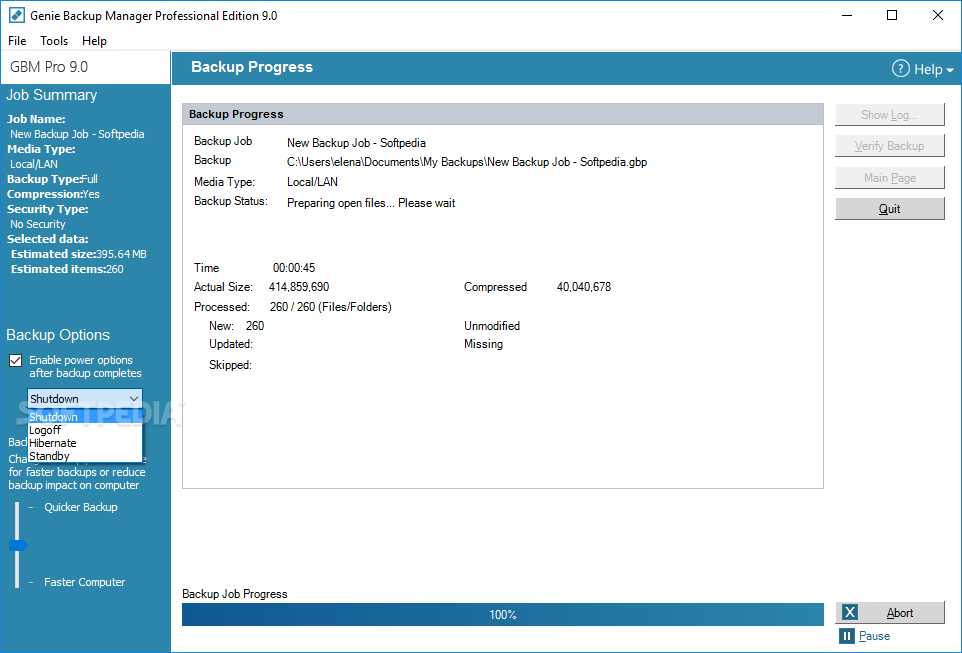
The app is wrapped in a professional-looking interface where you can create a new backup by editing its name, making a shortcut on the desktop and attaching a timestamp.
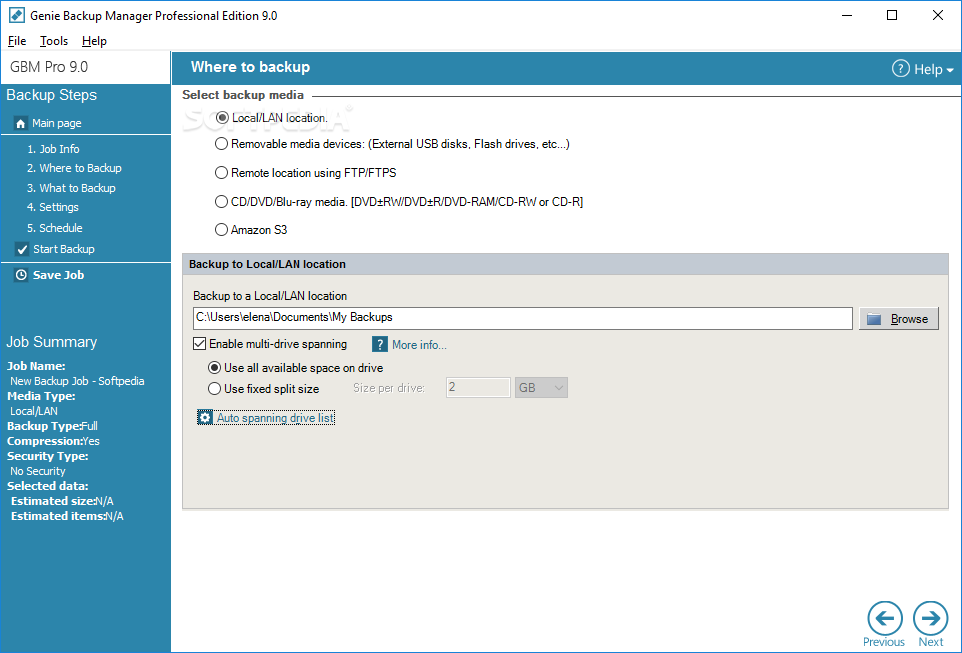
Genie Backup Manager Pro allows you to pick the backup media between a local/LAN location, removable media device, remote location via FTP/FTPS, CD/DVD/Blu-ray media and Amazon S3.
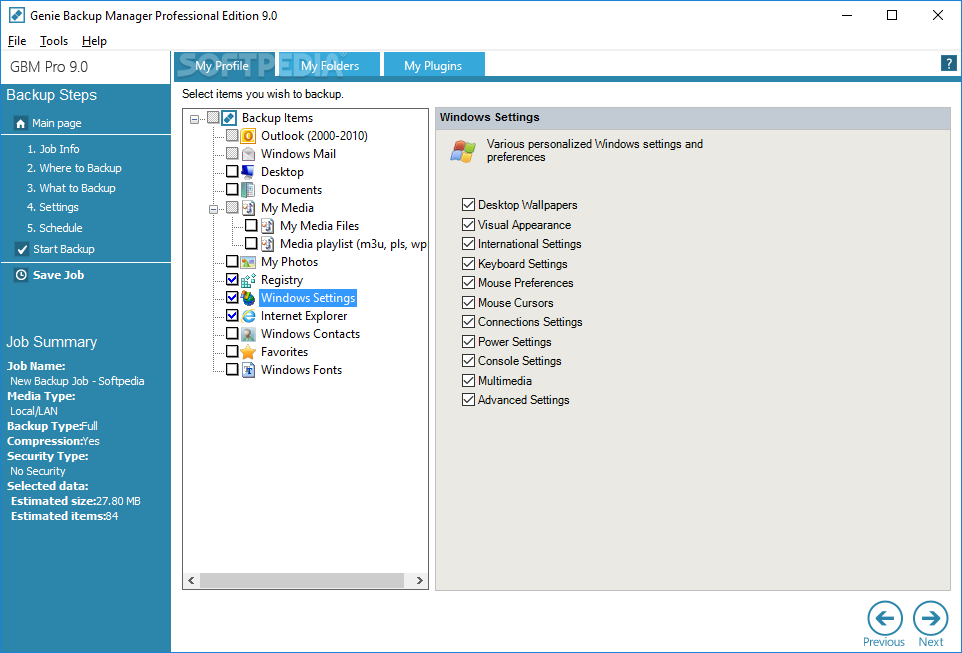
You can select items which revolve around Outlook, Windows Mail, Desktop, Documents, Media Playlists, Photos, Windows Registry or Settings, Internet Explorer, Favorites, along with Windows Contacts and Fonts. You can browse your hard drive to locate files for the backup, as well as choose plugins.
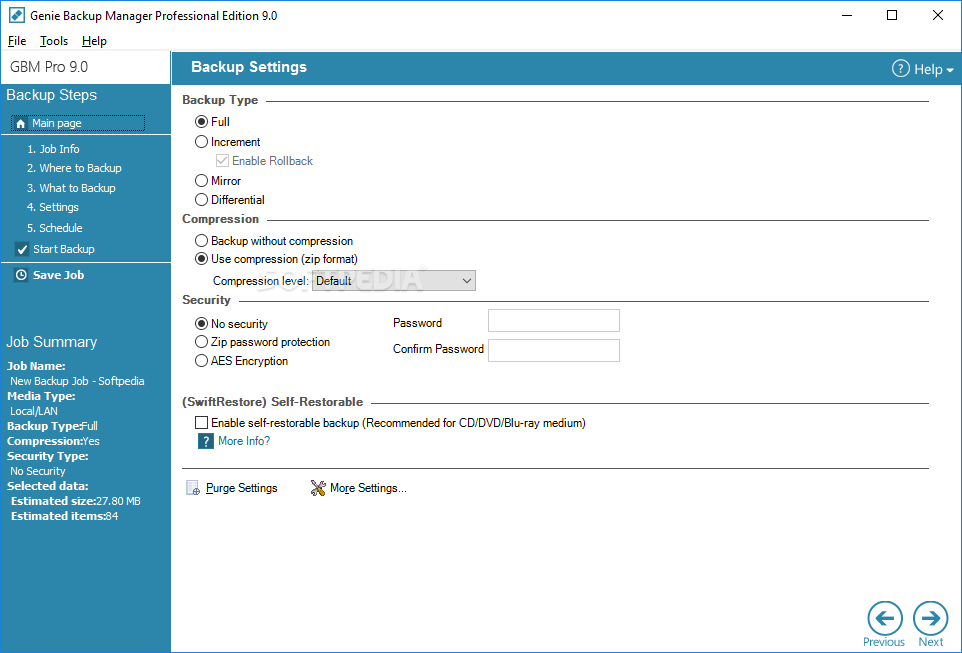
Some configuration settings are available for the backup operation. Thus, you can select the type between full, incremental, mirror and differential, use compression (ZIP format), protect the backup with a password, as well as enable the self-restorable backup mode.
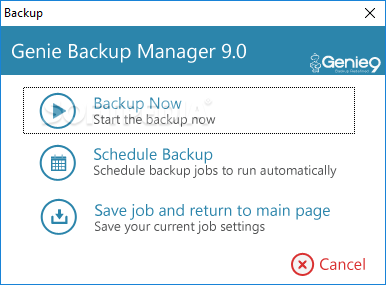
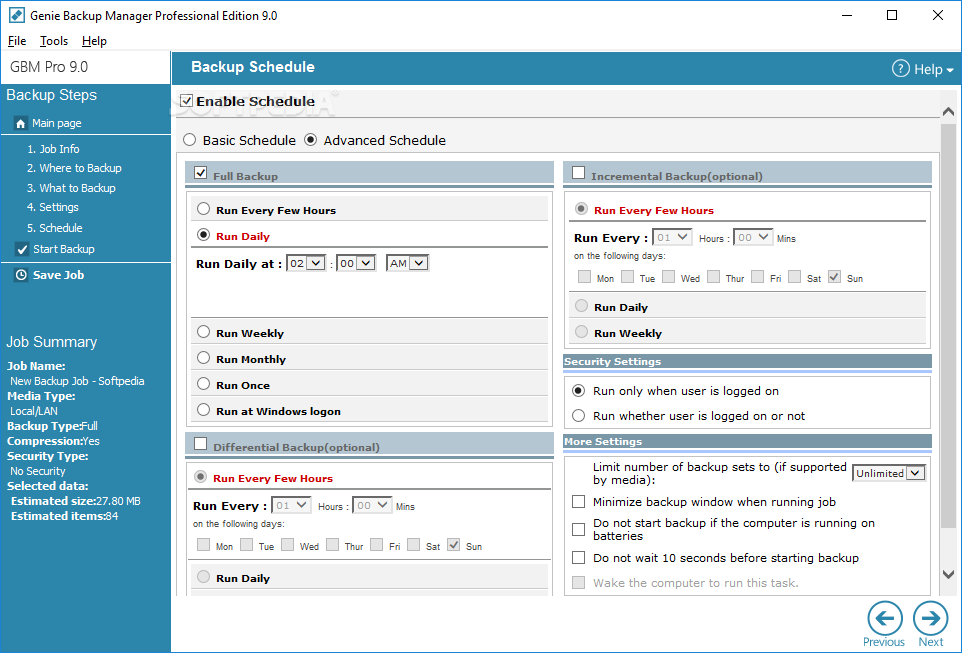
It is also possible to schedule and restore backups, edit jobs and view a backup history. Genie Backup Manager Pro also provides a feature called 'Disaster Recovery' that protects Windows in case of system failure, but you are required to download a third-party component.
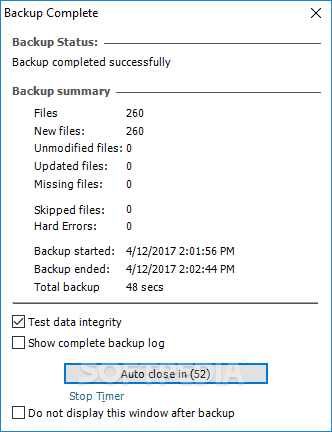
The program runs on a moderate amount of system resources, has a good response time, and includes user documentation. Genie Backup Manager Pro ran smoothly during our tests, as it did not hang, crash or pop up error dialogs. Thanks to the wizard-like interface, first-time users can quickly set up a backup operation, while more experienced users can tinker with the advanced settings supplied by the app.
Download Hubs
Genie Backup Manager Pro is part of these download collections: Create Backup, Make Backup
What's new in Genie Backup Manager Pro 9.0.567.891:
- Amazon S3 Backup support.
- Added Outlook 2010 support
- Enhanced FTP engine.
- Secure FTP (FTPS) Support.
Genie Backup Manager Pro 9.0.567.891
add to watchlist add to download basket send us an update REPORT- runs on:
-
Windows 10 32/64 bit
Windows 8 32/64 bit
Windows 7 32/64 bit
Windows Vista 32/64 bit
Windows XP 32/64 bit - file size:
- 29.1 MB
- main category:
- System
- developer:
- visit homepage
Microsoft Teams

IrfanView

Bitdefender Antivirus Free

ShareX

Windows Sandbox Launcher

4k Video Downloader

7-Zip

calibre

Context Menu Manager

Zoom Client

- calibre
- Context Menu Manager
- Zoom Client
- Microsoft Teams
- IrfanView
- Bitdefender Antivirus Free
- ShareX
- Windows Sandbox Launcher
- 4k Video Downloader
- 7-Zip