
View photos, images and .GIF files with great ease by importing all of them and sifting through every item right from the comfort of this app interface. #Image viewer #Image editor #Edit image #Editor #Editor #Viewer

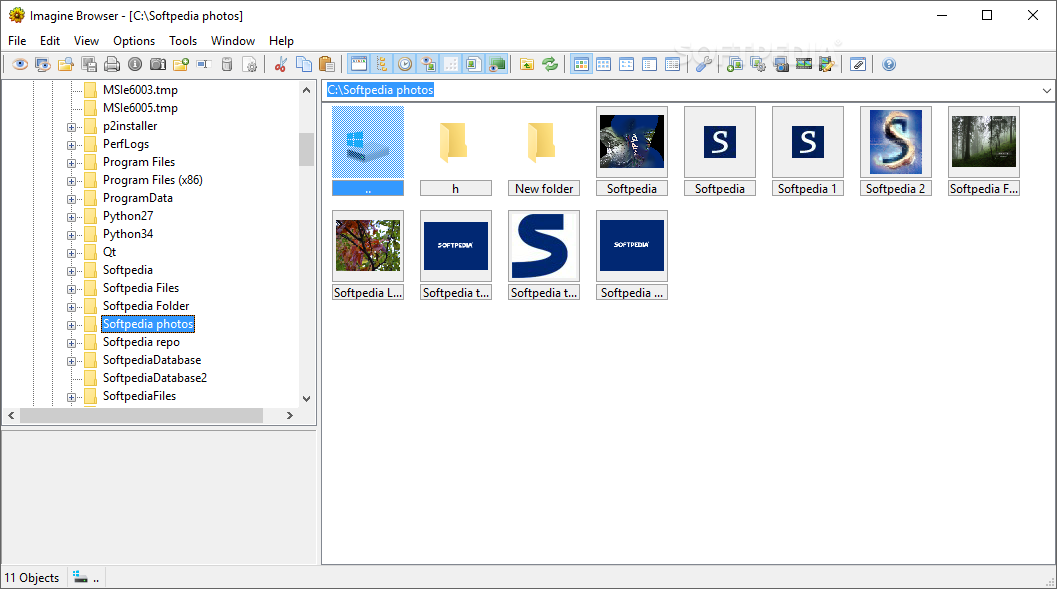
Imagine how life would be easier with the help of an application that could instantly identify photos and animations without much problem and then give you a way to scroll through every one of them for the easiest possible identification.
With this in mind, the app's name is most likely a play on the idea of imagining this scenario because it is named Imagine. Nevertheless, the application is quite down-to-earth and offers plenty of options for the user.
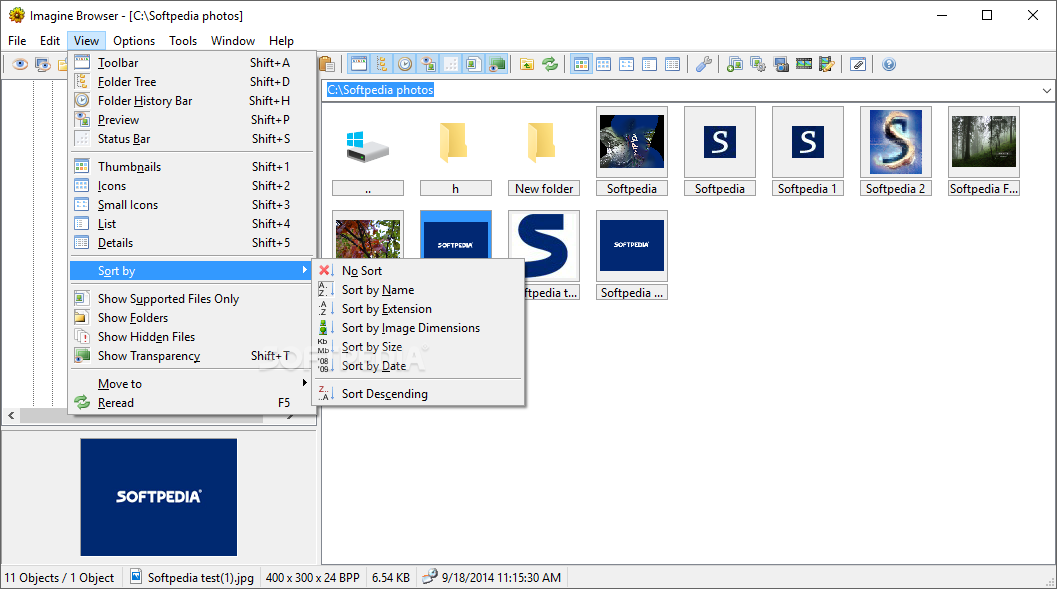
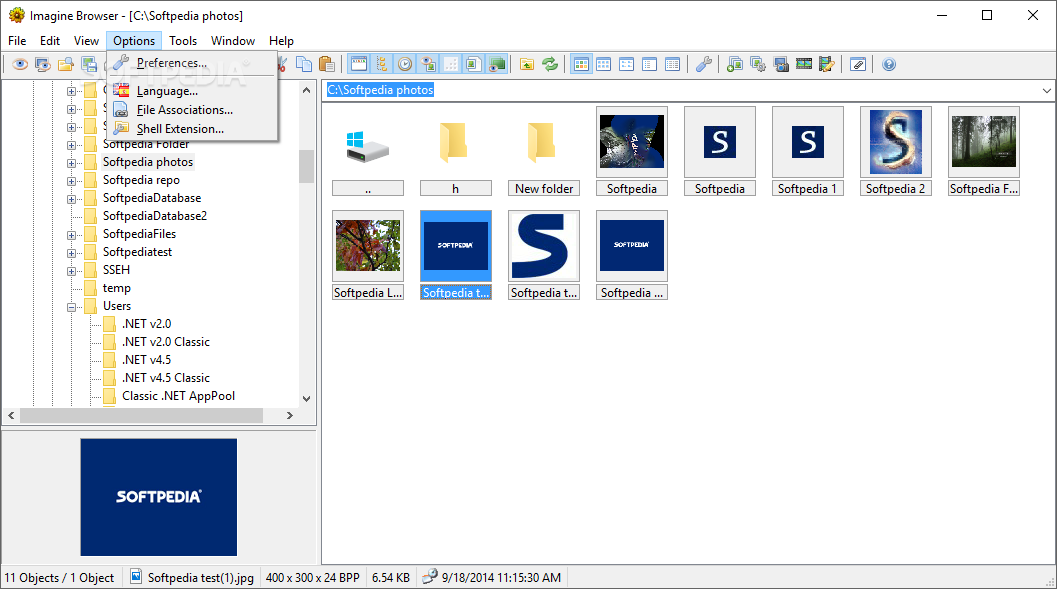
Although it might not look much, the application is still quite useful. It displays all of your folders containing compatible files, which are mostly image types such as .JPG. PNG. BMP. but also .GIF.
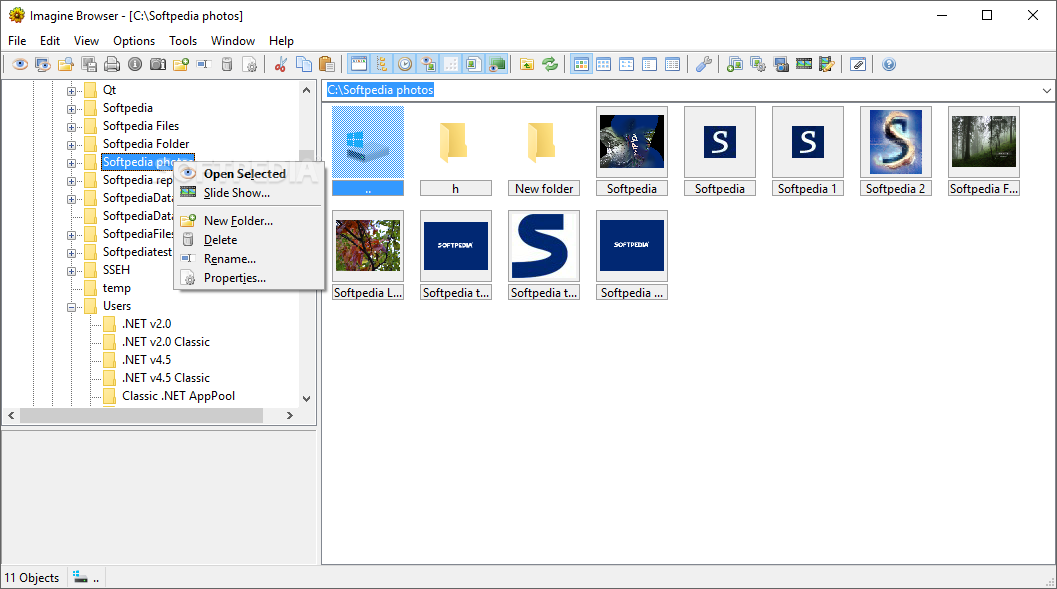
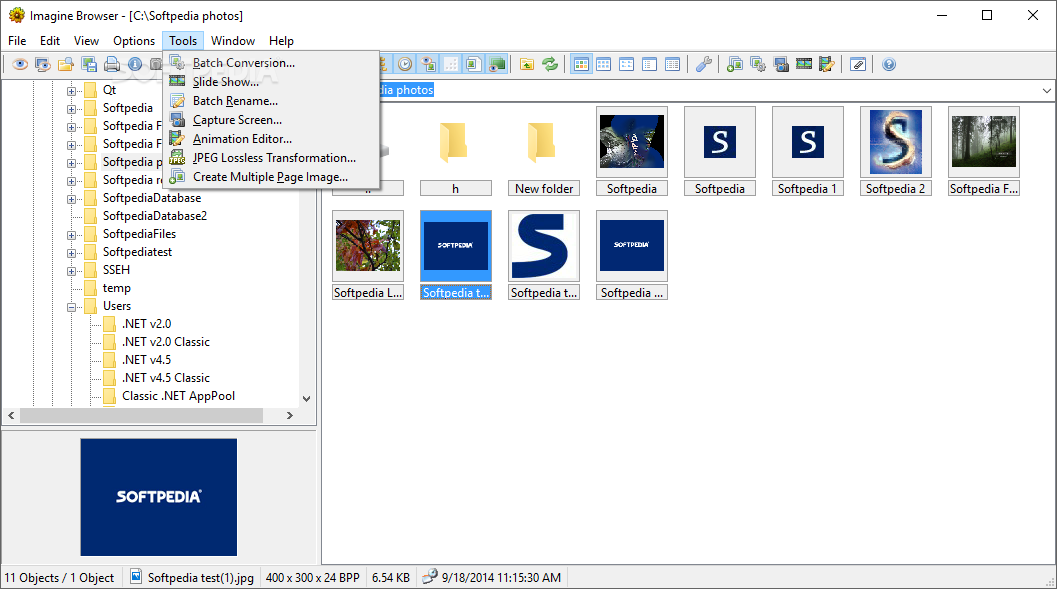
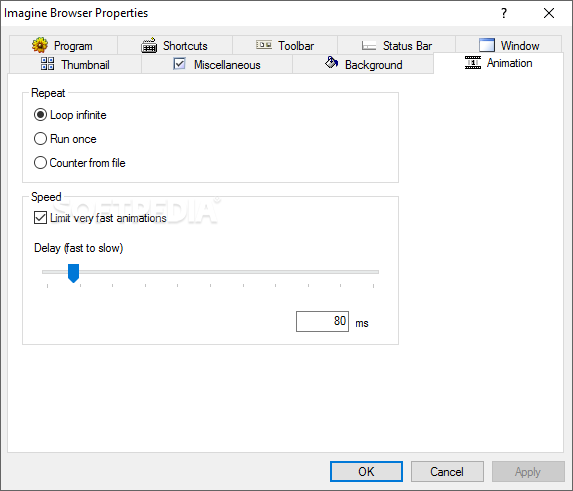
Nevertheless, I was mostly taken aback by the slideshow mode, which helped me view my vacation photos without even wasting time clicking to see the next item. It all worked to my advantage and I think in your case it will too, simply because it makes your files more accessible and less hidden or hard to find. A search element has also been included.
If you'd like to print your photos, you can do that easily. Are you the type who wants to be more in control? If yes, you can set slideshow mode to be manually controlled. The whole application is versatile and adaptable to your needs. This makes it quite useful and reliable at the same time. You can also work with the given tools to copy, paste, and cut your files and ensure everything is in its right place.
Imagine is a helpful application that all users with lots of photos or image files and even .GIF items will find useful on account of how easy and friendly its interface is. It might not look the best, but it remains organized and helpful.
Download Hubs
Imagine is part of these download collections: Open GIF, Open CDR, View CDR, Open RGB
What's new in Imagine 1.5.2:
- Fixed: problem with unsupported file at the beginning or end of the file list
- Fixed: eliminate XBM/XPM security vulnerabilities
Imagine 1.5.2
add to watchlist add to download basket send us an update REPORT- runs on:
- Windows All
- file size:
- 914 KB
- filename:
- Imagine_1.5.2.exe


- main category:
- Multimedia
- developer:
- visit homepage
7-Zip

Zoom Client

Context Menu Manager

Microsoft Teams

Bitdefender Antivirus Free

4k Video Downloader

calibre

Windows Sandbox Launcher

IrfanView

ShareX

- Windows Sandbox Launcher
- IrfanView
- ShareX
- 7-Zip
- Zoom Client
- Context Menu Manager
- Microsoft Teams
- Bitdefender Antivirus Free
- 4k Video Downloader
- calibre