
Antivirus, firewall, spyware detection and system tools, all in a single security suite that will turn your PC into a safe environment. #Internet Security suite #Antivirus software #Personal firewall #Internet Security #Antivirus #Firewall
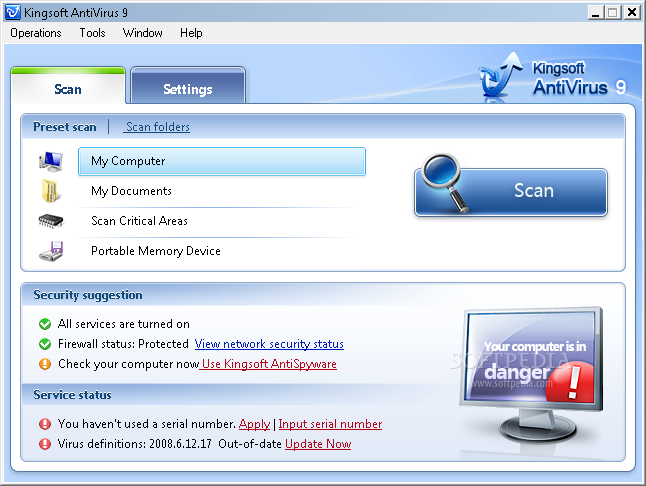
Kingsoft Internet Security is a professional and comprehensive software suite specially designed to offer overall protection for your computer.
The application contains three components namely Kingsoft Personal Firewall, Kingsoft AntiSpyware and Kingsoft AntiVirus, thus helping you to find and remove rootkits, spyware, trojans and malware infections.
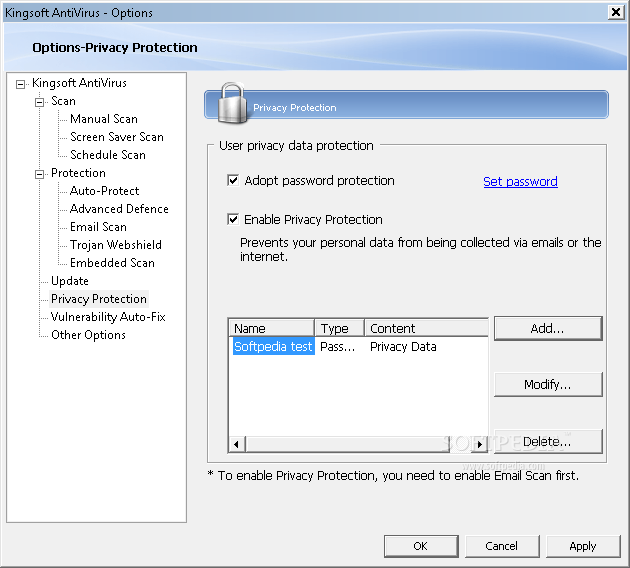
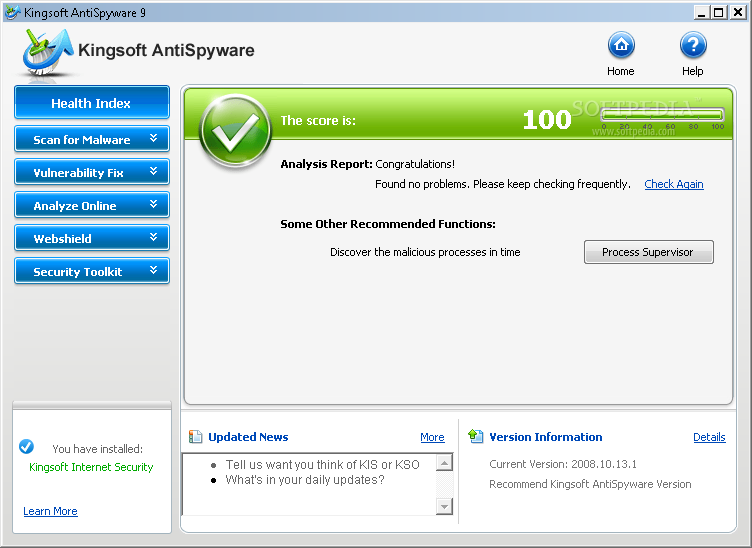
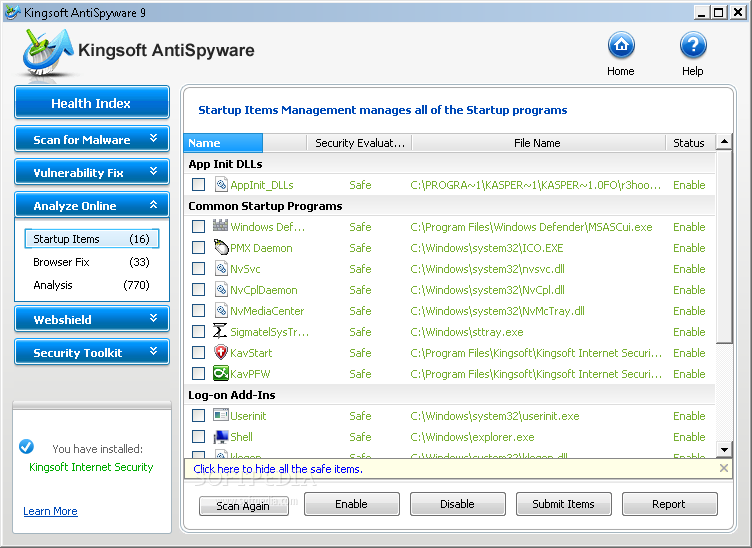
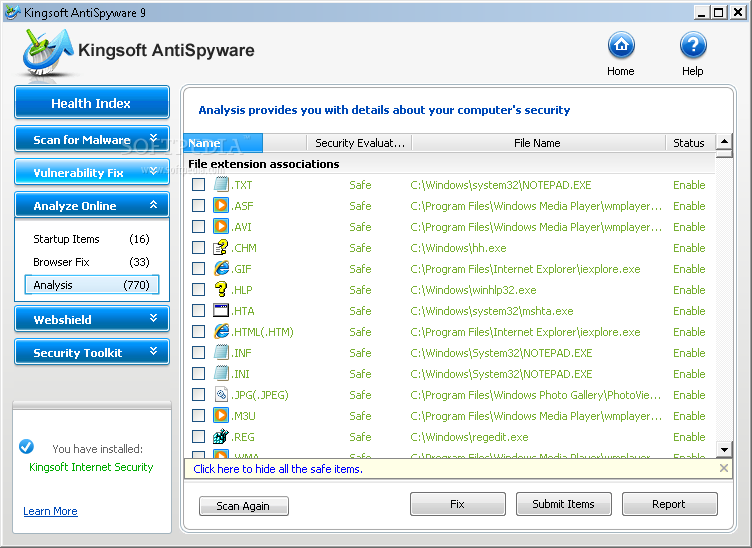
With the help of Kingsoft Internet Security you have the possibility to analyze your computer's health index, scan critical areas, monitor all the running programs and adjust monitoring settings for Internet and LAN attacks.
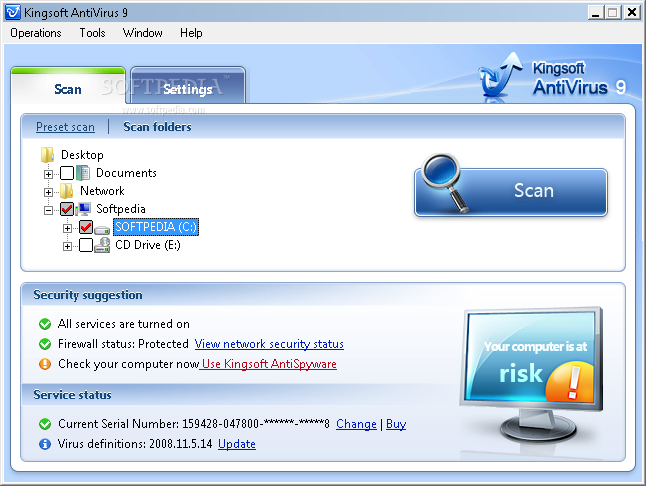
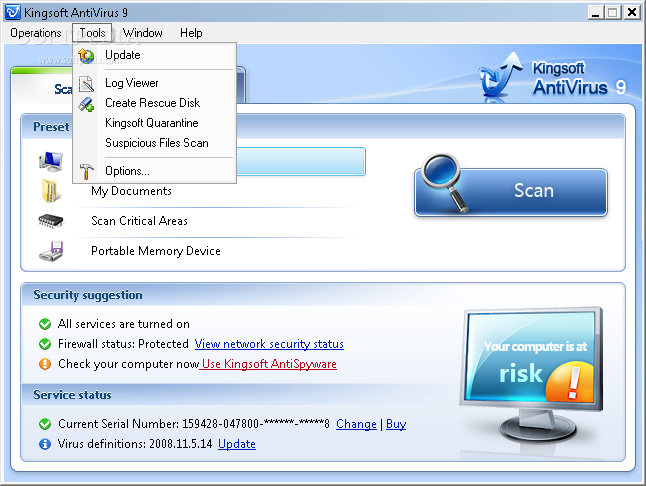
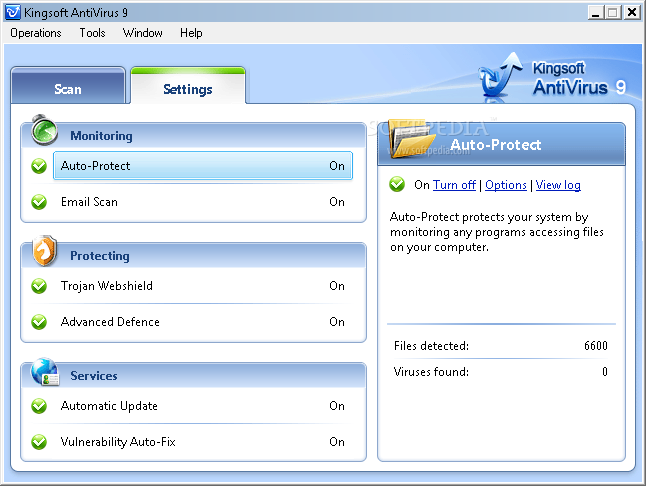
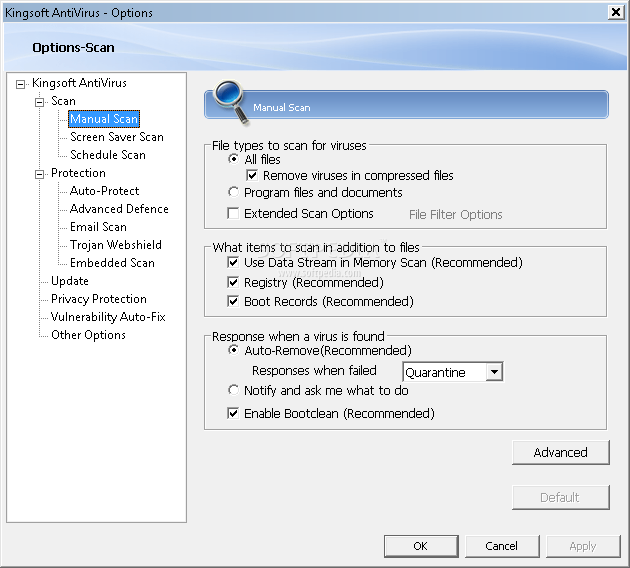
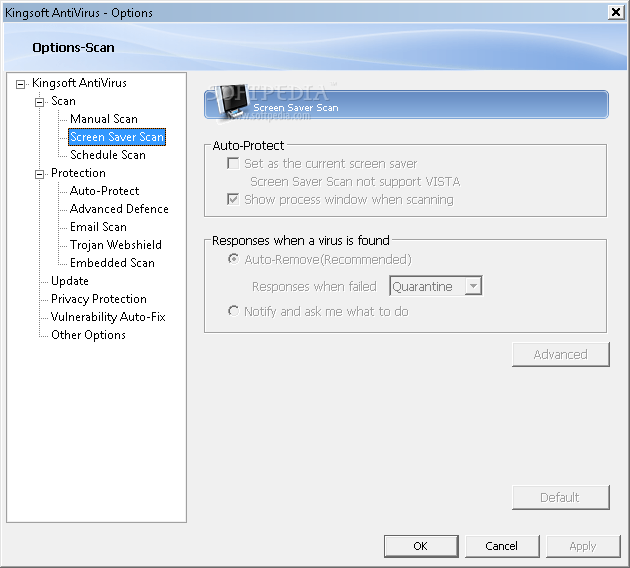
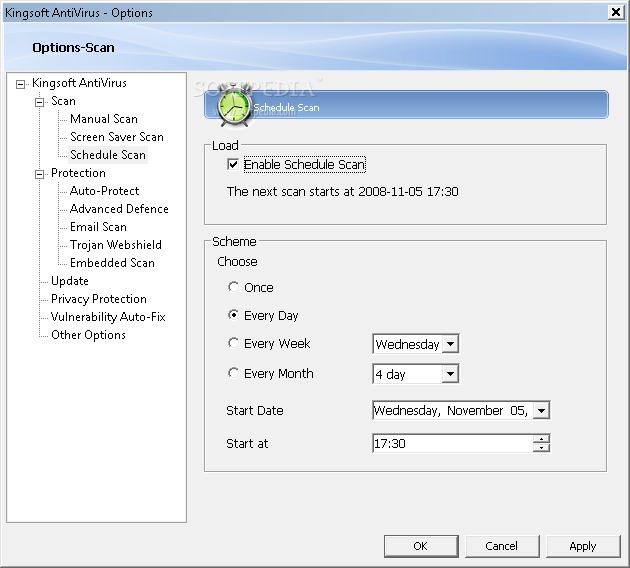
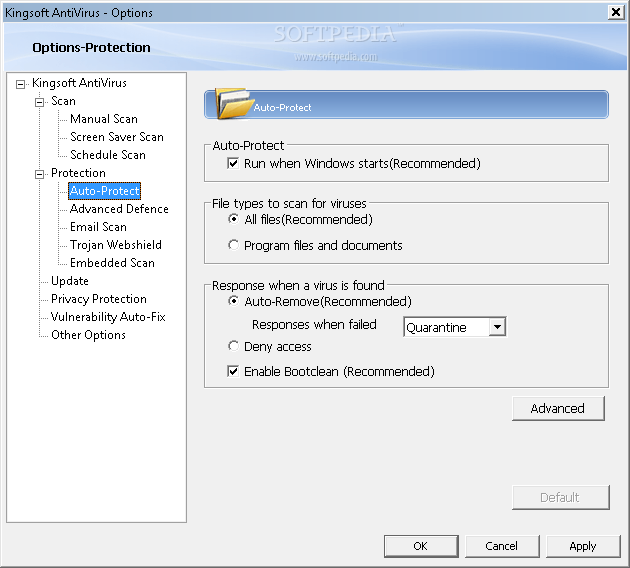
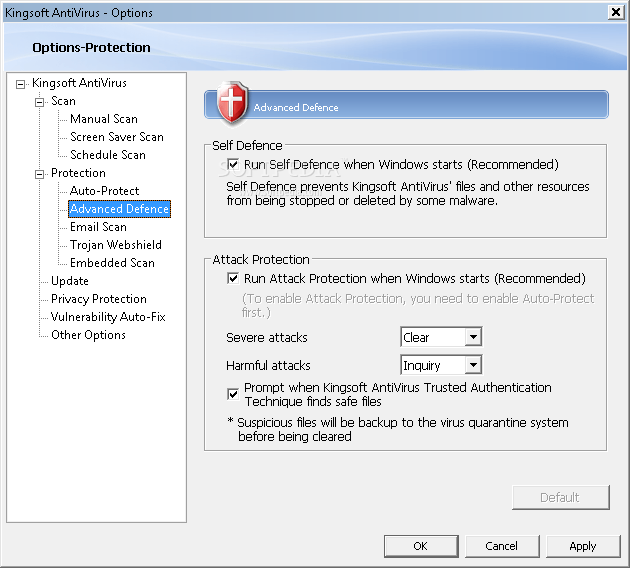
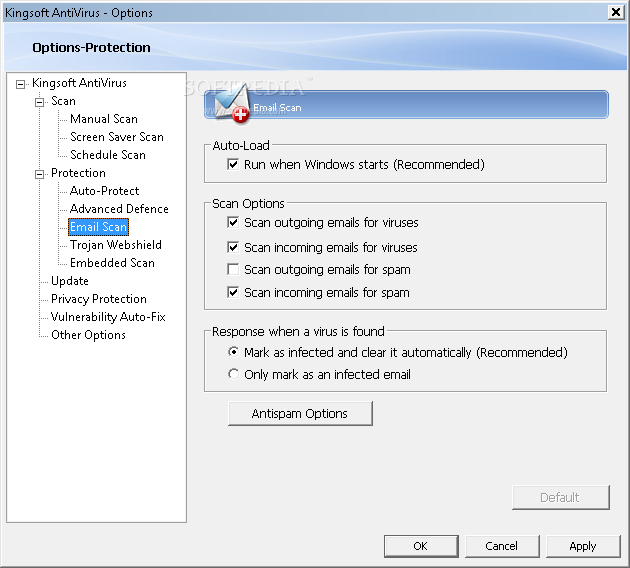
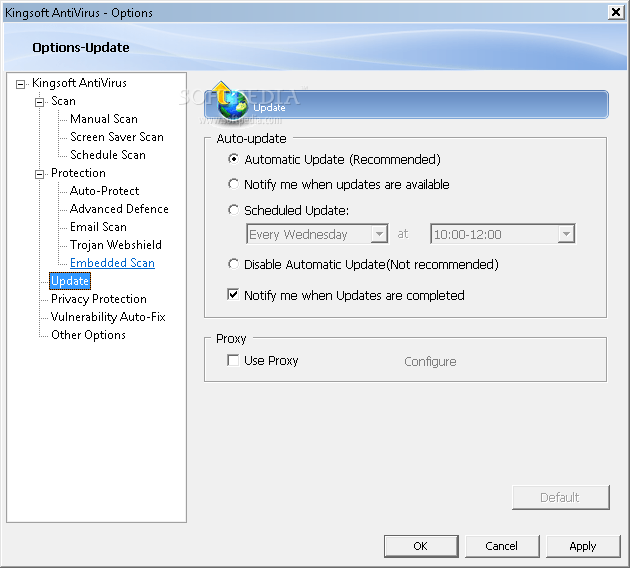
Kingsoft AntiVirus provides you with real-time checking options and helps you to scan your computer so you can identify all the malware attacks, then remove the infected files. Because of its intuitive interface, you are able to configure your own settings by scanning outgoing e-mails for viruses and intercept trojans.
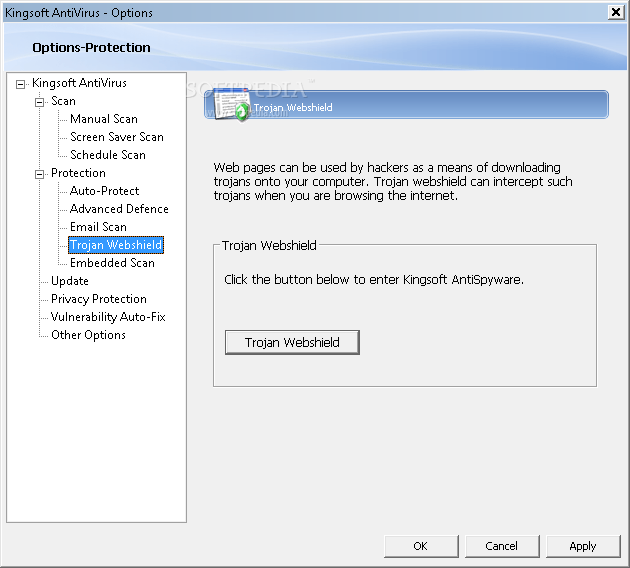
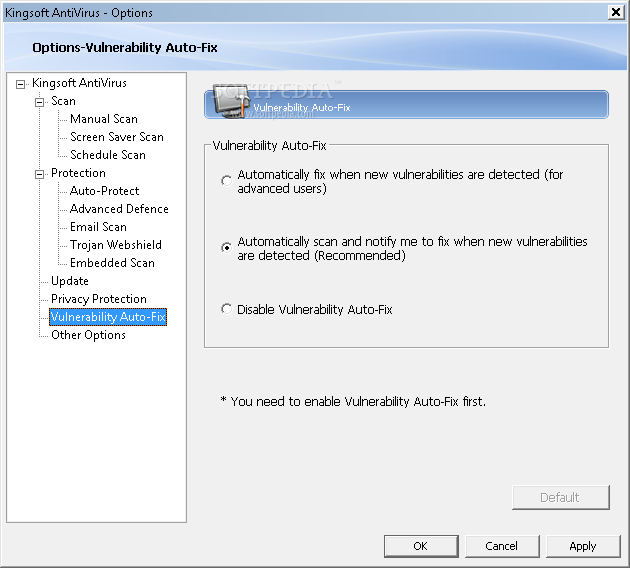
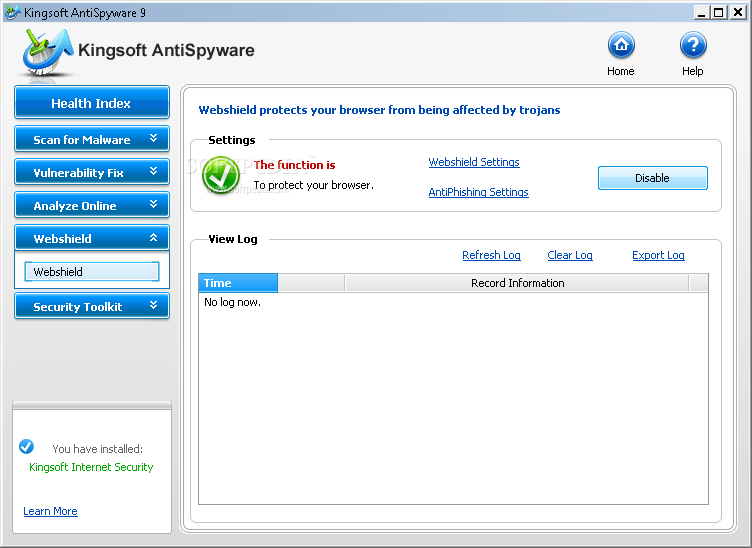
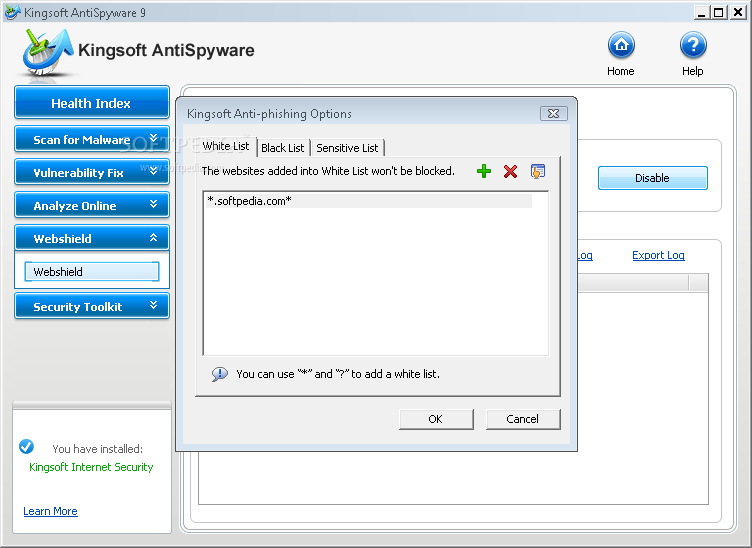
Although web pages can be used by hackers as a means of downloading trojans onto your computer, Kingsoft AntiVirus aims to detect malicious files and downloads while browsing the Internet and to notify you each time new vulnerabilities are met.
Another component which might come in handy for users who need to get maximum protection from their antivirus program is Kingsoft AntiSpyware.
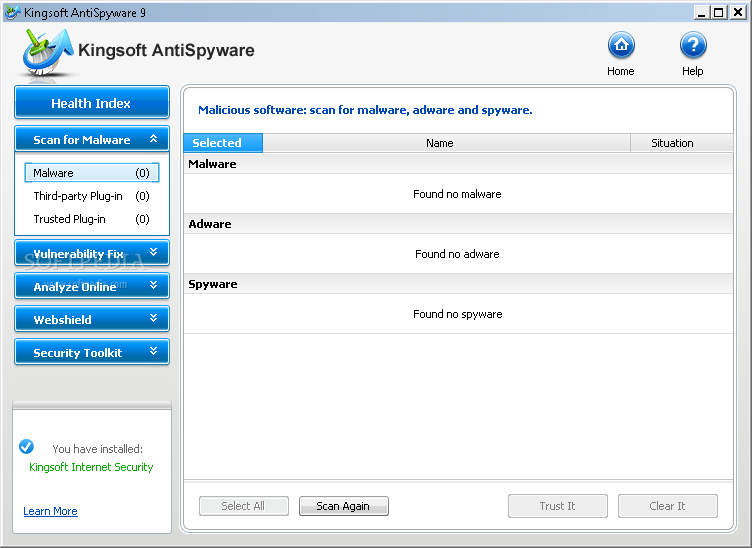
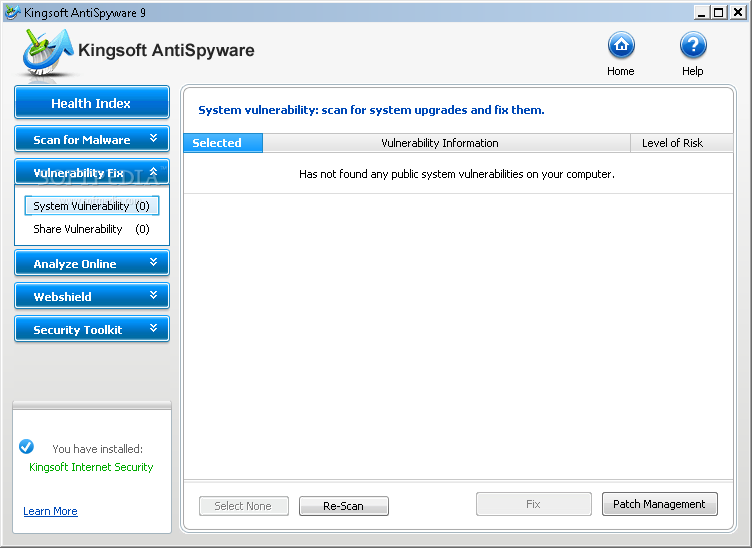
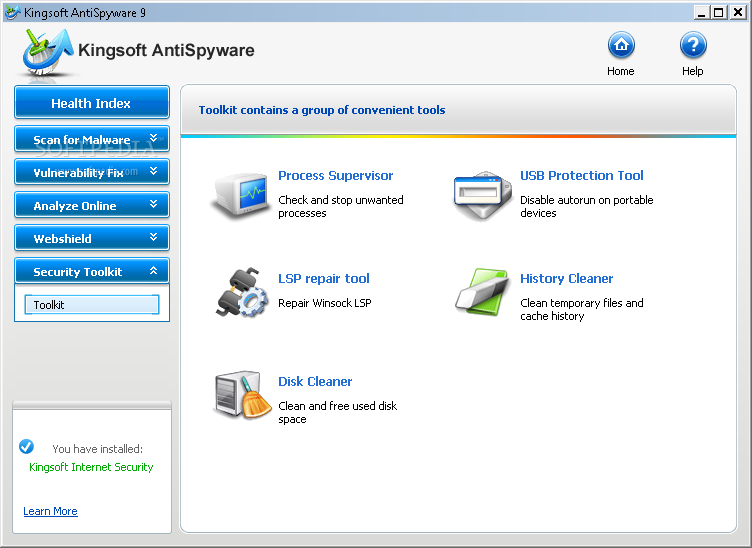
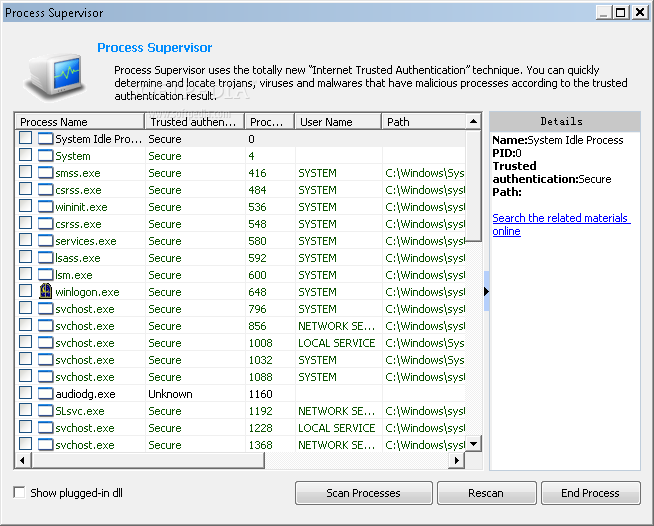
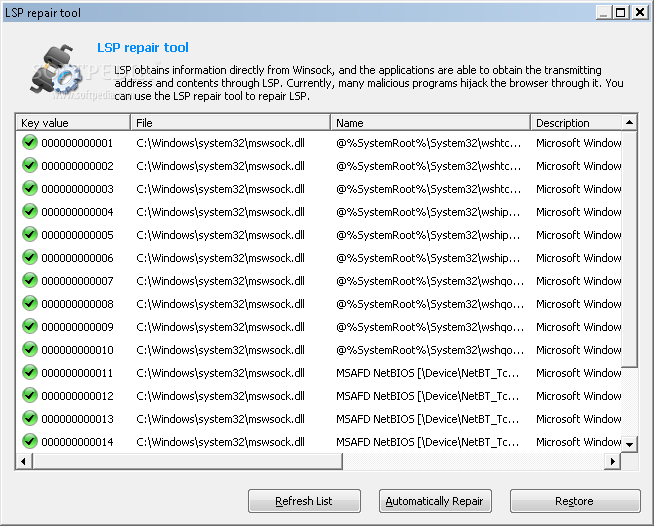
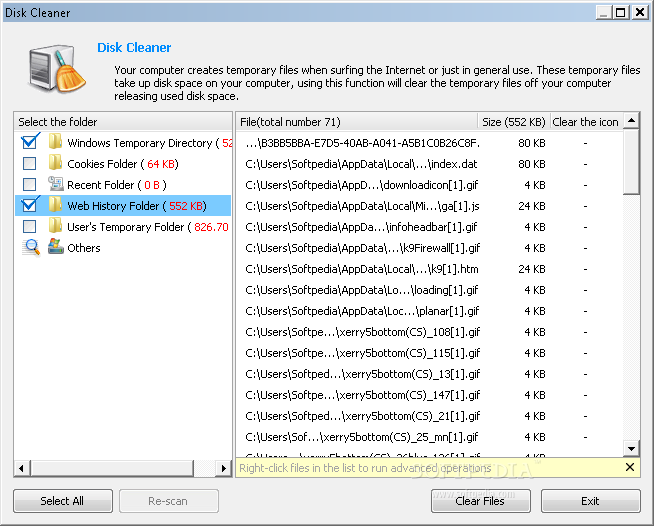
With the help of Kingsoft AntiSpyware you have the possibility to check and stop unwanted processes, fix key items in your system and Internet Explorer, restore the original status of the system and eliminate the effects brought on by viruses and other malware, as well as to clean and free used disk space.
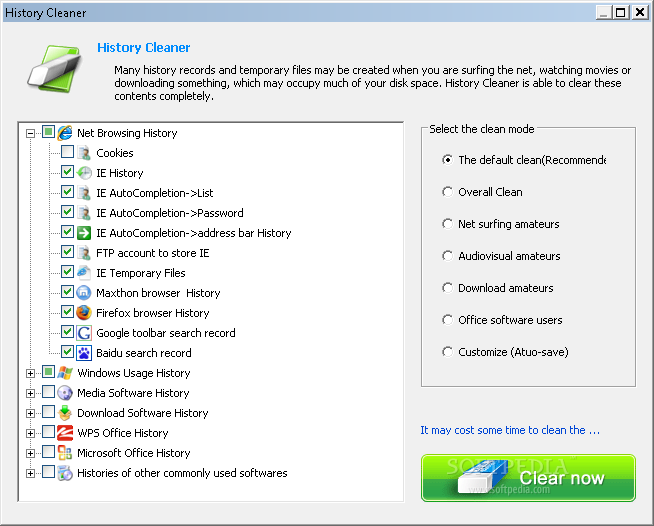
Although many history records and temporary files are created when you surf the Internet, watching movies or downloading your favorite videos, these files occupy a lot of disk space and in one day, you might ran out of free disk space. Hence, by using Kingsoft AntiSpyware you are able to clean media software and Windows usage history effortlessly.
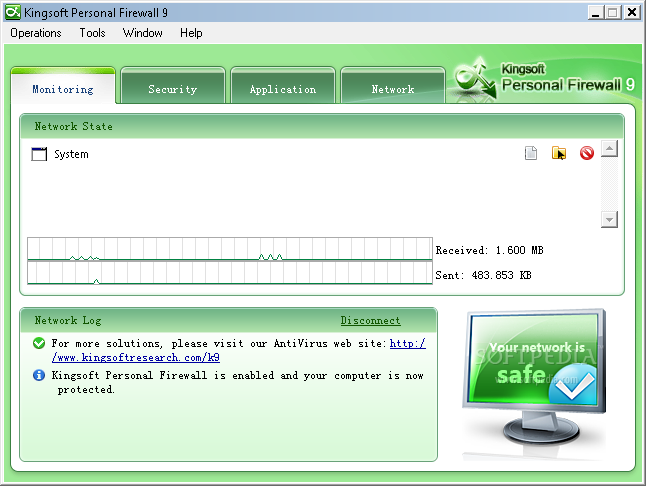
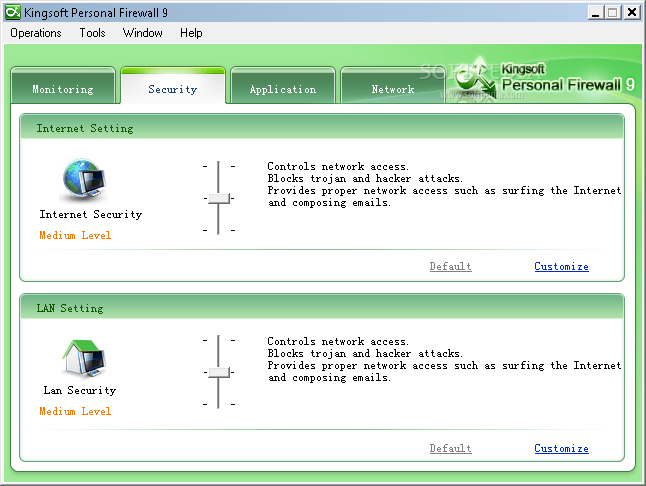
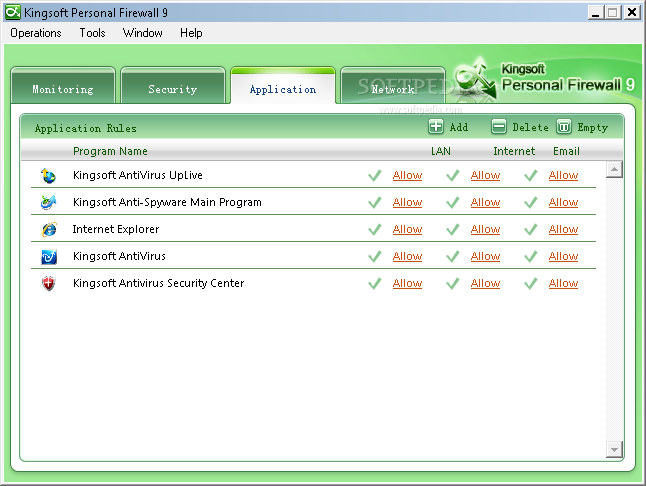
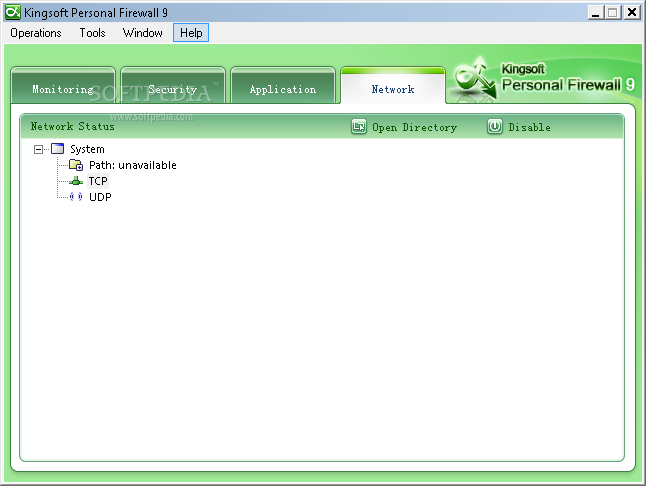
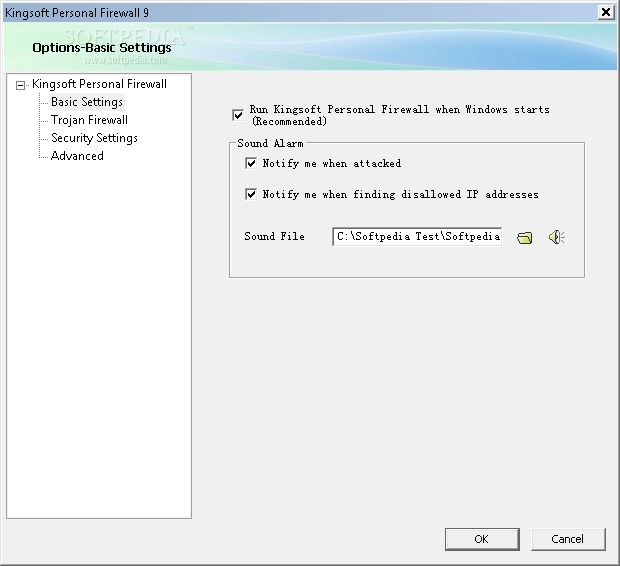
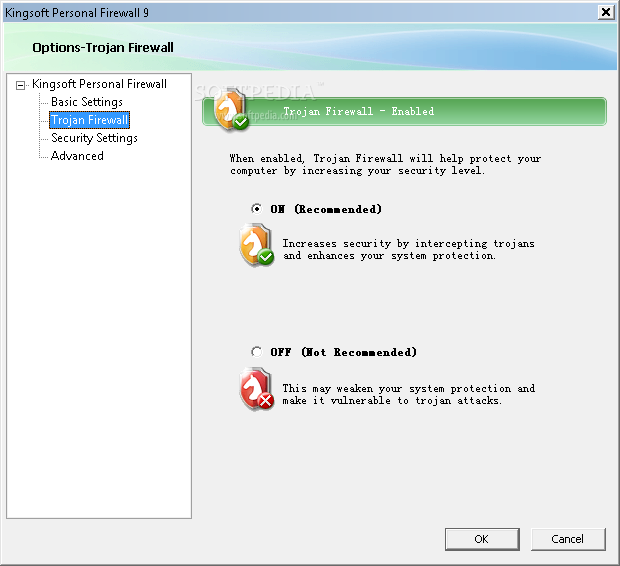
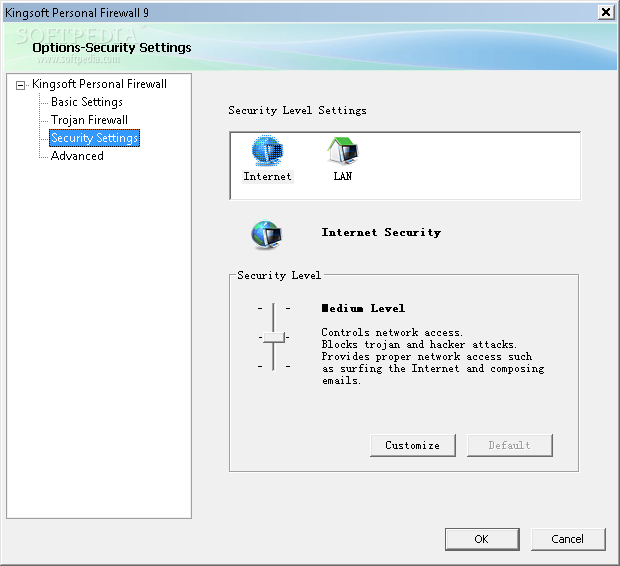
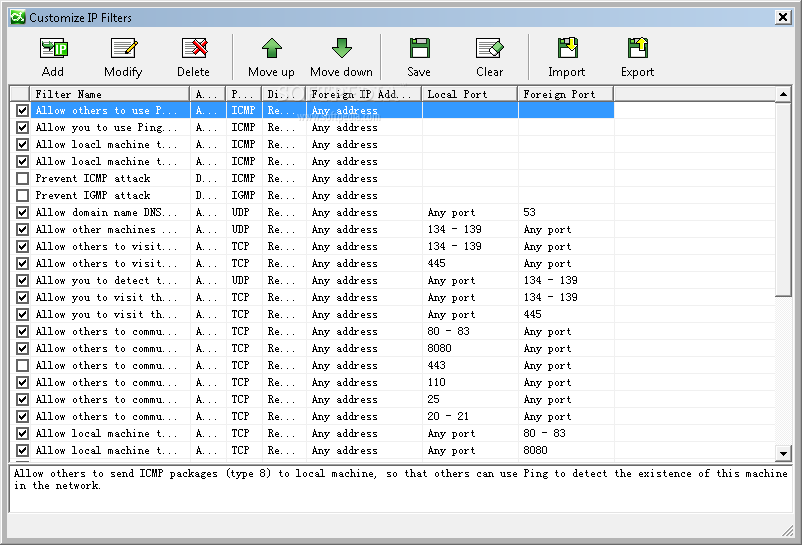
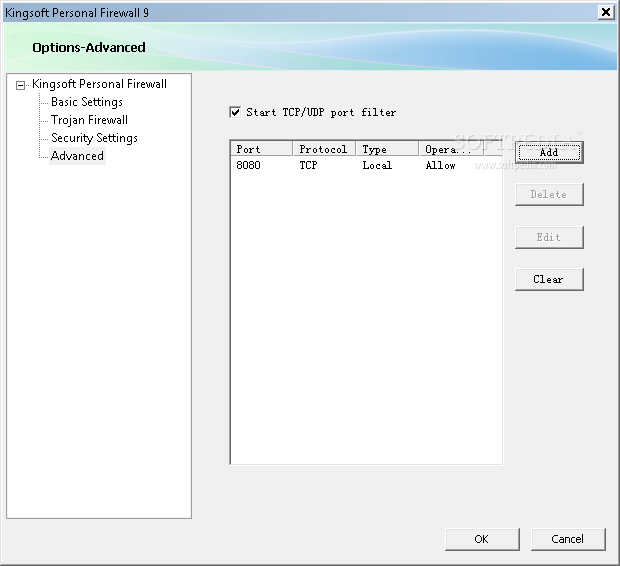
In order to maximize your protection status you can access Kingsoft Personal Firewall, which allows you to set different security levels as convenient. From the main window, you have the possibility to monitor all the running processes and easily open the program's folder or remove it from the system tray menu. Its main functions cover not only Internet traffic and status monitoring, but it also provides you with the capability of intercepting trojan attacks.
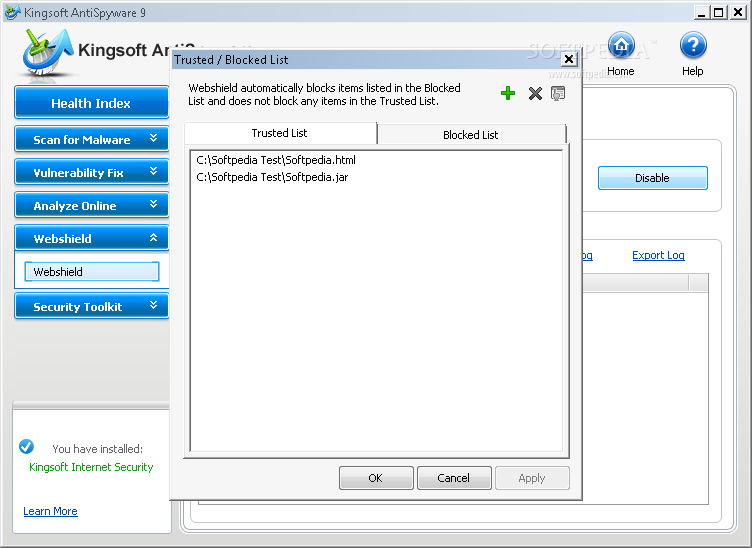
As an ending note, Kingsoft Internet Security ensures you that all the trojans, malware and some other threats will be safely removed from your system before attacking your computer, will analyze and handle all the potential malicious software and monitor website behaviors.
Download Hubs
Kingsoft Internet Security is part of these download collections: Internet Security Suites
Kingsoft Internet Security 9 Plus
add to watchlist add to download basket send us an update REPORT- runs on:
-
Windows 7
Windows Vista
Windows XP
Windows 2K - file size:
- 74.3 MB
- filename:
- KIS9_Plus.exe
- main category:
- Antivirus
- developer:
Context Menu Manager

Windows Sandbox Launcher

Bitdefender Antivirus Free

Zoom Client

7-Zip

IrfanView

ShareX

Microsoft Teams

4k Video Downloader

calibre

- Microsoft Teams
- 4k Video Downloader
- calibre
- Context Menu Manager
- Windows Sandbox Launcher
- Bitdefender Antivirus Free
- Zoom Client
- 7-Zip
- IrfanView
- ShareX