
The ultimate way to keep viruses out of your desktops and servers. #Virus detection #Virus remover #Detect virus #Antivirus #Quarantine #Remover
Just like home users, companies also need to make sure that the data they store on their computers is safe and well-protected against malware attacks. McAfee VirusScan Enterprise is such a product created especially to meet the necessities of companies in terms of antivirus protection.
Since it is meant to provide to business requirements, McAfee VirusScan Enterprise can also protect contents stored on servers, not only on computers, so additional products are no longer needed.
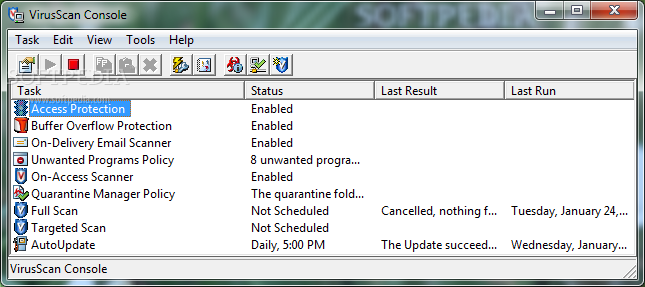
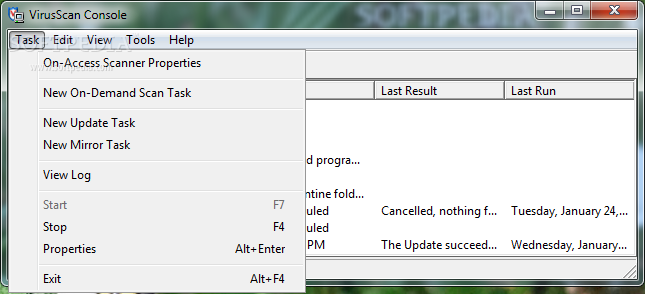
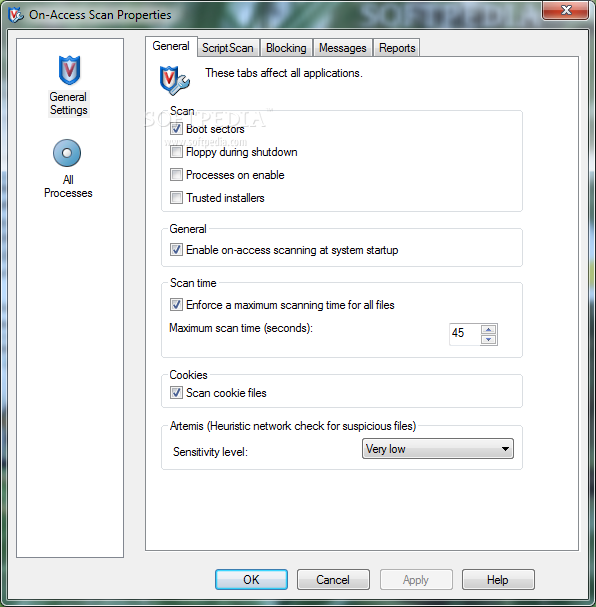
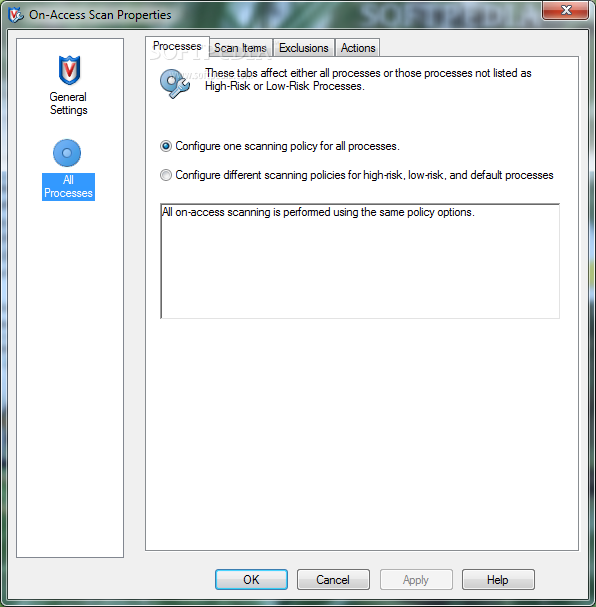
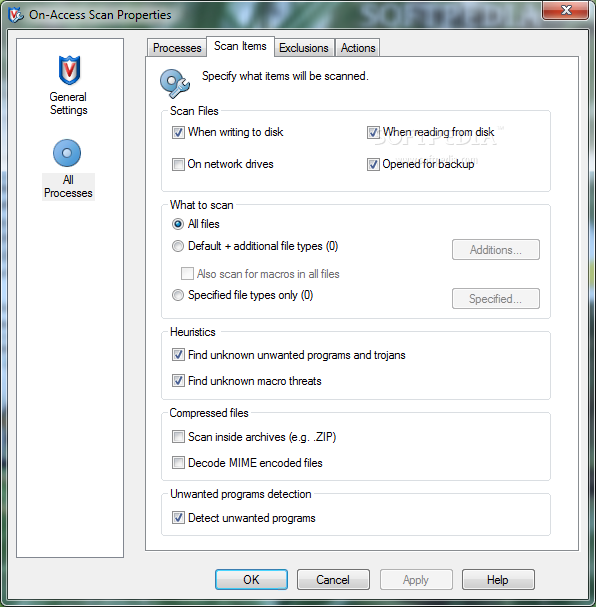
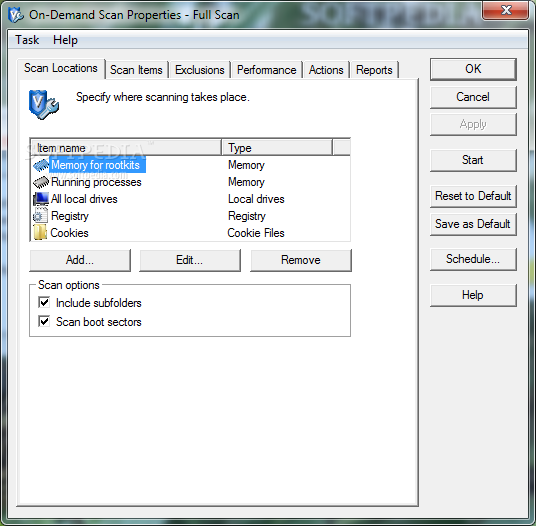
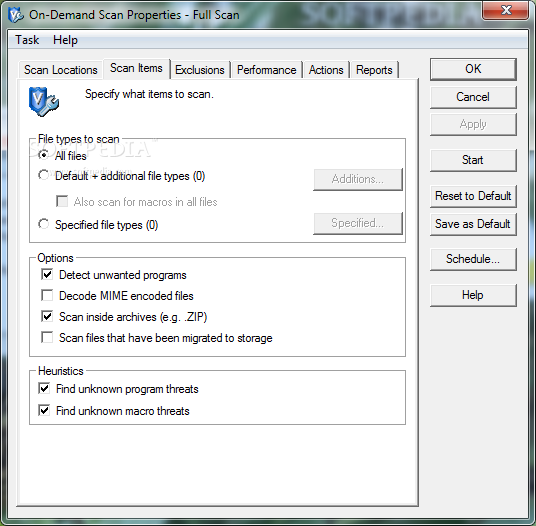
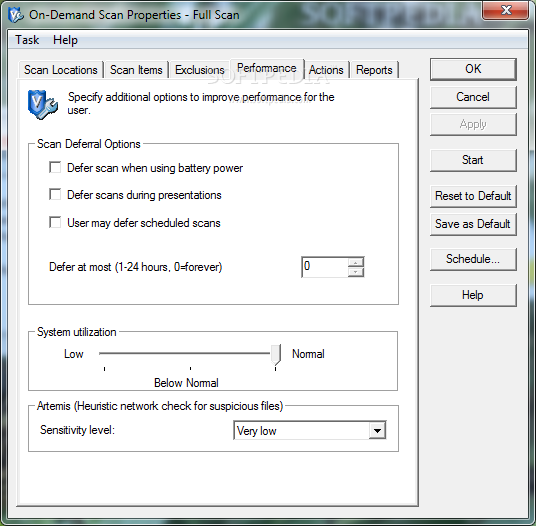
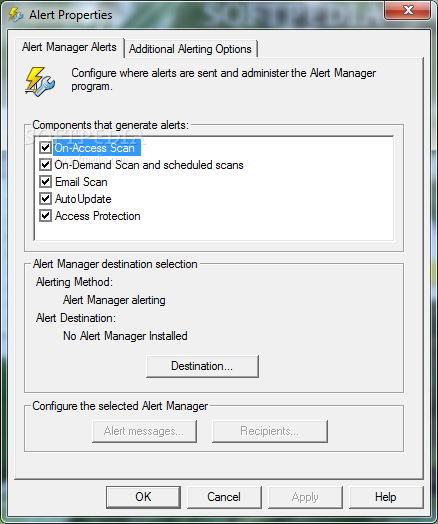
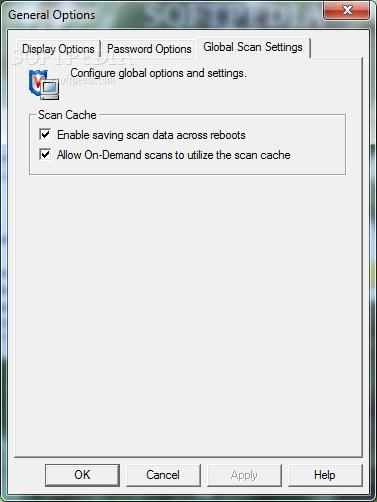
The functions of the application can be accessed with ease by admins who can easily activate or disable buffer overflow protection, on-delivery email scanner and on-access scanner, as well as schedule scans at specific times.
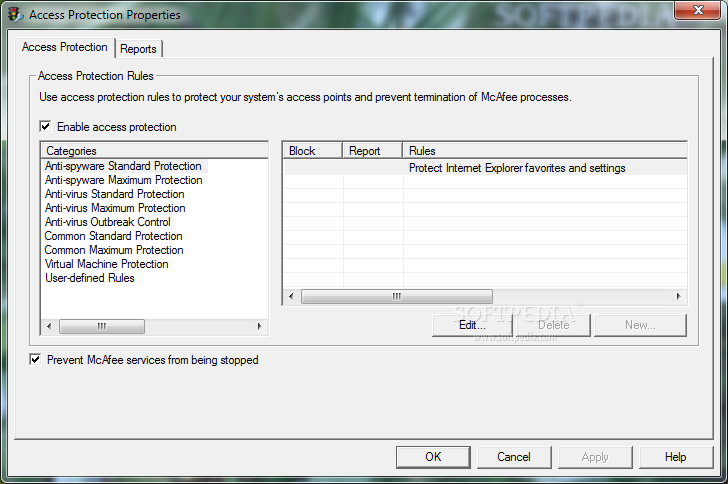
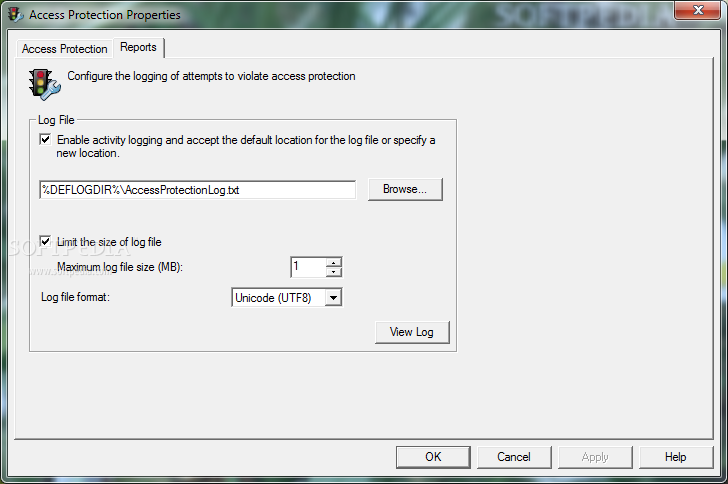
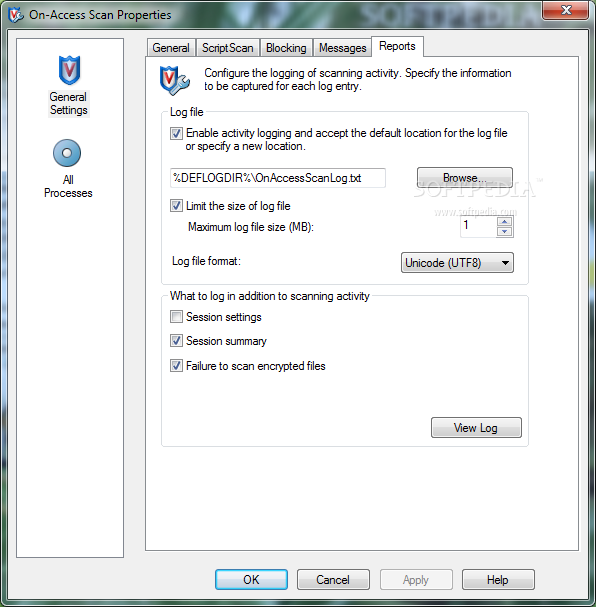
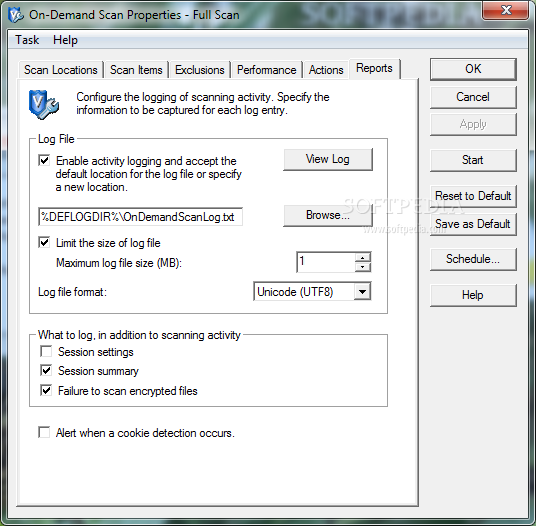
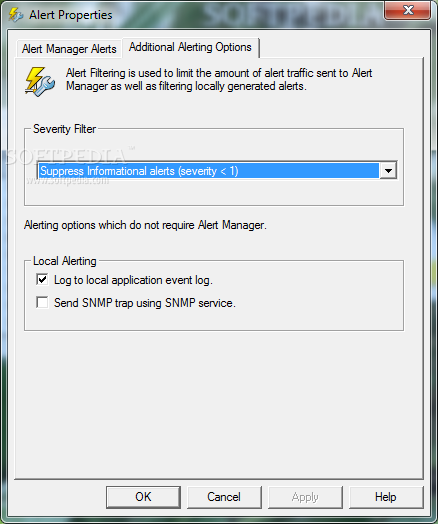
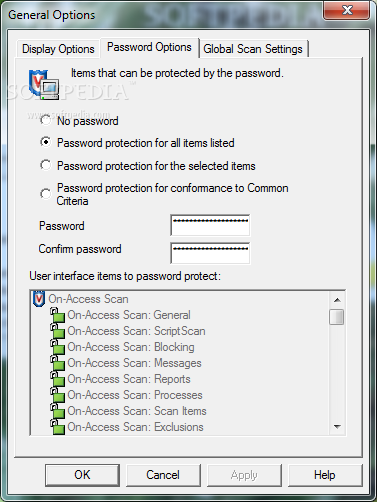
More precisely, McAfee VirusScan Enterprise comes with access protection rules that can be configured so that McAfee processes cannot be terminated, not even by the most aggressive of malware. All attempts to break the created rules are logged and the generated file can be analyzed by security experts to identify and isolate the threat.
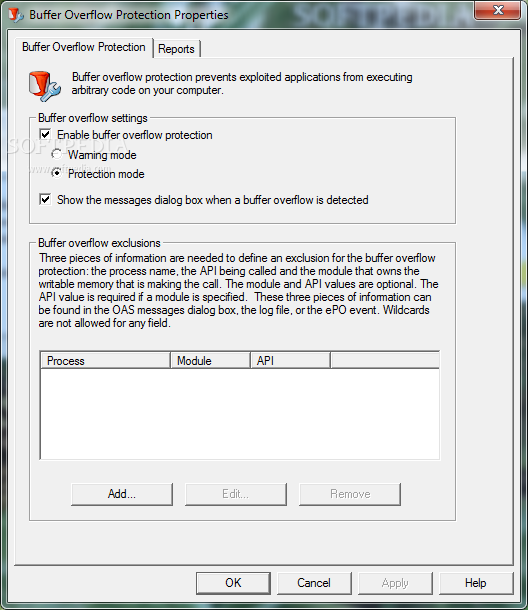
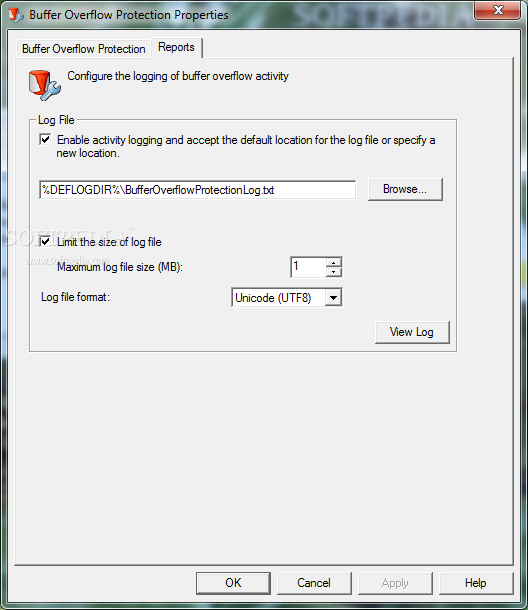
Due to its integrated Buffer Overflow Protection feature, McAfee VirusScan Enterprise can prevent infected applications from executing arbitrary code on the host machine, as well as create log files detailing each attempt.
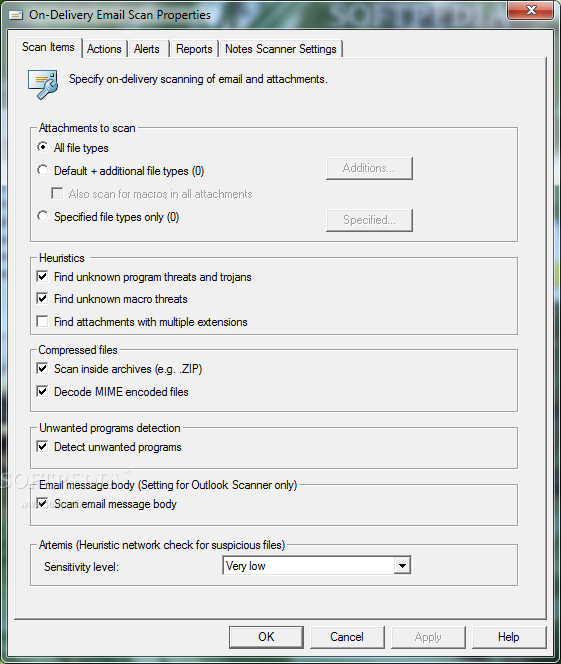
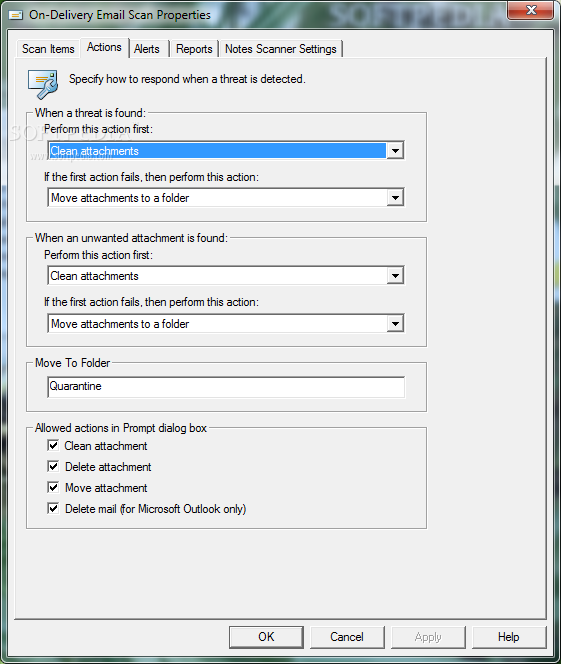
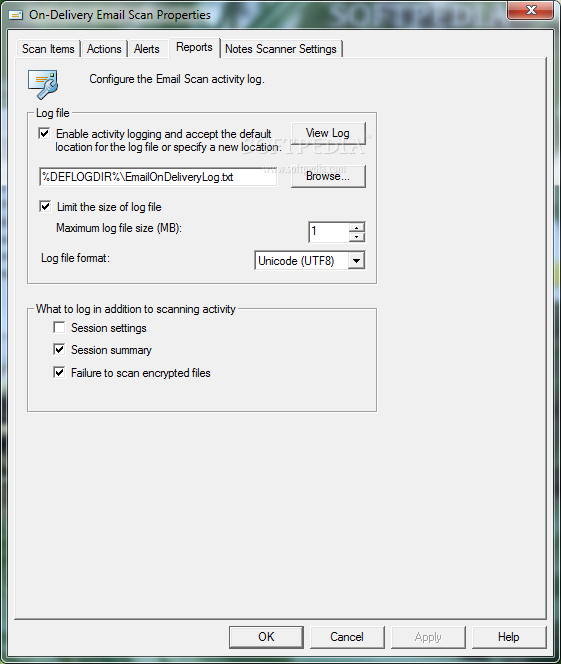
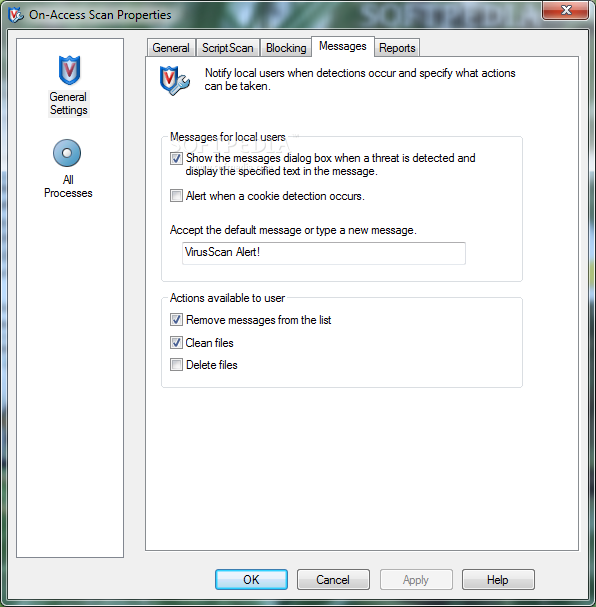
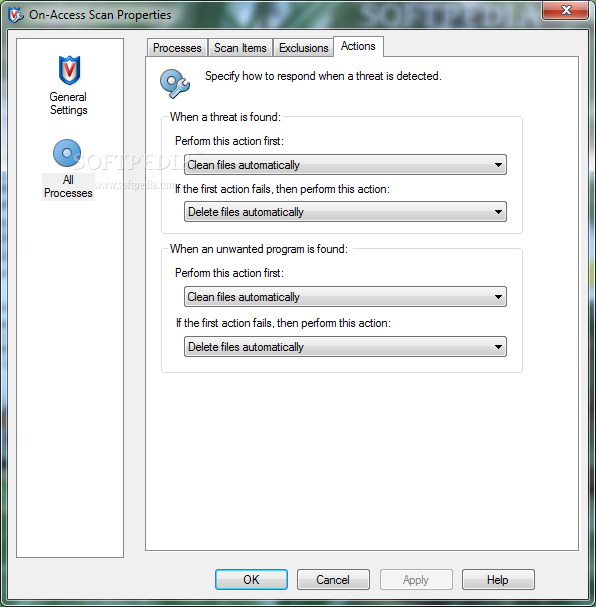
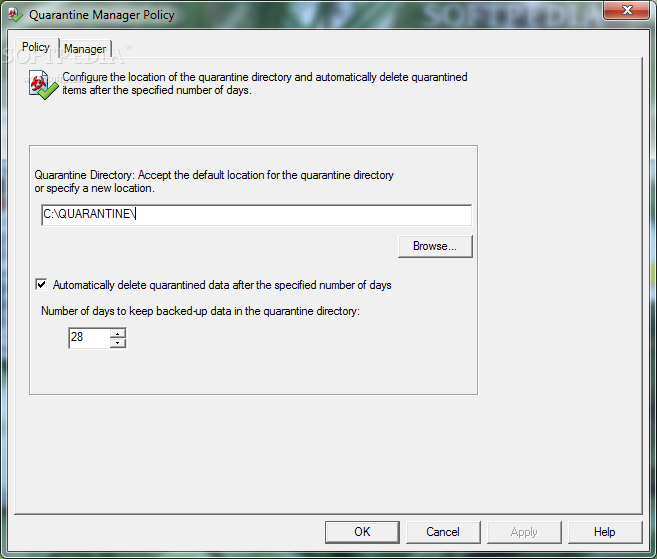
Since viruses, trojans, spyware, worms and other malware threats can also be spread via email, McAfee VirusScan Enterprise integrates a dedicated module for scanning both email messages and their attachments before they are accessed by the users. Infected items can be either moved to a pre-defined folder for further analysis or they can be automatically erased, to prevent infection.
To sum it up, McAfee VirusScan Enterprise is a combination between an antivirus solution and a firewall, based on patented McAfee technology and additional security tools to make sure data is secure on all servers and desktops protected by the app. A license is required if admins want to use the product beyond its evaluation period.
McAfee VirusScan Enterprise 8.8
add to watchlist add to download basket send us an update REPORT- runs on:
-
Windows 2008 R2
Windows 2008 32/64 bit
Windows 2003
Windows 7 32/64 bit
Windows Vista 32/64 bit
Windows XP 32/64 bit
Windows 2K - file size:
- 36.5 MB
- filename:
- VSE880EML.Zip

- main category:
- Antivirus
- developer:
- visit homepage
Windows Sandbox Launcher

7-Zip

ShareX

calibre

Bitdefender Antivirus Free

Microsoft Teams

IrfanView

4k Video Downloader

Zoom Client

Context Menu Manager

- 4k Video Downloader
- Zoom Client
- Context Menu Manager
- Windows Sandbox Launcher
- 7-Zip
- ShareX
- calibre
- Bitdefender Antivirus Free
- Microsoft Teams
- IrfanView