
Transforms your iPod or USB Hard Drive or Flash drive into a portable and private PC. #Portable OS #Portable PC #Portable drive #Portable #Environment #Shell

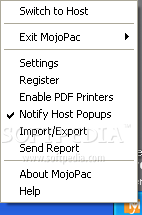
Mojopac is a powerful application that uses virtualization to allow carrying the Windows XP profile on a portable device. It can transform your USB 2.0 compliant storage device into a virtual environment that saves the entire OS configuration, applications and preferences, enabling you to run it on any other host computer (that also uses Windows XP).
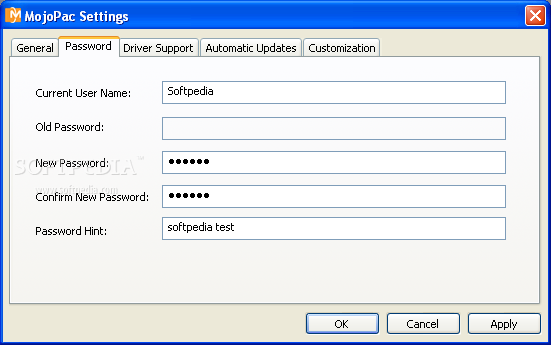
The software is not difficult to configure, thus no matter if you are an advanced or a beginner user, you can easily have it up and running in just a few steps. In order to protect your data, the application prompts you to choose a username and a password that you have to input each time you access the virtual environment.
The last step of the installation process enables you to choose the settings and the files that you want to be imported into the Mojo environment. Mojopac can automatically copy the favorite webpages, the set home page, browsing history and cookies from both Internet Explorer and Mozilla Firefox.
Optionally, you can import common folders, such as My Pictures, My Music or My Videos, but also other files in your host computer and MojoPac copies them to a similar location in the virtual environment. During this process, you can permanently monitor the disk usage and the free space remaining after copying the data.
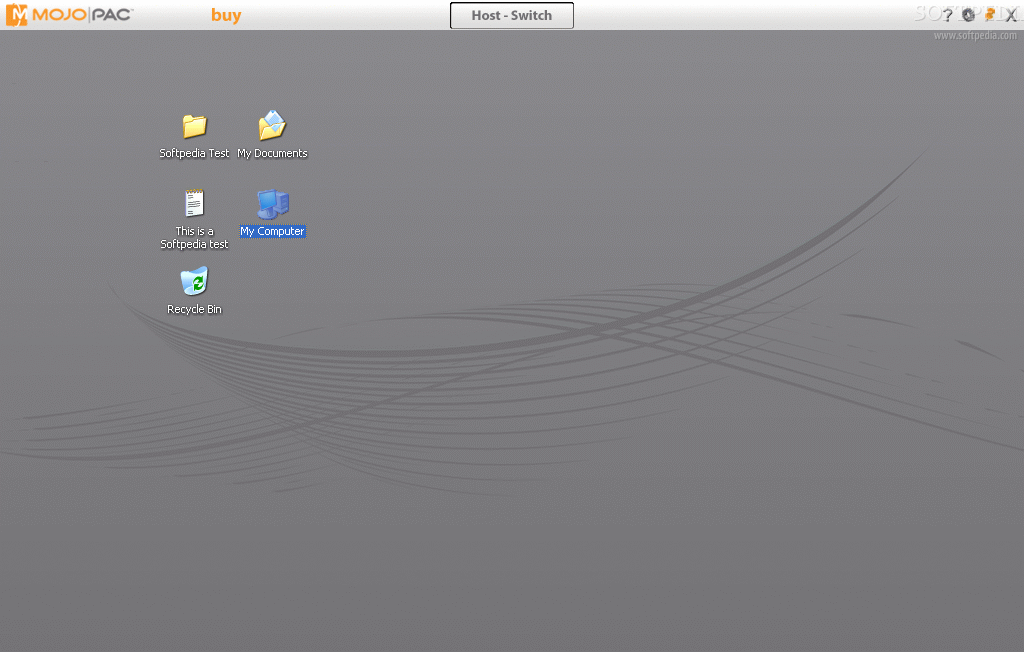
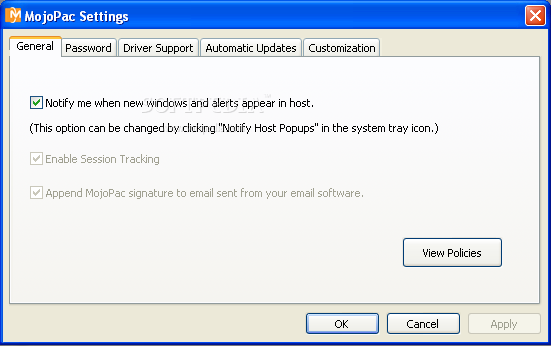
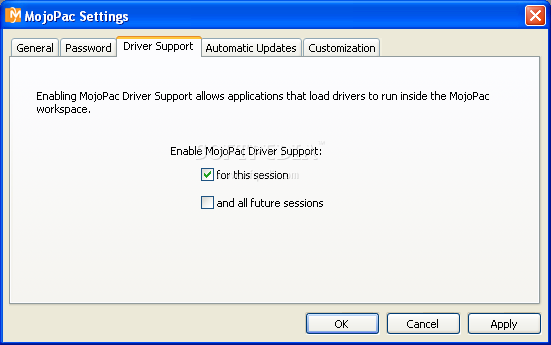
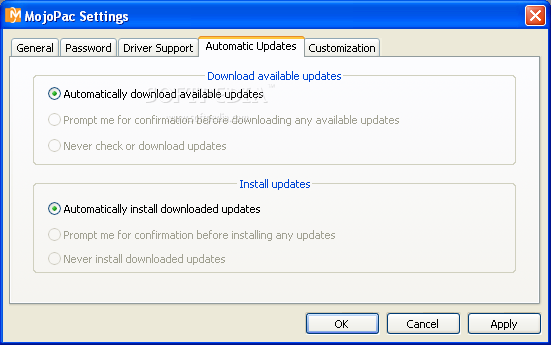
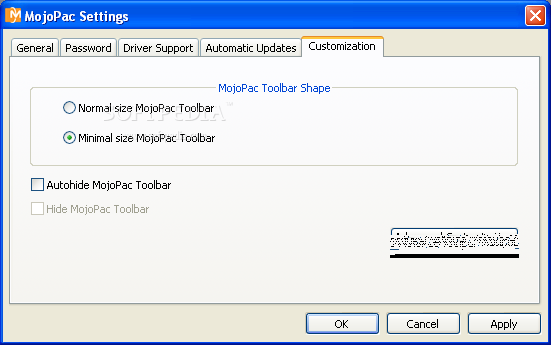
The Mojo bar in the upper part of the screen allows you to access the Mojopac settings and easily switch between the Mojo environment and the host computer.
Each time you plug in the portable device that stores MojoPac, the virtual environment automatically starts running by using the resources of the host system, giving you access to all your music, games, applications and even allowing you to use peripherals that the host computer is connected to. Disconnecting the Mojo environment does not affect the host system in any way and your data and privacy are protected.
Although it is no longer supported by its developer and it only works on Windows XP, MojoPac still remains a great solution for carrying your user profile from computer to computer. Practically, it allows you to make all your applications portable and access your important files and data no matter where you are.
Mojopac 2.0.0.0
add to watchlist add to download basket send us an update REPORT- runs on:
- Windows XP
- file size:
- 21.6 MB
- filename:
- mojopacinstaller.exe
- main category:
- System
- developer:
Zoom Client

paint.net

ShareX

7-Zip

IrfanView

Microsoft Teams

calibre

Bitdefender Antivirus Free

4k Video Downloader

Windows Sandbox Launcher

- Bitdefender Antivirus Free
- 4k Video Downloader
- Windows Sandbox Launcher
- Zoom Client
- paint.net
- ShareX
- 7-Zip
- IrfanView
- Microsoft Teams
- calibre