
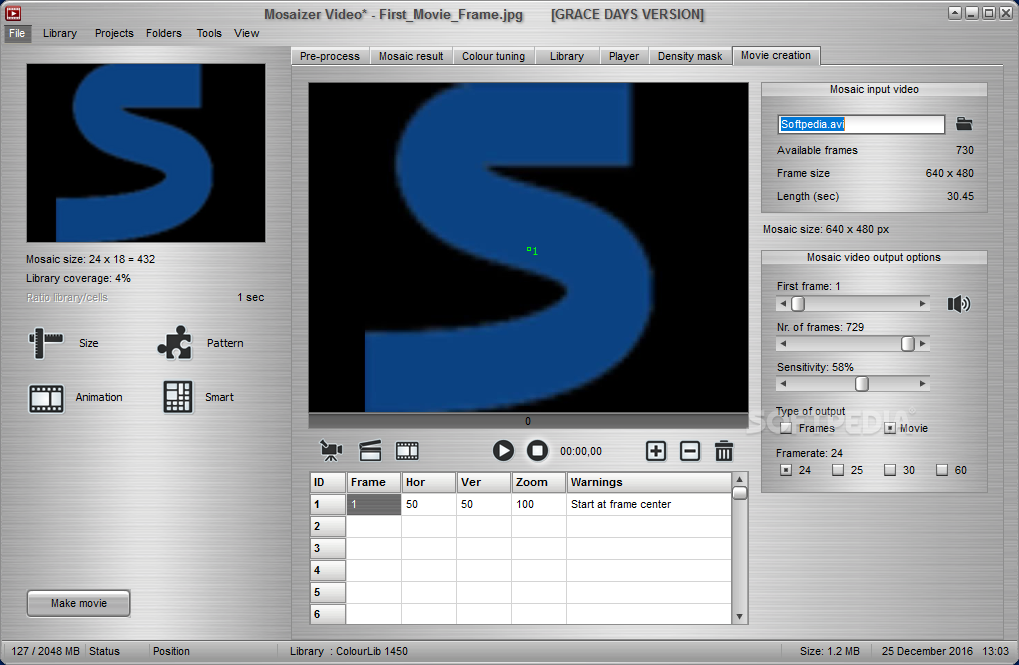
The application allows you to add mosaic effects to images and videos that you can save to different formats, like JPG, BMP, PNG, PSD or FLV. #Create Mosaic #Generate Mosaic #Mosaic Creator #Mosaic #Create #Generate

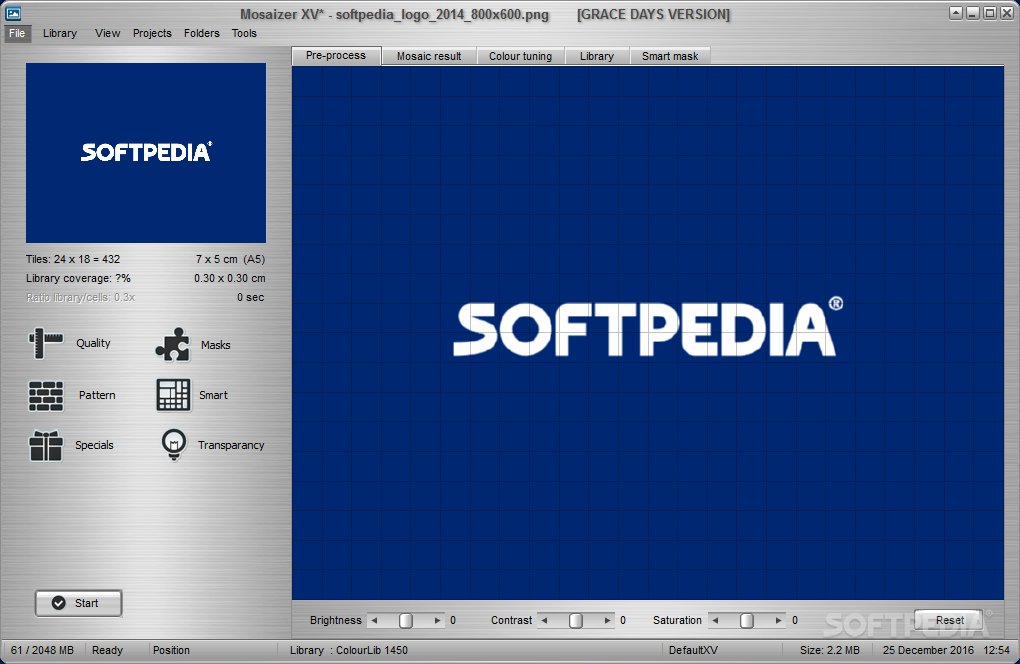
Mosaizer XV is a graphic editor designed to help users apply mosaic effects on the images stored in their computer.
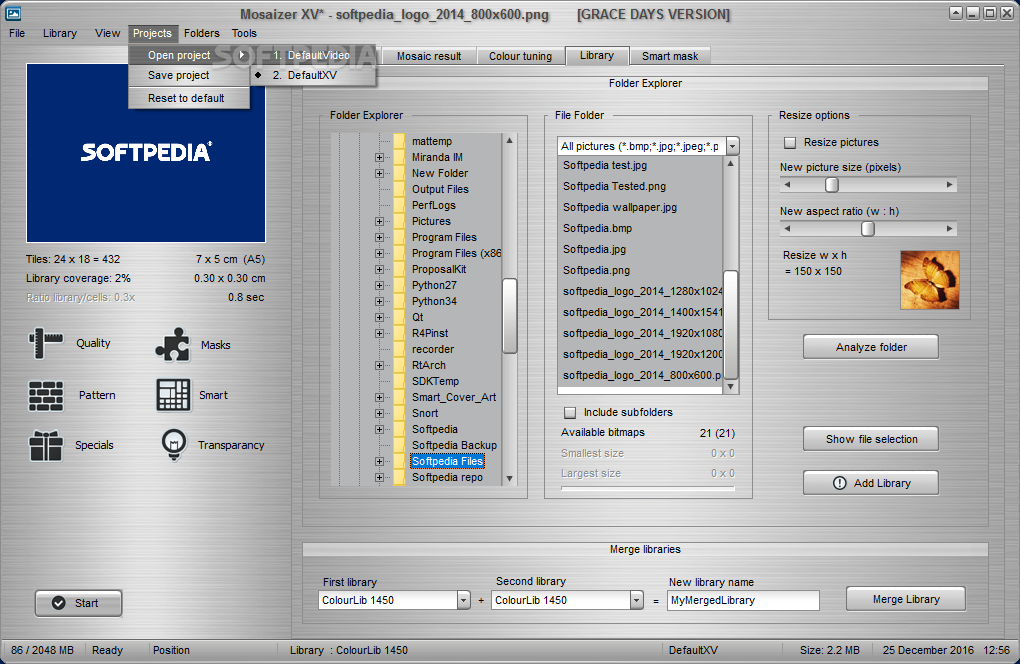
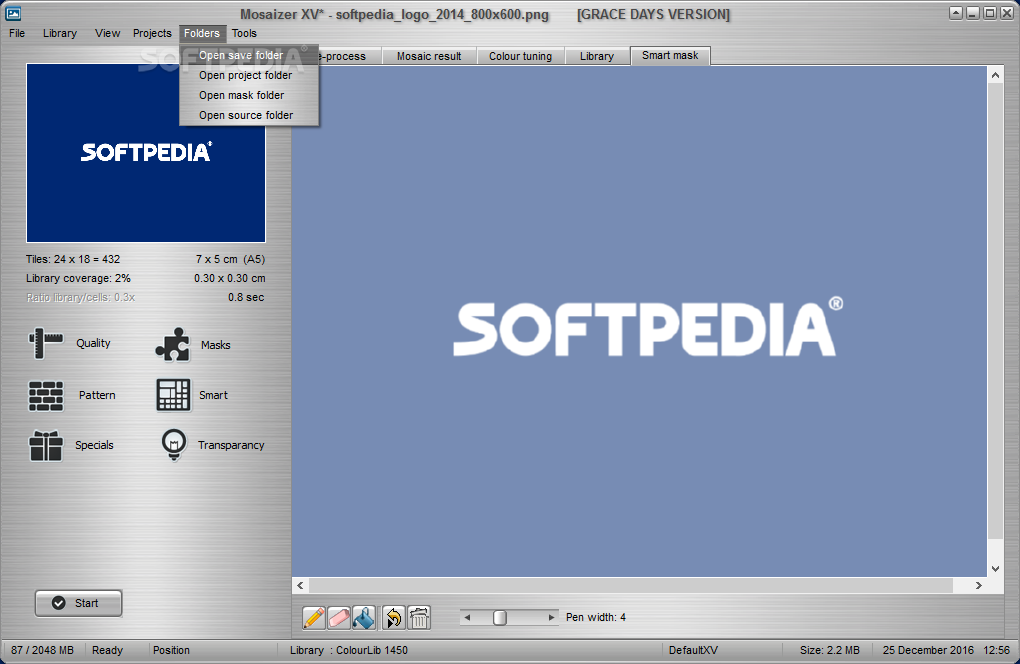
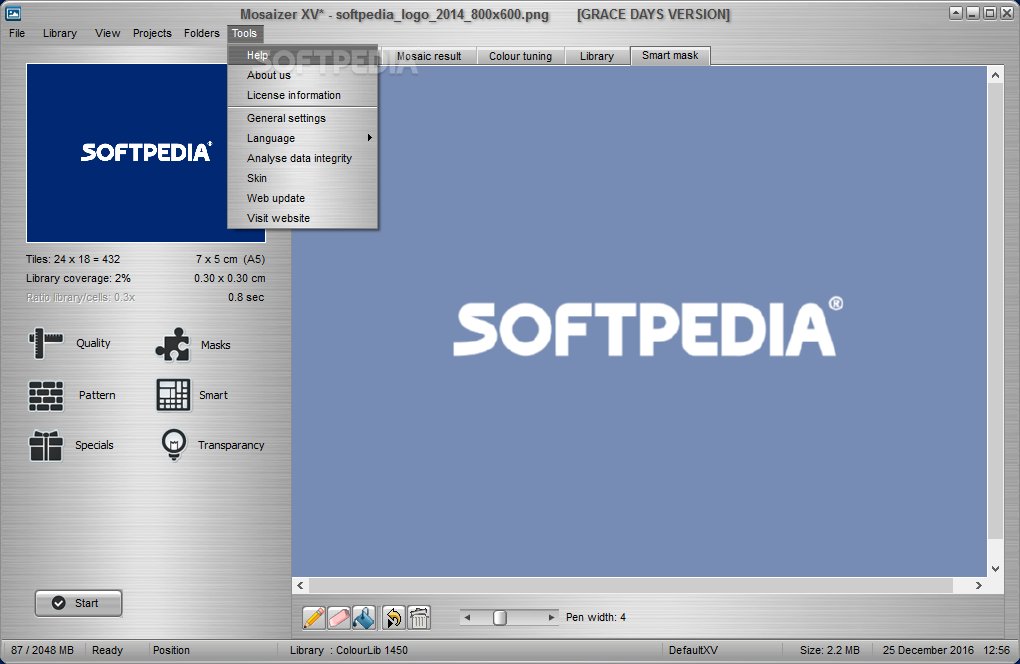
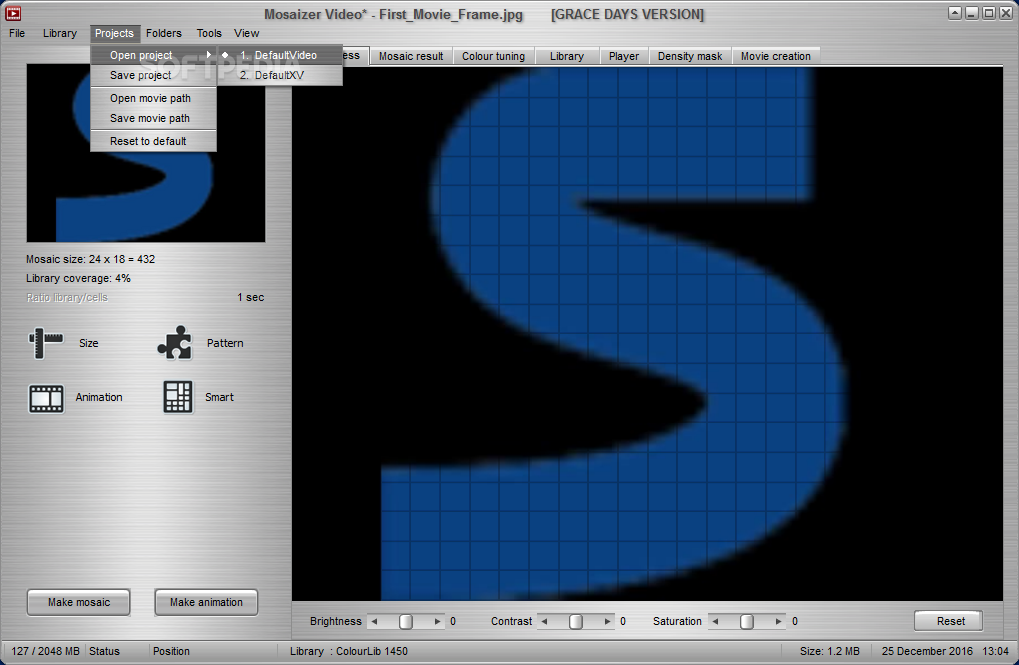
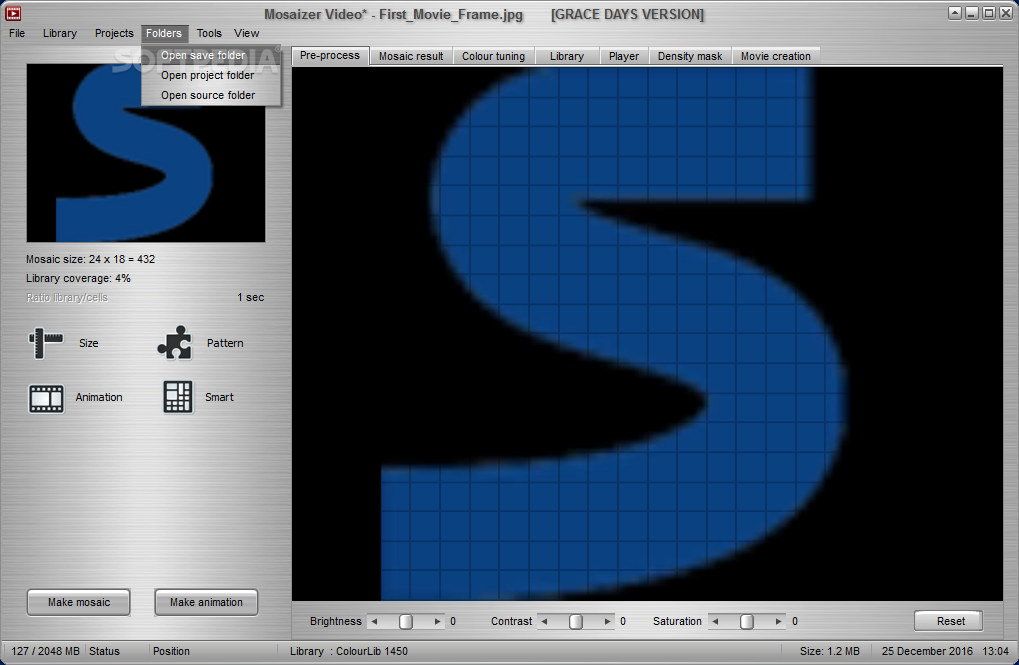
It boasts a clean and straightforward interface that allows you to add a new item to the list by using the built-in browse function. Rookies may opt for a step-by-step approach for editing the photos, while advanced users can skip this step and configure the dedicated parameters directly from the primary panel.
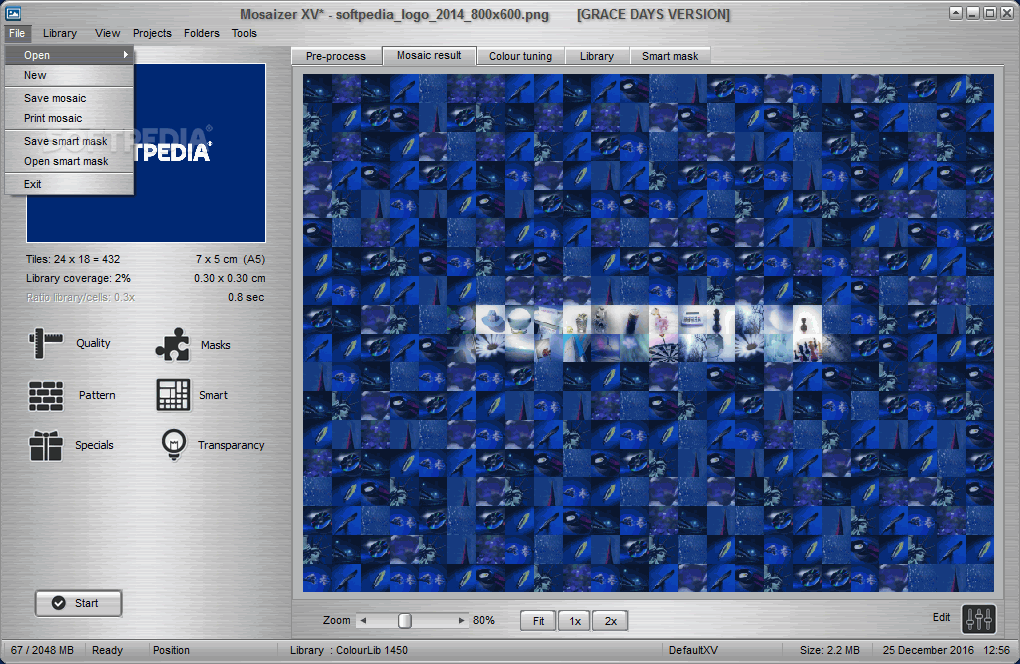
Mosaizer XV offers support for the following file types: BMP, JPEG and PNG. You can preview the photos in a dedicated pane and select the mosaic size and blending color percentage.
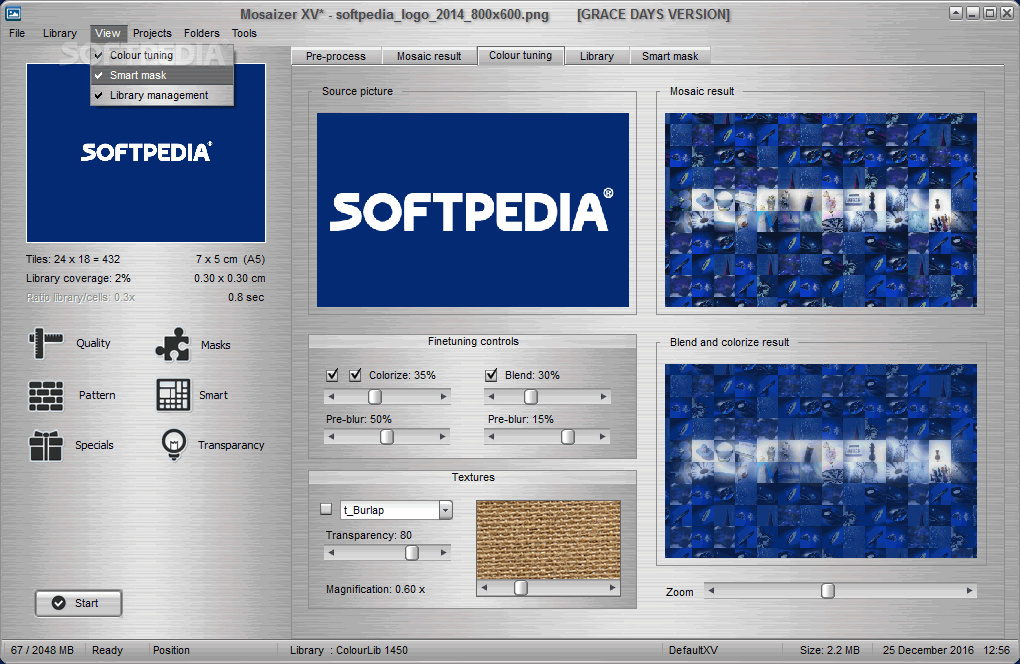
You are allowed to adjust the levels for brightness, contrast, saturation and transparency. It is possible to zoom in or out of the mosaic photos, apply colorizing and blending effects, and upload a background image.
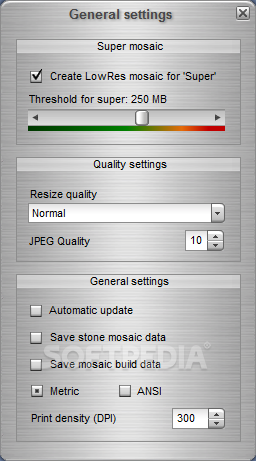
When it comes to configuring the transparency settings, you can change the hue, saturation, lightness, tolerance, and blur levels, and specify the shadow size and depth. The generated images can be saved to the same file formats that can be uploaded to the list.
During our testing we have noticed that the program is able to carry out a task very quickly and without errors throughout the entire process. It doesn’t eat up CPU and memory, so it doesn’t hamper system performance, nor interfere with other programs’ functionality.
Mosaizer XV helps you apply mosaic effects and other editing tools with ease. It doesn’t come packed with many dedicated parameters and, for this reason it is suitable for less experienced users.
What's new in Mosaizer XV 16.0 Build 18:
- Code optimizations (more stability)
- The pop-up tip now correctly scales with the Windows scale
- A bug in merging two libraries has been fixed
- Corrected a few missing translated captions
Mosaizer XV 16.0 Build 18
add to watchlist add to download basket send us an update REPORT- runs on:
-
Windows 11
Windows 10 32/64 bit
Windows 8 32/64 bit
Windows 7 32/64 bit
Windows Vista 32/64 bit
Windows XP 32/64 bit - file size:
- 118 MB
- filename:
- MosaizerDemo.zip

- main category:
- Multimedia
- developer:
- visit homepage
calibre

7-Zip

Context Menu Manager

Microsoft Teams

Windows Sandbox Launcher

ShareX

Zoom Client

IrfanView

Bitdefender Antivirus Free

4k Video Downloader

- IrfanView
- Bitdefender Antivirus Free
- 4k Video Downloader
- calibre
- 7-Zip
- Context Menu Manager
- Microsoft Teams
- Windows Sandbox Launcher
- ShareX
- Zoom Client