
Surf the web using one of the world’s leading browsers and enjoy outstanding speed, flawless security, and a sleek design focused on productivity. #Internet Browser #Mozilla Browser #Web Browser #Browser #Firefox Quantum #Bookmark
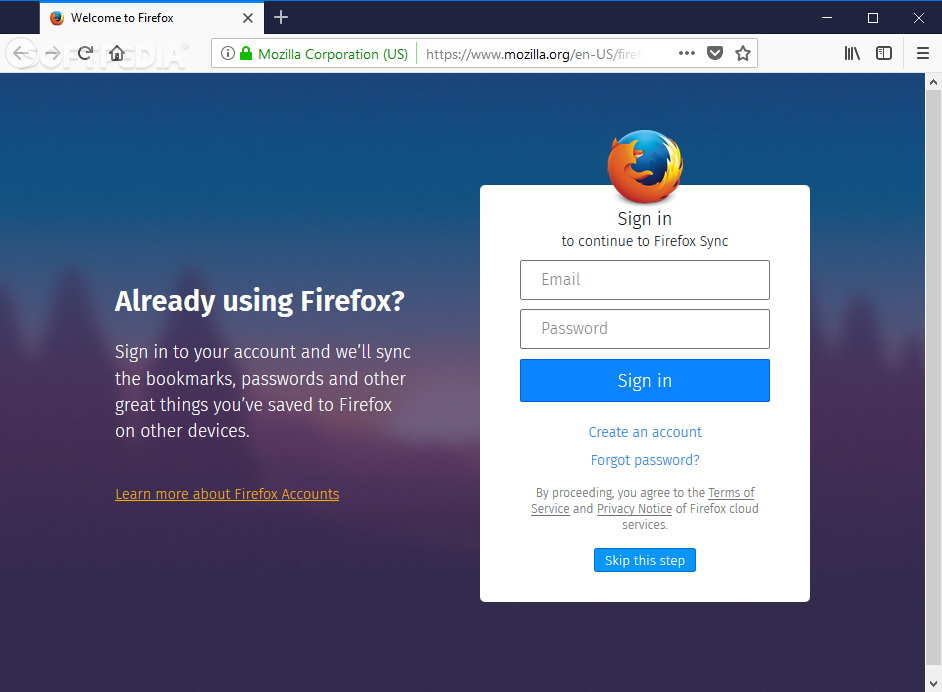
Note: You can also download Firefox ESR or Firefox Developer Edition.
For a very long time, two titans have been disputing the supremacy in the browsing world, and Firefox has its well-deserved share of fans who would always bring into discussion its outstanding performance and the constant care it has proved over time as regards user needs.
Having embarked on a never-ending quest to quench users’ thirst for seamless speed, Firefox has been the subject of continuous refinements, which have culminated with the release of the Quantum project, which has once again confirmed the browser’s maturity.
Firefox entails all the browsing tools any user out there might need and even more. It is capable of opening as many tabs as you want without making deductions from speed, and the low memory consumption is among the top promises it makes to its users. That means loading pages is done lightning fast, so you have instant access to all the websites you want to visit.
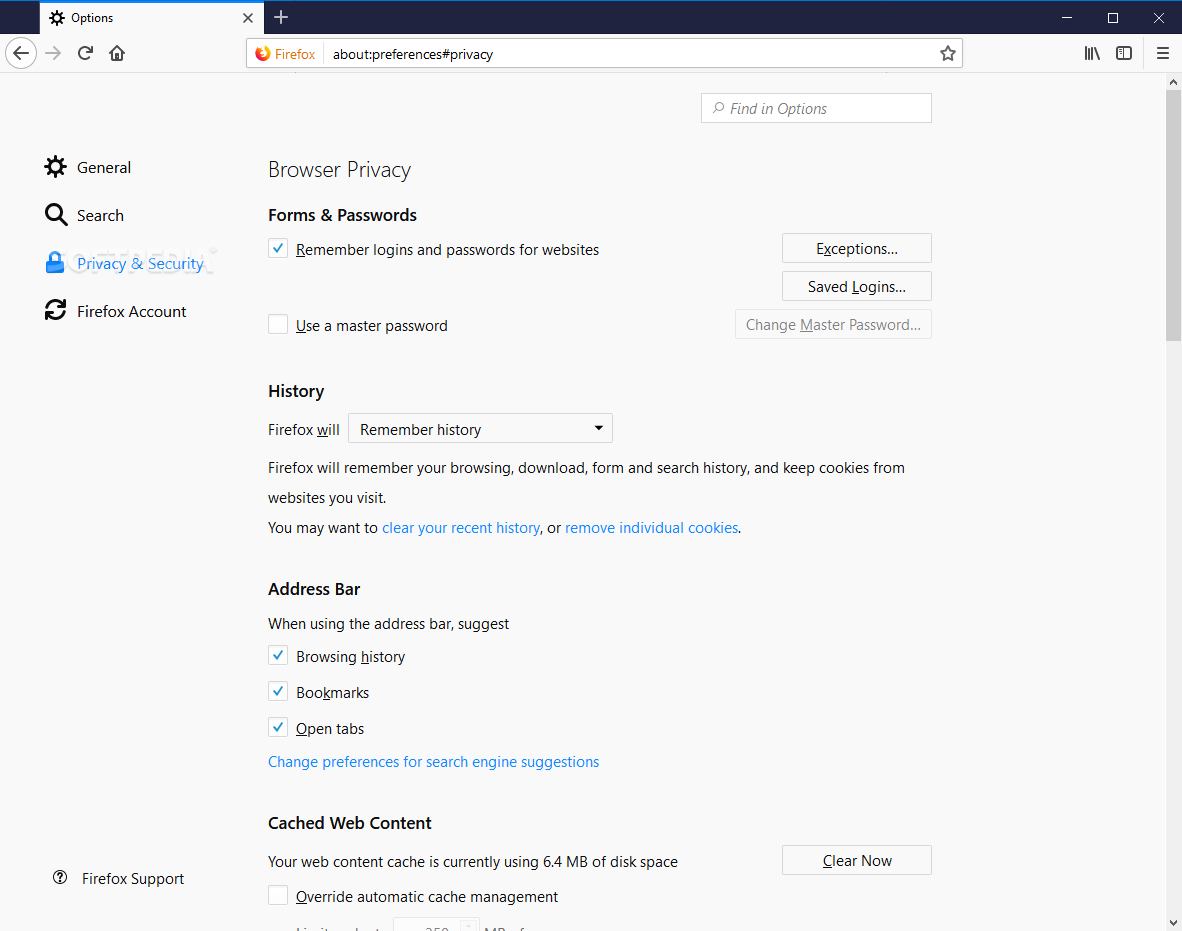
As regards safe browsing, it is definitely not a matter of if, what with the possibility of surfing the Internet via private windows as well as turning to the integrated tools aimed at disabling tracking in case you are worried about the issue. Apart from that, ensuring that your browsing history is unavailable to unauthorized users is an option, and granting the required permissions to websites you are visiting to use your location, camera, and microphone is entirely up to you.
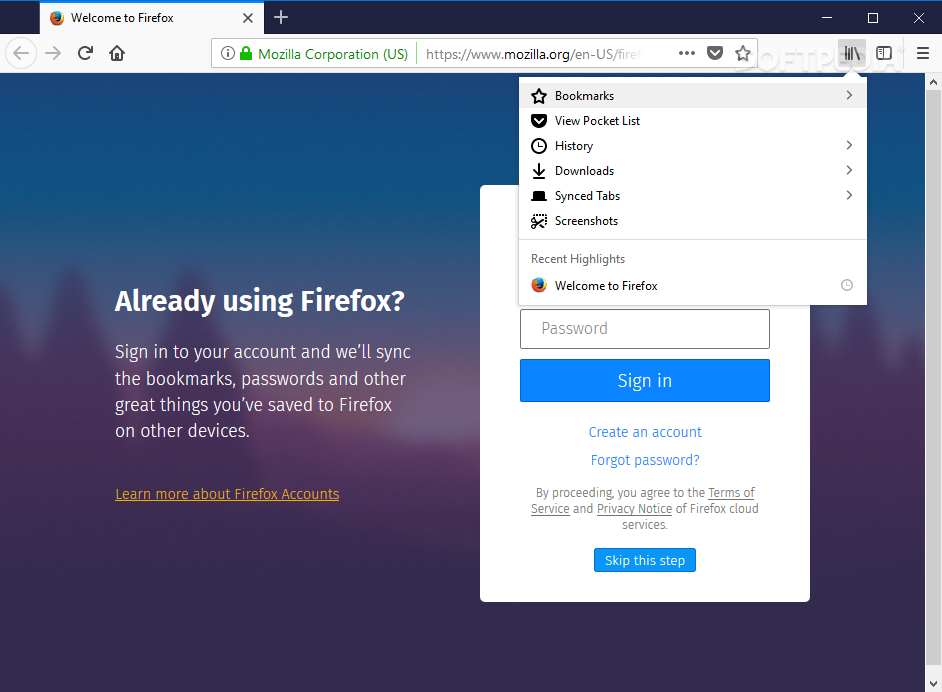
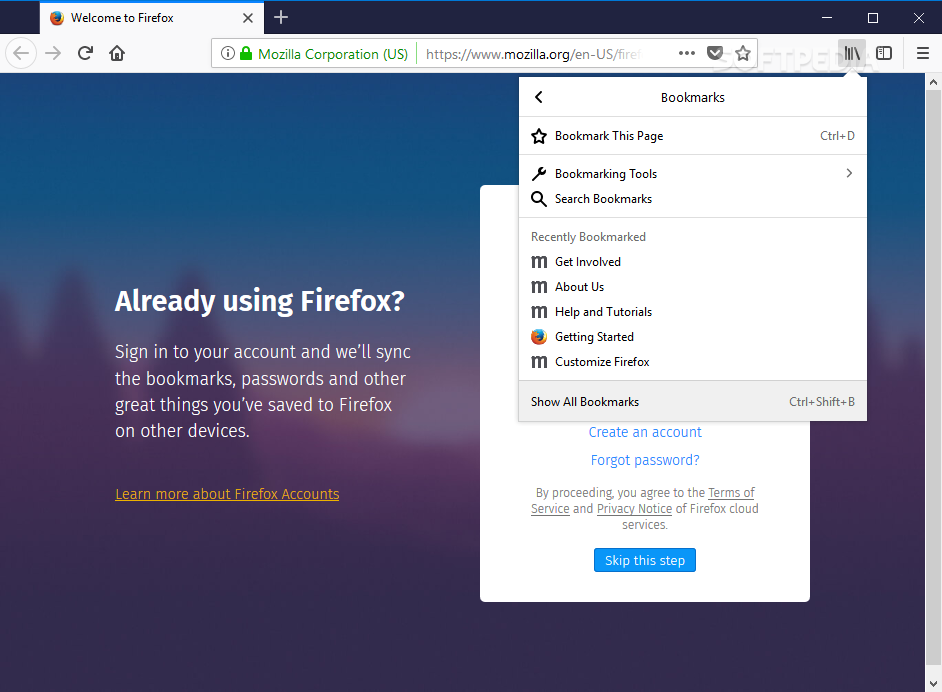
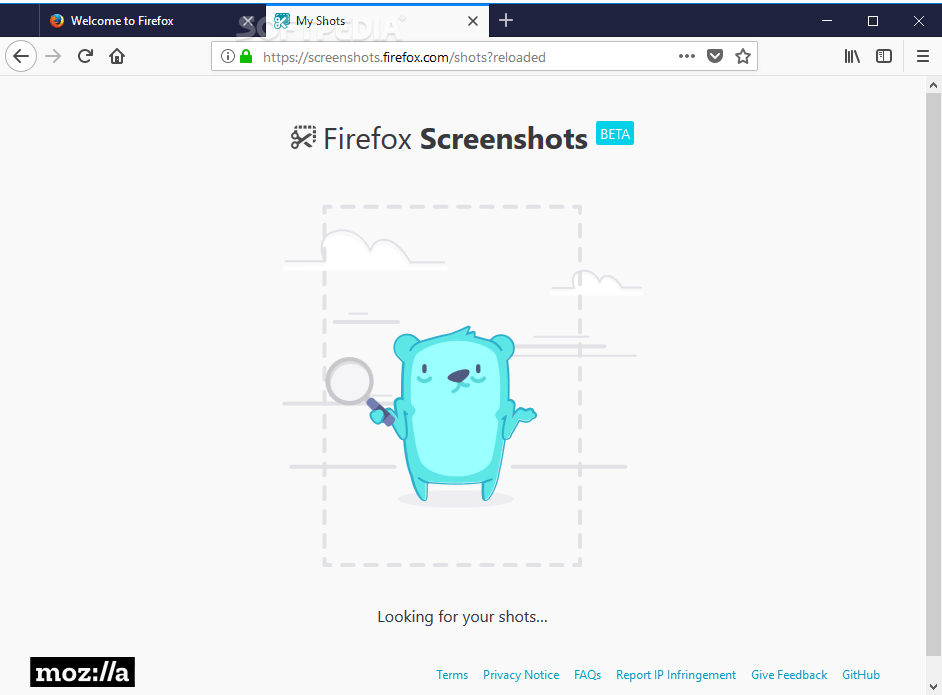
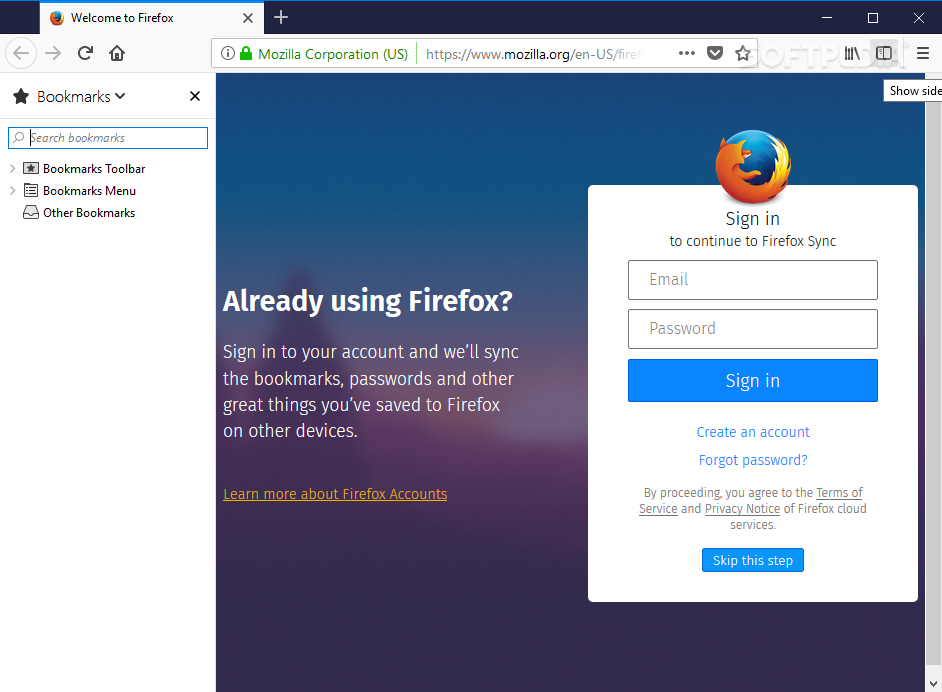
Needless to say, keeping track of downloads, juggling with bookmarks, and taking screenshots without leaving your browser is possible, which once again proves Firefox’s focus on productivity and collaborative work. Moreover, syncing anything ranging from bookmarks to tabs, history, passwords, add-ons, and other settings across multiple devices should help you work without any sort of interruptions, regardless of where and when you decide to do so.
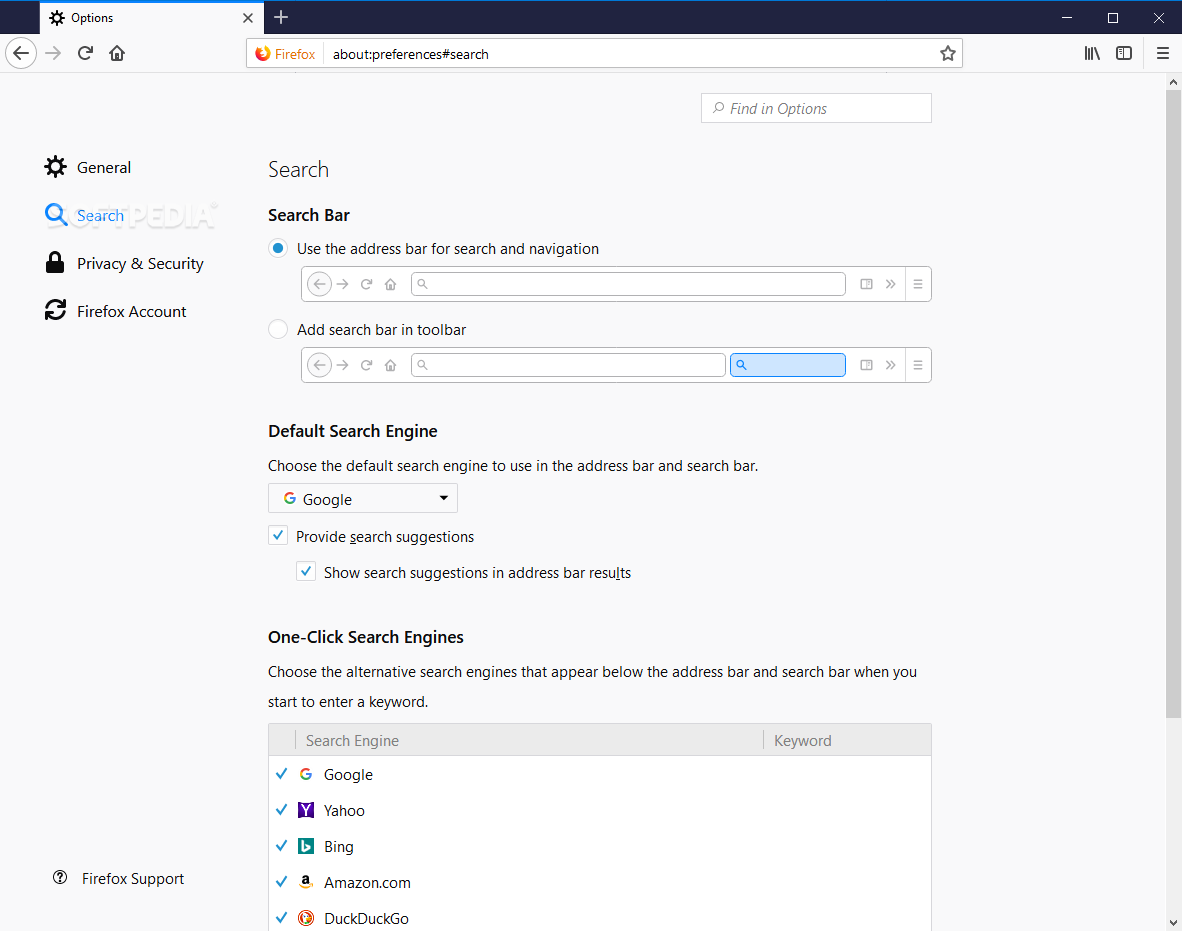
Customizing the search options that best cater to your needs should not take more than a couple of seconds, and that includes selecting the default search engine.
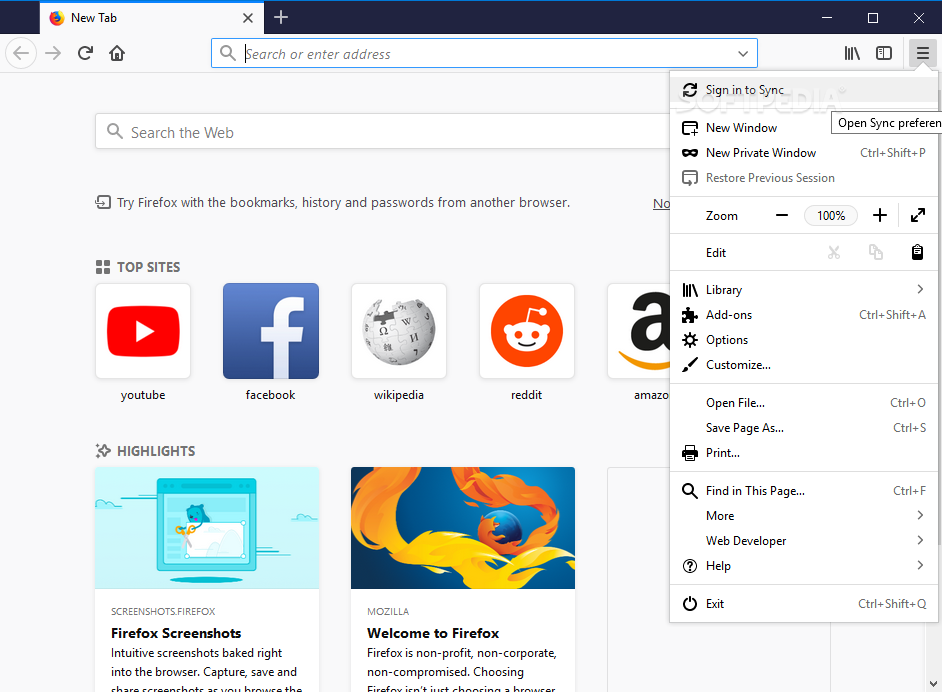
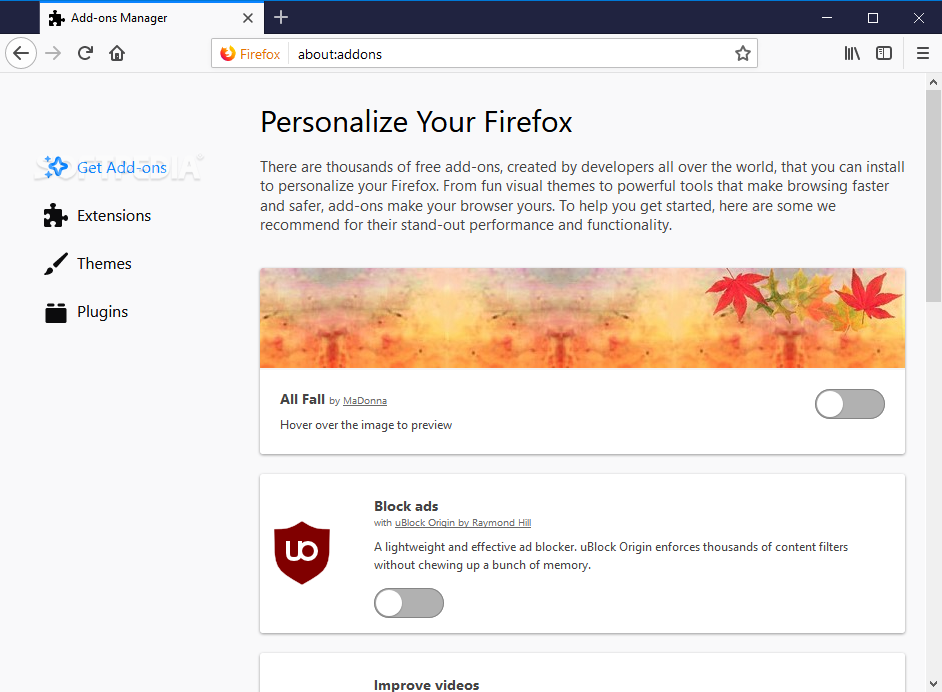
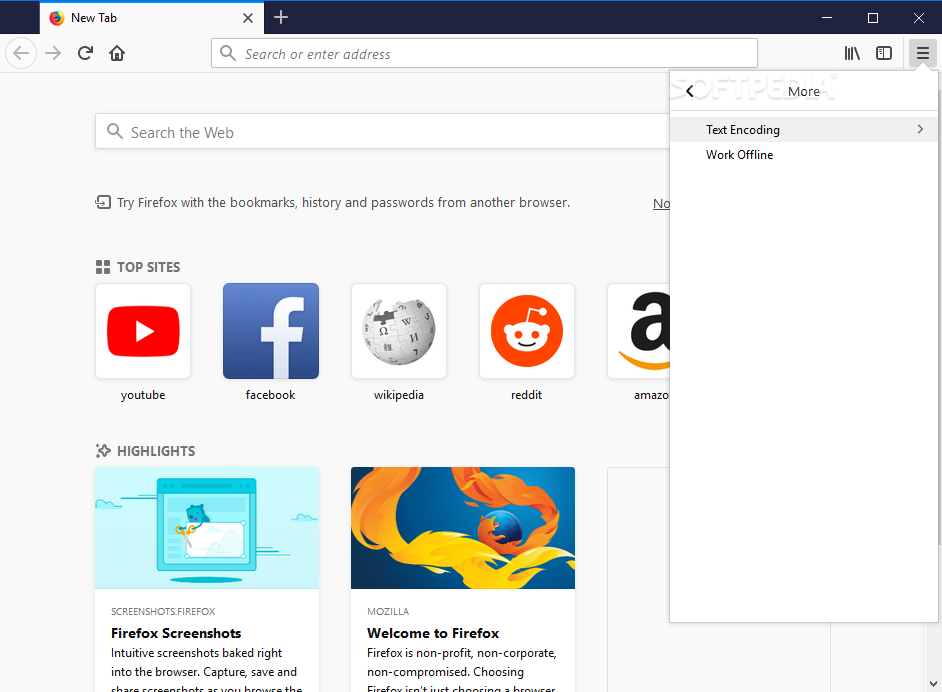
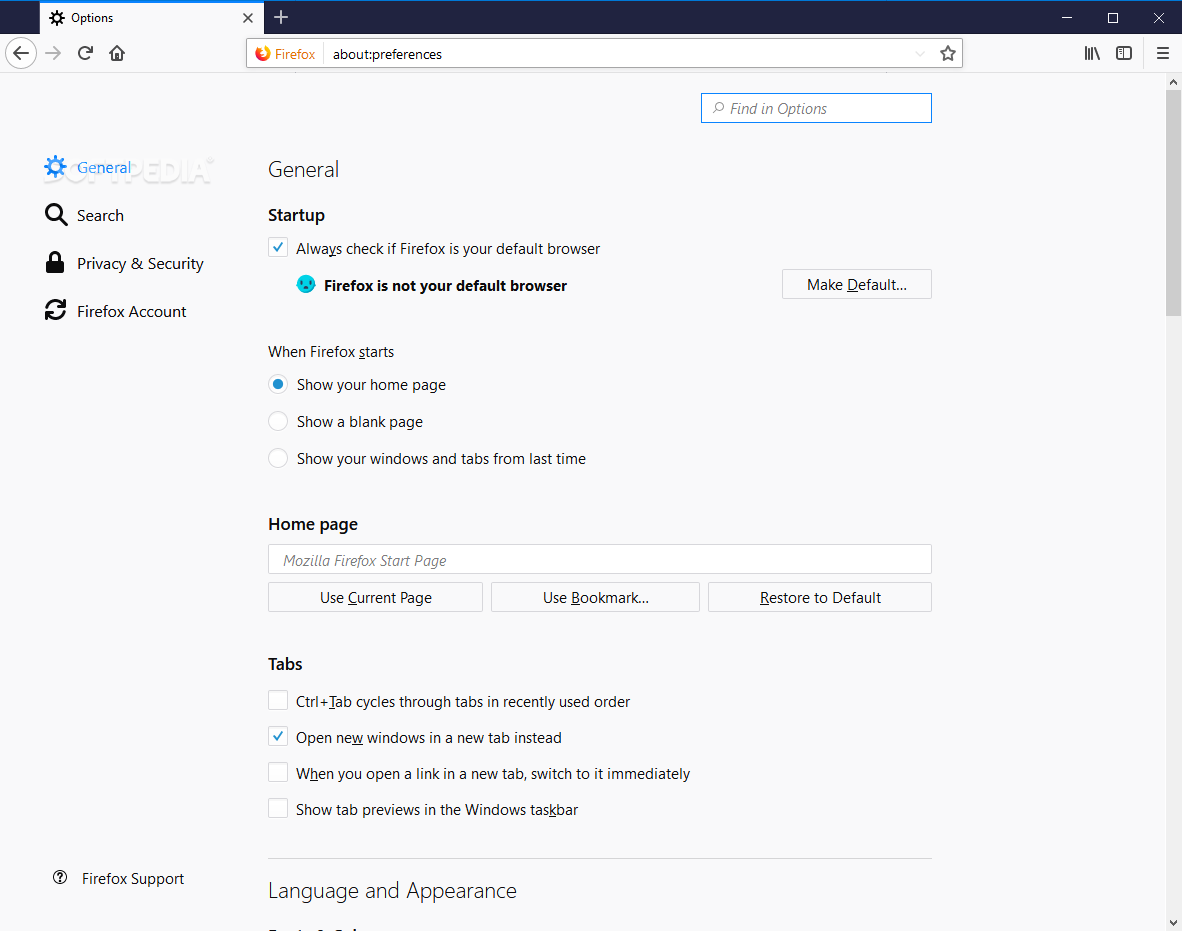
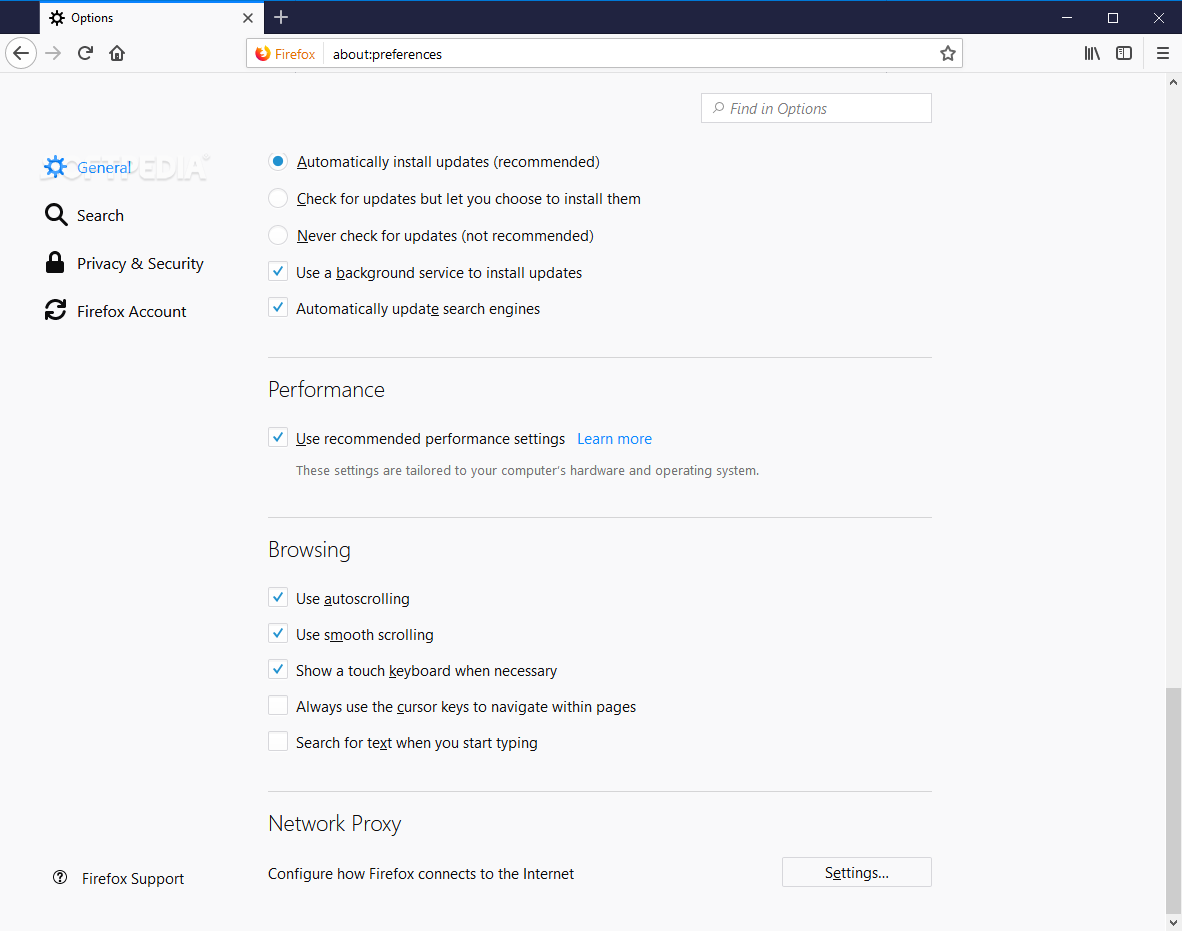
A wide assortment of customizations are available so that the browser’s behavior meet each an every expectation you might have, and an overflow menu is there for you to fill with all sorts of items (for instance History, Find, Add-ons, Email Link, etc.) you use on a daily basis but prefer not to be visible in the toolbar.
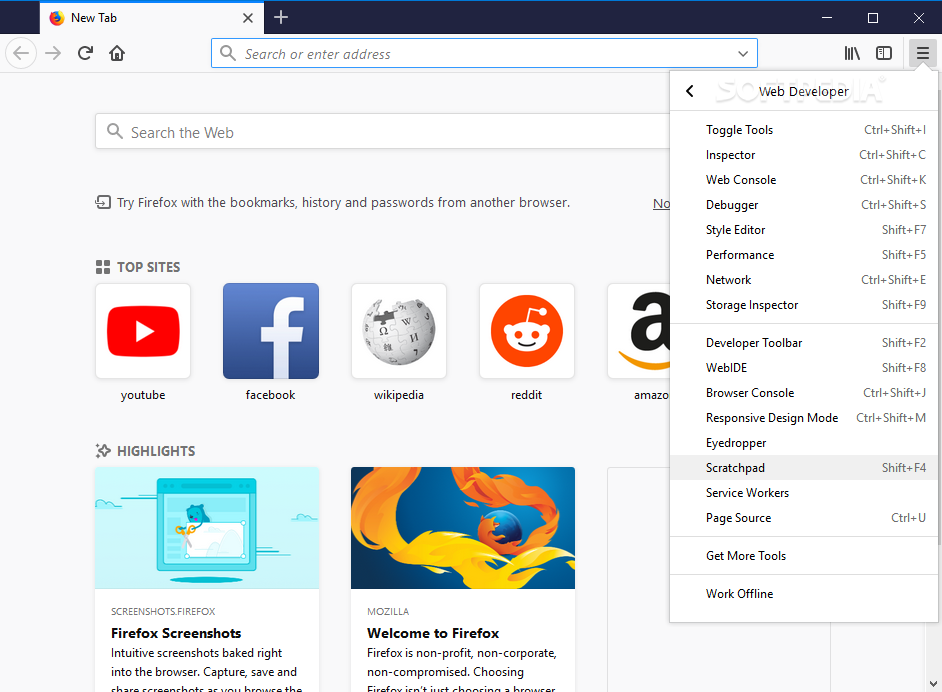
When it comes to developers, Firefox greets them with a series of tools specifically designed for them. To name a few, Toggle Tools, Web Console, Network, Inspector, Performance, Style Editor, Page Source, WebIDE, Developer Toolbar, and more should guarantee they can thoroughly inspect pages, execute code, and more.
What’s for sure is that Firefox is one of the top choices when it comes to browsers, and its commitment to offering a secure, responsive, and why not fashionable environment for users to use has been constantly shown. The product keeps on benefiting from constant updates that have managed to turn it into one of the most trust-worthy apps of its kind, and smooth browsing is one of the things it takes most pride in.
Download Hubs
Firefox is part of these download collections: Web Browser, Open XPI, Open JAR, JAR Viewers
What's new in Firefox 125.0.2:
- Fixed:
- Reverted the changes recently shipped in Firefox 125 that more proactively blocked downloads from potentially untrustworthy URLs. The changes caused unexpected problems with downloading files in some situations. We plan to fix and re-enable these protections in a future release. (Bug 1892069)
- Unresolved:
Firefox 125.0.2 / 126.0b4 Beta / 127.0a1 Nightly
 Softpedia Editor's Pick
add to watchlist
add to download basket
send us an update
REPORT
Softpedia Editor's Pick
add to watchlist
add to download basket
send us an update
REPORT
- portable version
- Portable Firefox
- runs on:
-
Windows 11
Windows 10 32/64 bit - file size:
- 58.3 MB
- filename:
- Firefox Setup 125.0.2.exe
- main category:
- Internet
- developer:
- visit homepage
Zoom Client

calibre

IrfanView

Microsoft Teams

4k Video Downloader

ShareX

7-Zip

Windows Sandbox Launcher

Context Menu Manager

Bitdefender Antivirus Free

- Windows Sandbox Launcher
- Context Menu Manager
- Bitdefender Antivirus Free
- Zoom Client
- calibre
- IrfanView
- Microsoft Teams
- 4k Video Downloader
- ShareX
- 7-Zip