
Antivirus and spyware removal tool that detects and cleans thousands of threats, helping you avoid the burden of reinstalling your whole OS. #Virus protection #Detect worm #Disinfect trojan #Antivirus #Blocker #Detect

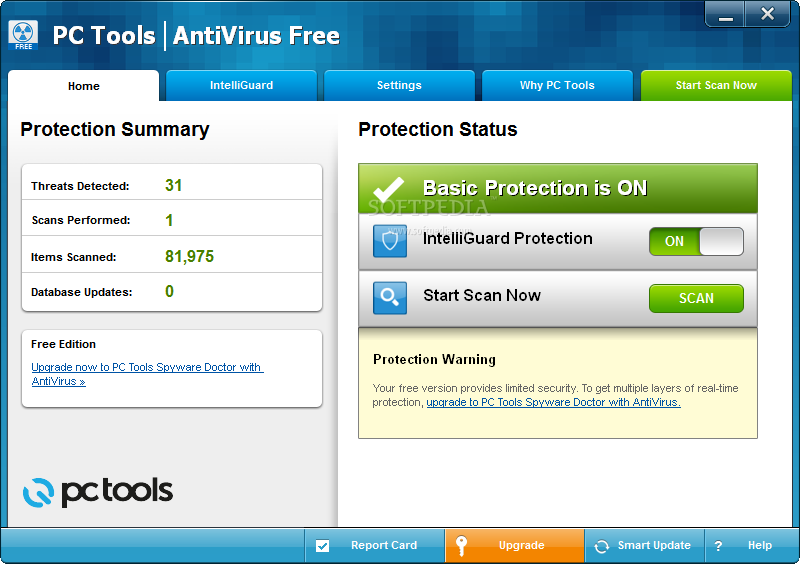
PC Tools AntiVirus Free is a security system that protects your computer from various malicious agents, such as viruses and spyware.
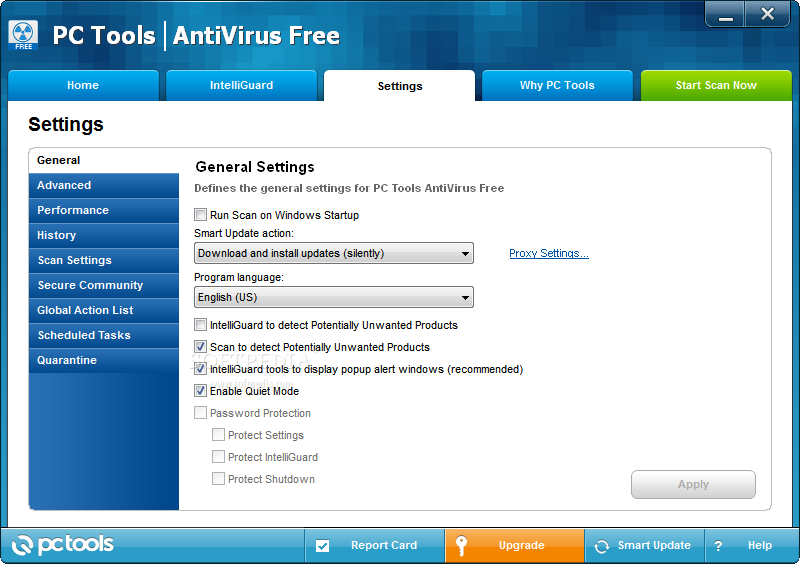
During installation, users are advised to pay attention. Since PC Tools AntiVirus Free is an ad-supported program, it offers to change default browser search engine and homepage and make Google Chrome your default browser.
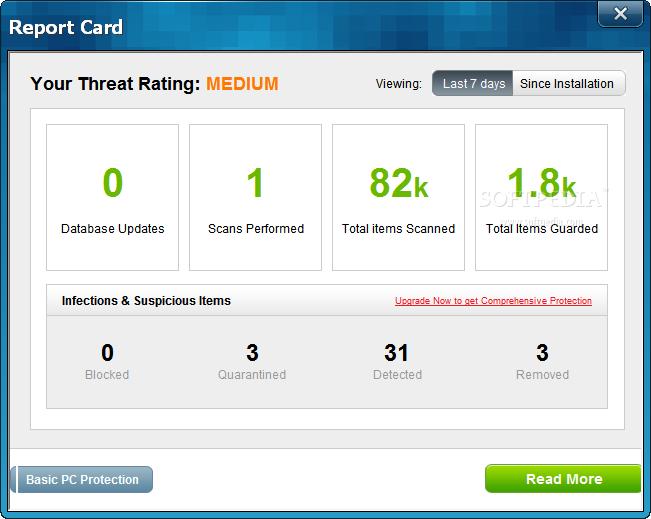
The user-friendly interface comes bundled with a few features. In the Home tab you can view a summary on your protection (threats detected, scans performed, items scanned, database updates), as well as a protection status (real-time and IntelliGuard protection).
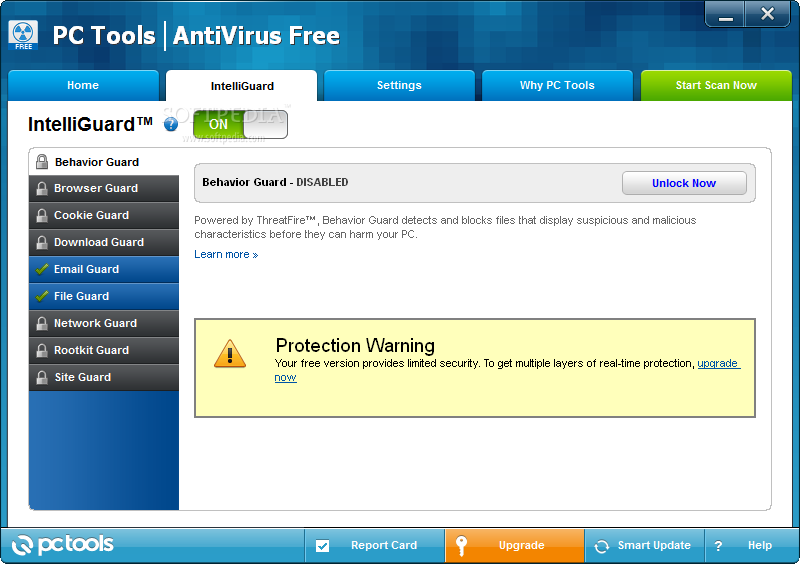
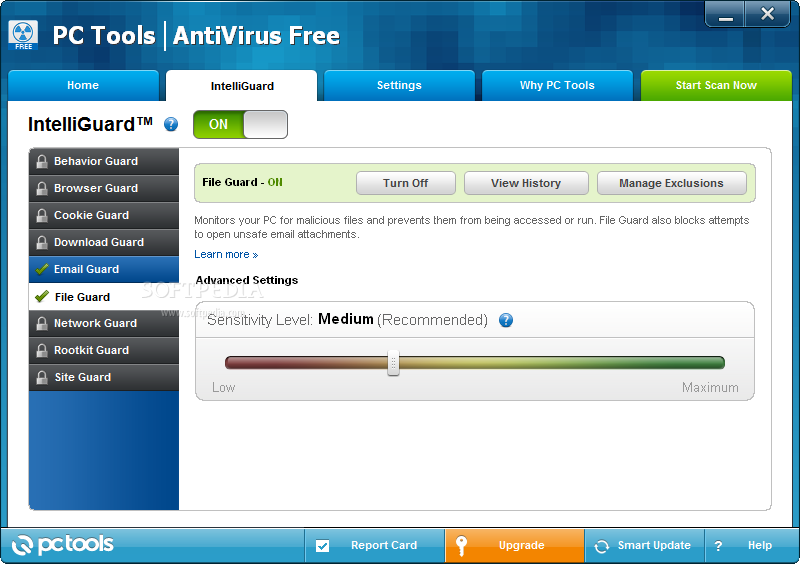
The IntelliGuard includes a behavior guard (detects and blocks files that look suspicious, before they harm your computer), browser, cookie, download, email, file, network, rootkit, and site guard.
Unfortunately, the freeware version only lets you control the email (scans email messages when you send or receive them, and marks them as checked by PC Tools) and file guard (monitors your computer for malicious files and prevents them from being accessed or run). Plus, you can manage exclusions for both these features.
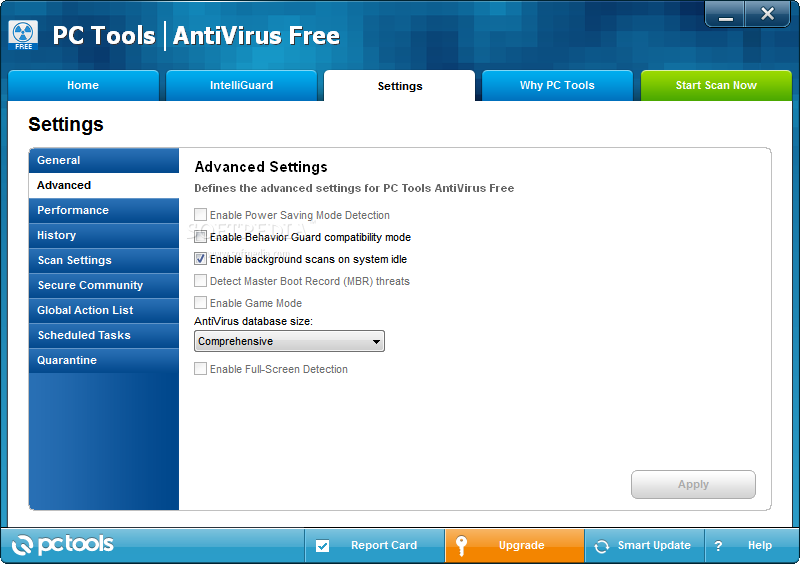
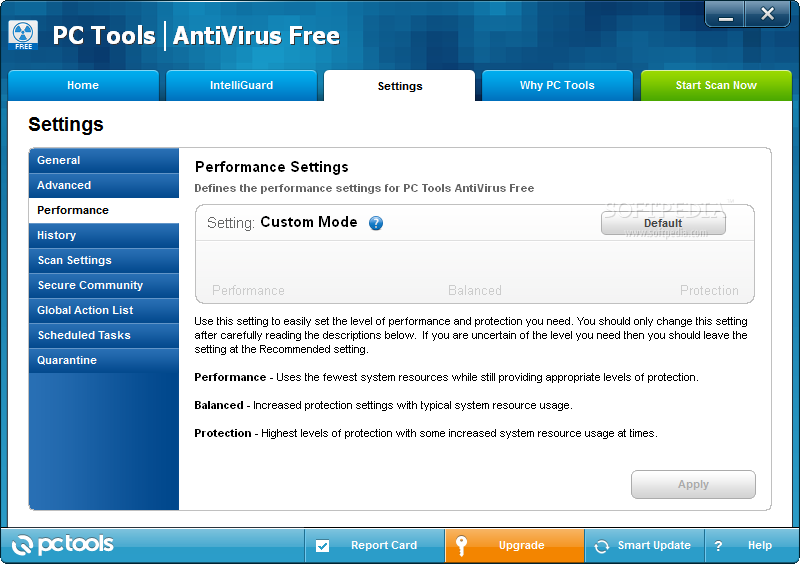
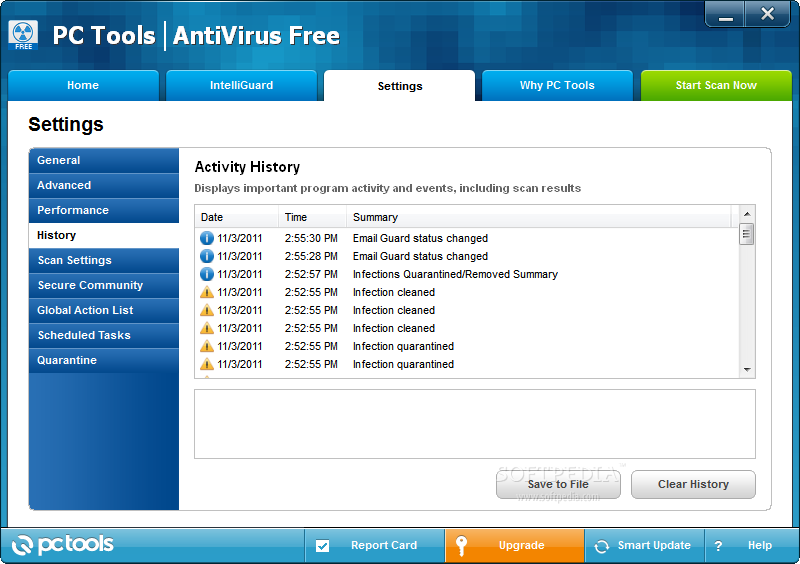
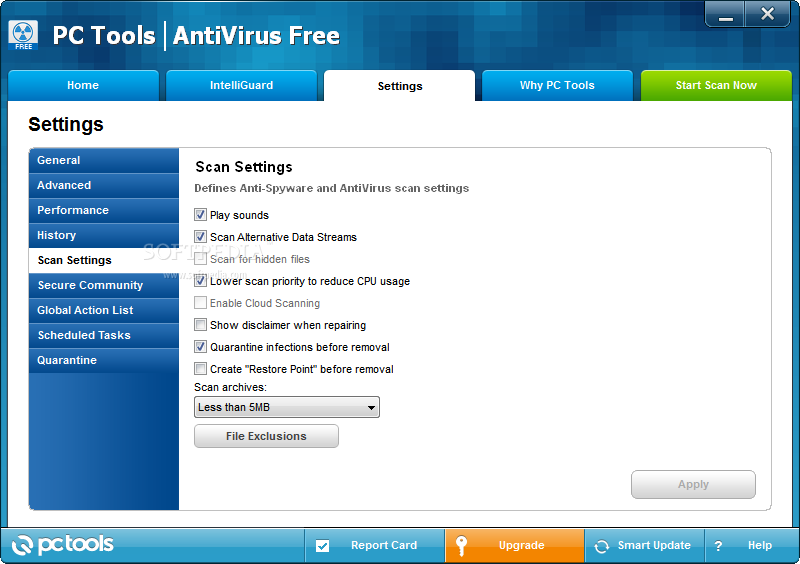
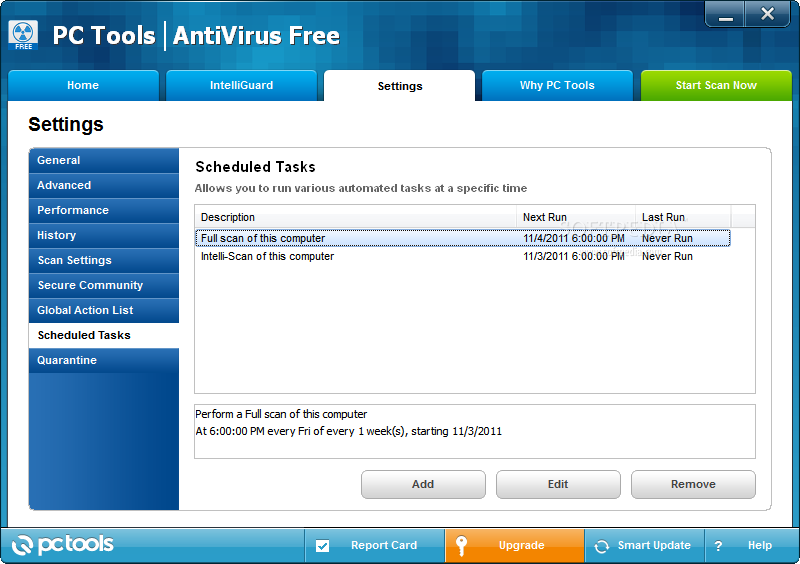
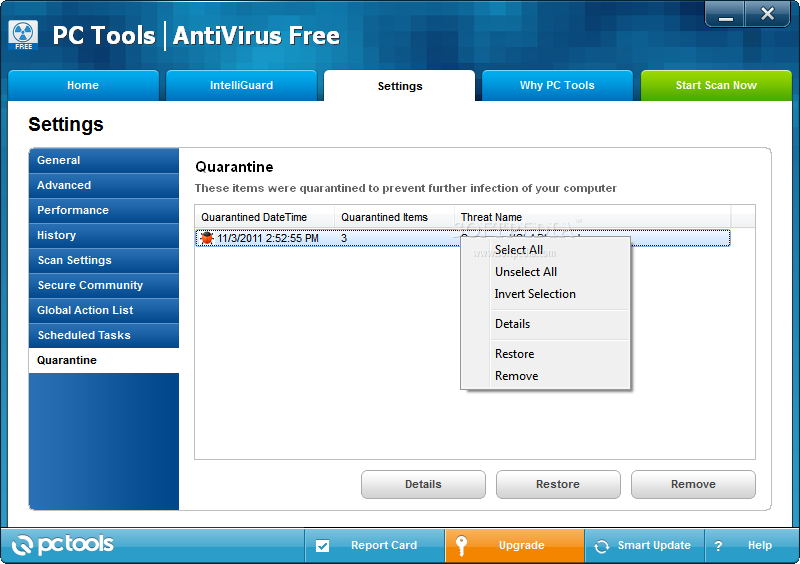
You can enable background scans on system idle, adjust performance settings (performance, balanced, protection), view history, create a restore point before removal, schedule a scan, and view quarantined objects.
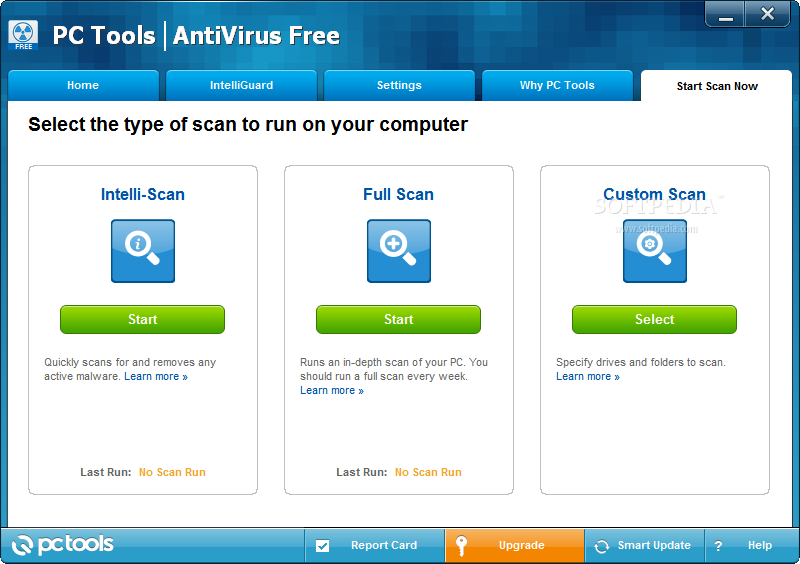
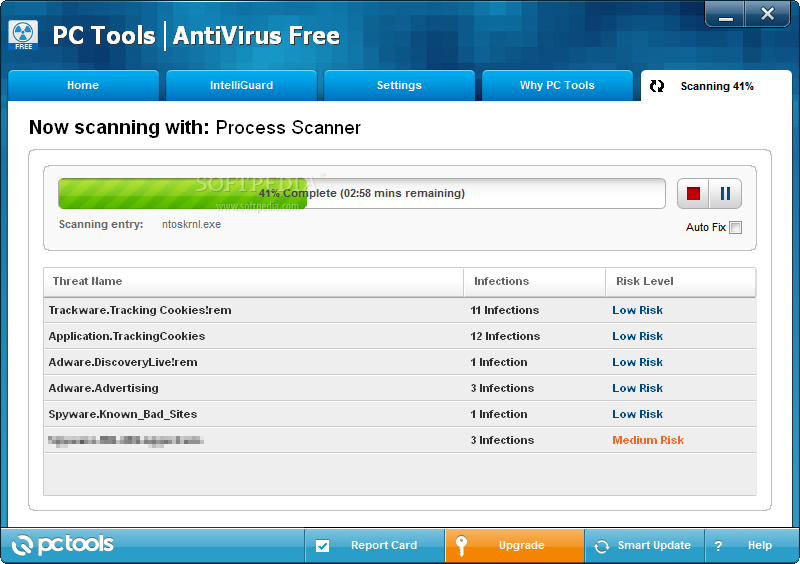
Scanning can be done in three ways: Intelli-Scan, full scan, custom scan. A full scan takes a very long time to finish, but that means that PC Tools Antivirus Free is being thorough. In our case, for instance, the program found many tracking cookies in our systems. System resources are barely used during this task, and we have not found any errors.
The bottom line is that PC Tools Antivirus Free provides a standard protection level, which should suffice if you’re not an avid Internet surfer.
PC Tools AntiVirus Free 9.1.0.2898
add to watchlist add to download basket send us an update REPORT- PRICE: Free
- runs on:
-
Windows 7 32/64 bit
Windows Vista 32/64 bit
Windows XP - file size:
- 3.9 MB
- filename:
- avinstall.exe

- main category:
- Antivirus
- developer:
- visit homepage
Bitdefender Antivirus Free

Zoom Client

IrfanView

ShareX

Microsoft Teams

Windows Sandbox Launcher

Context Menu Manager

4k Video Downloader

calibre

7-Zip

- 4k Video Downloader
- calibre
- 7-Zip
- Bitdefender Antivirus Free
- Zoom Client
- IrfanView
- ShareX
- Microsoft Teams
- Windows Sandbox Launcher
- Context Menu Manager