
A small yet powerful programmer's editor that features syntax highlighting, HTML previewing and an FTP client, all packed within an intuitive GUI. #Syntax highlighter #HEX editor #Source code editor #Editor #Source code #IDE

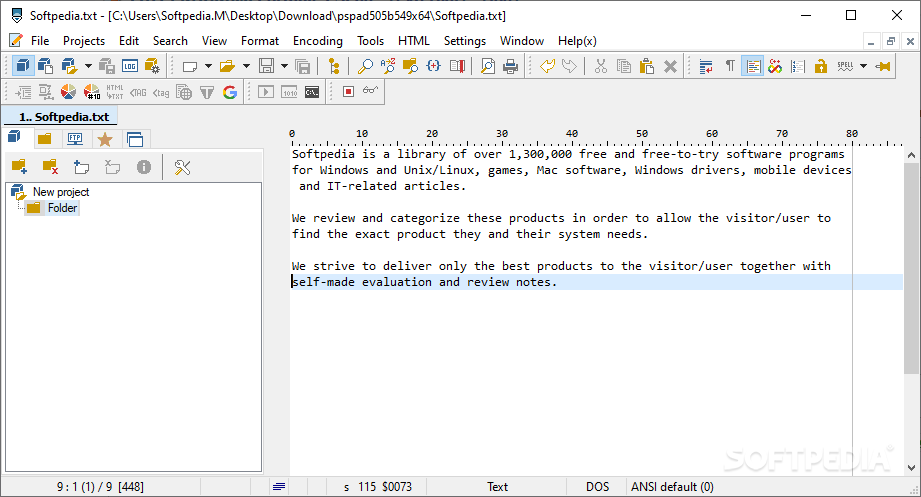
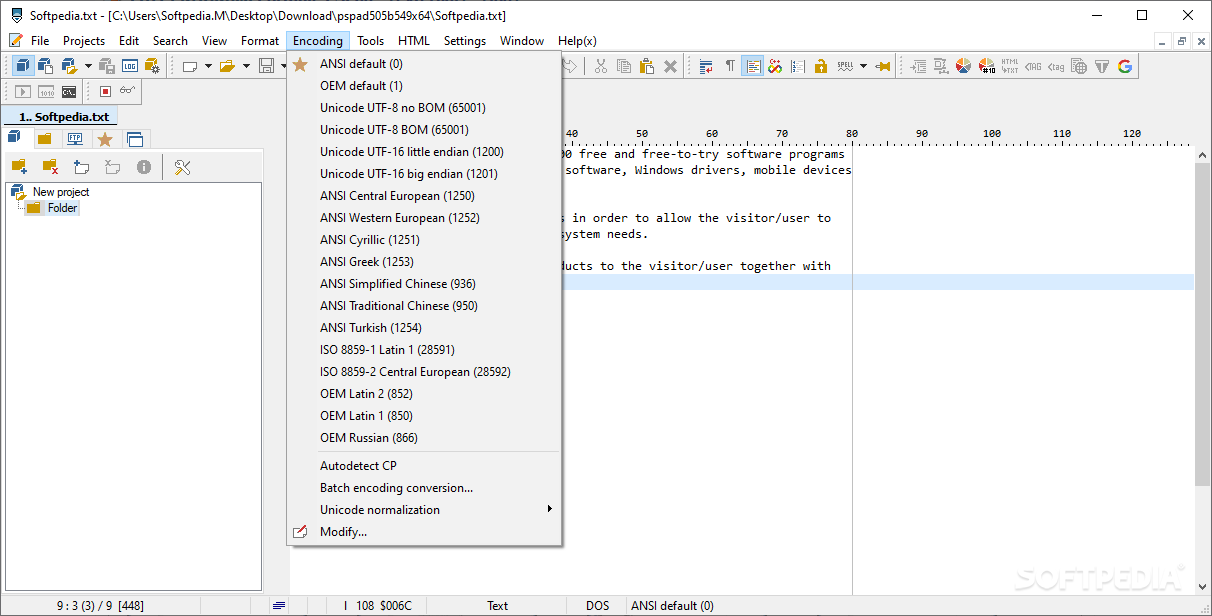
In the eventuality that you are working with different programming languages, then you probably know all about the different editors needed for compiling, writing and building programs. Although it does not pack all possible premium features, PSPad is a free program that packs great text and code editing advanced features in a single solution.
The highlight of the tool stems from the fact that it is designed as an all-in-one solution that is compatible with most of the regularly used programming languages. Regardless of whether you need to write code in any two or more programming languages – be it MS VB Script, C++, CSS, Fortran, HTML or Java – you can do so from a single app.
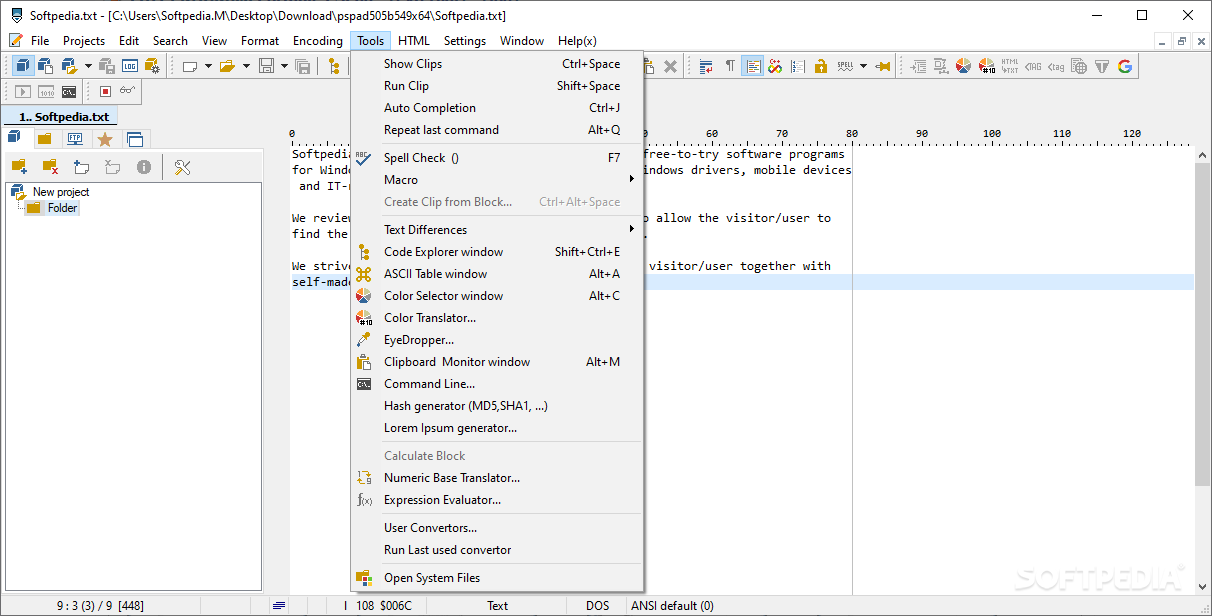
The tool also packs inbuilt templates to support the programming languages and that can come in handy when writing code since it makes sure that you follow the correct syntax. In case it happens to forget a function name or its syntax, simply press Ctrl + Spacebar and you can access the list of possible functions available.
The app is focused on efficiency and this is why it packs an auto completion function that can automatically write a complete function once you type a few words from it. This feature can come in handy if you do not remember the complete syntax or function.
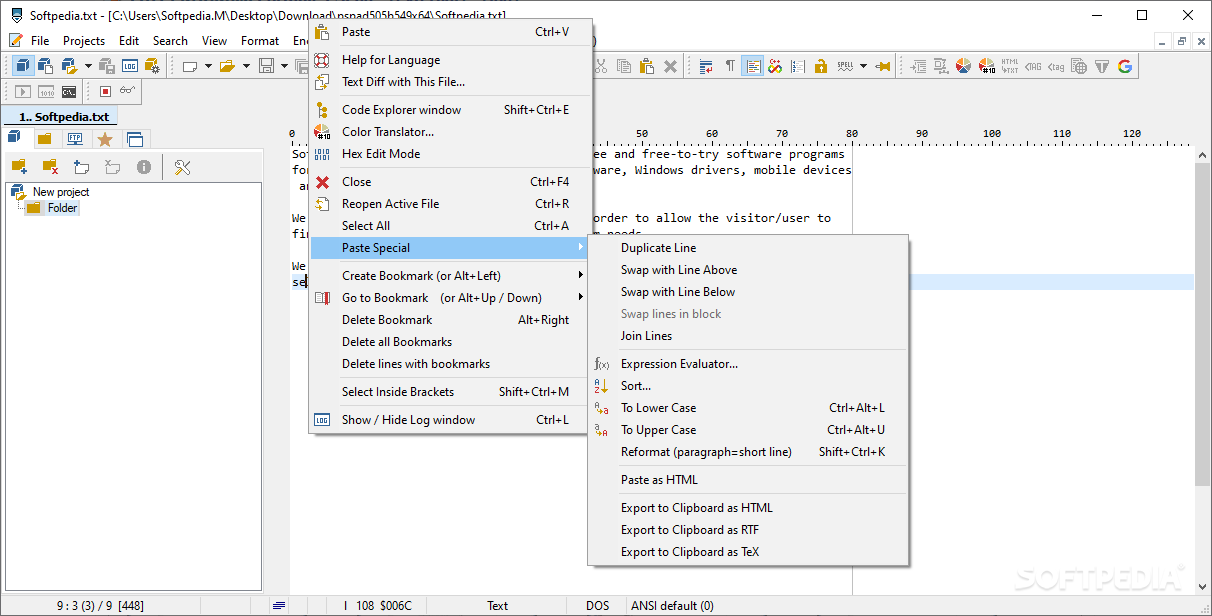
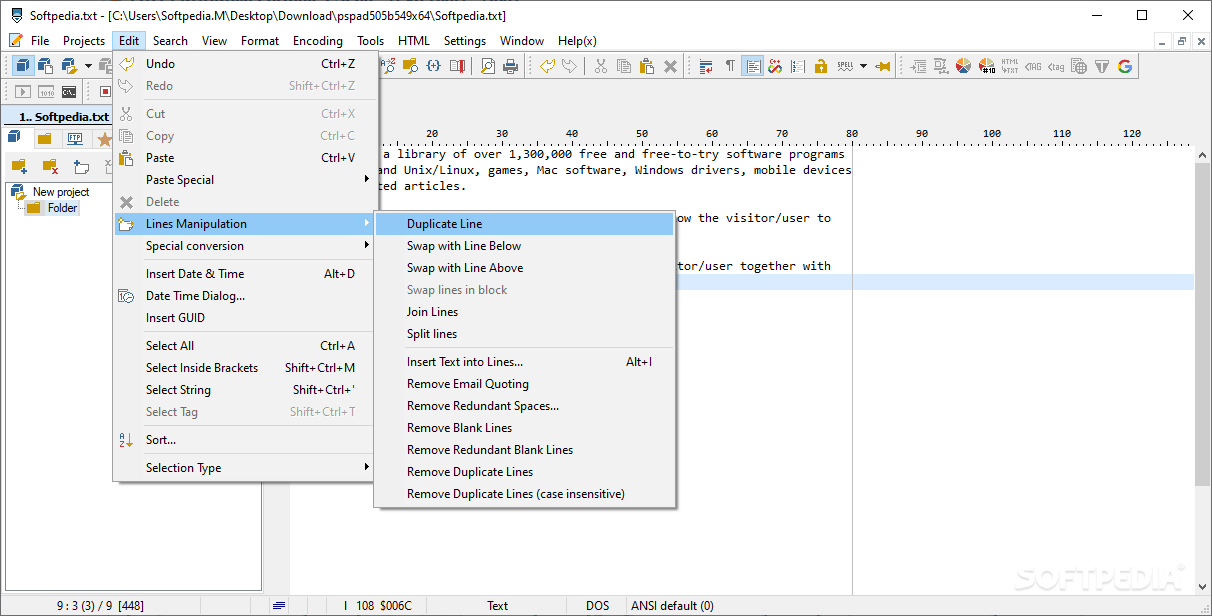
Another noteworthy productivity feature is the line manipulation, an option that can take care of realignment and reuse of the code or text. While some can argue that you can use copy and paste for this, the truth is that these basic functions may not be enough when it comes to lengthy codes.
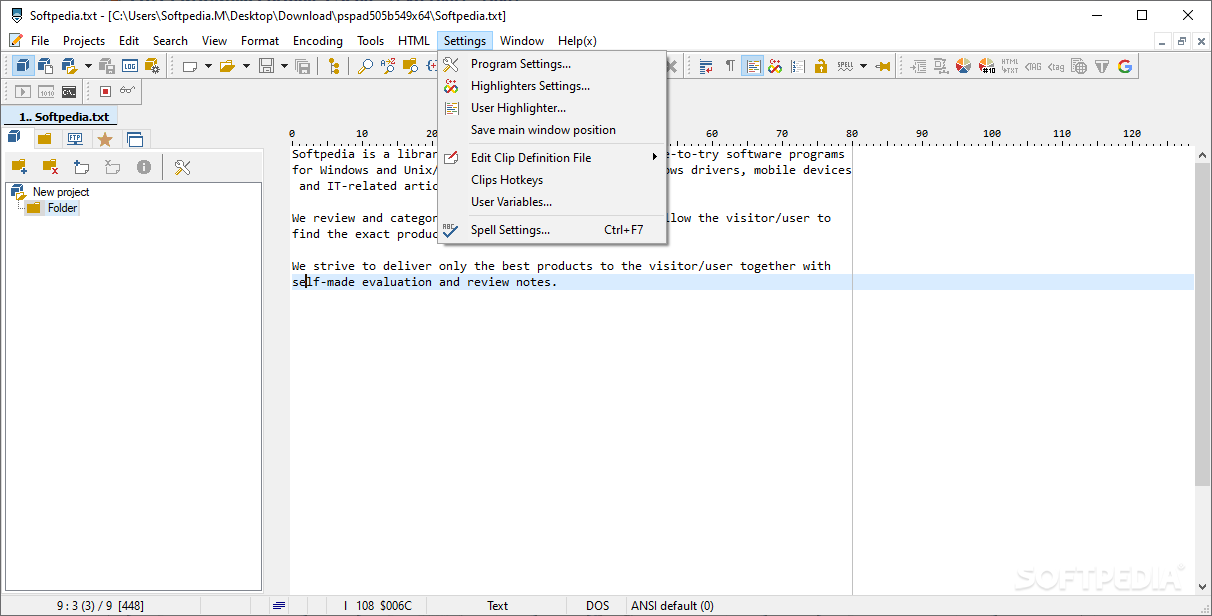
As most of us rely on the editors to check the spelling, the feature is also included with this tool. However, in order for it to be able to auto-correct or highlight mistakes, you need to download the official language dictionary from the official website.
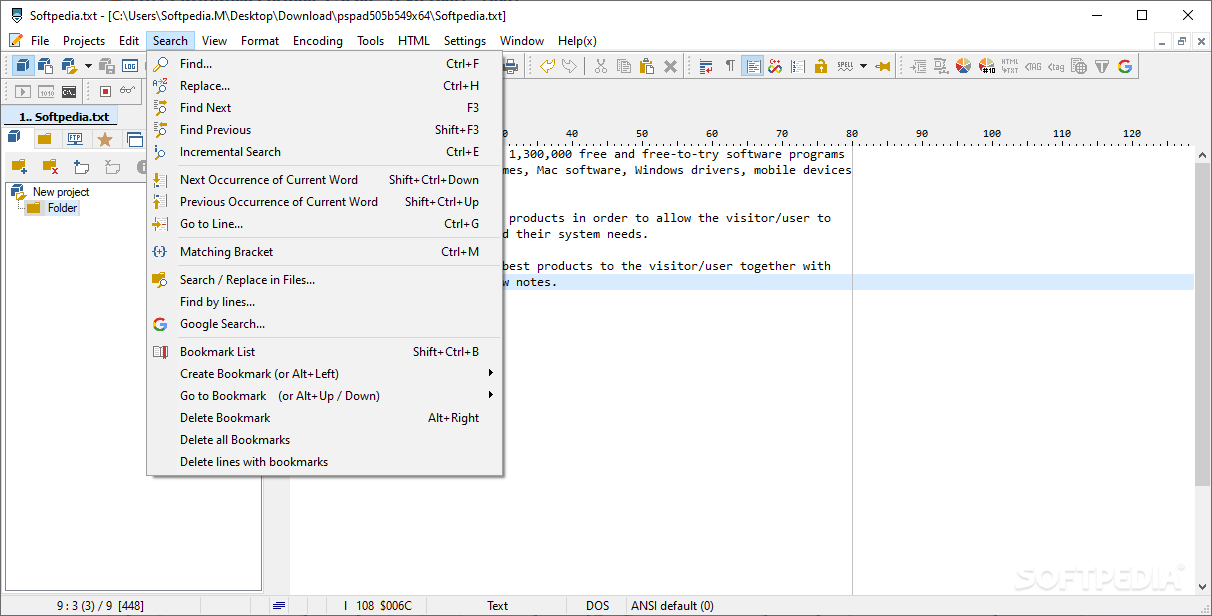
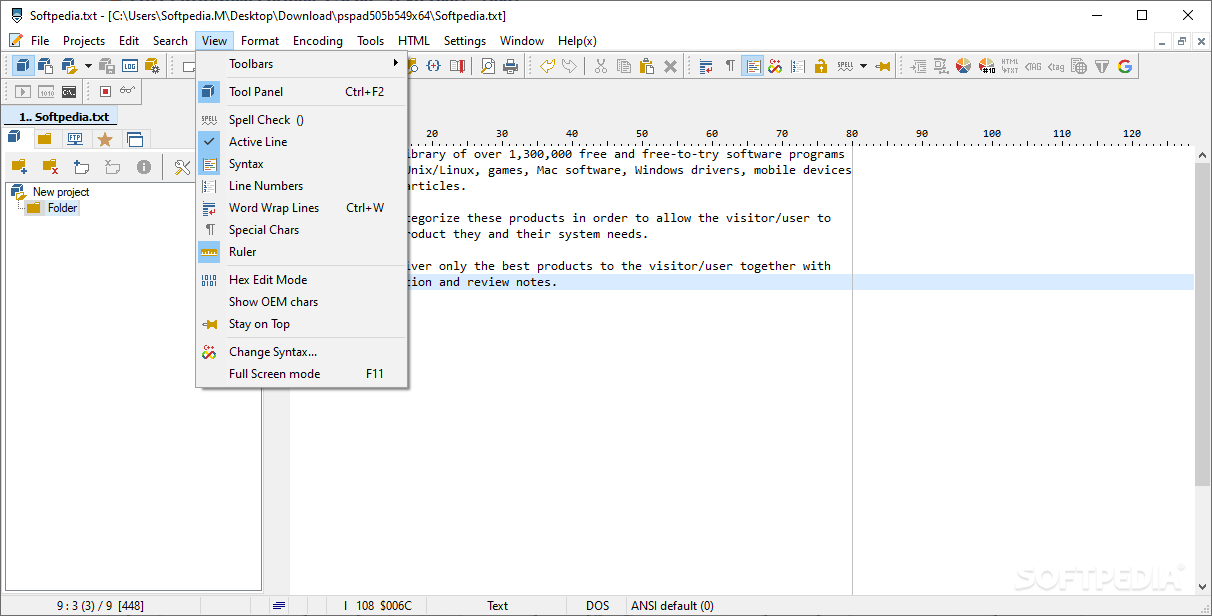
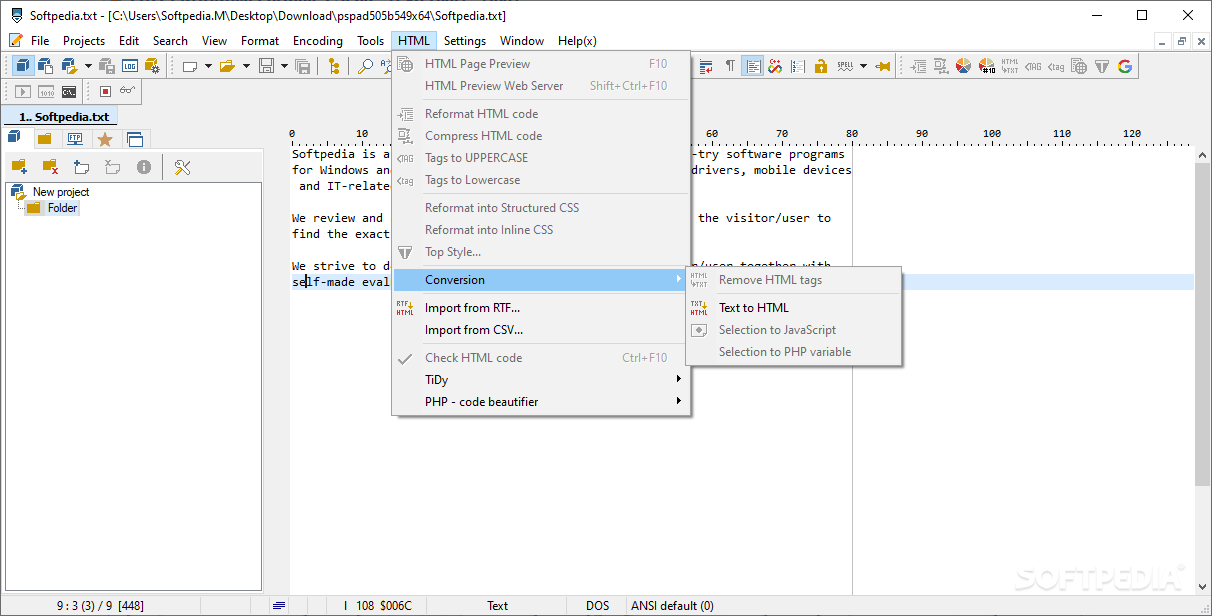
If you are using Google to search for various things, then you will be happy to learn that PSPad comes with an inbuilt functionality to let you do queries directly from the editor. Lastly, the program comes with an internal browser that allows you to view HTML pages, a feature that can come in handy for anyone working in HTML but prefers not to install a browser.
Download Hubs
PSPad is part of these download collections: HEX Editor, Open XML, CSS Editor, View XML
What's new in PSPad 5.5.1 Build 815 Developer:
- News:
- New variable %MainProjFile% returns file name and path to main project file (if exists) otherwise name of active file
- Fixes:
PSPad 5.0.7 Build 775 / 5.5.1 Build 815 Developer
 Softpedia Editor's Pick
add to watchlist
add to download basket
send us an update
REPORT
Softpedia Editor's Pick
add to watchlist
add to download basket
send us an update
REPORT
- portable version
- Portable PSPad
- runs on:
-
Windows 11
Windows 10 32/64 bit
Windows 8 32/64 bit
Windows 7 32/64 bit - file size:
- 10.6 MB
- filename:
- pspad507_setup.exe
- main category:
- Programming
- developer:
- visit homepage
4k Video Downloader

7-Zip

ShareX

Bitdefender Antivirus Free

Windows Sandbox Launcher

Microsoft Teams

calibre

Zoom Client

IrfanView

Context Menu Manager

- Zoom Client
- IrfanView
- Context Menu Manager
- 4k Video Downloader
- 7-Zip
- ShareX
- Bitdefender Antivirus Free
- Windows Sandbox Launcher
- Microsoft Teams
- calibre