
Compress files and extract archive content, connect to cloud storage accounts and FTP servers, compile ISO images and burn files to discs and more. #File encryption #Create archive #SFX creator #Archive #Compress #Extract

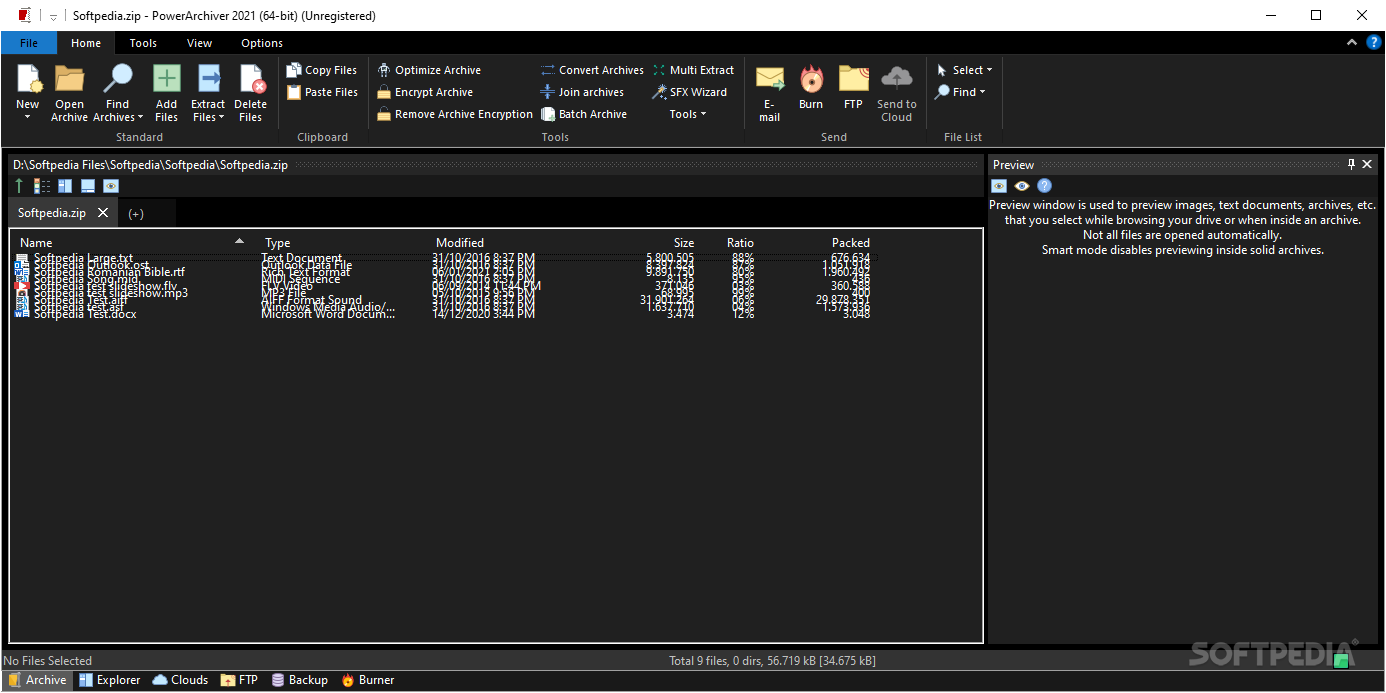
PowerArchiver is a versatile tool that addresses common needs related to file compression, encryption, backup, and efficient file management.
It aims to provide a comprehensive solution for both individual users and businesses, offering a range of features to enhance the handling of files and data on Windows.
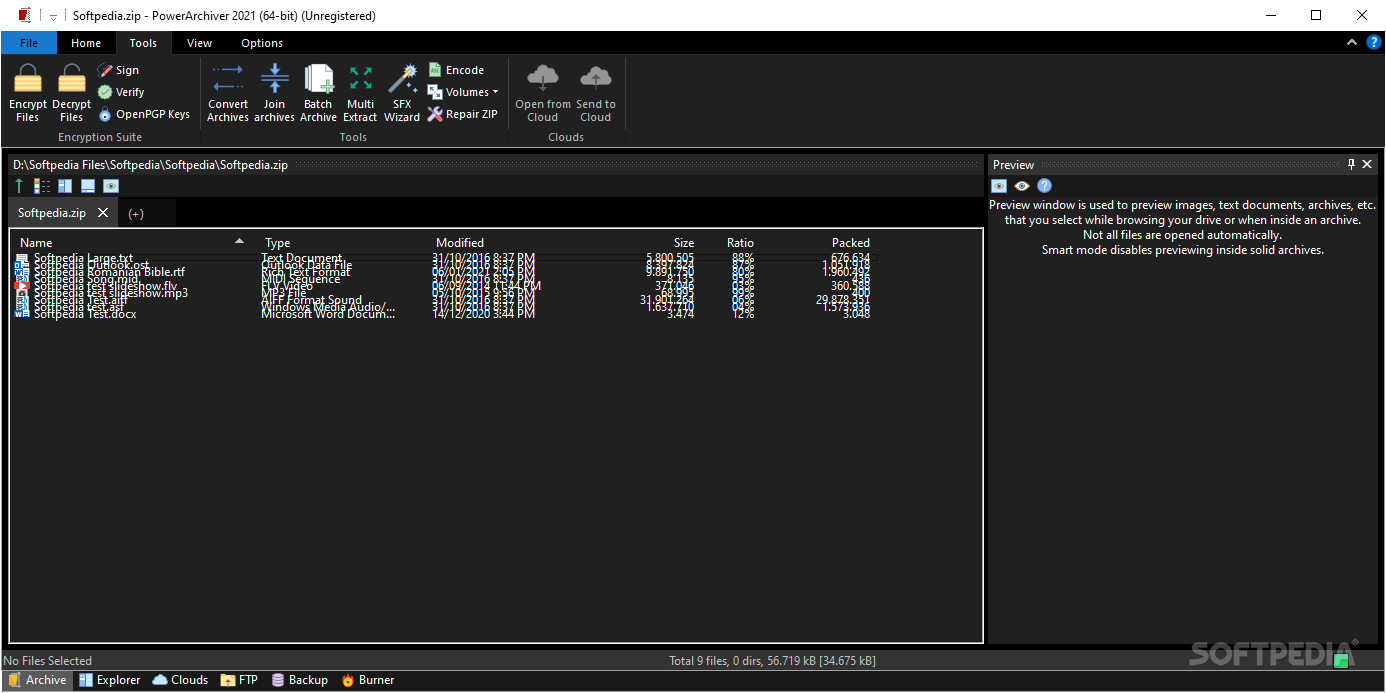
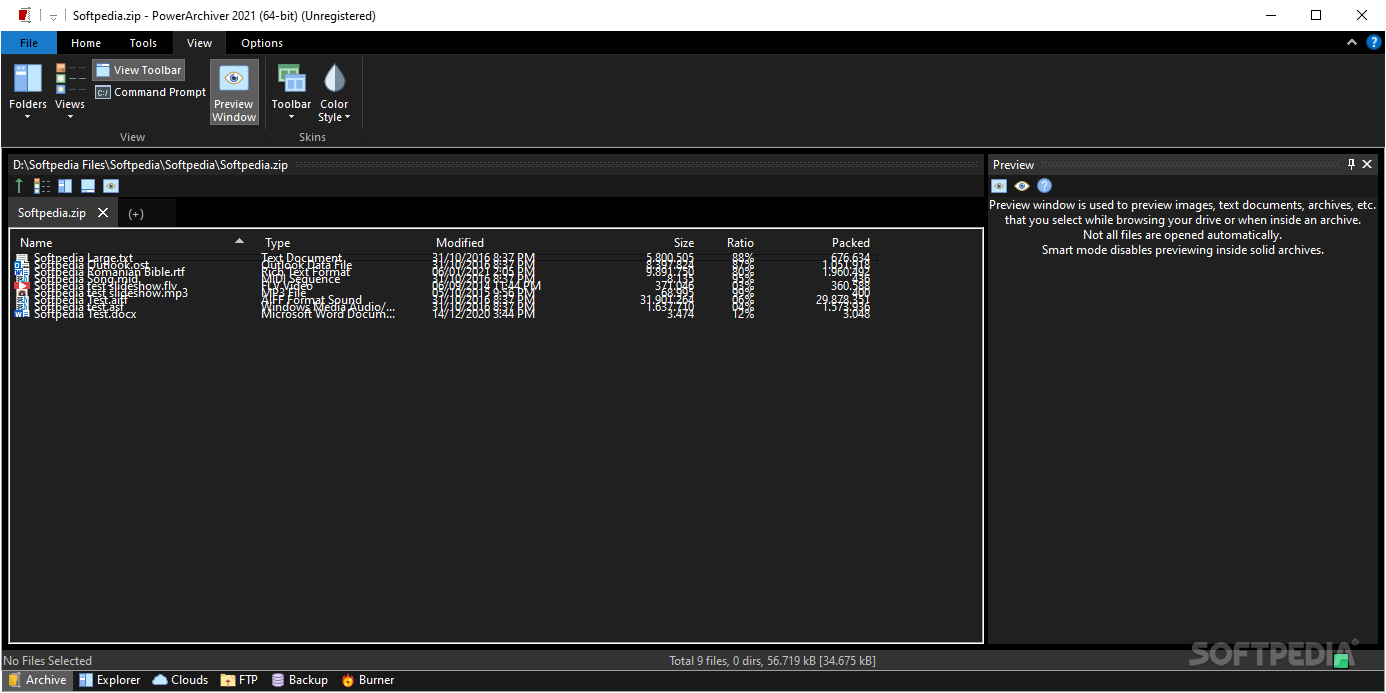
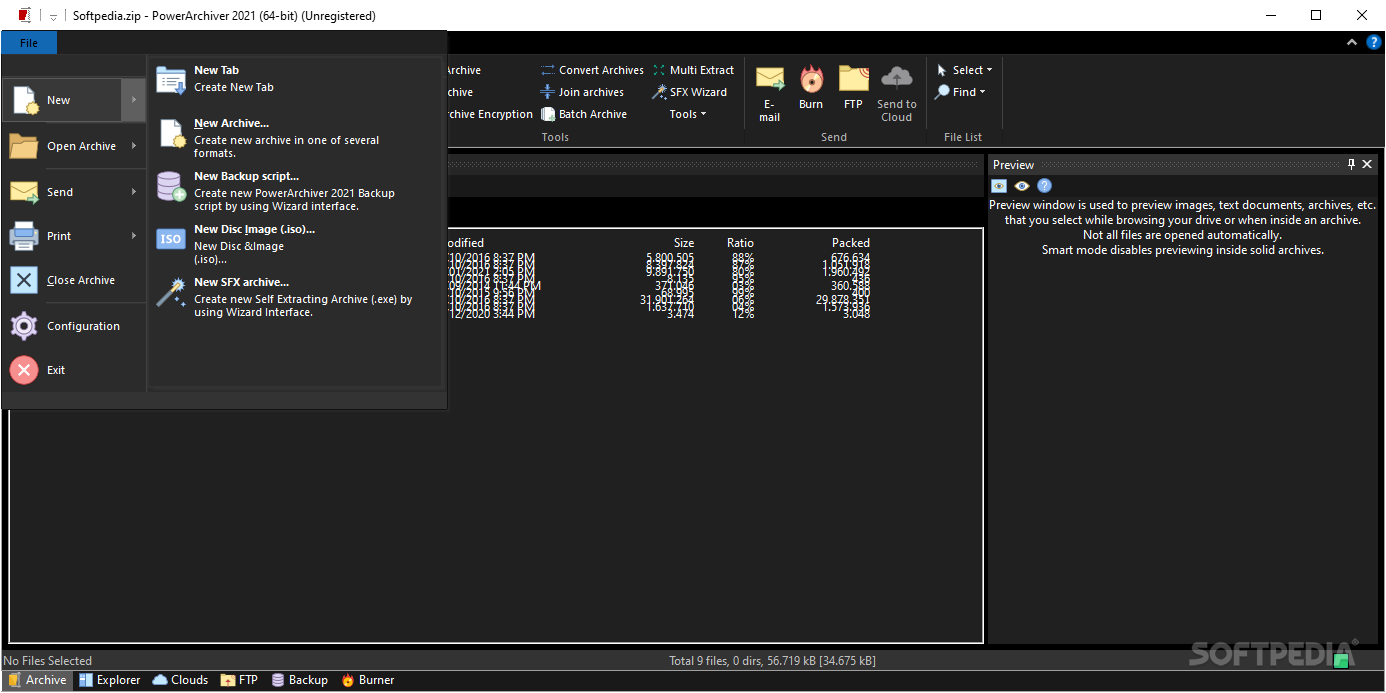
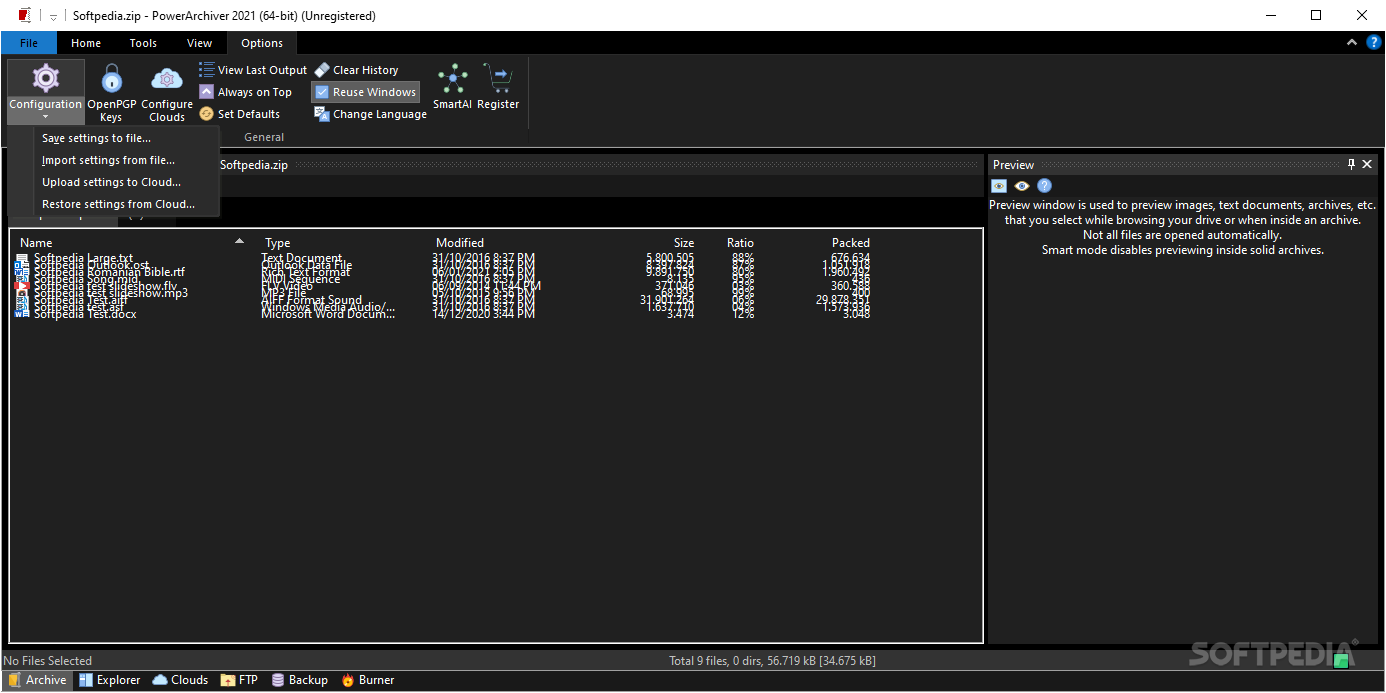
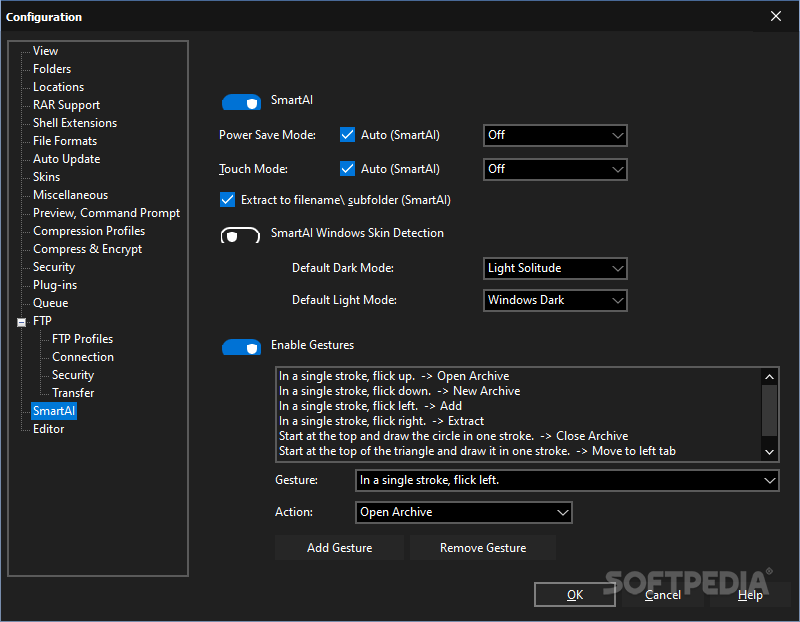
While at first, the application appears to have an old-school interface, you can discover that the menus are complex and well-organized as you take a closer look. You can access the standard menu from the upper region, whereas the quick access menu on the left enables you to find functions and operations fast.
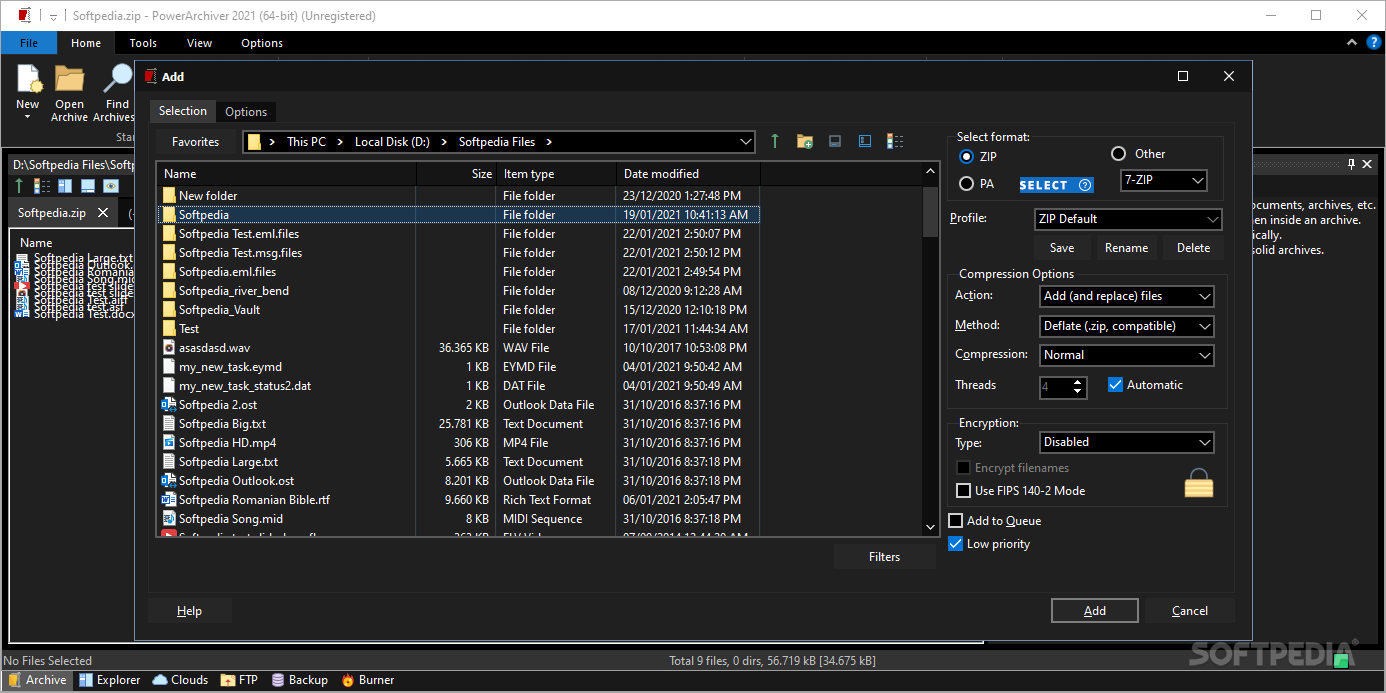
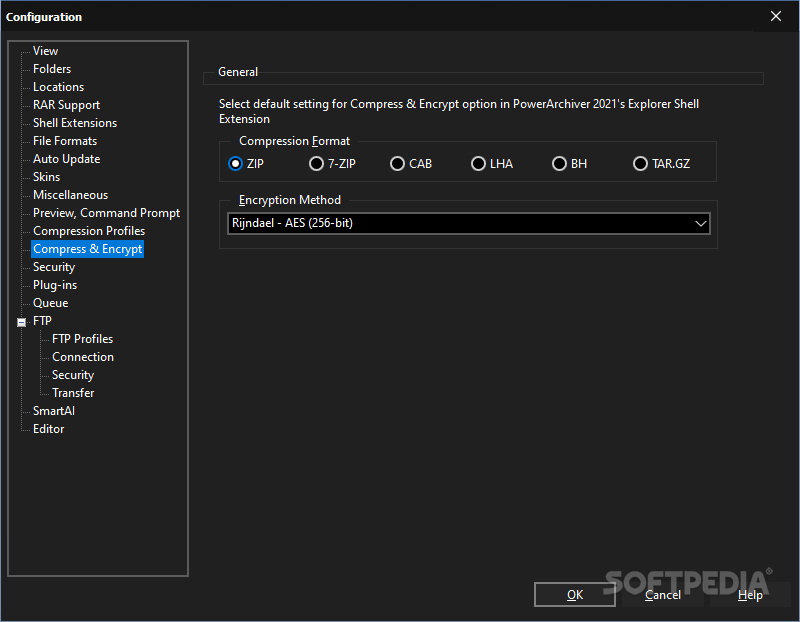
It is worth mentioning that the program supports over 60 compression formats, including popular ones like ZIP, ZIPX, 7z, RAR, and more. Its Advanced Codec Pack (.PA) is claimed to offer the strongest compression, data deduplication, and secure encryption.
The program comes with a comprehensive backup suite that caters to the diverse needs of users and businesses. The backups can be created for the Shadow Copy, so you can even create point-in-time copies or snapshots of volumes, even while files are in use.
Moreover, you can create backups for the network drives and shared folders, a feature that is more suitable for the business environments with data may be distributed across multiple servers or network locations.
It is worth mentioning that the app provides detailed logs for the backup operations, and you can even schedule them for specific intervals.
As with most things nowadays, the application includes encryption, so you don’t need to worry about your data being compromised in case it falls into the wrong hands.
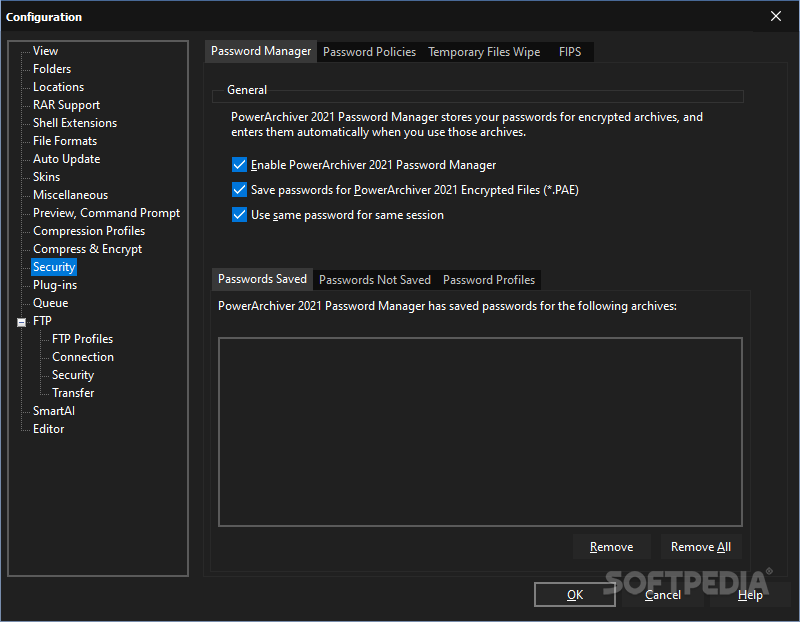
PowerArchiver includes FIPS 140-2 validated 256-bit AES encryption, a feature that addresses the need for secure data protection, ensuring that sensitive information remains confidential and protected from unauthorized access.
Download Hubs
PowerArchiver is part of these download collections: Create ISO, Open RAR, Encrypt File, Open ZIP
What's new in PowerArchiver 2023 22.00.09:
- Windows 11 support and optimizations:
- PowerArchiver 2023 is fully optimized to work and look great on Windows 11 with maximum support for the Windows 11 interface that includes high DPI support.
- Support for new Windows 11 Shell extensions:
- Shell extension use in the new Windows 11 OS has been optimized and the Shell extensions are conveniently accessed and will appear immediately and.
PowerArchiver 2023 22.00.09
 Softpedia Editor's Pick
add to watchlist
add to download basket
send us an update
REPORT
Softpedia Editor's Pick
add to watchlist
add to download basket
send us an update
REPORT
- runs on:
-
Windows Server 2019
Windows Server 2016
Windows 10 32/64 bit
Windows Server 2012 R2
Windows Server 2012
Windows 8 32/64 bit
Windows 7 32/64 bit - file size:
- 52.1 MB
- filename:
- powarc220009.exe

- main category:
- Compression tools
- developer:
- visit homepage
Context Menu Manager

calibre

Microsoft Teams

ShareX

Windows Sandbox Launcher

IrfanView

7-Zip

4k Video Downloader

Bitdefender Antivirus Free

Zoom Client

- 4k Video Downloader
- Bitdefender Antivirus Free
- Zoom Client
- Context Menu Manager
- calibre
- Microsoft Teams
- ShareX
- Windows Sandbox Launcher
- IrfanView
- 7-Zip