
Accessible and powerful software package that can be used to optimize your PC experience and reveal information about your computer. #Memory cleaner #Computer tweaker #Computer optimizer #Optimizer #Tweaker #Eraser

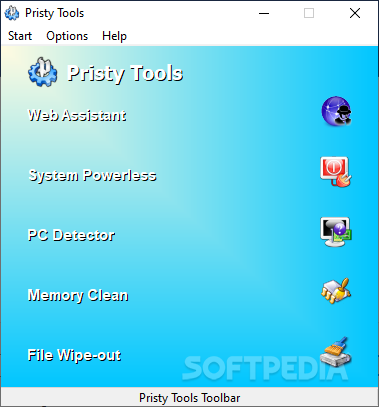
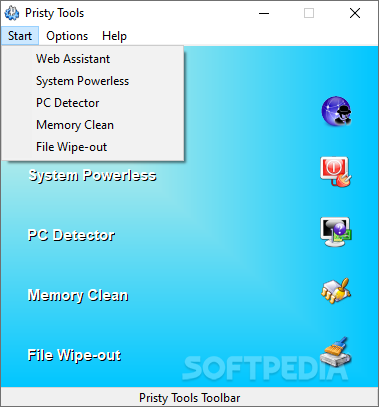
A toolbox is as useful as the tools found inside it. As every resourceful person has one in the shed, so it can be the case when it comes to computers. Pristy Tools is a pack of basic applications that can improve one’s experience when dealing with certain tasks like web surfing, power management, parts detection, memory cleaning, and file wipe-out. Though nowadays, the tools it provides are far from being pristine, they can still be of use.
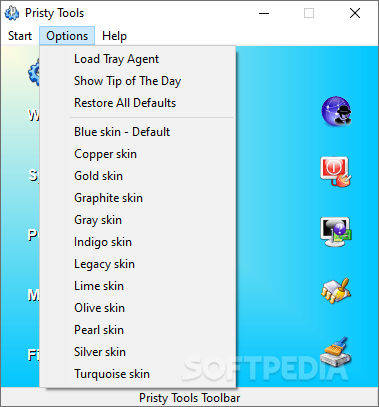
Launching the app for the first time can surprise you a bit. The XP-style interface is like a double-edged sword — some users will like it due to nostalgia, while others will believe that it is a bag sign, judging it as obsolete. Regrading Pristy Tools, that is somewhere in the middle. A part of the audience might think a PC detector is of no use, others having a quick and powerful Internet connection might disregard the Web Assistant or so on.
To cut it short, if you don't need a hammer don't buy one, the same goes for Pristy Tools.
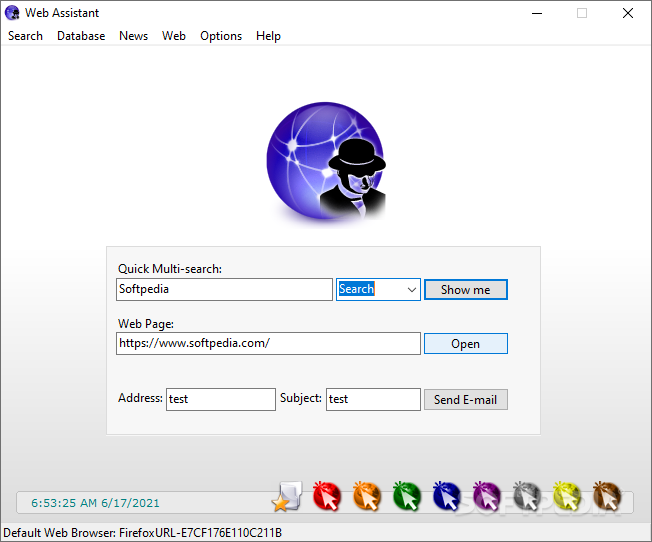
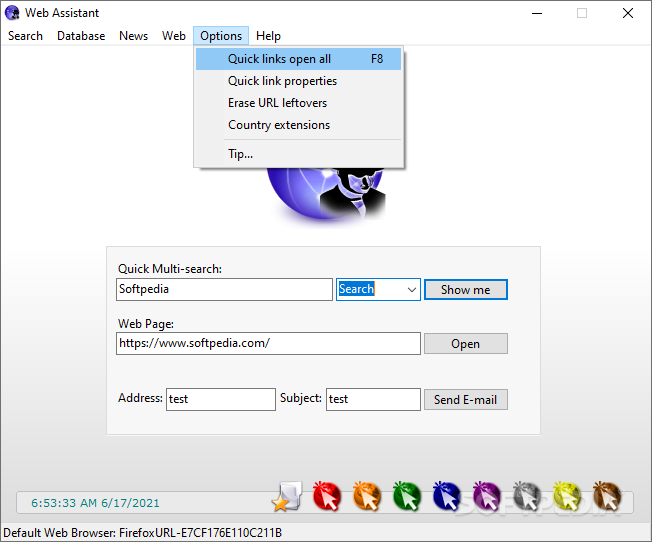
The Web Assistant was designed to help with multi-tab web browsing and support multiple engines such as Google, DuckDuckGo, Bing, Yandex, Qwant, and more.
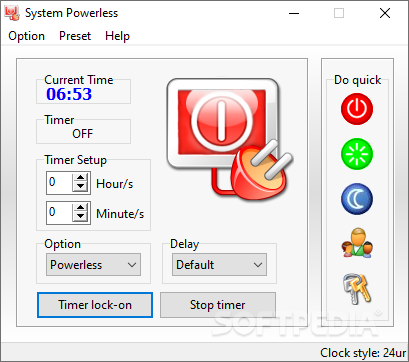
System Powerless is a scheduler for your machine's power options. Input the numerical values and instruct your PC to shut down, restart, sleep or lock when the time is up. You have quick commands for each option if the situation requires it.
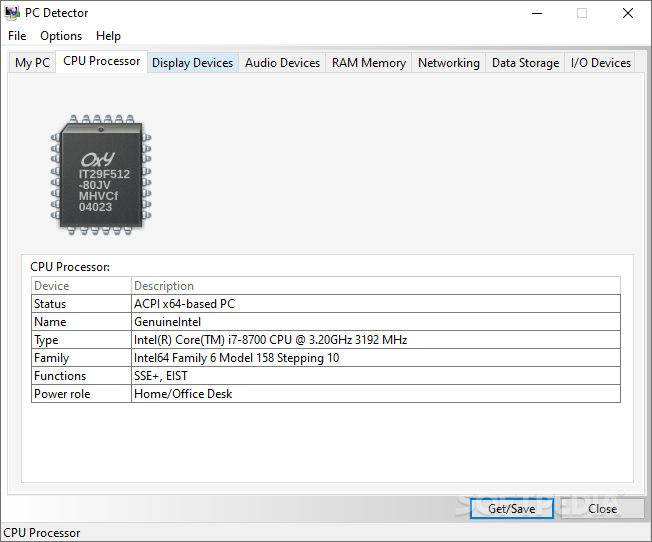
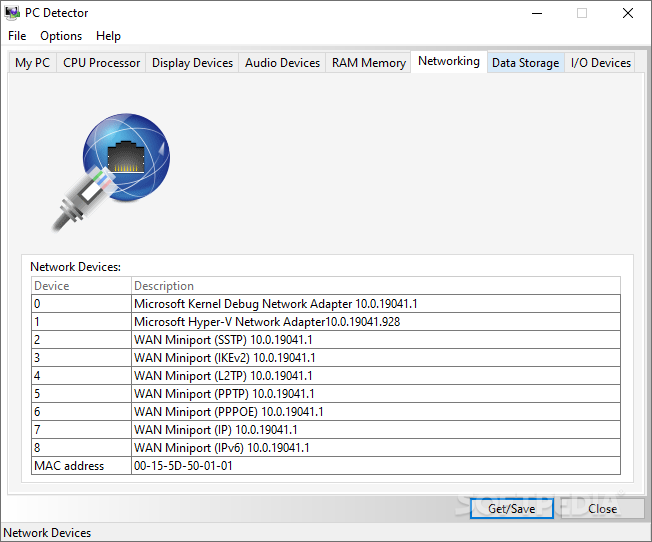
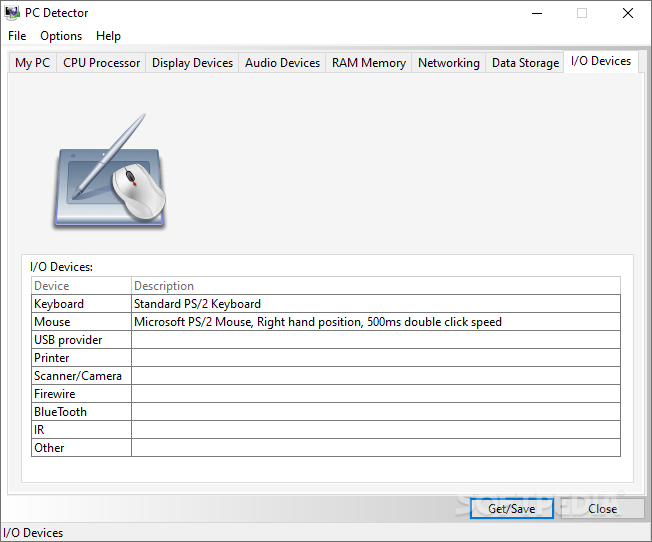
PC Detector is where you can find your computer's specs and some more. Opening this menu will land you on a brief info page that displays basic OS information. Use the toolbar to navigate to datasheets for your CPU, video and audio devices, RAM memory, network, data storage, and input/output devices. You can get the same info running the dxdiag command, but having the neatly organized and tabbed looks like a better way to do it.
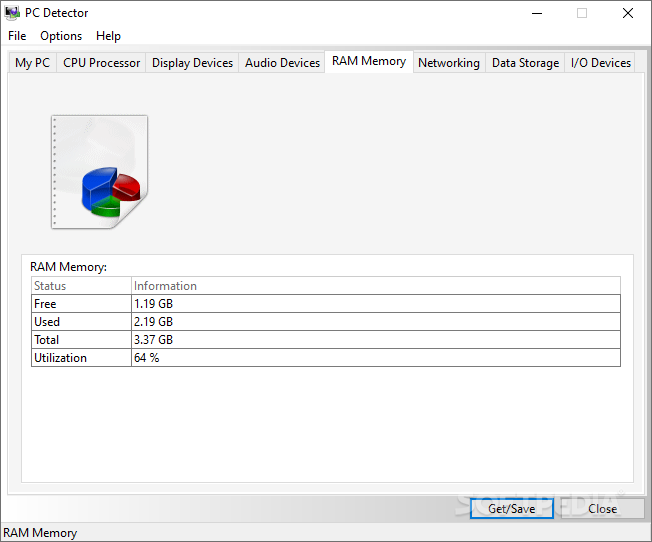
Memory clean is just a small area from where you can find out how much memory is in use and how much free space remains. Might come in handy for testing out how much strain you can apply to your machine.
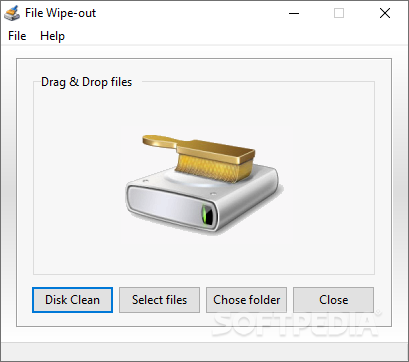
The final piece of the puzzle is File Wipe-out, a disk-cleaning operation designed to clean your drive efficiently. Files erased with this tool are not sent to the Recycle Bin, but completely removed. However, it's not guaranteed that files erased with this method will be impossible to recover with advanced means since there's no shredding or a similar action involved.
Pristy Tools might not be the most powerful or useful application out there, but its five little operations can surely be of help to somebody. Don't hesitate to give it a try if the listed tools are what you're looking for.
Pristy Tools 2.7.7
add to watchlist add to download basket send us an update REPORT- PRICE: Free
- runs on:
-
Windows 10 32/64 bit
Windows 8 32/64 bit
Windows 7 32/64 bit
Windows Vista 32/64 bit
Windows XP 32/64 bit - file size:
- 2.2 MB
- filename:
- Pristy_Tools_Installer.zip
- main category:
- System
- developer:
- visit homepage
calibre

Context Menu Manager

Zoom Client

Windows Sandbox Launcher

7-Zip

4k Video Downloader

Bitdefender Antivirus Free

ShareX

Microsoft Teams

IrfanView

- ShareX
- Microsoft Teams
- IrfanView
- calibre
- Context Menu Manager
- Zoom Client
- Windows Sandbox Launcher
- 7-Zip
- 4k Video Downloader
- Bitdefender Antivirus Free