
Back up your data and ensure that everything stays updated through this software solution, which makes it easy for all kinds of users to preserve their data. #Synchronize File #Automatic Sync #Folder Sync #Synchronize #Backup #Compare

You shouldn't omit backing up data you cannot afford to lose, and perhaps this also applies to updating the backups whenever there's a change to the source file or folder. After all, an outdated backup loses some of its value, especially if subsequent updates are of particular importance.
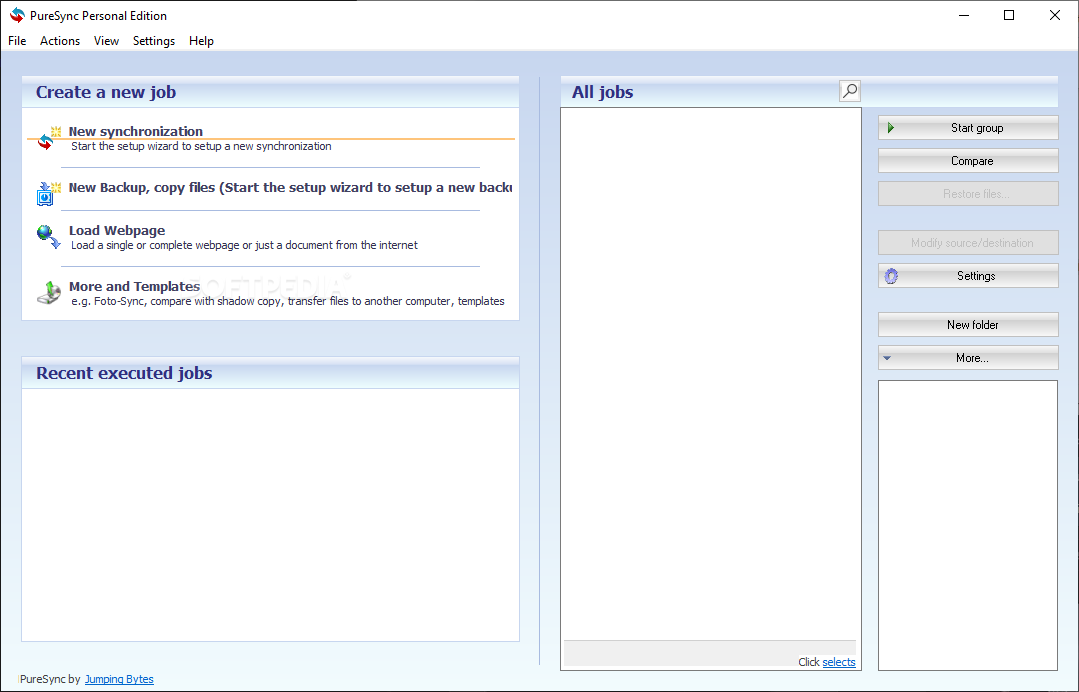
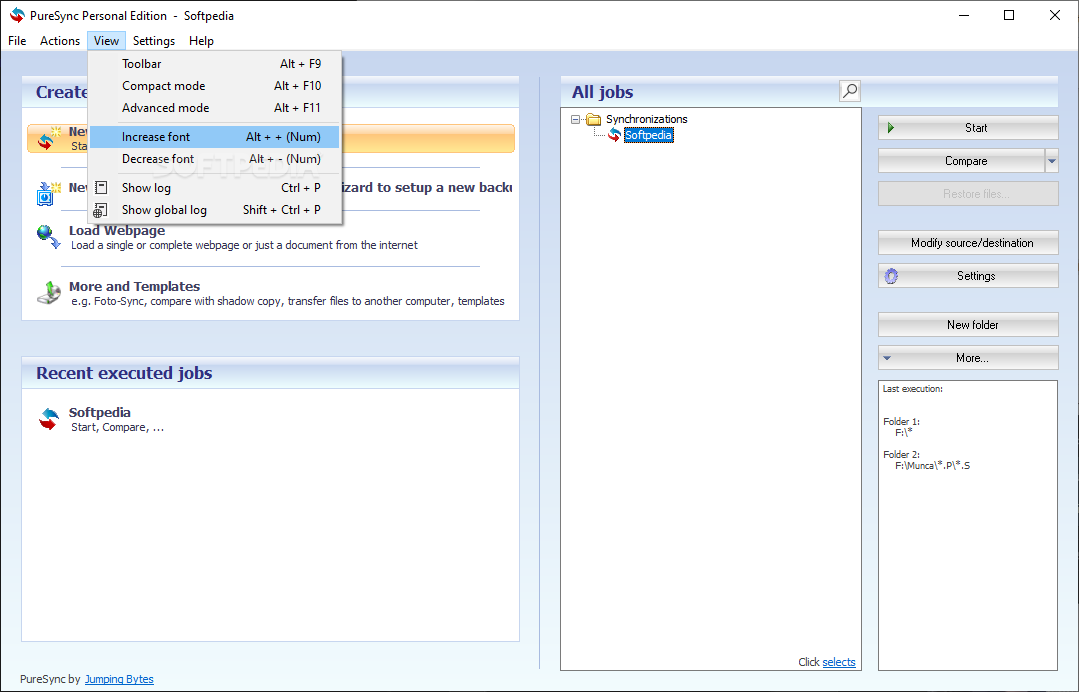
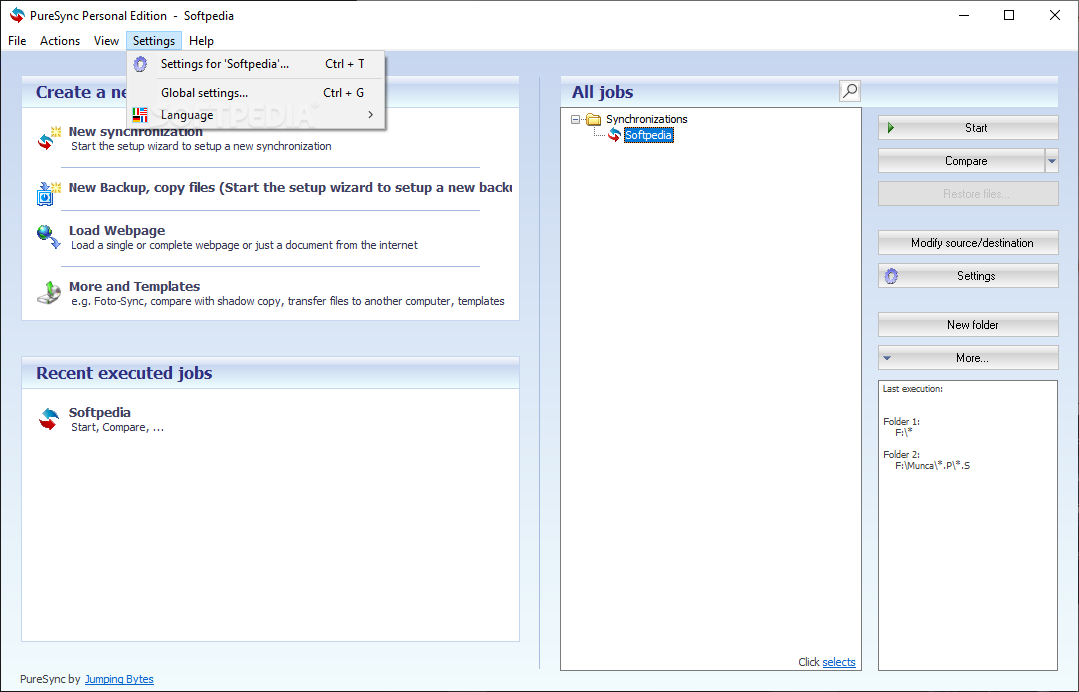
PureSync Personal is a tool that can help you deal with both of these tasks. Whether it is a backup or synchronization operation, the tool is able to guide the end user through the process by way of an intuitive setup wizard.
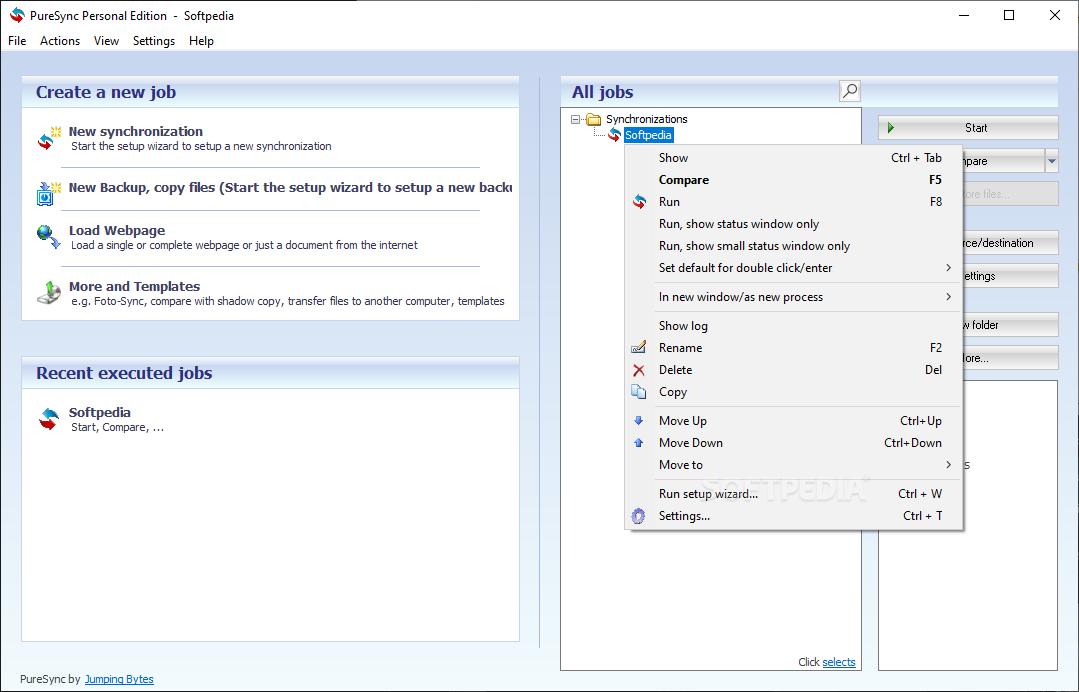
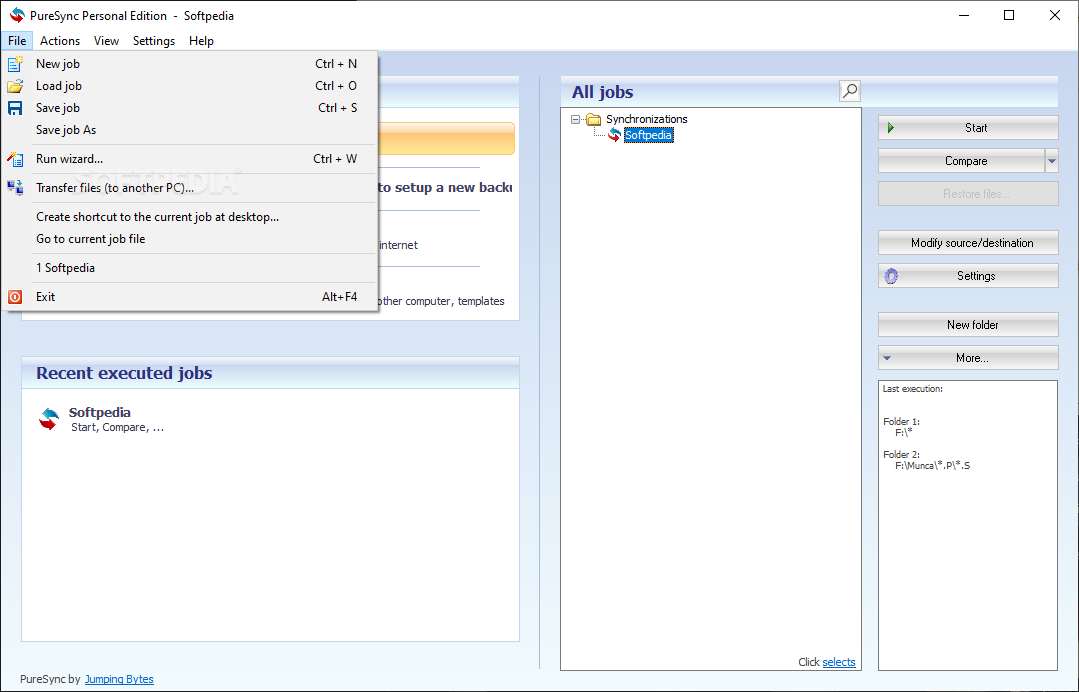
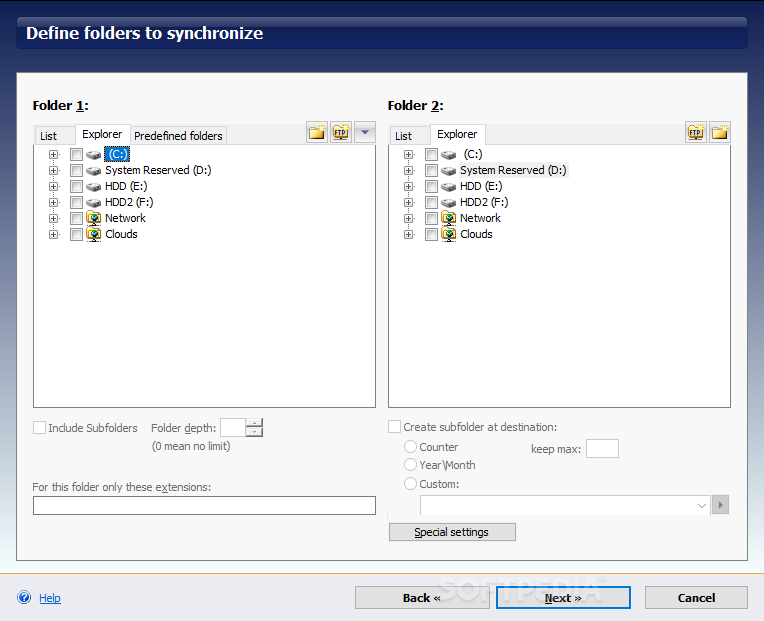
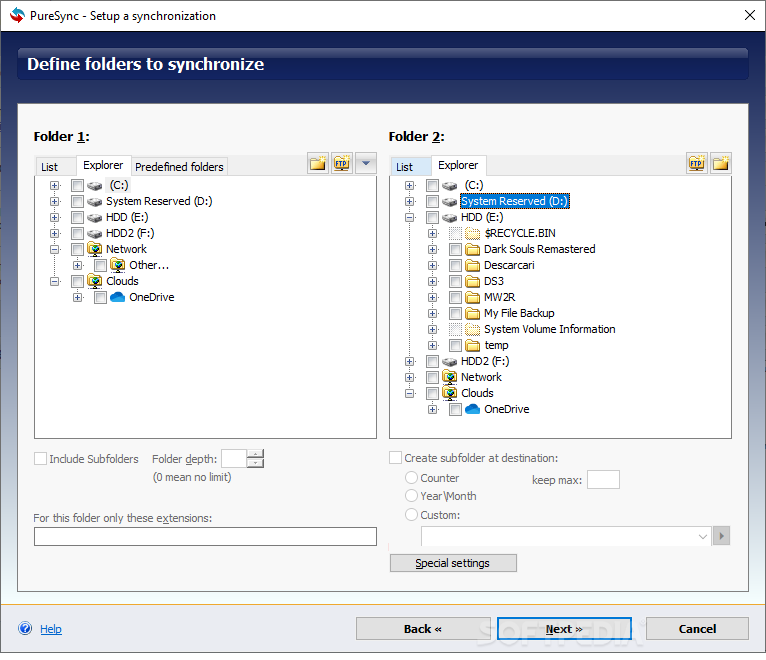
The tool is quite easy to get around. Initiating a backup or synchronization operation takes little effort, as users will be instructed on how to proceed by the setup wizard. When backing up, you have several options: you can perform a simple backup, or a more complex one, where the source files and folders are stored in 2 or 3 destinations.
You're also able to merge source folders, and backing up using checksums is likewise available. Pick the option that is most suitable to you, select the folders you wish to work with, and decide on the destination, which is where you'll effectively back up your data. You can use an external drive, as well as preserve your files through a cloud-based solution, such as OneDrive. Bear in mind that you'll need to have the cloud solution installed on your computer beforehand.
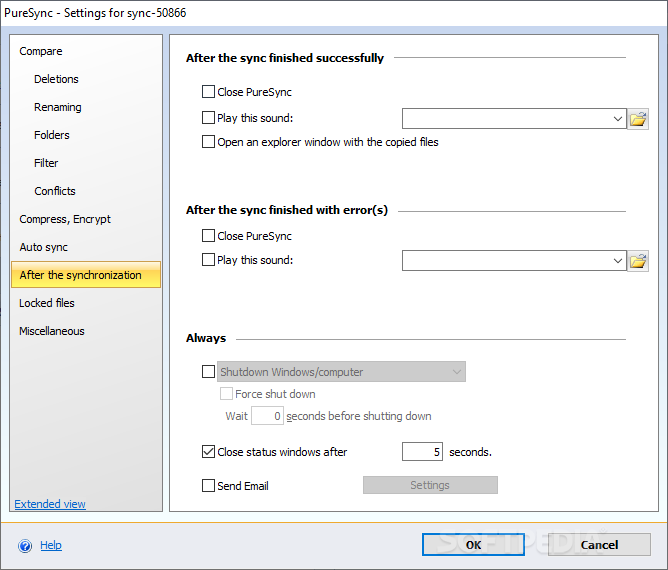
Upon selecting a desired destination, users will be able to opt for an Automatic start option: you can have your backups be updated regularly based on a schedule, whenever you boot up your system, upon connecting a drive, or when the software senses a modification to the source file.
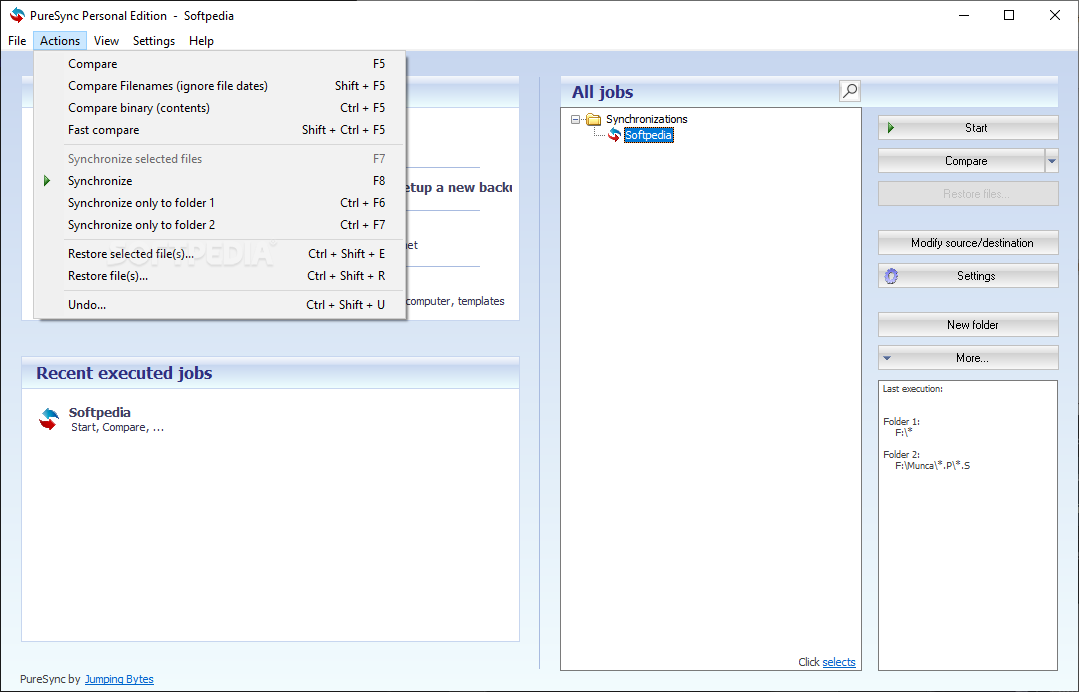
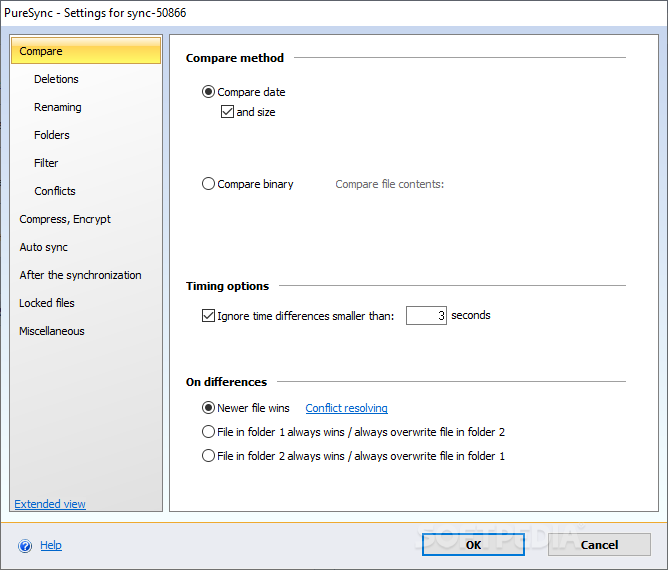
That is pretty much the basis for the synchronization feature, which works to compare the files between source folders. Upon detecting a change, the software will follow the user's instructions and act accordingly.
PureSync Personal manages to be both effective and easy to utilize, which means that users of all types can take advantage of the software's toolset without a worry.
What's new in PureSync Personal 7.2.2 Build 7015:
- Bug fixes
PureSync Personal 7.2.2 Build 7015 / 7.5.0 Beta 4
add to watchlist add to download basket send us an update REPORT- runs on:
-
Windows 11
Windows Server 2022
Windows Server 2019
Windows Server 2016
Windows 10 32/64 bit
Windows Server 2012 R2
Windows Server 2012
Windows 2008 R2
Windows 2008 32/64 bit
Windows 8 32/64 bit
Windows 7 32/64 bit - file size:
- 11.4 MB
- filename:
- PureSyncInst.exe
- main category:
- System
- developer:
- visit homepage
Bitdefender Antivirus Free

ShareX

calibre

Microsoft Teams

IrfanView

4k Video Downloader

Context Menu Manager

Zoom Client

7-Zip

Windows Sandbox Launcher

- Zoom Client
- 7-Zip
- Windows Sandbox Launcher
- Bitdefender Antivirus Free
- ShareX
- calibre
- Microsoft Teams
- IrfanView
- 4k Video Downloader
- Context Menu Manager