
Optimized for taking lots of screenshots with minimal intervention, this program also comes packed with multiple editing options. #Capture screenshot #Screenshot grabber #Take snapshot #Capture #Grab #Screenshot

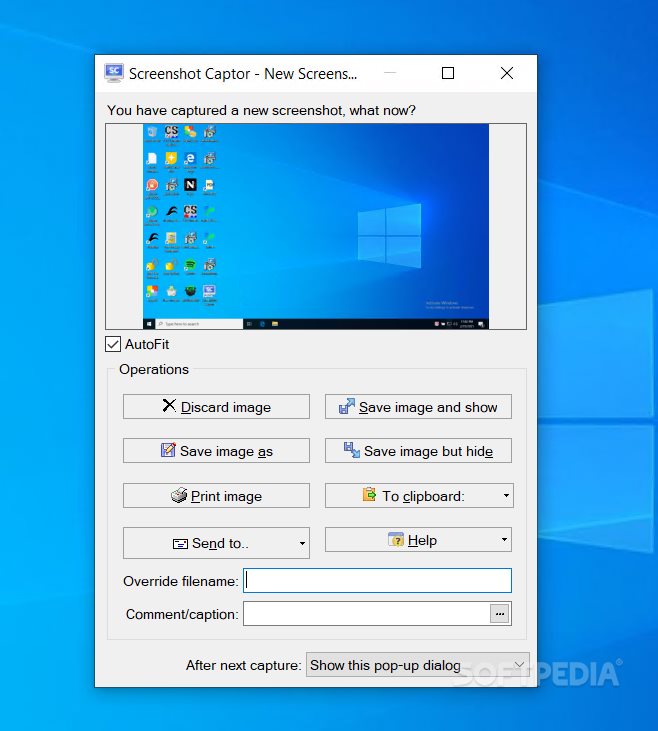
Screenshot Captor is a tool that can make the whole screen capturing procedure a breeze, offering many great features that can improve your workflow.
Since the market already has lots of similar tools, Screenshot Captor uses a new approach and tries to attract new users by offering them more than just simple snipping tools.
The installation process you are required to go through does not take very long, seeing it does not offer you to download any third-party products. Basically, pressing “Next” is the only thing you are required to do.
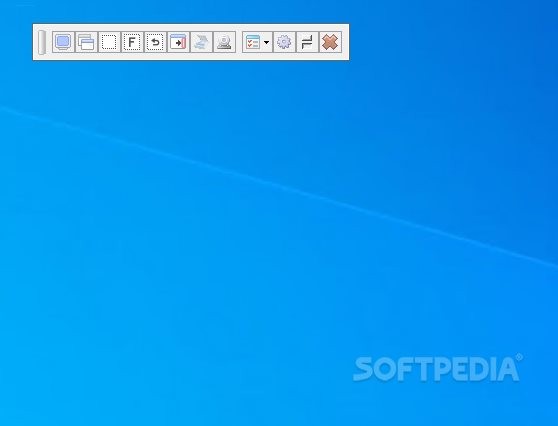
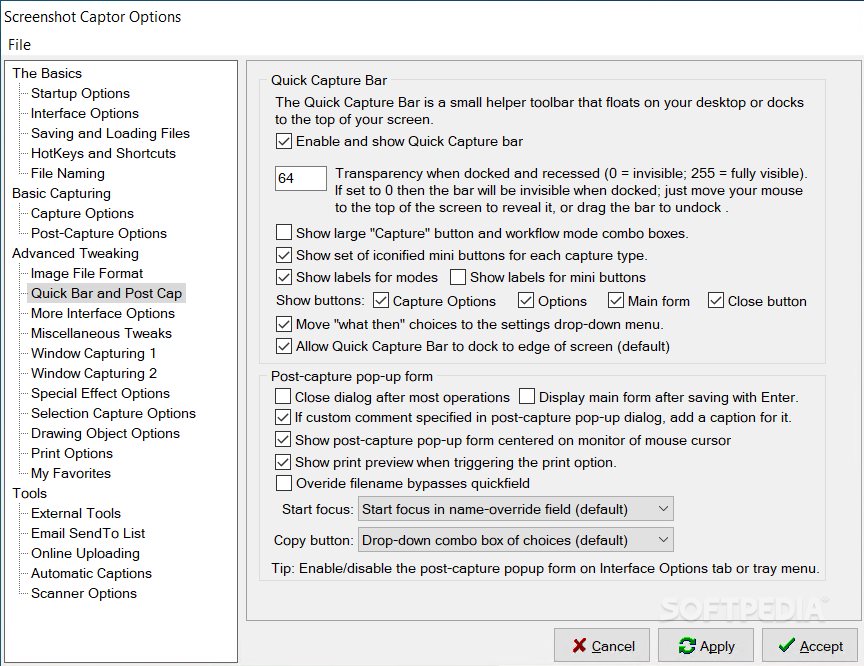
Screenshot Captor's interface might be a bit overwhelming at first glance, but that happens only because the application has so many tools. Comprehensive documentation is available to help people learn how it works.
Taking a screenshot can be obviously done by using some predefined shortcuts yet in the same time, the user also has the option to change them with some more handy key combinations.
This means that you can easily grab the entire workspace, the current screen, the active window, a fixed size or a selected region, and you can simply repeat the last size and position.
Although it does a pretty good job with taking screenshots, the application excels in the post-capturing chapter, offering a set of editing tools that could come in quite handy.
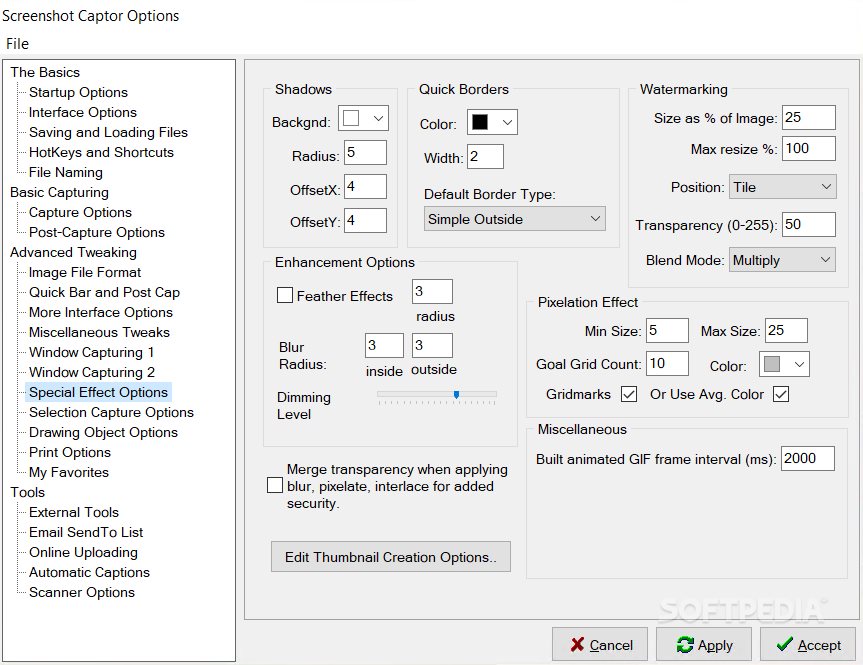
For example, you can add special effects to the screenshot you just made and make it more blurry, add caption text to the image, adjust colors, insert shadows, create a border around the image or even upload it on the Internet.
To sum up, it is safe to say that this utility really optimizes the screen capturing tasks and thanks to a solid feature pack will surely meet the needs even of the more demanding users. The computer’s performance is not going to be affected, and our tests did not reveal any errors or hangs. Screenshot Captor Portable is, as the name clearly suggests it, the portable counterpart of this utility which you can use without going through the installation process.
Download Hubs
Screenshot Captor is part of these download collections: Image Capture, Make Screenshot, Screenshot Makers
Screenshot Captor 4.36.2 / 4.43.0 Beta
add to watchlist add to download basket send us an update REPORT- portable version
- Screenshot Captor Portable
- runs on:
-
Windows 11
Windows 10 32/64 bit
Windows 8 32/64 bit
Windows 7 32/64 bit
Windows Vista 32/64 bit
Windows XP 32/64 bit - file size:
- 8.5 MB
- filename:
- ScreenshotCaptorSetup.exe


- main category:
- Multimedia
- developer:
- visit homepage
Microsoft Teams

7-Zip

4k Video Downloader

Bitdefender Antivirus Free

calibre

IrfanView

Zoom Client

paint.net

Windows Sandbox Launcher

ShareX

- paint.net
- Windows Sandbox Launcher
- ShareX
- Microsoft Teams
- 7-Zip
- 4k Video Downloader
- Bitdefender Antivirus Free
- calibre
- IrfanView
- Zoom Client