
Using peer-to-peer technology, this is a simple tool which can be used in order to watch TV channels, listen to radio stations and broadcast your own projects. #Live video #Stream video #Watch video #Stream #Broadcast #Watch

Nowadays, computers tend to replace TV sets, especially since they offer users the liberty to choose the channel they want to watch, regardless of their physical location or the network they are connected to.
Those who do not want to feel restricted to using a single application for this purpose, can use SopCast, an app which allows you to view television shows, listen to radio channels and broadcast your own content over the Internet.
You should be careful during the installation process, as it comes bundled with offers to download some products you do not actually require. However, you should know it is quite easy to skip this part.
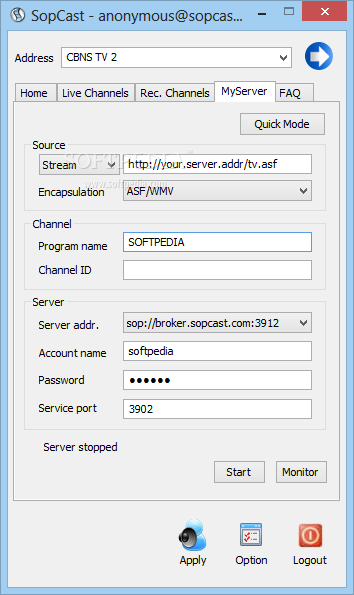
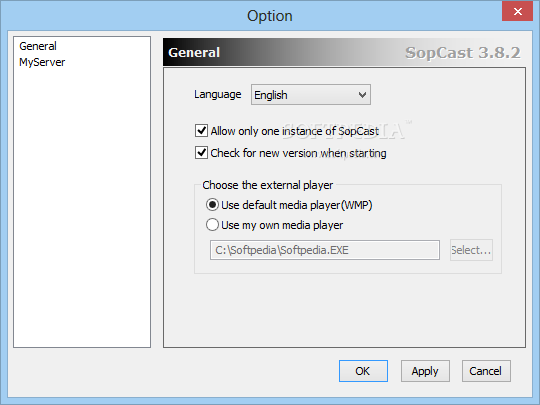
The interface you come by encloses a pretty minimal and clear-cut design, as it consists of a few buttons and some tabs which enable you to easily glide through all the options enclosed. Consequently, all types of users can learn how to use it, and consult the included FAQs.
It is important to keep in mind that opening certain streams depends on the Internet connection, so not all of them have the same video or audio quality.
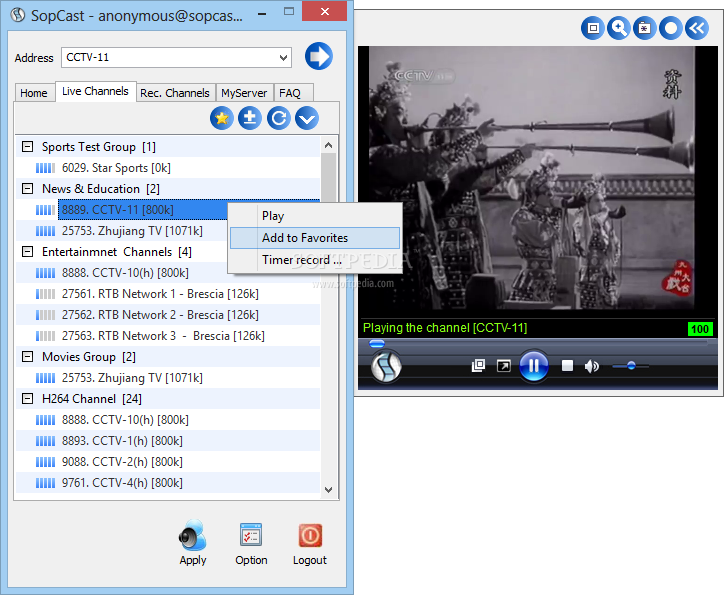
A list of all available live channels is available in one of the included tabs, and they are neatly arranged according to type (e.g. news and education, entertainment etc.), yet you can easily change this and sort them by class, channel ID, region or language. You can refresh the list, or favorite channels, so as to find them faster.
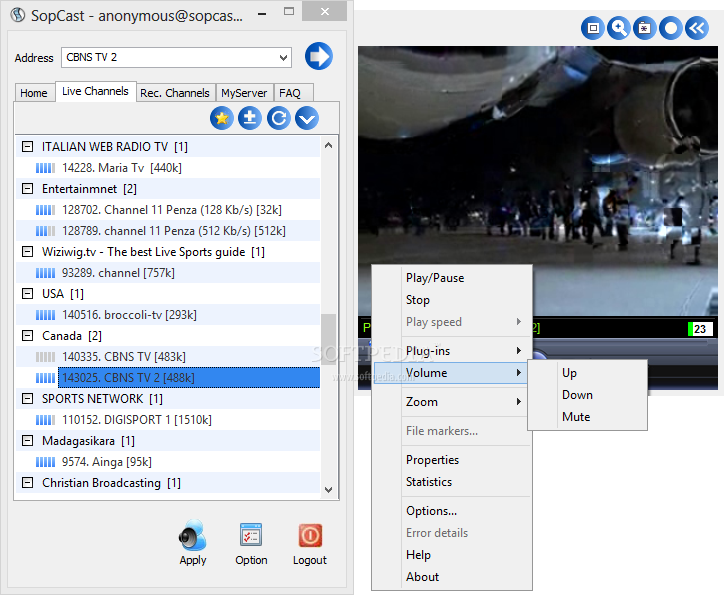
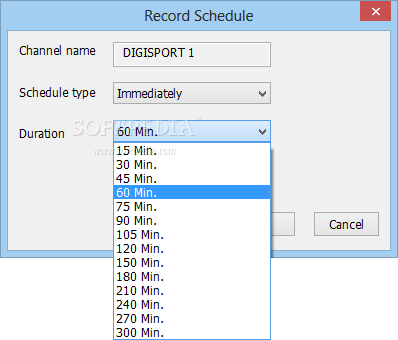
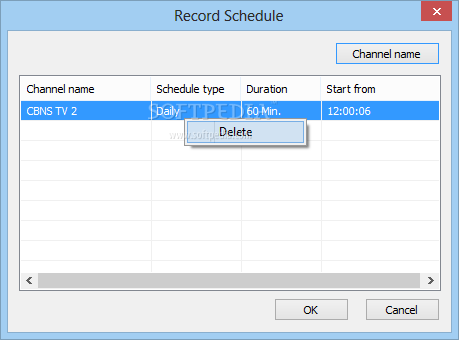
Double-clicking a channel opens it in another window and it is also possible to pause, play and stop the stream with the available playback controls, as well as control the volume, zoom in and record you favorite shows. In addition to that, you can also set up the program to start recording at a specified time.
Streaming content over the Internet is quite an easy task because SopCast works with multiple file formats, such as WMV, ASF, RM and RMVB.
For optimal performance when broadcasting content over the Internet, users can choose a different port, just to make sure they are able to bypass firewalls and so on. However, it is important to mention here that you are required to login in order to start your videos with the world.
The amount of resources required is quite low at all times, and thus the system’s performance is not going to be burdened. Tasks are completed in a timely manner, the interface is suitable to all user categories and we did not detect any errors or crashes in our tests.
All things considered, SopCast is definitely one of the tools to be considered when interested in watching TV online, listening to a radio channel or broadcasting your own materials.However, you should know that the number of channels included is not that vast and quite a few are in English.
Download Hubs
SopCast is part of these download collections: Play Online TV, TV Recorder, Record Radio, Radio Recorder
SopCast 4.2.0 (2016-5-26)
 Softpedia Editor's Pick
add to watchlist
add to download basket
send us an update
REPORT
Softpedia Editor's Pick
add to watchlist
add to download basket
send us an update
REPORT
- PRICE: Free
- runs on:
-
Windows 10 32/64 bit
Windows 8 32/64 bit
Windows 7 32/64 bit
Windows Vista 32/64 bit
Windows XP
Windows 2K - file size:
- 5.7 MB
- filename:
- SopCast.zip
- main category:
- Internet
- developer:
- visit homepage
Bitdefender Antivirus Free

Microsoft Teams

ShareX

calibre

paint.net

IrfanView

4k Video Downloader

Zoom Client

Windows Sandbox Launcher

7-Zip

- Zoom Client
- Windows Sandbox Launcher
- 7-Zip
- Bitdefender Antivirus Free
- Microsoft Teams
- ShareX
- calibre
- paint.net
- IrfanView
- 4k Video Downloader