
Change the themes and visual styles of Win XP. #Visual style #Theme editor #Windows theme #Creator #Theme #Visual

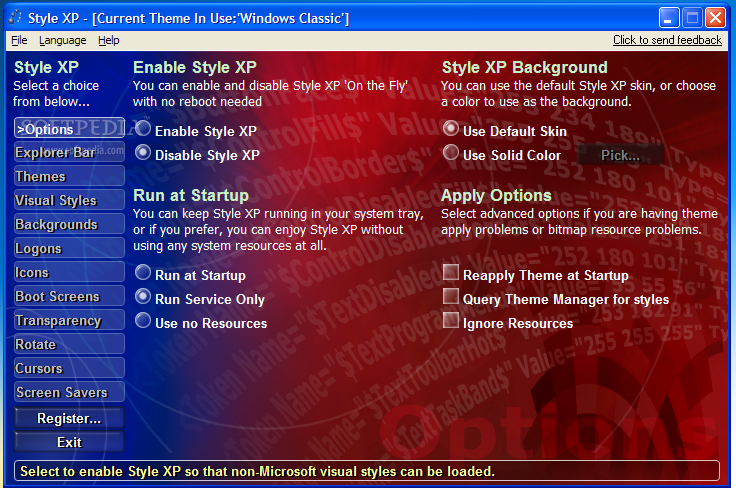
Truth be told, Windows XP does tend to become somewhat boring at some point, especially from the visual point of view. Of course, there are a lot of themes that can be applied, but if not chosen correctly, they can load up your computer's memory, or simply do not meet your standards.
For those of you who would like to have complete control of the style of your Windows XP, and be able to customize just about anything about it, Style XP was created.
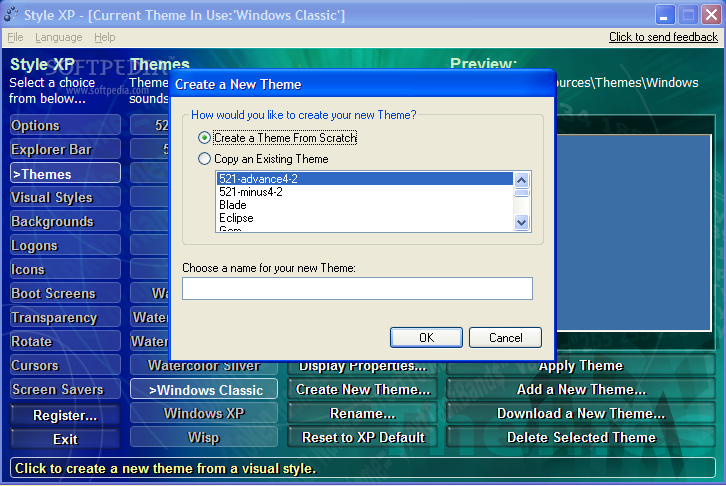
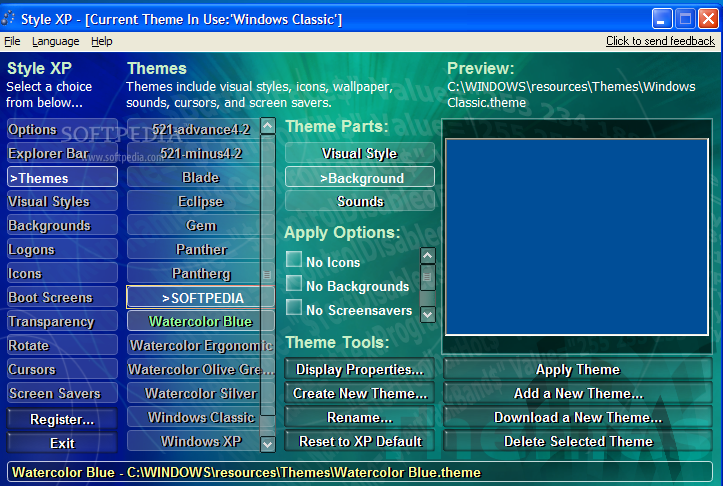
This application allows you to download and install XP themes, as well as customize each of them as you see fit. For instance, you can even make your XP resemble MAC computer, along with all the icons and colors it includes. Odds are it will take you a long time to experiment with all the possible combinations, seeing as there are a few hundreds.
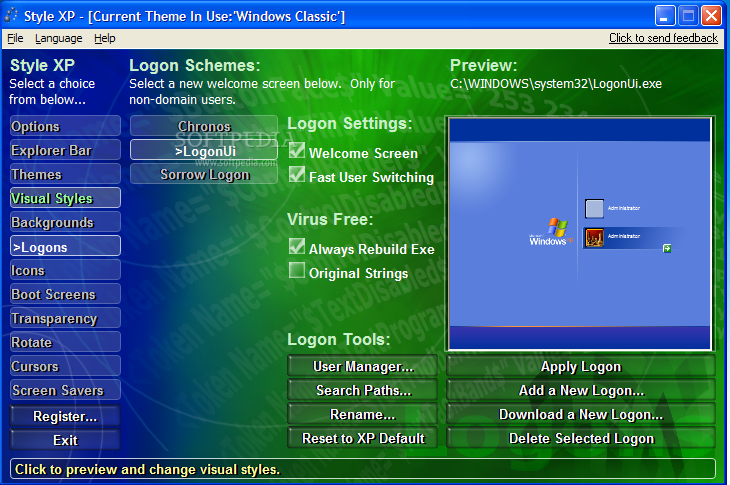
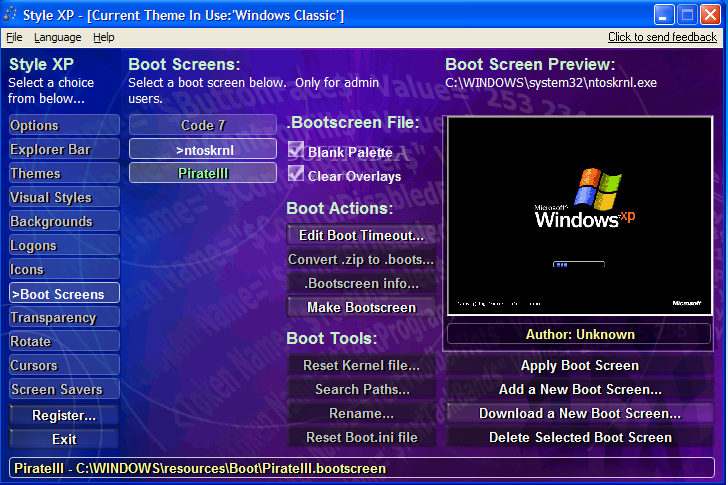
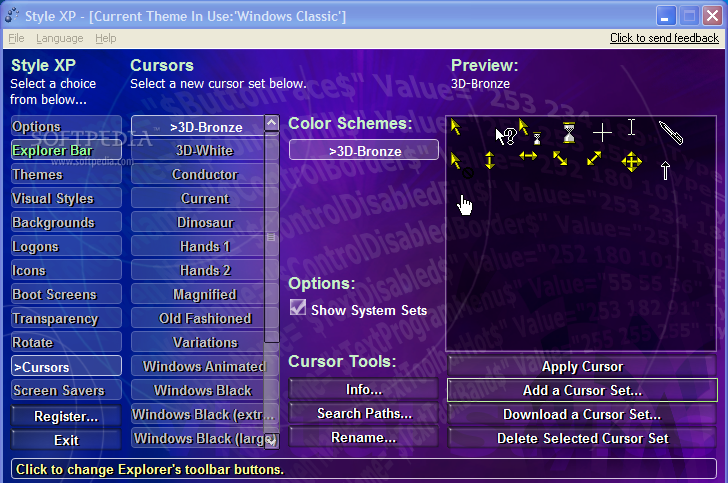
Style XP lets you modify backgrounds, cursors, transparency or logon screens. You can adjust the Explorer bar, icons, boot screen, cursors, color schemes, font size, position, or set a different transparency level for Windows Taskbar, Control Panel, Start Menu, and many others.
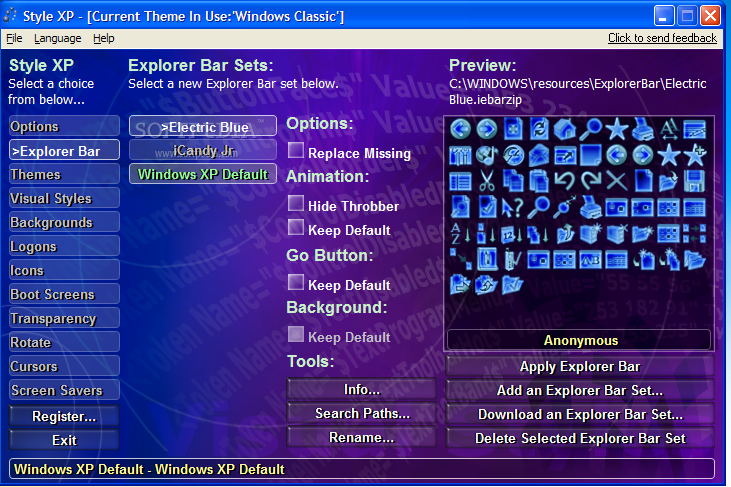
For example, for revamping the Explorer Bar you can choose from three schemes (Electric Blue, iCandy Jr, and XP Default). The best thing about playing around with these combinations is that, before applying a color scheme, you can preview it so you can avoid those you do not like.
The themes are surprising in colors and patterns, so you are bound to find at least one that you like.
From the performance perspective, Style XP uses a minimum amount of memory resources, but this can change when you load a screen saver (it can become demanding on your computer).
All these features can be tested for an evaluation period of 30 days, so you need to use this time wisely and decide if purchasing a license can solve the issue of obsolete XP looks.
Style XP 3.19
 Softpedia Editor's Pick
add to watchlist
add to download basket
send us an update
REPORT
Softpedia Editor's Pick
add to watchlist
add to download basket
send us an update
REPORT
- runs on:
- Windows XP 32/64 bit
- file size:
- 18.5 MB
- filename:
- StyleXPInstallFemale.zip
- main category:
- Desktop Enhancements
- developer:
- visit homepage
IrfanView

ShareX

paint.net

calibre

Microsoft Teams

Bitdefender Antivirus Free

Zoom Client

4k Video Downloader

7-Zip

Windows Sandbox Launcher

- 4k Video Downloader
- 7-Zip
- Windows Sandbox Launcher
- IrfanView
- ShareX
- paint.net
- calibre
- Microsoft Teams
- Bitdefender Antivirus Free
- Zoom Client