Softpedia
 

WINDOWS CATEGORIES:


GLOBAL PAGES >>
SOFTPEDIA REVIEWS >>
MEET THE EDITORS >>

WEEK'S BEST

  • DAEMON Tools Pro (...
  • FlashFXP [ DISCOUN...
  • PowerISO 4.9
  • WebcamMax [DISCOUN...
  • Zemana AntiLogger ...
  • System Mechanic Pr...
  • Glary Utilities Pr...
  • All My Movies [DIS...
  • Ad-Aware Internet ...
  • Atlantis Word Proc...
  • 7-DAY TOP DOWNLOAD

    #
    Program
    3DP Chip 12.01
    64,627 downloads
    Adobe Flash Player
    11.2.300.130 Beta /
    11.1.102.55

    49,565 downloads
    Avira AntiVir
    Personal - Free
    Antivirus 12.0.0.872

    49,148 downloads
    Nokia PC Suite
    7.1.180.46

    48,107 downloads
    Nero 9 Free
    9.4.12.3d

    46,760 downloads
    Internet Download
    Manager 6.09 Beta /
    6.08 Build 9

    42,015 downloads
    Microsoft Office
    2010 14.0.6023.1000
    Service Pack 1 /
    2007 12.0.6612.1000
    Service Pack 3

    41,509 downloads
    Samsung PC Studio
    7.2.24.9

    38,777 downloads
    Avast! Free
    Antivirus 7.0.1396
    Beta / 6.0.1367

    37,294 downloads
    RemoveWGA 1.2
    32,256 downloads
    Home > Windows > Office tools > Diary/Organizers/Calendar > Swift To-Do List Profesional > Screenshots

    Swift To-Do List Profesional Screenshots


    Go back to Swift To-Do List Profesional

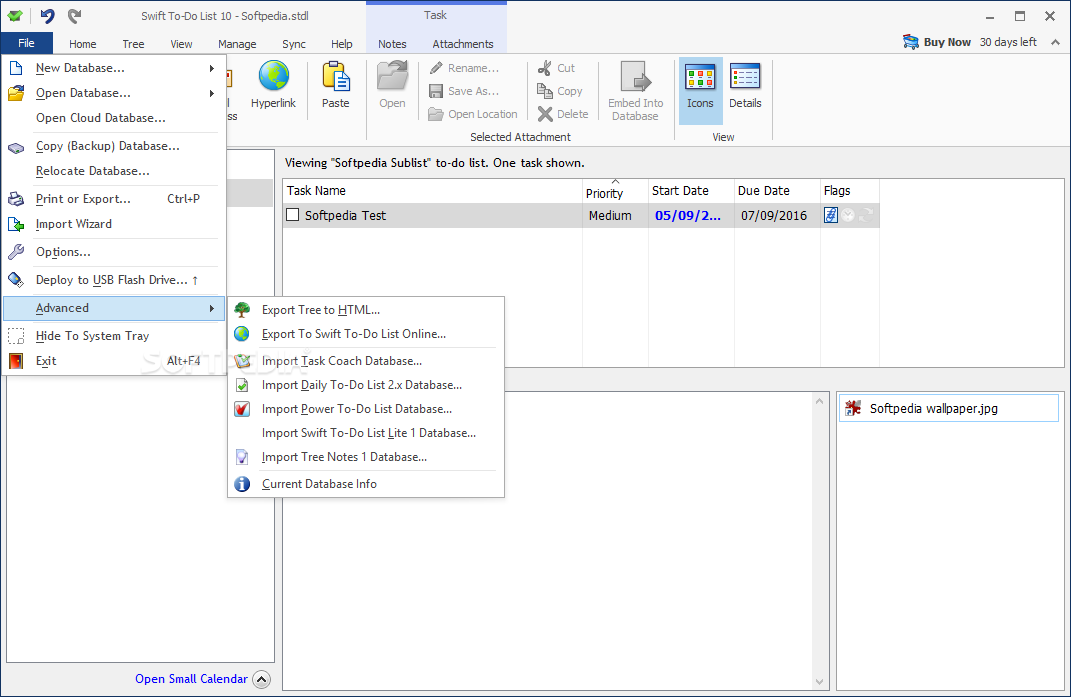
    Screenshot 1 of Swift To-Do List Profesional

    The image below has been reduced in size. Click on it to see the full version.

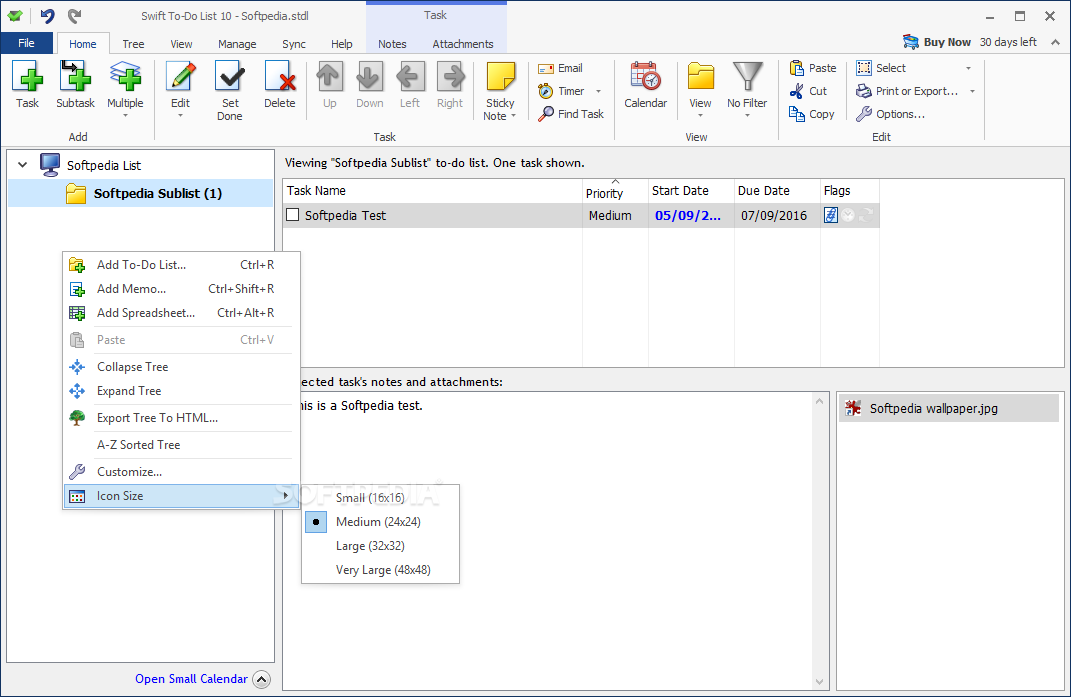
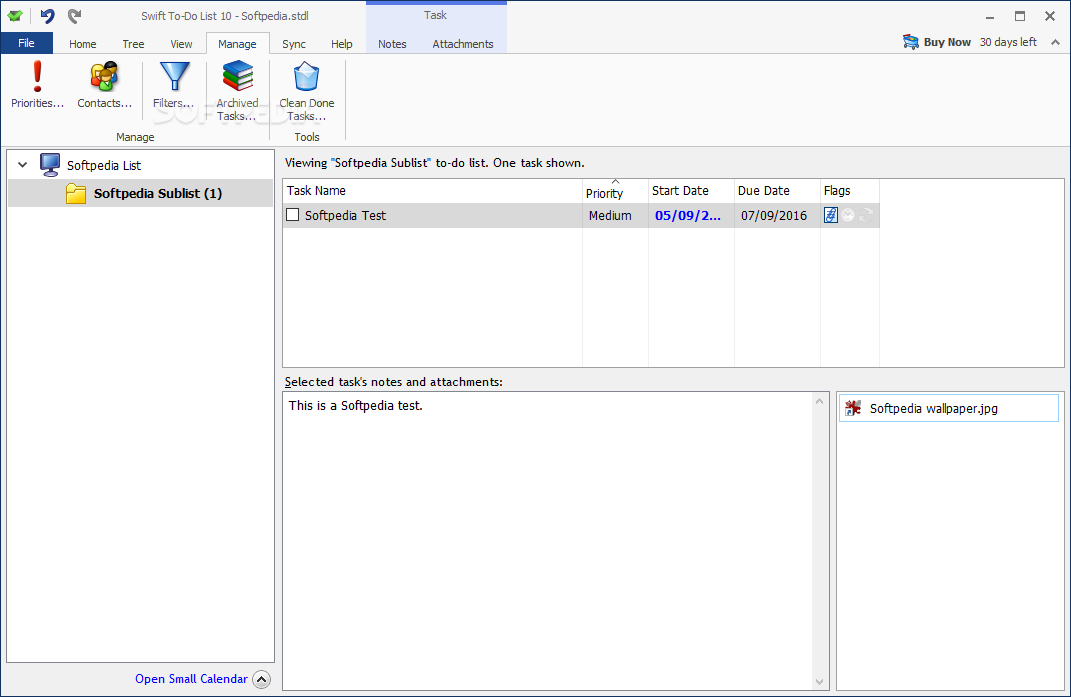
    "The main window of Swift To-Do List enables you to start creating your tasks."
    Swift To-Do List Profesional screenshot 1 - The main window of Swift To-Do List enables you to start creating your tasks.
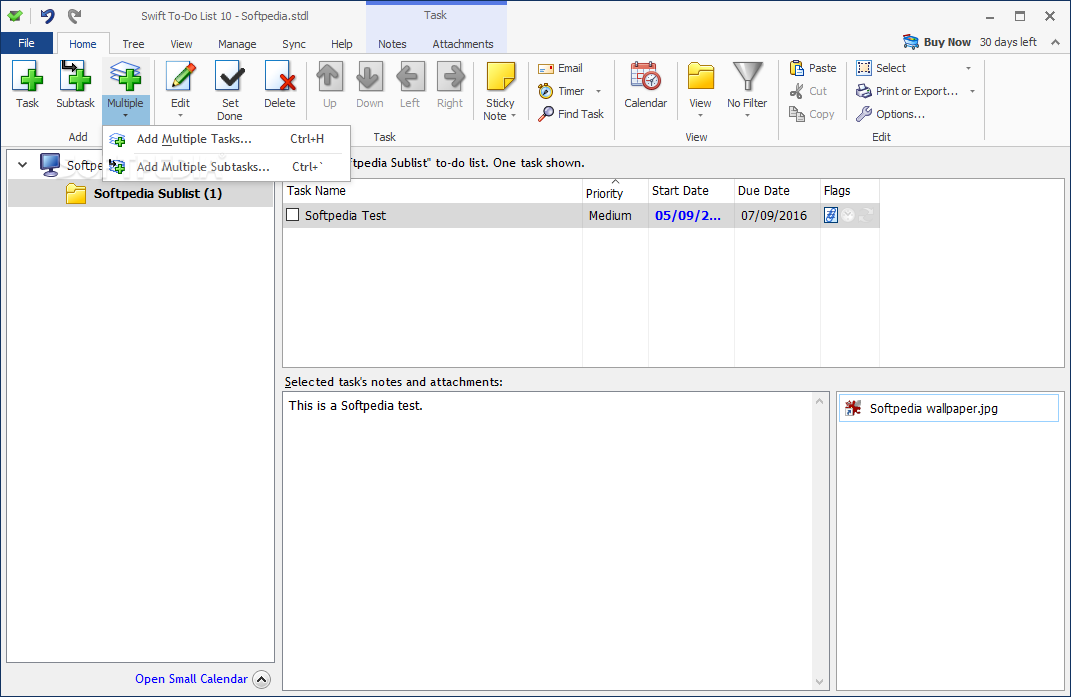
    Screenshot 2 of Swift To-Do List Profesional

    The image below has been reduced in size. Click on it to see the full version.

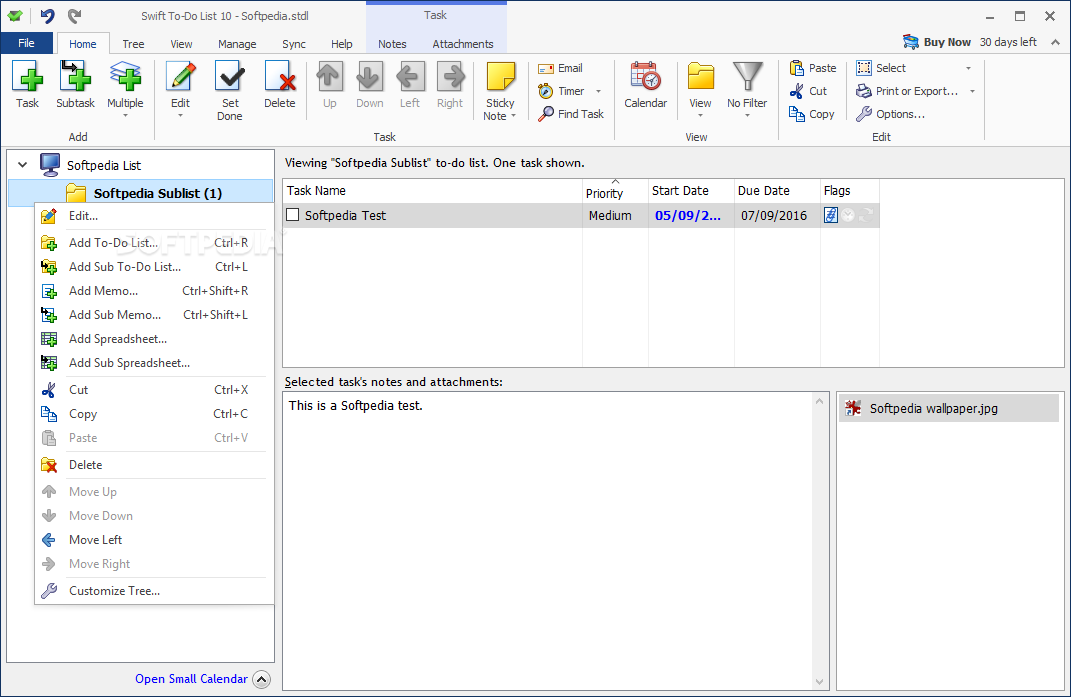
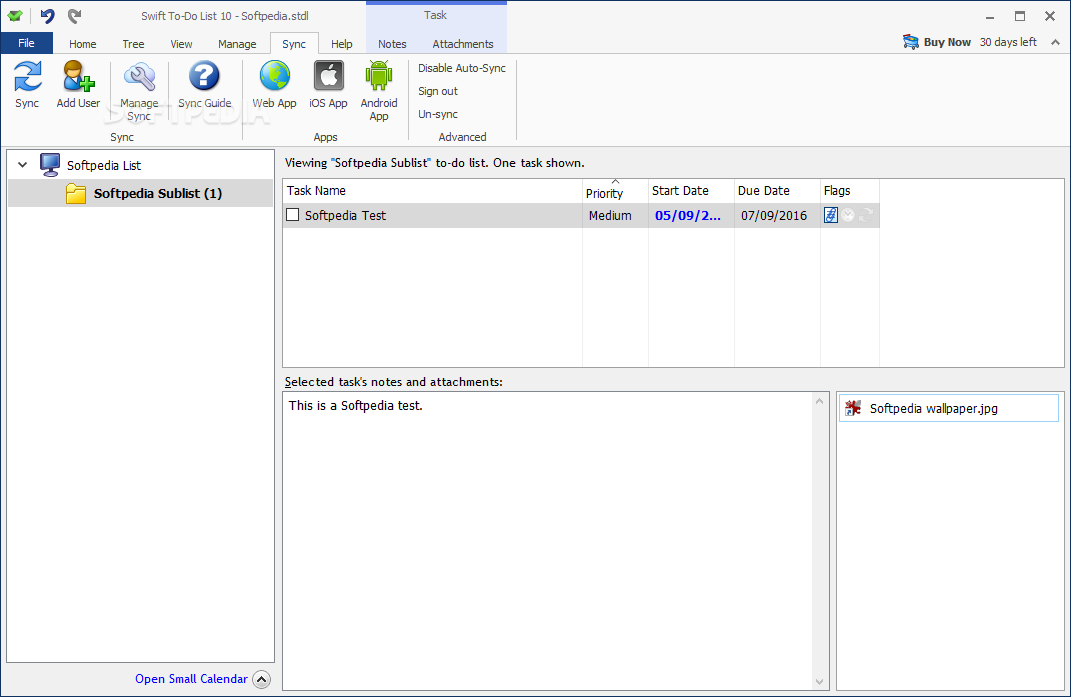
    "To edit your tasks you will use the designated menu."
    Swift To-Do List Profesional screenshot 2 - To edit your tasks you will use the designated menu.


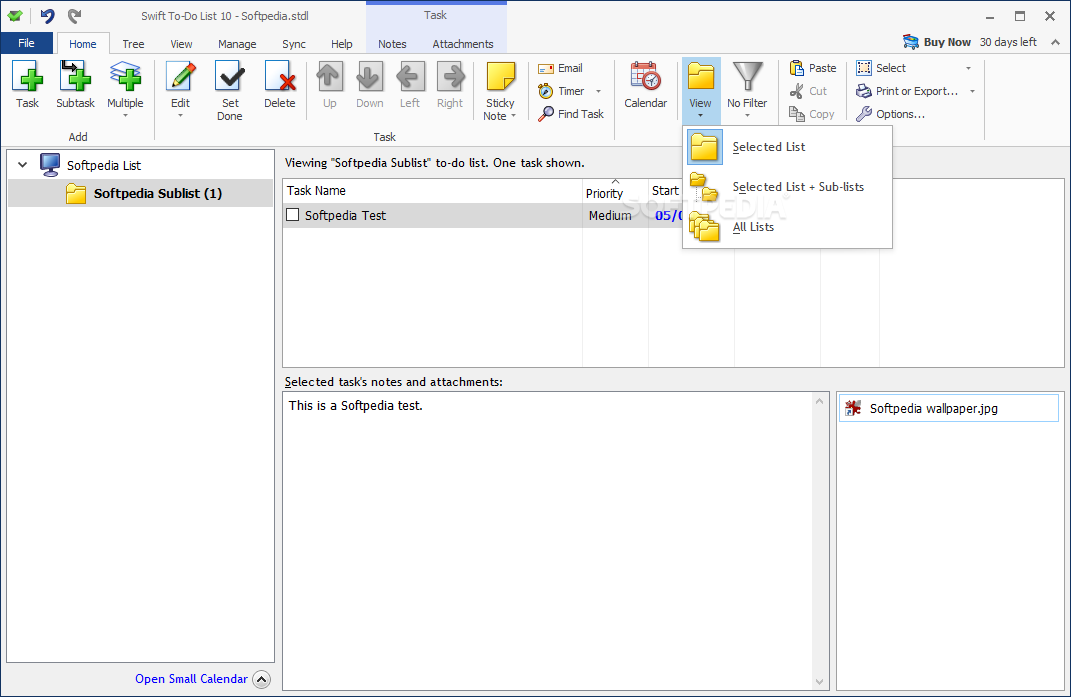
    Screenshot 3 of Swift To-Do List Profesional

    The image below has been reduced in size. Click on it to see the full version.

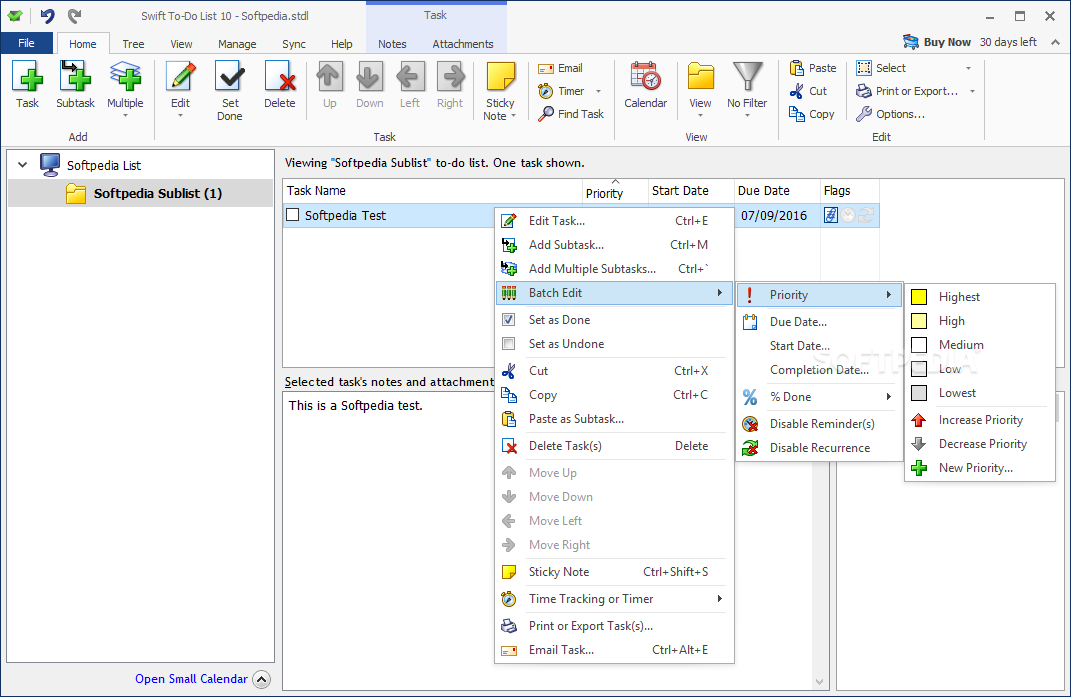
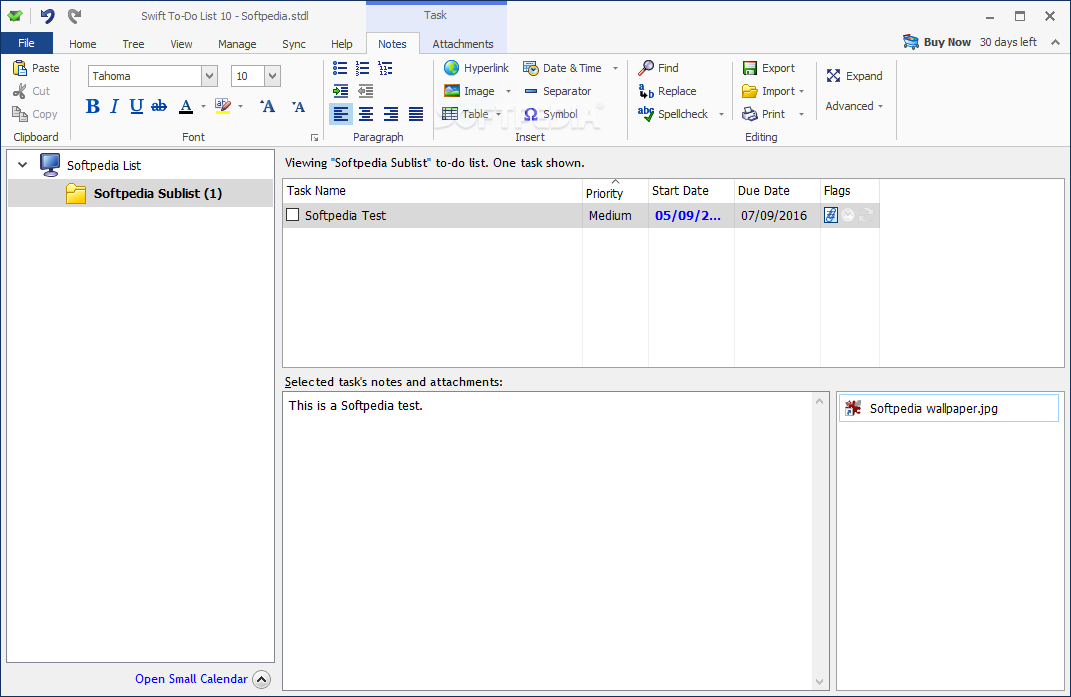
    "To add a filter you will use the View menu that Swift To-Do List offers."
    Swift To-Do List Profesional screenshot 3 - To add a filter you will use the View menu that Swift To-Do List offers.
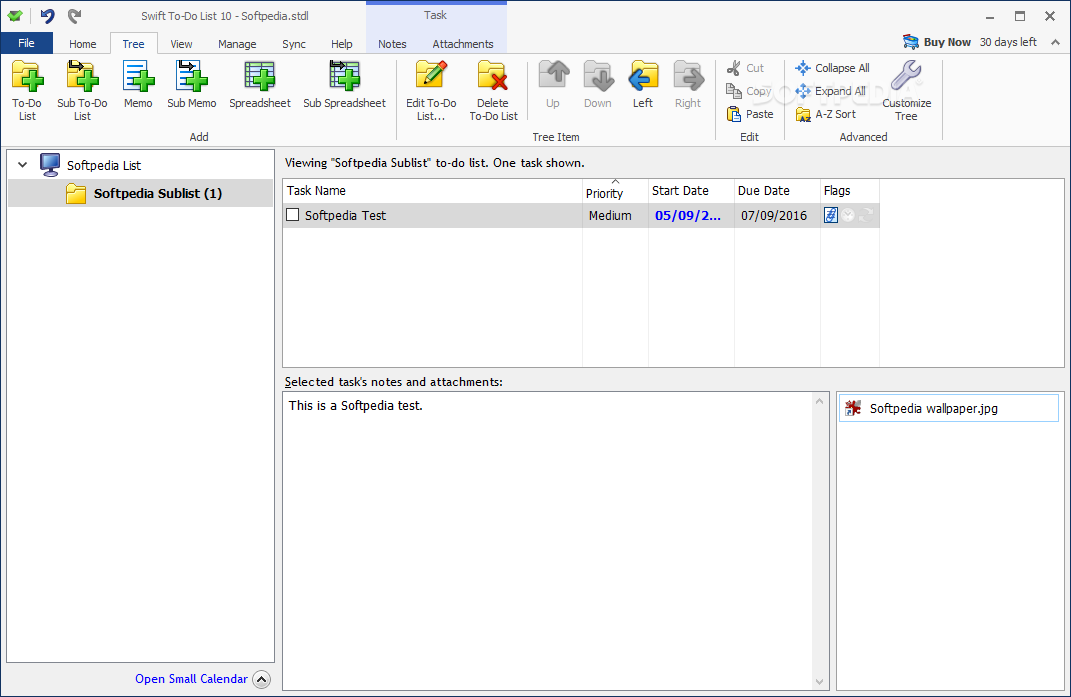
    Screenshot 4 of Swift To-Do List Profesional

    The image below has been reduced in size. Click on it to see the full version.

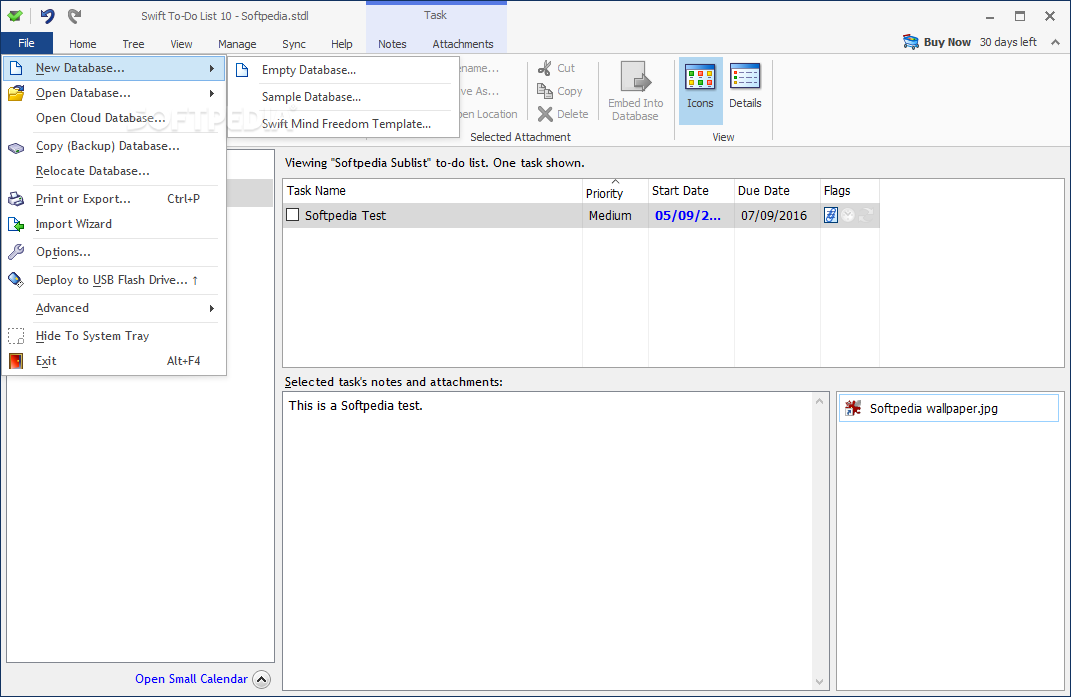
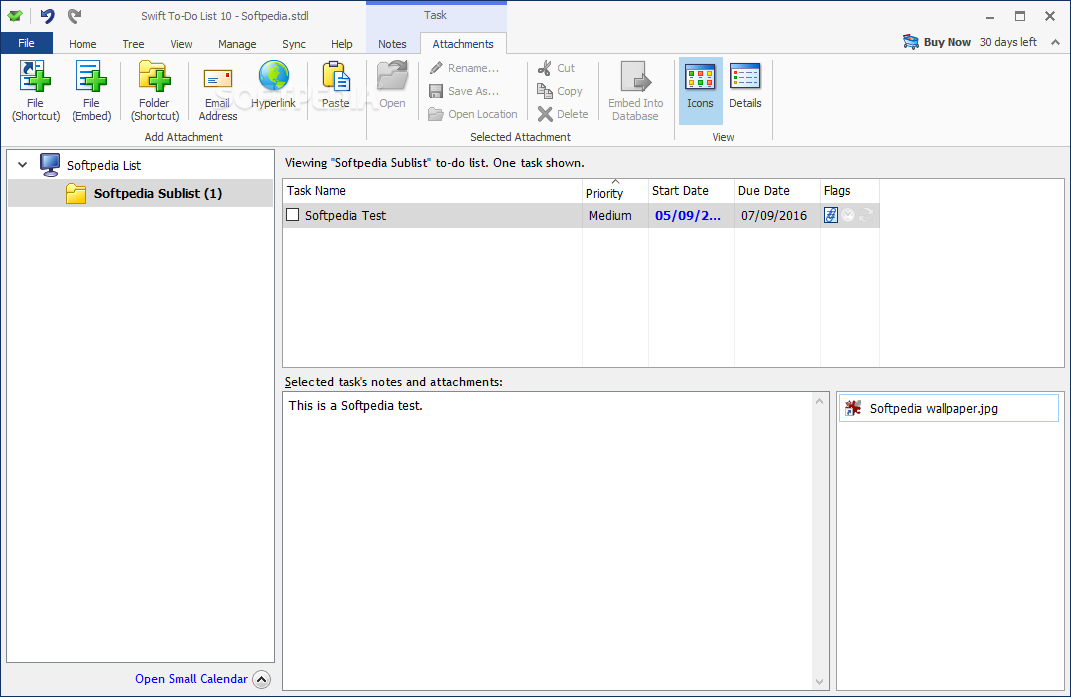
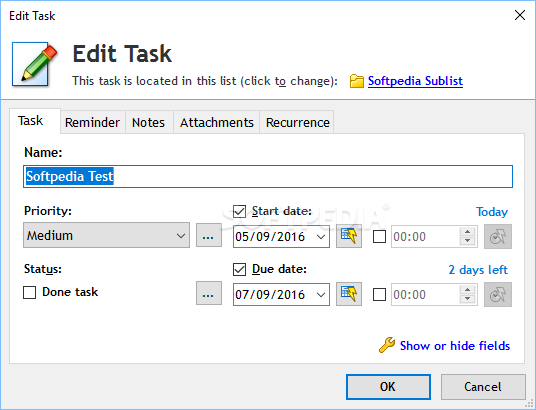
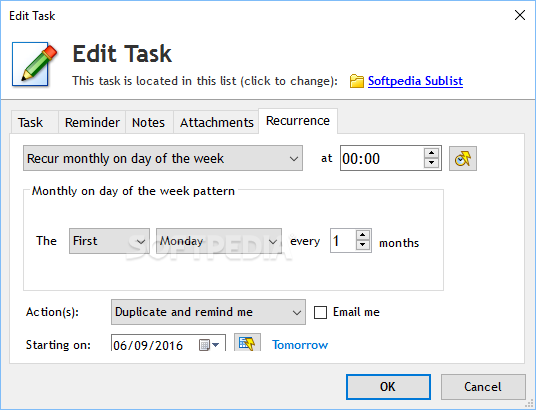
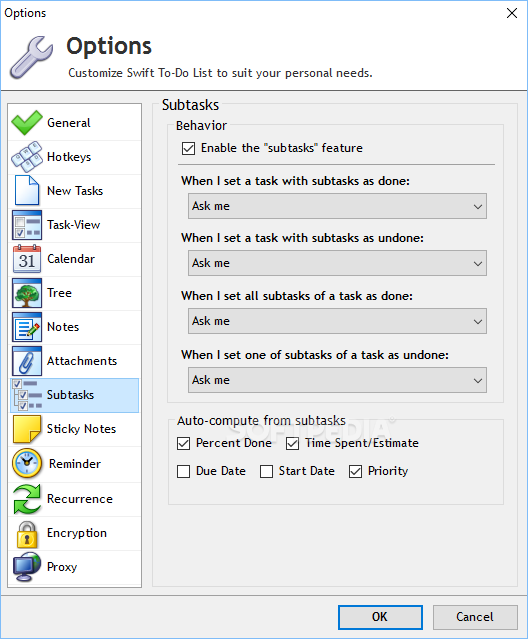
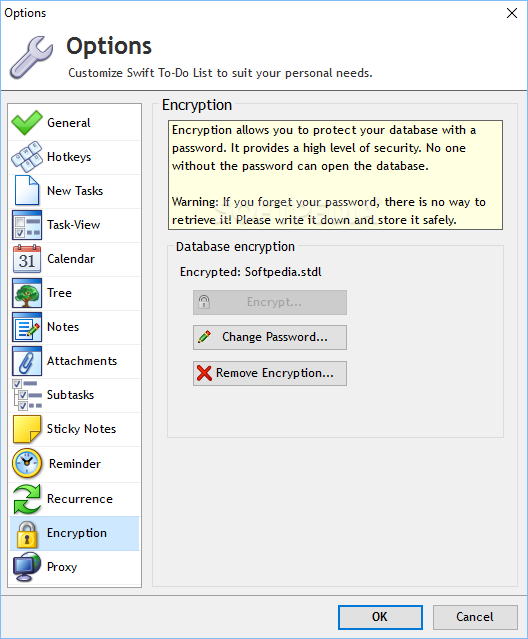
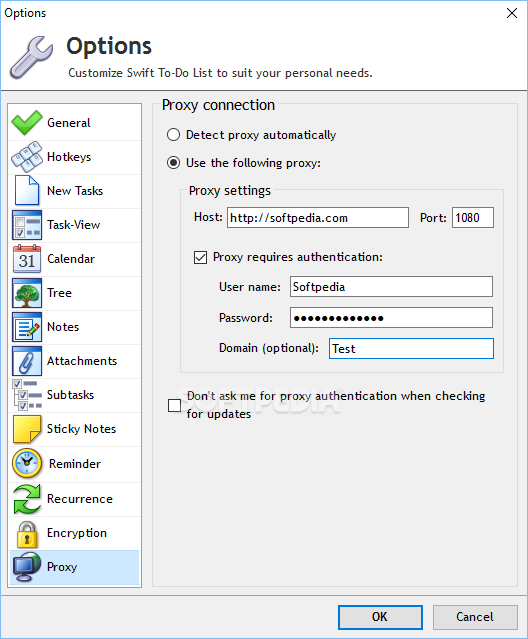
    Swift To-Do List Profesional screenshot 4
    Screenshot 5 of Swift To-Do List Profesional

    The image below has been reduced in size. Click on it to see the full version.

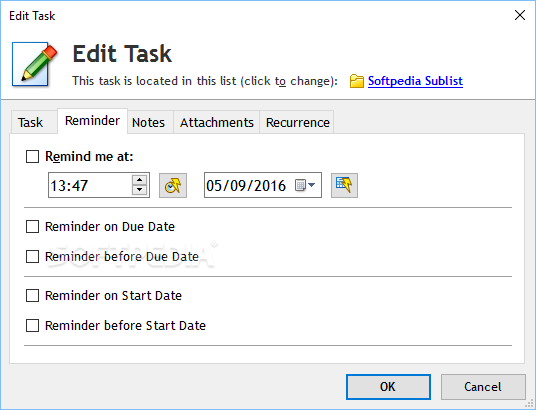
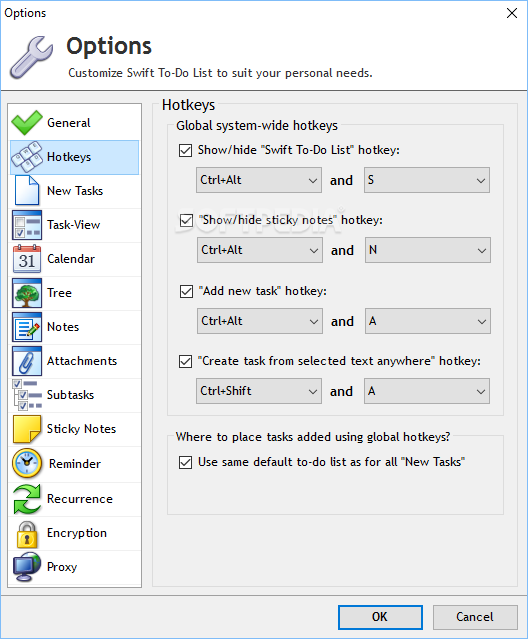
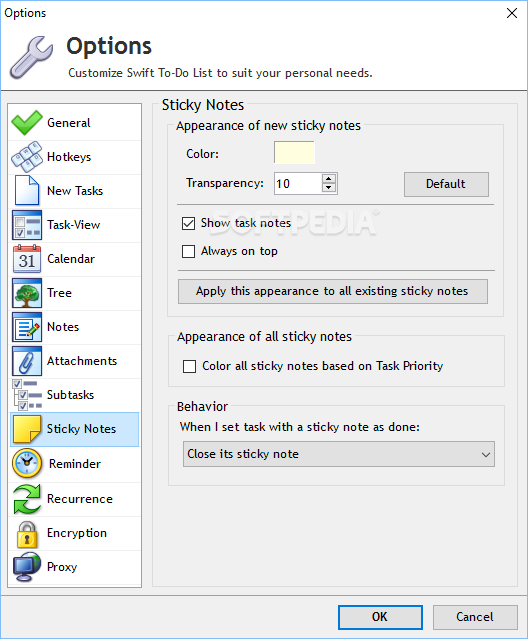
    Swift To-Do List Profesional screenshot 5
    Screenshot 6 of Swift To-Do List Profesional

    The image below has been reduced in size. Click on it to see the full version.

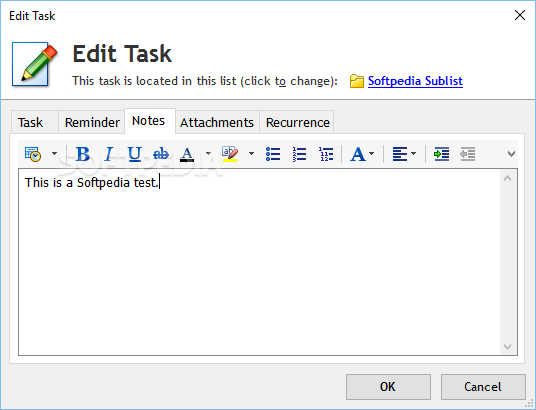
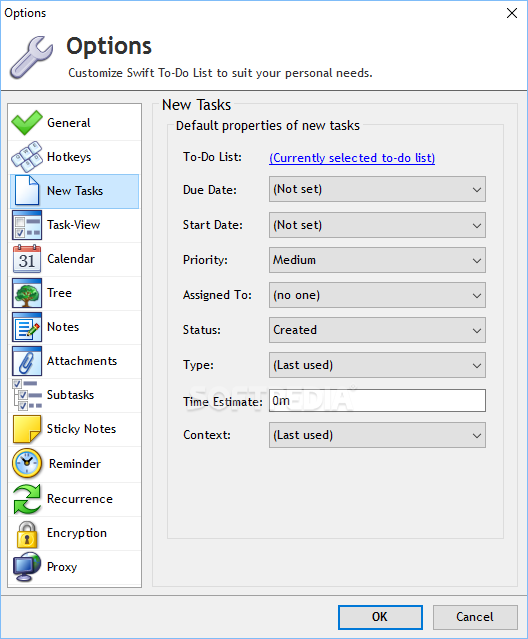
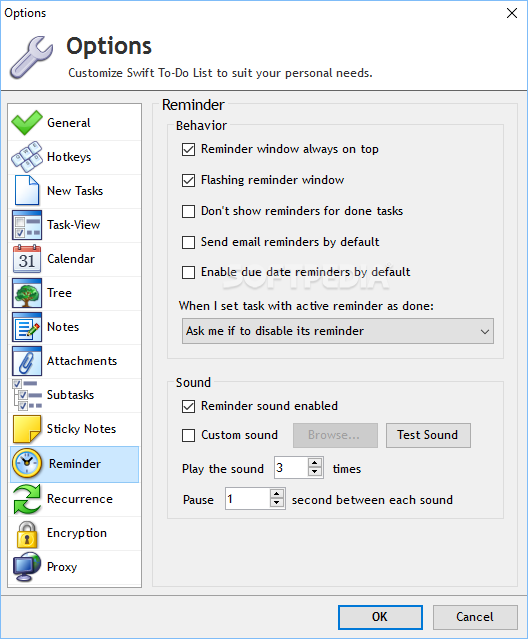
    Swift To-Do List Profesional screenshot 6
    Screenshot 7 of Swift To-Do List Profesional

    The image below has been reduced in size. Click on it to see the full version.

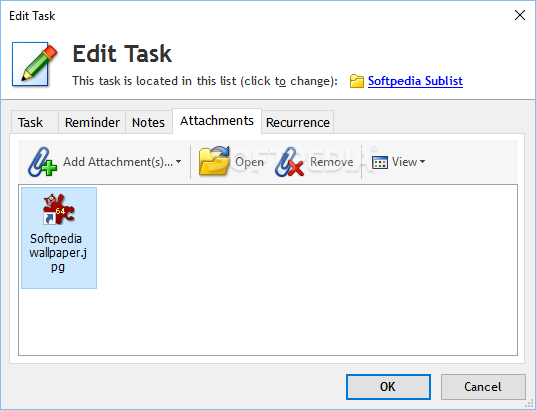
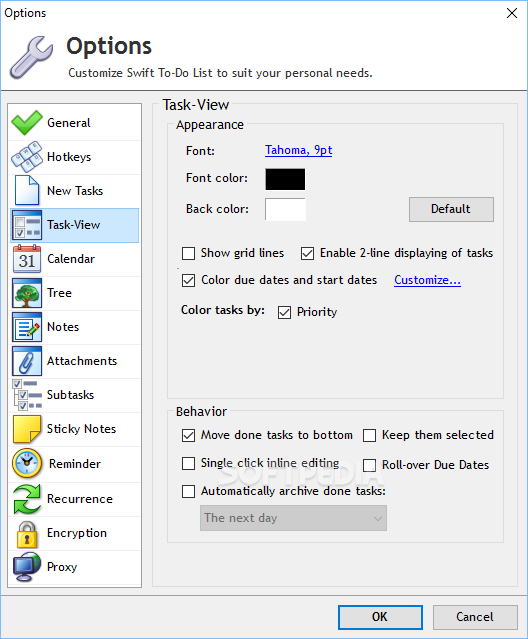
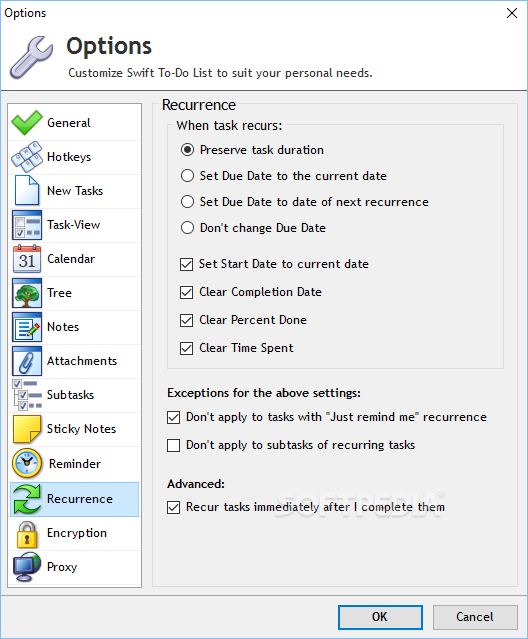
    Swift To-Do List Profesional screenshot 7
    Screenshot 8 of Swift To-Do List Profesional

    The image below has been reduced in size. Click on it to see the full version.

    Swift To-Do List Profesional screenshot 8
    Screenshot 9 of Swift To-Do List Profesional

    The image below has been reduced in size. Click on it to see the full version.

    Swift To-Do List Profesional screenshot 9
    Screenshot 10 of Swift To-Do List Profesional

    The image below has been reduced in size. Click on it to see the full version.

    Swift To-Do List Profesional screenshot 10
    Screenshot 11 of Swift To-Do List Profesional

    The image below has been reduced in size. Click on it to see the full version.

    Swift To-Do List Profesional screenshot 11
    Screenshot 12 of Swift To-Do List Profesional

    The image below has been reduced in size. Click on it to see the full version.

    Swift To-Do List Profesional screenshot 12
    Screenshot 13 of Swift To-Do List Profesional

    The image below has been reduced in size. Click on it to see the full version.

    Swift To-Do List Profesional screenshot 13
    Screenshot 14 of Swift To-Do List Profesional

    The image below has been reduced in size. Click on it to see the full version.

    Swift To-Do List Profesional screenshot 14

    Images watermarked with the Softpedia logo are screenshots taken by our editors and cannot be reproduced without prior written consent. For more information see our copyright information page.

    WindowsGamesDriversMacLinuxScriptsMobileHandheldNews

    SUBMIT PROGRAM   |   ADVERTISE   |   GET HELP   |   SEND US FEEDBACK   |   RSS FEEDS   |   UPDATE YOUR SOFTWARE   |   ROMANIAN FORUM