
Remotely control any PC worldwide, give demonstrations, easily transfer files, host meetings and presentations with multiple users. #Remote control computer #Desktop sharing #Remote presentation #Connect #Remote #Connection

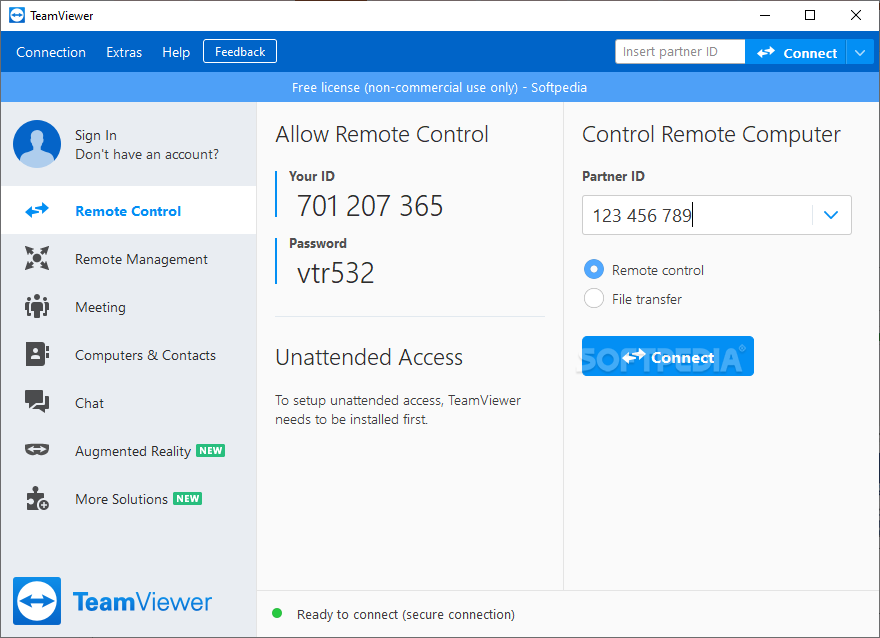
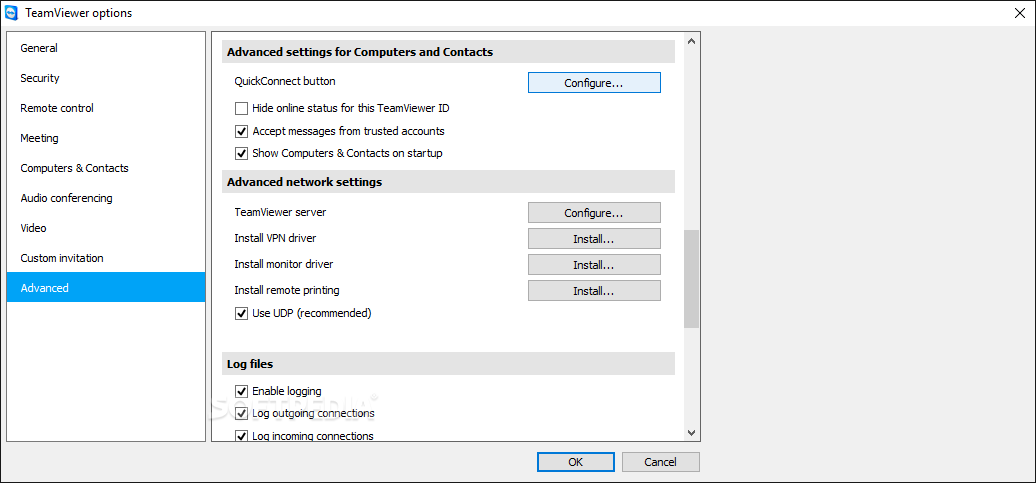
TeamViewer is a remote access desktop application that enables you to access your computer, regardless of where you are. The tool is commonly used in business to conduct online interviews, but it can work equally well for simply accessing your computer when you are away from home.
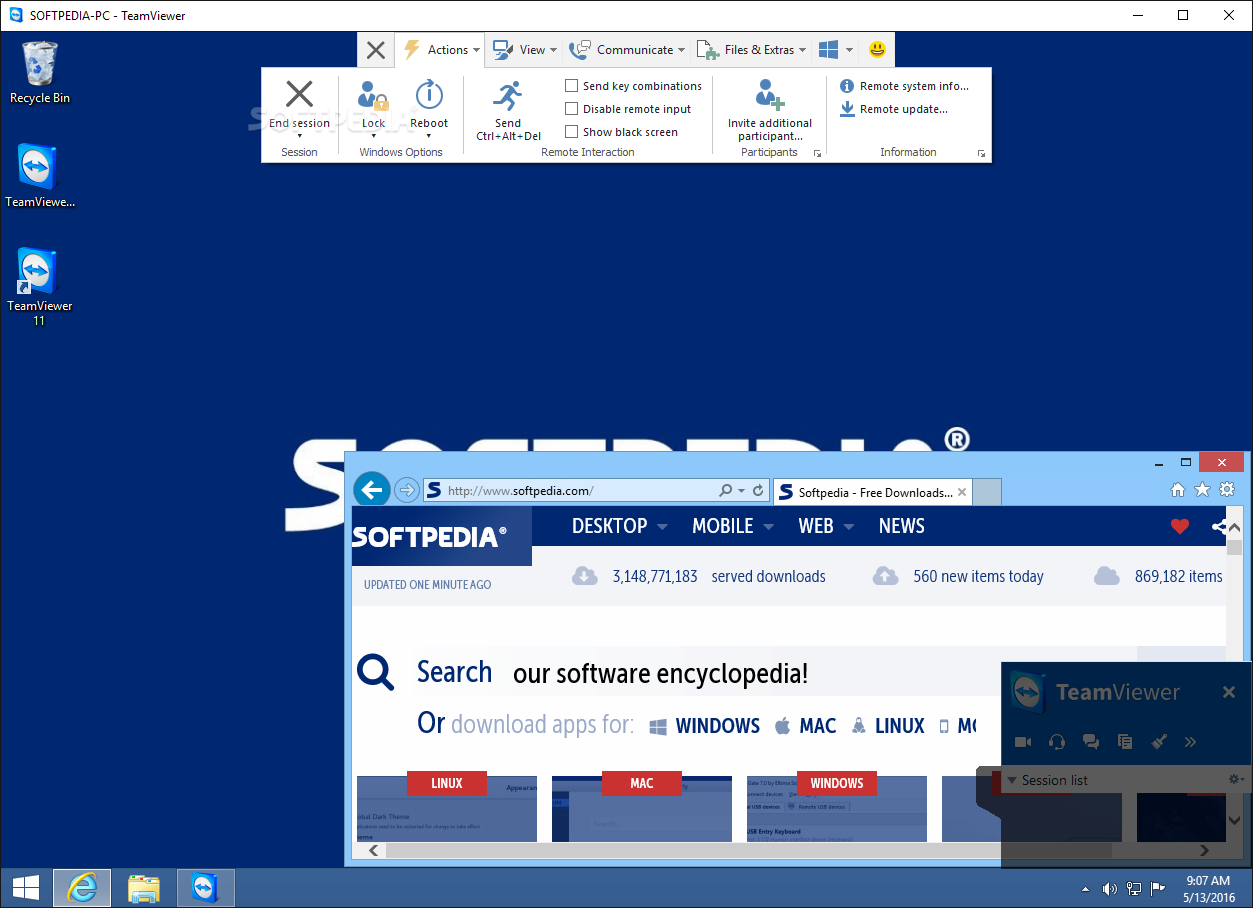
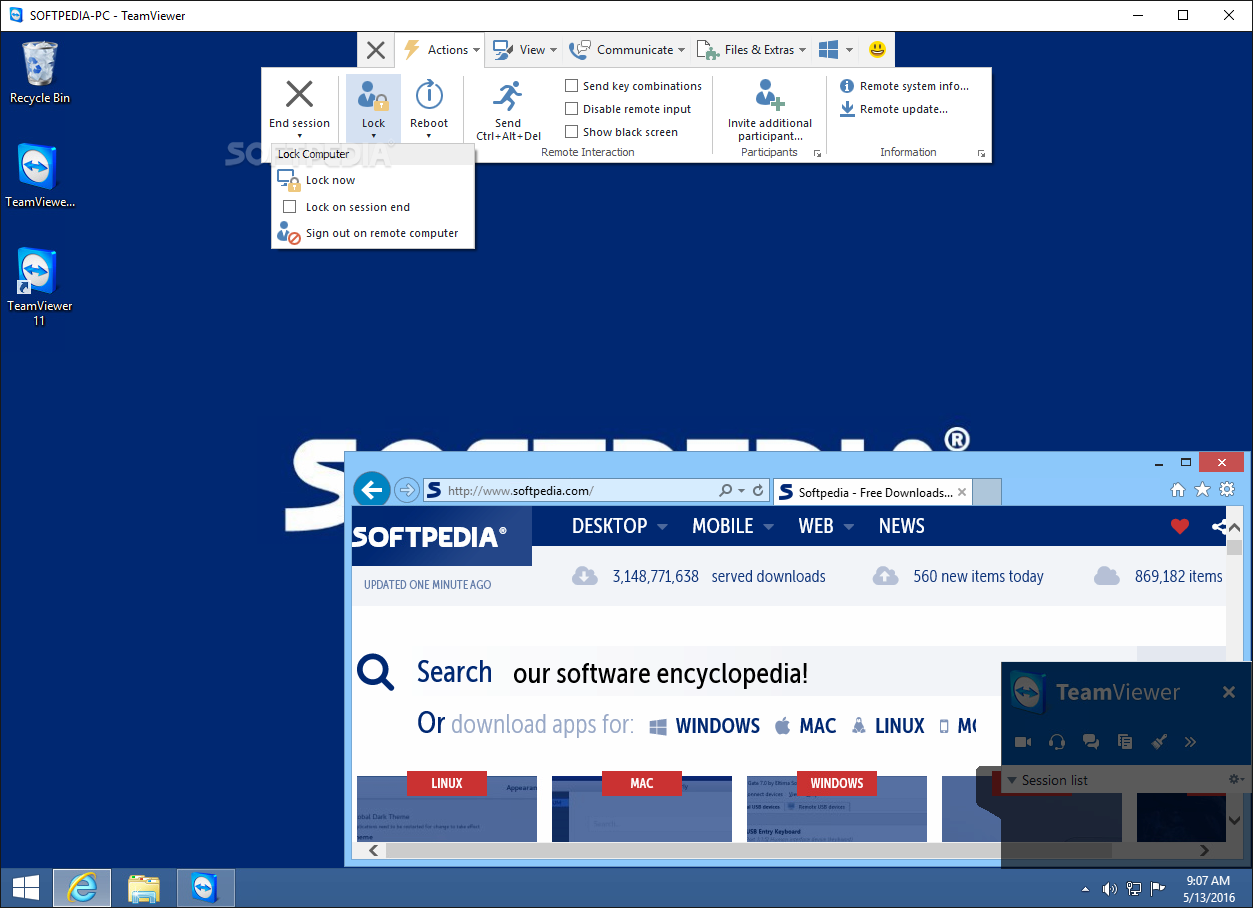
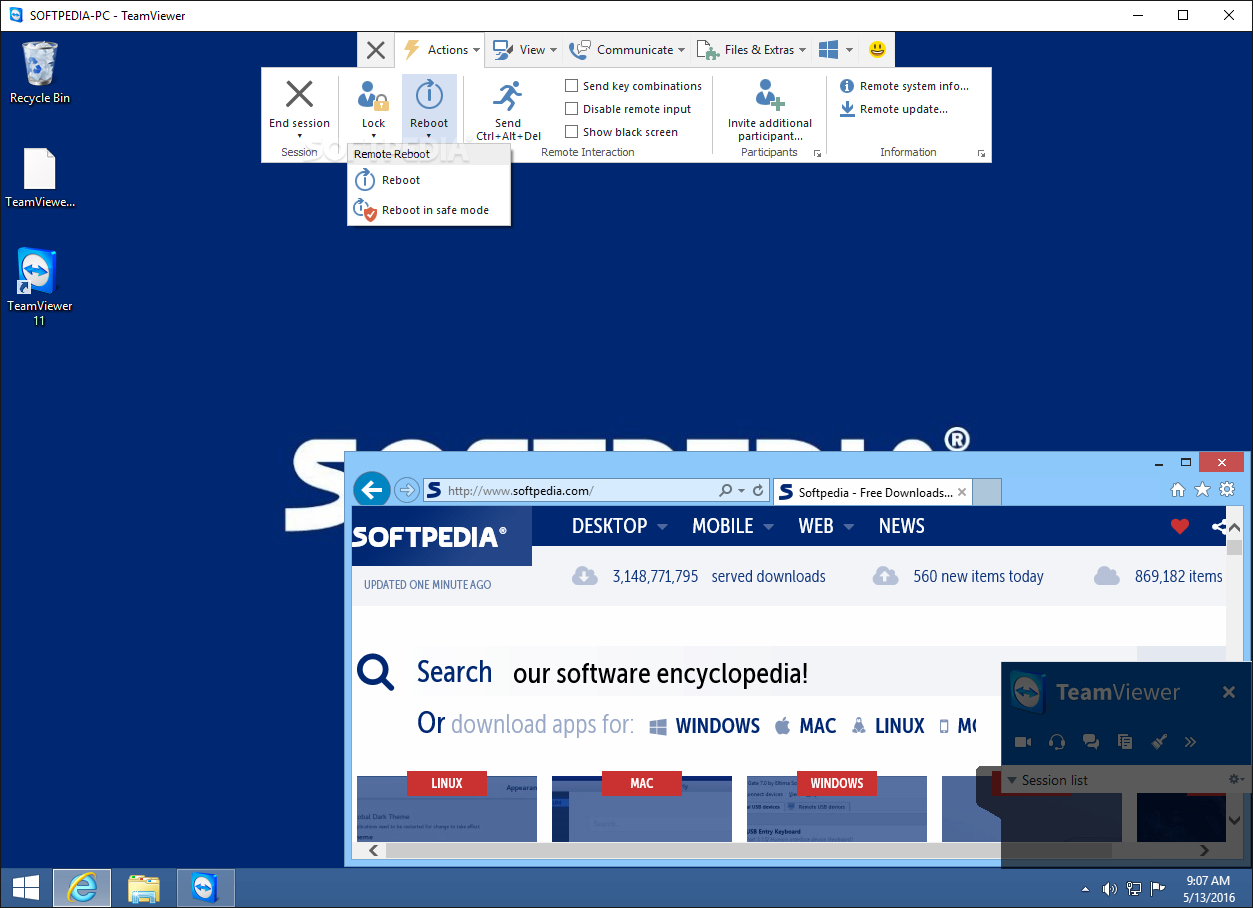
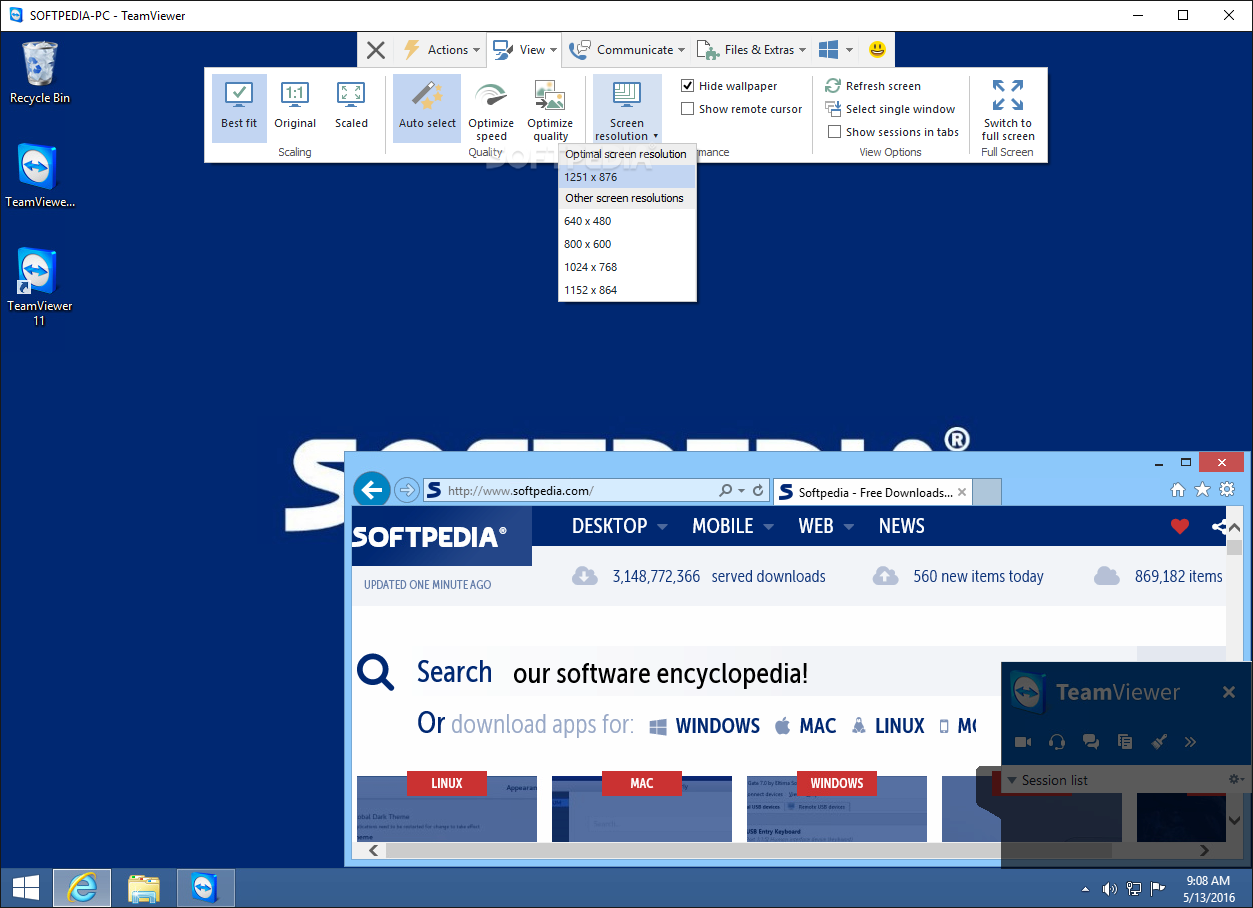
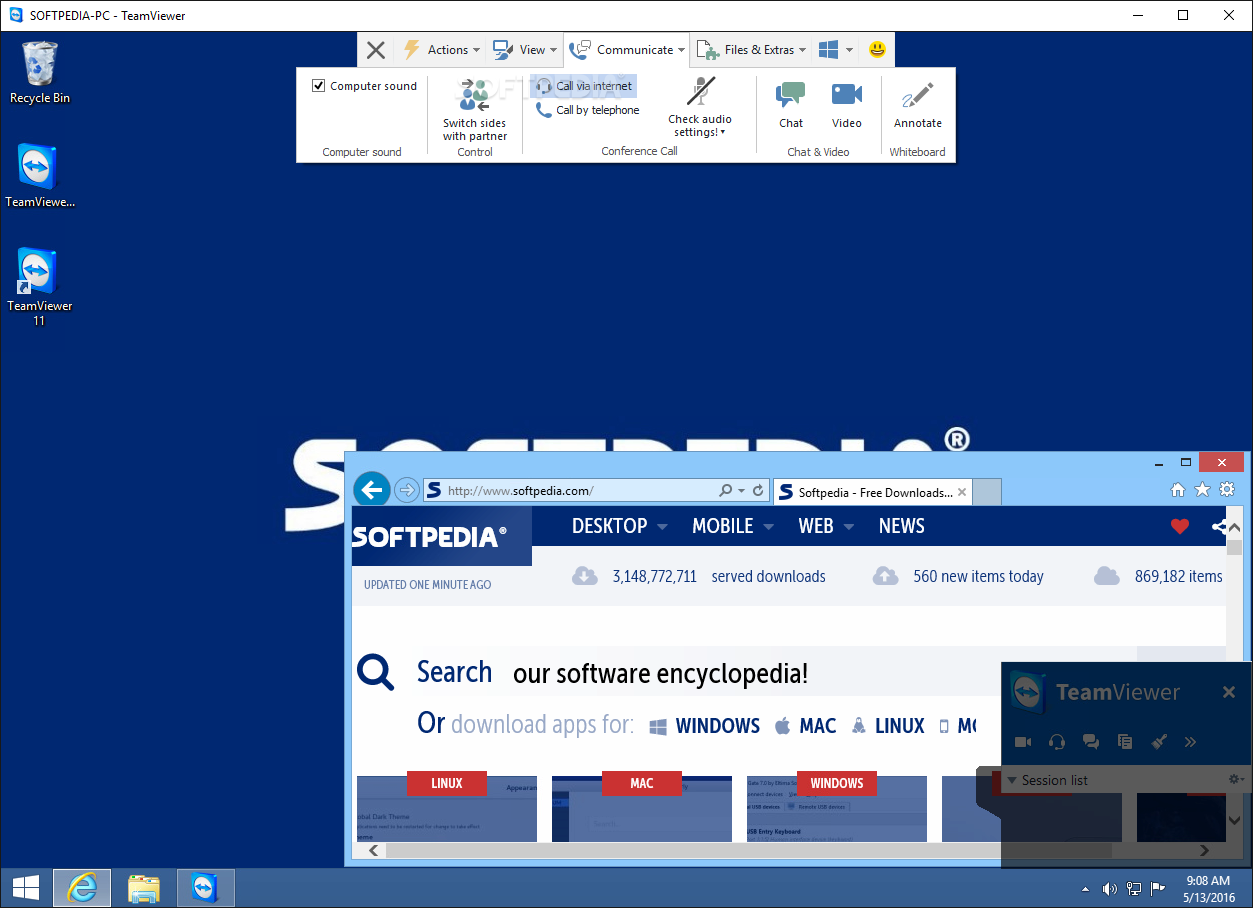
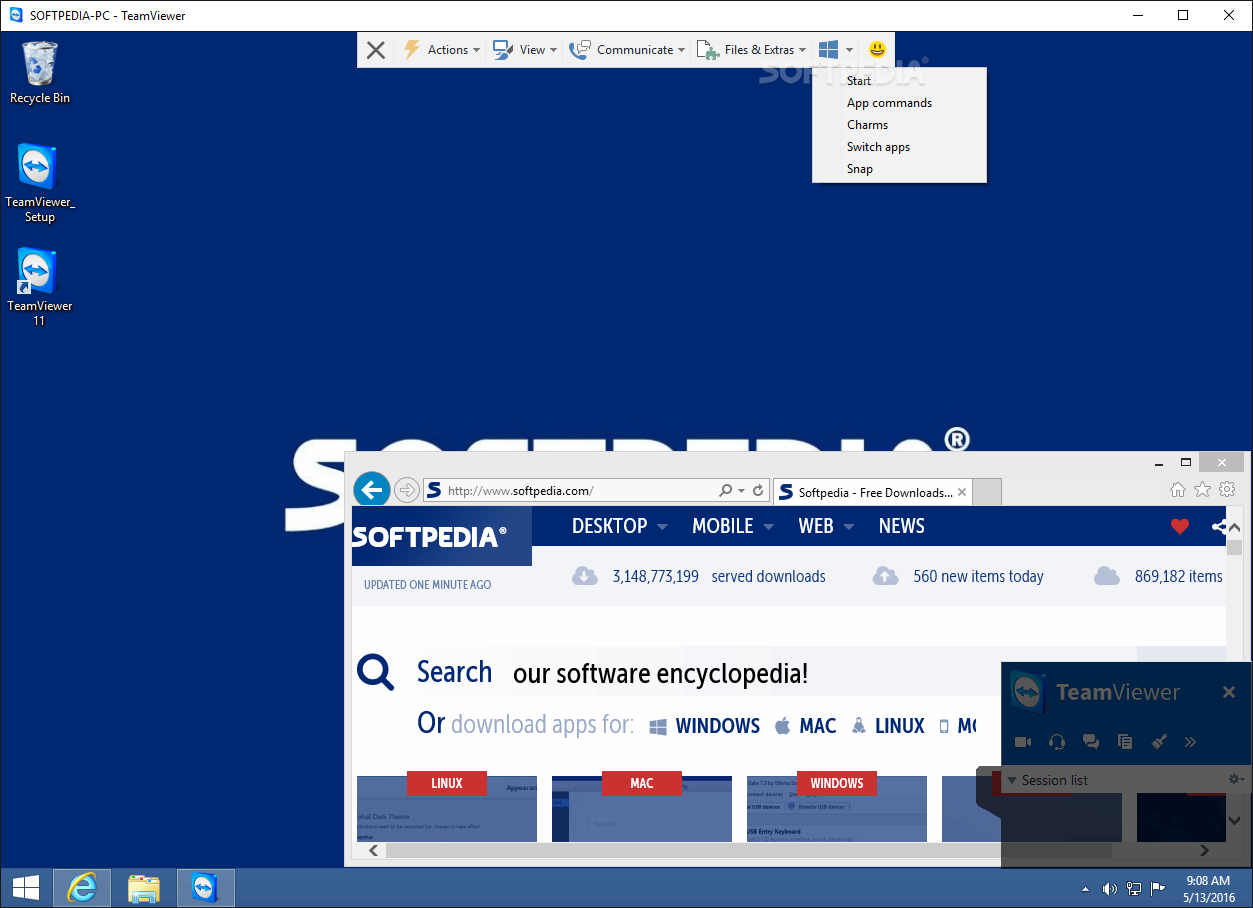
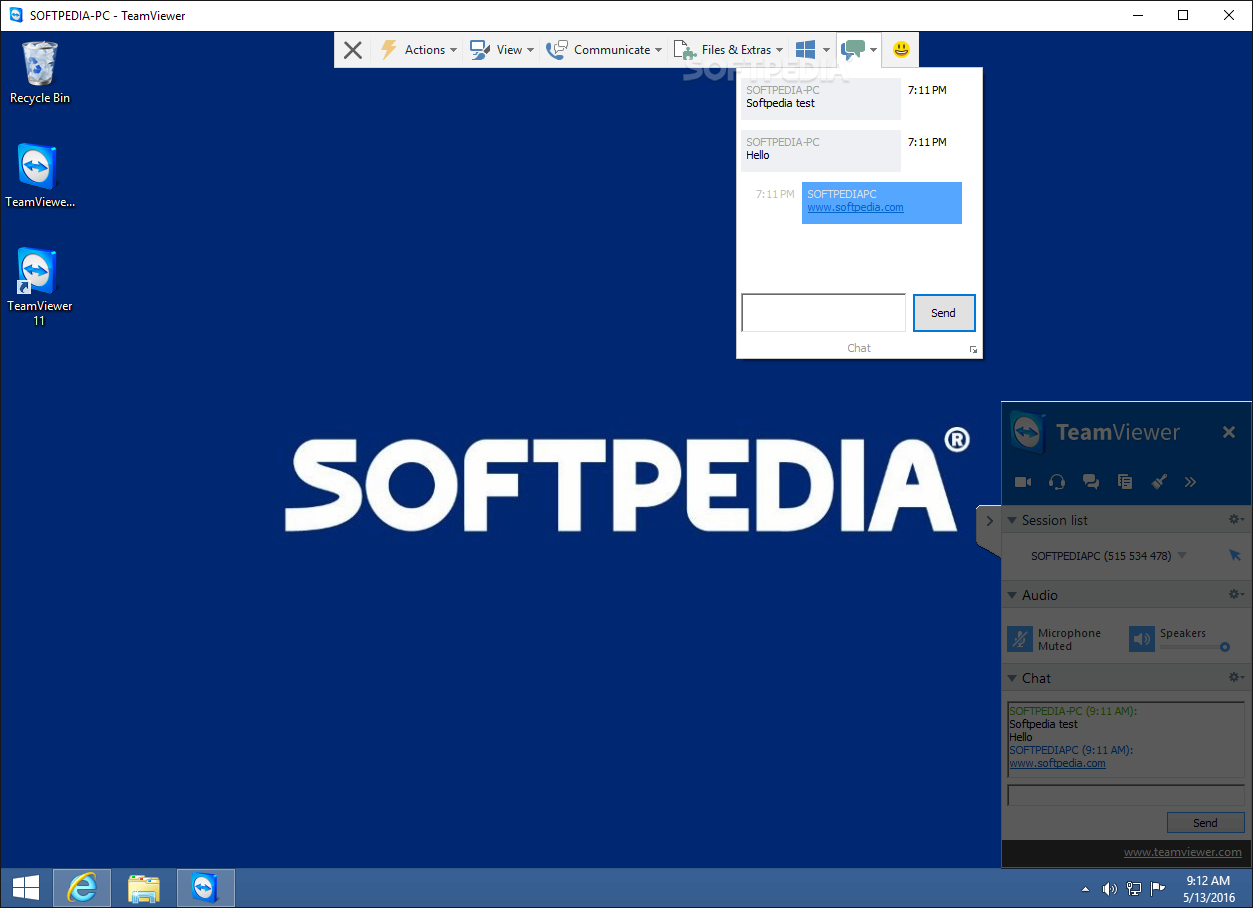
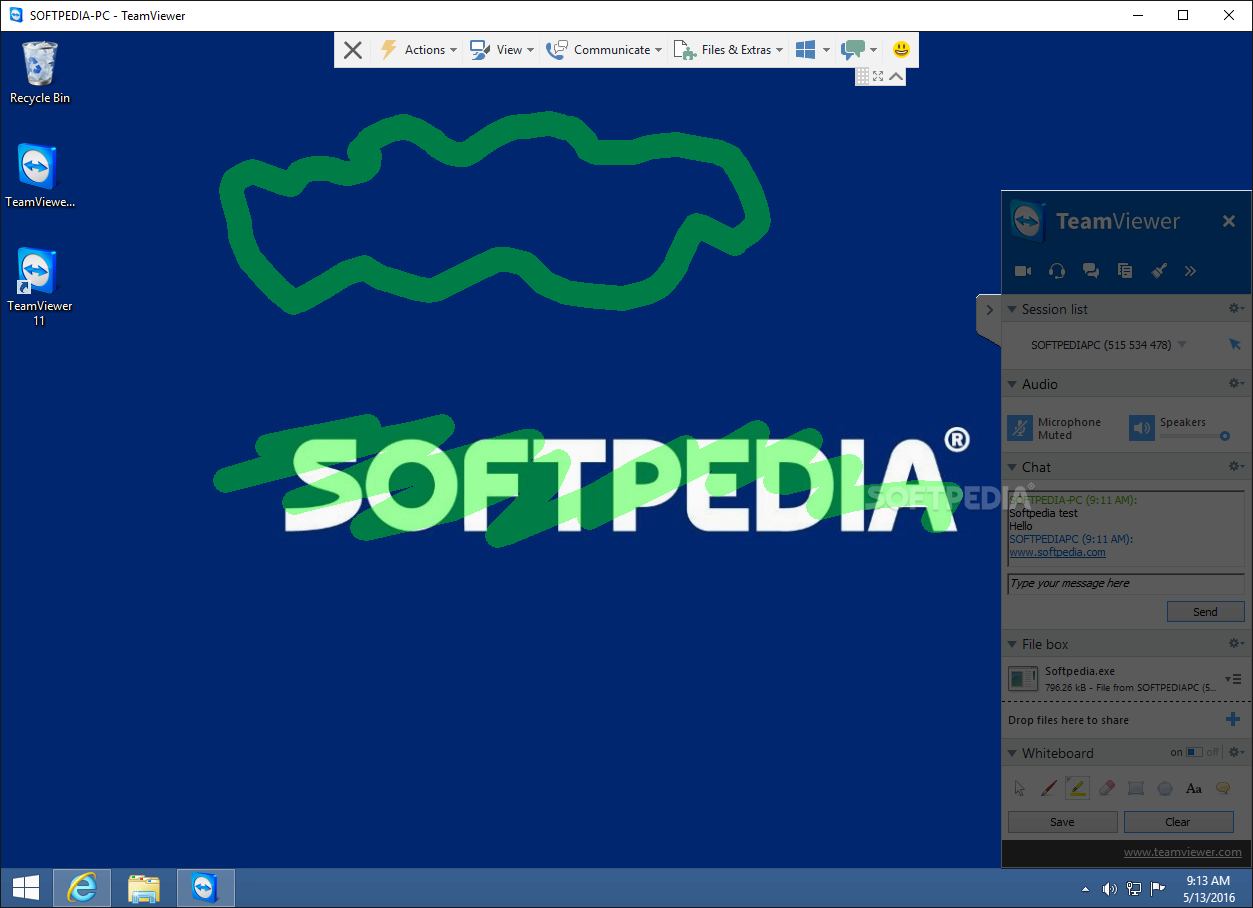
The application comes with a simple and intuitive interface that is unlikely to give you troubles, regardless of whether this is your first time using the tool. You can connect to a computer or mobile device by entering the User and Password as provided by your interlocutor. Frankly, it’s as simple as this, as once the credentials are entered, you can proceed to accessing the remote PC and provide support, transfer files or troubleshoot, among other things.
Speaking of troubleshooting, IT professionals can access the terminal remotely to perform various tests and decide on a diagnosis without even having to go through the GUI. Thanks to the Remote Terminal Connection feature, you can run diagnostics and scripts without creating a remote connection or distracting the end user’s workflow.
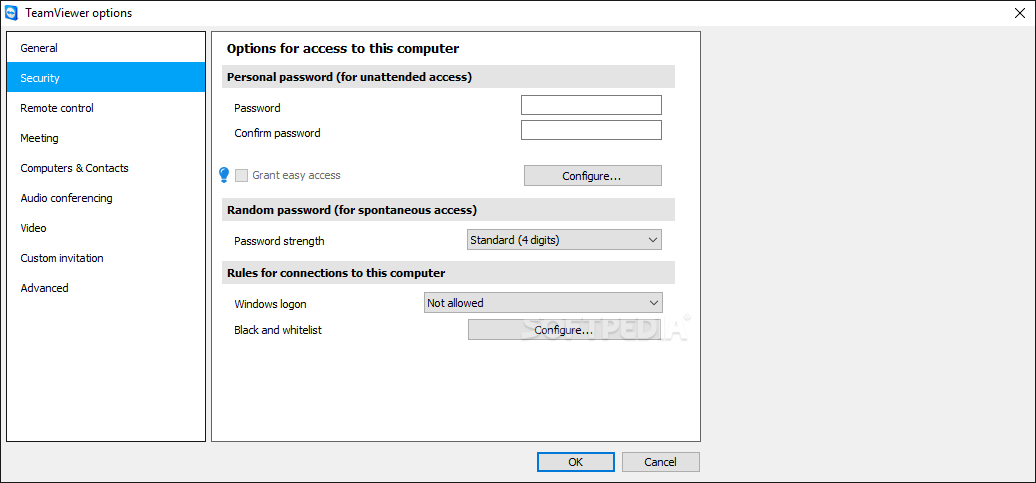
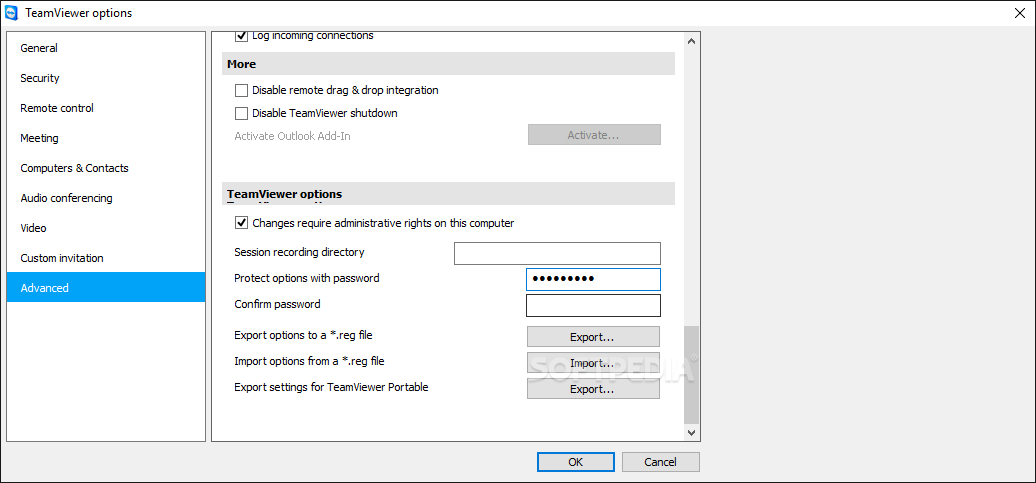
Not only does it allow quick connected to your devices, but it also enables you to share files securely. The program comes with end-to-end encryption, so you don’t need to worry about the safety of transferring files. You can even access an unattended PC, mobile or server via the companion app, TeamViewer Host.
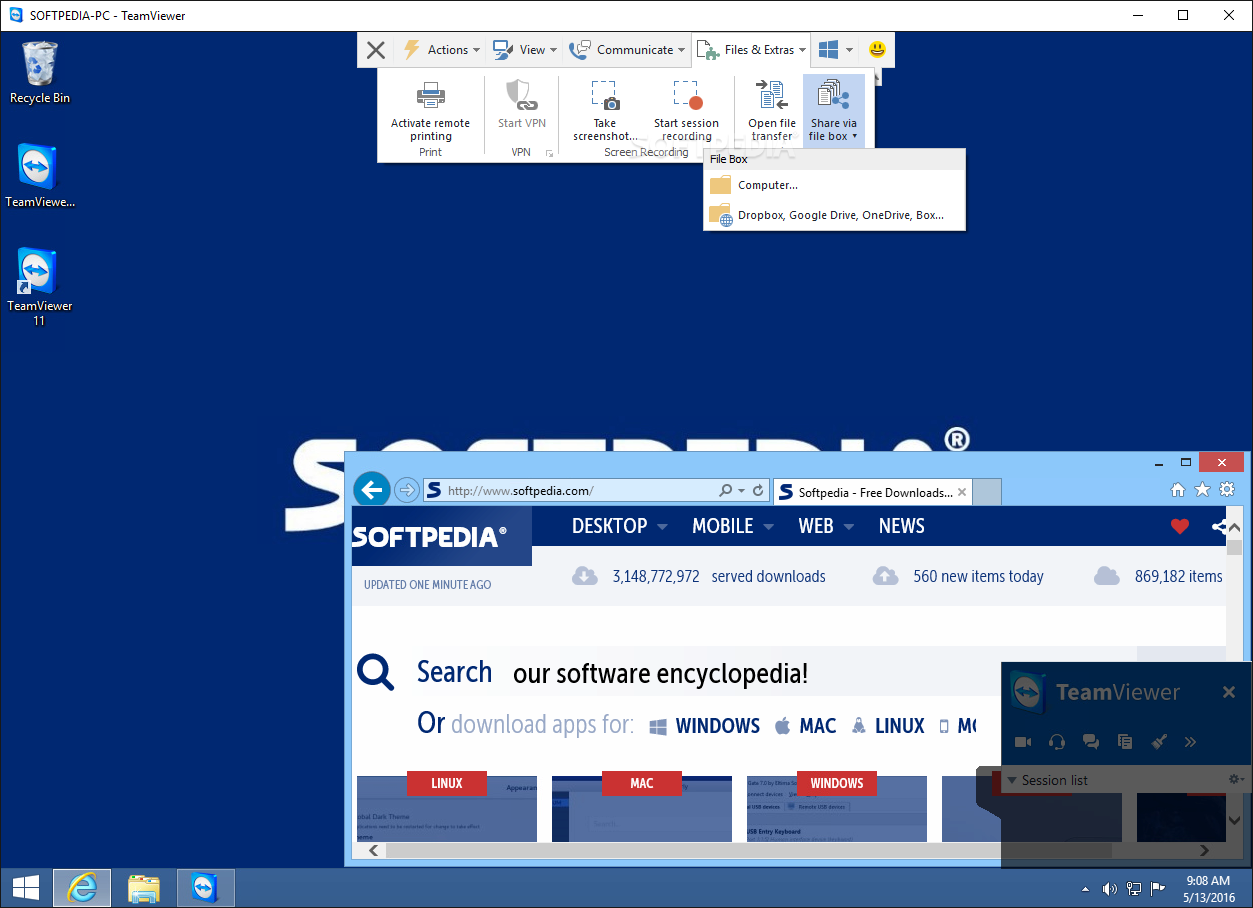
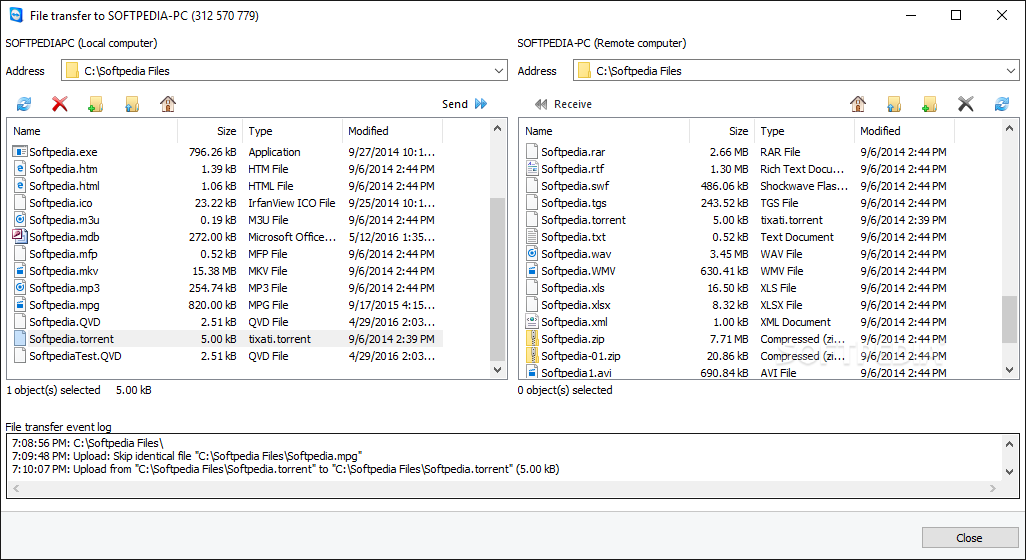
Moreover, the transfer rates are quite impressive and can reach up to 200 MB/s, making it a good choice for a smooth IT workload, for instance. You can transfer files seamlessly by dragging and dropping to one computer to another. Alternatively, you can grant temporary access to a certain sensitive document via special links. All files can be reordered and you can preview the results of your action in the shared clipboard.
With millions of users worldwide, TeamViewer great range of features that can enhance productivity, increase customer satisfaction and cut costs associated with in-person business practices. If your line of work entails a lot of travelling, but you still need to keep in touch with your colleagues or gain access to your PC, then perhaps you can consider giving this tool a try.
Download Hubs
TeamViewer is part of these download collections: Remote Controller
TeamViewer 15.53.6
 Softpedia Editor's Pick
add to watchlist
add to download basket
send us an update
REPORT
Softpedia Editor's Pick
add to watchlist
add to download basket
send us an update
REPORT
- portable version
- TeamViewer Portable
- runs on:
-
Windows 11
Windows Server 2022
Windows Server 2019
Windows Server 2016
Windows 10 32/64 bit
Windows Server 2012 R2
Windows Server 2012
Windows 2008 R2
Windows 8 32/64 bit
Windows 7 32/64 bit - file size:
- 56.3 MB
- filename:
- TeamViewer_Setup.exe
- main category:
- Internet
- developer:
- visit homepage
Microsoft Teams

ShareX

Zoom Client

7-Zip

IrfanView

Context Menu Manager

calibre

Bitdefender Antivirus Free

Windows Sandbox Launcher

4k Video Downloader

- Bitdefender Antivirus Free
- Windows Sandbox Launcher
- 4k Video Downloader
- Microsoft Teams
- ShareX
- Zoom Client
- 7-Zip
- IrfanView
- Context Menu Manager
- calibre