
A fully customizable, powerful and practical media player that lets you enjoy nearly all available media file formats or your favorite radio station. #VideoLAN Client #Video player #Movie player #Player #VideoLAN #Video
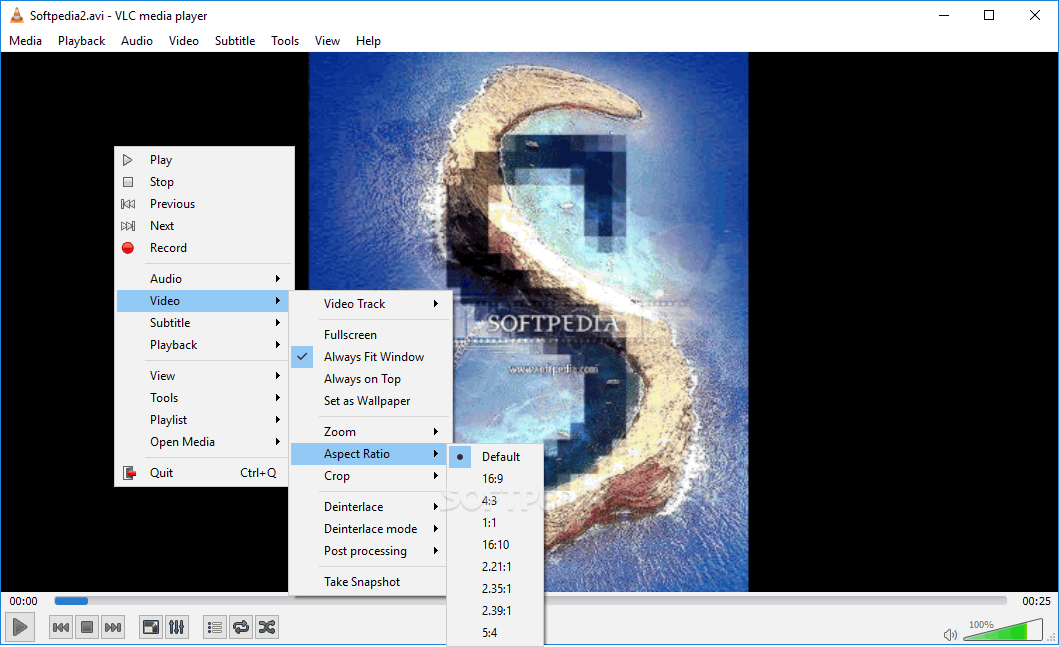
In order to be able to fully enjoy a movie or song, appropriate applications need to be used. Media files are found under a large variety of formats, not supported by all available players. Among the existing industry giants which have built a name and reputation over the years, there is VLC media player, a simple looking tool with a lot of power under the hood.
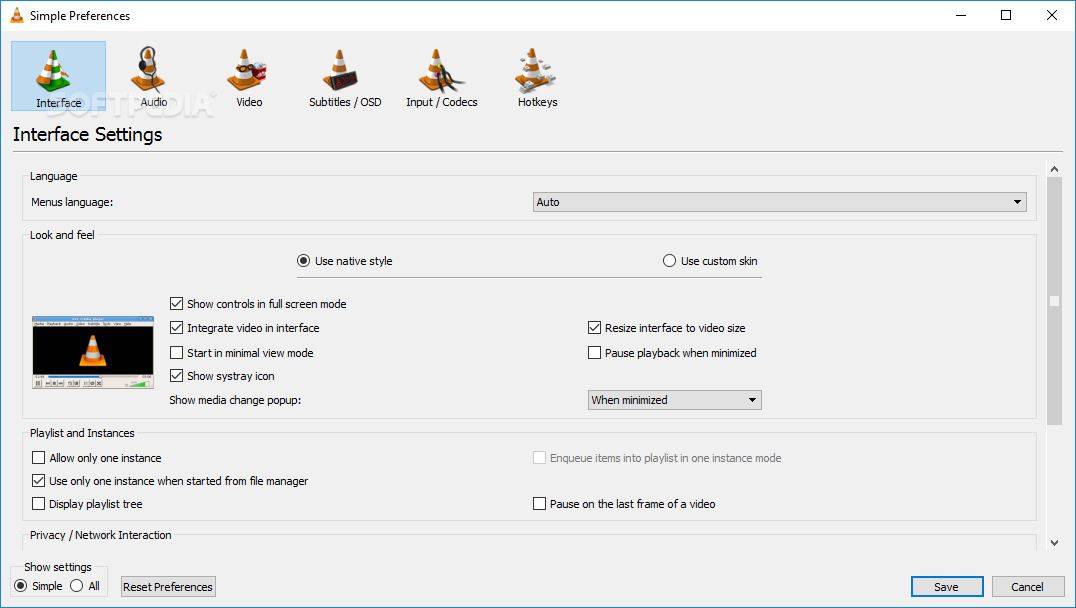
On the visual side, the application stays clean, with no shiny buttons or elements to enhance the interface. However, accessing the 'Options' menu gives you the possibility to customize the layout or even completely change the skin with the help of downloadable content.
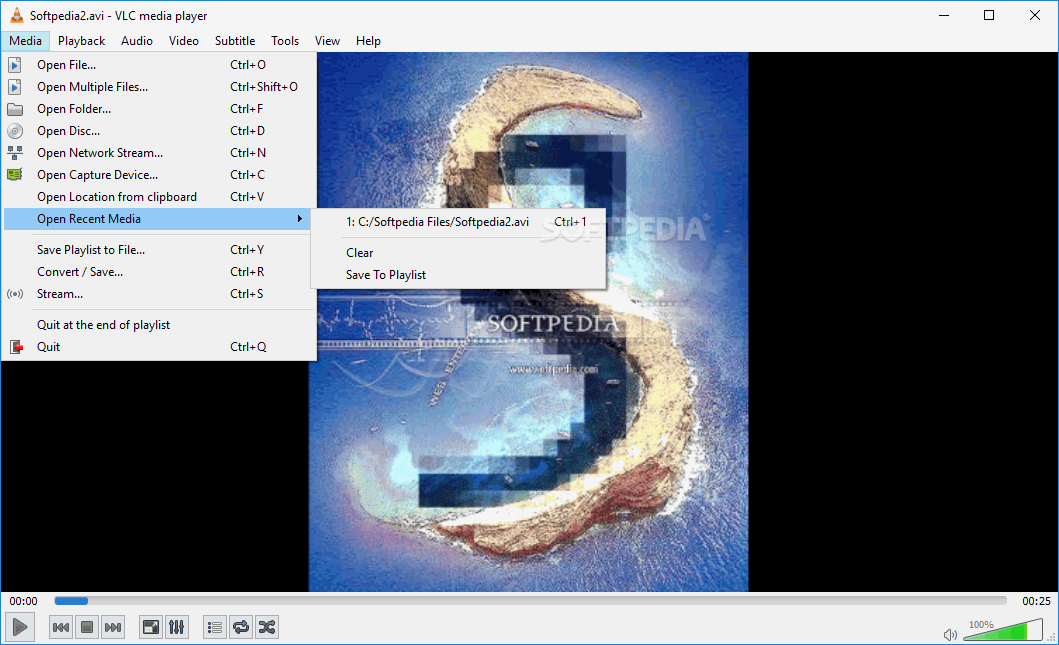
Regardless of your style choice, it is capable of playing both video and audio files. You can bring up the playlist editor, which can either be docked or left floating around the desktop. Files can be managed from here, with the possibility to simply have desired items dragged over an indicated area.
You can save configurations to play later on, having them combined, music and movies. You are able to select one of the available radio stations provided, and it is most likely to even stumble across the one you have your frequency tuned to.
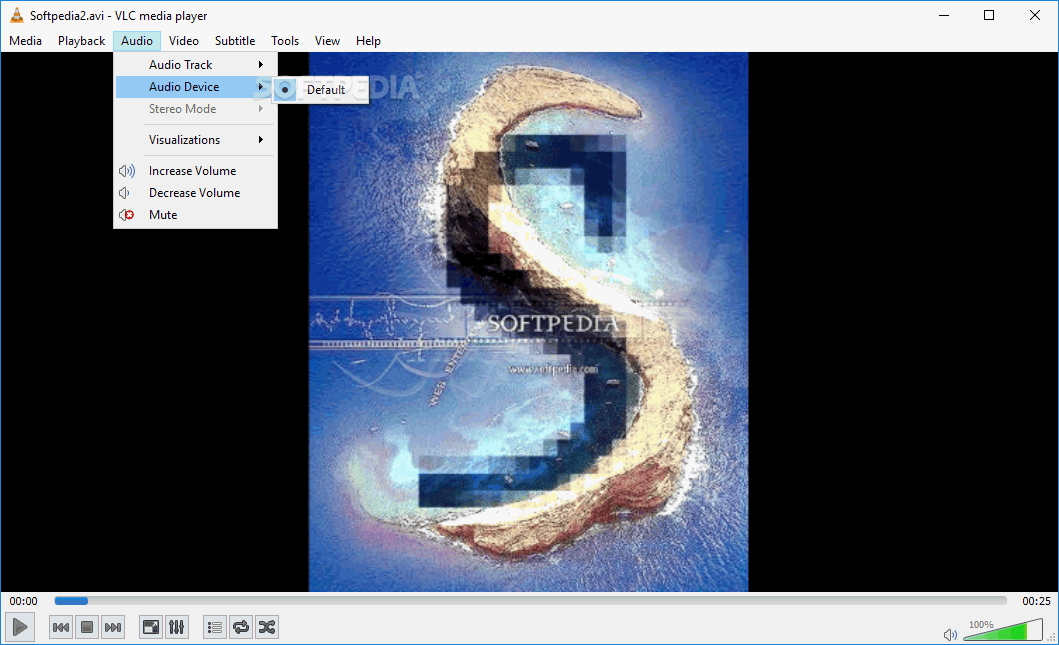
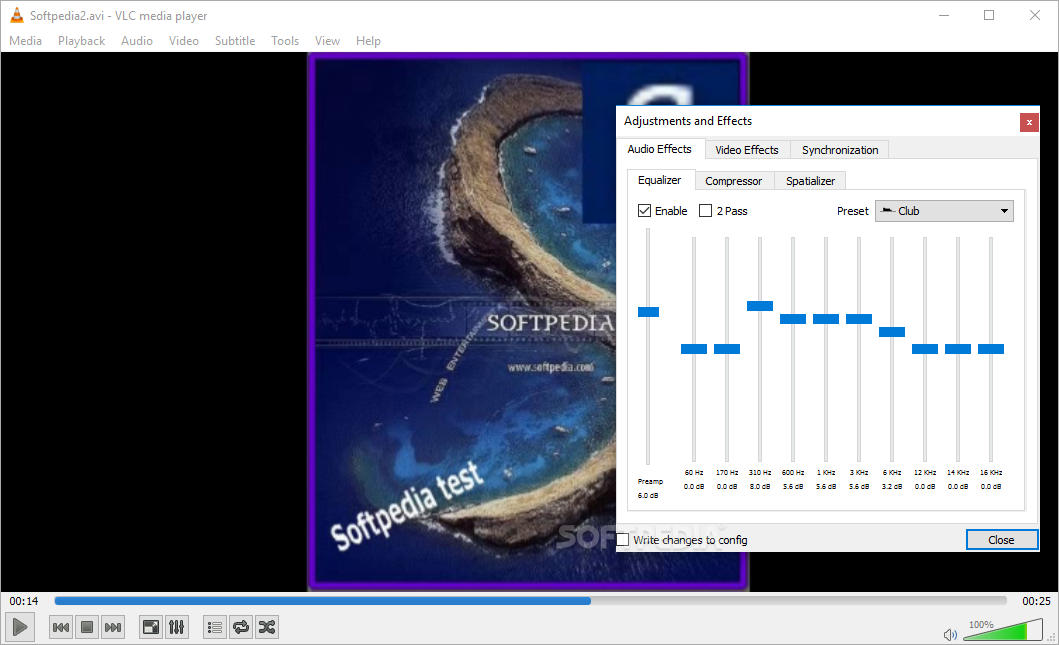
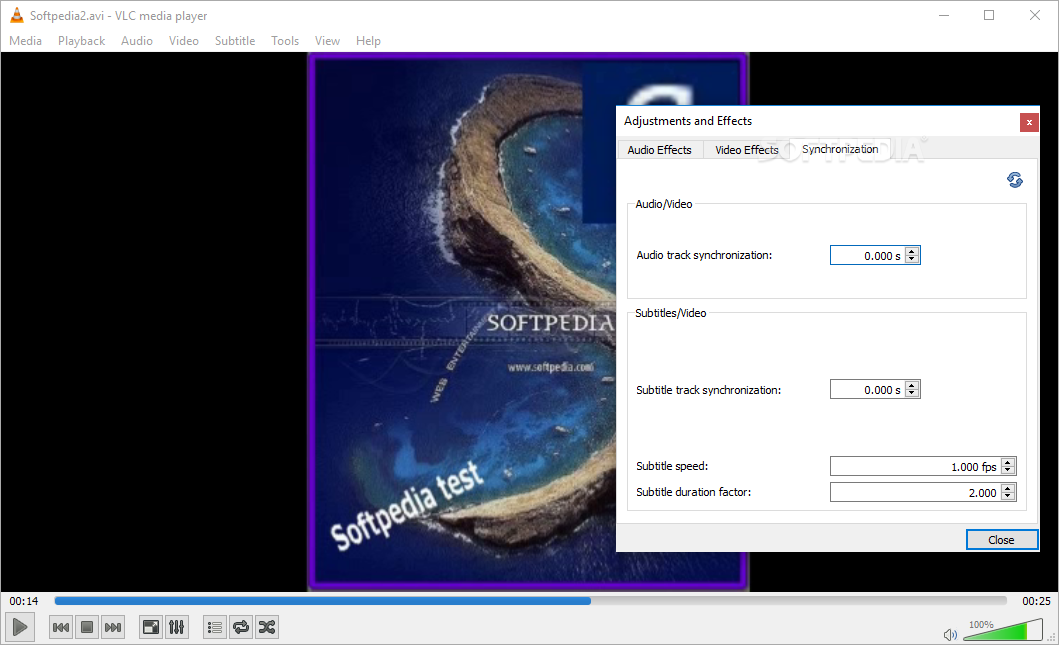
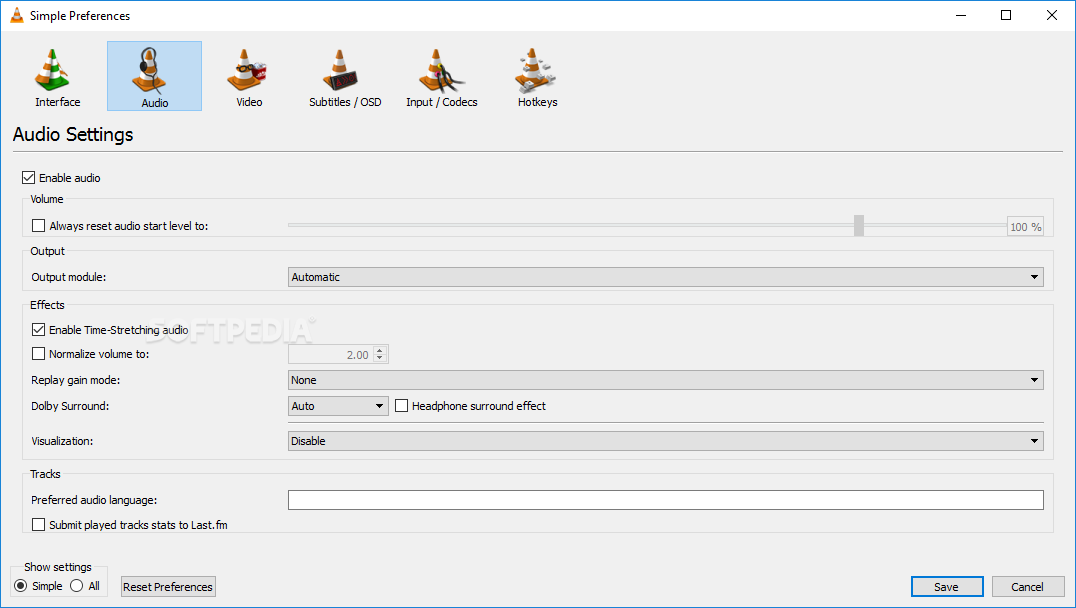
Giving VLC media player a try takes some of your time, having you snoop through every corner for hidden treasures. Each button you press brings up new possibilities. A 12-band equalizer is put at your disposal so that you can carefully adjust frequency sliders to fine-tune sound. You can also make use of one of the available presets, but with no option to save custom configurations.
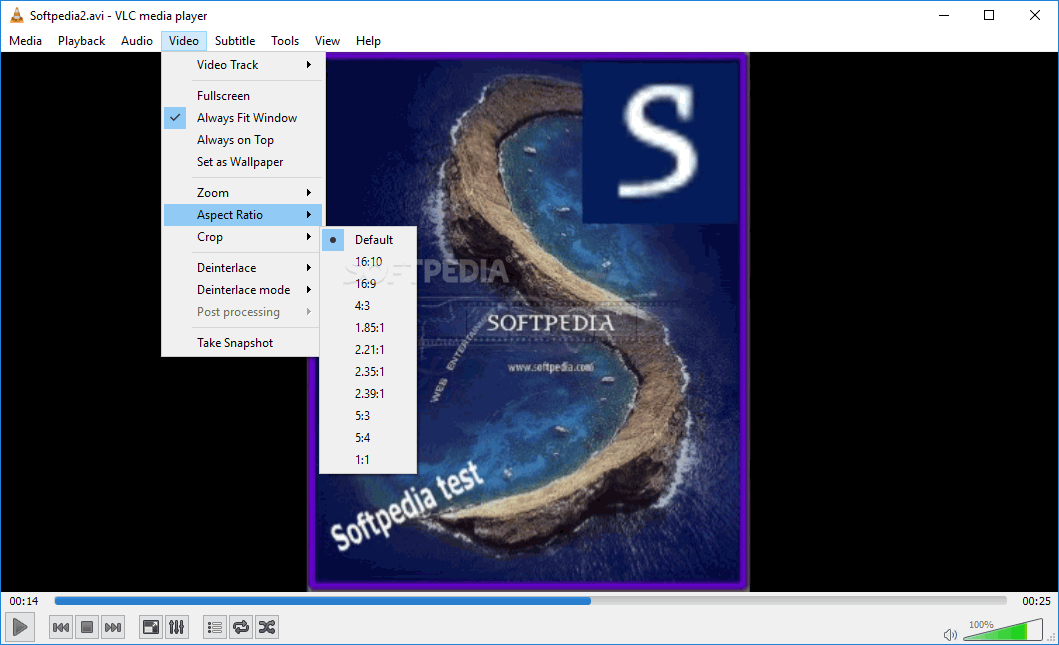
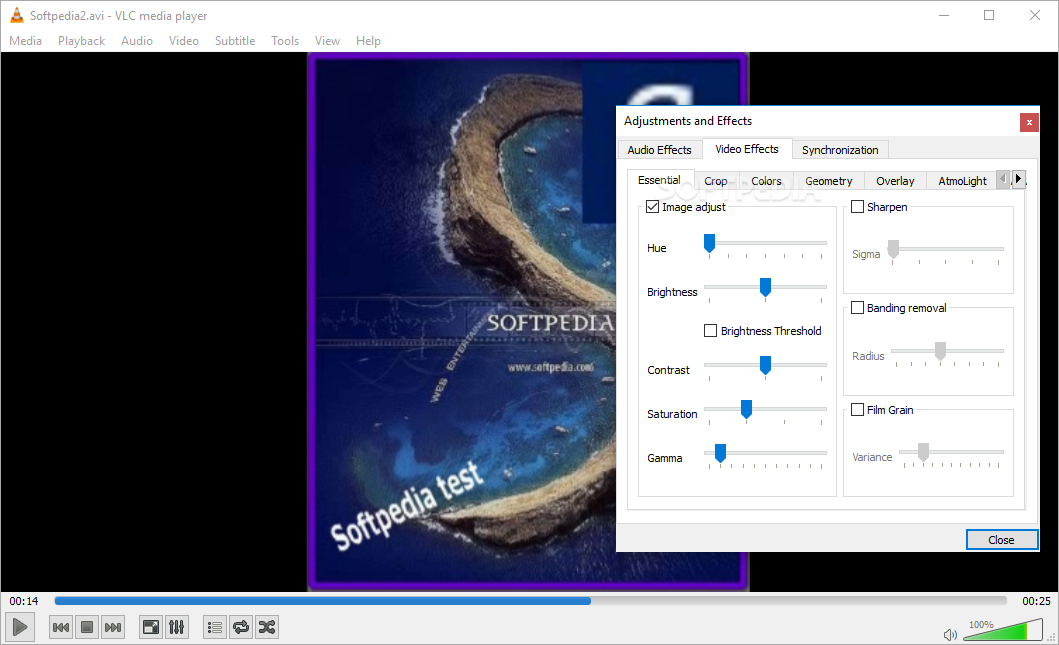
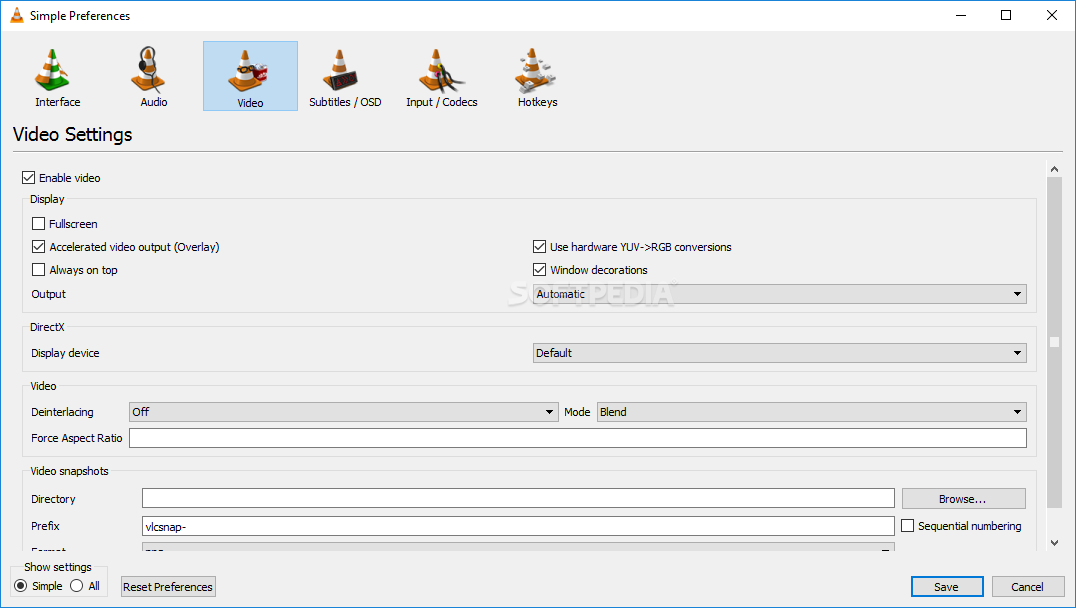
The case also applies to motion pictures, with adjustments sliders for a decent amount of categories, such as Crop, Colors, Geometry, AtmoLight, and several more. You can easily switch to fullscreen for a clearer view, and there are even a few audio visualization options.
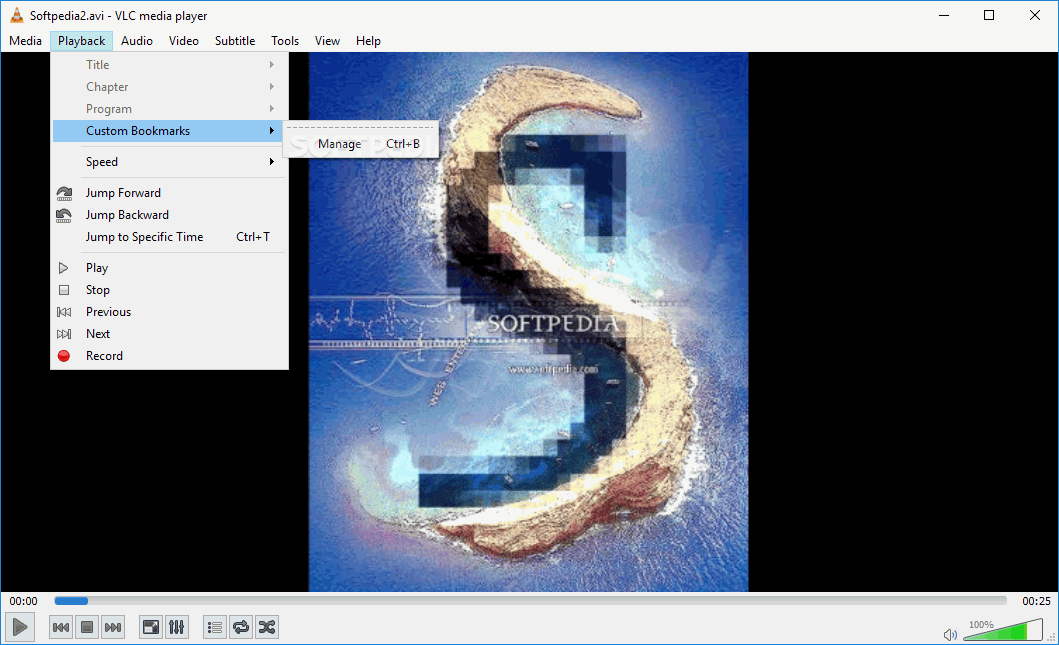
To sum it up, VLC media player is an application that comes equipped with all you need to fully enjoy media files. A lot can be said about the true power hidden under the simple interface, but the magic is best discovered personally. It is, and represents the true meaning of a media player.
Download Hubs
VLC Media Player is part of these download collections: FLV Player, M3U Player, Play MP4, Play AMV
What's new in VLC Media Player 3.0.20:
- Video Output:
- Fix green line in fullscreen in D3D11 video output
- Fix crash with some AMD drivers old versions
- Fix events propagation issue when double-clicking with mouse wheel
VLC Media Player 3.0.20
 Softpedia Editor's Pick
add to watchlist
add to download basket
send us an update
REPORT
Softpedia Editor's Pick
add to watchlist
add to download basket
send us an update
REPORT
- portable version
- Portable VLC Media Player
- runs on:
-
Windows 11
Windows 10 32/64 bit
Windows 8 32/64 bit
Windows 7 32/64 bit - file size:
- 40.9 MB
- filename:
- vlc-3.0.20-win32.exe
- main category:
- Multimedia
- developer:
- visit homepage
Microsoft Teams

ShareX

calibre

Zoom Client

4k Video Downloader

Bitdefender Antivirus Free

IrfanView

7-Zip

Windows Sandbox Launcher

Context Menu Manager

- 7-Zip
- Windows Sandbox Launcher
- Context Menu Manager
- Microsoft Teams
- ShareX
- calibre
- Zoom Client
- 4k Video Downloader
- Bitdefender Antivirus Free
- IrfanView