
Bring to your desktop the look and feel of Windows 10 operating system with the aid of a collection of selected applications whether you are using Windows XP, Vista, 7 or 8/8.1. #Transformation pack #Windows 10 look #Windows interface changer #Windows 10 #Transformation #Enhancement

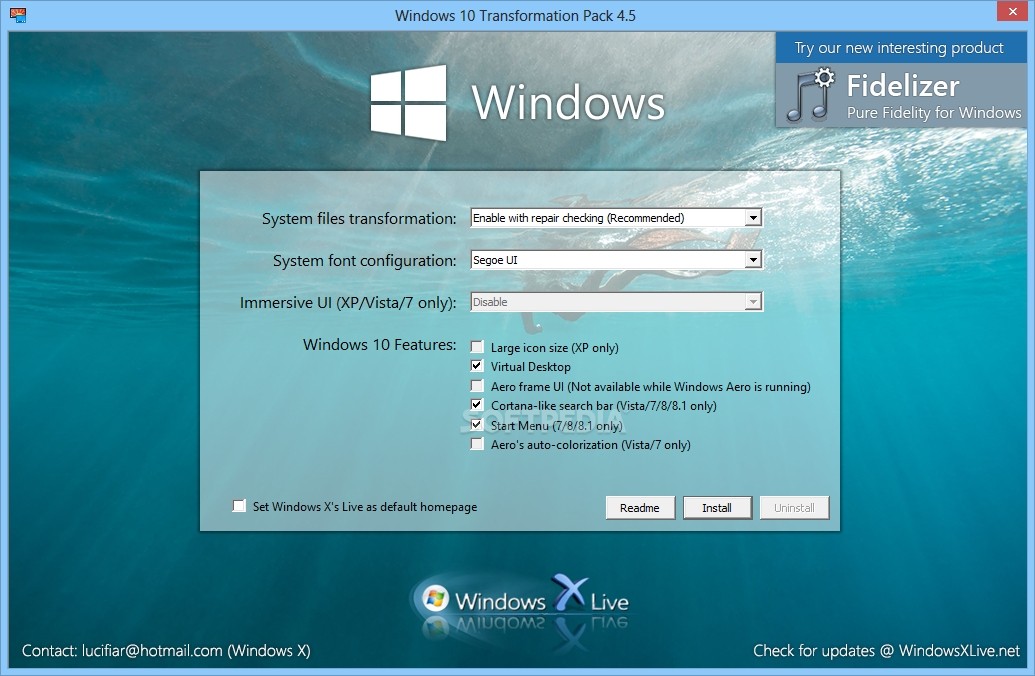
The developers from Windows X team came up with Windows 10 Transformation Pack, a collection of carefully selected applications that simulates the Windows 10 interface.
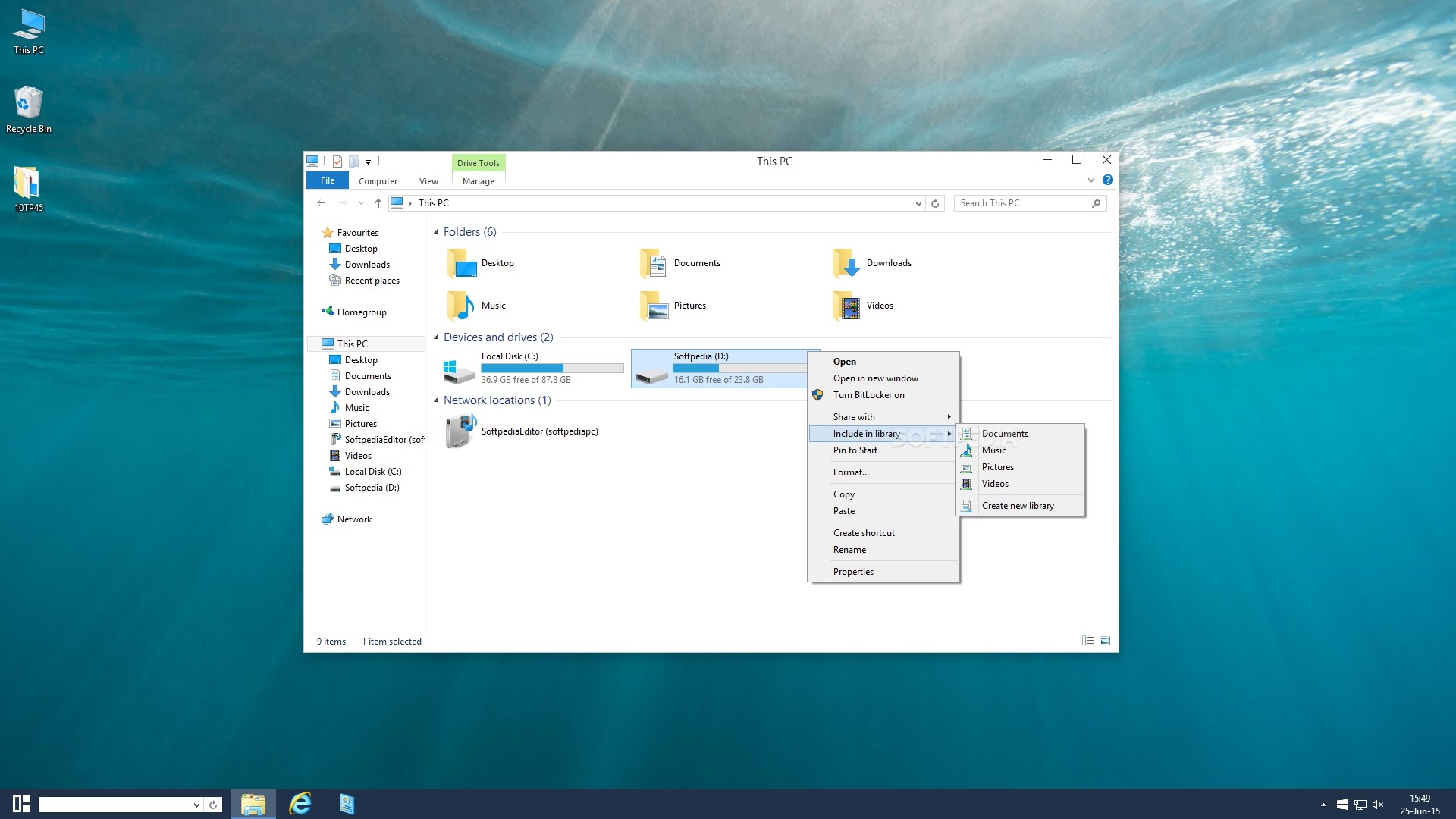
The smart transformation pack enables you to apply a major uplift to your current operating system, be it Windows XP, Vista, 7 or 8/1, and try on several key aspects from the Windows 10 OS.
The change focuses only on the interface though, as this pack won't bring any of the features the developers over at the Redmond-based giant embedded in the new OS.
Before proceeding with installing the transformation pack, it is recommended to make a restore point or back up an image for the system drive, as several errors may seriously affect the functionality of your system.
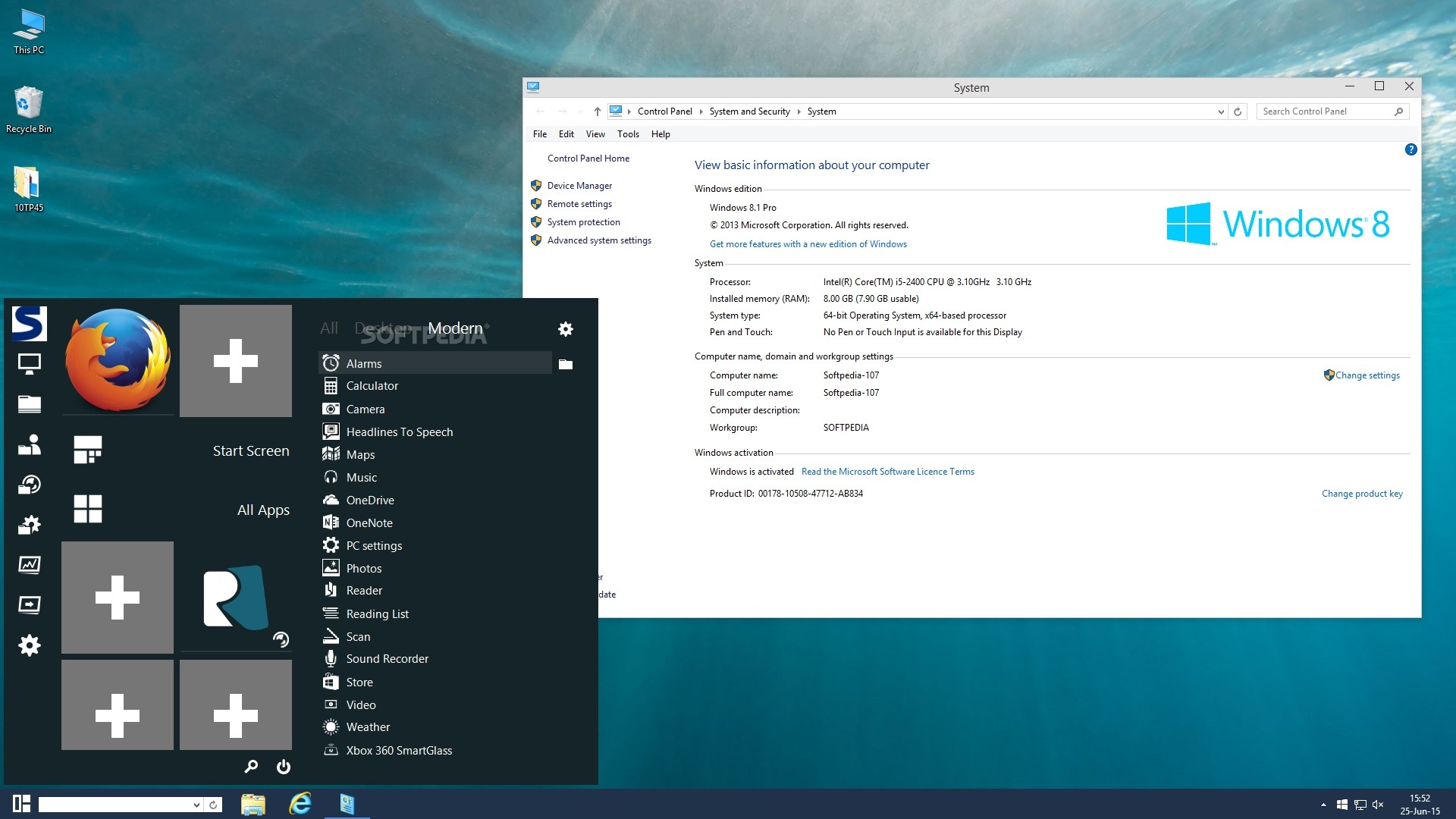
During the installation procedure you are given the possibility to select the tools that are used for mimicking the Windows 10 modern interface, namely Charms Bar (powered by RocketDock), Start Menu (via Start Menu Reviver) and Metro Start Screen (provided by either WinMetro or Newgen). You should keep in mind that only the last two add the Metro interface.
You may choose the system font or enable large icon set, and activate the display of the user tile on the taskbar. Several issues may appear while applying the new changes (e.g. desktop freezes, nonresponsive install) but they fix themselves. A restart is mandatory at the end of the installation in order to successfully simulate the new OS changes.
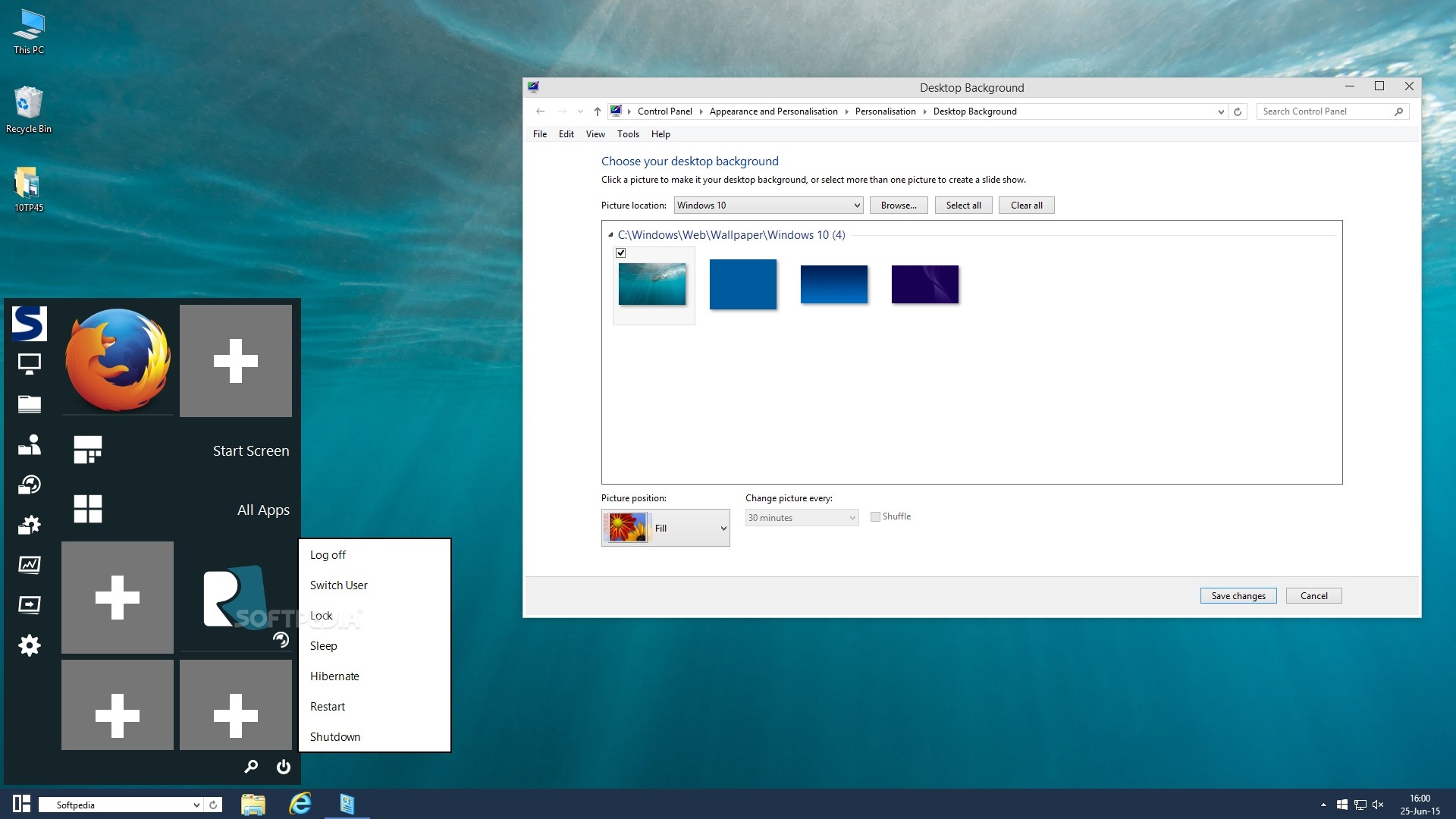
Windows 10 Transformation Pack enables you to access the Metro interface which includes several gadgets. You are not deprived of the “Start” button, which maintains its features for helping you gain access to frequently used programs and activate shutdown options, such as shutdown, restart, lock, and log off, in addition to Start Menu tiles and settings.
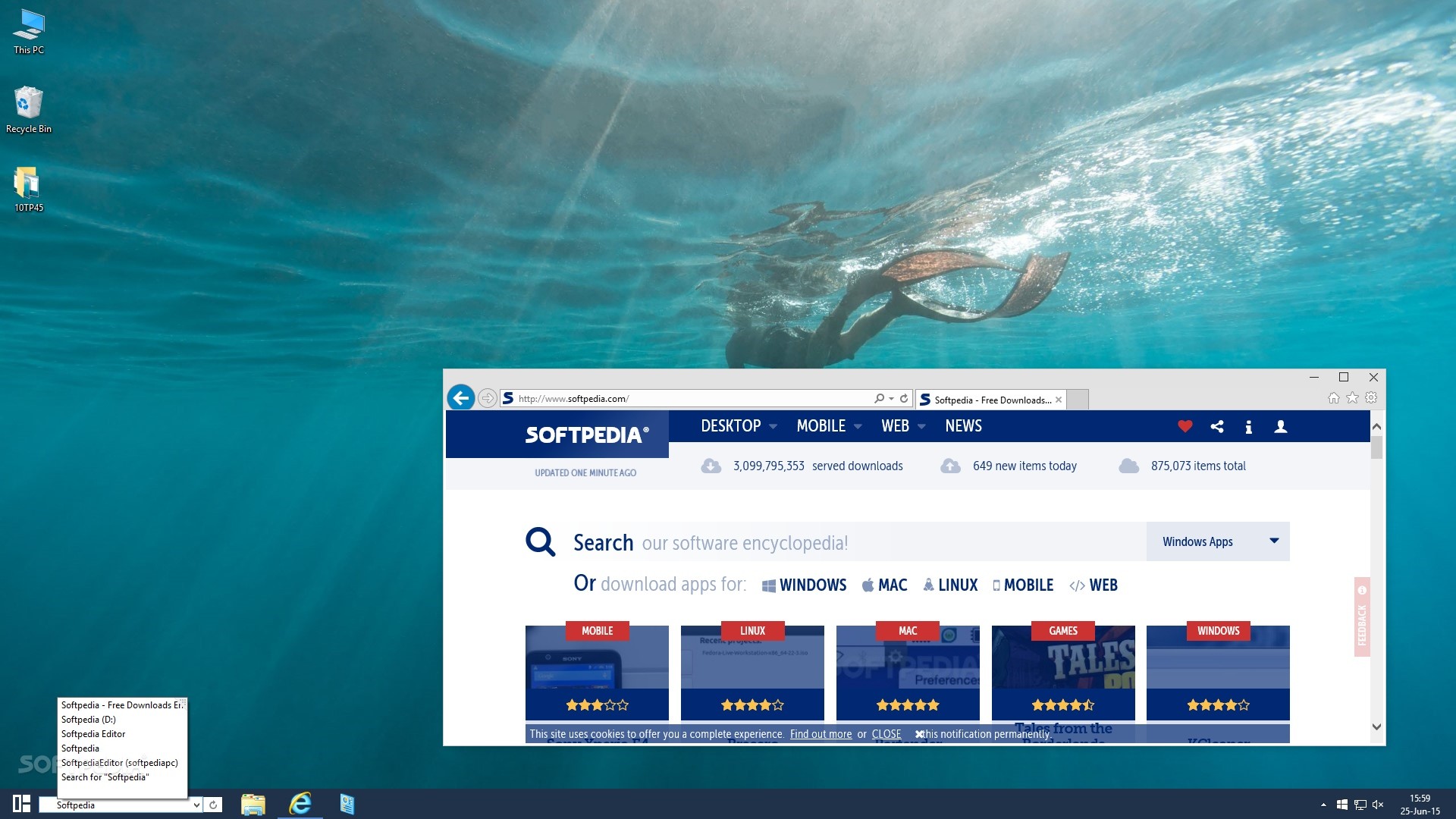
The “Search” function launches the default web browser and lets you perform search operations on Google. You may unpin programs from the Start screen, change the color of the live tiles, as well as make use of Windows 10 wallpapers and change the background of the log on/log off/lock screen, sound scheme and Start Button icon.
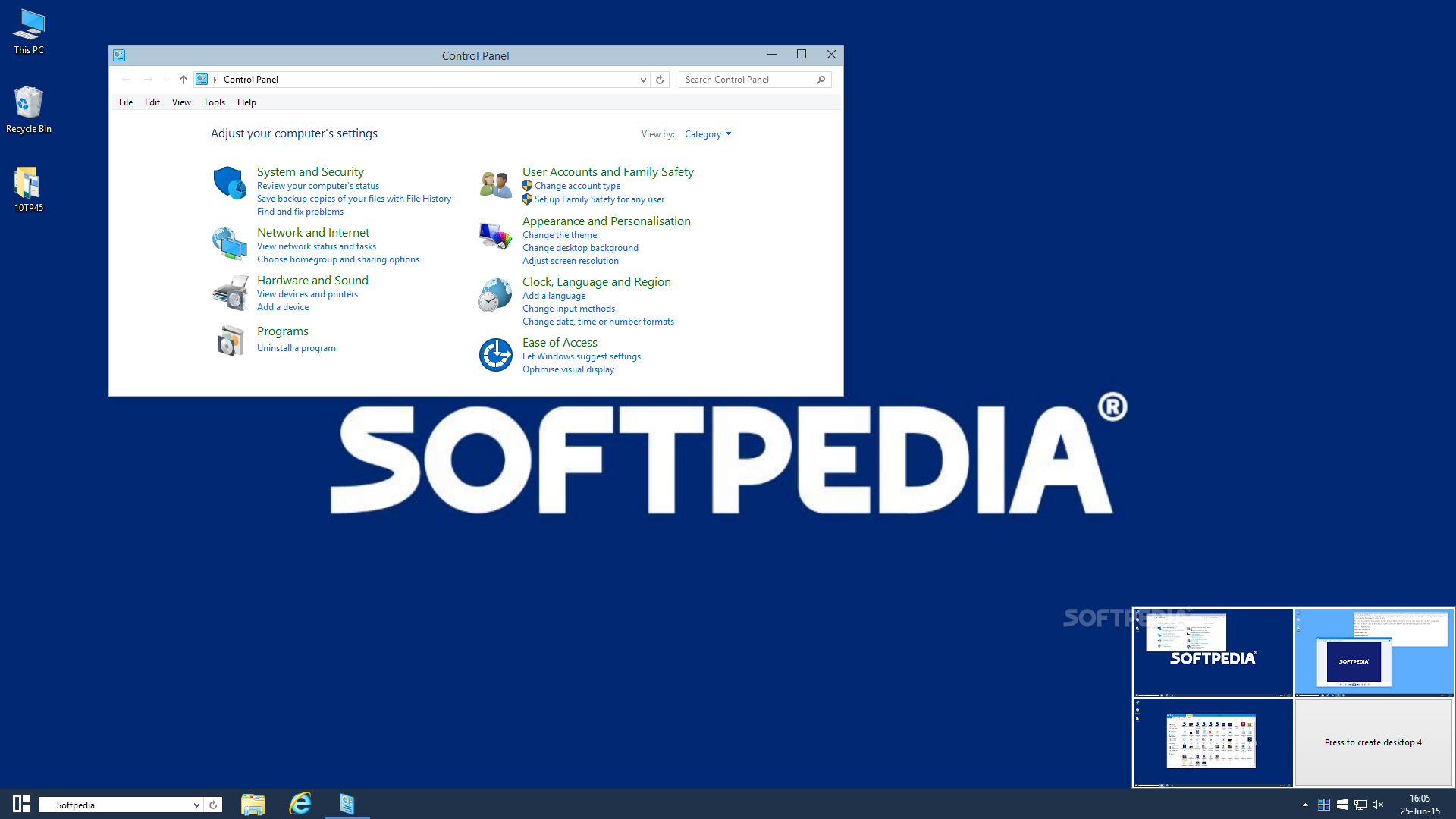
What's more, you can administer up to four desktops with a different layout as far as shortcuts and active windows are concerned. They can be either selected from the taskbar notifications area or by activating a predefined hotkey.
Windows 10 Transformation Pack doesn’t deliver the experience available in Windows 10 but it certainly emulates several key aspects for helping you apply an updated look to your current OS.
Download Hubs
Windows 10 Transformation Pack is part of these download collections: OS Themes
What's new in Windows 10 Transformation Pack 7.0:
- Changed .NET Framework requirement from version 4.0 to 3.5
- Fixed Start Menu Reviver installation bug on update
- Fixed Start Menu Reviver feature selection bug on Windows 7
- Fixed system files updating version detection bug on modern Windows platform
Windows 10 Transformation Pack 7.0
 Softpedia Editor's Pick
add to watchlist
add to download basket
send us an update
REPORT
Softpedia Editor's Pick
add to watchlist
add to download basket
send us an update
REPORT
- runs on:
-
Windows 8 32/64 bit
Windows 7 32/64 bit
Windows Vista 32/64 bit
Windows XP 32/64 bit - file size:
- 133 MB
- filename:
- Windows 10 Transformation Pack 7.0.rar
- main category:
- System
- developer:
- visit homepage
4k Video Downloader

paint.net

Windows Sandbox Launcher

Microsoft Teams

7-Zip

Bitdefender Antivirus Free

Zoom Client

ShareX

calibre

IrfanView

- ShareX
- calibre
- IrfanView
- 4k Video Downloader
- paint.net
- Windows Sandbox Launcher
- Microsoft Teams
- 7-Zip
- Bitdefender Antivirus Free
- Zoom Client