
A multi-threaded program that can be used to schedule and backup your files and directories. #Backup folder #Remote backup #Data encryption #Backup #Encryption #Recovery

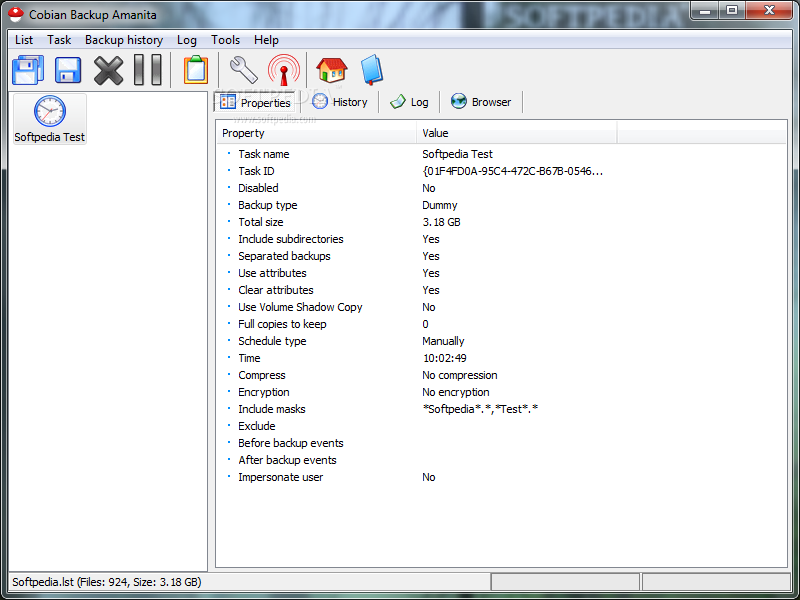
This is the portable version of Cobian Backup, a useful application that allows you to backup your files and folders to your computer or to another system in the network.
Since installing the tool is not necessary, you can place Portable Cobian Backup on a USB flash drive and directly run it on any computer. More important is the fact that the Windows registry keys remain unaltered.
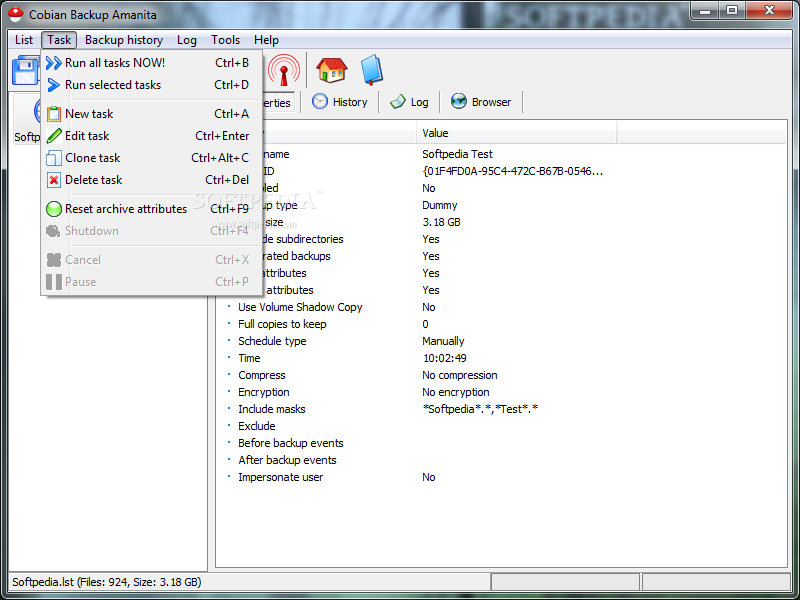
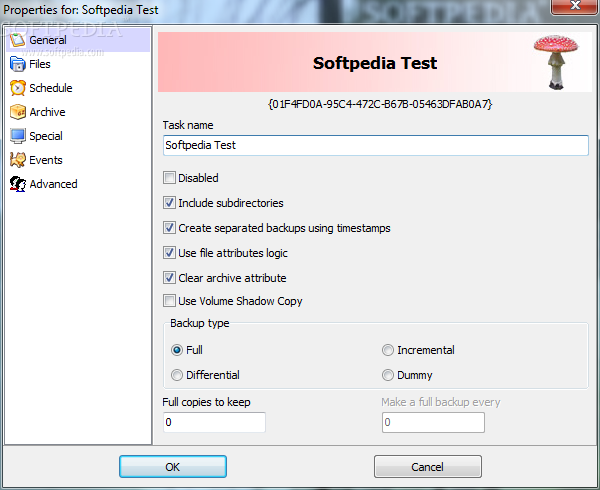
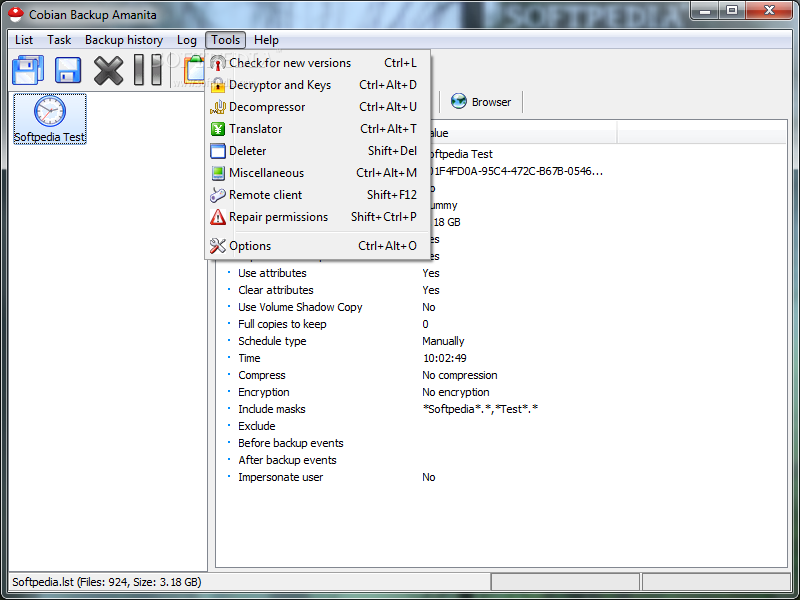
The app is packed in a simple-to-use interface with a standard appearance. Upon creating a new task, you can configure a wide range of properties, starting with the backup type (full, differential, incremental or dummy).
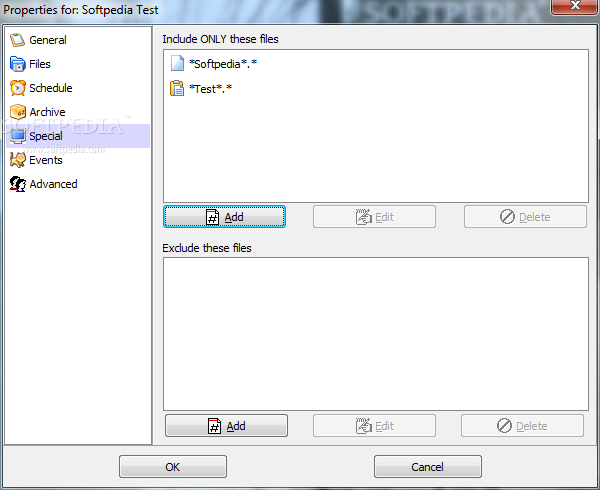
Portable Cobian Backup allows you to include subdirectories and to create separate backups with the help of timestamps, as well as use Volume Shadow Copy and clear archive attributes. Creating an exclusion list is possible.
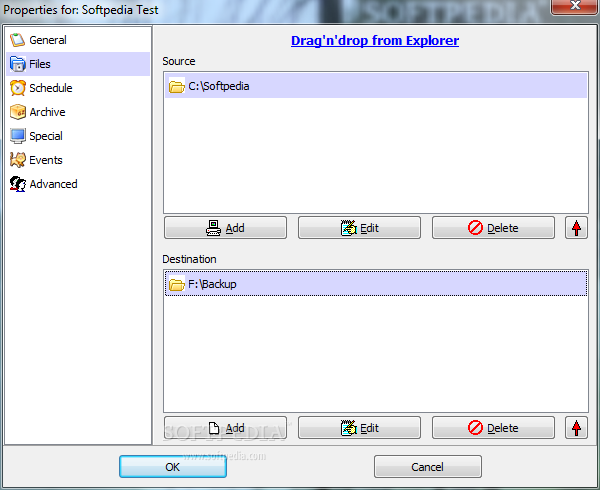
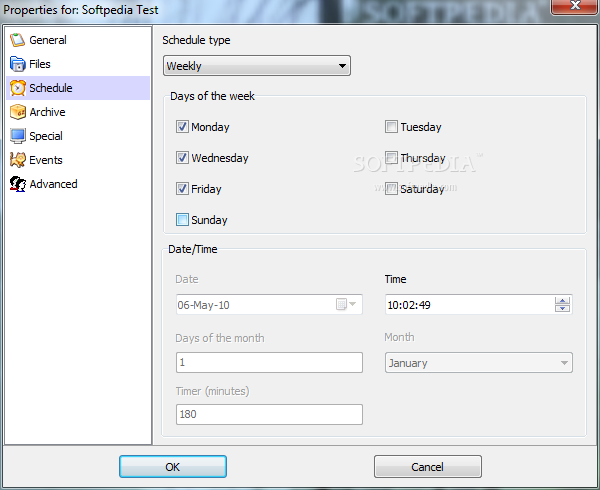
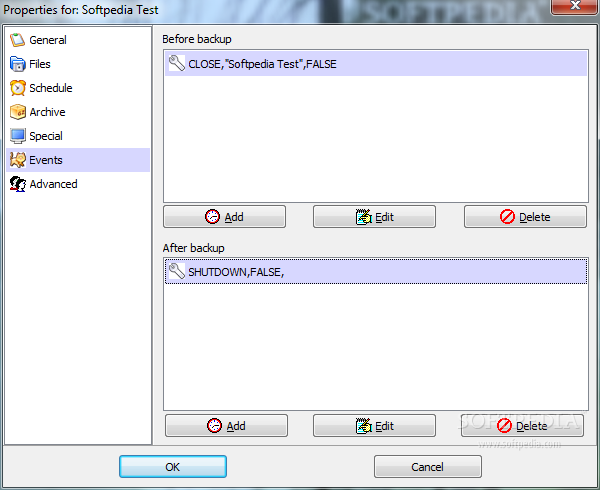
Files can be imported from your local hard drive or via FTP by using the file browser, folder view or "drag and drop". You can schedule tasks by providing the tool with the date, time and occurrence parameters, as well as create events before or after the backup is created.
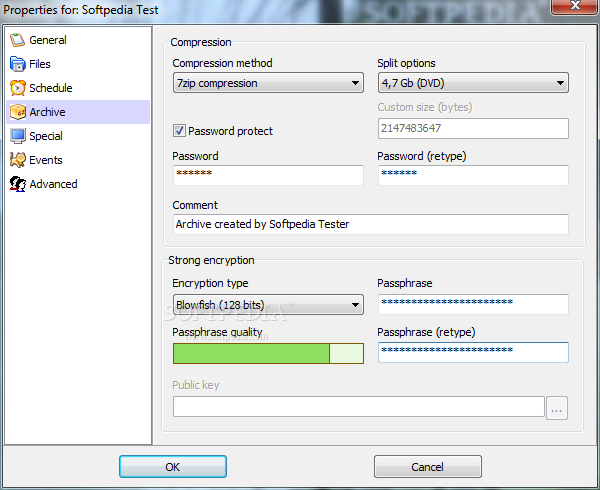
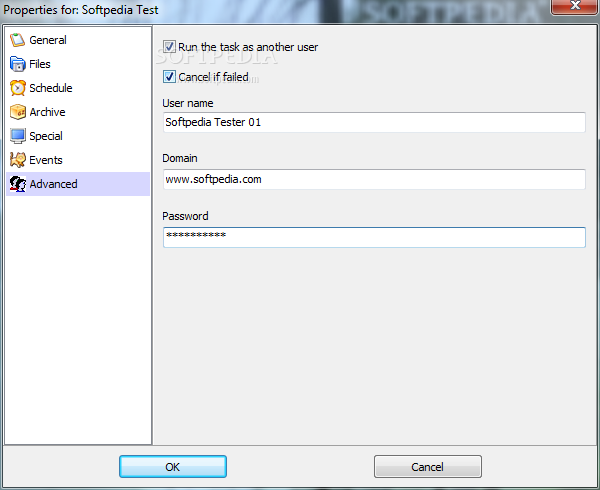
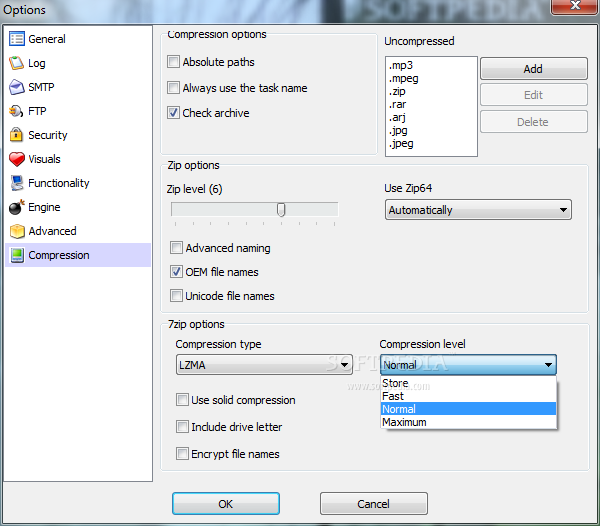
The "Archive" tab comes with a bunch of customizable options in regard to the compression method, splitting mode, password protection and encryption type. Plus, you can set the task to be run by another user after specifying a user name, domain and password.
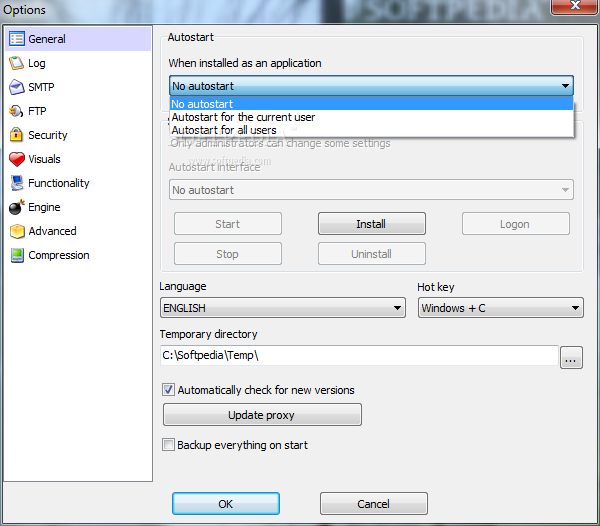
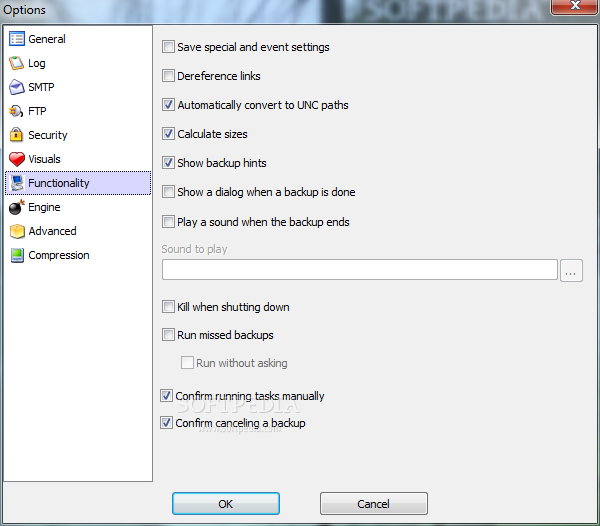
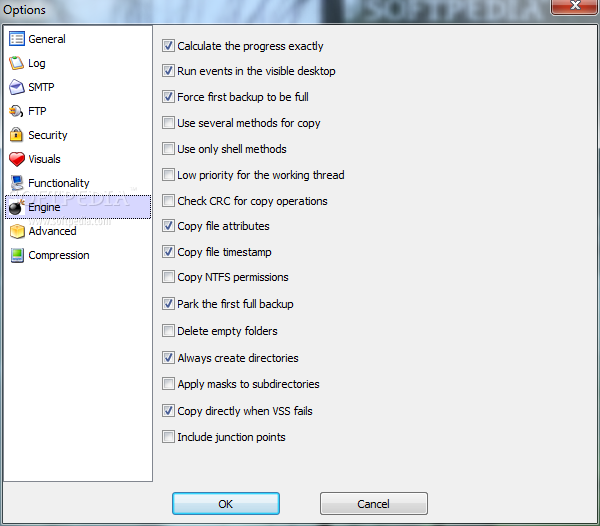
The program requires a low amount of system resources to create a backup quickly. It did not freeze, crash or display error dialogs throughout our testing. First-time users can take a look at a help file while advanced users can fiddle with additional settings which include backup history, log files, automatic computer shutdown and repair permissions. Portable Cobian Backup is definitely a necessary tool that you should keep in your software collection.
What's new in Portable Cobian Backup 9.5.0.201:
- Now you can ignore or include junction points in your backup
- Zip files can now archive empty directories
- 7Zip files can now archive empty directories
- Volume Shadow Copy works now even when impersonating users. This is done by reverting back to the original user before starting VSS
Portable Cobian Backup 9.5.0.201
add to watchlist add to download basket send us an update REPORT- portable version
- This is the portable version of the application. An installable version is also available: Cobian Backup
- runs on:
- Windows All
- file size:
- 7.9 MB
- filename:
- Portable Cobian 9.zip
- main category:
- Portable Software
- developer:
- visit homepage
Bitdefender Antivirus Free

ShareX

Windows Sandbox Launcher

Zoom Client

7-Zip

IrfanView

Context Menu Manager

calibre

4k Video Downloader

Microsoft Teams

- calibre
- 4k Video Downloader
- Microsoft Teams
- Bitdefender Antivirus Free
- ShareX
- Windows Sandbox Launcher
- Zoom Client
- 7-Zip
- IrfanView
- Context Menu Manager